Decor add-on: 4150 furniture and decor items, 2730 that work
Finally furnish properly: 4150 decor items as real 3D models – from the sofa to the kitchen to the garden gnome, each in 16 colours, 10 woods, 6 metals, 8 stones or 16 motifs. And 2730 of them do something: lamps light up, you sit on chairs, cupboards open, the TV runs, the radio plays music, water comes out of the shower and fire burns in the fireplace.
⬇ Download Decor add-on: 4150 furniture and decor items, 2730 that work (.mcaddon)
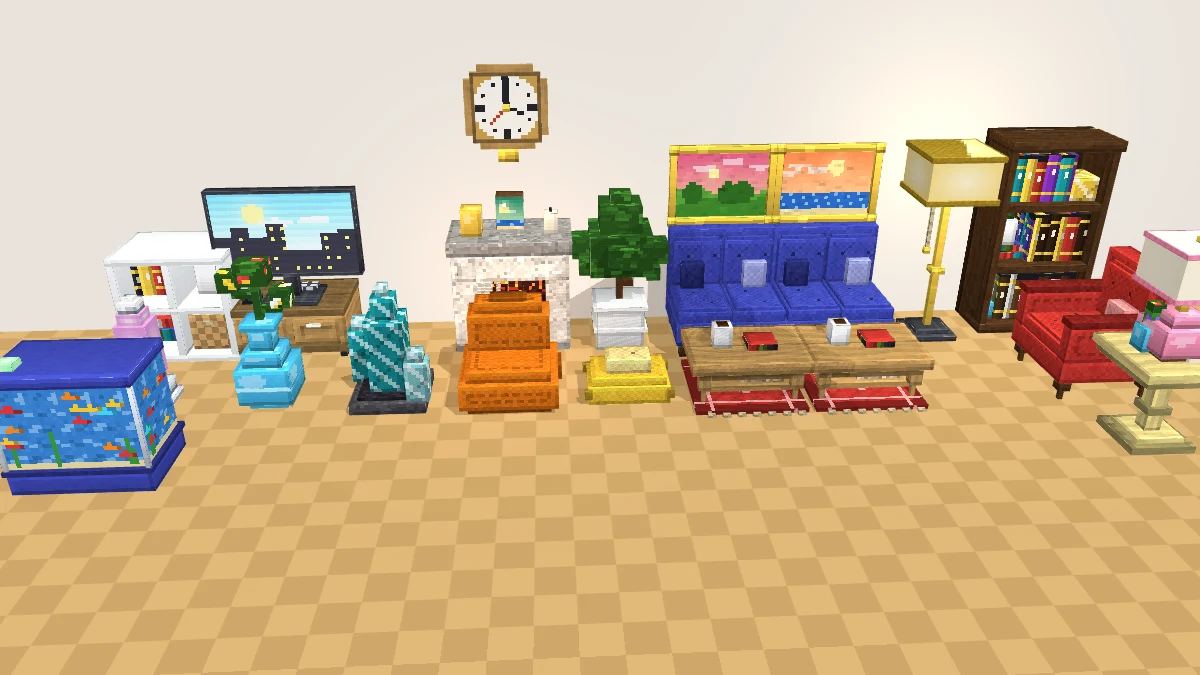
What the add-on does
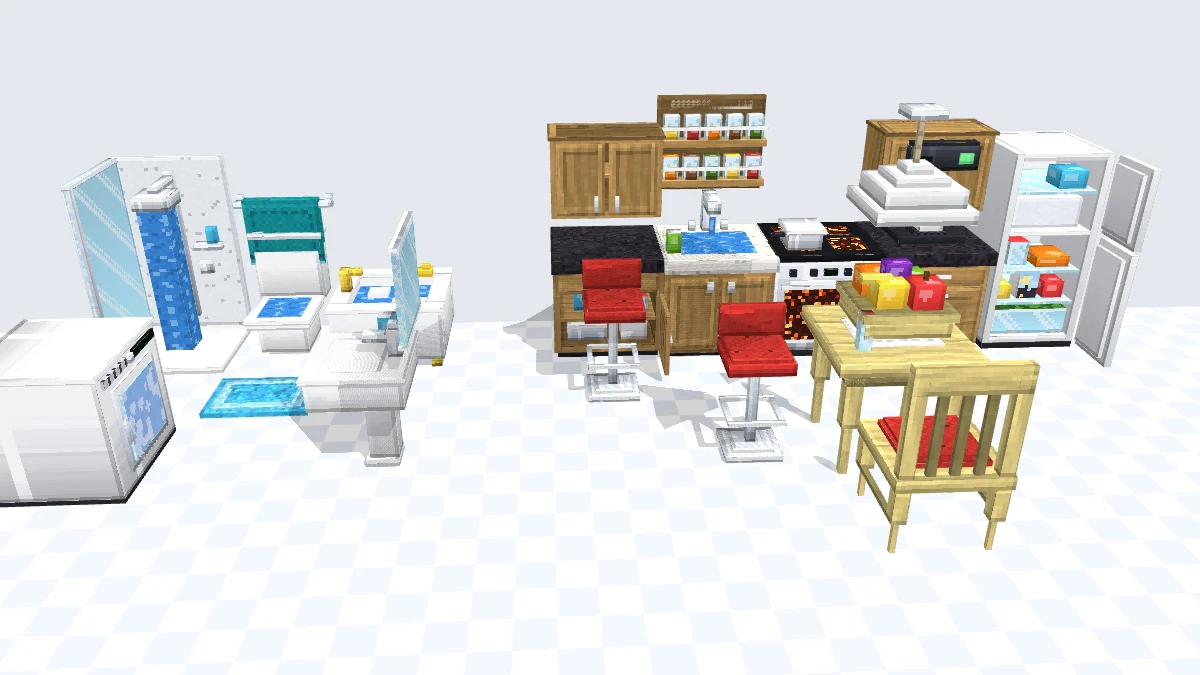
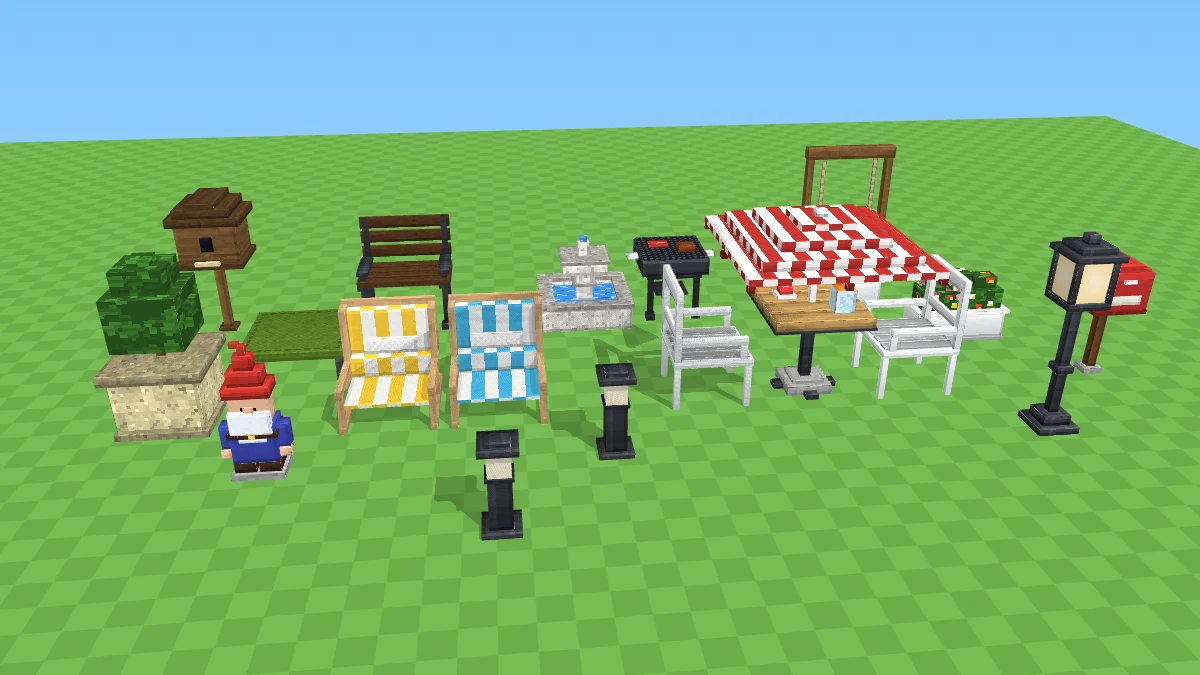
- 4150 decor items in 336 kinds and 15 areas: living room, kitchen, bathroom, bedroom & office, garden, lights, music & games, decor & parties – and new: jobs (rescue & crafts, shops & office), heroes, villains, adventure & fantasy, school & science, sports & leisure
- New in 2.0: 2650 more items – jobs (hospital, police, fire station, workshop, farm, bakery, hairdresser, supermarket, office, studio …), heroes and villains (24 hero figures and gear, 21 villains with throne, laser, cage, world-domination console), adventure (space, pirates, knights, magic, dinos), school & lab, sports & playground
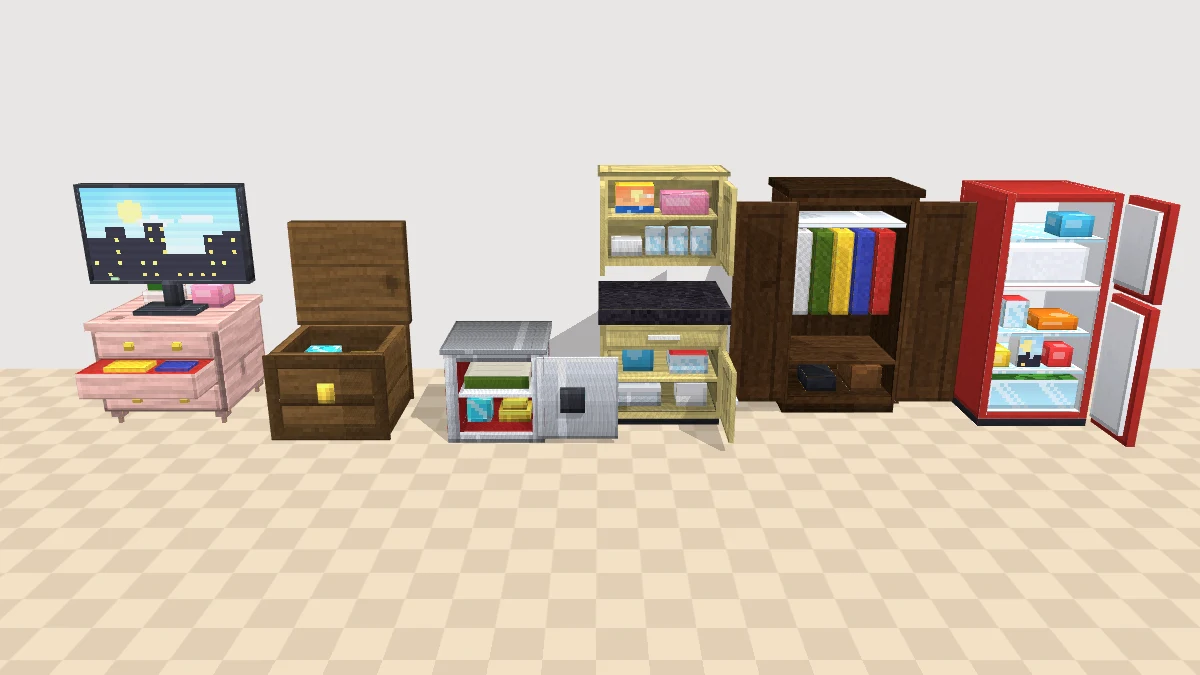
- Detailed models: on average 14 parts per item and textures in double resolution (32 pixels) – wood grain with joints, upholstery with buttons and seams, marble, brushed metal, glass, landscape pictures. Open cupboards show what is inside
- Every kind in many versions: 16 colours, 10 woods (oak to warped), 6 metals (iron, gold, copper, rose gold …), 8 stones or 16 picture motifs
- Lights on/off: floor lamps, table lamps, ceiling lamps, chandeliers, string lights, neon signs, lava lamps, lanterns – they really glow
- Sit on armchairs, sofas, chairs, bar stools, office chairs, garden benches, deck chairs, the swing, the bed – and the toilet (sneak = stand up)
- Open: fridge (with food inside), wardrobe, dresser, kitchen and bathroom cabinets, safe, crate, mailbox, curtains and blinds
- Electronics: TV, computer, laptop, game console and arcade machine show a picture; the stove glows, the coffee machine and kettle steam
- Water and fire: sink, washbasin, bathtub, shower and fountain with water; fireplace, candles, candelabra and grill with flames and smoke
- Music: piano and guitar play melodies, the drum kit plays a beat, radio and speaker play music discs
- And more: clocks show the time (the grandfather clock with a chime), fan, globe and washing machine spin, the bird house chirps, gifts can be unwrapped (with a surprise), the trampoline bounces you up
- Decor Catalogue: all 4150 items sorted by area, kind and colour, with search. Free in creative mode (also “all colours at once”), in survival every item costs 1 matching material (e.g. red wool, spruce planks, gold ingot)
- New: “Sweeping Edge” book (from Minecraft Java): when you enchant at the enchanting table you have a 25 % chance to get the book as well (level I–III = 1–3 levels). Use it and pick a sword – your hits then also strike the enemies right next to the target. Two equal books make one level more
- Every item turns towards you when placed. Wall items (pictures, clocks, shelves, mirrors) hang at the back of the block on the wall
- German and English, works together with all other Blockwerk add-ons
How to install it
- Download the file deko.mcaddon and open it – Minecraft imports both packs.
- Edit your world and activate “Deko (Blockwerk)” under Behavior Packs.
- When you enter you get the Decor Catalogue. Use it, pick something and place it. Lost it? Book + painting in the crafting table.
- In the creative inventory you can also find everything with the search (e.g. “sofa”).
- Items that do something are used with right-click or a long press. To place a block on such an item: sneak.
⬇ Download Decor add-on: 4150 furniture and decor items, 2730 that work (.mcaddon)
Questions and answers
How do I get the items in survival?
With the Decor Catalogue: every item costs 1 material – wool in the colour, planks of the wood, an iron, gold or copper ingot, the stone or paper for pictures. In creative mode everything is free.
What can the 2730 working items do?
Glow (lamps, candles, fireplace), sit (chairs, sofas, benches), open (cupboards, crates, curtains), switch on (TV, computer, stove), water (shower, sink, fountain), music (piano, guitar, drums, radio), tell the time, spin, make sounds, unwrap gifts and the trampoline.
How do I get the Sweeping Edge book?
Enchant something at the enchanting table – every enchantment has a 25 % chance to give you the book as well (if it costs 1, 2 or 3 levels you get Sweeping Edge I, II or III). Hold the book, use it and pick a sword. Sweeping Edge does not work while sprinting – just like in Java.
How do I get up from a chair?
Sneak, like getting off a horse.
I want to put a block on a table but the table does not react – why?
Tables without a function take blocks normally. For items with a function (e.g. dresser) sneak while placing.
Do 4150 blocks cause lag?
No. They are block models like vanilla, just with more parts. Identical faces share one texture. Only fire and water show particles, and only when they are on.
Which devices does the add-on work on?
On phones, tablets (Android and iPhone/iPad), Windows and Realms with Minecraft Bedrock 1.21.30 or newer. On Xbox, PlayStation and Switch you cannot open add-on files – on a Realm it still works.
Fan add-on by Blockwerk, not by Mojang or Microsoft. The files are checked – we have not been able to try it in-game on every device yet. Let us know if something does not work.