Water Park add-on: wave pool, surf pool and big waves to surf
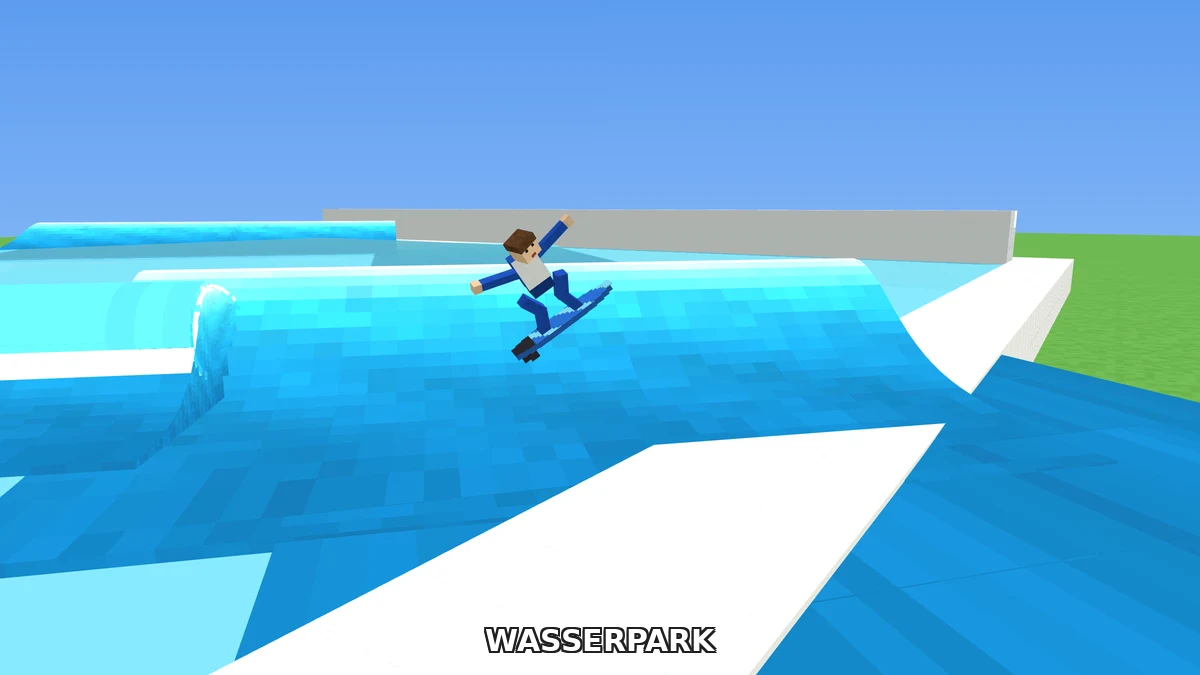
Surfing in Minecraft – with real wave physics: build a wave pool or a surf pool with one button, or put a big-wave buoy into the sea. The waves travel at real speed, grow towards the beach and break exactly where the water gets too shallow. Paddle, catch the wave, stand up – and ride along the face, through the tube or with an aerial over the lip.
⬇ Download Water Park add-on: wave pool, surf pool and big waves to surf (.mcaddon)
What the add-on does
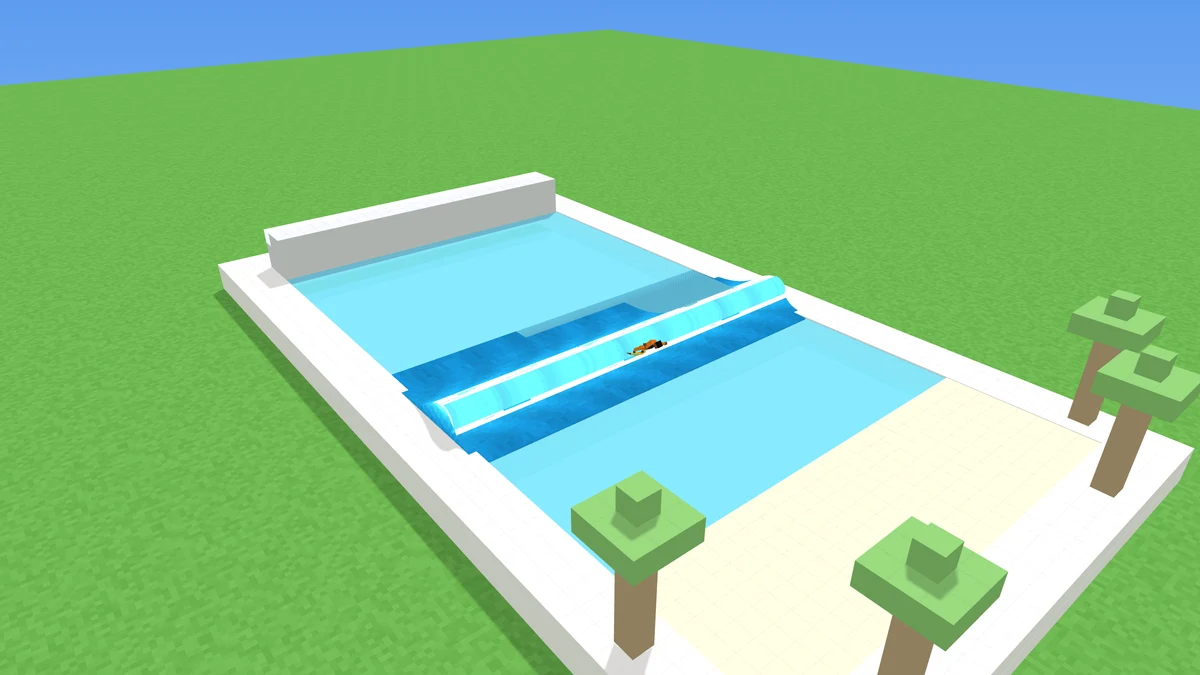
- Wave pool (48 × 24): waves from 0.6 to 2.8 m, straight or in sets (small and big), sandy beach, underwater lights, lifeguard tower, palm trees
- Surf pool (80 × 64) with a reef: A-frame (breaks in the middle), left, right, barrel (throws over into a tube) and beginner waves
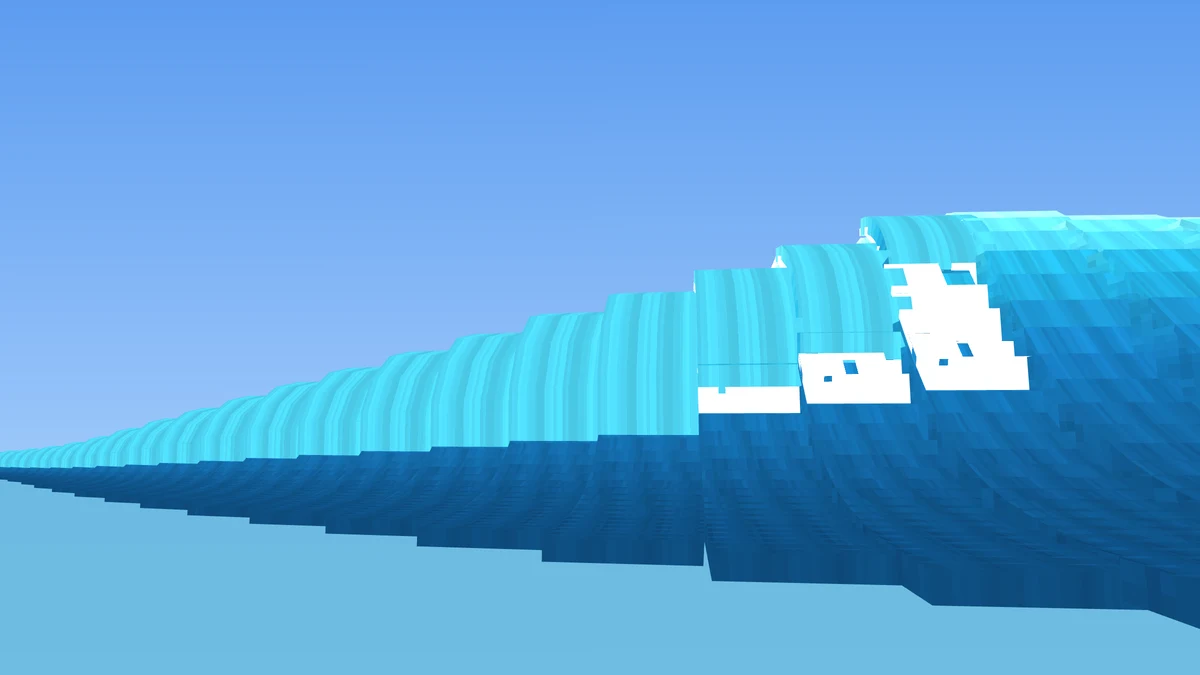
- Big waves: put a buoy into the sea – waves from 8 to 20 m roll in the direction you looked and break on a reef. Too fast to paddle: the jet ski tows you in
- Real wave physics: speed c = √(g·(h+H)), waves grow in shallow water and break at H > 0.78 · depth. Angled waves peel along – like a real reef
- Surf physics: gravity pulls you down the face, the fin holds the rail, turns cost speed, pumping, braking, take-off with energy conservation
- Manoeuvres: carve, cutback, floater, aerial with spins (180°, 360° …), tube ride (crouch!) – with points, speed in km/h and a record
- Wipeouts when it goes wrong: the lip hits you, the tube closes, the nose digs in (pearling) or the landing is crooked
- Swimming in the pool: the waves lift you and push you to the beach. Duck dive (sneak) goes under the wave
- Pro surfer shows you how it is done. Control desk at the pool for height, type and interval of the waves
- Looks: 8 surfboards, 6 wetsuits, 3 skin tones. 3 cameras (behind the board, wave camera from the beach, own view)
- Own sounds: breaking wave, roar, wave machine, paddling, spray, wipeout, tube, jet ski, cheering
- Tested in real Minecraft (Bedrock server with a test player): build a pool, waves, paddle, catch a wave, stand up, surf, pro, big waves
- German and English, works together with all other Blockwerk add-ons
How to install it
- Download the file wasserpark.mcaddon and open it – Minecraft imports both packs.
- Edit your world and activate “Wasserpark (Blockwerk)” under Behavior Packs. You need Minecraft 1.21.70 or newer.
- When you enter you get the Water Park Planner and a surfboard. Stand on a free area, look where the pool should go and pick “Build wave pool” or “Build surf pool”.
- Go into the water and use the surfboard. Forward = paddle, sideways = steer. When the wave lifts you, “JUMP!” appears – press jump.
- While surfing: sideways = turns, forward = pump, back = brake, sneak = crouch (tube), jump = ollie. Get off: hold sneak while lying.
⬇ Download Water Park add-on: wave pool, surf pool and big waves to surf (.mcaddon)
Questions and answers
How do I catch a wave?
Wait where the waves start to break (in the surf pool about in the middle). When a wave comes, look at the beach and paddle (forward). As soon as it lifts you, “JUMP!” appears.
Where do I surf best?
Diagonally along the wave face, just below the crest, always towards the side that has not broken yet. Too low and you slow down, too high and you fly over the lip.
How do I get into the tube?
Set “Barrel” in the surf pool or ride big waves: when the lip throws over you, hold sneak (crouch) and ride through.
How do I surf big waves?
Use the buoy at sea, get on the board and press jump when a wave comes – the jet ski tows you in and lets you go on the wave.
Does it lag?
The waves are a few entities (one per 8 or 4 blocks of wave front), the physics only runs when a player is nearby. The pool itself is normal blocks.
Which devices does the add-on work on?
On phones, tablets, Windows and Realms with Minecraft Bedrock 1.21.70 or newer. On Xbox, PlayStation and Switch you cannot open add-on files – on a Realm it still works.
Fan add-on by Blockwerk, not by Mojang or Microsoft. The files are checked – we have not been able to try it in-game on every device yet. Let us know if something does not work.