Apartment Tower with Colorful Balconies
- DifficultyMedium
- Size29 × 16 blocks with balconies, 69 tall
- Build timeabout 8 hours
A cheerful apartment tower: the white facade is full of balconies, and each one has a different color – orange, yellow, lime, light blue, pink, red, cyan and magenta.
Downstairs there are shops with big display windows and an orange awning, and at the top a roof garden with a pergola where the residents can have a barbecue.

🔍 Click on parts
Tap any part of the build in the 3D model – a lamp, a tree, a bench next to the house – and you’ll see exactly how to build that part, with its materials and a layer-by-layer plan.
🧊 Build it as a hologram in Minecraft Bedrock (HoloPrint)
Download this build idea as a .mcstructure file – it is made right from the blueprint below. The HoloPrint website turns it into a pack that places the build as a see-through hologram in your world – you just fill in the blocks.
- Tap the button above – the file apartment-tower-with-colorful-balconies.mcstructure is downloaded.
- Open the HoloPrint website.
- Upload the file there.
- Create your build template texture pack.
- Download the .mcpack file.
- Open it with Minecraft and activate the pack in your world.
- Place an armor stand – the build template appears there. Tip: put it exactly where the build should stand.
Works with Minecraft Bedrock (phone, tablet, console, Windows). HoloPrint is a free fan project, not made by Blockwerk.
Layer-by-layer blueprint
Click through from bottom to top. Every square is one block, the front is at the bottom. Gray shows the layer below. 69 layers, area in the plan: 33 × 20 blocks.
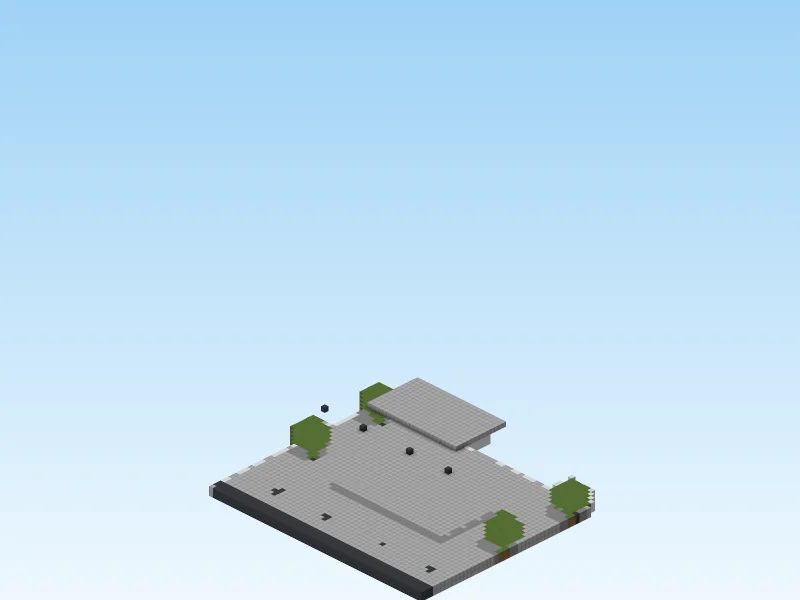
Layer 1 of 69 (303 blocks)
- Smooth Stone299
- Gray Concrete4

Layer 2 of 69 (72 blocks)
- Glass62
- Gray Concrete9
- Iron Door1

Layer 3 of 69 (72 blocks)
- Glass62
- Gray Concrete9
- Iron Door1

Layer 4 of 69 (72 blocks)
- Glass63
- Gray Concrete9

Layer 5 of 69 (95 blocks)
- Glass63
- Orange Concrete23
- Gray Concrete5
- Sea Lantern4
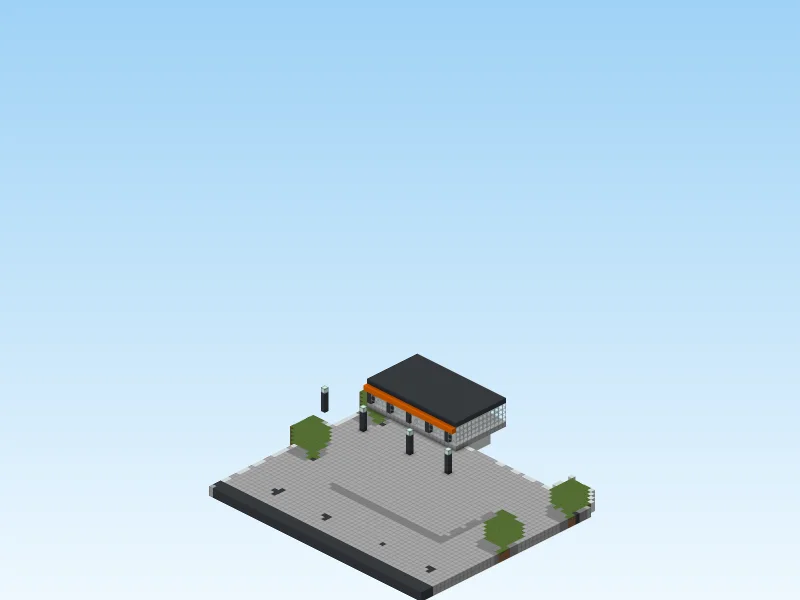
Layer 6 of 69 (299 blocks)
- Gray Concrete299
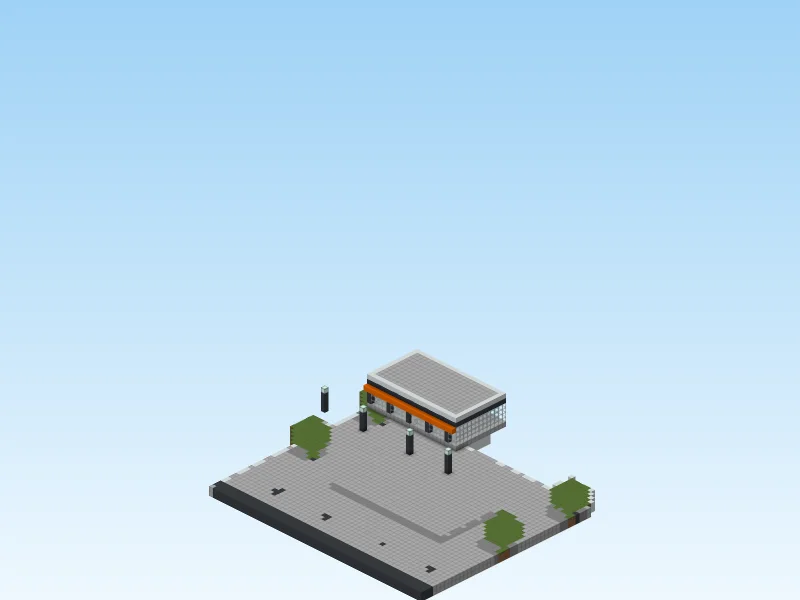
Layer 7 of 69 (299 blocks)
- Smooth Stone231
- White Concrete68

Layer 8 of 69 (68 blocks)
- White Concrete34
- Glass34

Layer 9 of 69 (68 blocks)
- White Concrete34
- Glass34

Layer 10 of 69 (122 blocks)
- White Concrete88
- Glass34

Layer 11 of 69 (336 blocks)
- Smooth Stone231
- White Concrete68
- Cyan Concrete11
- Orange Concrete8
- Red Concrete5
- Light Blue Concrete5
- Yellow Concrete5
- Lime Concrete3

Layer 12 of 69 (68 blocks)
- White Concrete34
- Glass34

Layer 13 of 69 (68 blocks)
- White Concrete34
- Glass34
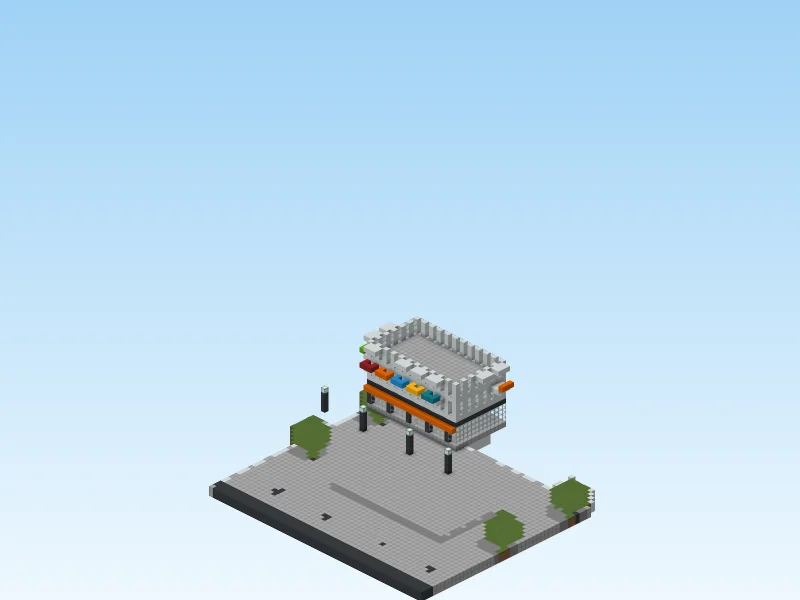
Layer 14 of 69 (116 blocks)
- White Concrete82
- Glass34
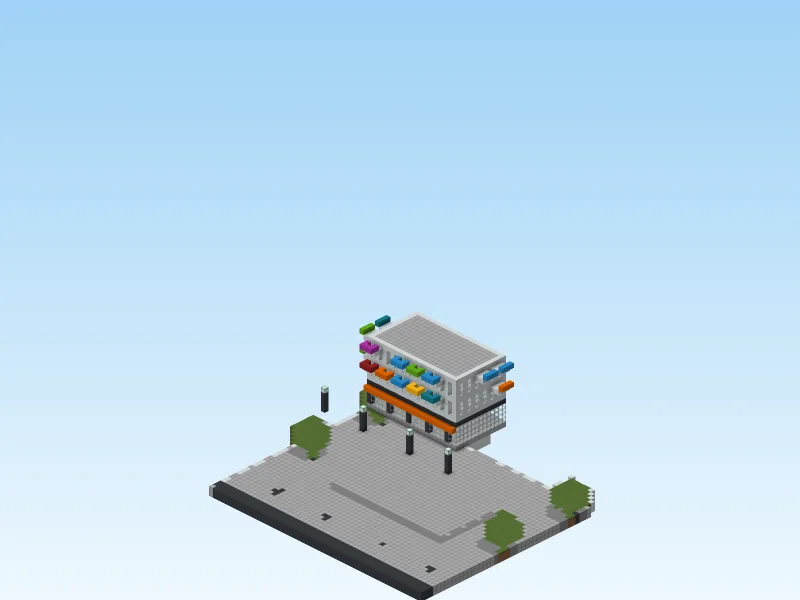
Layer 15 of 69 (332 blocks)
- Smooth Stone231
- White Concrete68
- Light Blue Concrete16
- Lime Concrete8
- Magenta Concrete5
- Cyan Concrete3
- Poppy1

Layer 16 of 69 (68 blocks)
- White Concrete34
- Glass34

Layer 17 of 69 (68 blocks)
- White Concrete34
- Glass34

Layer 18 of 69 (128 blocks)
- White Concrete94
- Glass34

Layer 19 of 69 (340 blocks)
- Smooth Stone231
- White Concrete68
- Orange Concrete14
- Magenta Concrete10
- Pink Concrete5
- Yellow Concrete5
- Red Concrete3
- Cyan Concrete3
- Poppy1

Layer 20 of 69 (68 blocks)
- White Concrete34
- Glass34

Layer 21 of 69 (68 blocks)
- White Concrete34
- Glass34

Layer 22 of 69 (122 blocks)
- White Concrete88
- Glass34

Layer 23 of 69 (334 blocks)
- Smooth Stone231
- White Concrete68
- Red Concrete9
- Yellow Concrete8
- Lime Concrete5
- Magenta Concrete5
- Pink Concrete5
- Orange Concrete3

Layer 24 of 69 (68 blocks)
- White Concrete34
- Glass34

Layer 25 of 69 (68 blocks)
- White Concrete34
- Glass34

Layer 26 of 69 (128 blocks)
- White Concrete94
- Glass34

Layer 27 of 69 (341 blocks)
- Smooth Stone231
- White Concrete68
- Lime Concrete8
- Orange Concrete8
- Red Concrete6
- Yellow Concrete5
- Pink Concrete5
- Cyan Concrete5
- Magenta Concrete3
- Poppy2

Layer 28 of 69 (68 blocks)
- White Concrete34
- Glass34
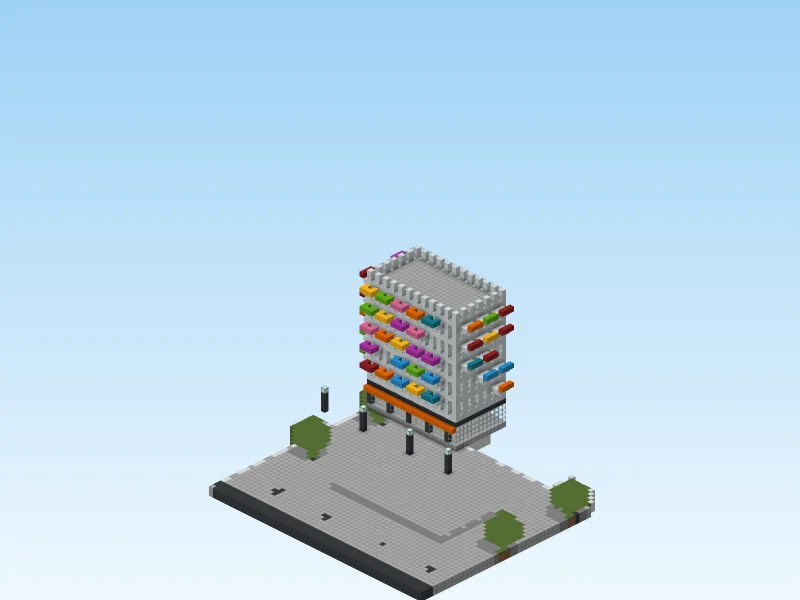
Layer 29 of 69 (68 blocks)
- White Concrete34
- Glass34

Layer 30 of 69 (128 blocks)
- White Concrete94
- Glass34
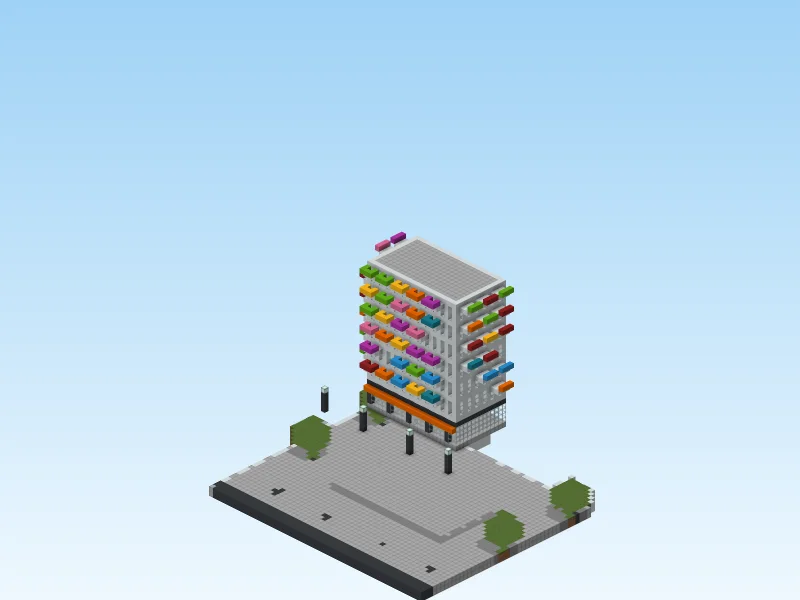
Layer 31 of 69 (340 blocks)
- Smooth Stone231
- White Concrete68
- Lime Concrete16
- Magenta Concrete8
- Yellow Concrete5
- Orange Concrete5
- Red Concrete3
- Pink Concrete3
- Poppy1

Layer 32 of 69 (68 blocks)
- White Concrete34
- Glass34

Layer 33 of 69 (68 blocks)
- White Concrete34
- Glass34
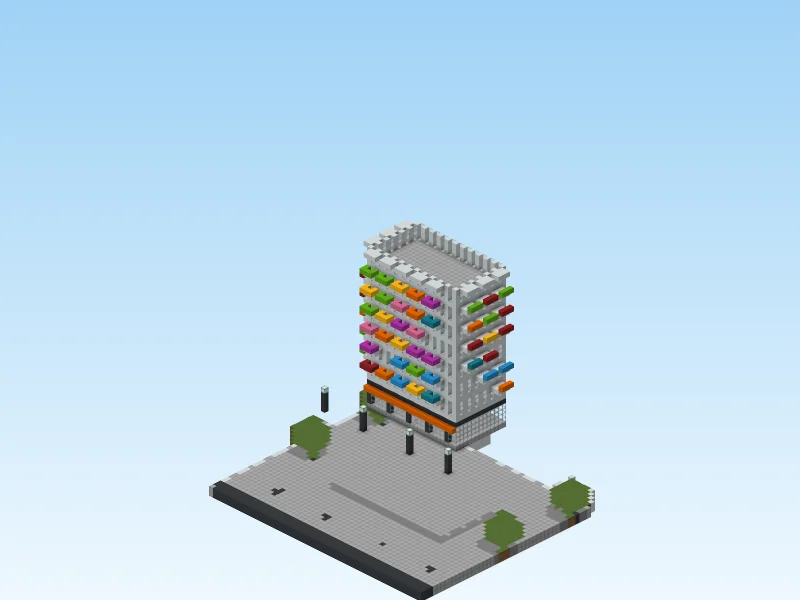
Layer 34 of 69 (134 blocks)
- White Concrete100
- Glass34

Layer 35 of 69 (344 blocks)
- Smooth Stone231
- White Concrete68
- Red Concrete18
- Pink Concrete17
- Lime Concrete5
- Orange Concrete3
- Poppy2

Layer 36 of 69 (68 blocks)
- White Concrete34
- Glass34

Layer 37 of 69 (68 blocks)
- White Concrete34
- Glass34

Layer 38 of 69 (110 blocks)
- White Concrete76
- Glass34

Layer 39 of 69 (330 blocks)
- Smooth Stone231
- White Concrete68
- Cyan Concrete8
- Magenta Concrete8
- Pink Concrete5
- Red Concrete5
- Lime Concrete5
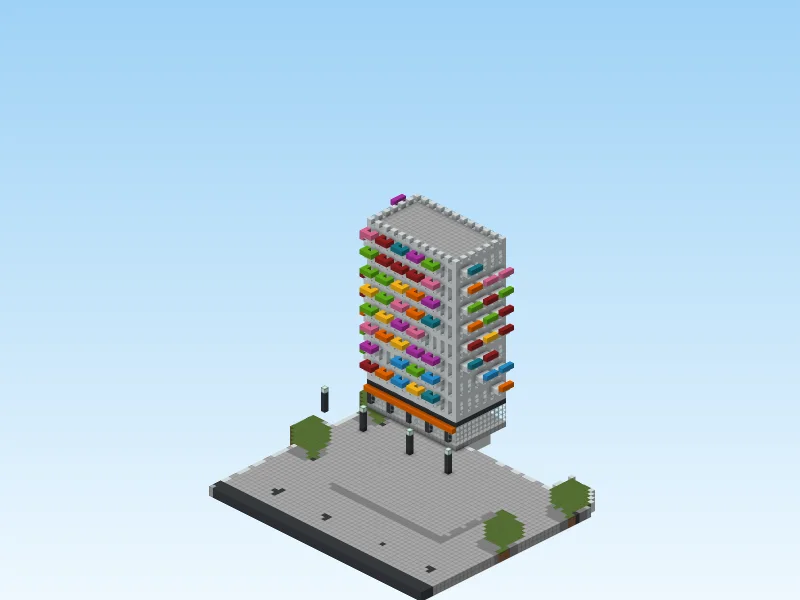
Layer 40 of 69 (68 blocks)
- White Concrete34
- Glass34

Layer 41 of 69 (68 blocks)
- White Concrete34
- Glass34
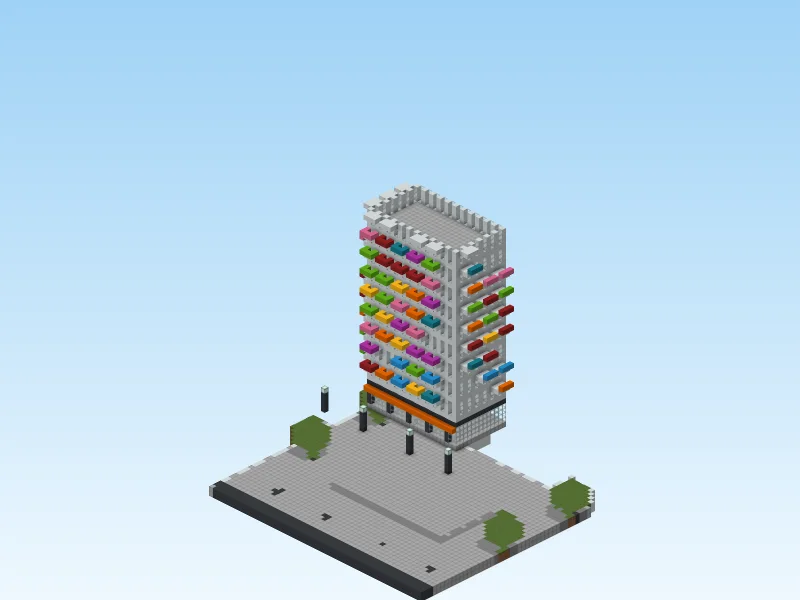
Layer 42 of 69 (116 blocks)
- White Concrete82
- Glass34

Layer 43 of 69 (331 blocks)
- Smooth Stone231
- White Concrete68
- Lime Concrete8
- Cyan Concrete5
- Pink Concrete5
- Magenta Concrete5
- Light Blue Concrete3
- Yellow Concrete3
- Orange Concrete3
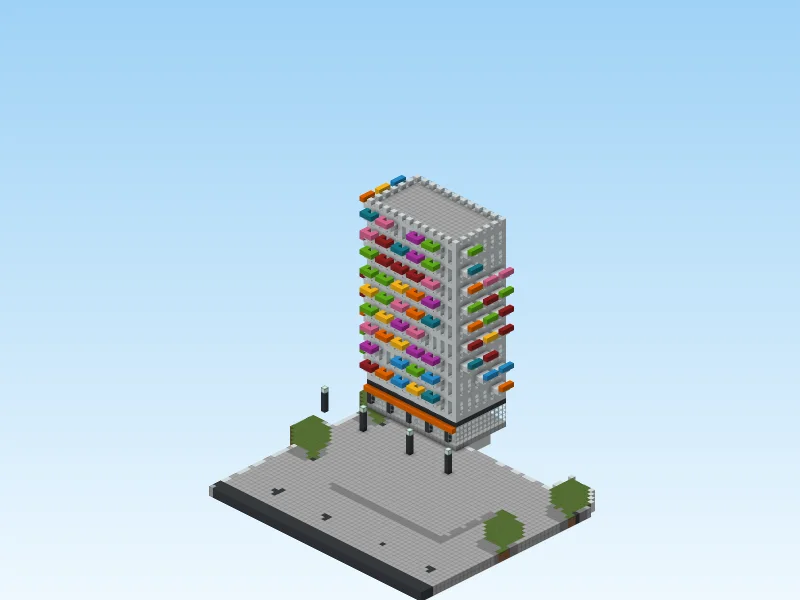
Layer 44 of 69 (68 blocks)
- White Concrete34
- Glass34

Layer 45 of 69 (68 blocks)
- White Concrete34
- Glass34

Layer 46 of 69 (128 blocks)
- White Concrete94
- Glass34
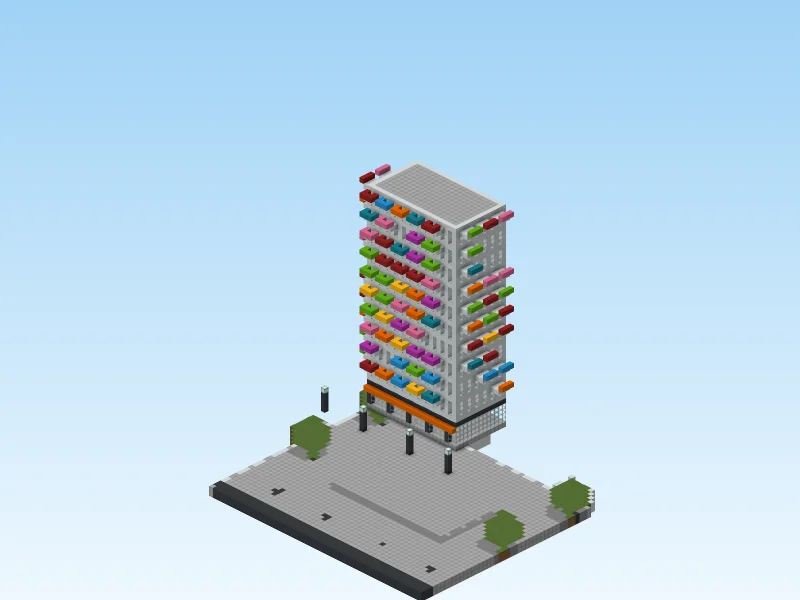
Layer 47 of 69 (340 blocks)
- Smooth Stone231
- White Concrete68
- Red Concrete16
- Pink Concrete6
- Light Blue Concrete5
- Orange Concrete5
- Cyan Concrete5
- Lime Concrete3
- Poppy1

Layer 48 of 69 (68 blocks)
- White Concrete34
- Glass34

Layer 49 of 69 (68 blocks)
- White Concrete34
- Glass34
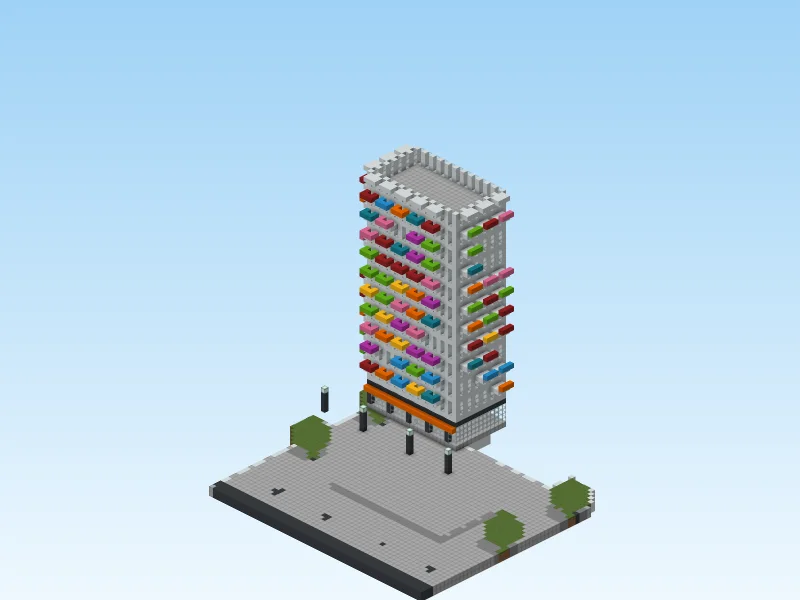
Layer 50 of 69 (134 blocks)
- White Concrete100
- Glass34
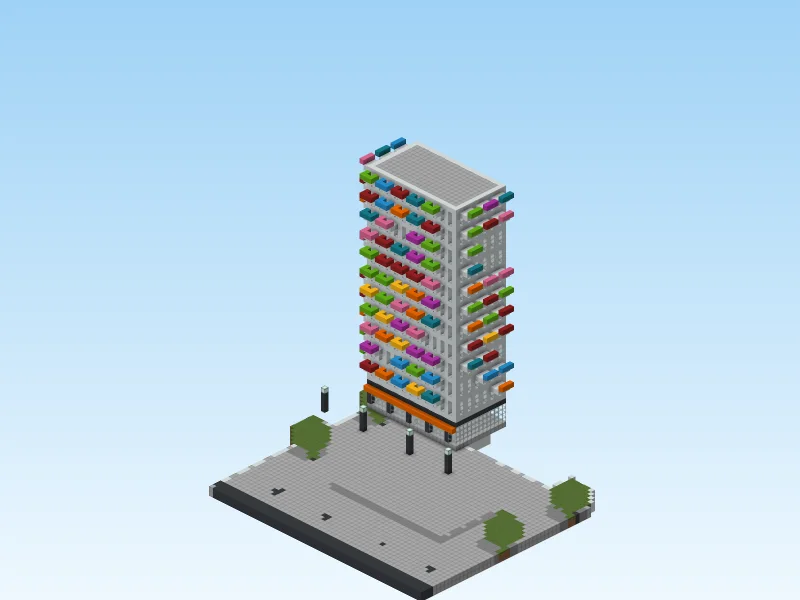
Layer 51 of 69 (343 blocks)
- Smooth Stone231
- White Concrete68
- Lime Concrete13
- Cyan Concrete11
- Light Blue Concrete8
- Red Concrete5
- Magenta Concrete3
- Pink Concrete3
- Poppy1

Layer 52 of 69 (68 blocks)
- White Concrete34
- Glass34
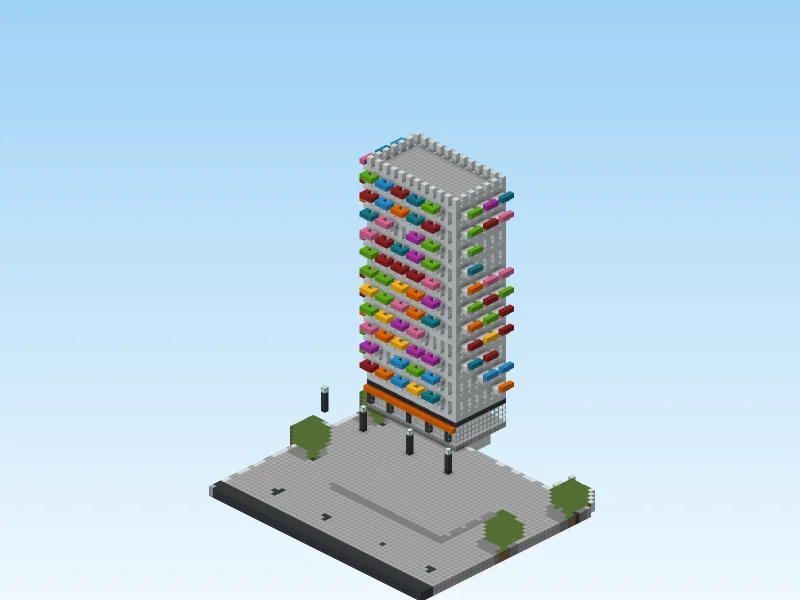
Layer 53 of 69 (68 blocks)
- White Concrete34
- Glass34

Layer 54 of 69 (110 blocks)
- White Concrete76
- Glass34
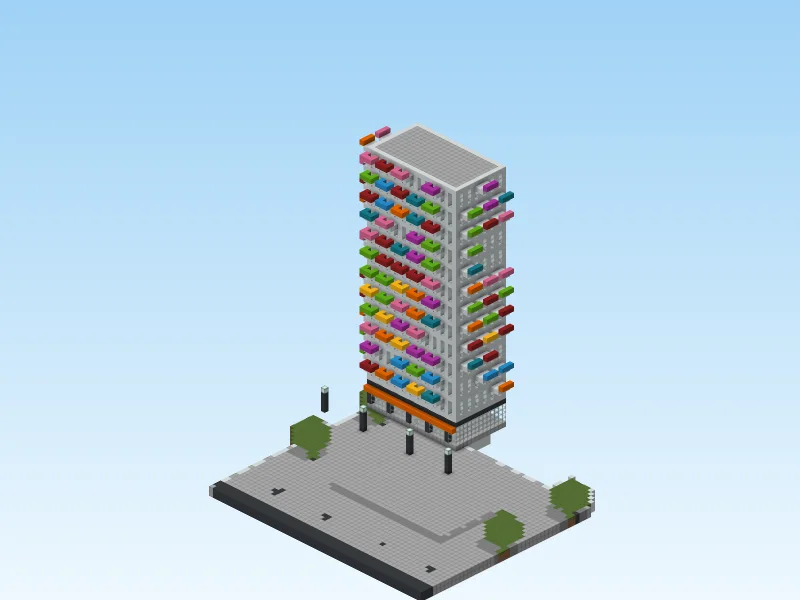
Layer 55 of 69 (330 blocks)
- Smooth Stone231
- White Concrete68
- Pink Concrete13
- Magenta Concrete8
- Red Concrete5
- Orange Concrete3
- Poppy2

Layer 56 of 69 (68 blocks)
- White Concrete34
- Glass34

Layer 57 of 69 (68 blocks)
- White Concrete34
- Glass34

Layer 58 of 69 (116 blocks)
- White Concrete82
- Glass34
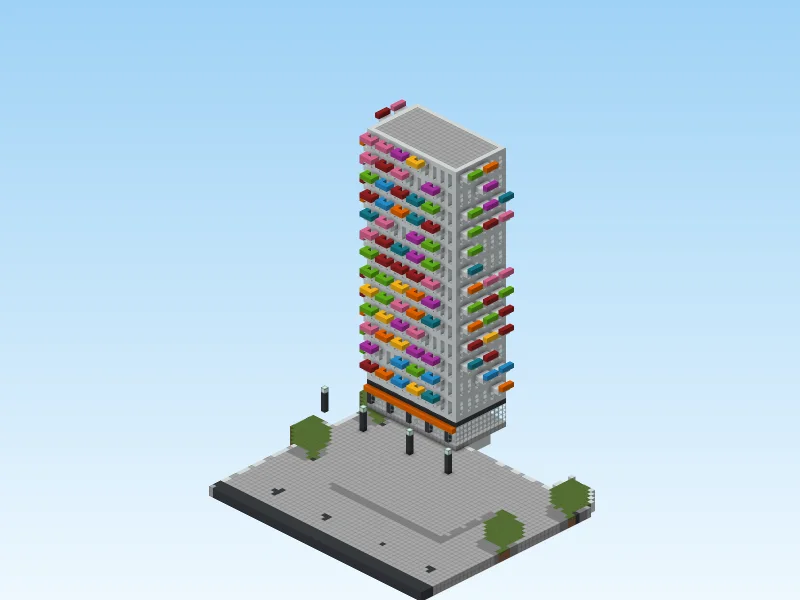
Layer 59 of 69 (333 blocks)
- Smooth Stone231
- White Concrete68
- Pink Concrete13
- Magenta Concrete5
- Yellow Concrete5
- Orange Concrete3
- Red Concrete3
- Lime Concrete3
- Poppy2

Layer 60 of 69 (68 blocks)
- White Concrete34
- Glass34

Layer 61 of 69 (68 blocks)
- White Concrete34
- Glass34

Layer 62 of 69 (128 blocks)
- White Concrete94
- Glass34
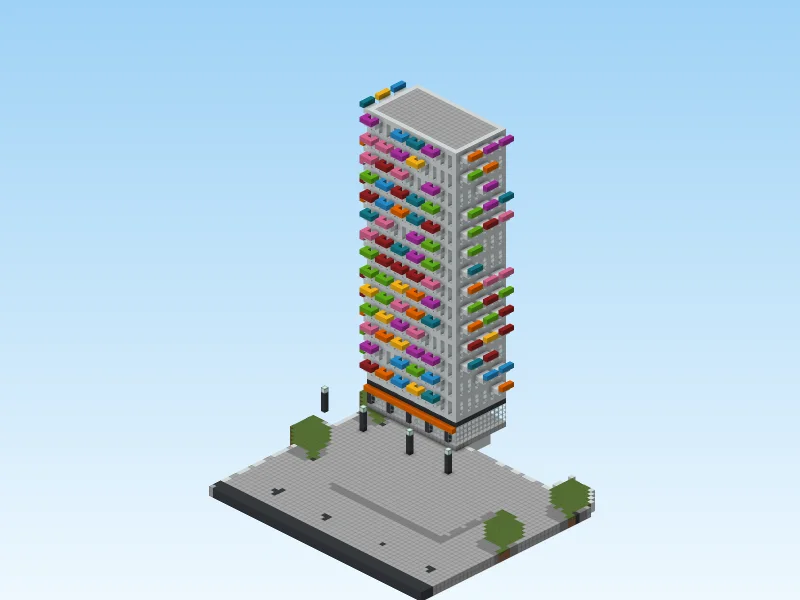
Layer 63 of 69 (338 blocks)
- Smooth Stone231
- White Concrete68
- Magenta Concrete16
- Light Blue Concrete8
- Cyan Concrete8
- Yellow Concrete3
- Orange Concrete3
- Poppy1

Layer 64 of 69 (68 blocks)
- White Concrete34
- Glass34

Layer 65 of 69 (299 blocks)
- White Concrete299
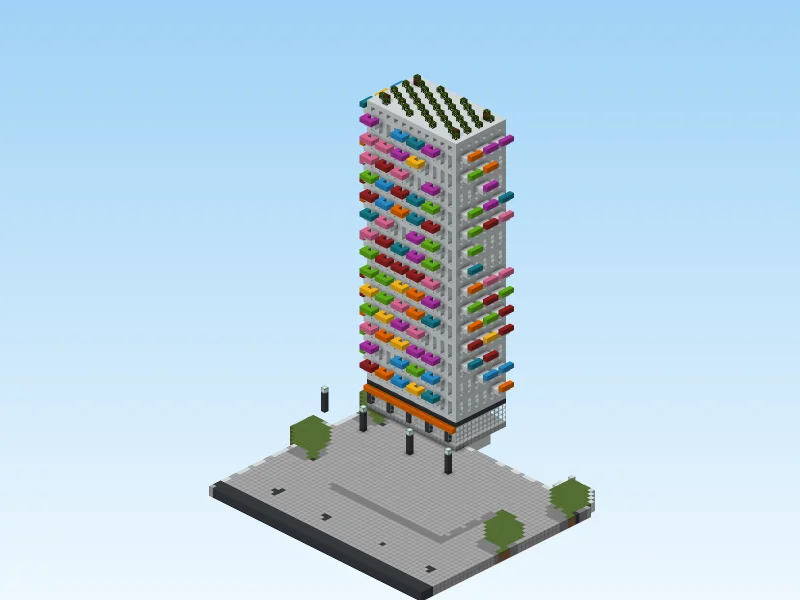
Layer 66 of 69 (45 blocks)
- Leaves41
- Dark Oak Planks4

Layer 67 of 69 (4 blocks)
- Dark Oak Planks4
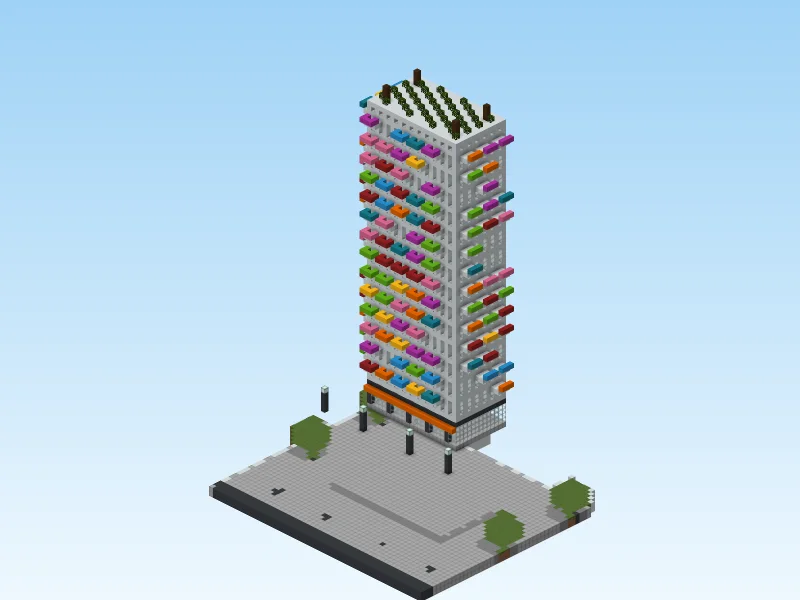
Layer 68 of 69 (4 blocks)
- Dark Oak Planks4

Layer 69 of 69 (90 blocks)
- Dark Oak Planks90
Simplified blueprint: stairs and slabs are partly shown as full blocks, animals and plants as small squares. Tip: use the arrow keys ← → to switch layers.
Step-by-step guide
Shops on the ground floor
Lay a smooth stone floor of 23 × 13 blocks and build glass display windows with gray posts all around. An orange concrete band runs along the front as an awning.
Tower
Above it, build the apartment tower up to height 63: glass with white posts every 2 blocks and white bands every 4 layers.
Front balconies
Every 4 layers, add balconies at the front: a white slab, 3 wide and 2 deep, with a railing in a colorful concrete. Mix the colors up.
Side balconies
Add balconies on the sides too, just fewer of them. Some residents put flowers out.
Roof garden
At the top, spread leaves over the roof and build a dark oak pergola.
Street
A street with street lamps and trees runs in front of the building.
Pro tips
- The facade repeats every 4 layers. Finish one floor completely and then copy it upwards layer by layer with the blueprint – that keeps the tower even.
- Concrete comes in 16 colors. Strong colors look best next to the white for the balconies.
- Several skyscrapers of different heights side by side make a skyline. Leave room for streets and small squares in between.
Variations
- Use pastel colors for a calmer building.
- Build several apartment towers of different heights into a whole neighborhood.


