Automatic Cactus Farm
- DifficultyMedium
- Size11 × 7 blocks
- Build timeabout 30 minutes
Cacti have a special property: if there's a block next to them, they break. That's exactly what we use – the cactus harvests itself.
Smelt cactus in a furnace to get green dye and experience points.

🔍 Click on parts
Tap any part of the build in the 3D model – a lamp, a tree, a bench next to the house – and you’ll see exactly how to build that part, with its materials and a layer-by-layer plan.
🧊 Build it as a hologram in Minecraft Bedrock (HoloPrint)
Download this build idea as a .mcstructure file – it is made right from the blueprint below. The HoloPrint website turns it into a pack that places the build as a see-through hologram in your world – you just fill in the blocks.
- Tap the button above – the file automatic-cactus-farm.mcstructure is downloaded.
- Open the HoloPrint website.
- Upload the file there.
- Create your build template texture pack.
- Download the .mcpack file.
- Open it with Minecraft and activate the pack in your world.
- Place an armor stand – the build template appears there. Tip: put it exactly where the build should stand.
Works with Minecraft Bedrock (phone, tablet, console, Windows). HoloPrint is a free fan project, not made by Blockwerk.
Layer-by-layer blueprint
Click through from bottom to top. Every square is one block, the front is at the bottom. Gray shows the layer below. 4 layers, area in the plan: 12 × 7 blocks.
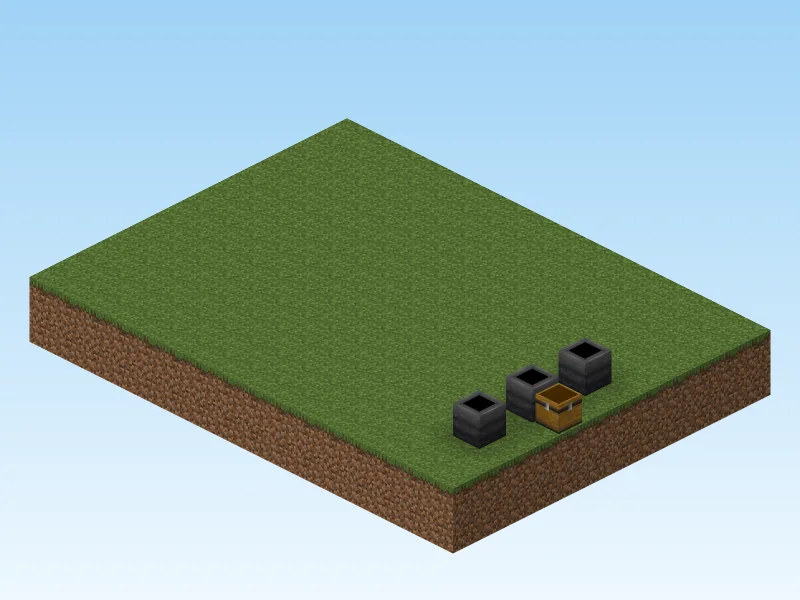
Layer 1 of 4 (4 blocks)
- Hopper3
- Chest1
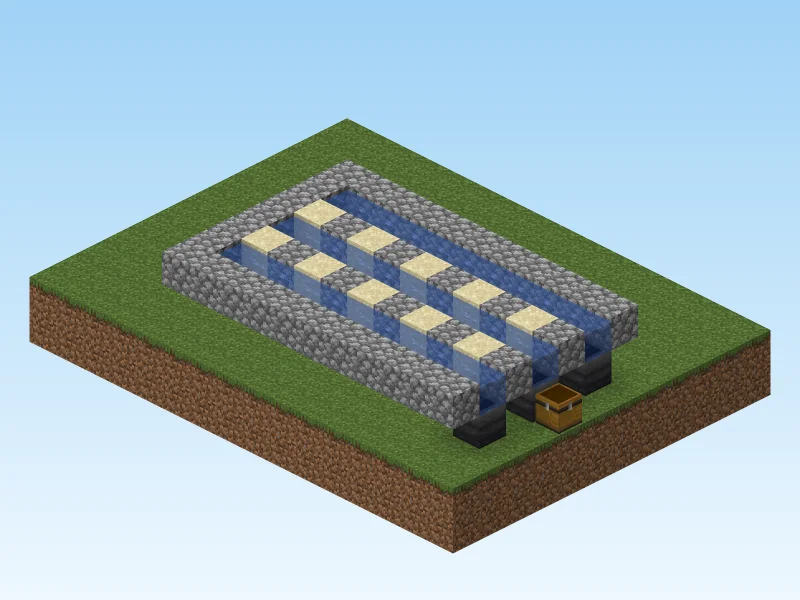
Layer 2 of 4 (77 blocks)
- Cobblestone37
- Water30
- Sand10
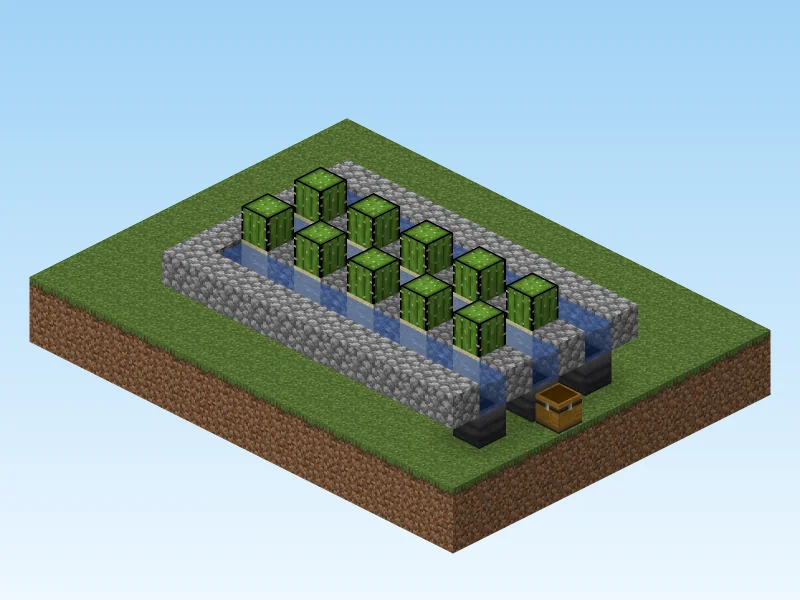
Layer 3 of 4 (10 blocks)
- Cactus10
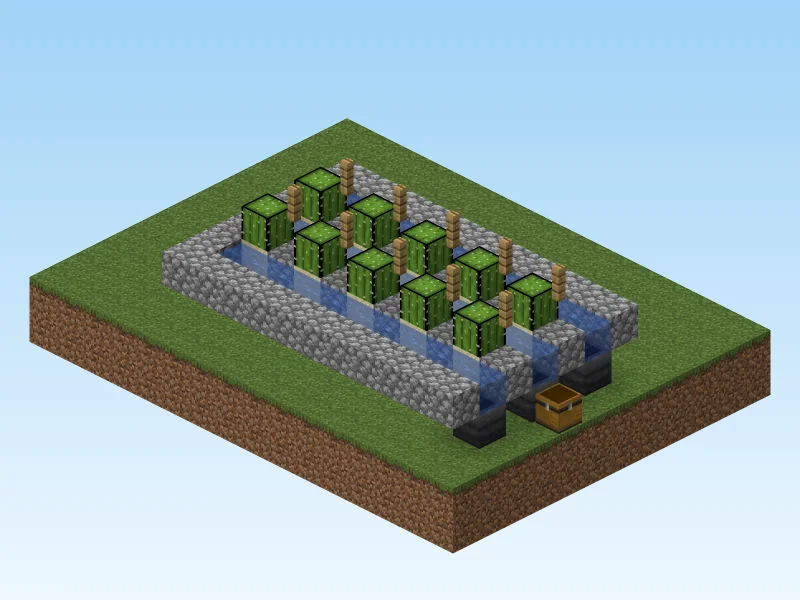
Layer 4 of 4 (10 blocks)
- Oak Fence10
Simplified blueprint: stairs and slabs are partly shown as full blocks, animals and plants as small squares. Tip: use the arrow keys ← → to switch layers.
Step-by-step guide
Platform
Build a cobblestone platform with a rim so the water doesn't run off.
Sand and cactus
Lay two rows of sand, each with one block of space between the blocks, and plant cacti on them. There must be free space around every cactus.
Water channels
Water channels run between and next to the sand rows. Place the water buckets at the start so the water flows to the end.
Hoppers
At the end of each channel, put a hopper into the floor that leads into a chest.
Fences
At the height of the second cactus block, place a fence next to each cactus position. When the cactus grows up, it touches the fence and breaks.
Wait
The broken cactus falls into the water and floats to the chest.
Pro tips
- A few cacti land on other cacti and are lost – that's normal.
- Cactus only grows on sand or red sand.
Variations
- Stack several levels on top of each other for a huge farm.
- Lead the chest into an automatic furnace – then you get green dye directly.


