Biplane (Vintage)
- DifficultyEasy
- Size27 × 31 blocks, 12 tall
- Build timeabout 1 hour
This is what planes looked like more than 100 years ago: two wings on top of each other, connected by wooden struts, a propeller at the front and an open cockpit where the pilot sat with flying goggles.
This red biplane stands on a meadow. It's built three times the real size – otherwise it would only be 7 blocks long.

🔍 Click on parts
Tap any part of the build in the 3D model – a lamp, a tree, a bench next to the house – and you’ll see exactly how to build that part, with its materials and a layer-by-layer plan.
🧊 Build it as a hologram in Minecraft Bedrock (HoloPrint)
Download this build idea as a .mcstructure file – it is made right from the blueprint below. The HoloPrint website turns it into a pack that places the build as a see-through hologram in your world – you just fill in the blocks.
- Tap the button above – the file biplane.mcstructure is downloaded.
- Open the HoloPrint website.
- Upload the file there.
- Create your build template texture pack.
- Download the .mcpack file.
- Open it with Minecraft and activate the pack in your world.
- Place an armor stand – the build template appears there. Tip: put it exactly where the build should stand.
Works with Minecraft Bedrock (phone, tablet, console, Windows). HoloPrint is a free fan project, not made by Blockwerk.
Layer-by-layer blueprint
Click through from bottom to top. Every square is one block, the front is at the bottom. Gray shows the layer below. 12 layers, area in the plan: 27 × 31 blocks.
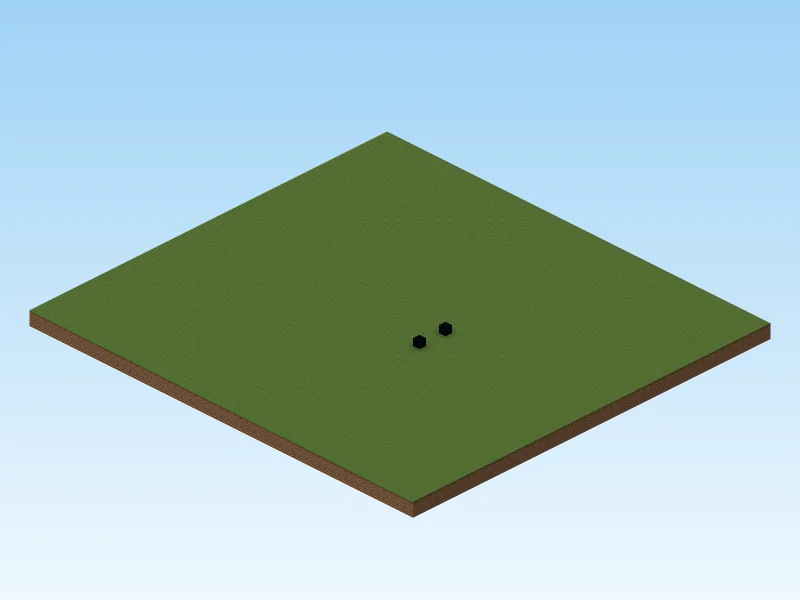
Layer 1 of 12 (2 blocks)
- Black Concrete2
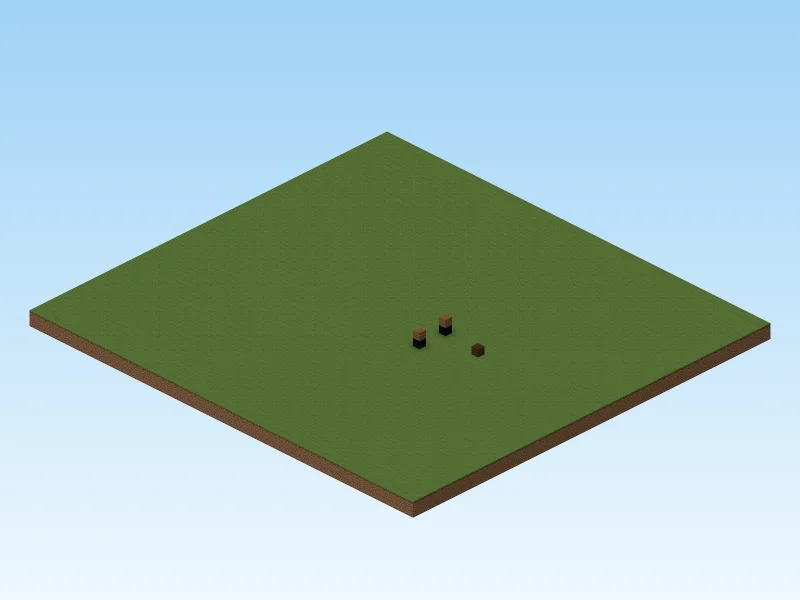
Layer 2 of 12 (3 blocks)
- Spruce Planks2
- Dark Oak Planks1
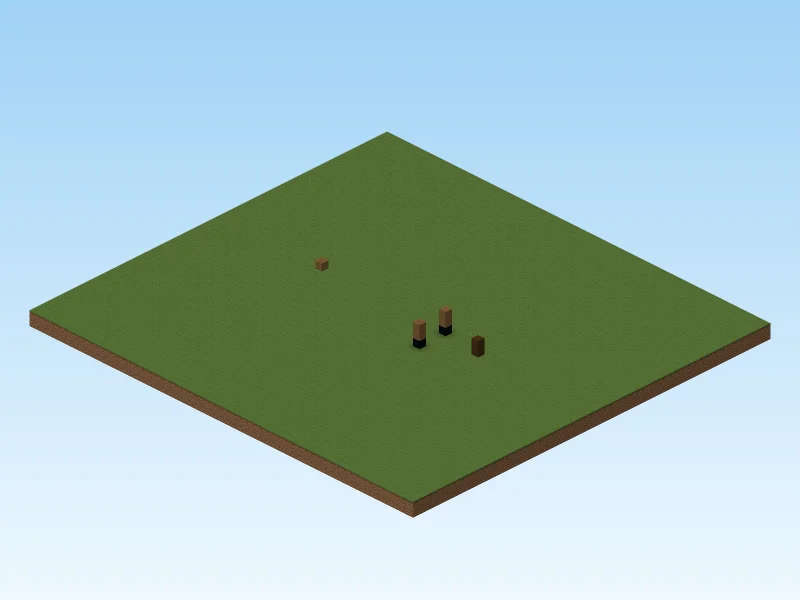
Layer 3 of 12 (4 blocks)
- Spruce Planks3
- Dark Oak Planks1
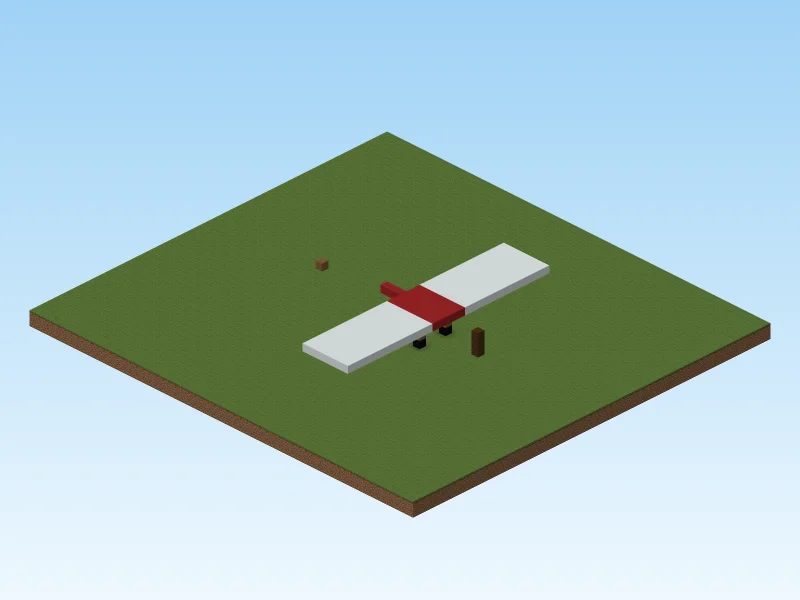
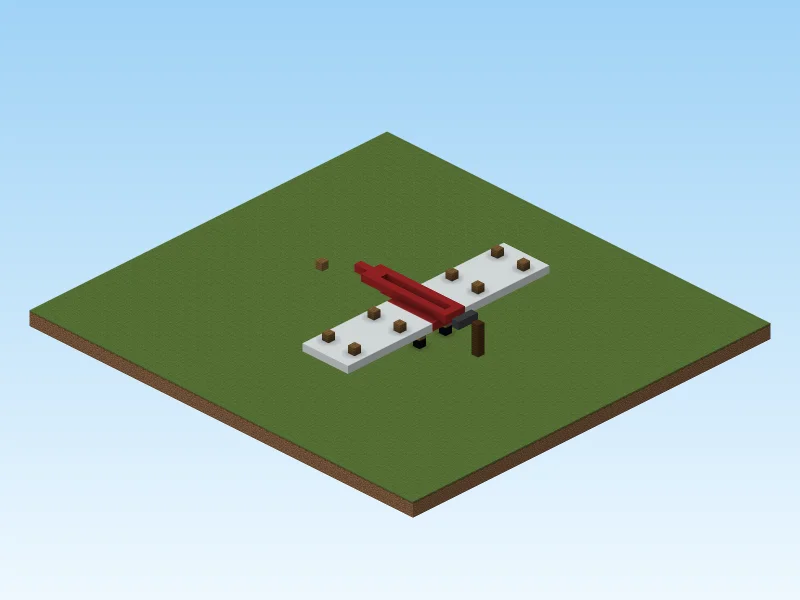
Layer 4 of 12 (221 blocks)
- White Concrete182
- Red Concrete38
- Dark Oak Planks1
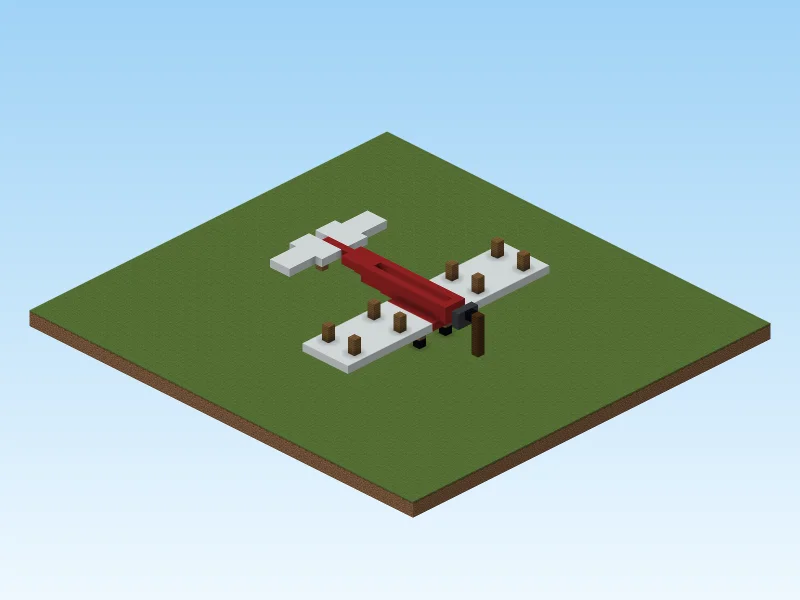
Layer 5 of 12 (43 blocks)
- Red Concrete31
- Spruce Planks8
- Gray Concrete3
- Dark Oak Planks1
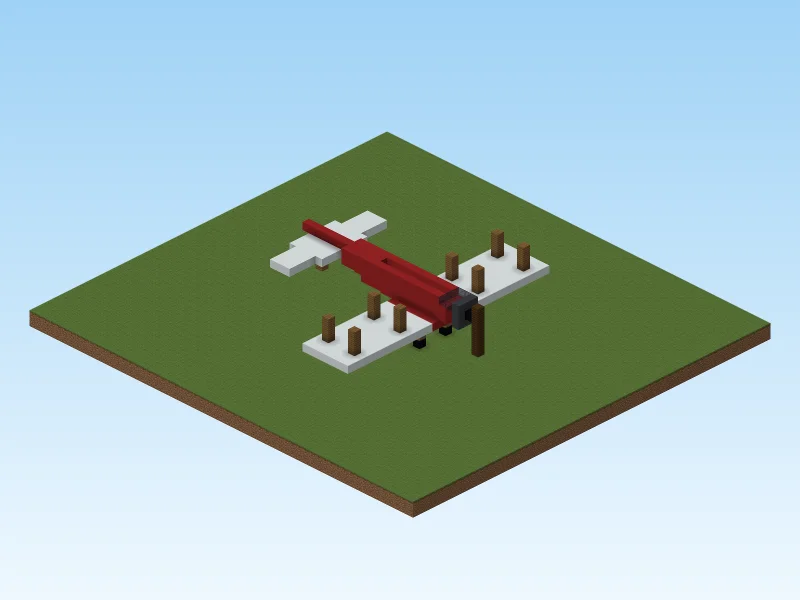
Layer 6 of 12 (108 blocks)
- White Concrete54
- Red Concrete41
- Spruce Planks8
- Gray Concrete3
- Black Concrete1
- Dark Oak Planks1
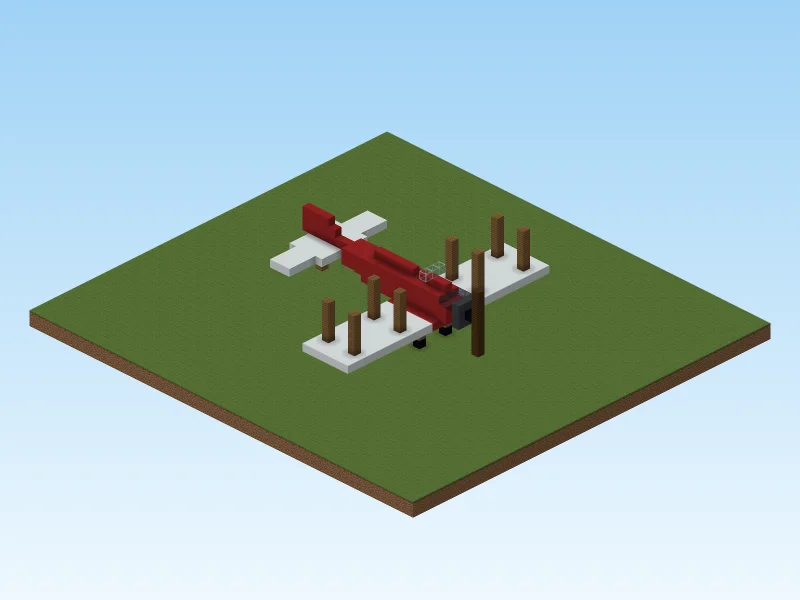
Layer 7 of 12 (60 blocks)
- Red Concrete42
- Spruce Planks8
- Tinted Glass6
- Gray Concrete3
- Dark Oak Planks1

Layer 8 of 12 (23 blocks)
- Red Concrete14
- Spruce Planks8
- Dark Oak Planks1
Layer 9 of 12 (16 blocks)
- Spruce Planks8
- Red Concrete4
- Glass3
- Dark Oak Planks1
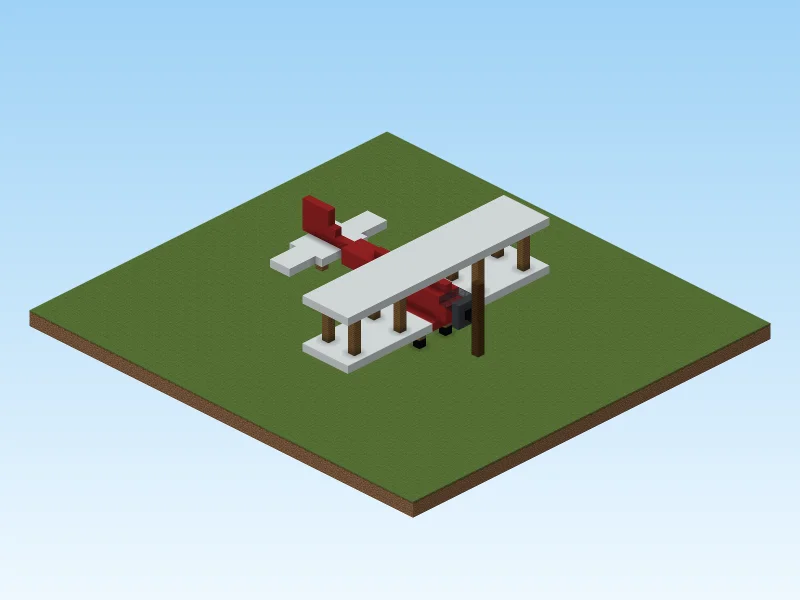
Layer 10 of 12 (222 blocks)
- White Concrete217
- Red Concrete4
- Dark Oak Planks1
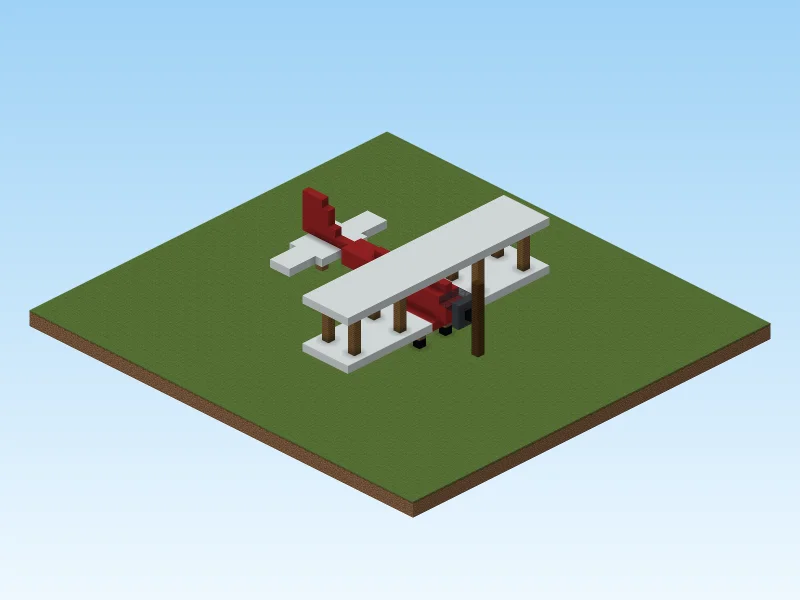
Layer 11 of 12 (3 blocks)
- Red Concrete3
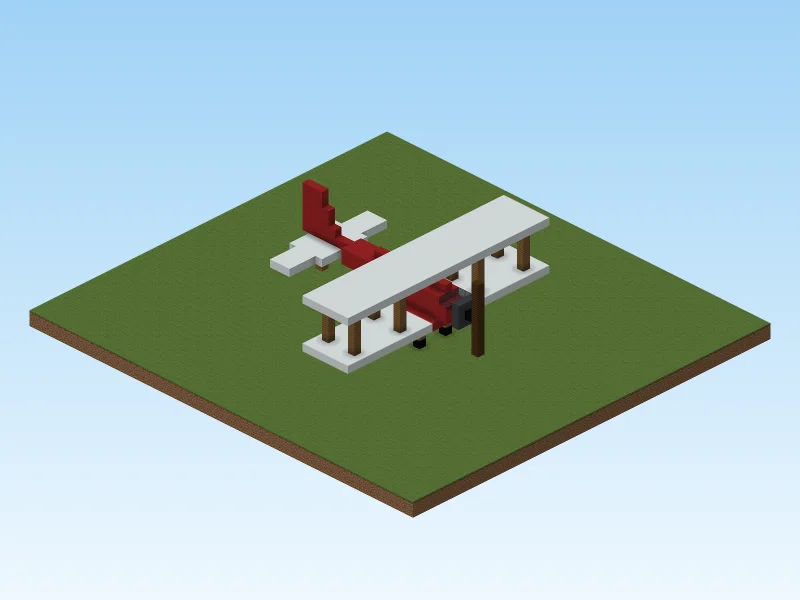
Layer 12 of 12 (3 blocks)
- Red Concrete3
Simplified blueprint: stairs and slabs are partly shown as full blocks, animals and plants as small squares. Tip: use the arrow keys ← → to switch layers.
Step-by-step guide
Fuselage
Build a red fuselage, 22 blocks long, with a gray engine at the front and tapering at the back.
Propeller
At the front, put a long dark oak propeller upright in front of the engine.
Two wings
Build two white wings on top of each other, each 31 blocks wide, one low on the fuselage and one 6 layers higher.
Struts
Connect the wings with vertical spruce struts.
Cockpit and tail
Leave an open cockpit on top with a glass windshield. A red fin and white stabilizers go at the back.
Landing gear
Two wheels on wooden legs stand underneath, with a tail skid at the back.
Pro tips
- A biplane looks best on a meadow with a small wooden hangar.
- The round fuselage is easiest with the blueprint: every layer is a slice through the plane.
Variations
- Build a triplane with three wings on top of each other.
- Turn it into an aerobatic plane with colorful stripes.


