Brandenburg Gate (Berlin)
- DifficultyHard
- Size57 × 15 blocks, 34 tall
- Build timeabout 8 hours
The Brandenburg Gate is Berlin's most famous landmark. In Minecraft it is 57 blocks wide and 34 blocks tall with the quadriga: six massive pairs of columns, five passages – the middle one is the widest – and an entablature with triglyphs on top.
On top of the attic rides the quadriga: four horses made of oxidized copper pull a chariot with the goddess of victory, who holds a staff with a wreath. The small gatehouses with columns stand on the left and right, and the paved Pariser Platz lies in front.

🔍 Click on parts
Tap any part of the build in the 3D model – a lamp, a tree, a bench next to the house – and you’ll see exactly how to build that part, with its materials and a layer-by-layer plan.
🧊 Build it as a hologram in Minecraft Bedrock (HoloPrint)
Download this build idea as a .mcstructure file – it is made right from the blueprint below. The HoloPrint website turns it into a pack that places the build as a see-through hologram in your world – you just fill in the blocks.
- Tap the button above – the file brandenburg-gate.mcstructure is downloaded.
- Open the HoloPrint website.
- Upload the file there.
- Create your build template texture pack.
- Download the .mcpack file.
- Open it with Minecraft and activate the pack in your world.
- Place an armor stand – the build template appears there. Tip: put it exactly where the build should stand.
Works with Minecraft Bedrock (phone, tablet, console, Windows). HoloPrint is a free fan project, not made by Blockwerk.
Layer-by-layer blueprint
Click through from bottom to top. Every square is one block, the front is at the bottom. Gray shows the layer below. 35 layers, area in the plan: 61 × 47 blocks.

Layer 1 of 35 (2419 blocks)
- Smooth Stone1327
- Stone1092
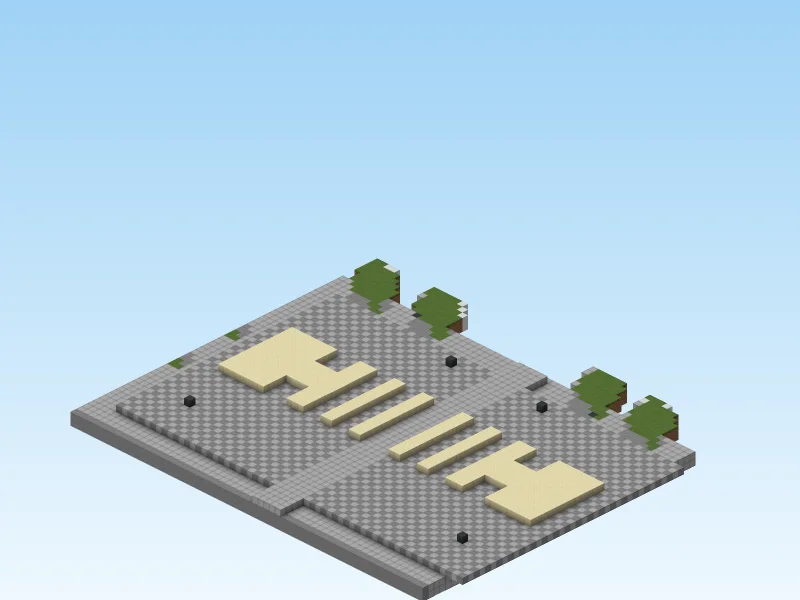
Layer 2 of 35 (434 blocks)
- Cut Sandstone390
- Smooth Sandstone40
- Gray Concrete4

Layer 3 of 35 (296 blocks)
- Smooth Sandstone204
- Sandstone84
- Dark Oak Planks4
- Gray Concrete4
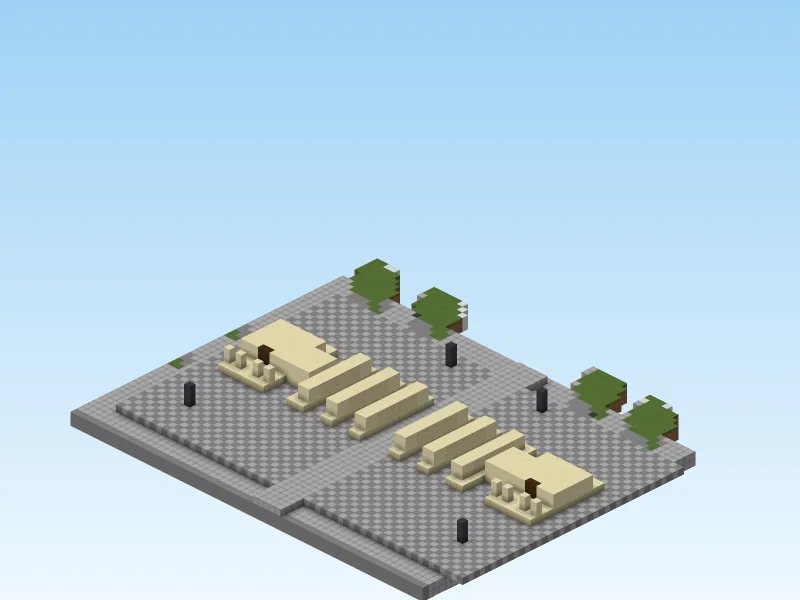
Layer 4 of 35 (296 blocks)
- Smooth Sandstone204
- Sandstone84
- Dark Oak Planks4
- Gray Concrete4
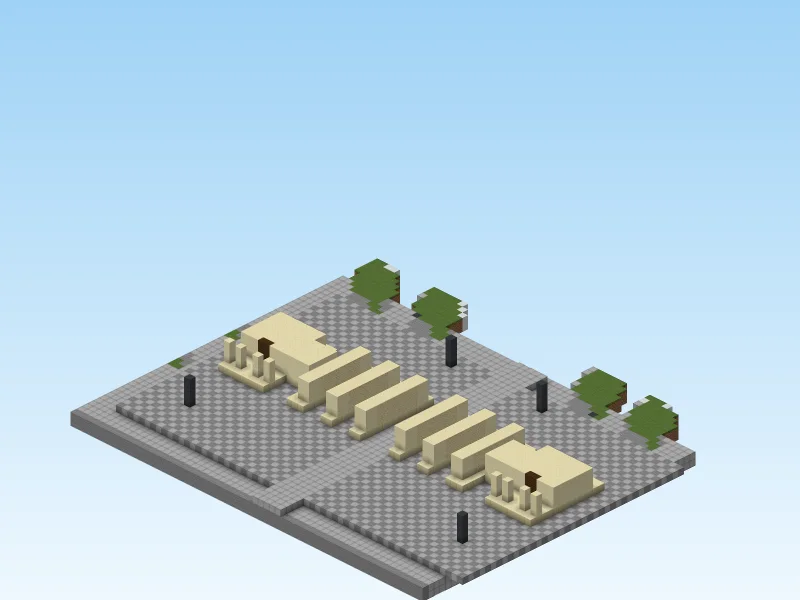
Layer 5 of 35 (296 blocks)
- Smooth Sandstone204
- Sandstone84
- Dark Oak Planks4
- Gray Concrete4

Layer 6 of 35 (296 blocks)
- Smooth Sandstone204
- Sandstone84
- Dark Oak Planks4
- Sea Lantern4

Layer 7 of 35 (292 blocks)
- Smooth Sandstone208
- Sandstone84

Layer 8 of 35 (292 blocks)
- Smooth Sandstone208
- Sandstone84

Layer 9 of 35 (292 blocks)
- Smooth Sandstone208
- Sandstone84

Layer 10 of 35 (332 blocks)
- Cut Sandstone200
- Sandstone84
- Smooth Sandstone48

Layer 11 of 35 (372 blocks)
- Chiseled Sandstone240
- Sandstone84
- Smooth Sandstone48

Layer 12 of 35 (368 blocks)
- Deepslate Tile Stairs220
- Sandstone84
- Smooth Sandstone60
- Chiseled Sandstone4

Layer 13 of 35 (320 blocks)
- Deepslate Tile Stairs176
- Sandstone84
- Smooth Sandstone56
- Chiseled Sandstone4

Layer 14 of 35 (272 blocks)
- Deepslate Tile Stairs132
- Cut Sandstone84
- Chiseled Sandstone52
- Smooth Sandstone4
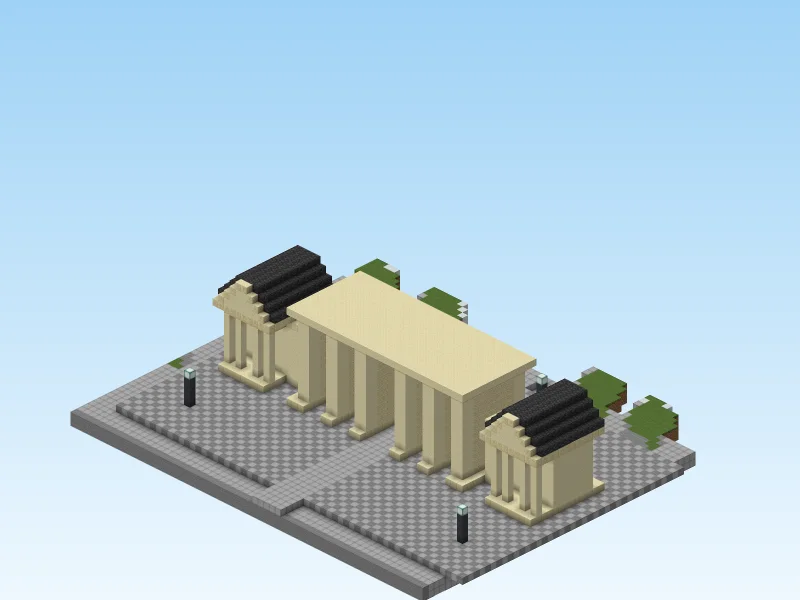
Layer 15 of 35 (495 blocks)
- Smooth Sandstone403
- Deepslate Tile Stairs88
- Chiseled Sandstone4
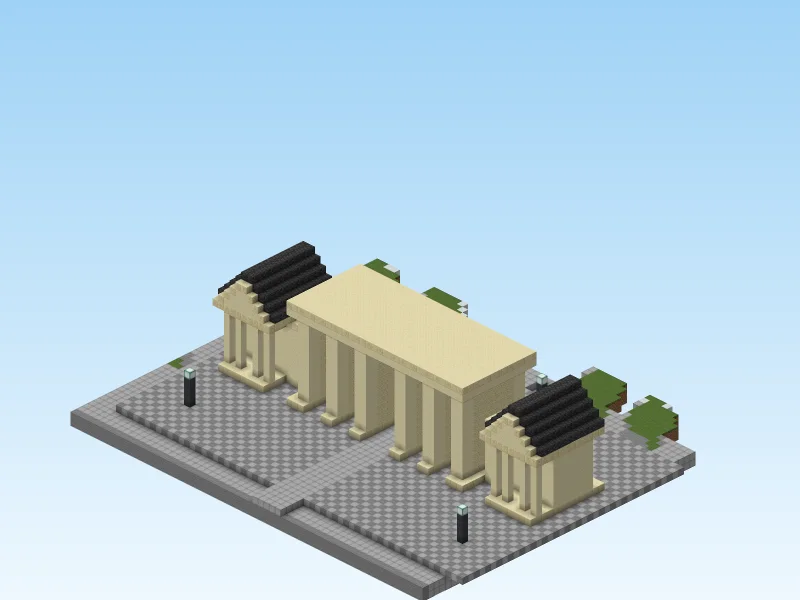
Layer 16 of 35 (447 blocks)
- Cut Sandstone361
- Deepslate Tile Stairs44
- Chiseled Sandstone42

Layer 17 of 35 (495 blocks)
- Cut Sandstone495

Layer 18 of 35 (297 blocks)
- Smooth Sandstone297
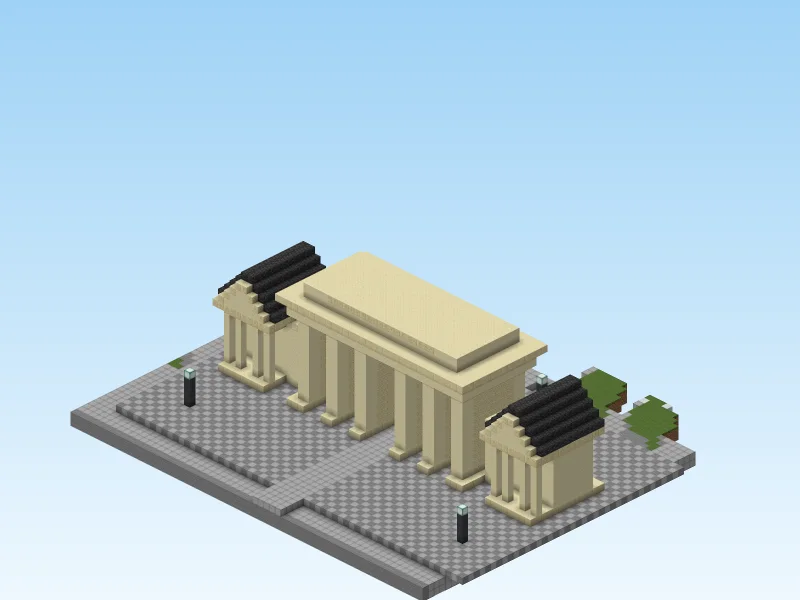
Layer 19 of 35 (297 blocks)
- Smooth Sandstone259
- Chiseled Sandstone38

Layer 20 of 35 (297 blocks)
- Smooth Sandstone297

Layer 21 of 35 (297 blocks)
- Cut Sandstone297
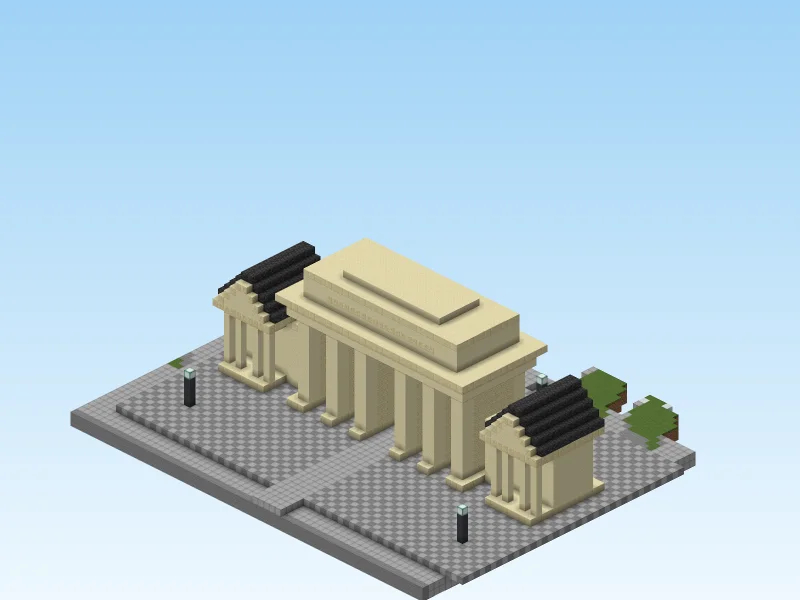
Layer 22 of 35 (119 blocks)
- Smooth Sandstone119
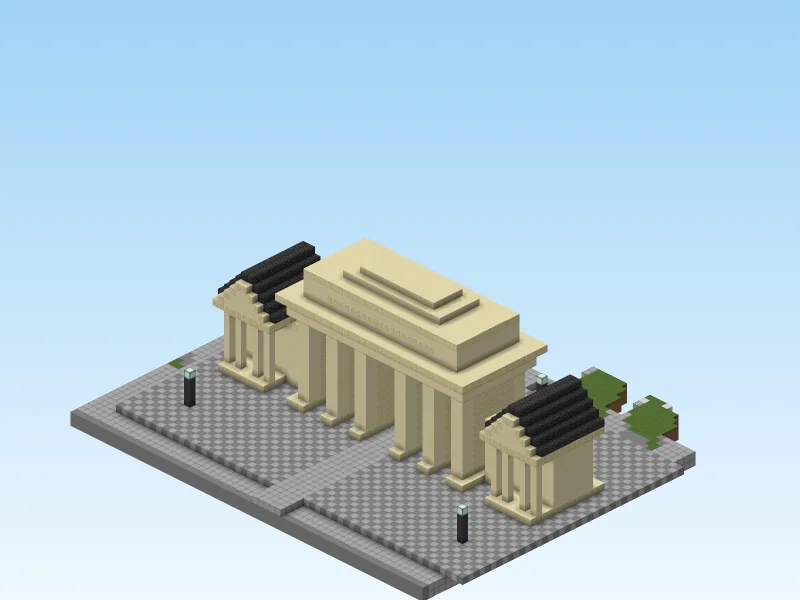
Layer 23 of 35 (65 blocks)
- Cut Sandstone65
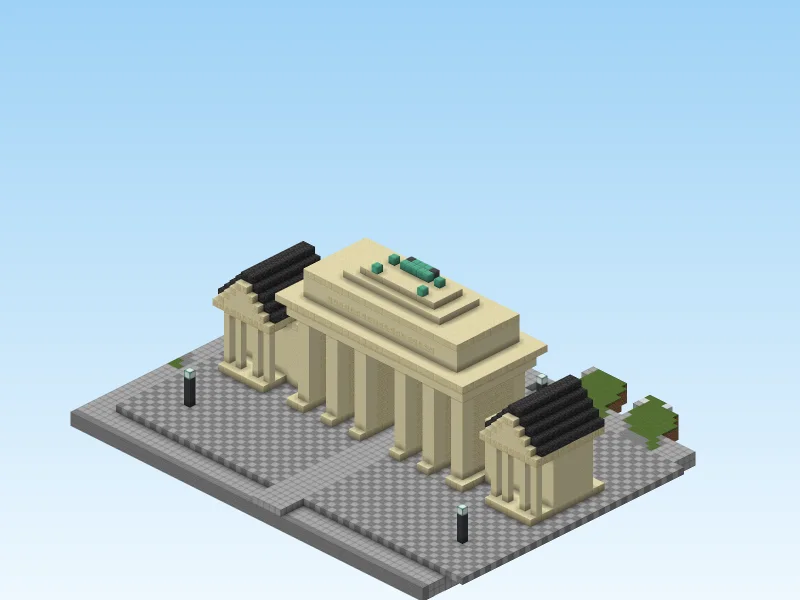
Layer 24 of 35 (14 blocks)
- Oxidized Copper12
- Polished Deepslate2

Layer 25 of 35 (12 blocks)
- Oxidized Copper12

Layer 26 of 35 (24 blocks)
- Oxidized Copper24

Layer 27 of 35 (26 blocks)
- Oxidized Copper26

Layer 28 of 35 (8 blocks)
- Oxidized Copper8
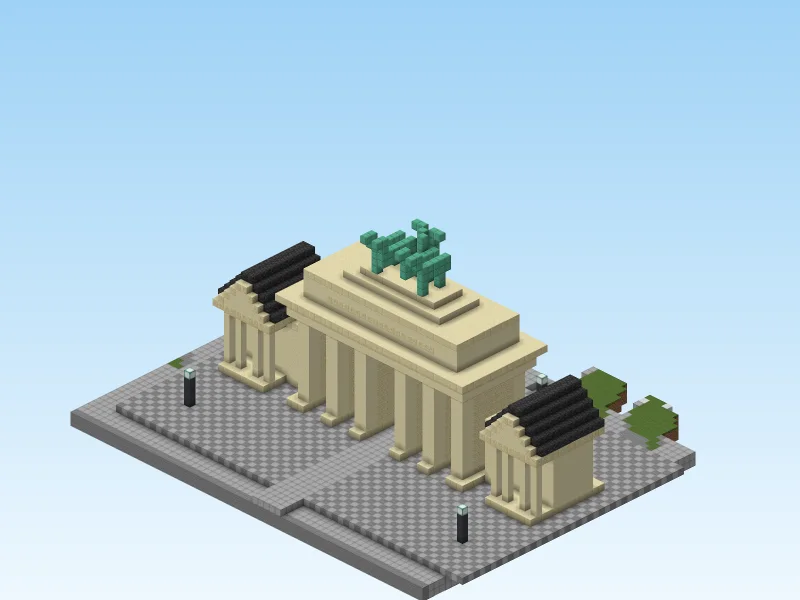
Layer 29 of 35 (14 blocks)
- Oxidized Copper14
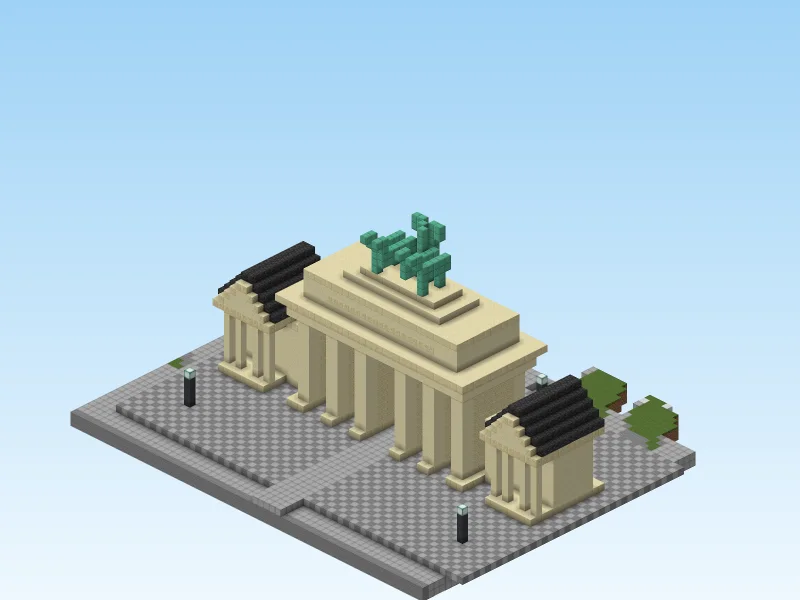
Layer 30 of 35 (6 blocks)
- Oxidized Copper6
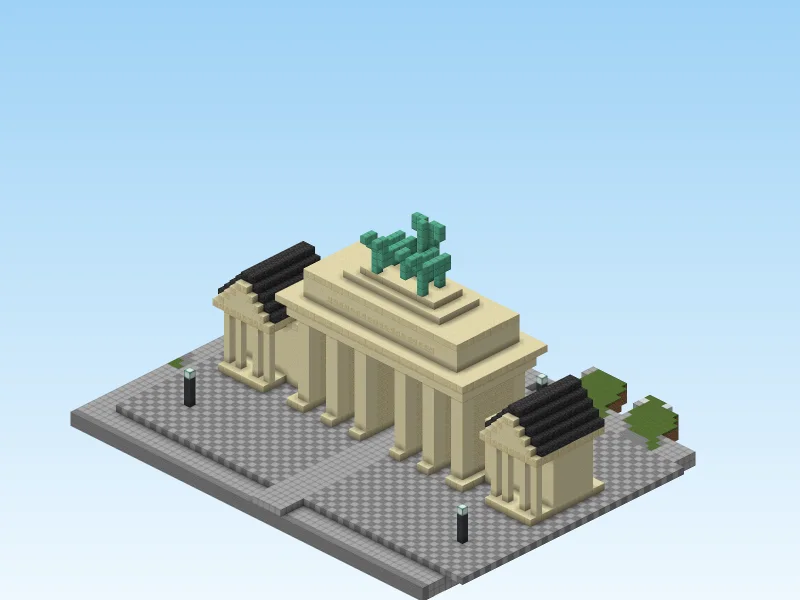
Layer 31 of 35 (1 blocks)
- Oxidized Copper1

Layer 32 of 35 (1 blocks)
- Oxidized Copper1
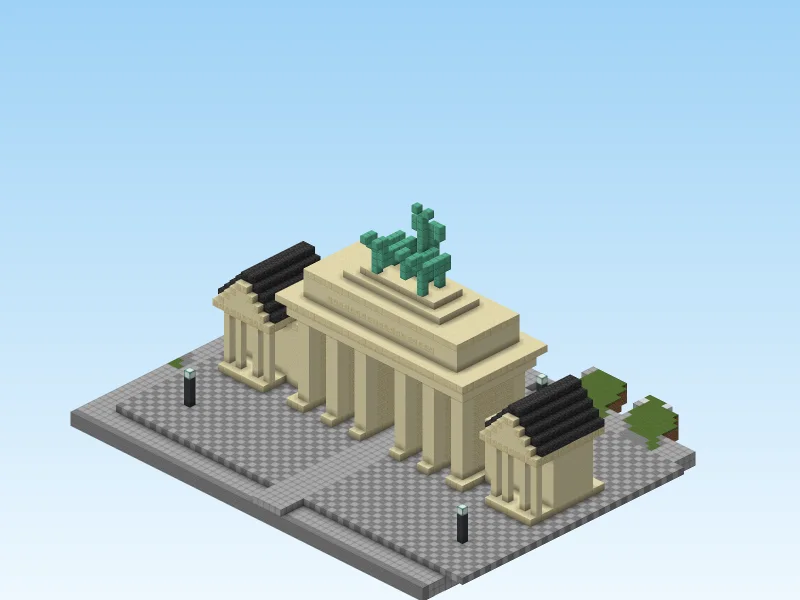
Layer 33 of 35 (2 blocks)
- Oxidized Copper2

Layer 34 of 35 (1 blocks)
- Oxidized Copper1
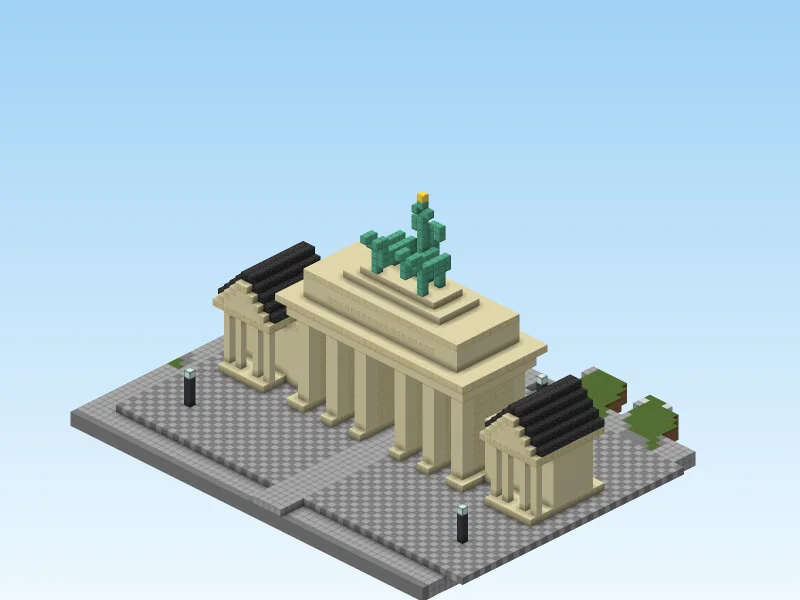
Layer 35 of 35 (1 blocks)
- Block of Gold1
Simplified blueprint: stairs and slabs are partly shown as full blocks, animals and plants as small squares. Tip: use the arrow keys ← → to switch layers.
Step-by-step guide
Pariser Platz
Pave a large area in a checkerboard pattern of smooth stone and stone. A 5-block-wide path of smooth stone runs through the middle – right through the central passage.
Base
Lay a base of cut sandstone, 31 × 13 blocks. Leave it out in the five passages so you can walk through.
Columns and passages
Build six pairs of columns: each column is 2 × 2 blocks and 11 high, made of smooth sandstone, one at the front and one at the back. Put a sandstone wall between them. The middle passage is 5 blocks wide, the four others 3 each. Top each column with a capital of chiseled sandstone.
Entablature
Above it goes a layer of smooth sandstone across the whole gate, then the frieze of cut sandstone with a chiseled sandstone on every second block – those are the triglyphs. Finally the cornice, which sticks out one block all around.
Stepped attic
On the entablature, build the attic: 27 × 11 blocks and 3 high of smooth sandstone, with a relief band of chiseled sandstone at the front and back. Two smaller steps follow on top as the base for the quadriga.
Quadriga
Build four horses side by side from oxidized copper, all facing forward: a 4-block-long body, legs, neck, head and tail. The two middle horses rear up on their hind legs. Behind them stands the chariot with the winged goddess of victory holding a staff with a wreath – a gold block shines at the very top.
Wings and gatehouses
On the left and right, a low smooth sandstone building connects the gate to the gatehouses. Each gatehouse is 8 × 9 blocks with columns at the front, a dark oak door and a roof of deepslate tiles with a triangular pediment.
Lanterns and linden trees
Put lanterns on the square and plant trees behind the gate – like on the famous street Unter den Linden.
Pro tips
- Build all twelve columns first and check the gaps before you add the entablature – that way the passages are guaranteed to be even.
- You get oxidized copper with patience: a normal copper block slowly turns green in the open air over a few in-game days. Wax it with honeycomb afterwards to keep the color.
- The quadriga is easiest with the blueprint: each horse is only one block wide.
Variations
- Hide glowstone in the base and the gate lights up at night just like the real one.
- Add a street and houses around it and you have the start of a whole city of Berlin.


