Dino Park Control Center with Radio Mast
- DifficultyHard
- Size53 × 47 blocks, 36 tall
- Build timeabout 7 hours
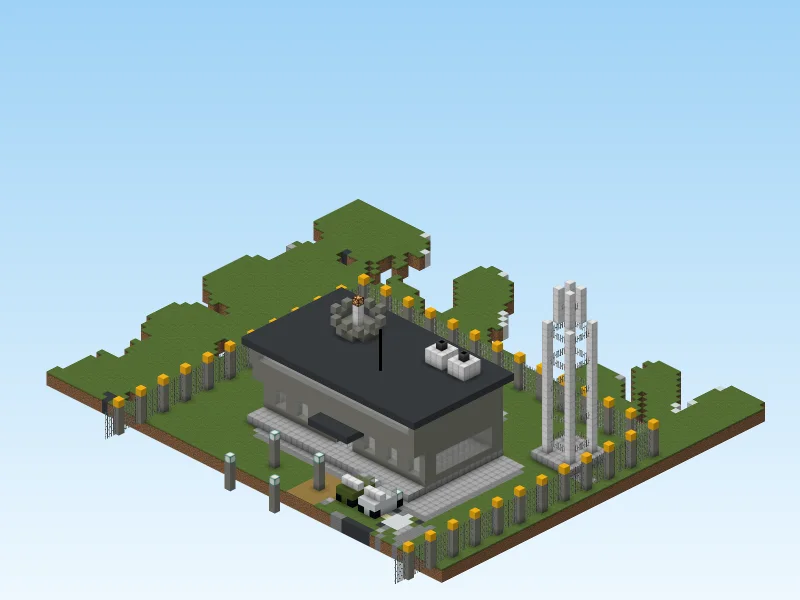
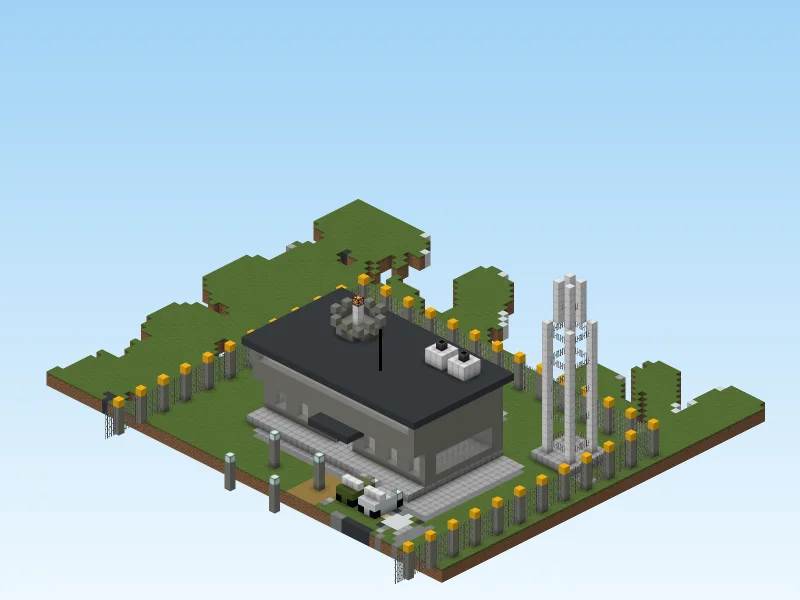
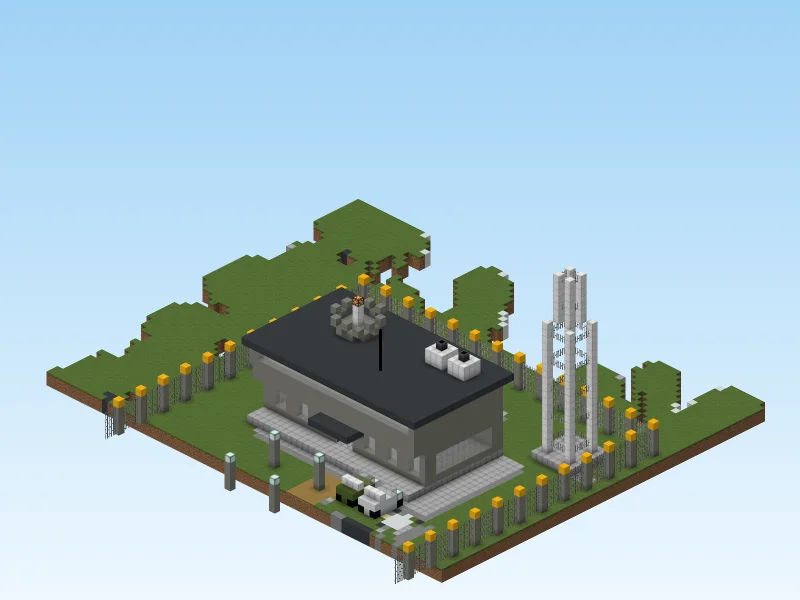
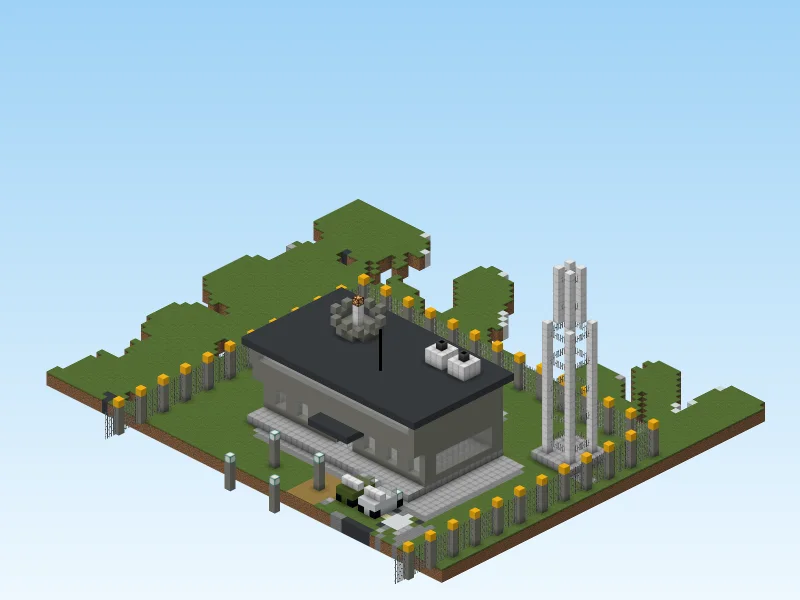
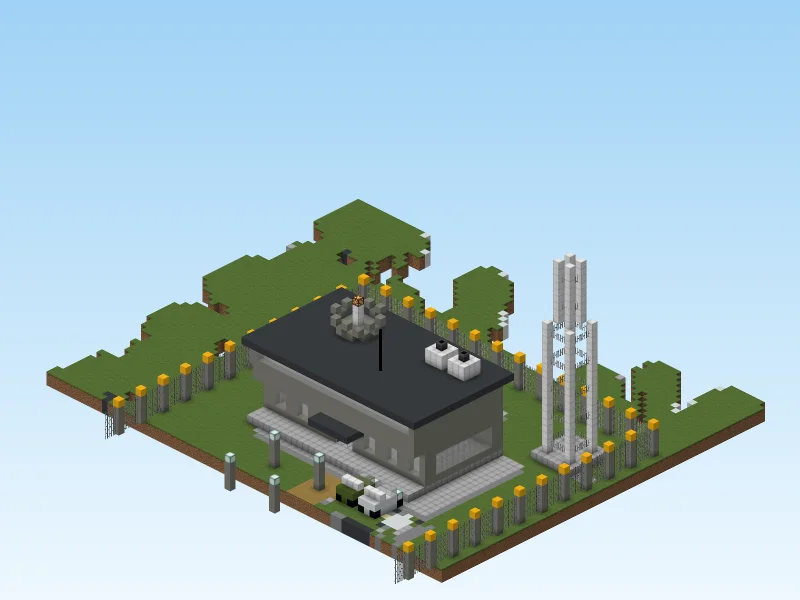
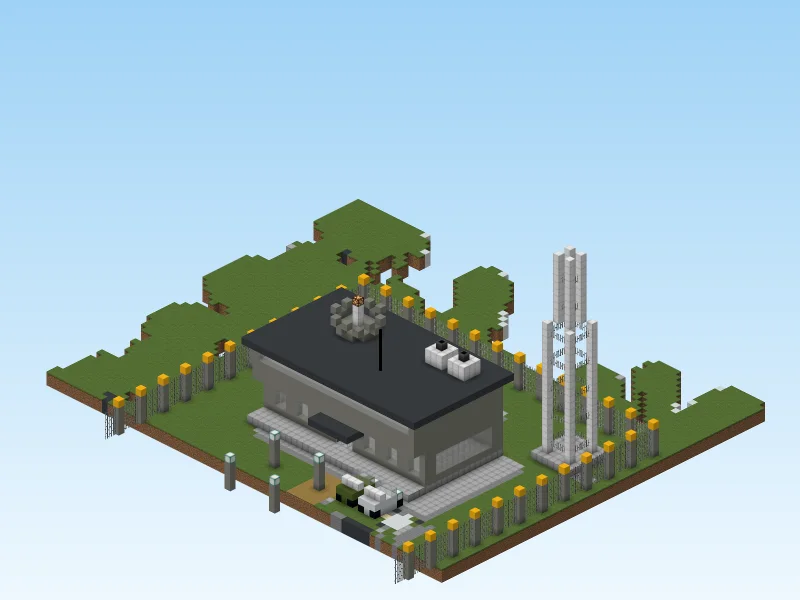
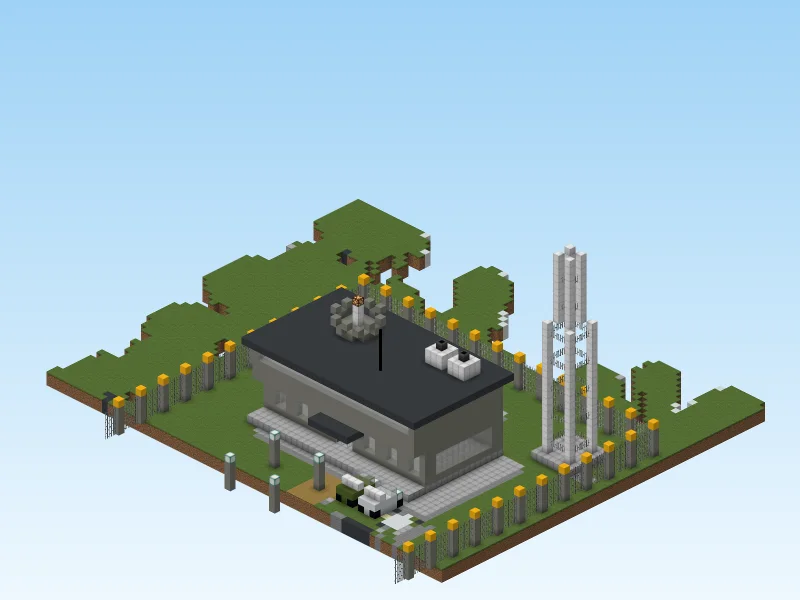
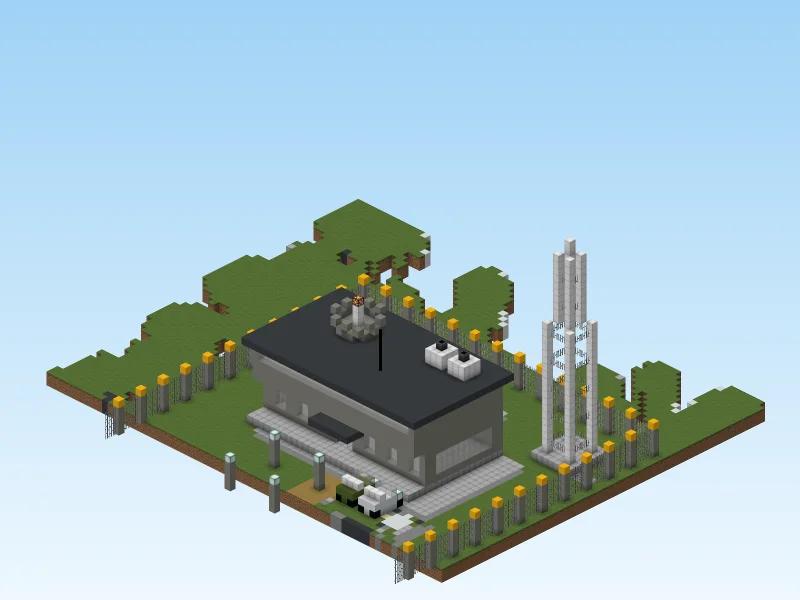
The whole park is controlled from here: in the control room upstairs, the staff look out through a slanted glass front and at a big wall of screens.
A satellite dish and antennas stand on the roof, and next to it a 36-block radio mast reaches into the sky. Generators with warning stripes, an electric fence and a parking lot with jeeps complete the site.

🔍 Click on parts
Tap any part of the build in the 3D model – a lamp, a tree, a bench next to the house – and you’ll see exactly how to build that part, with its materials and a layer-by-layer plan.
🧊 Build it as a hologram in Minecraft Bedrock (HoloPrint)
Download this build idea as a .mcstructure file – it is made right from the blueprint below. The HoloPrint website turns it into a pack that places the build as a see-through hologram in your world – you just fill in the blocks.
- Tap the button above – the file control-center.mcstructure is downloaded.
- Open the HoloPrint website.
- Upload the file there.
- Create your build template texture pack.
- Download the .mcpack file.
- Open it with Minecraft and activate the pack in your world.
- Place an armor stand – the build template appears there. Tip: put it exactly where the build should stand.
Works with Minecraft Bedrock (phone, tablet, console, Windows). HoloPrint is a free fan project, not made by Blockwerk.
Layer-by-layer blueprint
Click through from bottom to top. Every square is one block, the front is at the bottom. Gray shows the layer below. 36 layers, area in the plan: 53 × 47 blocks.
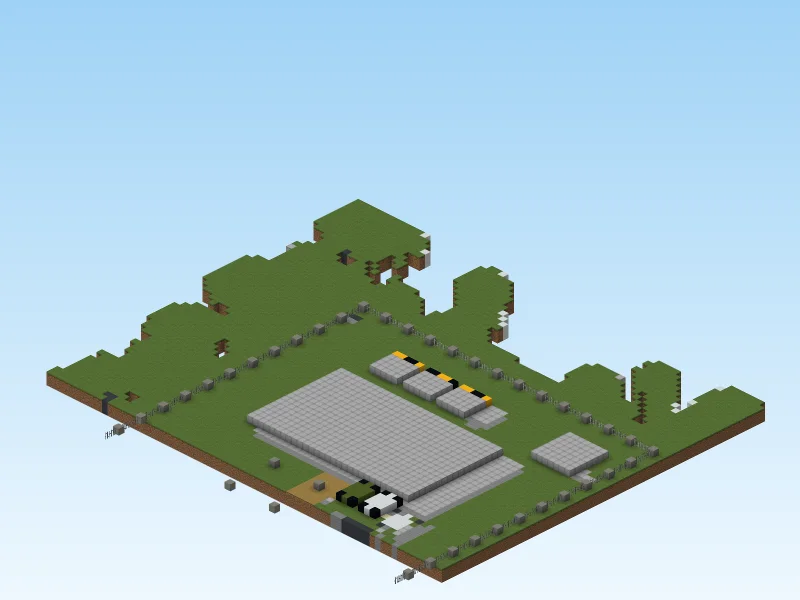
Layer 1 of 36 (796 blocks)
- Smooth Stone602
- Iron Bars109
- Light Gray Concrete40
- Black Concrete15
- Green Concrete11
- White Concrete11
- Yellow Concrete8

Layer 2 of 36 (327 blocks)
- Light Gray Concrete119
- Iron Bars109
- Block of Iron49
- Black Concrete17
- Green Concrete13
- White Concrete13
- Sea Lantern4
- Glass2
- Iron Door1
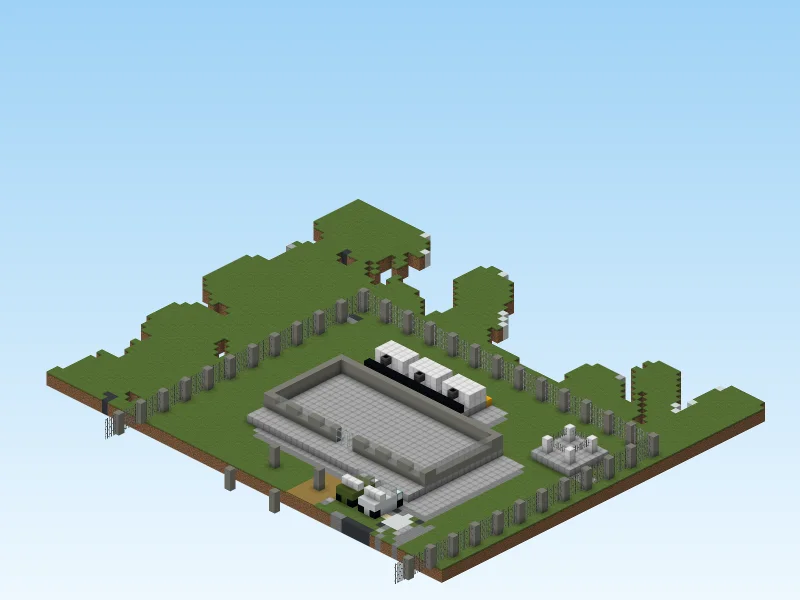
Layer 3 of 36 (307 blocks)
- Iron Bars121
- Light Gray Concrete97
- Block of Iron55
- Light Gray Stained Glass28
- Hopper3
- Glass2
- Iron Door1
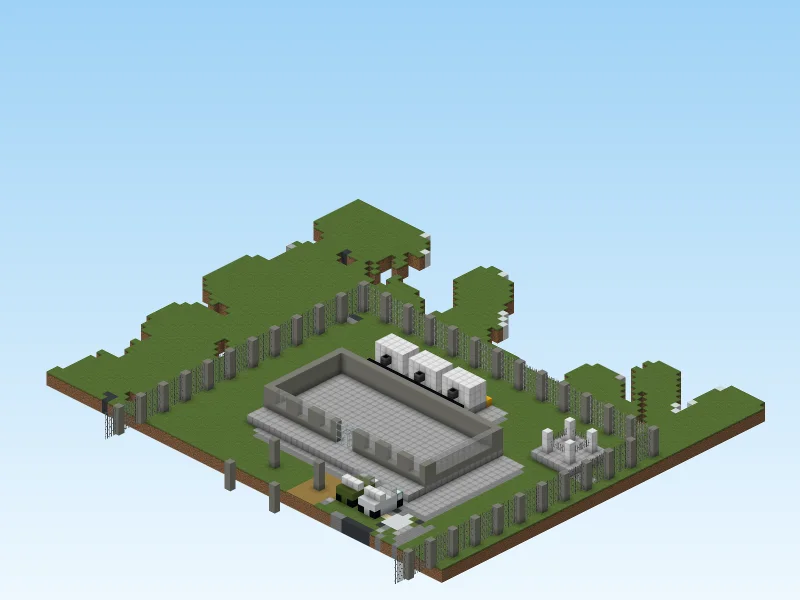
Layer 4 of 36 (280 blocks)
- Iron Bars109
- Light Gray Concrete97
- Block of Iron49
- Light Gray Stained Glass22
- Glass3
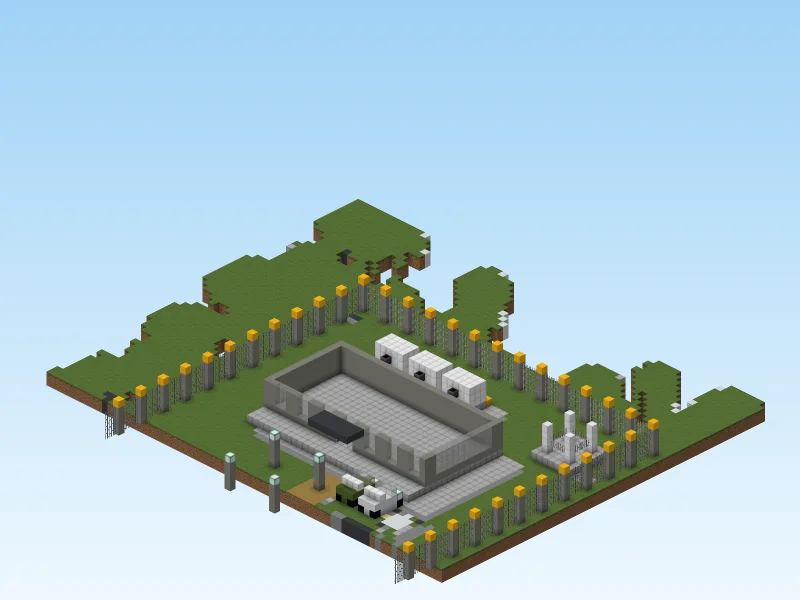
Layer 5 of 36 (147 blocks)
- Light Gray Concrete58
- Yellow Concrete36
- Light Gray Stained Glass24
- Gray Concrete21
- Block of Iron4
- Sea Lantern4

Layer 6 of 36 (86 blocks)
- Light Gray Concrete82
- Block of Iron4
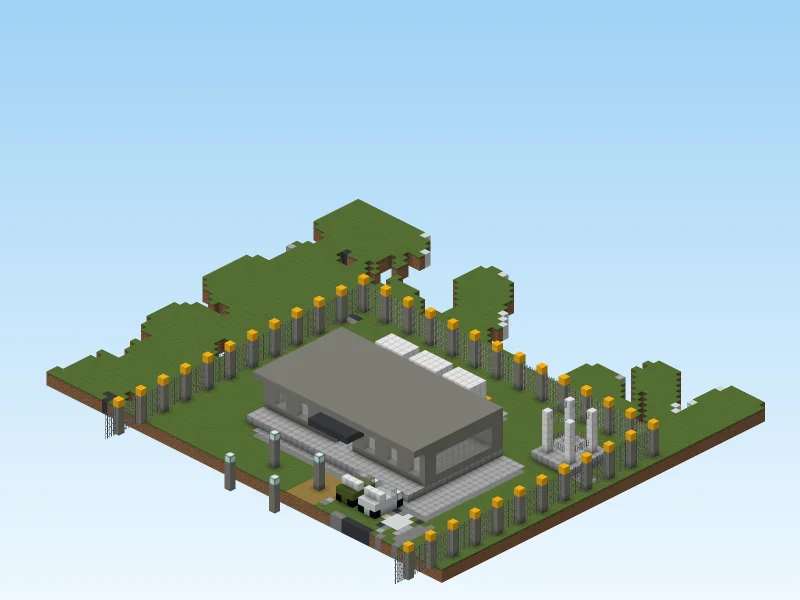
Layer 7 of 36 (480 blocks)
- Light Gray Concrete464
- Iron Bars12
- Block of Iron4
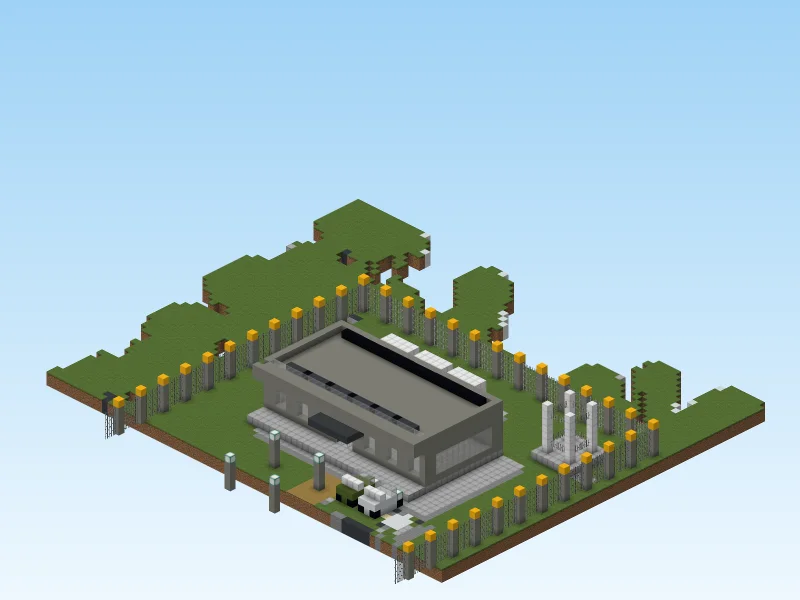
Layer 8 of 36 (191 blocks)
- Light Gray Concrete112
- Black Concrete30
- Light Gray Stained Glass27
- Gray Concrete18
- Block of Iron4
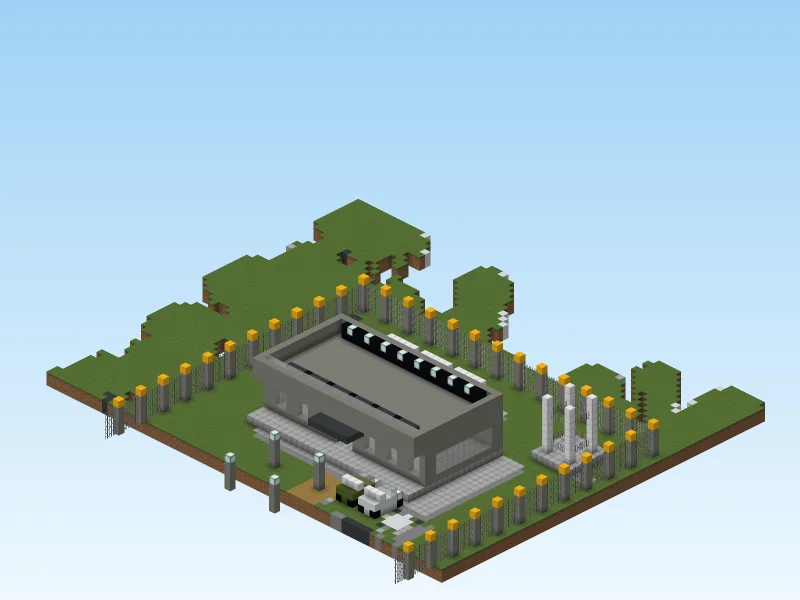
Layer 9 of 36 (142 blocks)
- Light Gray Concrete86
- Light Gray Stained Glass27
- Black Concrete17
- Sea Lantern8
- Block of Iron4

Layer 10 of 36 (115 blocks)
- Light Gray Concrete59
- Light Gray Stained Glass27
- Black Concrete17
- Redstone Lamp8
- Block of Iron4
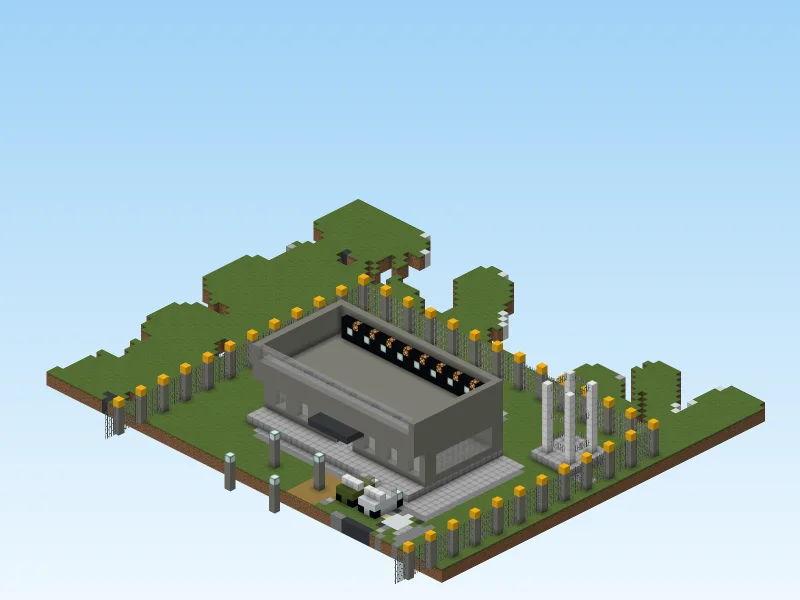
Layer 11 of 36 (102 blocks)
- Light Gray Concrete59
- Light Gray Stained Glass27
- Iron Bars12
- Block of Iron4
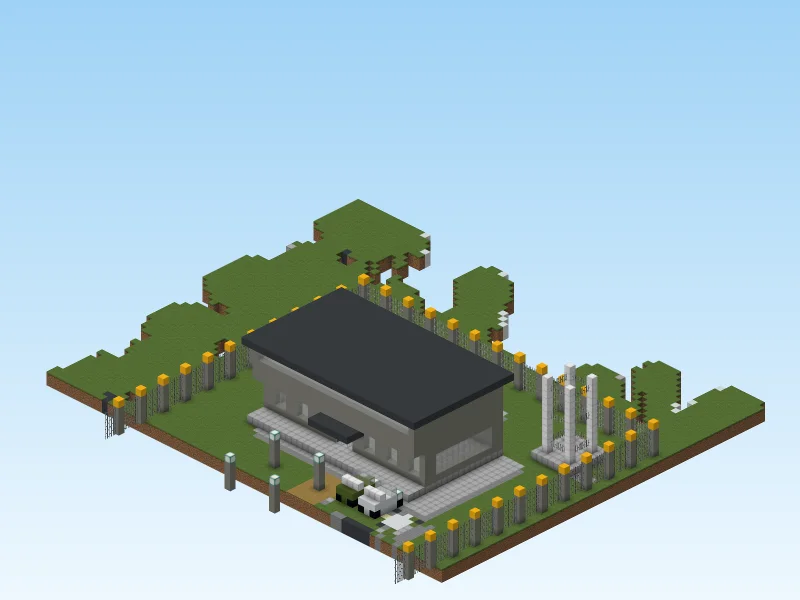
Layer 12 of 36 (562 blocks)
- Gray Concrete558
- Block of Iron4
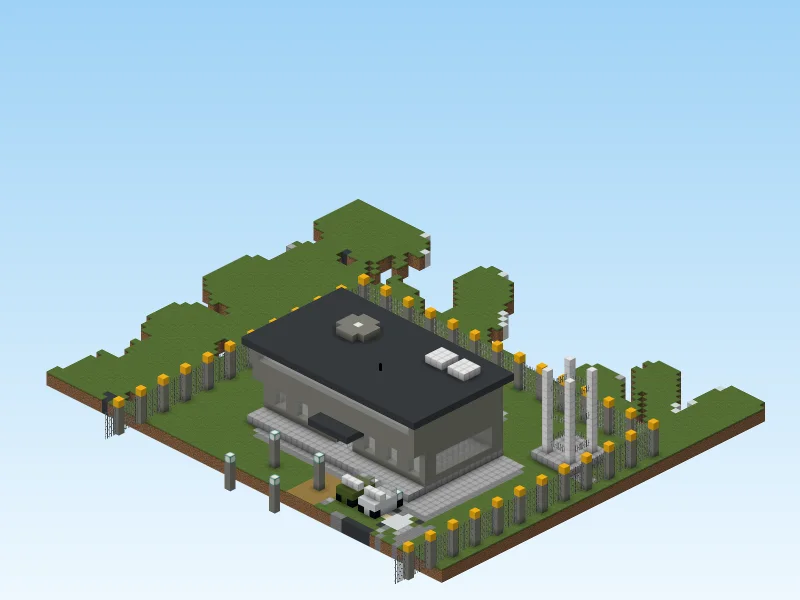
Layer 13 of 36 (44 blocks)
- Block of Iron23
- Light Gray Concrete20
- Chain1
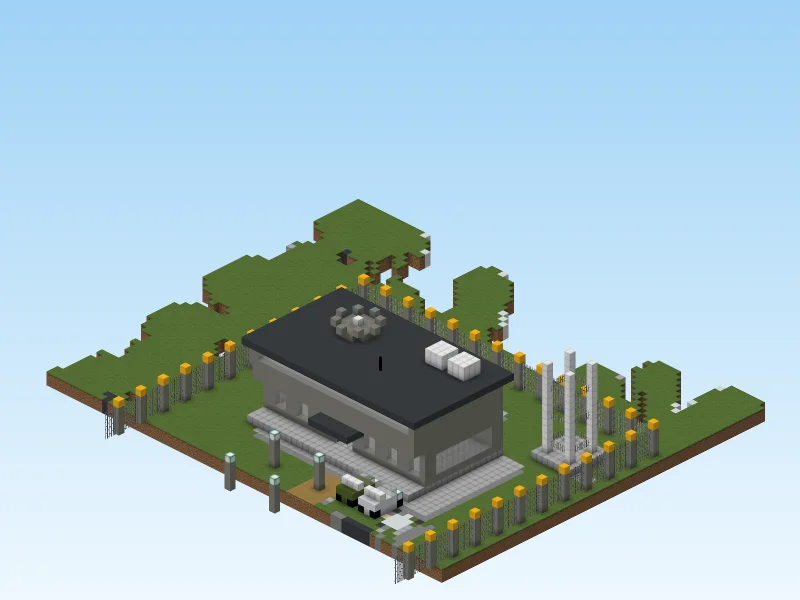
Layer 14 of 36 (32 blocks)
- Block of Iron23
- Light Gray Concrete8
- Chain1
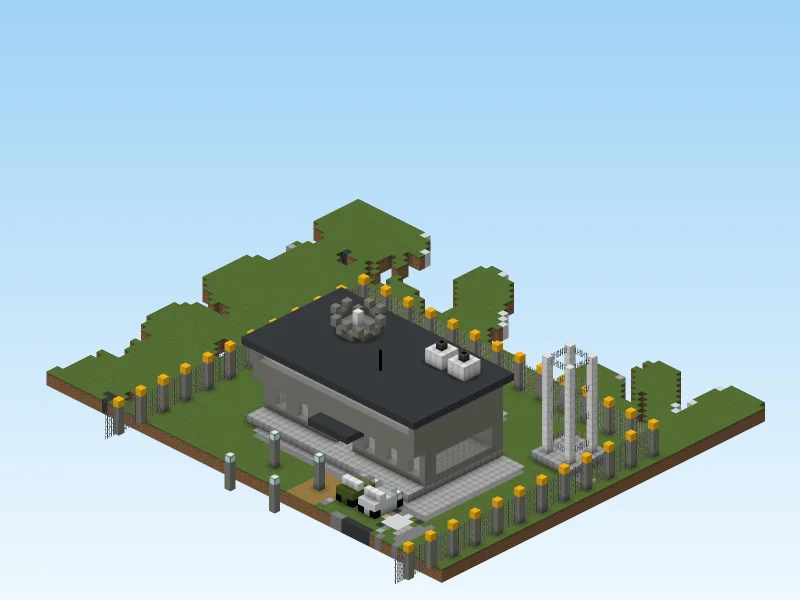
Layer 15 of 36 (28 blocks)
- Iron Bars12
- Light Gray Concrete8
- Block of Iron5
- Hopper2
- Chain1
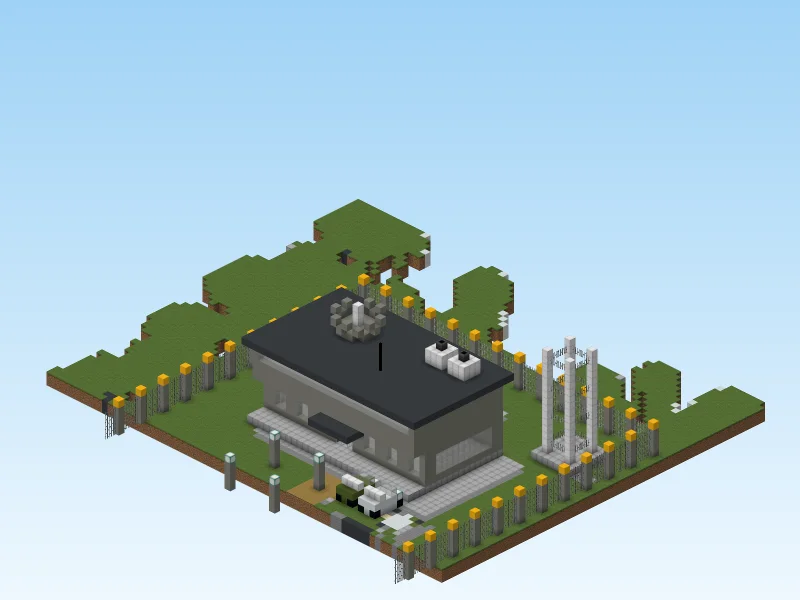
Layer 16 of 36 (6 blocks)
- Block of Iron5
- Chain1
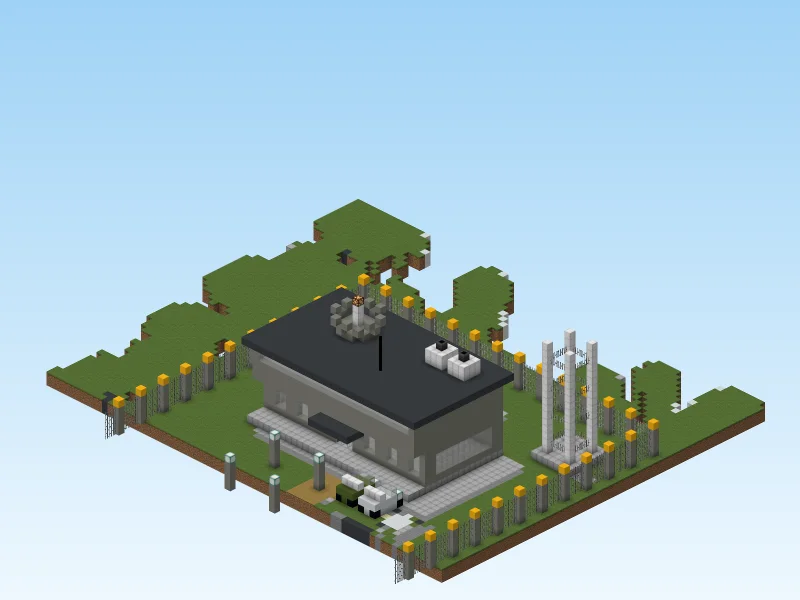
Layer 17 of 36 (6 blocks)
- Block of Iron4
- Redstone Lamp1
- Chain1
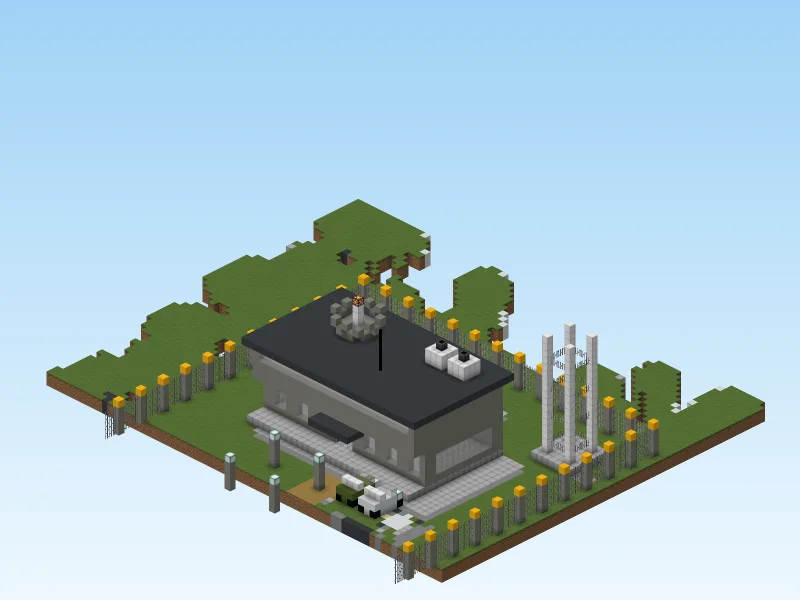
Layer 18 of 36 (5 blocks)
- Block of Iron4
- Chain1

Layer 19 of 36 (16 blocks)
- Iron Bars12
- Block of Iron4
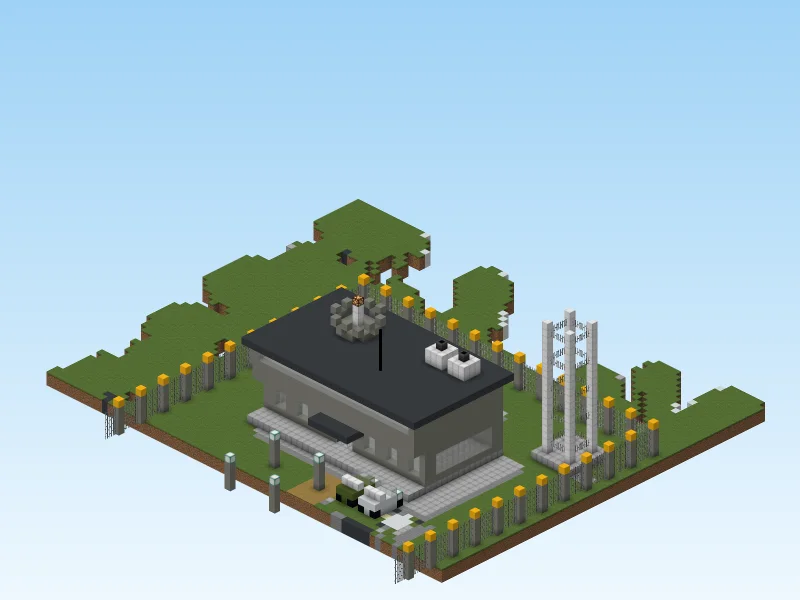
Layer 20 of 36 (4 blocks)
- Block of Iron4
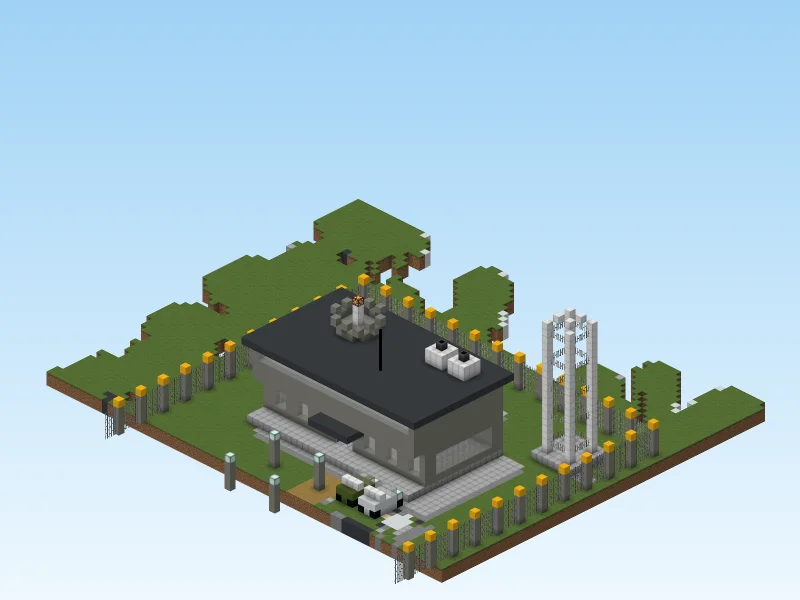
Layer 21 of 36 (4 blocks)
- Block of Iron4
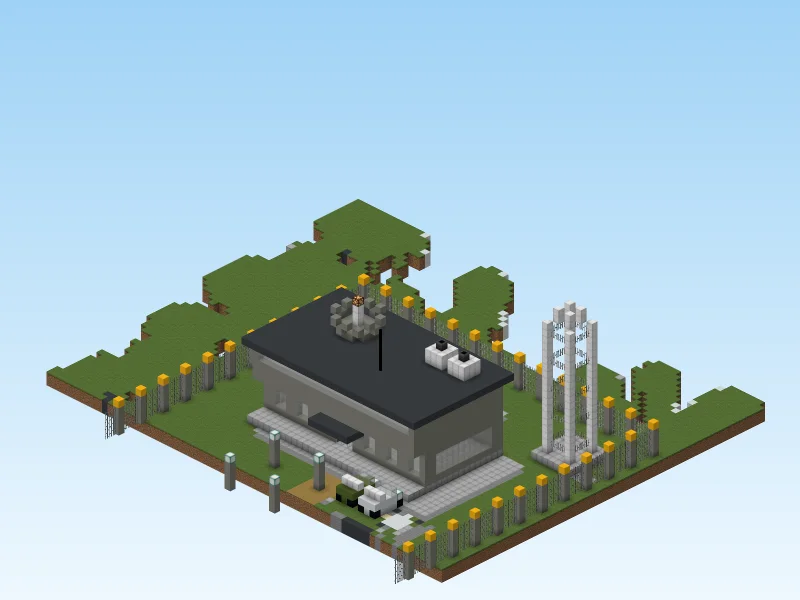
Layer 22 of 36 (4 blocks)
- Block of Iron4
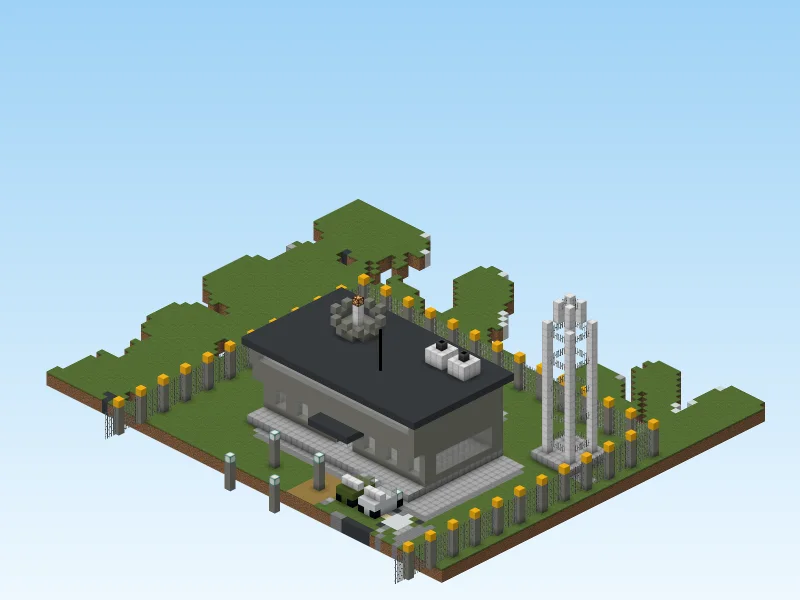
Layer 23 of 36 (8 blocks)
- Block of Iron4
- Iron Bars4
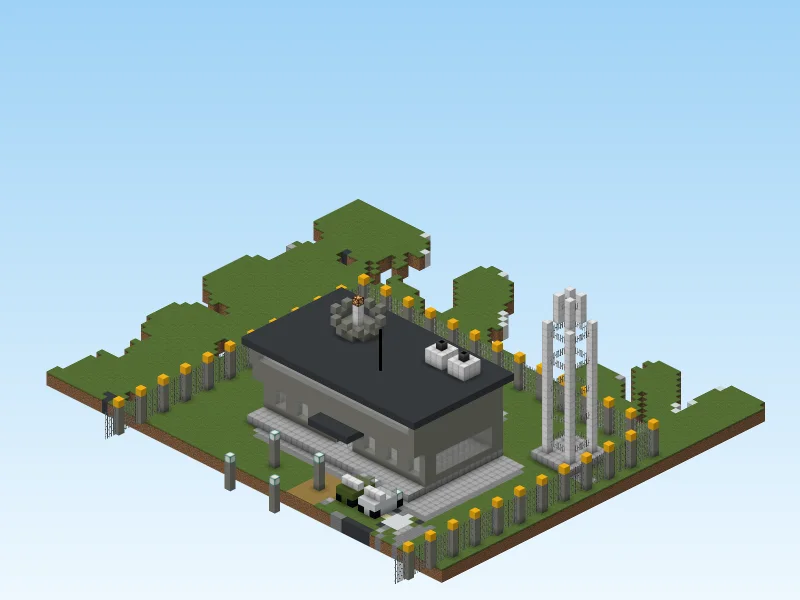
Layer 24 of 36 (4 blocks)
- Block of Iron4
Layer 25 of 36 (4 blocks)
- Block of Iron4
Layer 26 of 36 (4 blocks)
- Block of Iron4
Layer 27 of 36 (8 blocks)
- Block of Iron4
- Iron Bars4
Layer 28 of 36 (4 blocks)
- Block of Iron4
Layer 29 of 36 (4 blocks)
- Block of Iron4
Layer 30 of 36 (4 blocks)
- Block of Iron4
Layer 31 of 36 (1 blocks)
- Block of Iron1
Layer 32 of 36 (1 blocks)
- Block of Iron1

Layer 33 of 36 (1 blocks)
- Block of Iron1
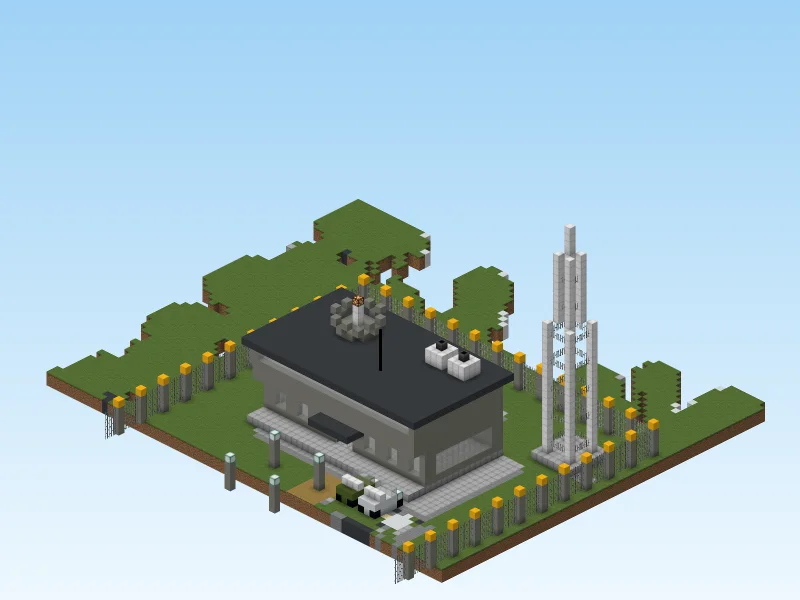
Layer 34 of 36 (1 blocks)
- Block of Iron1
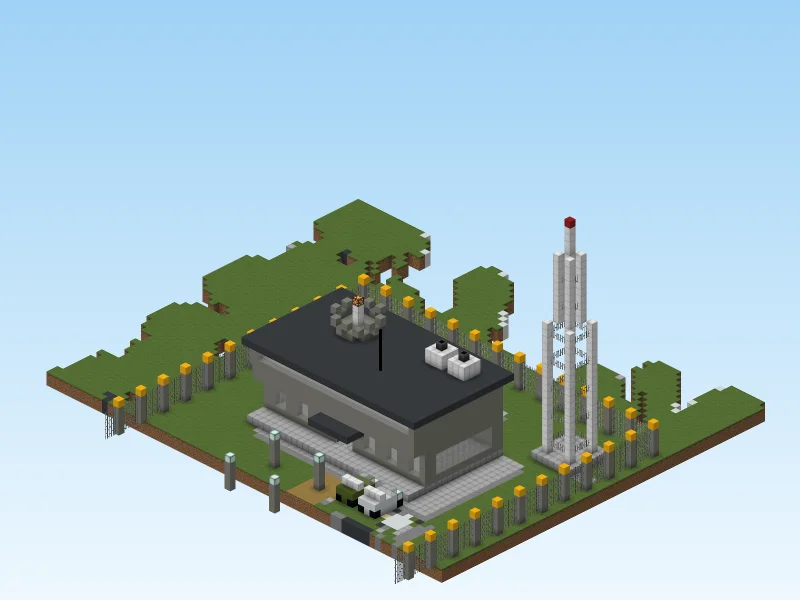
Layer 35 of 36 (1 blocks)
- Red Concrete1
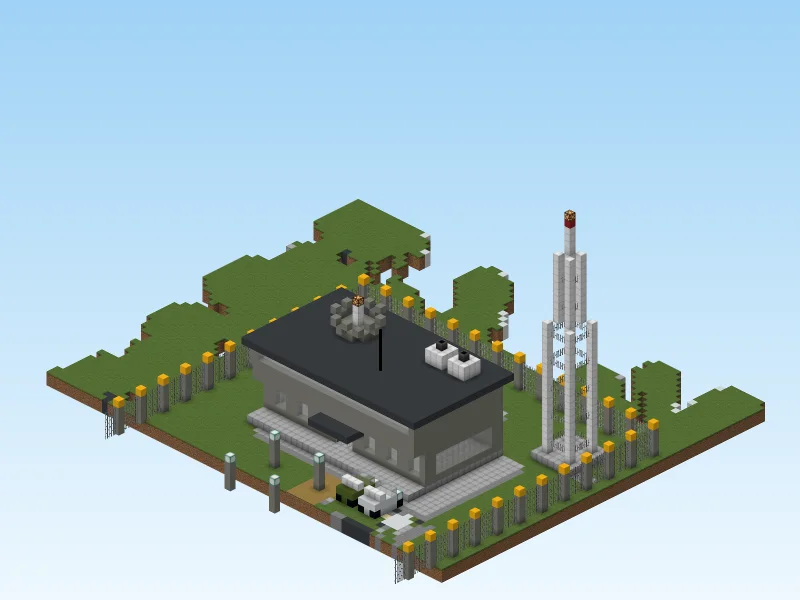
Layer 36 of 36 (1 blocks)
- Redstone Lamp1
Simplified blueprint: stairs and slabs are partly shown as full blocks, animals and plants as small squares. Tip: use the arrow keys ← → to switch layers.
Step-by-step guide
Ground floor
On a smooth stone slab, build a light gray concrete building, 29 × 14 blocks and 5 tall. Add windows of light gray glass 2 blocks wide at a time, a glass door with an iron door at the front and a small canopy.
Control room
On top comes the control room: 4 blocks tall, with a slanted glass front that tilts 2 blocks outward towards the top. Build it in steps: at the bottom right above the wall, in the middle one block further out, at the top two blocks further out.
Screen wall
Inside, on the back wall of the control room, comes a wall of black concrete with sea lanterns and redstone lamps as monitors. Desks of gray and black concrete stand along the glass front.
Roof
The gray concrete roof overhangs all around. On it stand a light gray concrete satellite dish on an iron mast, two ventilation boxes and an antenna made of chains.
Radio mast
At the back right stands a lattice mast: four corner posts of iron blocks, connected with iron bars every 4 blocks. From height 20 the mast gets narrower. At the very top, a block of red concrete and a lamp as a warning light.
Generators
Behind the building stand three iron block generators with hoppers as fans and yellow-and-black warning stripes in front. A black concrete cable leads to the house.
Fence and parking
An electric fence runs around the back and sides. At the front right is a gravel parking lot with two jeeps, and a path with lamps leads to the entrance.
Pro tips
- Build the lattice mast layer by layer from the bottom up – then you can stand on the bars.
- Build the park in the jungle biome: jungle trees, ferns and vines will already grow around your buildings.
- You get concrete by placing concrete powder next to water. Dye it gray, light gray or yellow first.
Variations
- With redstone lamps switched by levers you can build real alarms in the control room.
- Instead of a radio mast, put a large radar dish next to the building.


