Giant Passenger Jet (Double-Decker)
- DifficultyHard
- Size74 × 81 blocks, 26 tall
- Build timeabout 8 hours
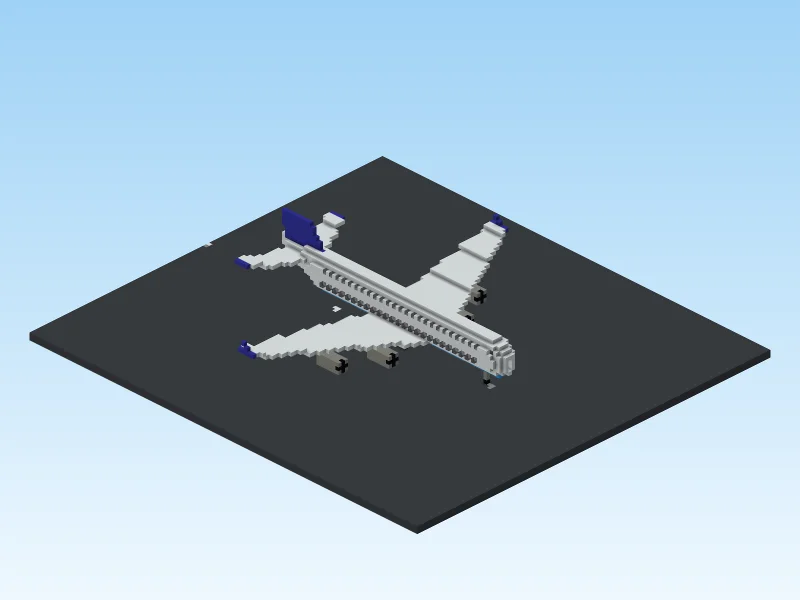
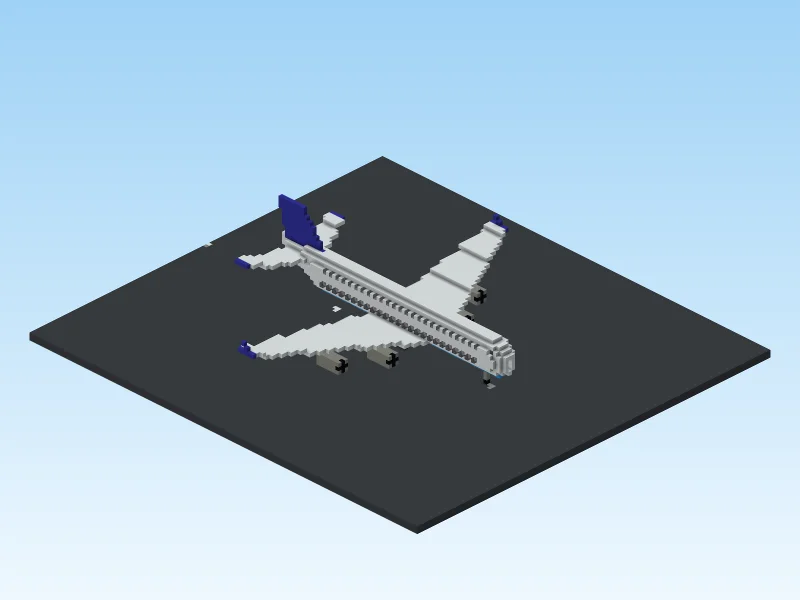
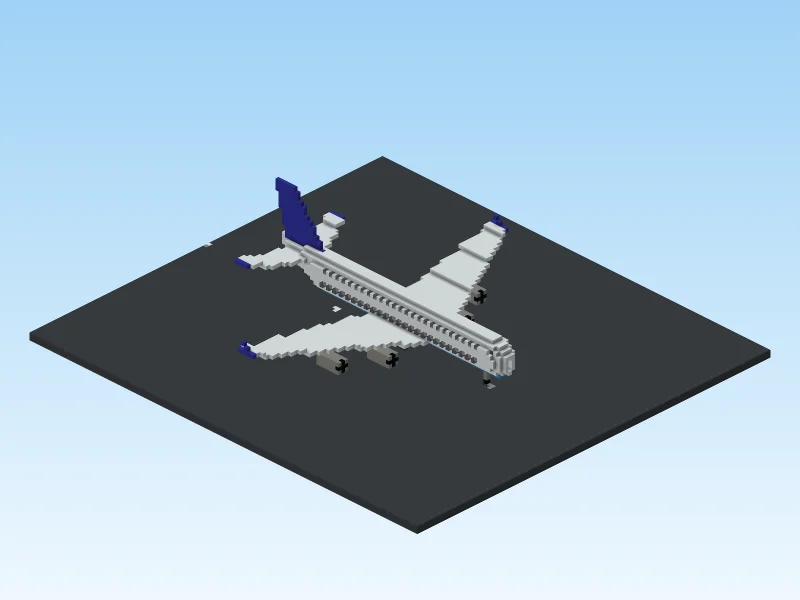
The largest passenger plane in the world has two full decks on top of each other and room for more than 800 people. This giant jet is built at real size: 74 blocks long, with an 81-block wingspan.
Typical features are the tall, oval fuselage with two rows of windows, the huge wings with four engines and winglets, and the tall tail. It stands on the apron of an airport.

🔍 Click on parts
Tap any part of the build in the 3D model – a lamp, a tree, a bench next to the house – and you’ll see exactly how to build that part, with its materials and a layer-by-layer plan.
🧊 Build it as a hologram in Minecraft Bedrock (HoloPrint)
Download this build idea as a .mcstructure file – it is made right from the blueprint below. The HoloPrint website turns it into a pack that places the build as a see-through hologram in your world – you just fill in the blocks.
- Tap the button above – the file giant-passenger-jet.mcstructure is downloaded.
- Open the HoloPrint website.
- Upload the file there.
- Create your build template texture pack.
- Download the .mcpack file.
- Open it with Minecraft and activate the pack in your world.
- Place an armor stand – the build template appears there. Tip: put it exactly where the build should stand.
Works with Minecraft Bedrock (phone, tablet, console, Windows). HoloPrint is a free fan project, not made by Blockwerk.
Layer-by-layer blueprint
Click through from bottom to top. Every square is one block, the front is at the bottom. Gray shows the layer below. 26 layers, area in the plan: 74 × 81 blocks.
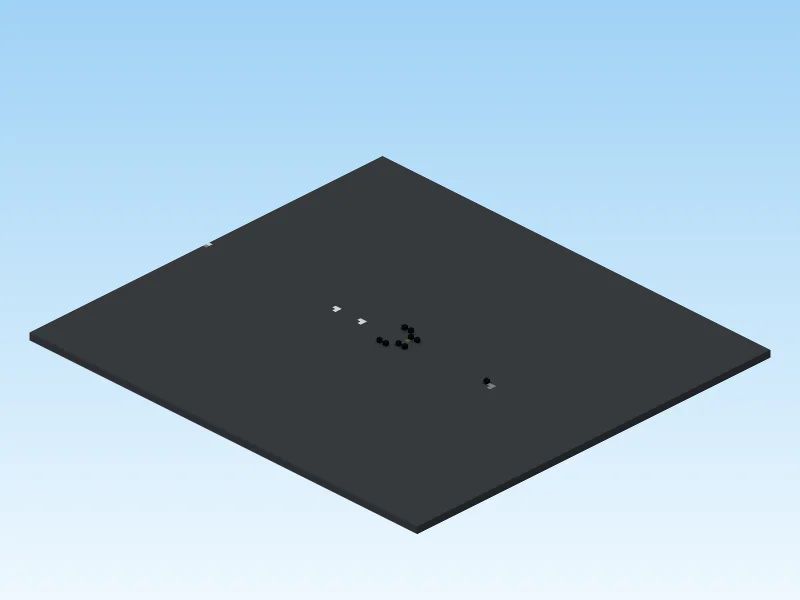
Layer 1 of 26 (9 blocks)
- Black Concrete9
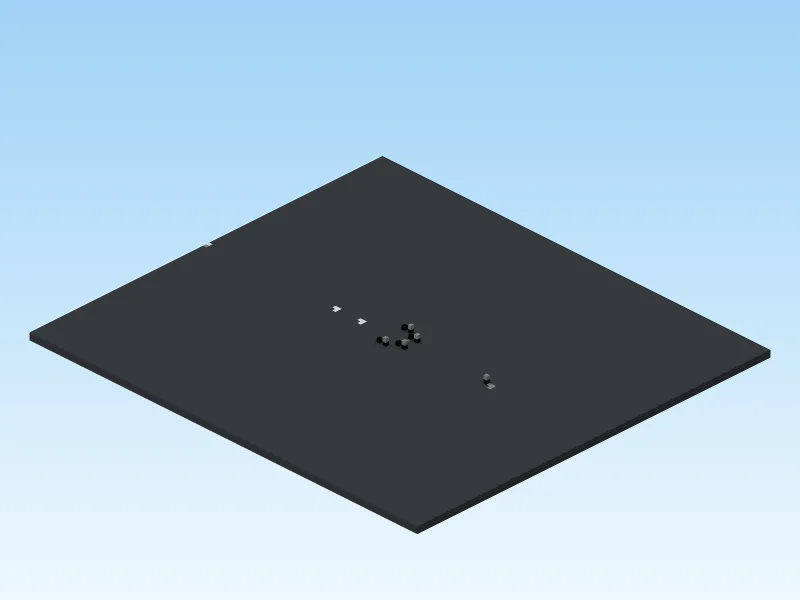
Layer 2 of 26 (5 blocks)
- Light Gray Concrete5
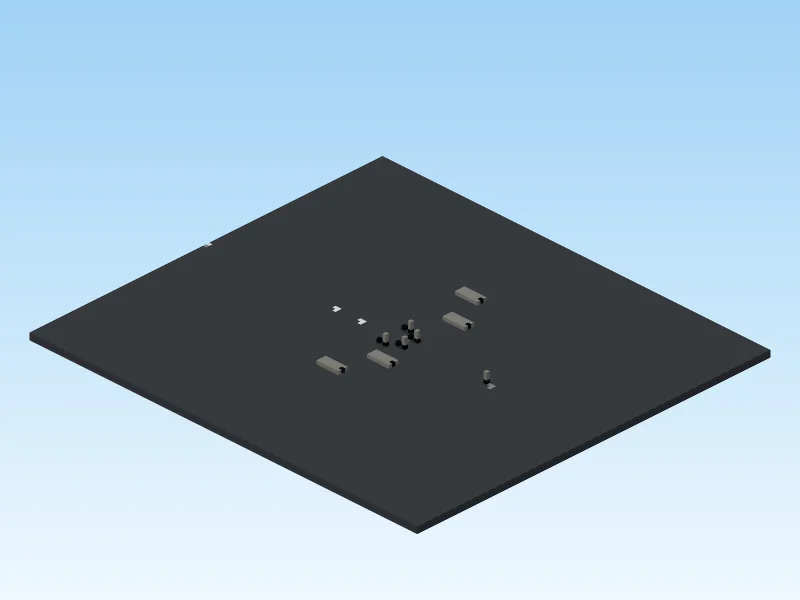
Layer 3 of 26 (89 blocks)
- Light Gray Concrete85
- Black Concrete4
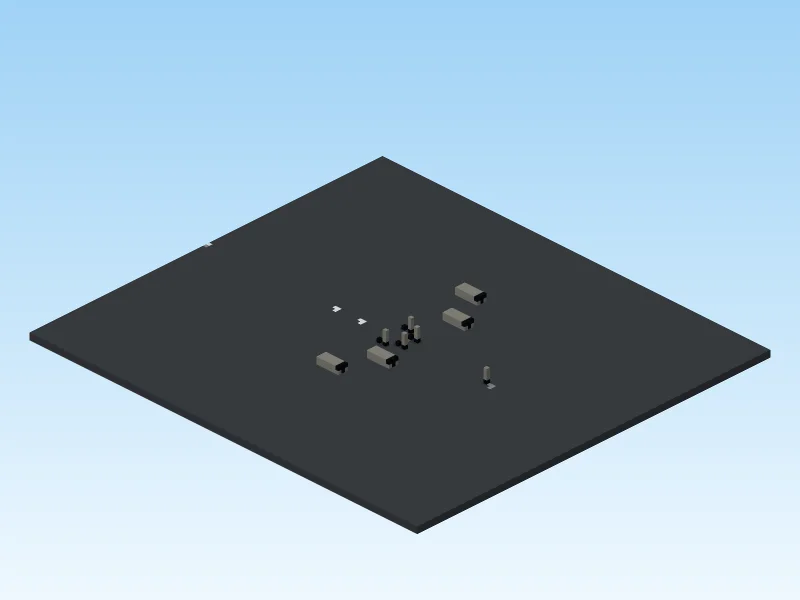
Layer 4 of 26 (89 blocks)
- Light Gray Concrete77
- Black Concrete12
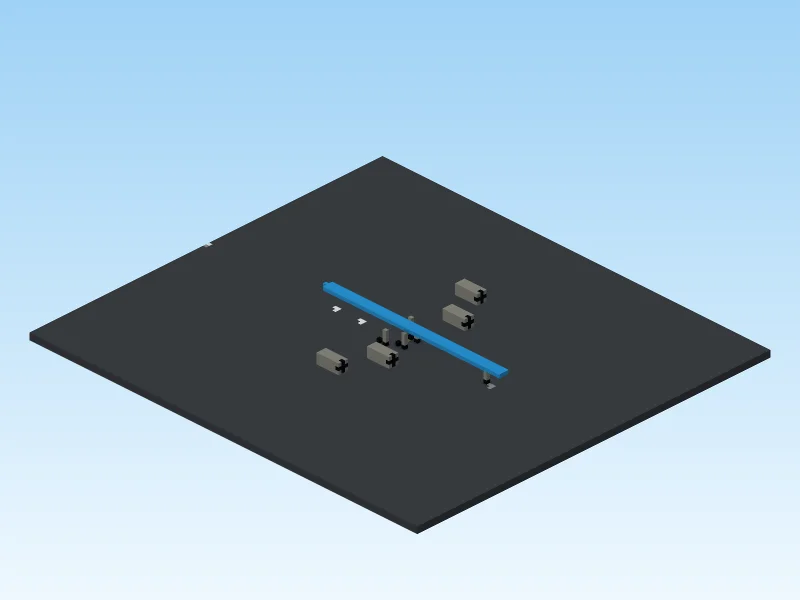
Layer 5 of 26 (253 blocks)
- Light Blue Concrete169
- Light Gray Concrete80
- Black Concrete4

Layer 6 of 26 (337 blocks)
- White Concrete337

Layer 7 of 26 (397 blocks)
- White Concrete397

Layer 8 of 26 (429 blocks)
- White Concrete379
- Tinted Glass50

Layer 9 of 26 (274 blocks)
- White Concrete274

Layer 10 of 26 (179 blocks)
- White Concrete169
- Blue Concrete10
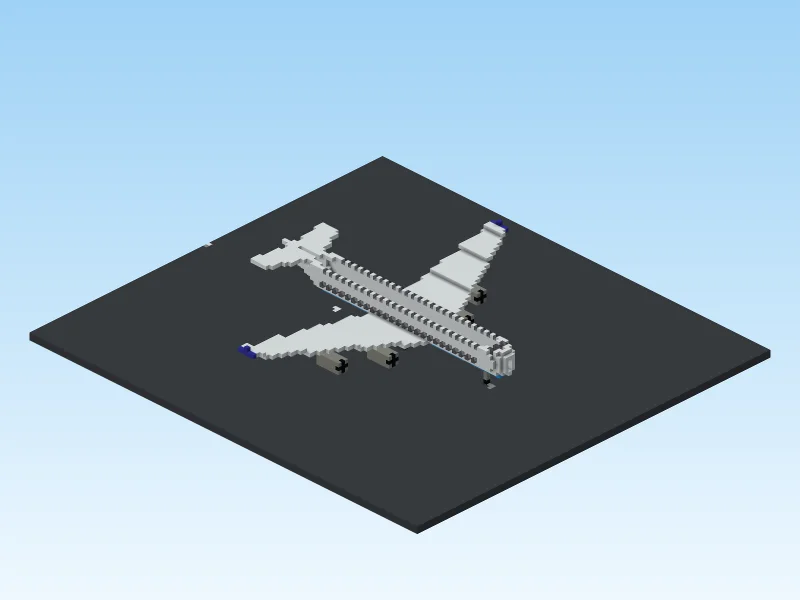
Layer 11 of 26 (286 blocks)
- White Concrete228
- Tinted Glass56
- Blue Concrete2

Layer 12 of 26 (195 blocks)
- White Concrete185
- Blue Concrete10

Layer 13 of 26 (188 blocks)
- White Concrete176
- Blue Concrete12

Layer 14 of 26 (11 blocks)
- Blue Concrete11
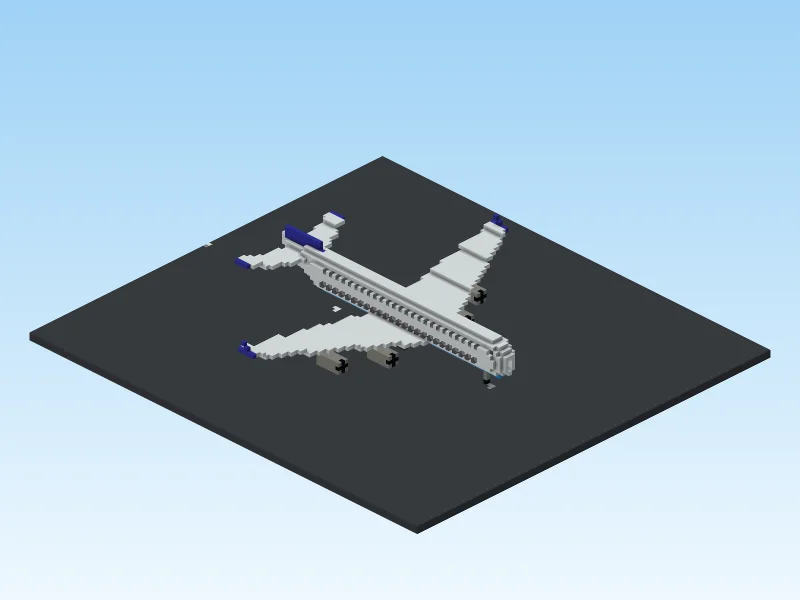
Layer 15 of 26 (11 blocks)
- Blue Concrete11
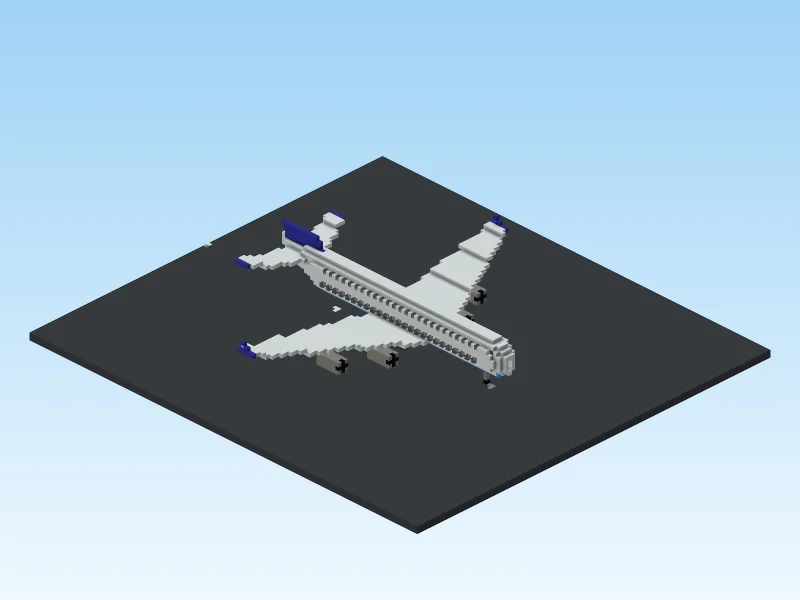
Layer 16 of 26 (11 blocks)
- Blue Concrete11

Layer 17 of 26 (10 blocks)
- Blue Concrete10

Layer 18 of 26 (10 blocks)
- Blue Concrete10
Layer 19 of 26 (9 blocks)
- Blue Concrete9

Layer 20 of 26 (9 blocks)
- Blue Concrete9

Layer 21 of 26 (8 blocks)
- Blue Concrete8
Layer 22 of 26 (8 blocks)
- Blue Concrete8

Layer 23 of 26 (7 blocks)
- Blue Concrete7

Layer 24 of 26 (7 blocks)
- Blue Concrete7

Layer 25 of 26 (7 blocks)
- Blue Concrete7
Layer 26 of 26 (6 blocks)
- Blue Concrete6
Simplified blueprint: stairs and slabs are partly shown as full blocks, animals and plants as small squares. Tip: use the arrow keys ← → to switch layers.
Step-by-step guide
Apron
Lay out a large area of black concrete with a white line.
Fuselage
The fuselage is an oval, 7 blocks wide and 9 high, of white concrete with a light blue underside. At the front it becomes a round nose, at the back it rises to the tail. Two rows of tinted glass windows.
Wings
The wings start low on the fuselage, are 17 blocks deep at the root and sweep back over a length of 37 blocks. Blue winglets sit at the tips.
Engines
Hang two round light gray concrete engines with black intakes under each wing.
Tail
A tall blue fin stands at the back, plus horizontal stabilizers.
Landing gear
Black concrete wheels go under the nose and fuselage.
Pro tips
- Build the fuselage first and only then the wings – that way you hit the right height and position.
- The round fuselage is easiest with the blueprint: every layer is a slice through the plane.
- For the big wings, the /fill command in creative mode is worth it.
Variations
- Build a terminal with a jet bridge that docks at the door.
- Give the plane your own colors on the tail.


