Secure Iron Door with Button
- DifficultyEasy
- Size7 × 3 blocks
- Build timeabout 5 minutes
On higher difficulties, zombies can break wooden doors. Iron doors hold – but you can't open them by hand.
The solution: a button outside and a pressure plate inside. That way you get in and out, but mobs don't.

🔍 Click on parts
Tap any part of the build in the 3D model – a lamp, a tree, a bench next to the house – and you’ll see exactly how to build that part, with its materials and a layer-by-layer plan.
🧊 Build it as a hologram in Minecraft Bedrock (HoloPrint)
Download this build idea as a .mcstructure file – it is made right from the blueprint below. The HoloPrint website turns it into a pack that places the build as a see-through hologram in your world – you just fill in the blocks.
- Tap the button above – the file iron-door-with-button.mcstructure is downloaded.
- Open the HoloPrint website.
- Upload the file there.
- Create your build template texture pack.
- Download the .mcpack file.
- Open it with Minecraft and activate the pack in your world.
- Place an armor stand – the build template appears there. Tip: put it exactly where the build should stand.
Works with Minecraft Bedrock (phone, tablet, console, Windows). HoloPrint is a free fan project, not made by Blockwerk.
Layer-by-layer blueprint
Click through from bottom to top. Every square is one block, the front is at the bottom. Gray shows the layer below. 6 layers, area in the plan: 9 × 3 blocks.

Layer 1 of 6 (8 blocks)
- Stone Bricks4
- Mossy Stone Bricks2
- Iron Door1
- Stone Pressure Plate1
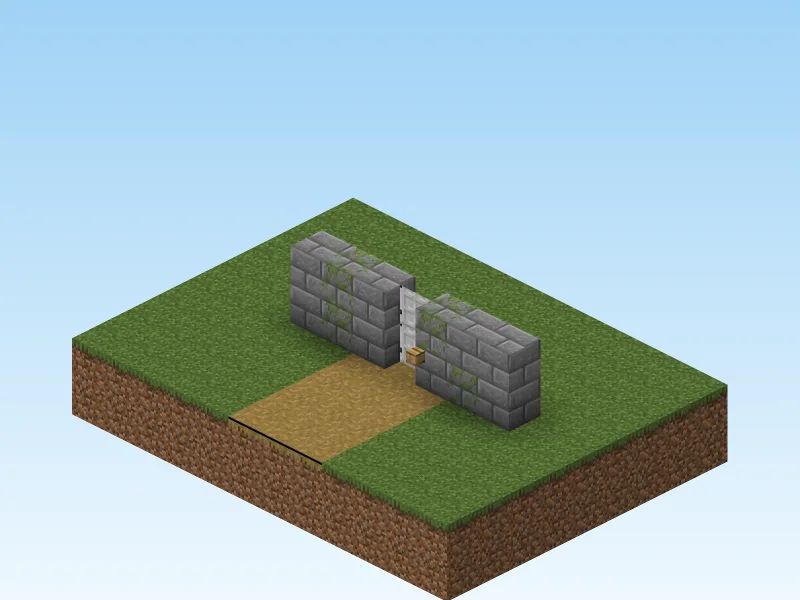
Layer 2 of 6 (8 blocks)
- Stone Bricks4
- Mossy Stone Bricks2
- Iron Door1
- Button1

Layer 3 of 6 (9 blocks)
- Stone Bricks7
- Lantern2

Layer 4 of 6 (7 blocks)
- Stone Bricks7
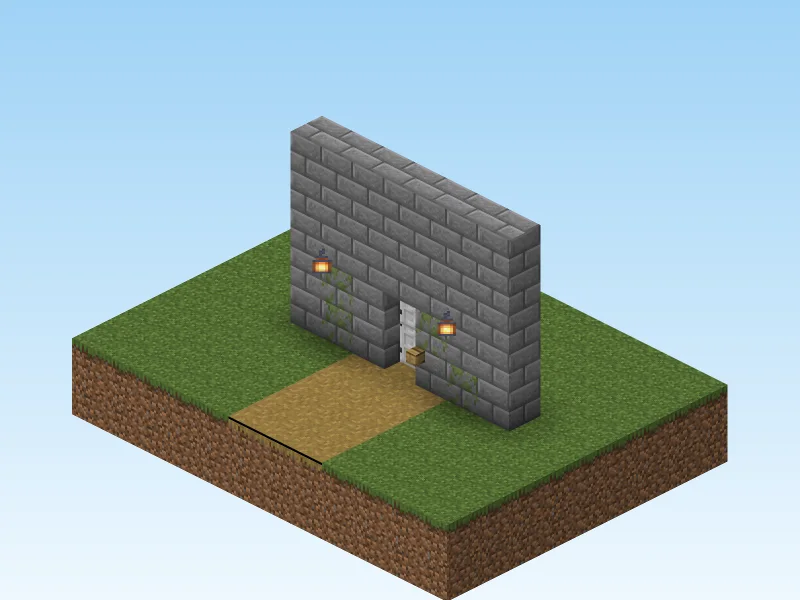
Layer 5 of 6 (7 blocks)
- Stone Bricks7

Layer 6 of 6 (27 blocks)
- Stone Brick Slab27
Simplified blueprint: stairs and slabs are partly shown as full blocks, animals and plants as small squares. Tip: use the arrow keys ← → to switch layers.
Step-by-step guide
Make the iron door
Craft an iron door from 6 iron ingots and place it in your wall.
Button outside
Put a stone button on the outside wall next to the door. Press it and the door opens for about a second.
Pressure plate inside
Place a stone pressure plate inside right in front of the door. When you step on it, the door opens – you get out without pressing anything.
Test
Walk in and out a few times. The door closes by itself every time.
Pro tips
- Never put a pressure plate outside – mobs could open the door by walking on it.
- A wooden button keeps the door open a bit longer than a stone button.
Variations
- With a lever the door stays open until you flip it back.
- Combine the door with the doorbell so you hear when someone is outside.


