Lighthouse by the Sea
- DifficultyMedium
- Size7 × 7 blocks, 20 tall
- Build timeabout 45 minutes
A lighthouse is an eye-catcher on every coast – and at night its light always guides you home.
Red and white stripes are the classic. With concrete they look especially clean.

🔍 Click on parts
Tap any part of the build in the 3D model – a lamp, a tree, a bench next to the house – and you’ll see exactly how to build that part, with its materials and a layer-by-layer plan.
🧊 Build it as a hologram in Minecraft Bedrock (HoloPrint)
Download this build idea as a .mcstructure file – it is made right from the blueprint below. The HoloPrint website turns it into a pack that places the build as a see-through hologram in your world – you just fill in the blocks.
- Tap the button above – the file lighthouse.mcstructure is downloaded.
- Open the HoloPrint website.
- Upload the file there.
- Create your build template texture pack.
- Download the .mcpack file.
- Open it with Minecraft and activate the pack in your world.
- Place an armor stand – the build template appears there. Tip: put it exactly where the build should stand.
Works with Minecraft Bedrock (phone, tablet, console, Windows). HoloPrint is a free fan project, not made by Blockwerk.
Layer-by-layer blueprint
Click through from bottom to top. Every square is one block, the front is at the bottom. Gray shows the layer below. 20 layers, area in the plan: 7 × 7 blocks.
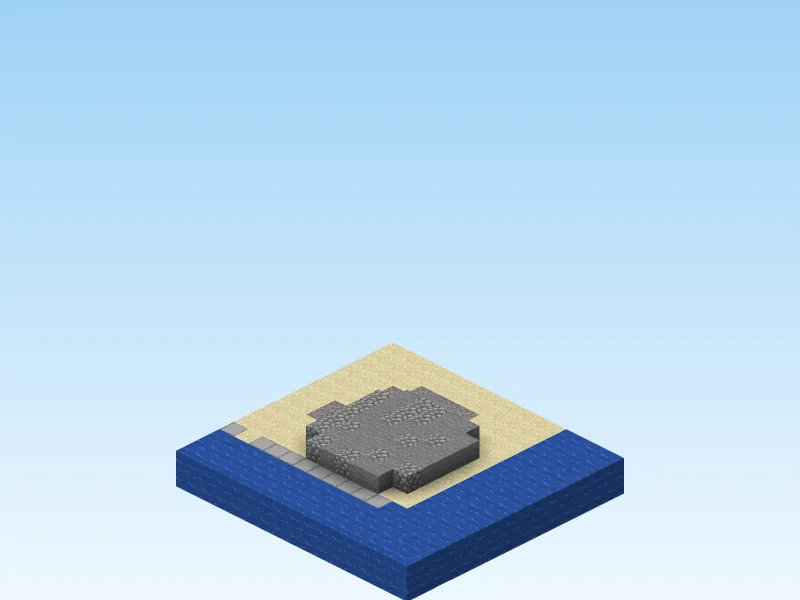
Layer 1 of 20 (45 blocks)
- Stone28
- Cobblestone17
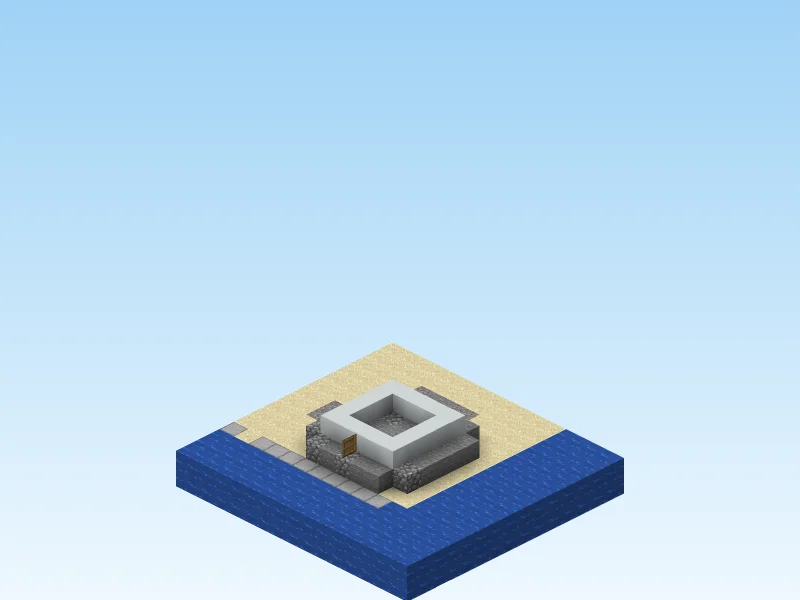
Layer 2 of 20 (17 blocks)
- White Concrete16
- Oak Door1
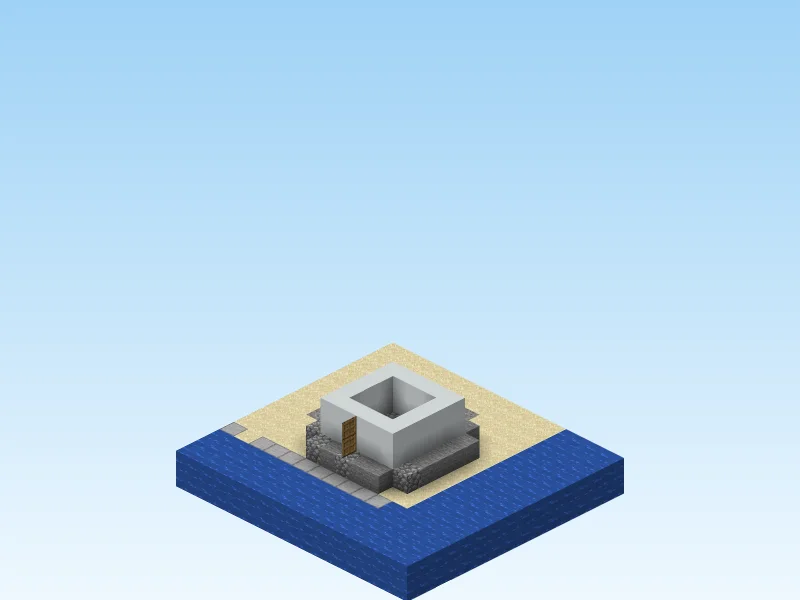
Layer 3 of 20 (17 blocks)
- White Concrete16
- Oak Door1
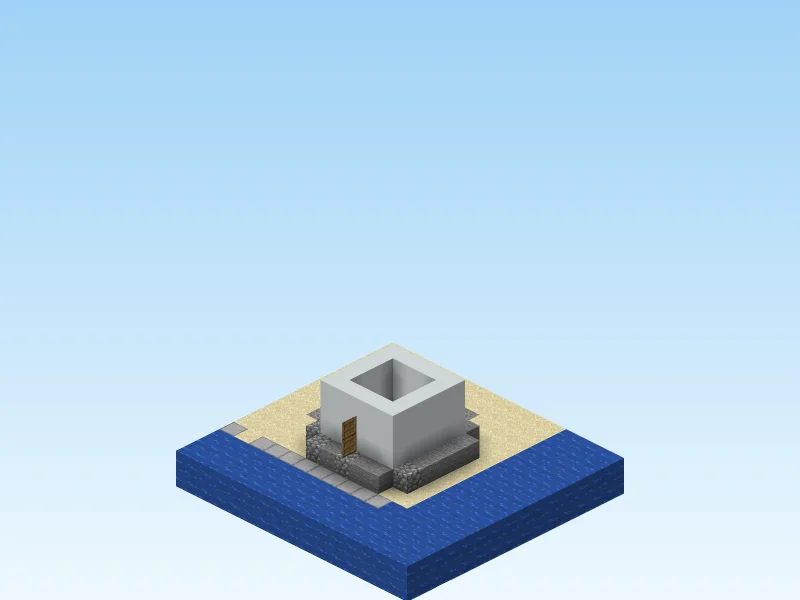
Layer 4 of 20 (16 blocks)
- White Concrete16
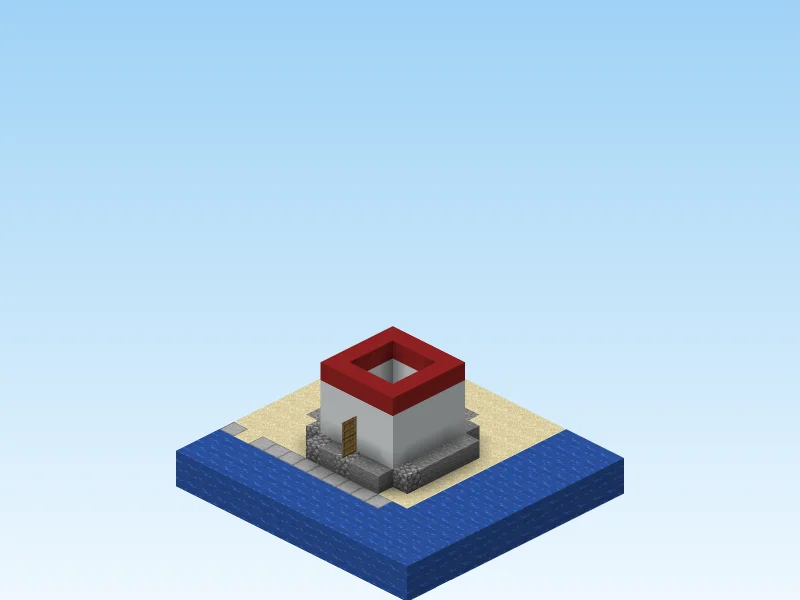
Layer 5 of 20 (16 blocks)
- Red Concrete16
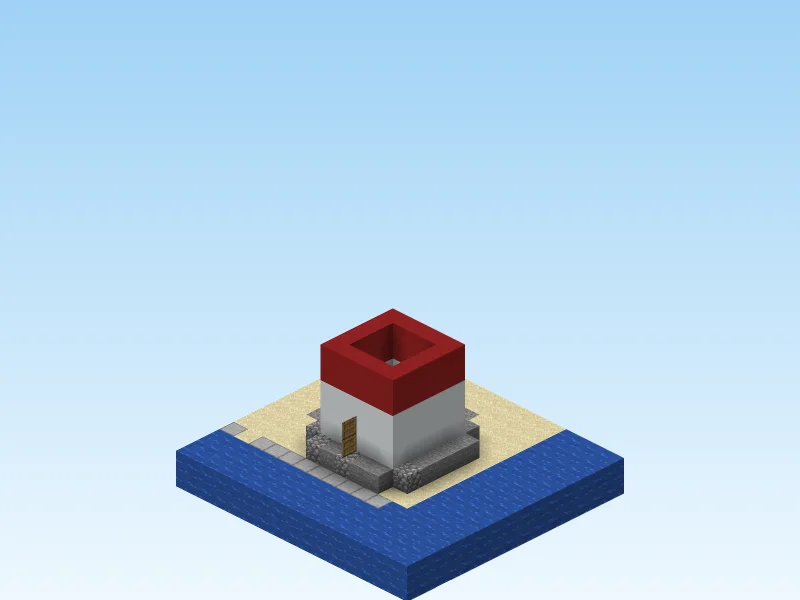
Layer 6 of 20 (16 blocks)
- Red Concrete16
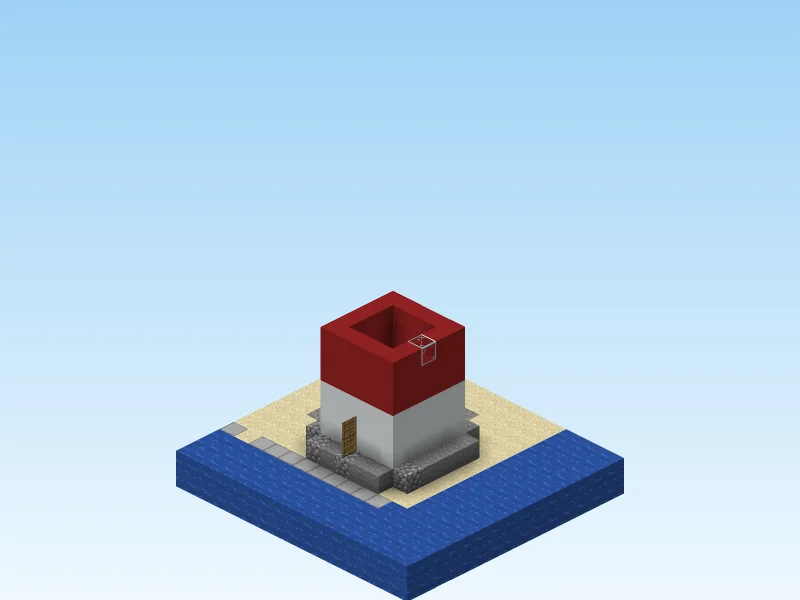
Layer 7 of 20 (16 blocks)
- Red Concrete15
- Glass1
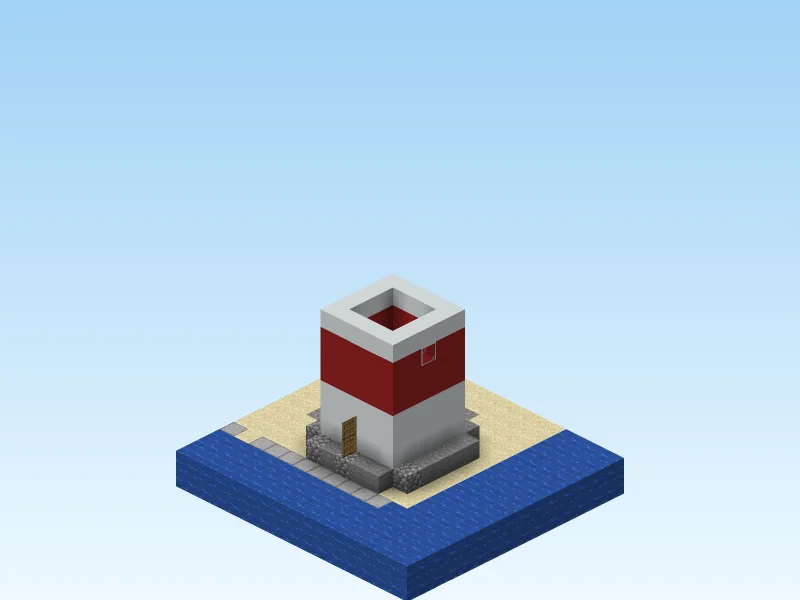
Layer 8 of 20 (16 blocks)
- White Concrete16
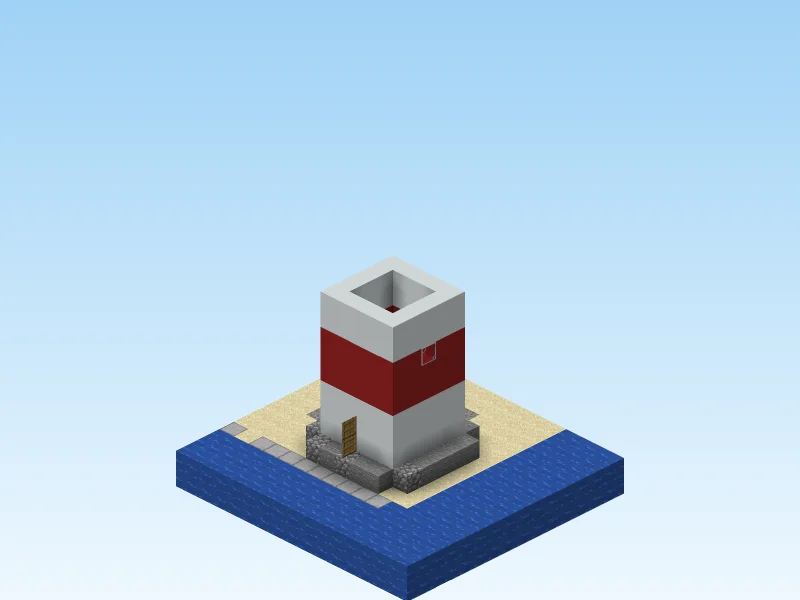
Layer 9 of 20 (16 blocks)
- White Concrete16
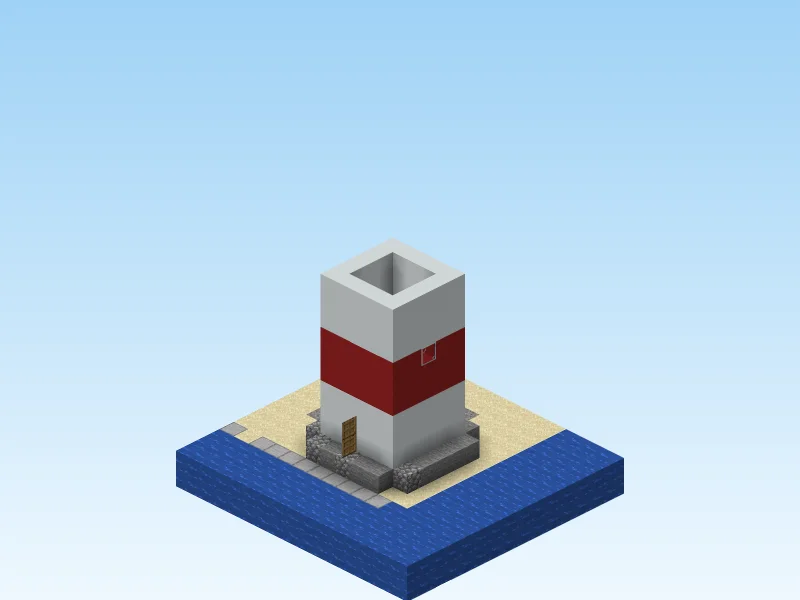
Layer 10 of 20 (16 blocks)
- White Concrete16
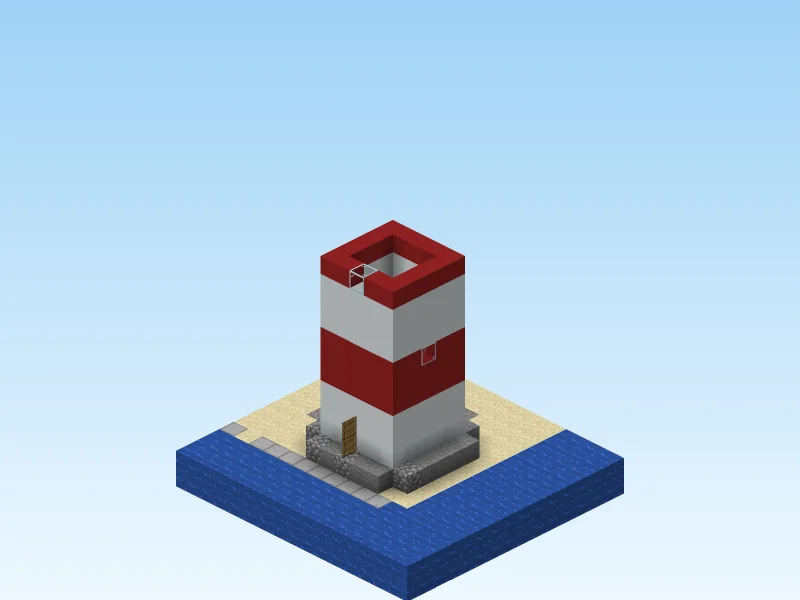
Layer 11 of 20 (16 blocks)
- Red Concrete15
- Glass1
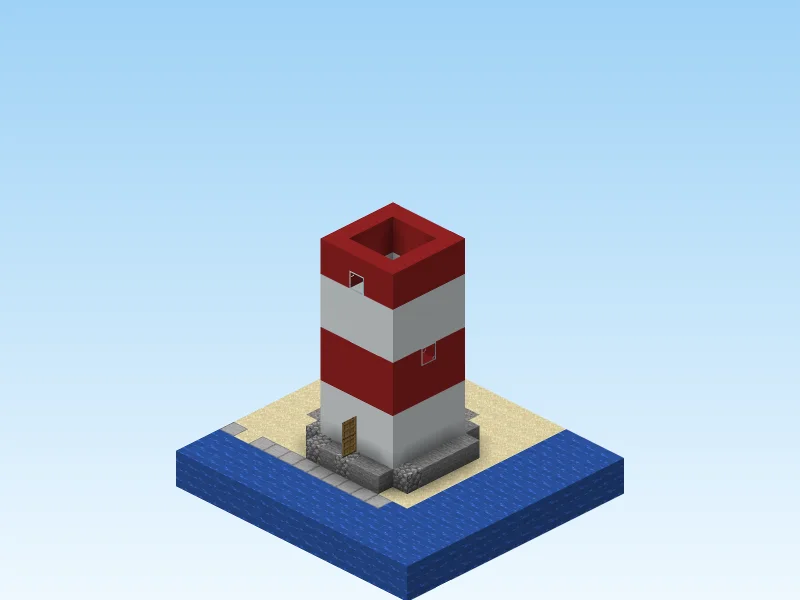
Layer 12 of 20 (16 blocks)
- Red Concrete16
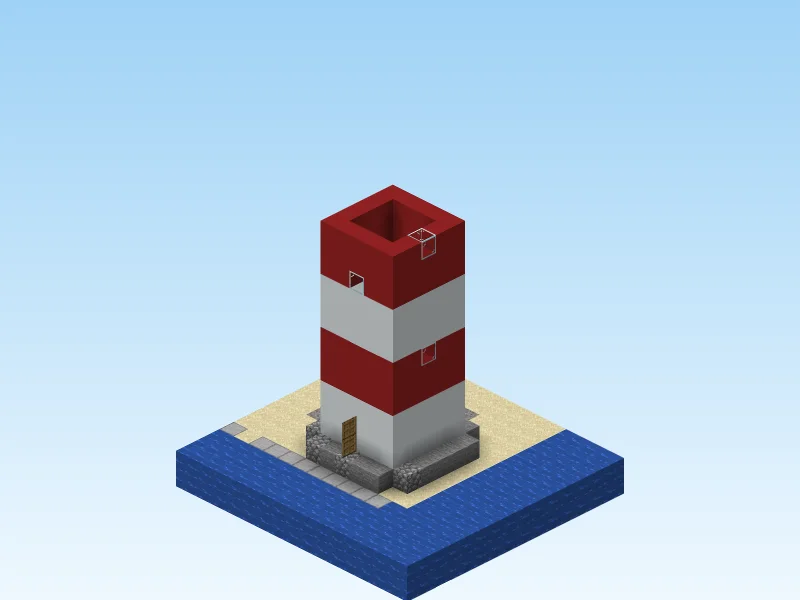
Layer 13 of 20 (16 blocks)
- Red Concrete15
- Glass1
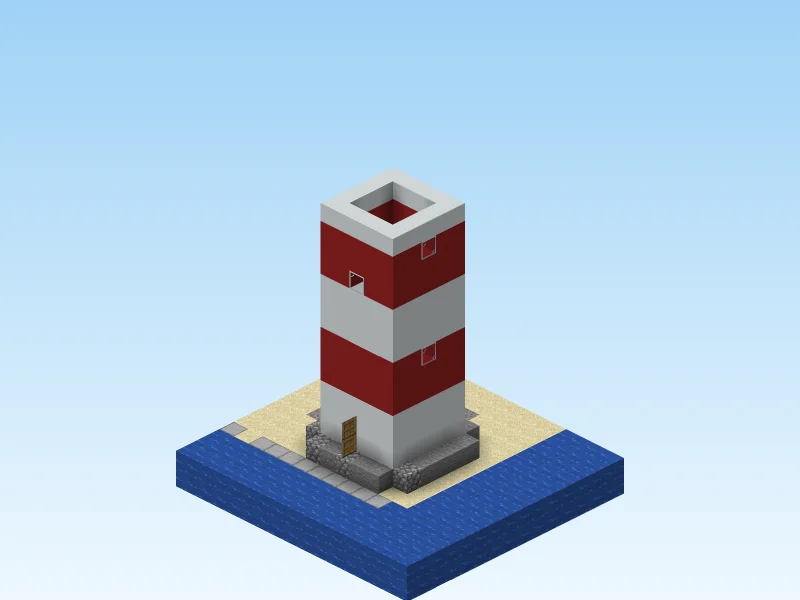
Layer 14 of 20 (16 blocks)
- White Concrete16
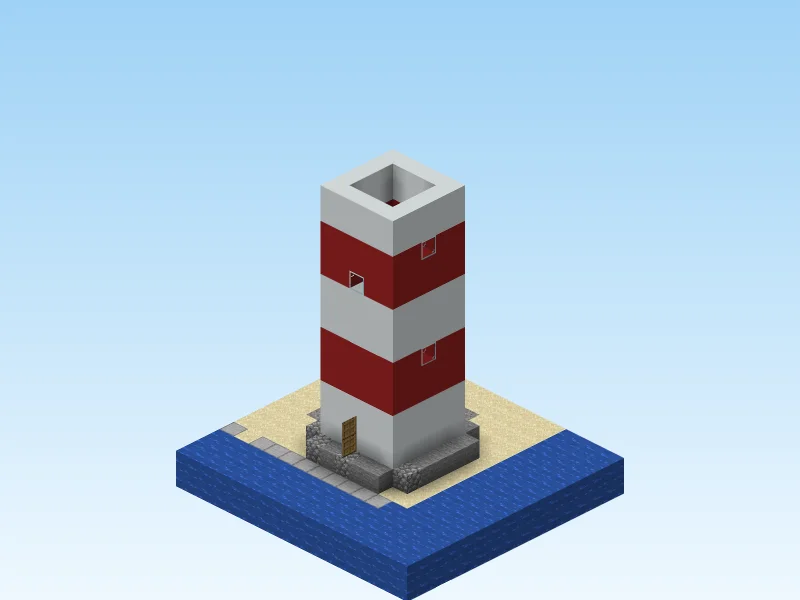
Layer 15 of 20 (16 blocks)
- White Concrete16
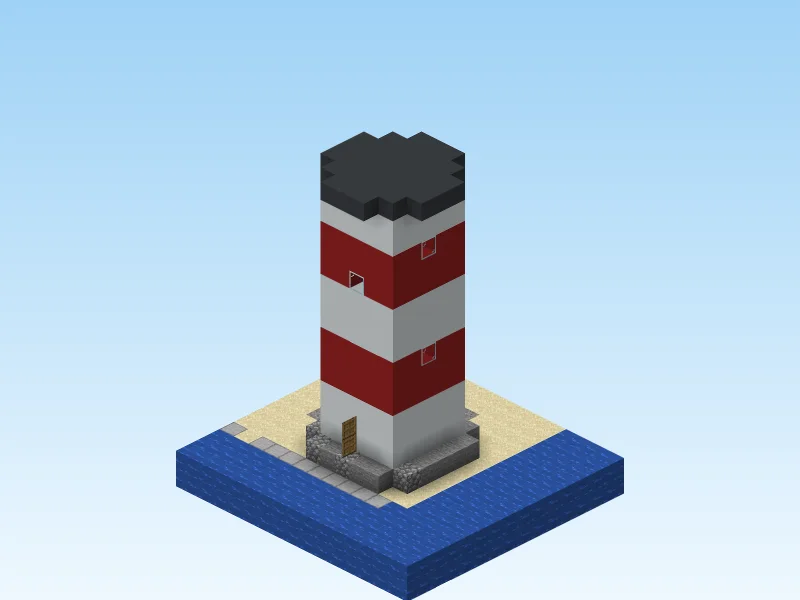
Layer 16 of 20 (37 blocks)
- Gray Concrete37
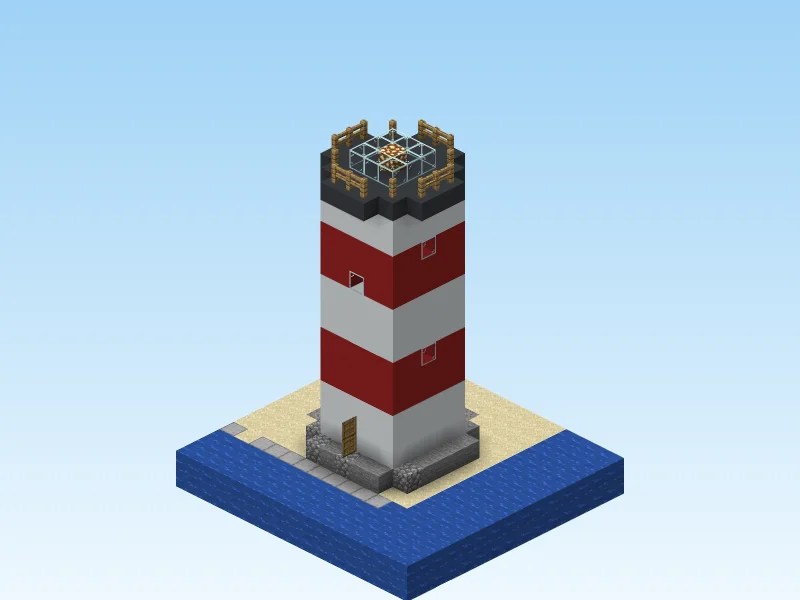
Layer 17 of 20 (25 blocks)
- Oak Fence16
- Glass8
- Glowstone1
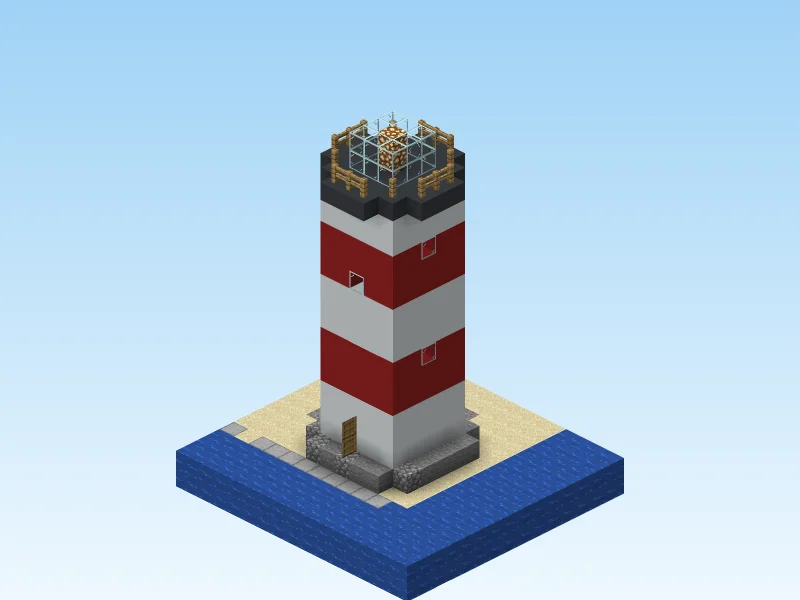
Layer 18 of 20 (9 blocks)
- Glass8
- Glowstone1
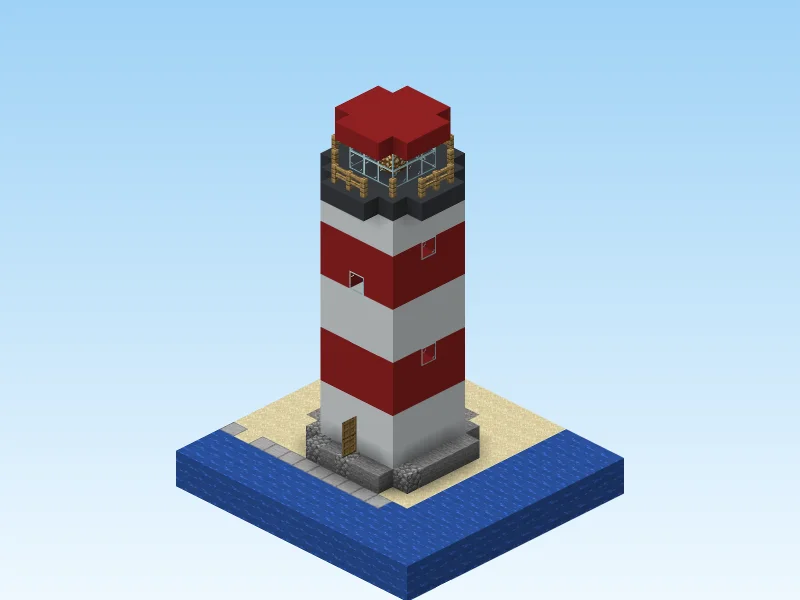
Layer 19 of 20 (21 blocks)
- Red Concrete21
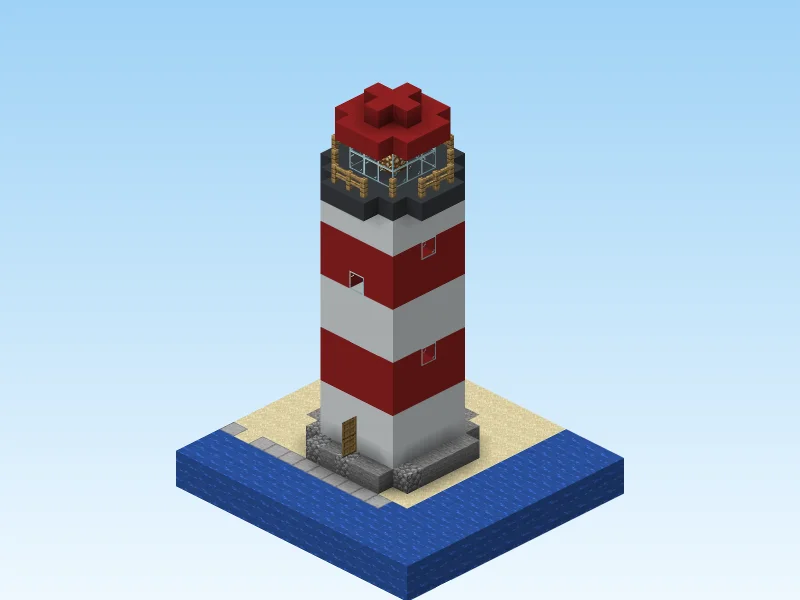
Layer 20 of 20 (5 blocks)
- Red Concrete5
Simplified blueprint: stairs and slabs are partly shown as full blocks, animals and plants as small squares. Tip: use the arrow keys ← → to switch layers.
Step-by-step guide
Rock
Build a round platform of stone and cobblestone on the shore, 7 blocks in diameter.
Tower
Build a round tower on top with a diameter of 5 blocks, 14 layers high. Switch between white and red concrete every 3 layers.
Windows
Put single glass blocks into the wall at different heights – they let light into the stairwell.
Balcony
At the top goes a round platform of gray concrete that overhangs, with a fence railing.
Lantern room
In the middle goes a small glass room with two glowstone blocks inside.
Roof
Finish the lighthouse with a small red roof.
Inside
Place a ladder inside up to the top and a door at the bottom.
Pro tips
- You get concrete by placing concrete powder in water.
- A beacon instead of glowstone looks even more spectacular – but it needs a pyramid of mineral blocks.
Variations
- Blue and white stripes look friendlier.
- A small keeper's house next to it completes the scene.


