Loop and Freefall Slide
- DifficultyHard
- Size71 × 63 blocks, 39 tall
- Build timeabout 6 hours
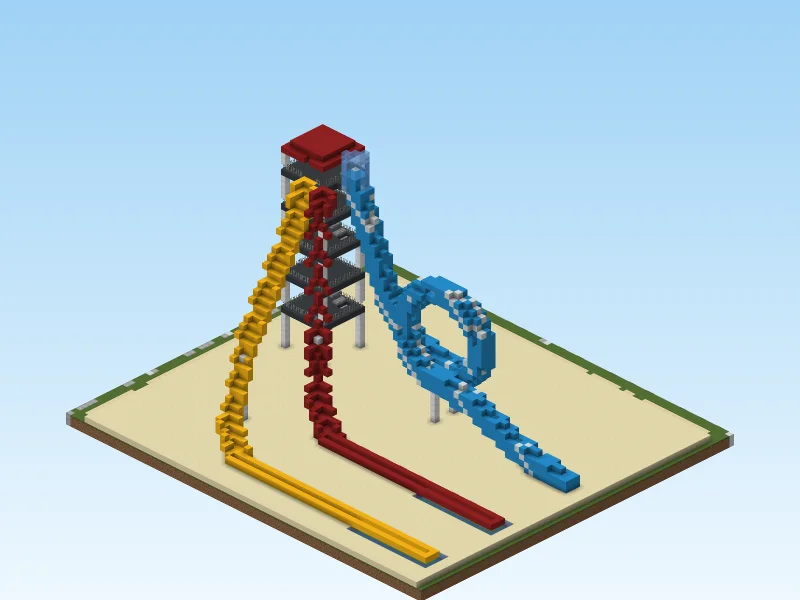
Only for the brave: on the loop slide you stand in a glass launch capsule, then the floor opens. You drop almost vertically and race through a complete loop.
Next to it two open freefall slides in red and yellow plunge almost vertically from the tower and then run out in long lanes.

🔍 Click on parts
Tap any part of the build in the 3D model – a lamp, a tree, a bench next to the house – and you’ll see exactly how to build that part, with its materials and a layer-by-layer plan.
🧊 Build it as a hologram in Minecraft Bedrock (HoloPrint)
Download this build idea as a .mcstructure file – it is made right from the blueprint below. The HoloPrint website turns it into a pack that places the build as a see-through hologram in your world – you just fill in the blocks.
- Tap the button above – the file loop-and-freefall-slide.mcstructure is downloaded.
- Open the HoloPrint website.
- Upload the file there.
- Create your build template texture pack.
- Download the .mcpack file.
- Open it with Minecraft and activate the pack in your world.
- Place an armor stand – the build template appears there. Tip: put it exactly where the build should stand.
Works with Minecraft Bedrock (phone, tablet, console, Windows). HoloPrint is a free fan project, not made by Blockwerk.
Layer-by-layer blueprint
Click through from bottom to top. Every square is one block, the front is at the bottom. Gray shows the layer below. 40 layers, area in the plan: 71 × 63 blocks.

Layer 1 of 40 (4473 blocks)
- Smooth Sandstone4144
- Water170
- Yellow Concrete81
- Red Concrete64
- Light Blue Concrete13
- White Concrete1

Layer 2 of 40 (212 blocks)
- Yellow Concrete94
- Red Concrete84
- Light Blue Concrete21
- Block of Iron8
- White Concrete3
- Stone Brick Slab2
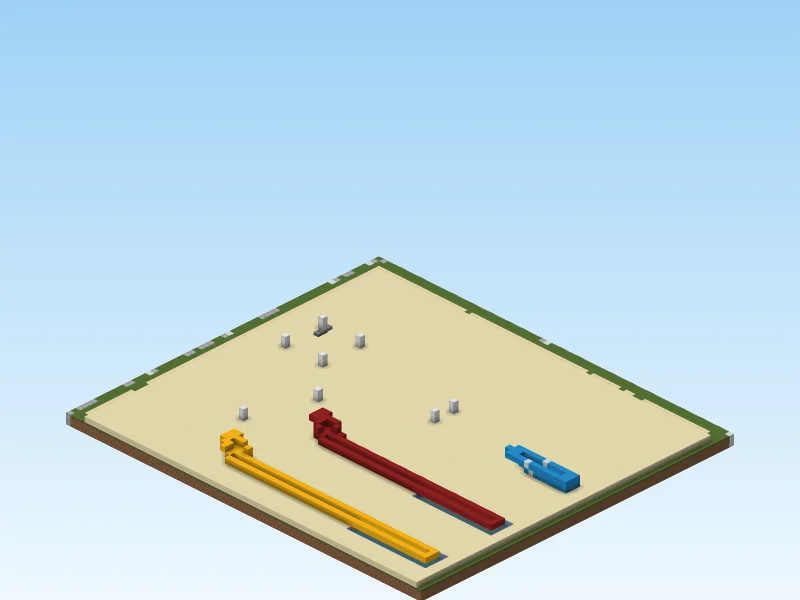
Layer 3 of 40 (66 blocks)
- Light Blue Concrete29
- Red Concrete13
- Yellow Concrete12
- Block of Iron8
- Stone Brick Slab2
- White Concrete2
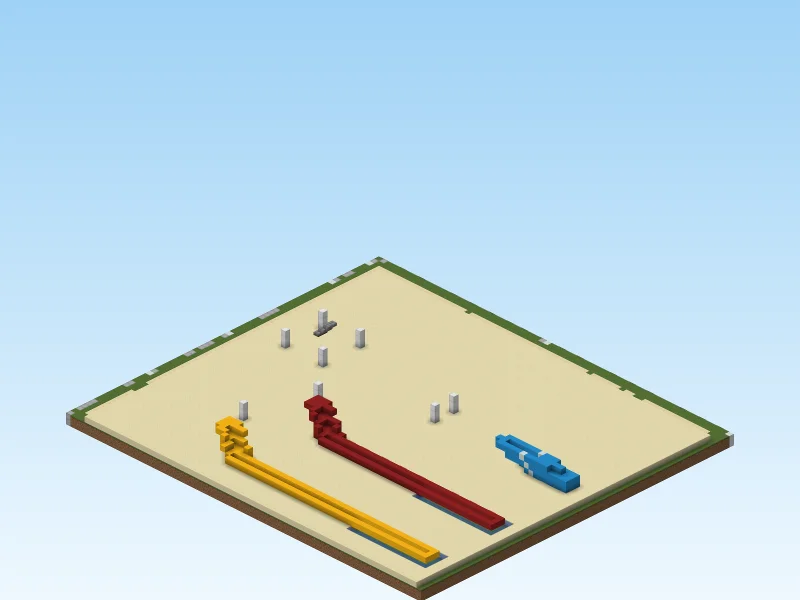
Layer 4 of 40 (65 blocks)
- Light Blue Concrete27
- Red Concrete13
- Yellow Concrete13
- Block of Iron8
- Stone Brick Slab2
- White Concrete2

Layer 5 of 40 (47 blocks)
- Light Blue Concrete20
- Block of Iron8
- Yellow Concrete7
- Red Concrete6
- White Concrete4
- Stone Brick Slab2

Layer 6 of 40 (35 blocks)
- Light Blue Concrete16
- Block of Iron8
- Red Concrete4
- Yellow Concrete3
- Stone Brick Slab2
- White Concrete2

Layer 7 of 40 (43 blocks)
- Light Blue Concrete26
- Block of Iron8
- Yellow Concrete4
- Stone Brick Slab2
- White Concrete2
- Red Concrete1
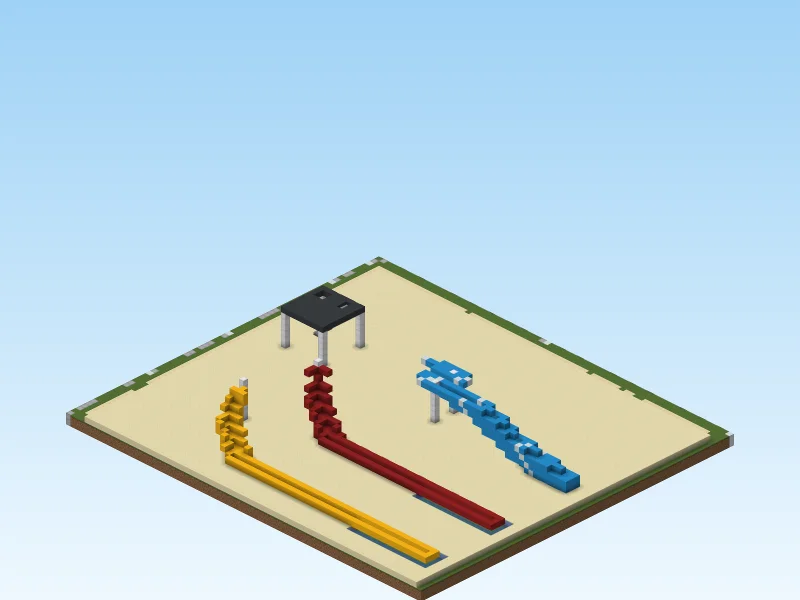
Layer 8 of 40 (145 blocks)
- Gray Concrete75
- Light Blue Concrete48
- White Concrete8
- Block of Iron4
- Red Concrete4
- Yellow Concrete4
- Stone Brick Slab2
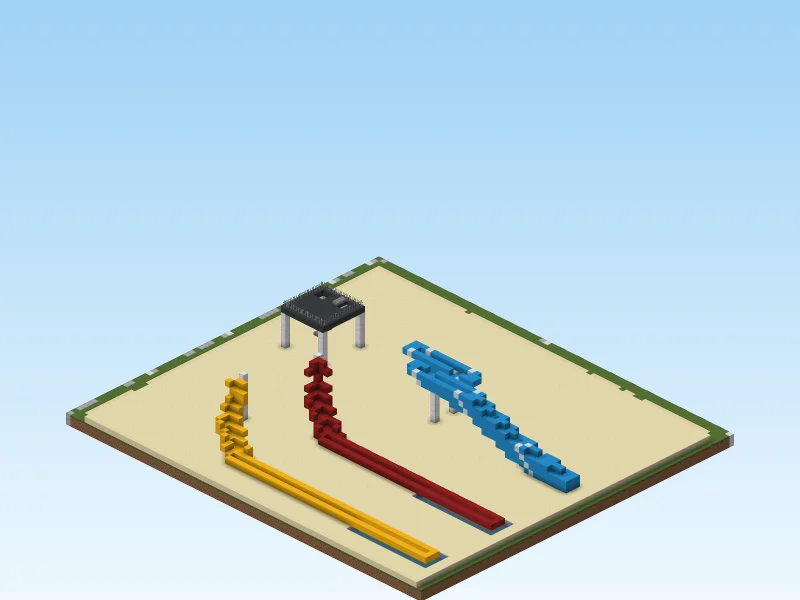
Layer 9 of 40 (105 blocks)
- Light Blue Concrete57
- Iron Bars32
- White Concrete6
- Red Concrete3
- Yellow Concrete3
- Stone Brick Slab2
- Block of Iron2

Layer 10 of 40 (84 blocks)
- Light Blue Concrete60
- White Concrete7
- Block of Iron6
- Red Concrete5
- Yellow Concrete4
- Stone Brick Slab2

Layer 11 of 40 (65 blocks)
- Light Blue Concrete45
- Block of Iron6
- White Concrete4
- Red Concrete4
- Yellow Concrete4
- Stone Brick Slab2

Layer 12 of 40 (42 blocks)
- Light Blue Concrete24
- Block of Iron6
- White Concrete6
- Stone Brick Slab2
- Red Concrete2
- Yellow Concrete2

Layer 13 of 40 (45 blocks)
- Light Blue Concrete25
- White Concrete5
- Red Concrete5
- Block of Iron4
- Yellow Concrete4
- Stone Brick Slab2
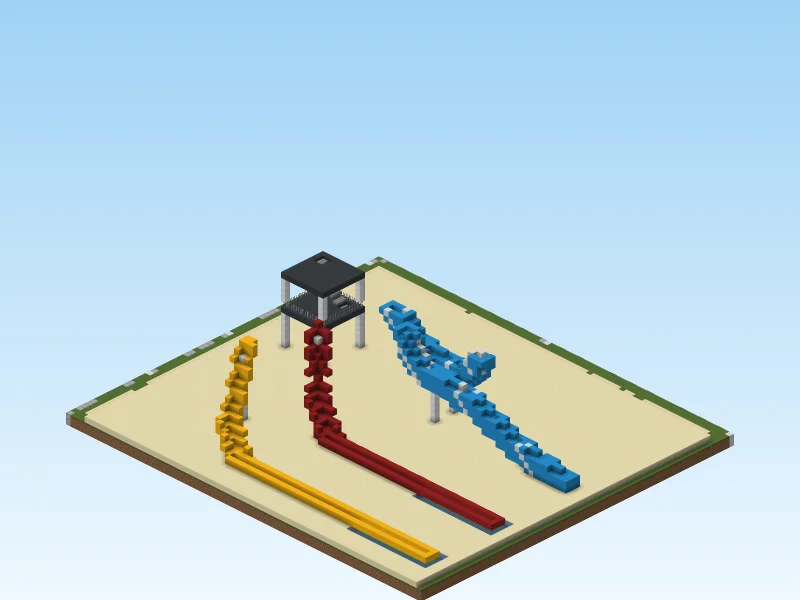
Layer 14 of 40 (111 blocks)
- Gray Concrete77
- Light Blue Concrete22
- Yellow Concrete5
- White Concrete4
- Stone Brick Slab2
- Red Concrete1

Layer 15 of 40 (67 blocks)
- Iron Bars32
- Light Blue Concrete20
- Yellow Concrete7
- White Concrete4
- Stone Brick Slab2
- Red Concrete2
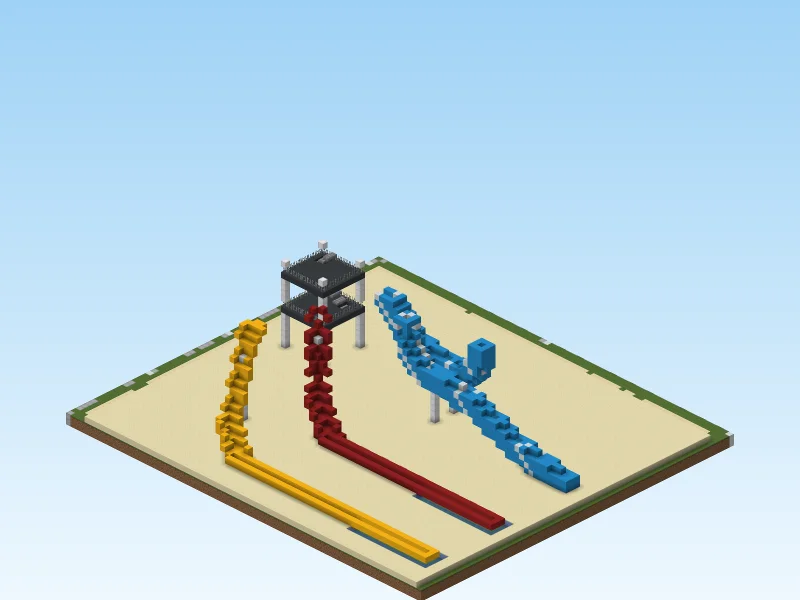
Layer 16 of 40 (40 blocks)
- Light Blue Concrete21
- Yellow Concrete7
- Block of Iron4
- White Concrete4
- Stone Brick Slab2
- Red Concrete2

Layer 17 of 40 (35 blocks)
- Light Blue Concrete18
- Yellow Concrete8
- Block of Iron4
- Stone Brick Slab2
- White Concrete2
- Red Concrete1
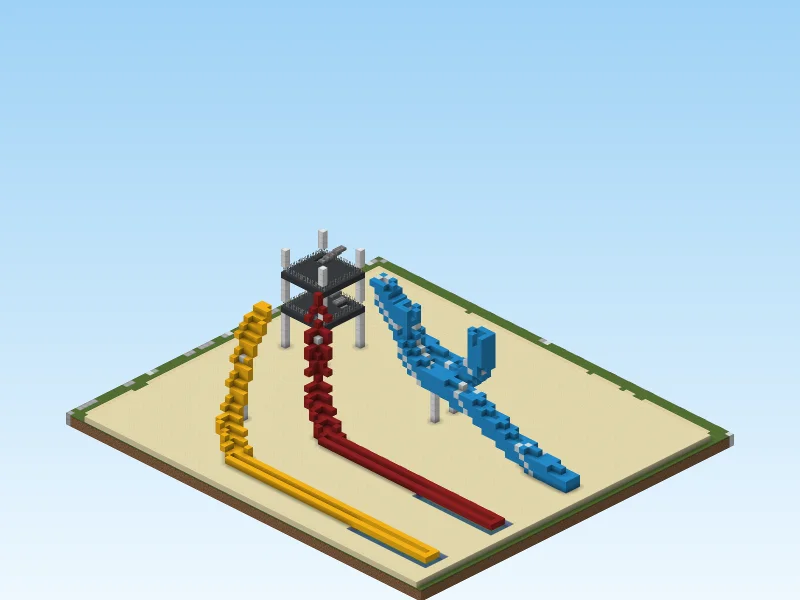
Layer 18 of 40 (34 blocks)
- Light Blue Concrete20
- Yellow Concrete5
- Block of Iron4
- Stone Brick Slab2
- White Concrete2
- Red Concrete1

Layer 19 of 40 (41 blocks)
- Light Blue Concrete23
- Yellow Concrete7
- Block of Iron4
- White Concrete3
- Stone Brick Slab2
- Red Concrete2

Layer 20 of 40 (112 blocks)
- Gray Concrete75
- Light Blue Concrete23
- Yellow Concrete7
- White Concrete3
- Stone Brick Slab2
- Red Concrete2
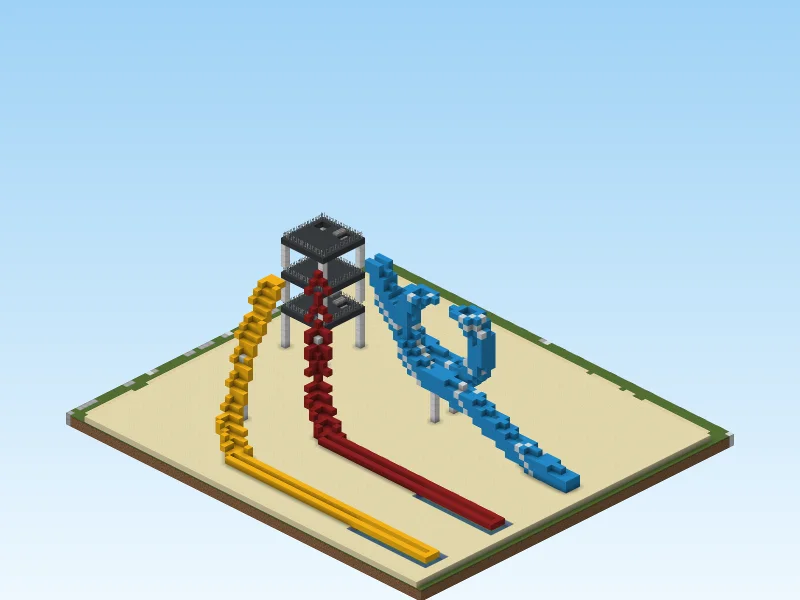
Layer 21 of 40 (77 blocks)
- Iron Bars32
- Light Blue Concrete29
- Yellow Concrete8
- White Concrete5
- Stone Brick Slab2
- Red Concrete1

Layer 22 of 40 (51 blocks)
- Light Blue Concrete34
- White Concrete5
- Yellow Concrete5
- Block of Iron4
- Stone Brick Slab2
- Red Concrete1
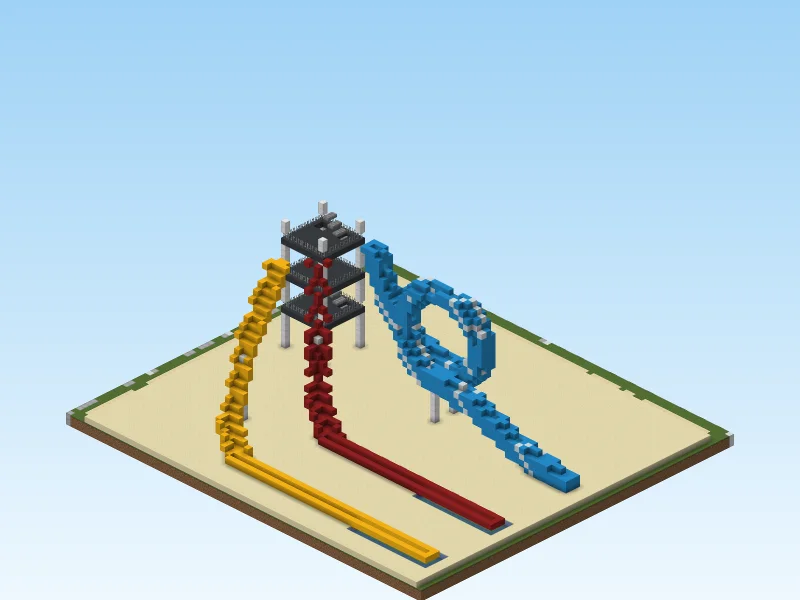
Layer 23 of 40 (43 blocks)
- Light Blue Concrete23
- Yellow Concrete7
- White Concrete5
- Block of Iron4
- Stone Brick Slab2
- Red Concrete2

Layer 24 of 40 (42 blocks)
- Light Blue Concrete25
- Yellow Concrete7
- Block of Iron4
- Stone Brick Slab2
- White Concrete2
- Red Concrete2

Layer 25 of 40 (23 blocks)
- Light Blue Concrete8
- Yellow Concrete8
- Block of Iron4
- Stone Brick Slab2
- Red Concrete1
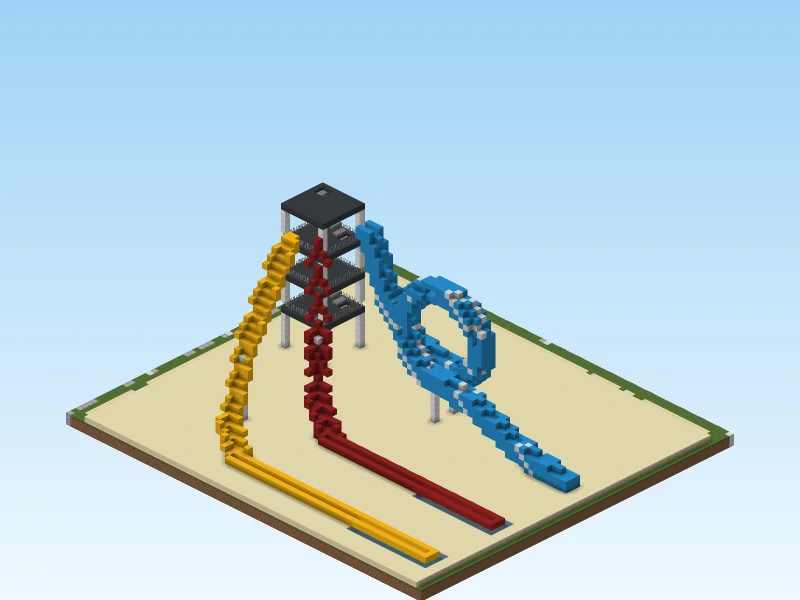
Layer 26 of 40 (91 blocks)
- Gray Concrete77
- Light Blue Concrete6
- Yellow Concrete5
- Stone Brick Slab2
- Red Concrete1

Layer 27 of 40 (53 blocks)
- Iron Bars32
- Light Blue Concrete9
- Yellow Concrete7
- Stone Brick Slab2
- Red Concrete2
- White Concrete1

Layer 28 of 40 (23 blocks)
- Yellow Concrete7
- Light Blue Concrete6
- Block of Iron4
- Stone Brick Slab2
- White Concrete2
- Red Concrete2
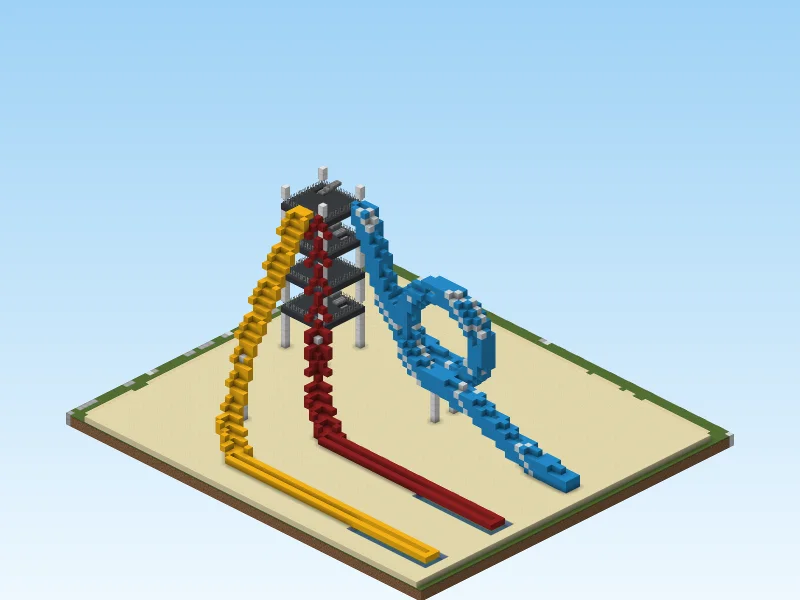
Layer 29 of 40 (23 blocks)
- Yellow Concrete8
- Light Blue Concrete6
- Block of Iron4
- Stone Brick Slab2
- White Concrete2
- Red Concrete1

Layer 30 of 40 (32 blocks)
- Yellow Concrete10
- Red Concrete8
- Light Blue Concrete7
- Block of Iron4
- Stone Brick Slab2
- White Concrete1

Layer 31 of 40 (36 blocks)
- Yellow Concrete12
- Red Concrete11
- Light Blue Concrete6
- Block of Iron3
- Stone Brick Slab2
- White Concrete2

Layer 32 of 40 (98 blocks)
- Gray Concrete76
- Light Blue Concrete8
- Red Concrete6
- Yellow Concrete6
- White Concrete2

Layer 33 of 40 (39 blocks)
- Iron Bars28
- Light Blue Concrete5
- Light Blue Stained Glass4
- White Concrete2
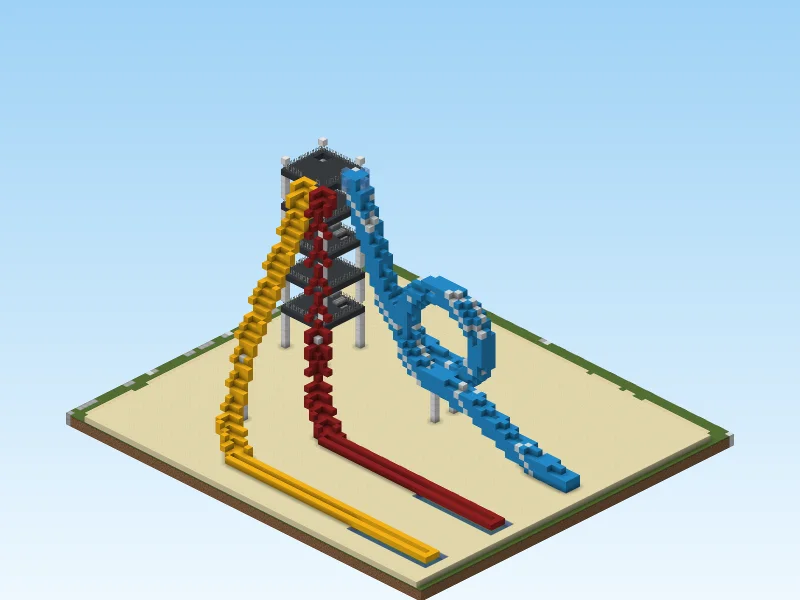
Layer 34 of 40 (16 blocks)
- Light Blue Concrete8
- Light Blue Stained Glass4
- Block of Iron3
- White Concrete1

Layer 35 of 40 (16 blocks)
- Light Blue Stained Glass13
- Block of Iron3

Layer 36 of 40 (93 blocks)
- Red Concrete80
- Light Blue Stained Glass13
Layer 37 of 40 (62 blocks)
- Red Concrete49
- Light Blue Stained Glass13

Layer 38 of 40 (38 blocks)
- White Concrete25
- Red Concrete13

Layer 39 of 40 (9 blocks)
- Red Concrete9

Layer 40 of 40 (1 blocks)
- White Concrete1
Simplified blueprint: stairs and slabs are partly shown as full blocks, animals and plants as small squares. Tip: use the arrow keys ← → to switch layers.
Step-by-step guide
Tower
Build an open tower of iron blocks, 9 × 9 blocks and 30 tall, with landings, stairs and a red tent roof.
Launch capsule
Next to the tower at the top sits a round capsule of light blue glass with a red lid.
Drop
Below the capsule the light blue tube goes down almost vertically.
Loop
Then it runs once all the way around a vertical circle with a 7-block radius. The circle is slightly offset so the tube doesn't hit itself. Two supports carry it.
Run-out
After the loop the tube flattens out.
Freefall slides
Build two open slides in red and yellow that drop almost vertically at the top and turn into long, flat lanes with water at the bottom.
Pro tips
- Concrete works best for the tubes: it has strong colors and no pattern.
- Build the loop layer by layer: from the side it's a circle, and the blueprint shows the individual pieces.
- In creative mode the /fill command is much faster: it fills whole walls and areas at once.
Variations
- Build a speed display with numbers made of blocks.
- Give the capsule a light that glows red and green.


