Medieval Royal City with Castle
- DifficultyHard
- Size133 × 138 blocks, 73 tall
- Build timeabout 40 hours
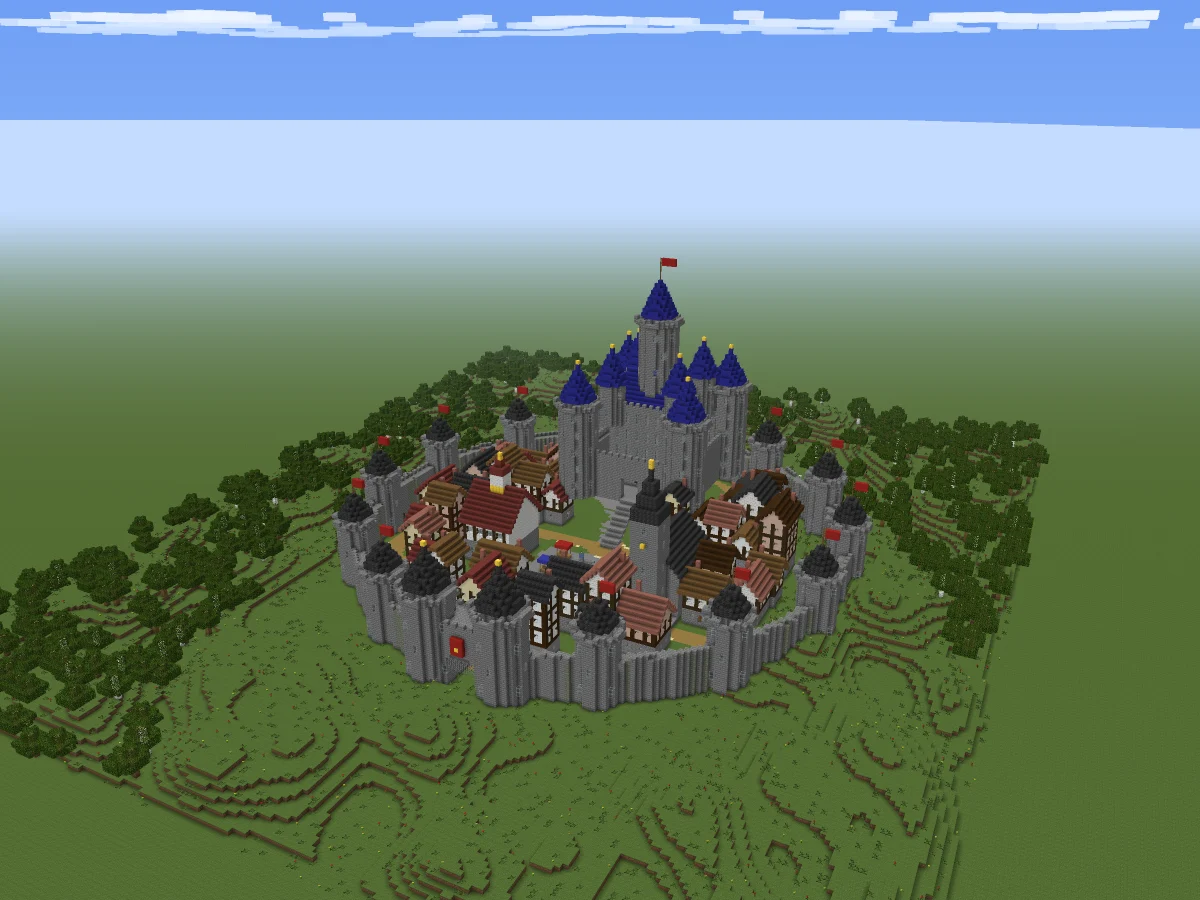
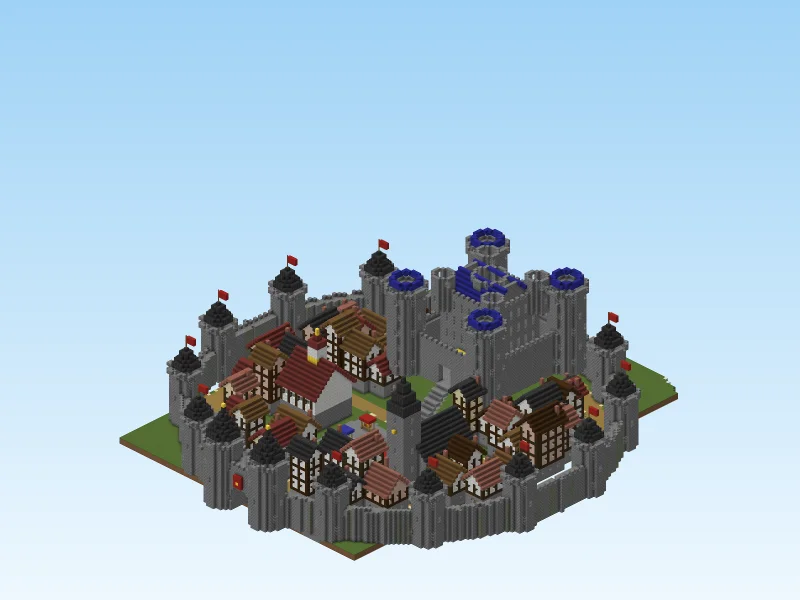
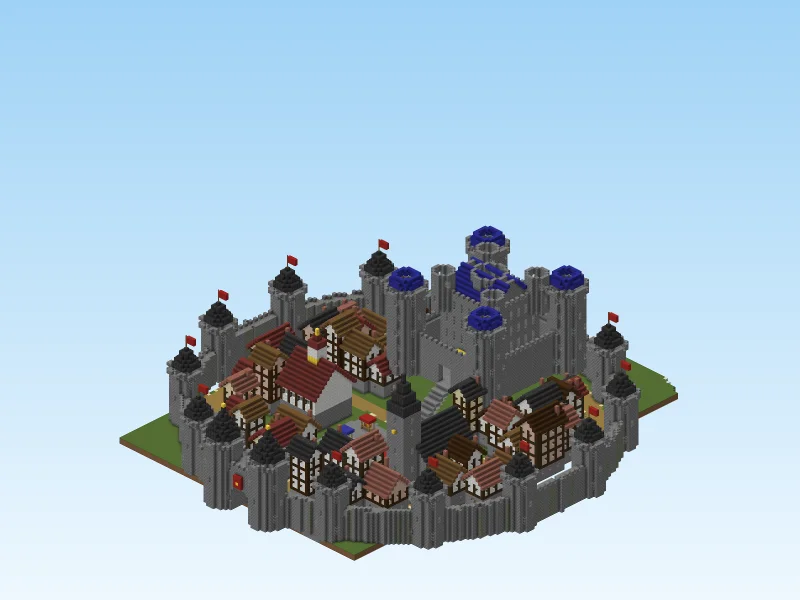
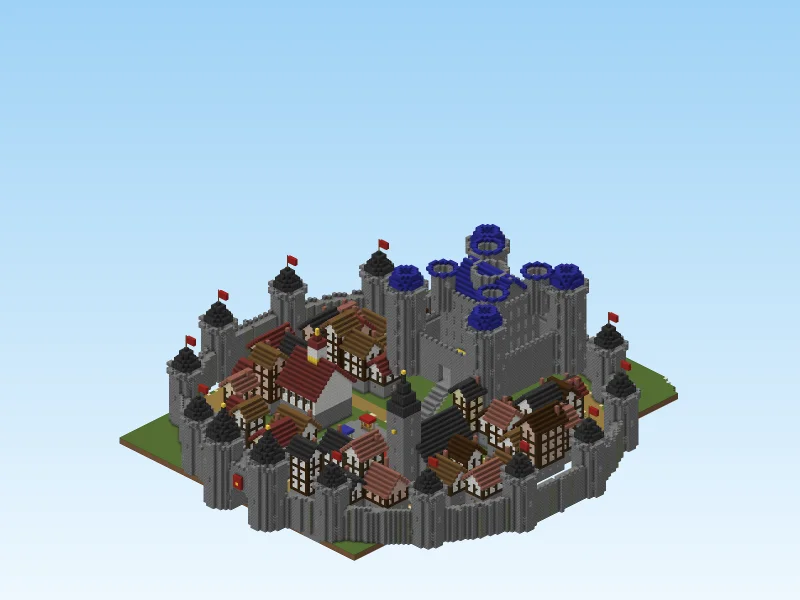
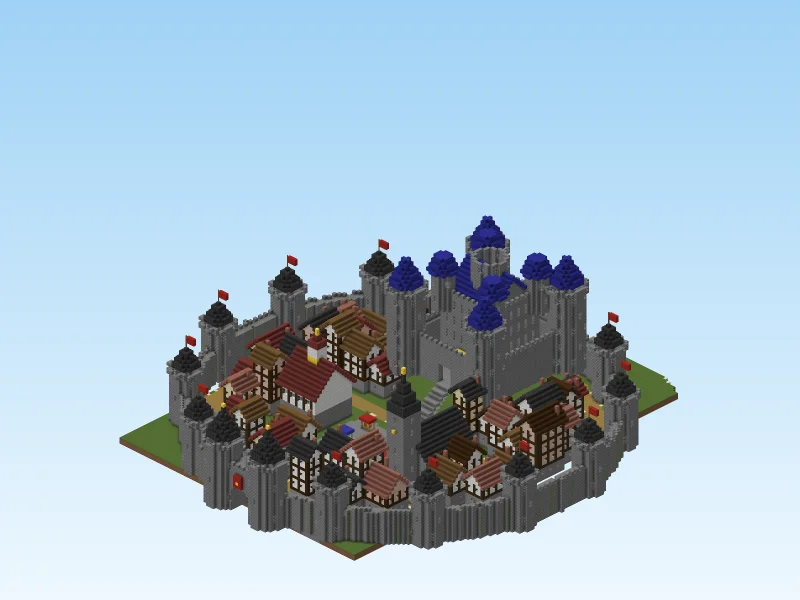
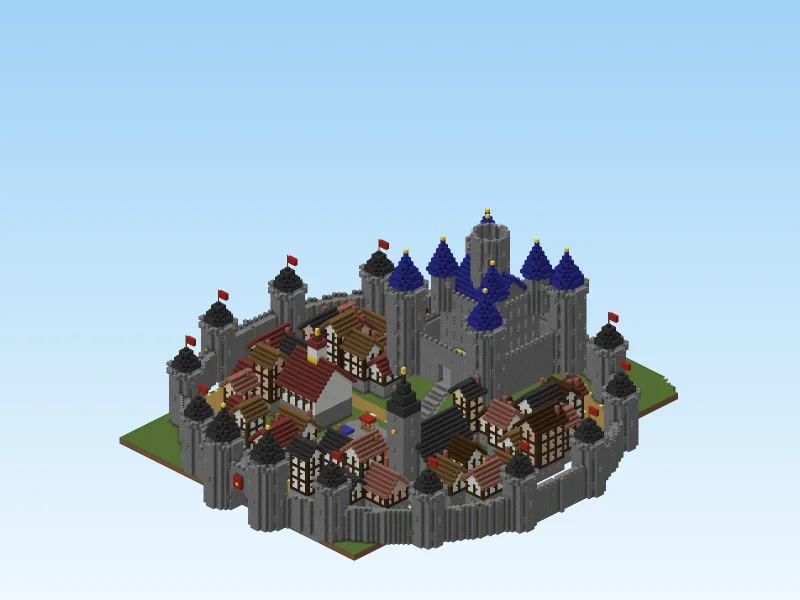
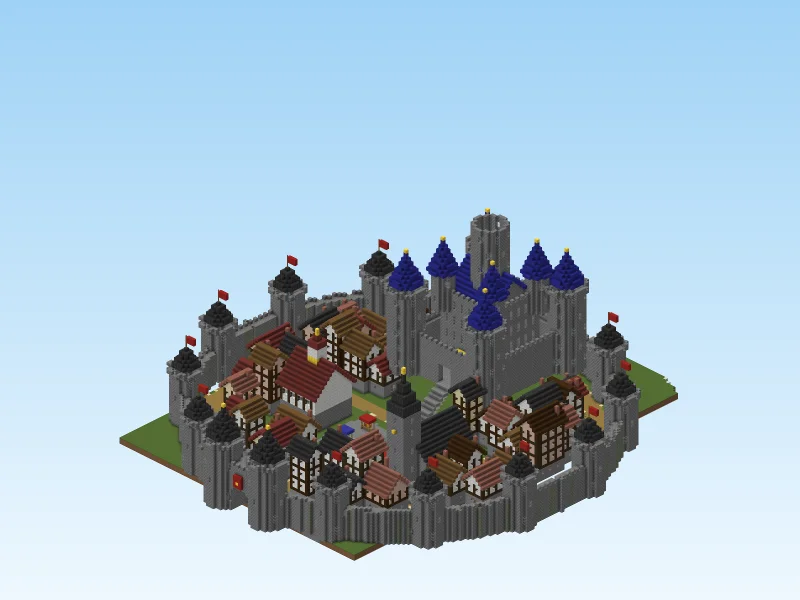
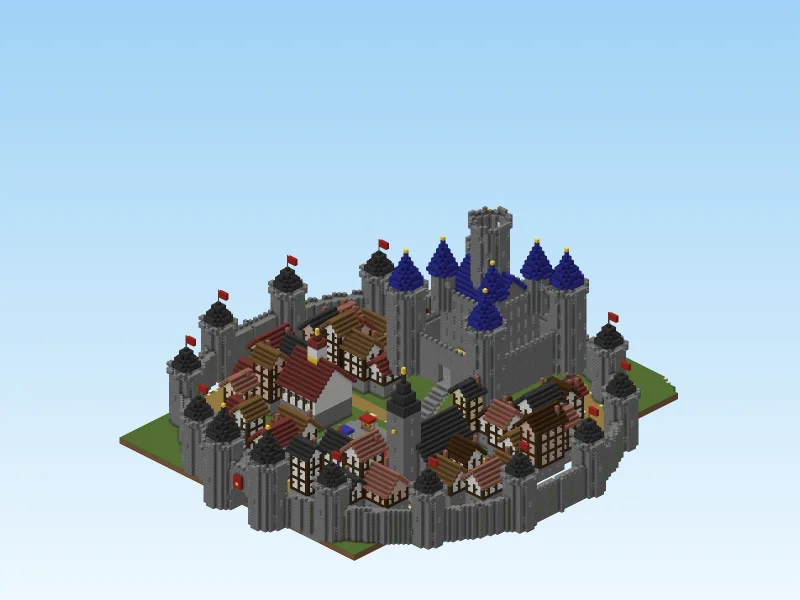
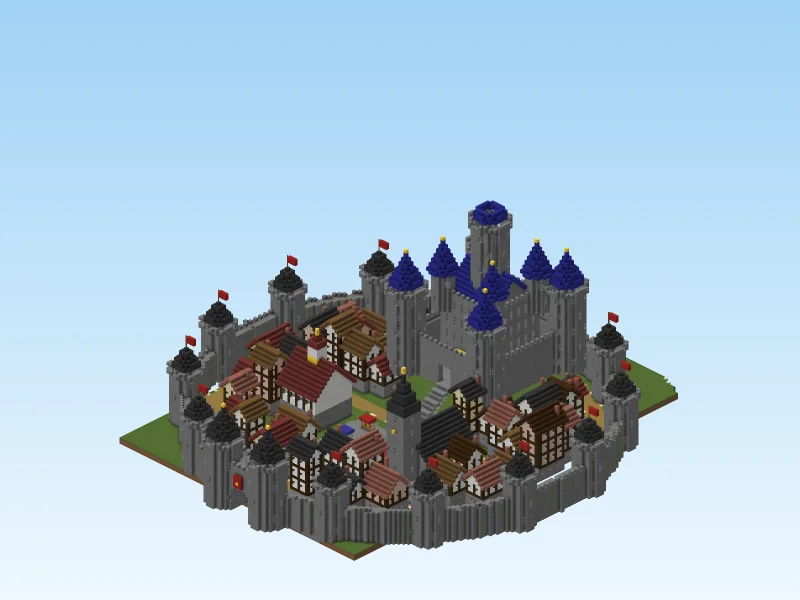
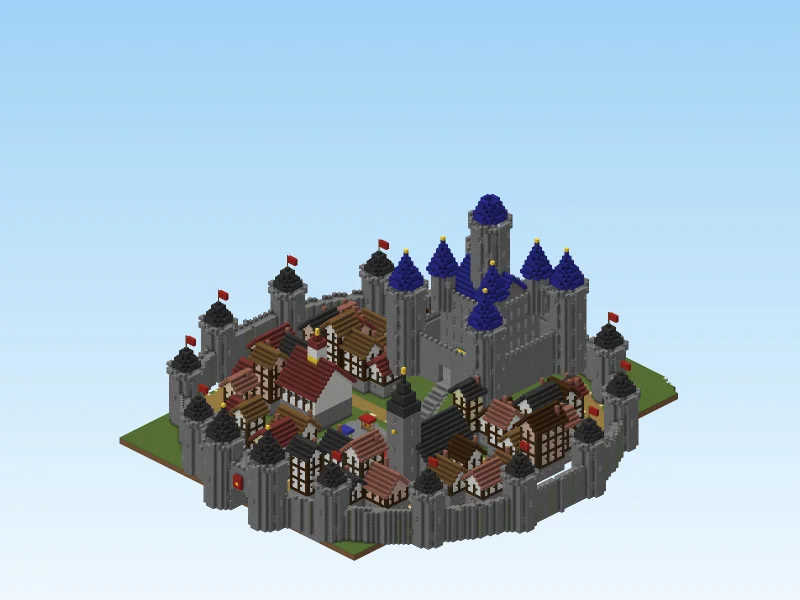
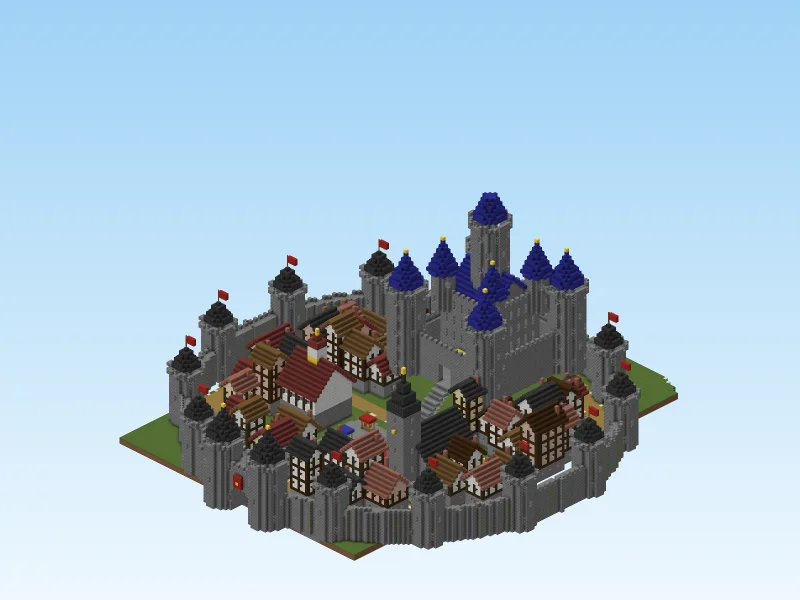
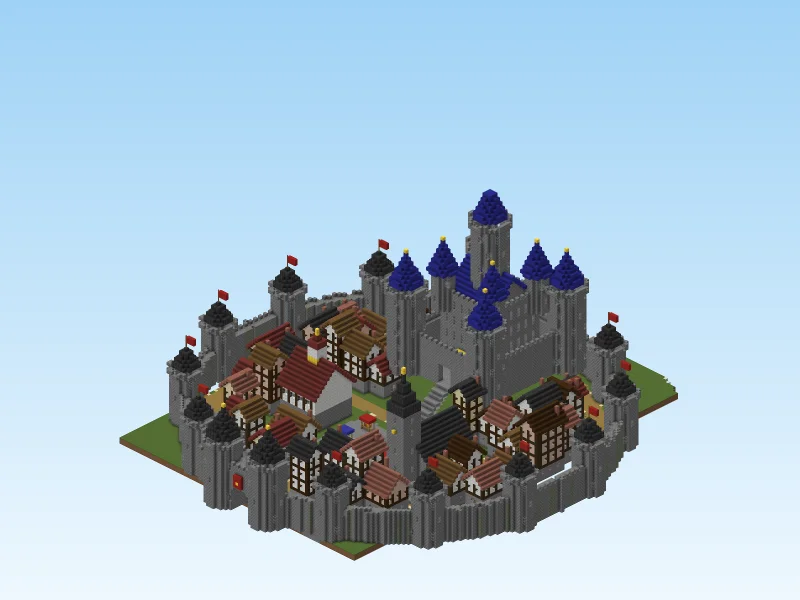
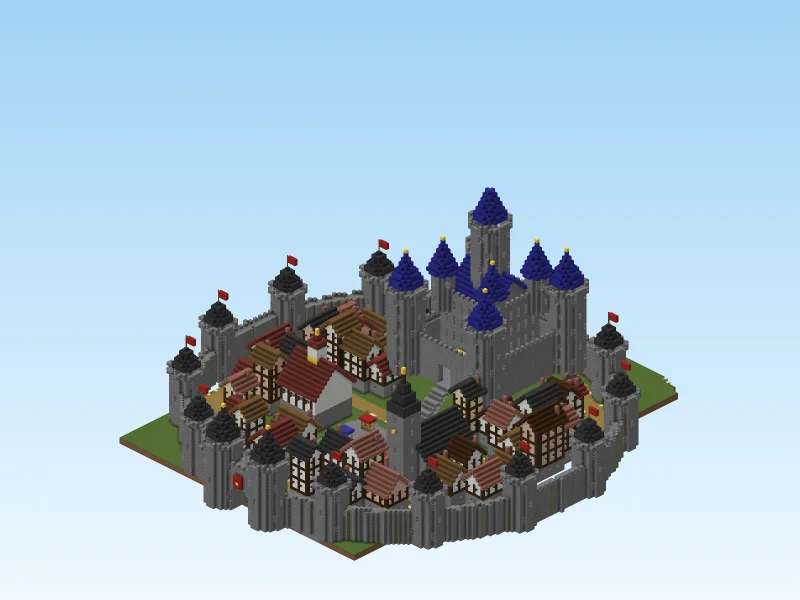
A whole city straight out of the Middle Ages: a round city wall with 13 towers protects more than 40 timber-frame houses, a market square with a fountain and market stalls, a church with a pointed tower and the town hall.
At the back, on a hill, sits the royal castle with four corner towers, blue roofs and a great hall, from whose center the main tower rises 73 blocks high. Altogether that's more than 56,000 blocks – one of the biggest projects on Blockwerk.
🔍 Click on parts
Tap any part of the build in the 3D model – a lamp, a tree, a bench next to the house – and you’ll see exactly how to build that part, with its materials and a layer-by-layer plan.
🧊 Build it as a hologram in Minecraft Bedrock (HoloPrint)
Download this build idea as a .mcstructure file – it is made right from the blueprint below. The HoloPrint website turns it into a pack that places the build as a see-through hologram in your world – you just fill in the blocks.
- Tap the button above – the file medieval-royal-city.mcstructure is downloaded.
- Open the HoloPrint website.
- Upload the file there.
- Create your build template texture pack.
- Download the .mcpack file.
- Open it with Minecraft and activate the pack in your world.
- Place an armor stand – the build template appears there. Tip: put it exactly where the build should stand.
Works with Minecraft Bedrock (phone, tablet, console, Windows). HoloPrint is a free fan project, not made by Blockwerk.
Layer-by-layer blueprint
Click through from bottom to top. Every square is one block, the front is at the bottom. Gray shows the layer below. 73 layers, area in the plan: 133 × 138 blocks.
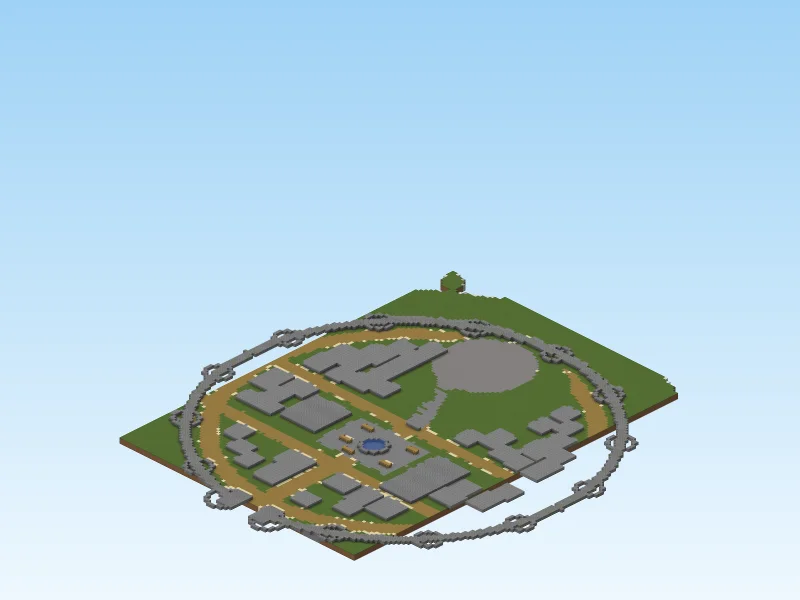
Layer 1 of 73 (4358 blocks)
- Cobblestone2248
- Stone Bricks1827
- Mossy Stone Bricks206
- Water37
- Oak Planks20
- Oak Fence20
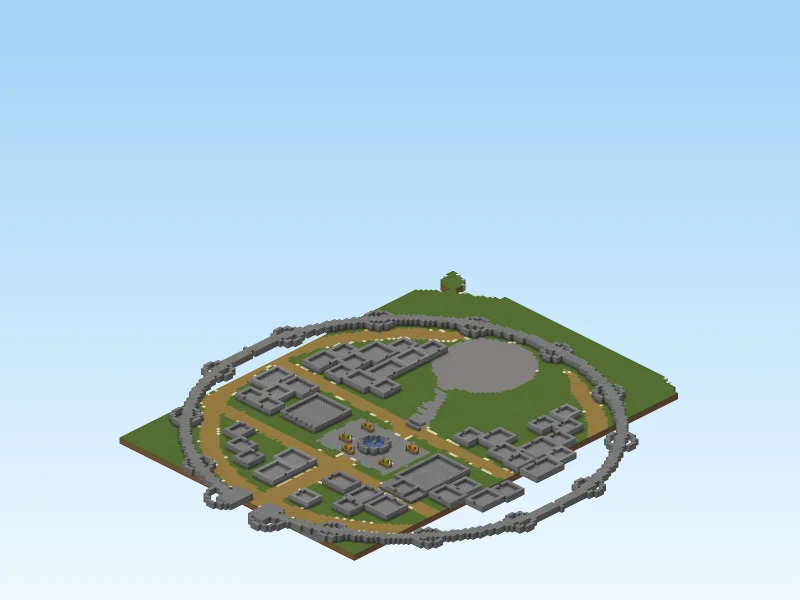
Layer 2 of 73 (2727 blocks)
- Stone Bricks1626
- Cobblestone611
- Andesite206
- Mossy Stone Bricks206
- Spruce Door43
- Oak Fence20
- Barrel5
- Glass5
- Pumpkin3
- Melon2

Layer 3 of 73 (2688 blocks)
- Stone Bricks1562
- Cobblestone483
- Glass212
- Mossy Stone Bricks206
- Andesite162
- Spruce Door43
- Oak Fence20
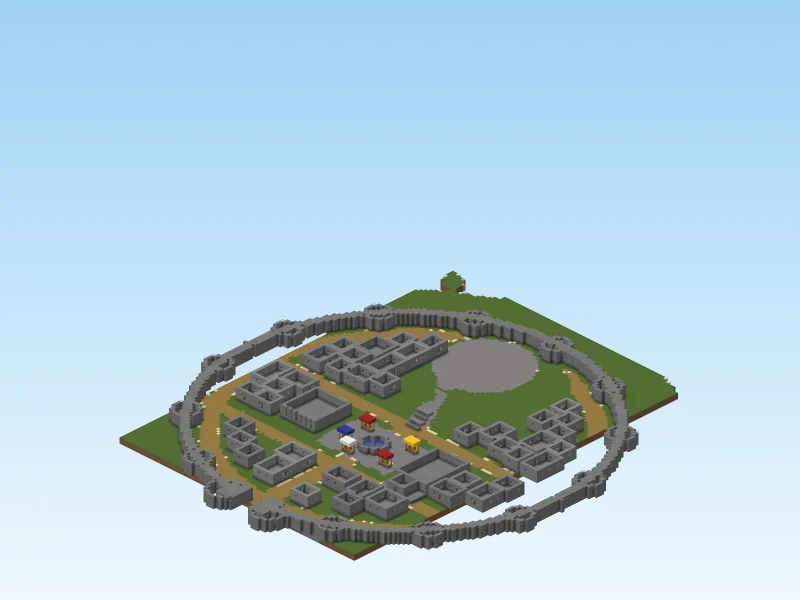
Layer 4 of 73 (2808 blocks)
- Stone Bricks1596
- Cobblestone631
- Andesite214
- Mossy Stone Bricks204
- Glass65
- Lantern37
- Red Wool24
- Blue Wool12
- Yellow Wool12
- White Wool12
- Spruce Door1

Layer 5 of 73 (3916 blocks)
- Stone Bricks1384
- Spruce Planks1197
- Dark Oak Log696
- Spruce Log350
- Mossy Stone Bricks204
- Glass60
- Blue Stained Glass10
- Iron Bars7
- Cobblestone5
- Yellow Stained Glass3

Layer 6 of 73 (2680 blocks)
- Stone Bricks1397
- Calcite326
- Dark Oak Log252
- Mossy Stone Bricks206
- White Terracotta170
- Spruce Log126
- White Wool104
- Smooth Sandstone68
- Blue Stained Glass10
- Cobblestone10
- Iron Bars7
- Yellow Stained Glass3
- Water1
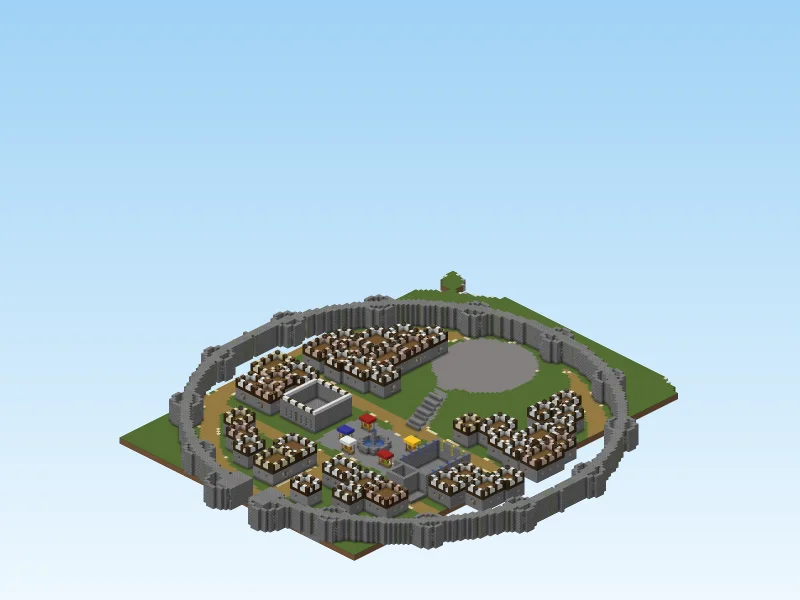
Layer 7 of 73 (2675 blocks)
- Stone Bricks1343
- Glass366
- Dark Oak Log262
- Mossy Stone Bricks206
- Calcite190
- Spruce Log126
- White Terracotta78
- White Wool46
- Smooth Sandstone32
- Blue Stained Glass10
- Iron Bars7
- Cobblestone5
- Yellow Stained Glass3
- Lantern1
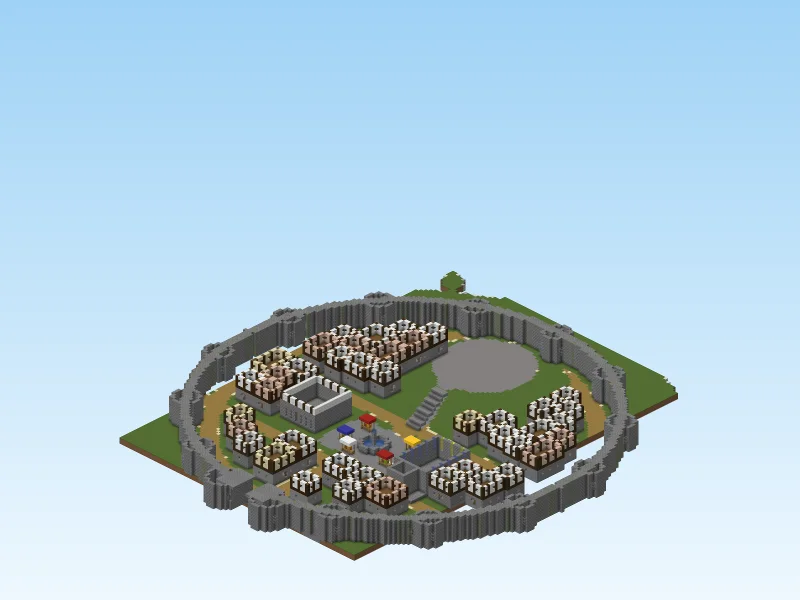
Layer 8 of 73 (2690 blocks)
- Stone Bricks1361
- Calcite370
- Dark Oak Log262
- Mossy Stone Bricks206
- White Terracotta170
- Spruce Log126
- White Wool104
- Smooth Sandstone68
- Blue Stained Glass10
- Cobblestone10
- Yellow Stained Glass3
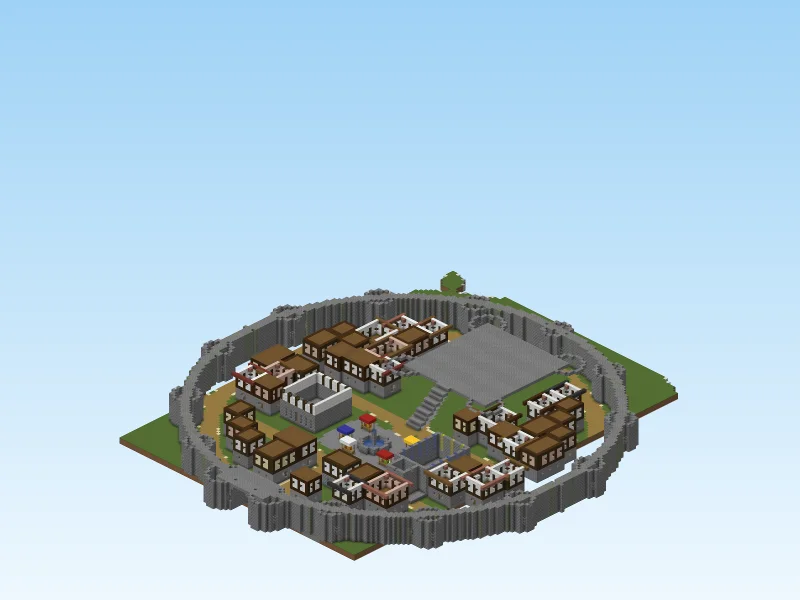
Layer 9 of 73 (4707 blocks)
- Stone Bricks2541
- Spruce Planks736
- Dark Oak Log406
- Spruce Log210
- Mossy Stone Bricks206
- Calcite155
- Spruce Stairs113
- Glass70
- Bricks69
- White Terracotta43
- White Wool42
- Deepslate Tile Stairs33
- Dark Oak Planks31
- Mangrove Planks29
- Blue Stained Glass10
- Cobblestone10
- Yellow Stained Glass3

Layer 10 of 73 (3522 blocks)
- Stone Bricks2081
- Calcite301
- Mossy Stone Bricks206
- Dark Oak Log158
- White Terracotta148
- Spruce Stairs135
- White Wool80
- Spruce Log80
- Bricks76
- Glass70
- Smooth Sandstone66
- Deepslate Tile Stairs36
- Dark Oak Planks36
- Mangrove Planks33
- Blue Stained Glass10
- Yellow Stained Glass3
- Red Wool3
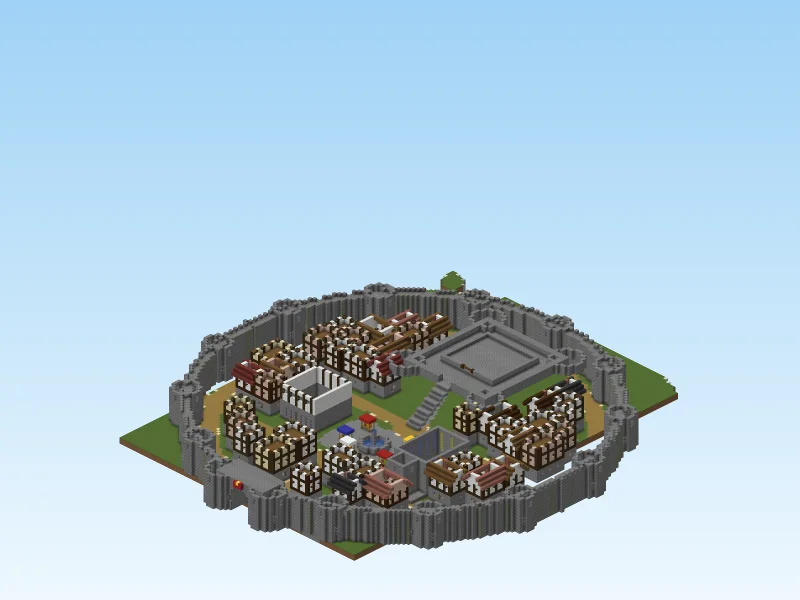
Layer 11 of 73 (2286 blocks)
- Stone Bricks1196
- Glass220
- Calcite175
- Dark Oak Log160
- Spruce Stairs130
- Spruce Log80
- Bricks75
- White Terracotta73
- White Wool38
- Dark Oak Planks37
- Deepslate Tile Stairs34
- Mangrove Planks31
- Smooth Sandstone31
- Spruce Door3
- Red Wool2
- Block of Gold1

Layer 12 of 73 (2075 blocks)
- Stone Bricks987
- Calcite236
- Dark Oak Log150
- Spruce Stairs138
- White Terracotta122
- Spruce Log79
- Bricks78
- Smooth Sandstone67
- Mangrove Planks62
- White Wool48
- Dark Oak Planks42
- Deepslate Tile Stairs36
- Glass24
- Red Wool3
- Spruce Door3

Layer 13 of 73 (2211 blocks)
- Stone Bricks955
- Spruce Planks265
- Dark Oak Log145
- Mangrove Planks124
- Calcite122
- Bricks109
- Deepslate Tile Stairs105
- Spruce Stairs98
- Spruce Log85
- White Terracotta64
- Dark Oak Planks52
- Smooth Sandstone29
- White Wool28
- Glass24
- Red Wool3
- Spruce Door3
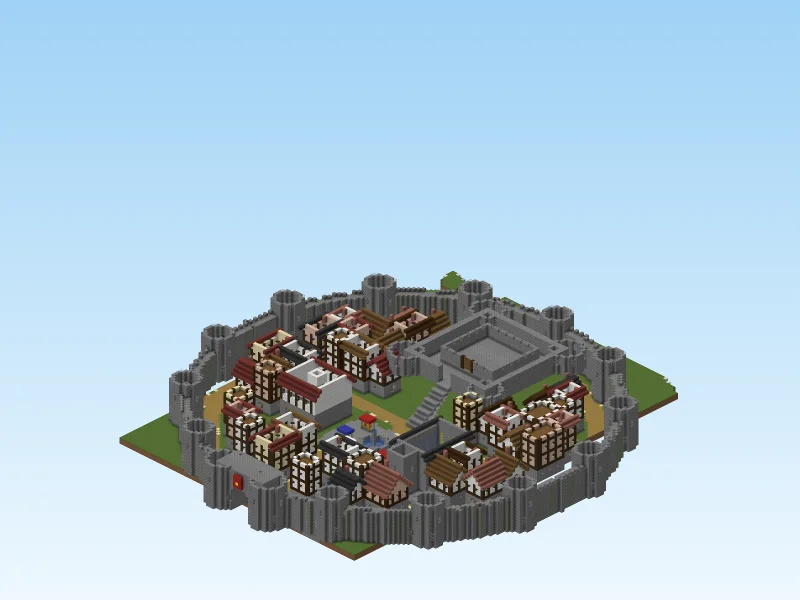
Layer 14 of 73 (1863 blocks)
- Stone Bricks944
- Calcite172
- Mangrove Planks132
- Deepslate Tile Stairs106
- Bricks80
- White Terracotta80
- Glass80
- Dark Oak Log57
- Spruce Stairs54
- Smooth Sandstone49
- Dark Oak Planks42
- White Wool34
- Spruce Log30
- Spruce Door3
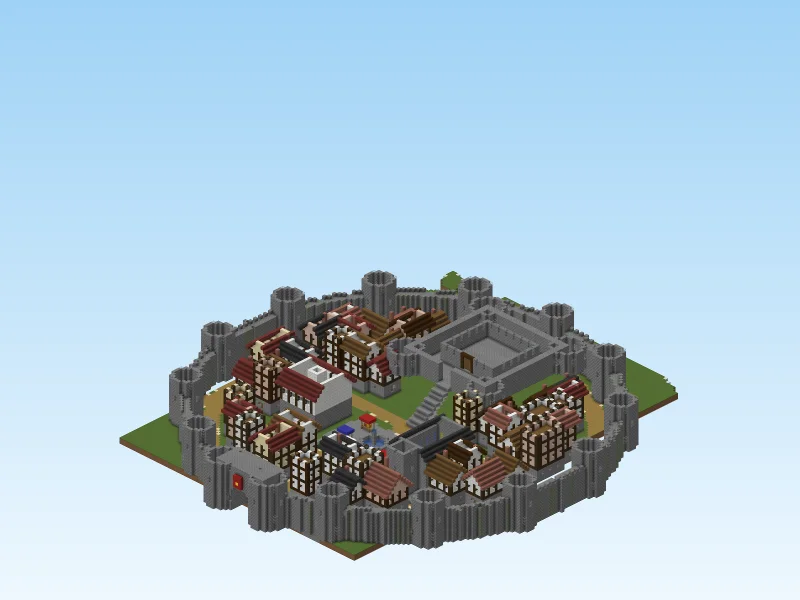
Layer 15 of 73 (1759 blocks)
- Stone Bricks938
- Glass167
- Mangrove Planks129
- Deepslate Tile Stairs103
- Calcite100
- Bricks63
- Dark Oak Log58
- Dark Oak Planks43
- White Terracotta42
- Spruce Stairs42
- Spruce Log30
- Smooth Sandstone26
- White Wool18
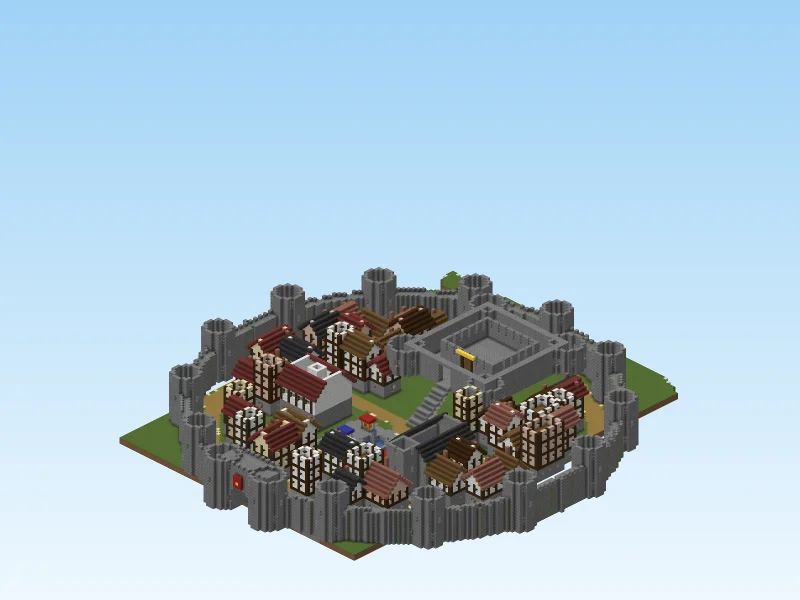
Layer 16 of 73 (1531 blocks)
- Stone Bricks817
- Mangrove Planks134
- Calcite116
- Deepslate Tile Stairs106
- Bricks64
- Dark Oak Log58
- Spruce Stairs44
- Dark Oak Planks40
- White Terracotta40
- Smooth Sandstone33
- Spruce Log30
- Glass24
- White Wool18
- Block of Gold7
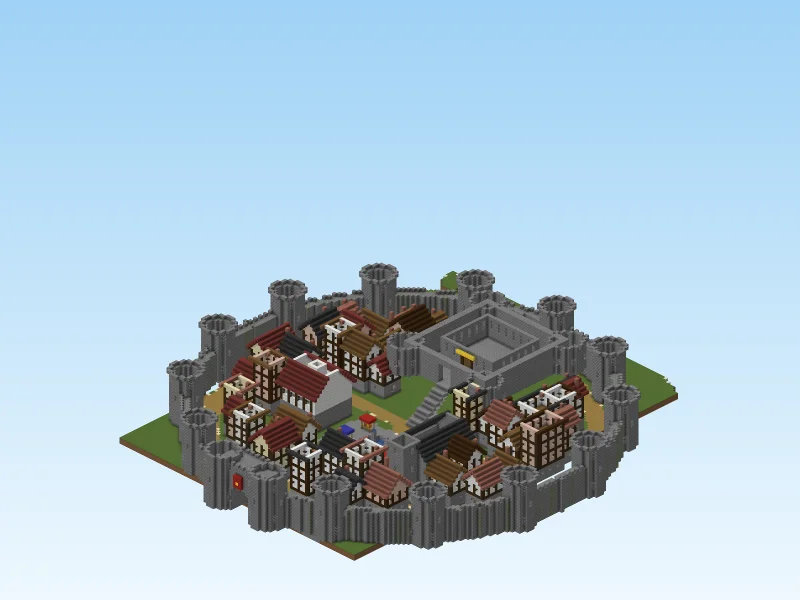
Layer 17 of 73 (1437 blocks)
- Stone Bricks849
- Deepslate Tile Stairs122
- Calcite88
- Spruce Stairs88
- Mangrove Planks78
- Bricks74
- Dark Oak Planks55
- White Terracotta26
- Glass24
- Smooth Sandstone21
- White Wool12
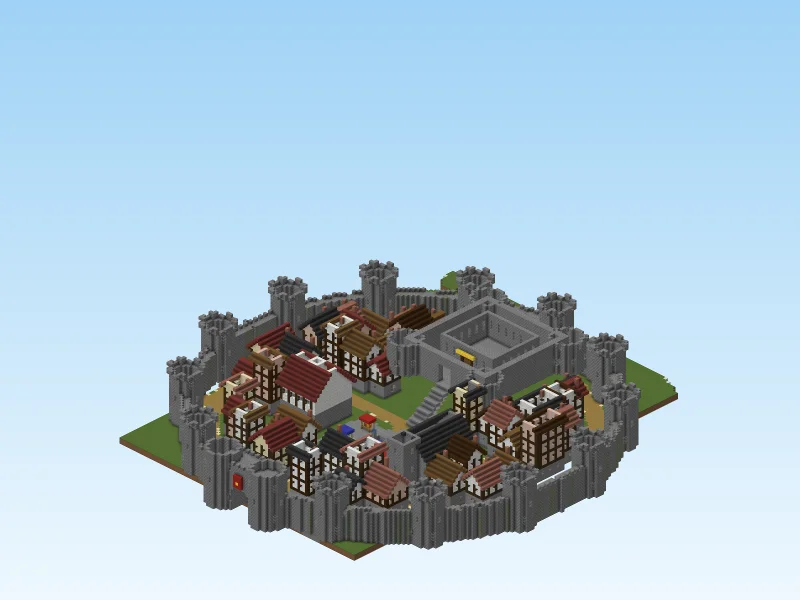
Layer 18 of 73 (1137 blocks)
- Stone Bricks730
- Deepslate Tile Stairs96
- Calcite64
- Bricks58
- Spruce Stairs54
- Dark Oak Planks42
- Mangrove Planks28
- Glass24
- White Terracotta18
- Smooth Sandstone15
- White Wool8

Layer 19 of 73 (1087 blocks)
- Stone Bricks483
- Deepslate Tile Stairs353
- Spruce Stairs51
- Bricks48
- Dark Oak Planks42
- Calcite36
- Mangrove Planks26
- Glass22
- White Terracotta10
- Smooth Sandstone8
- Block of Gold4
- White Wool4
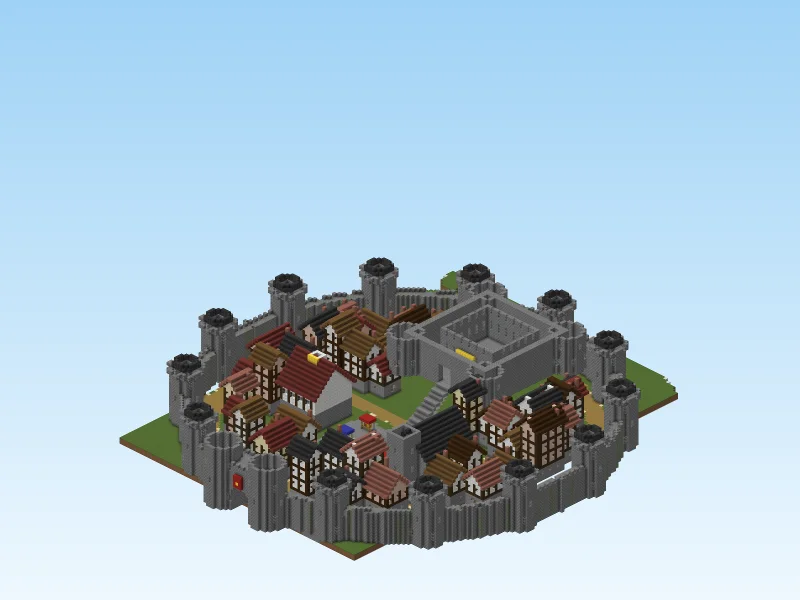
Layer 20 of 73 (971 blocks)
- Stone Bricks482
- Deepslate Tile Stairs285
- Spruce Stairs54
- Bricks50
- Dark Oak Planks44
- Glass22
- Mangrove Planks14
- Calcite14
- Block of Gold4
- White Terracotta2

Layer 21 of 73 (640 blocks)
- Stone Bricks390
- Deepslate Tile Stairs180
- Glass24
- Bricks21
- Dark Oak Planks13
- Calcite12

Layer 22 of 73 (499 blocks)
- Stone Bricks290
- Deepslate Tile Stairs169
- Glass26
- Calcite12
- Block of Gold1
- Bricks1
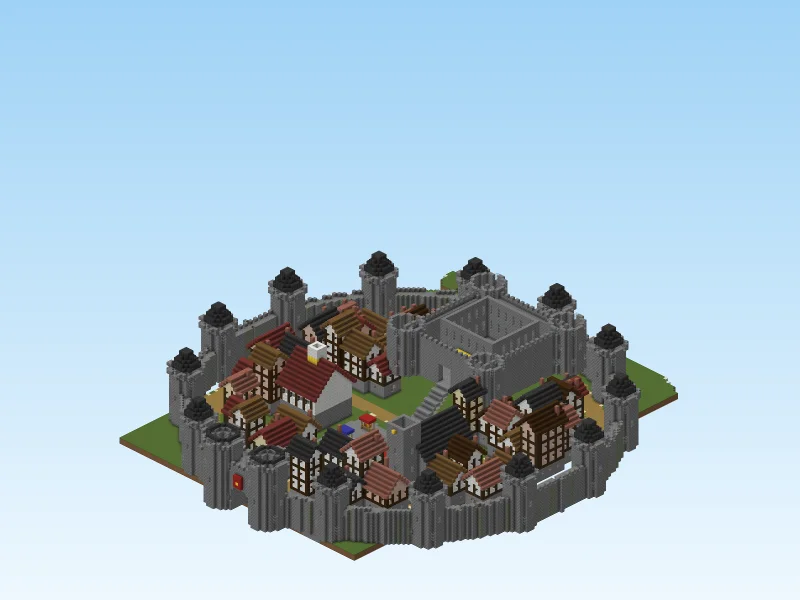
Layer 23 of 73 (397 blocks)
- Stone Bricks196
- Deepslate Tile Stairs165
- Glass24
- Calcite12
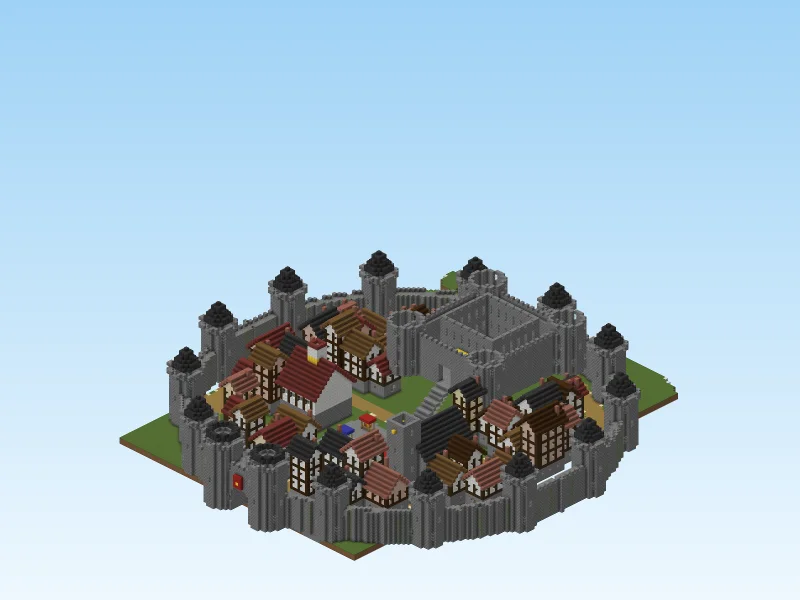
Layer 24 of 73 (286 blocks)
- Stone Bricks190
- Deepslate Tile Stairs61
- Glass22
- Mangrove Planks12
- Bell1

Layer 25 of 73 (285 blocks)
- Stone Bricks188
- Deepslate Tile Stairs48
- Glass24
- Spruce Fence13
- Mangrove Planks12
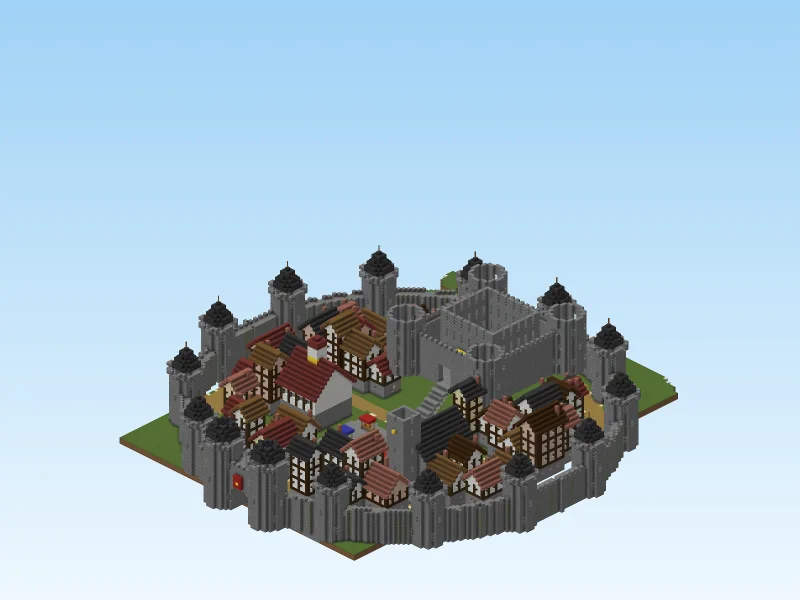
Layer 26 of 73 (261 blocks)
- Stone Bricks188
- Deepslate Tile Stairs32
- Glass24
- Spruce Fence13
- Mangrove Planks4
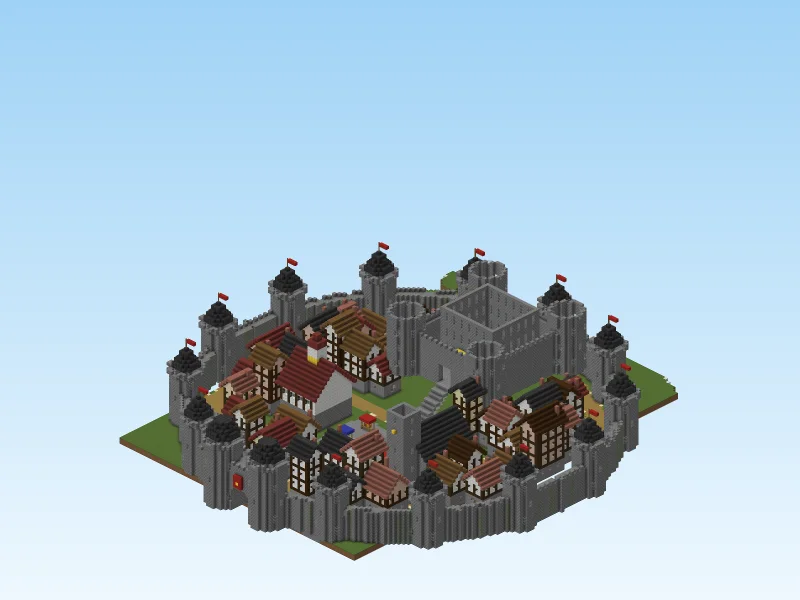
Layer 27 of 73 (310 blocks)
- Stone Bricks188
- Deepslate Tile Stairs42
- Red Wool39
- Glass24
- Spruce Fence13
- Mangrove Planks4
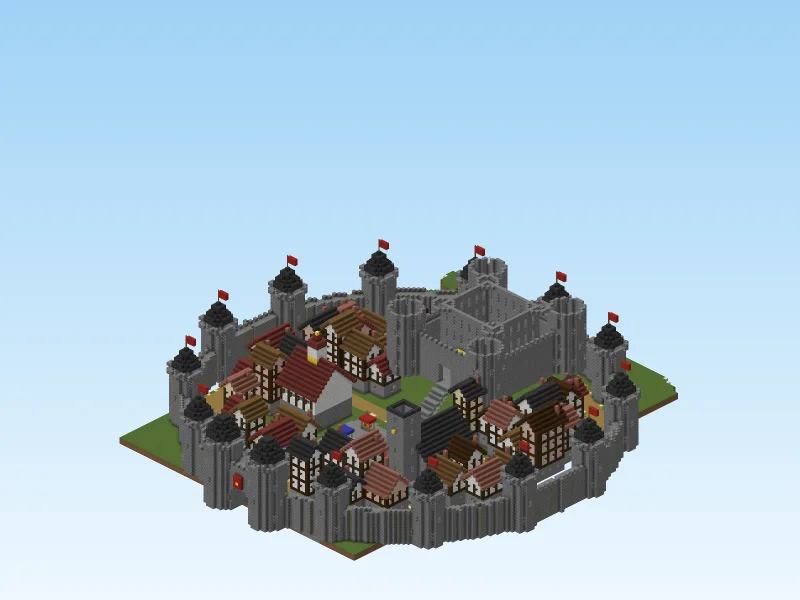
Layer 28 of 73 (339 blocks)
- Stone Bricks220
- Deepslate Tile Stairs42
- Red Wool39
- Glass24
- Spruce Fence13
- Block of Gold1
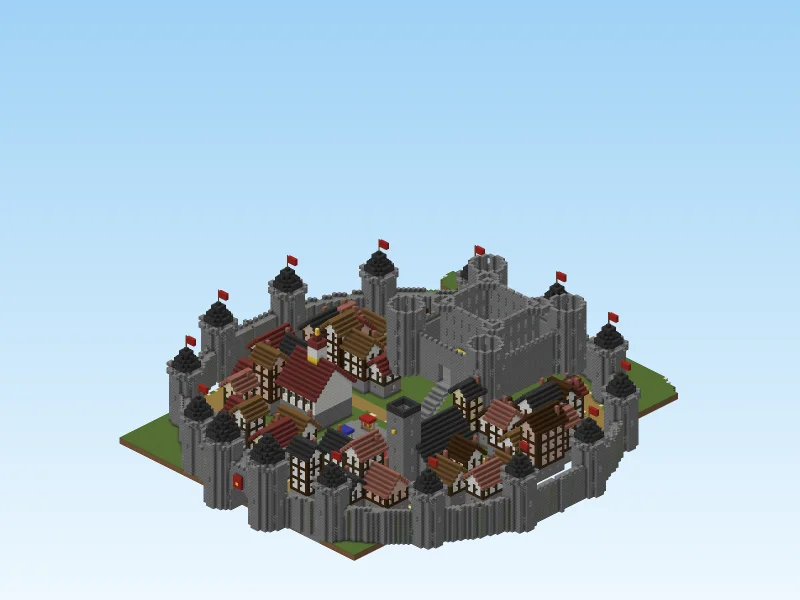
Layer 29 of 73 (279 blocks)
- Stone Bricks224
- Deepslate Tile Stairs34
- Glass20
- Block of Gold1

Layer 30 of 73 (270 blocks)
- Stone Bricks224
- Deepslate Tile Stairs26
- Glass20

Layer 31 of 73 (262 blocks)
- Stone Bricks208
- Glass36
- Deepslate Tile Stairs18
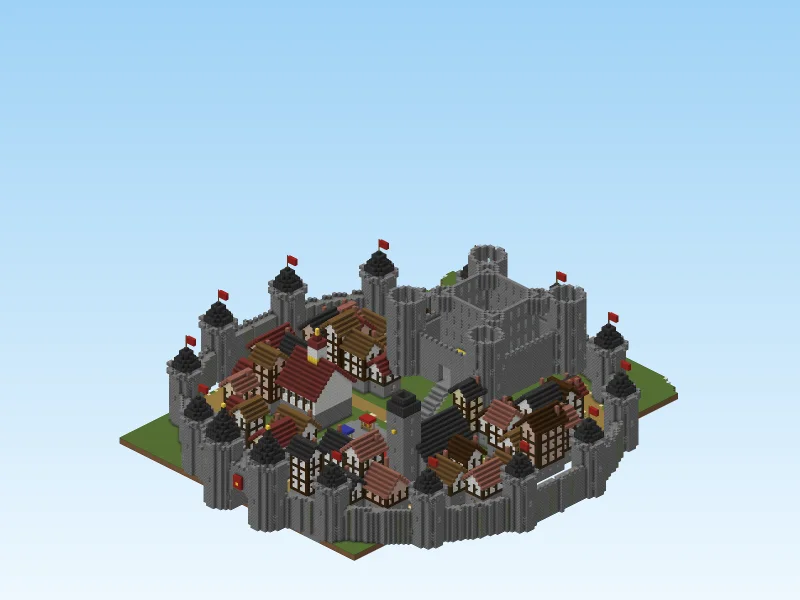
Layer 32 of 73 (270 blocks)
- Stone Bricks212
- Glass40
- Deepslate Tile Stairs16
- Block of Gold2
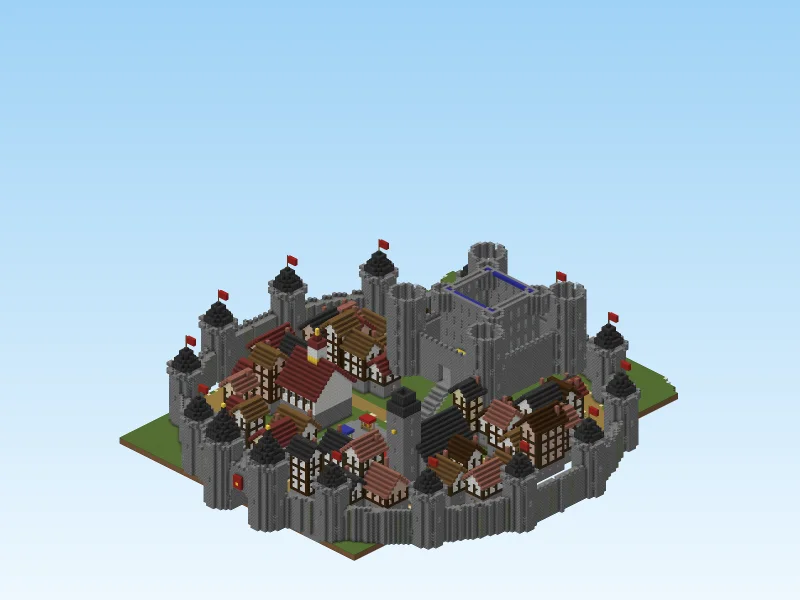
Layer 33 of 73 (328 blocks)
- Stone Bricks254
- Blue Concrete34
- Glass24
- Deepslate Tile Stairs16

Layer 34 of 73 (310 blocks)
- Stone Bricks268
- Blue Concrete34
- Deepslate Tile Stairs8
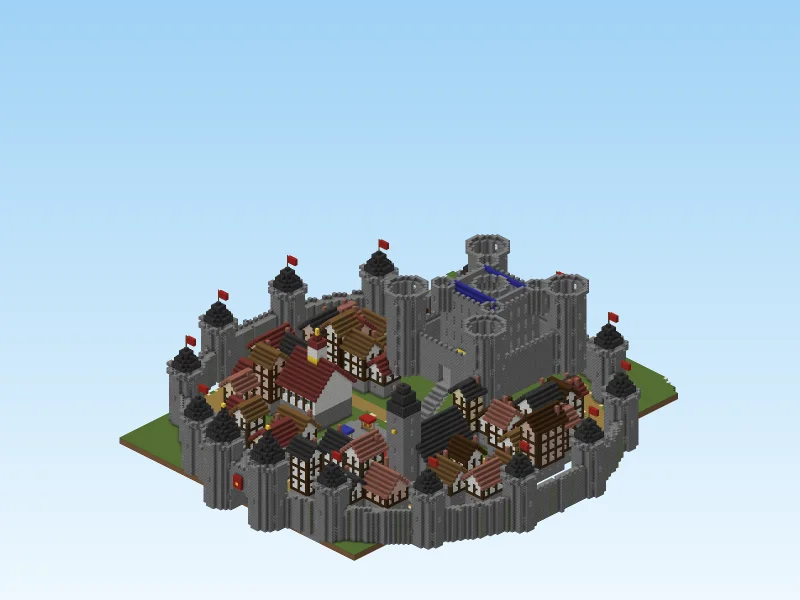
Layer 35 of 73 (310 blocks)
- Stone Bricks268
- Blue Concrete34
- Deepslate Tile Stairs8

Layer 36 of 73 (212 blocks)
- Stone Bricks156
- Blue Concrete32
- Glass16
- Deepslate Tile Stairs8
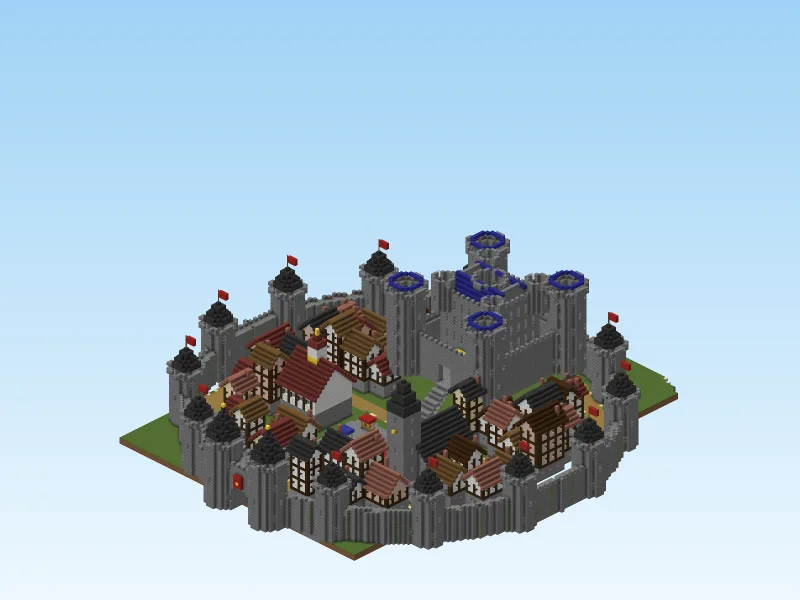
Layer 37 of 73 (233 blocks)
- Blue Concrete126
- Stone Bricks84
- Glass22
- Deepslate Tile Stairs1
Layer 38 of 73 (233 blocks)
- Blue Concrete130
- Stone Bricks96
- Glass6
- Deepslate Tile Stairs1
Layer 39 of 73 (229 blocks)
- Blue Concrete130
- Stone Bricks98
- Deepslate Tile Stairs1
Layer 40 of 73 (257 blocks)
- Blue Concrete226
- Stone Bricks30
- Block of Gold1

Layer 41 of 73 (174 blocks)
- Blue Concrete145
- Stone Bricks28
- Block of Gold1

Layer 42 of 73 (146 blocks)
- Blue Concrete116
- Stone Bricks24
- Glass6

Layer 43 of 73 (130 blocks)
- Blue Concrete100
- Stone Bricks24
- Glass6
Layer 44 of 73 (132 blocks)
- Blue Concrete104
- Stone Bricks28

Layer 45 of 73 (84 blocks)
- Blue Concrete56
- Stone Bricks28
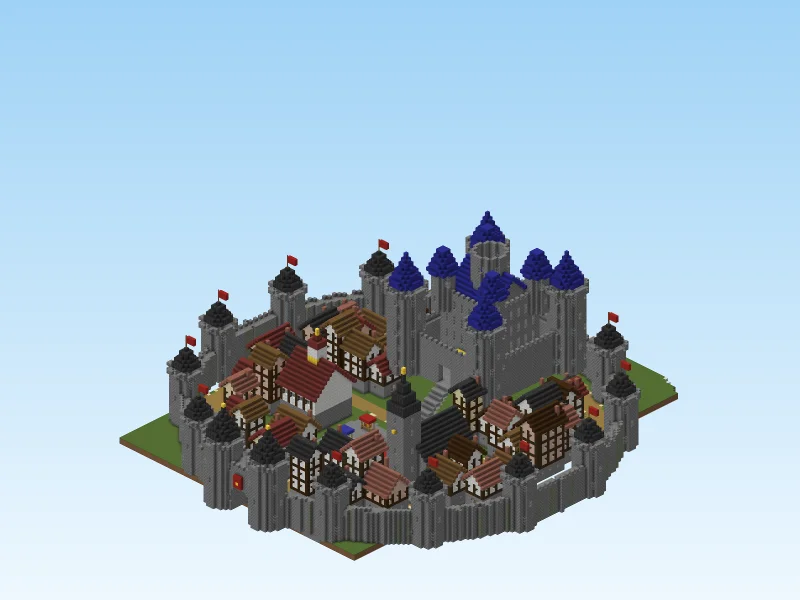
Layer 46 of 73 (68 blocks)
- Blue Concrete40
- Stone Bricks28
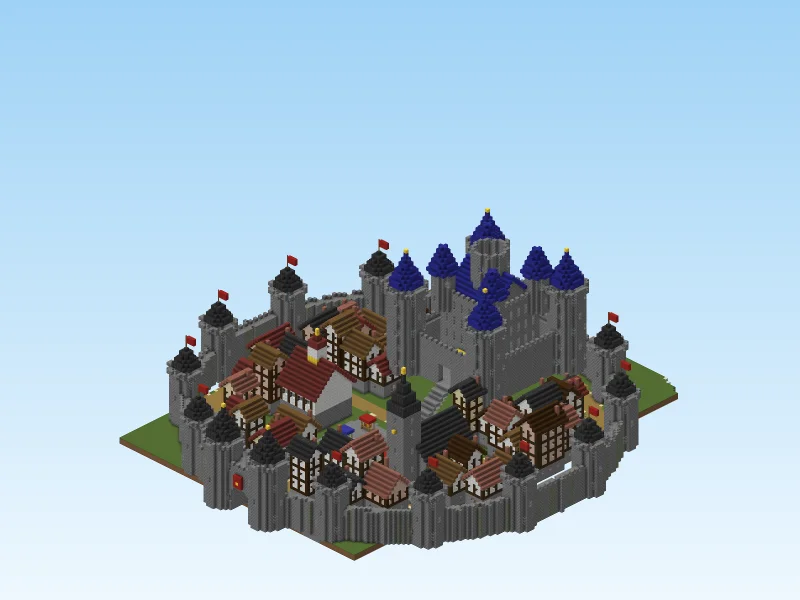
Layer 47 of 73 (52 blocks)
- Stone Bricks22
- Blue Concrete20
- Glass6
- Block of Gold4
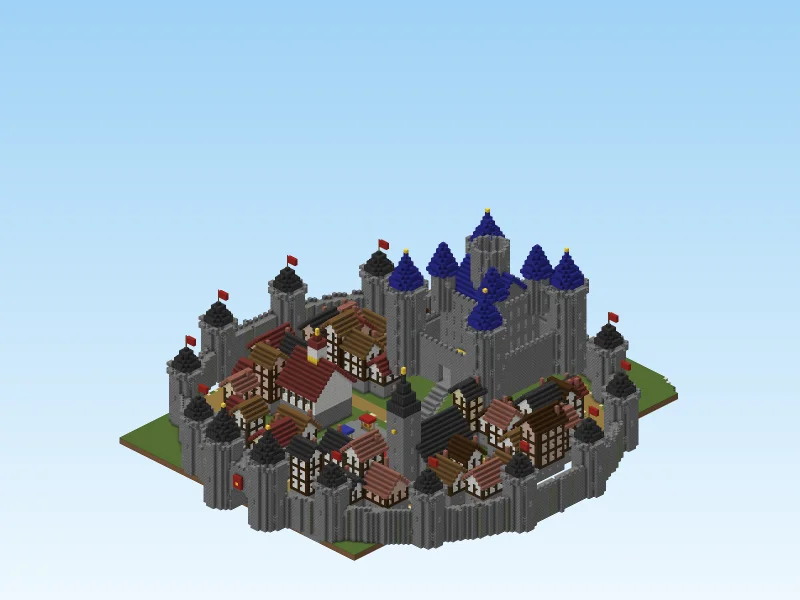
Layer 48 of 73 (32 blocks)
- Stone Bricks22
- Glass6
- Blue Concrete4
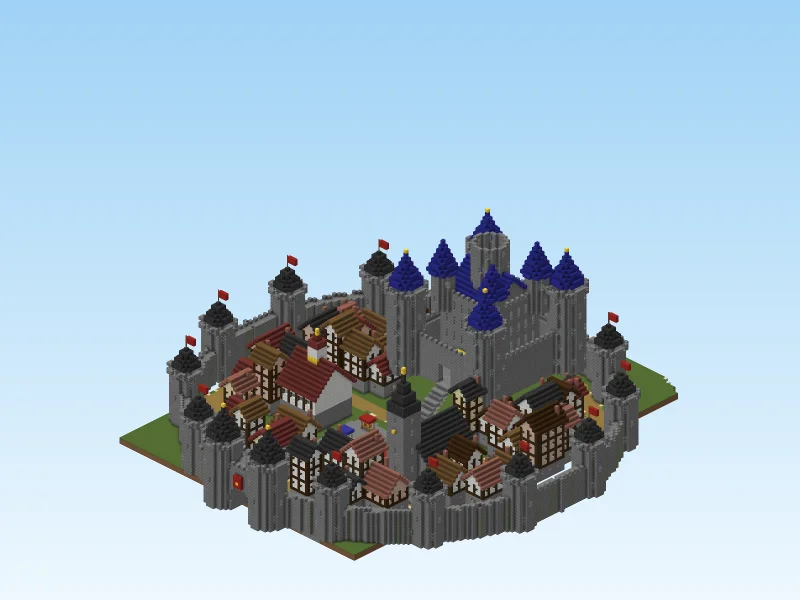
Layer 49 of 73 (32 blocks)
- Stone Bricks28
- Blue Concrete4

Layer 50 of 73 (32 blocks)
- Stone Bricks28
- Block of Gold4

Layer 51 of 73 (28 blocks)
- Stone Bricks28
Layer 52 of 73 (30 blocks)
- Stone Bricks24
- Glass6

Layer 53 of 73 (30 blocks)
- Stone Bricks24
- Glass6

Layer 54 of 73 (28 blocks)
- Stone Bricks28
Layer 55 of 73 (28 blocks)
- Stone Bricks28

Layer 56 of 73 (40 blocks)
- Stone Bricks40
Layer 57 of 73 (16 blocks)
- Stone Bricks16

Layer 58 of 73 (24 blocks)
- Blue Concrete24

Layer 59 of 73 (24 blocks)
- Blue Concrete24
Layer 60 of 73 (20 blocks)
- Blue Concrete20

Layer 61 of 73 (16 blocks)
- Blue Concrete16

Layer 62 of 73 (16 blocks)
- Blue Concrete16
Layer 63 of 73 (12 blocks)
- Blue Concrete12
Layer 64 of 73 (13 blocks)
- Blue Concrete13
Layer 65 of 73 (9 blocks)
- Blue Concrete9
Layer 66 of 73 (5 blocks)
- Blue Concrete5
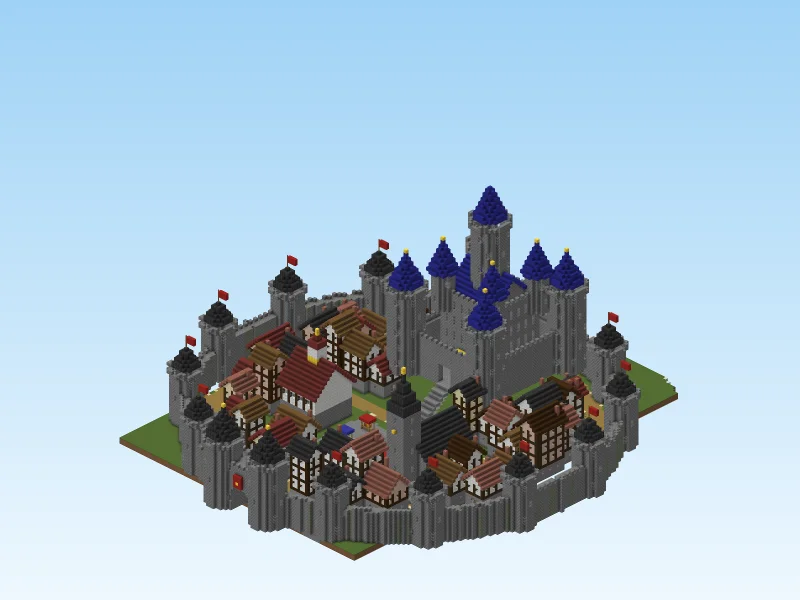
Layer 67 of 73 (1 blocks)
- Blue Concrete1

Layer 68 of 73 (1 blocks)
- Spruce Fence1
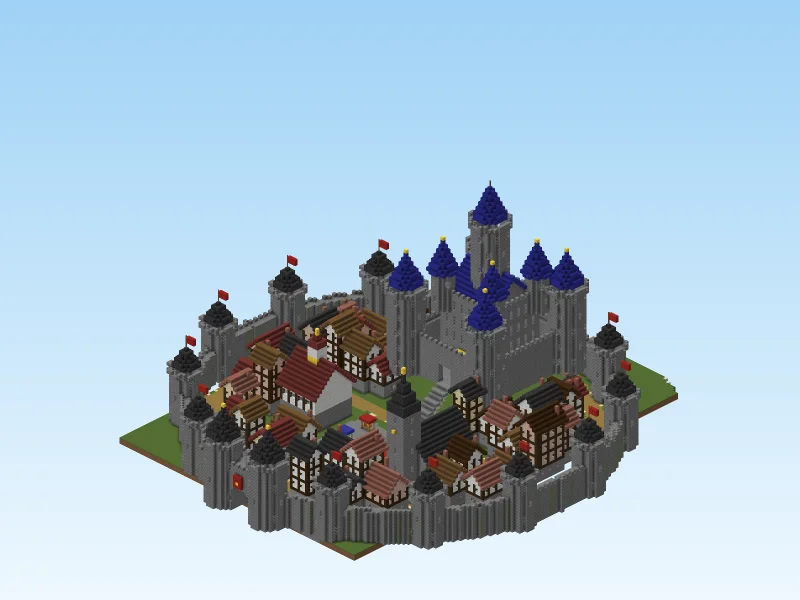
Layer 69 of 73 (1 blocks)
- Spruce Fence1

Layer 70 of 73 (1 blocks)
- Spruce Fence1
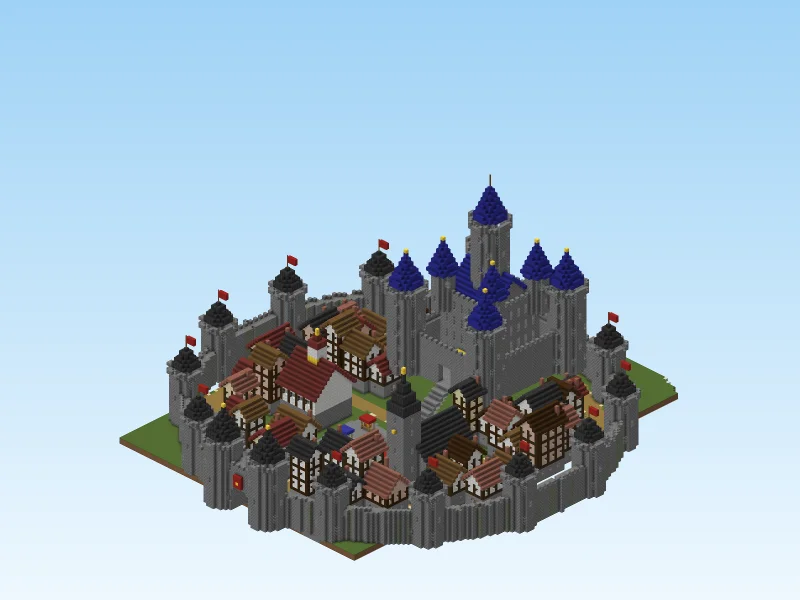
Layer 71 of 73 (1 blocks)
- Spruce Fence1

Layer 72 of 73 (5 blocks)
- Red Wool4
- Spruce Fence1
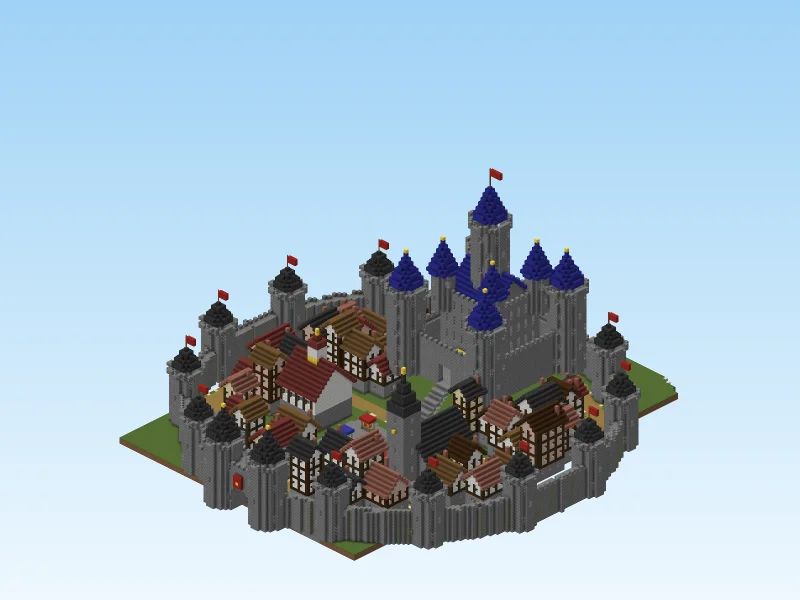
Layer 73 of 73 (5 blocks)
- Red Wool4
- Spruce Fence1
Simplified blueprint: stairs and slabs are partly shown as full blocks, animals and plants as small squares. Tip: use the arrow keys ← → to switch layers.
Step-by-step guide
Floor plan
Mark out a circle 128 blocks across. Lay the main street from the gate to the castle hill, a ring road along the inside of the wall and two cross streets.
Castle hill
At the back of the city, pile up a hill about 48 blocks wide and 9 blocks tall with a flat top. A cobbled path leads up.
City wall
Build the wall from stone bricks, 3 blocks thick and 10 blocks tall, with battlements on top. Mix in a few mossy stone bricks.
13 wall towers
Place round towers 9 blocks across on the wall at equal distances, 16 blocks tall, with a ring of battlements, a pointed deepslate roof and a red flag.
Gatehouse
At the front goes the gatehouse: a wide block with an archway and an iron-bar portcullis, flanked by two thick round towers 20 blocks tall.
Market square
In the middle, lay out a gravel square with a round fountain and five colorful market stalls.
Church and town hall
To the right of the market stands the church with stained glass windows and a 27-block tower with a spire, to the left the town hall with a timber-frame upper floor and a small tower with a gold band.
Timber-frame houses
Fill the quarters with houses: cobblestone at the bottom, one to three timber-frame floors of dark oak logs and light walls above, and a gable roof in brown, red or slate gray on top. Every house gets a chimney and a lantern by the door.
Castle
On the hill, build the castle wall, 33 × 34 blocks, with four corner towers and blue pointed roofs. The great hall goes in the middle, 21 × 19 blocks and 23 tall, with four small towers at the corners.
Main tower
The round main tower with battlements, a blue roof and a flag grows out of the great hall's roof – the highest point of the city.
Pro tips
- Plan the project in sections and collect the main blocks in shulker boxes first – the material list shows the exact count in stacks.
- Build the houses in rows right next to each other – that makes the city look dense and truly medieval.
- Make every house a little different: another roof color, another wall color, sometimes 2 floors and sometimes 4.
Variations
- Dig a moat around the city wall.
- Build fields, mills and a small farming village in front of the gate.


