Jane's Attic Hideout
- DifficultyMedium
- Size44 × 30 blocks, 22 high
- Build timeabout 4 hours
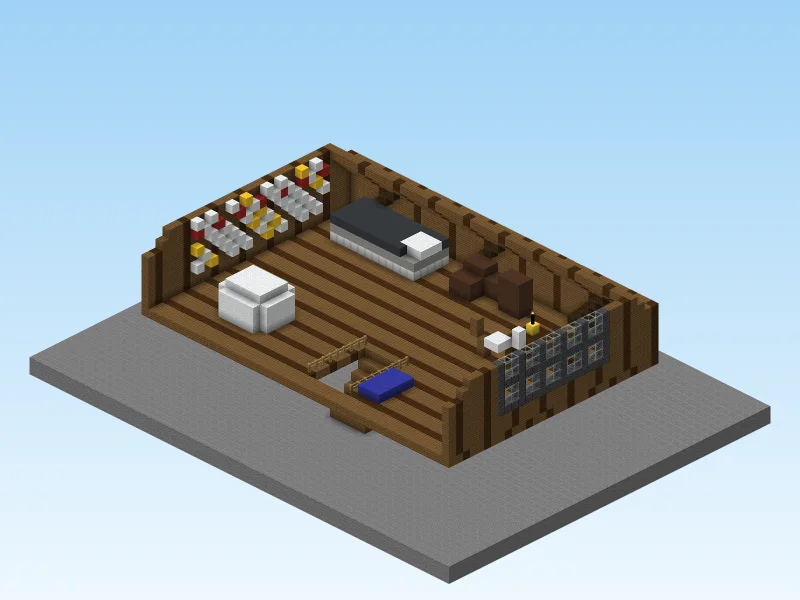
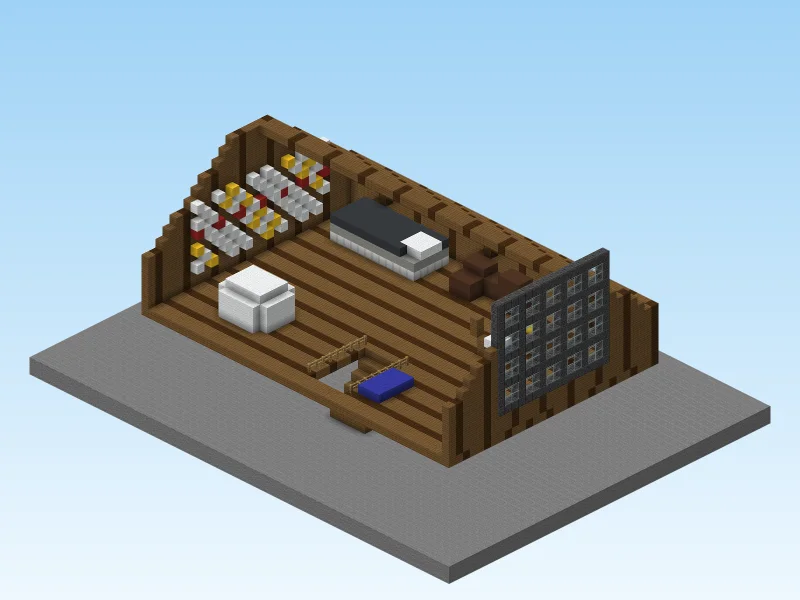
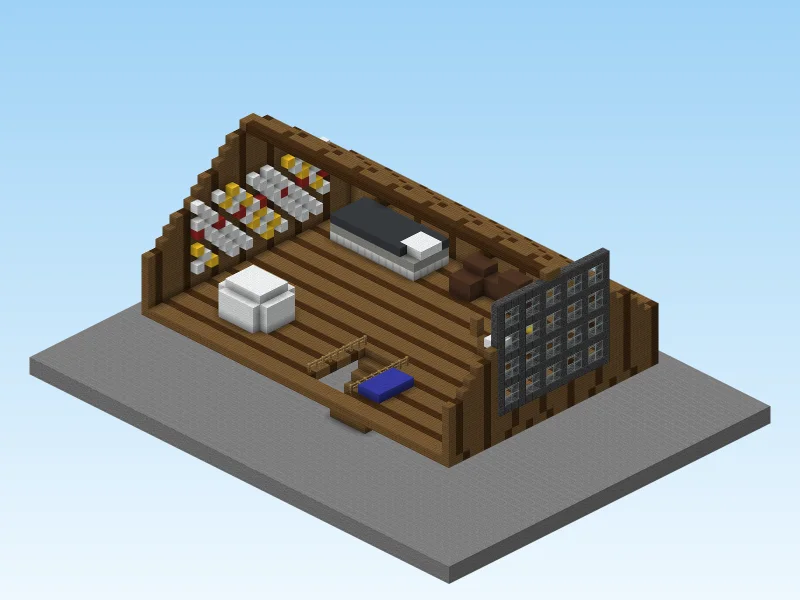
From the TV series "The Mentalist": Jane's secret hideout under the roof of the CBI building.
Included: wooden walls and a sloped roof with beams, a big steel window overlooking the city, a camp bed with a gray blanket, a desk with a lamp, files and tea, a wall of notes and red strings for the hunt for Red John and boxes, covered furniture and the stairs down. Scale 1 block ≈ 25 cm; 44 blocks wide, 30 deep and 22 layers high – 3,369 blocks in total.
You need the most Spruce Planks, Dark Oak Planks, Spruce Stairs, Polished Deepslate.
Fan build idea for the TV series "The Mentalist" – not official. Built from stills of the show and photos from the fan wiki.

Pictures

🔍 Click on parts
Tap any part of the build in the 3D model – a lamp, a tree, a bench next to the house – and you’ll see exactly how to build that part, with its materials and a layer-by-layer plan.
🧊 Build it as a hologram in Minecraft Bedrock (HoloPrint)
Download this build idea as a .mcstructure file – it is made right from the blueprint below. The HoloPrint website turns it into a pack that places the build as a see-through hologram in your world – you just fill in the blocks.
- Tap the button above – the file mentalist-janes-attic.mcstructure is downloaded.
- Open the HoloPrint website.
- Upload the file there.
- Create your build template texture pack.
- Download the .mcpack file.
- Open it with Minecraft and activate the pack in your world.
- Place an armor stand – the build template appears there. Tip: put it exactly where the build should stand.
Works with Minecraft Bedrock (phone, tablet, console, Windows). HoloPrint is a free fan project, not made by Blockwerk.
Blueprint layer by layer
Click through from bottom to top. Each square is one block, the front is at the bottom. The layer below is shown in grey. 22 layers, blueprint area: 44 × 30 blocks.

Layer 1 of 22 (5 blocks)
- Spruce Planks5
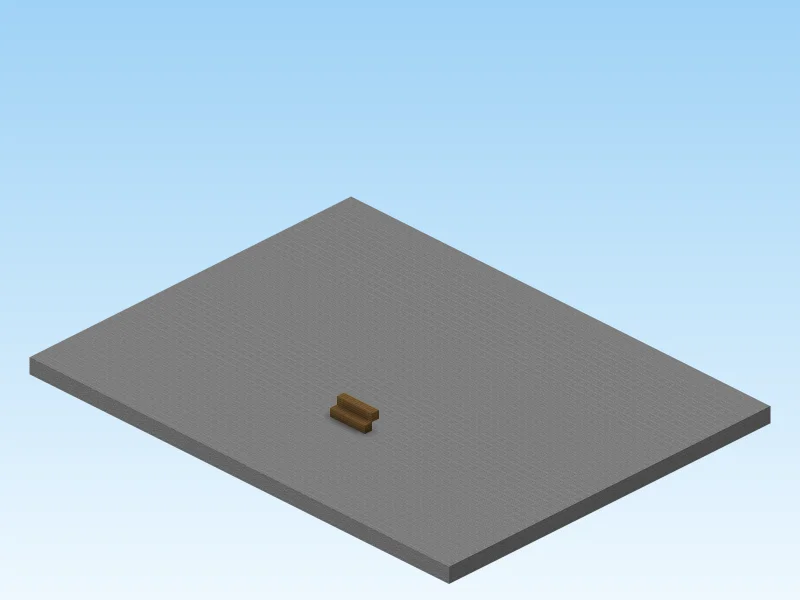
Layer 2 of 22 (5 blocks)
- Spruce Planks5

Layer 3 of 22 (5 blocks)
- Spruce Planks5

Layer 4 of 22 (5 blocks)
- Spruce Planks5

Layer 5 of 22 (5 blocks)
- Spruce Planks5
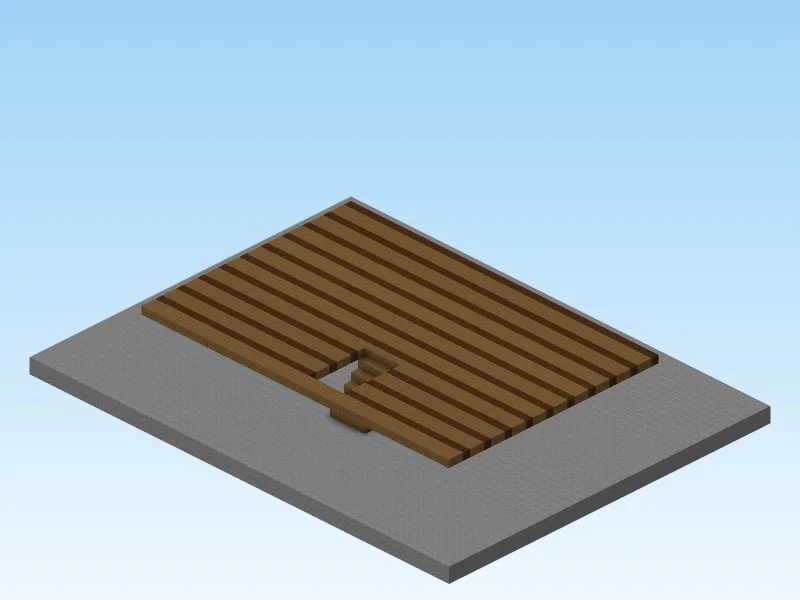
Layer 6 of 22 (1280 blocks)
- Spruce Planks855
- Dark Oak Planks425

Layer 7 of 22 (265 blocks)
- Spruce Planks79
- Block of Iron60
- White Wool38
- Dark Oak Planks28
- Brown Terracotta24
- Oak Fence18
- Blue Wool15
- Dark Oak Log3
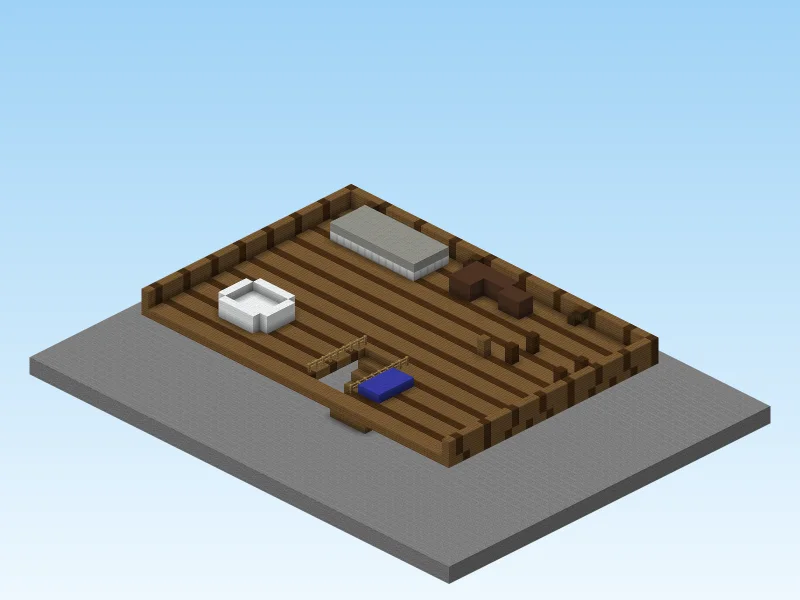
Layer 8 of 22 (212 blocks)
- Spruce Planks79
- Light Gray Wool60
- Dark Oak Planks28
- Brown Terracotta24
- White Wool18
- Dark Oak Log3

Layer 9 of 22 (234 blocks)
- Spruce Planks67
- Dark Oak Planks52
- Gray Concrete49
- White Wool18
- Polished Deepslate16
- White Wool15
- Brown Terracotta12
- Dark Oak Log3
- Yellow Wool2

Layer 10 of 22 (145 blocks)
- Spruce Planks67
- Dark Oak Planks20
- White Wool20
- White Wool10
- Glass10
- Brown Terracotta6
- Polished Deepslate6
- Dark Oak Log3
- Yellow Wool1
- Block of Gold1
- Block of Quartz1

Layer 11 of 22 (115 blocks)
- Spruce Planks66
- Dark Oak Planks20
- Glass10
- White Wool7
- Polished Deepslate6
- Dark Oak Log3
- Yellow Wool2
- Chain1
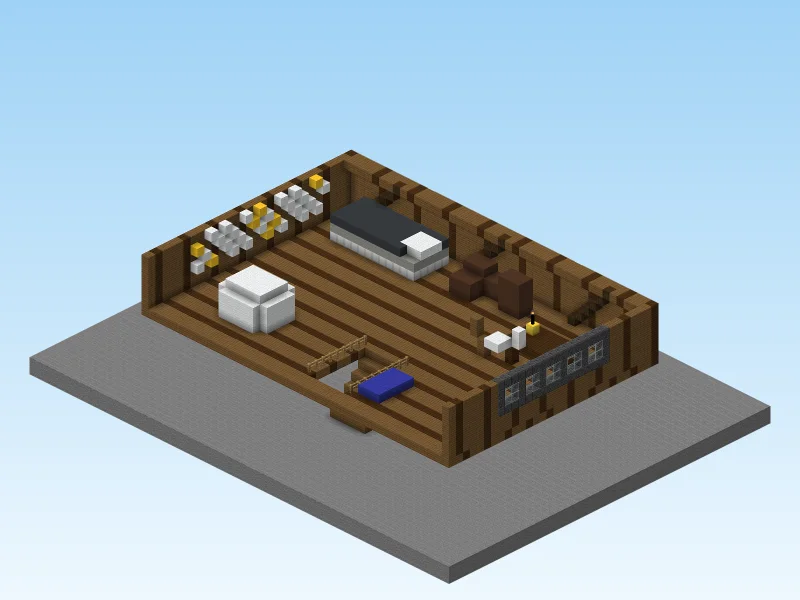
Layer 12 of 22 (152 blocks)
- Spruce Stairs65
- Spruce Planks32
- Dark Oak Planks28
- Polished Deepslate16
- White Wool5
- Dark Oak Log3
- Yellow Wool2
- Lantern1

Layer 13 of 22 (106 blocks)
- Spruce Stairs34
- Spruce Planks28
- Dark Oak Planks16
- Glass10
- Red Wool7
- Polished Deepslate6
- White Wool5
Layer 14 of 22 (98 blocks)
- Spruce Stairs34
- Spruce Planks24
- Dark Oak Planks16
- Glass10
- White Wool6
- Polished Deepslate6
- Yellow Wool2

Layer 15 of 22 (135 blocks)
- Spruce Stairs68
- Dark Oak Planks24
- Spruce Planks20
- Polished Deepslate16
- White Wool5
- Yellow Wool2

Layer 16 of 22 (86 blocks)
- Spruce Stairs34
- Spruce Planks16
- Dark Oak Planks12
- Glass10
- White Wool6
- Polished Deepslate6
- Yellow Wool2

Layer 17 of 22 (74 blocks)
- Spruce Stairs34
- Spruce Planks12
- Dark Oak Planks12
- Glass10
- Polished Deepslate6

Layer 18 of 22 (114 blocks)
- Spruce Stairs68
- Dark Oak Planks20
- Polished Deepslate16
- Spruce Planks10

Layer 19 of 22 (68 blocks)
- Spruce Stairs34
- Dark Oak Planks10
- Glass10
- Spruce Planks8
- Polished Deepslate6

Layer 20 of 22 (66 blocks)
- Spruce Stairs34
- Dark Oak Planks10
- Glass10
- Spruce Planks6
- Polished Deepslate6
Layer 21 of 22 (106 blocks)
- Spruce Stairs68
- Dark Oak Planks18
- Polished Deepslate16
- Spruce Planks4
Layer 22 of 22 (88 blocks)
- Dark Oak Planks50
- Spruce Stairs34
- Spruce Planks4
Simplified blueprint: stairs and slabs are partly shown as full blocks, animals and plants as small squares. Tip: use the arrow keys ← → to switch layers.
Step-by-step guide
Floor
Lay out layer 1 as the floor – 44 × 30 blocks. The front (bottom of the blueprint) stays open so you can look inside.
Walls
Build the walls up layer by layer. Windows, doors and mirrors are already left open in the blueprint.
Furniture
Place the big furniture first: tables, couch, shelves. Table tops sit on thin legs (fences or iron blocks).
Details
Now comes what makes the room recognisable from the show: wooden walls and a sloped roof with beams, a big steel window overlooking the city, a camp bed with a gray blanket, a desk with a lamp, files and tea, a wall of notes and red strings for the hunt for Red John and boxes, covered furniture and the stairs down.
Lights
Finally lanterns and lamps – then the room looks like on TV even at night.
Pro tips
- Build the outline first – then you see right away if there is enough room.
- With HoloPrint you see every block as a hologram in front of you.
- Combine several Mentalist builds: the bullpen, attic and interrogation room all belong to the CBI headquarters.
Variations
- Build the place at a different time of day – with lanterns it looks great at night.
- Add furniture and little things from your favourite episode.
- Put one of the Mentalist statues next to it.