Small Watchtower
- DifficultyEasy
- Size5 × 5 blocks, 15 tall
- Build timeabout 20 minutes
A watchtower is the perfect start into castle building. It's quick to build and from the top you can see your whole surroundings.
The overhanging platform with battlements makes the tower instantly recognizable – that classic castle feeling.

🔍 Click on parts
Tap any part of the build in the 3D model – a lamp, a tree, a bench next to the house – and you’ll see exactly how to build that part, with its materials and a layer-by-layer plan.
🧊 Build it as a hologram in Minecraft Bedrock (HoloPrint)
Download this build idea as a .mcstructure file – it is made right from the blueprint below. The HoloPrint website turns it into a pack that places the build as a see-through hologram in your world – you just fill in the blocks.
- Tap the button above – the file small-watchtower.mcstructure is downloaded.
- Open the HoloPrint website.
- Upload the file there.
- Create your build template texture pack.
- Download the .mcpack file.
- Open it with Minecraft and activate the pack in your world.
- Place an armor stand – the build template appears there. Tip: put it exactly where the build should stand.
Works with Minecraft Bedrock (phone, tablet, console, Windows). HoloPrint is a free fan project, not made by Blockwerk.
Layer-by-layer blueprint
Click through from bottom to top. Every square is one block, the front is at the bottom. Gray shows the layer below. 15 layers, area in the plan: 7 × 7 blocks.

Layer 1 of 15 (16 blocks)
- Stone Bricks10
- Mossy Stone Bricks5
- Spruce Door1
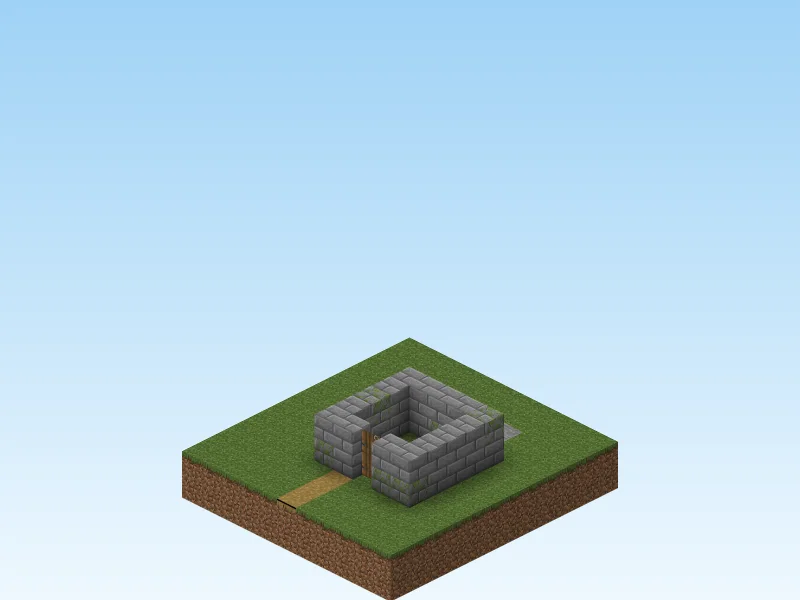
Layer 2 of 15 (16 blocks)
- Stone Bricks13
- Mossy Stone Bricks2
- Spruce Door1
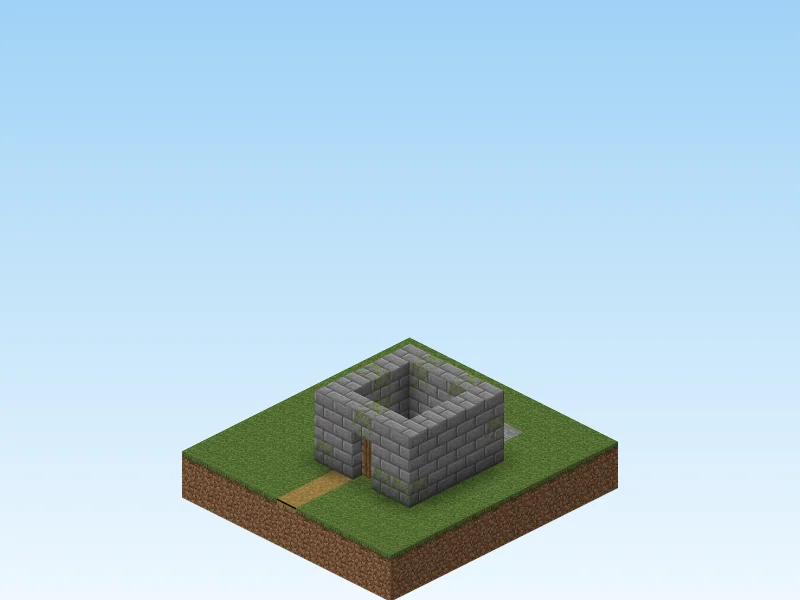
Layer 3 of 15 (16 blocks)
- Stone Bricks12
- Mossy Stone Bricks4

Layer 4 of 15 (15 blocks)
- Stone Bricks14
- Mossy Stone Bricks1

Layer 5 of 15 (16 blocks)
- Stone Bricks14
- Mossy Stone Bricks2
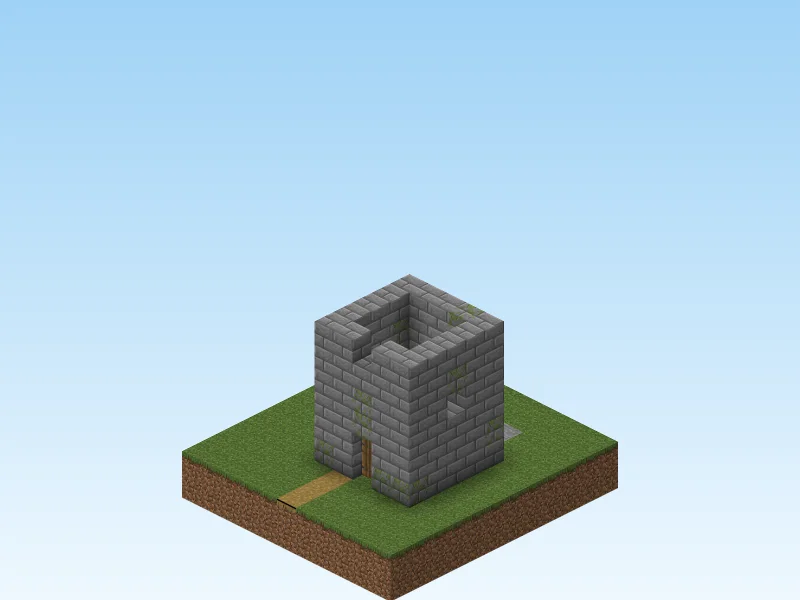
Layer 6 of 15 (15 blocks)
- Stone Bricks14
- Mossy Stone Bricks1
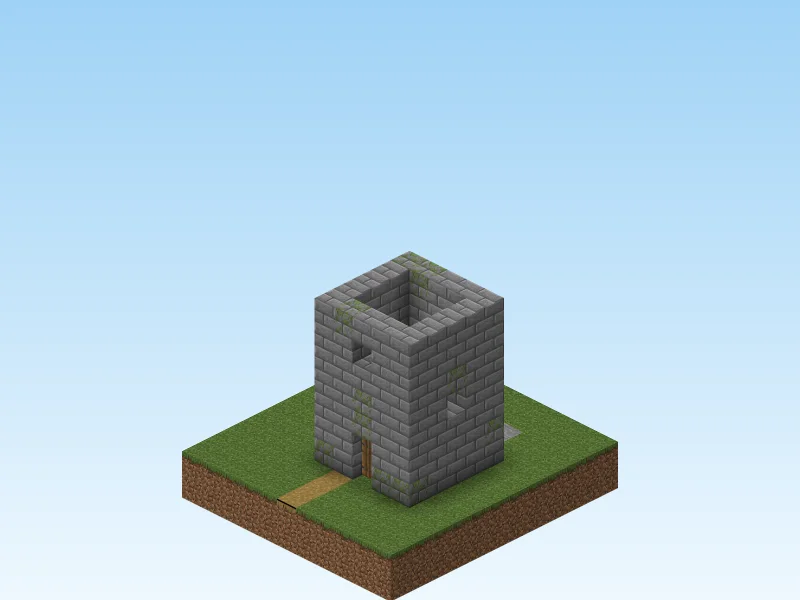
Layer 7 of 15 (16 blocks)
- Stone Bricks13
- Mossy Stone Bricks3
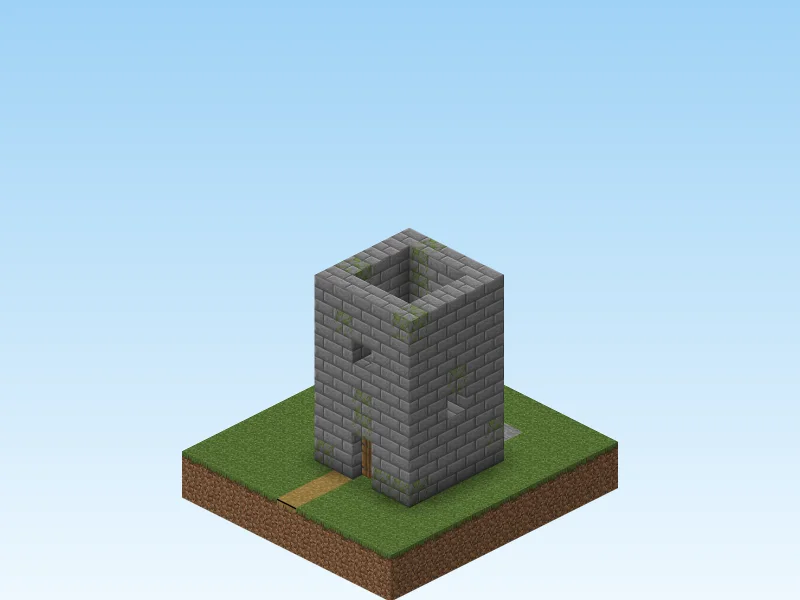
Layer 8 of 15 (16 blocks)
- Stone Bricks13
- Mossy Stone Bricks3

Layer 9 of 15 (15 blocks)
- Stone Bricks12
- Mossy Stone Bricks3
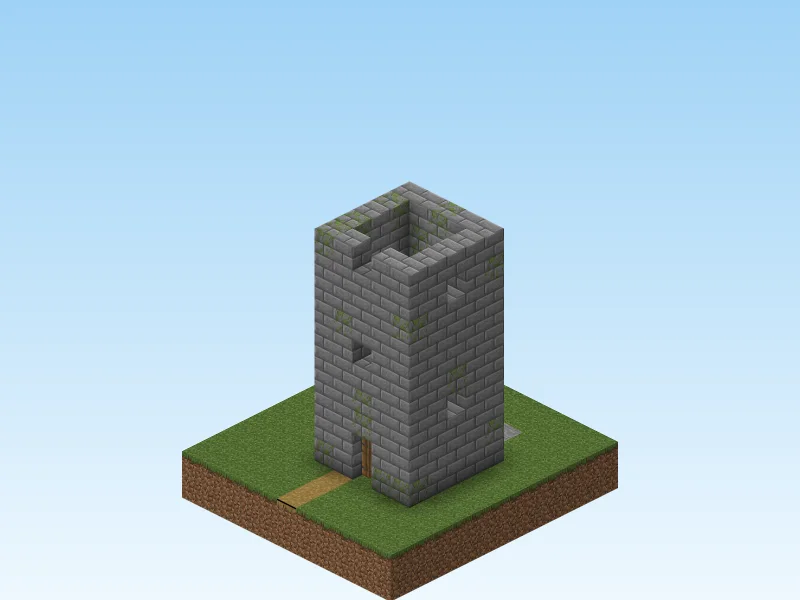
Layer 10 of 15 (15 blocks)
- Stone Bricks11
- Mossy Stone Bricks4

Layer 11 of 15 (16 blocks)
- Stone Bricks12
- Mossy Stone Bricks4

Layer 12 of 15 (16 blocks)
- Stone Bricks12
- Mossy Stone Bricks4
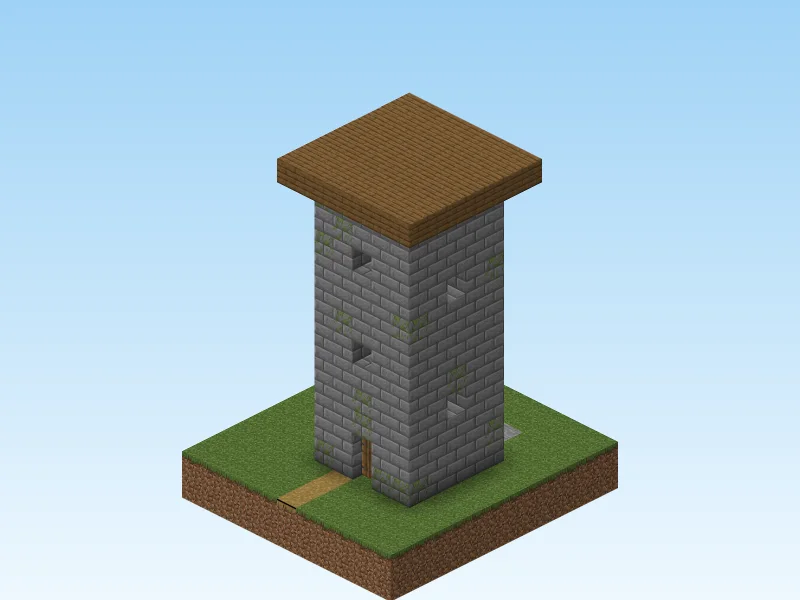
Layer 13 of 15 (49 blocks)
- Spruce Planks49

Layer 14 of 15 (12 blocks)
- Stone Bricks9
- Mossy Stone Bricks3
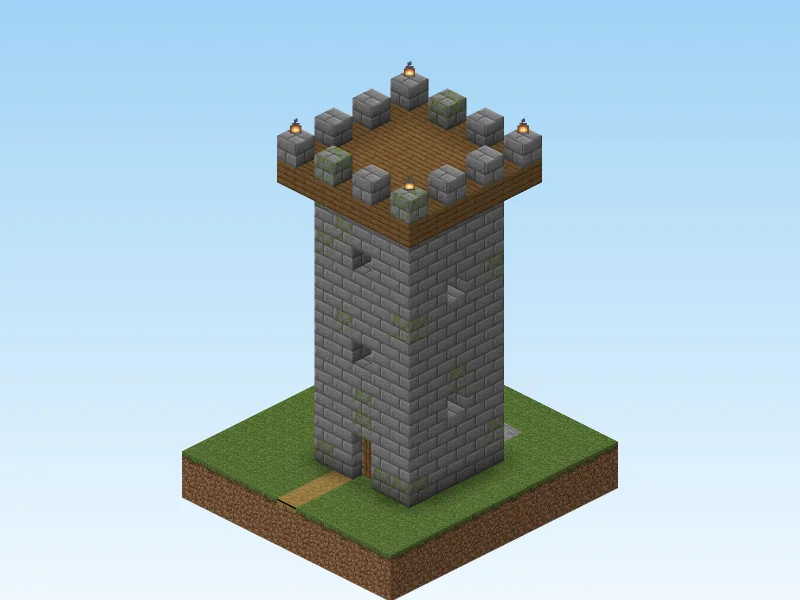
Layer 15 of 15 (4 blocks)
- Lantern4
Simplified blueprint: stairs and slabs are partly shown as full blocks, animals and plants as small squares. Tip: use the arrow keys ← → to switch layers.
Step-by-step guide
Base
Place a 5 × 5 square of stone bricks. Inside there's a 3 × 3 room.
Raise the tower
Build the outer wall 12 blocks high. Mix in some mossy stone bricks so the tower looks old.
Arrow slits
Leave single blocks open at different heights. These narrow slits are arrow slits.
Ladder
Place a ladder on one inside wall from the ground all the way to the top.
Platform
At height 13, build a platform of spruce planks that sticks out one block on each side (7 × 7). Leave a hole for the ladder.
Battlements
Place a stone brick, then a gap, alternating around the edge of the platform. These are the battlements.
Light
Put lanterns on the corners so the tower looks good at night and no mobs spawn on it.
Pro tips
- Place upside-down stone brick stairs under the overhanging platform – they look like supports.
- A roof of spruce stairs on posts turns the tower into a covered lookout.
Variations
- Build the tower round instead of square – use a circle generator for the shape.
- Put two towers next to each other and connect them with a wall – now you have a castle wall.


