Starter Base Container
- DifficultyMedium
- Size43 × 28 blocks, 22 high
- Build timeabout 4 hours
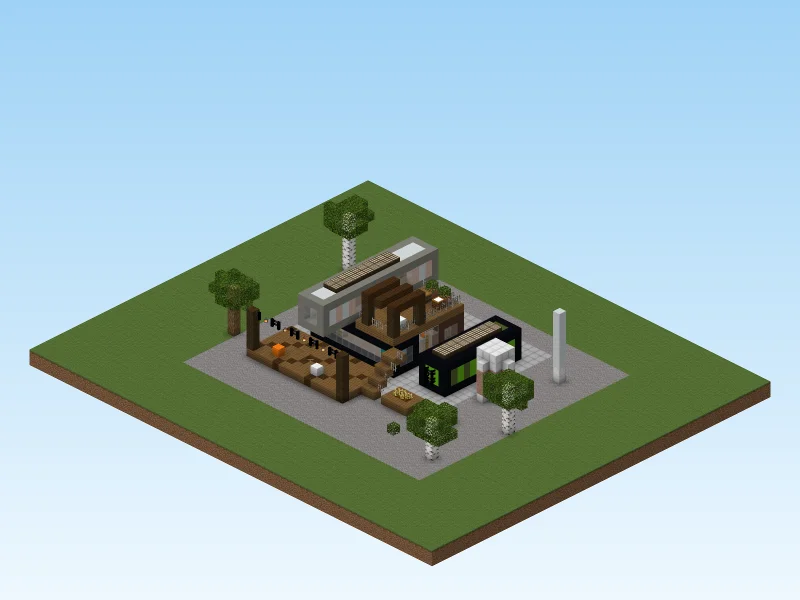
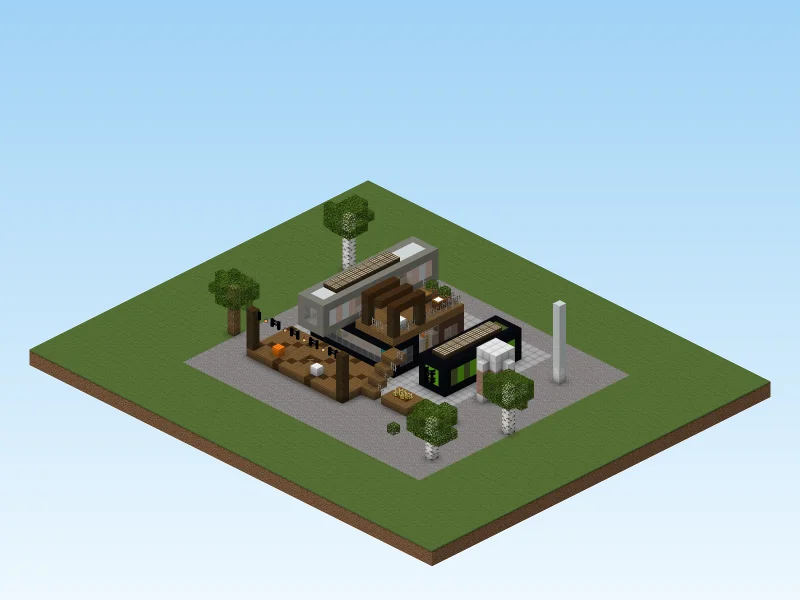
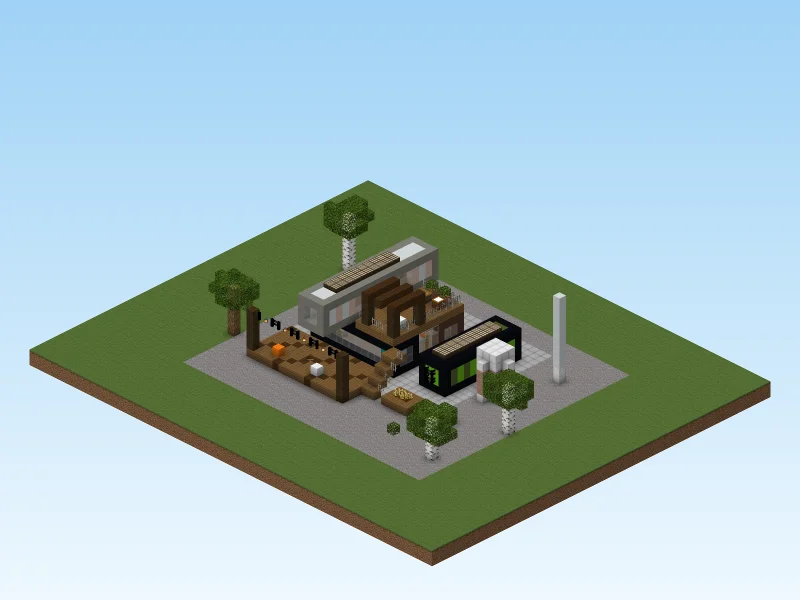
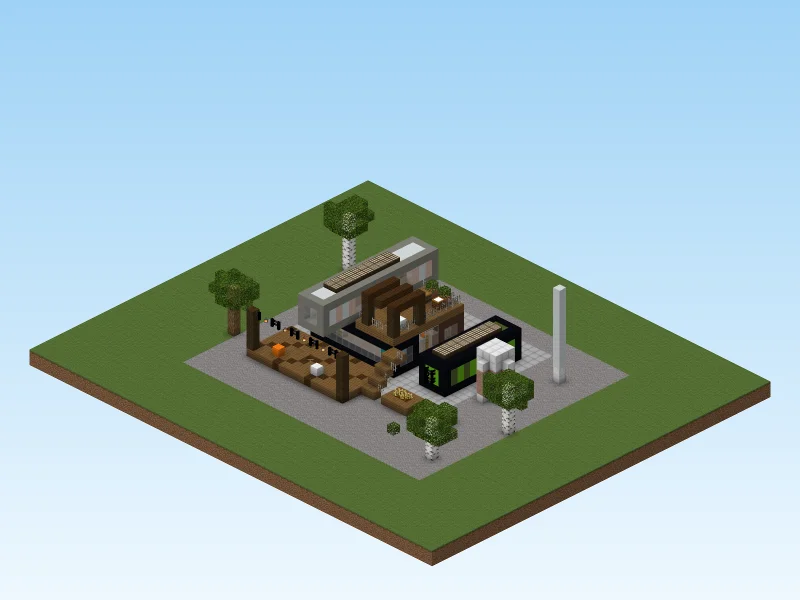
The Starter Base Container is one of ten starter bases on Blockwerk – each in a completely different style. Its style: modern base made of four colourful shipping containers.
What makes it special: four shipping containers with ribbed walls, frames and door bars, a white container lying across the top and sticking out freely at the front, a roof terrace with a wooden deck, pergola and solar panels and a wooden deck with a fire pit and string lights, raised beds, a water tank and a wind turbine. Altogether it is 43 × 28 blocks and 22 blocks high – 1,438 blocks in total.
You need the most Spruce Planks, Leaves, Black Concrete and Light Gray Stained Glass. You will find most of it in your first days. A bed, chests, a furnace and a smithing table are already planned in – so you have everything you need from the start.

Pictures

🔍 Click on parts
Tap any part of the build in the 3D model – a lamp, a tree, a bench next to the house – and you’ll see exactly how to build that part, with its materials and a layer-by-layer plan.
🧊 Build it as a hologram in Minecraft Bedrock (HoloPrint)
Download this build idea as a .mcstructure file – it is made right from the blueprint below. The HoloPrint website turns it into a pack that places the build as a see-through hologram in your world – you just fill in the blocks.
- Tap the button above – the file starter-base-container.mcstructure is downloaded.
- Open the HoloPrint website.
- Upload the file there.
- Create your build template texture pack.
- Download the .mcpack file.
- Open it with Minecraft and activate the pack in your world.
- Place an armor stand – the build template appears there. Tip: put it exactly where the build should stand.
Works with Minecraft Bedrock (phone, tablet, console, Windows). HoloPrint is a free fan project, not made by Blockwerk.
Blueprint layer by layer
Click through from bottom to top. Each square is one block, the front is at the bottom. The layer below is shown in grey. 22 layers, blueprint area: 43 × 28 blocks.
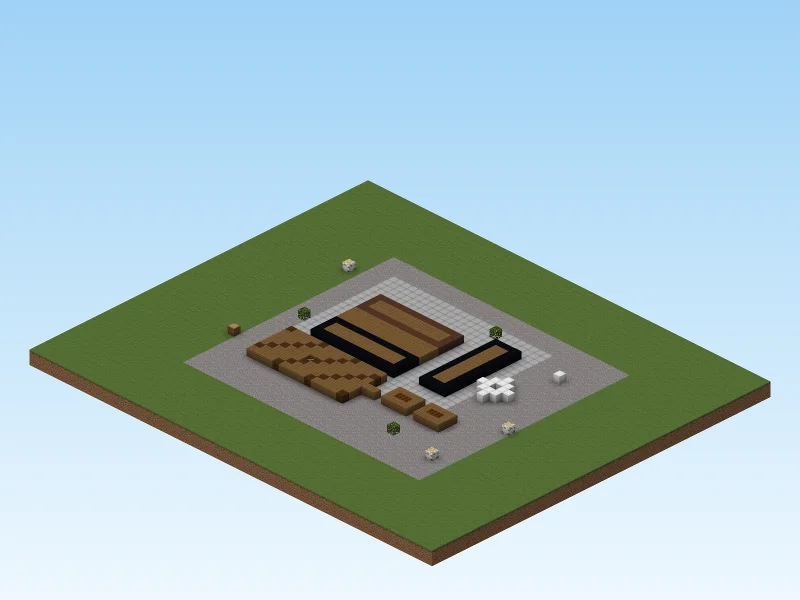
Layer 1 of 22 (342 blocks)
- Spruce Planks205
- Black Concrete58
- Brown Terracotta30
- Dark Oak Planks21
- Block of Iron13
- Farmland4
- Leaves3
- Birch Log3
- Spruce Log3
- Campfire1
- Oak Log1
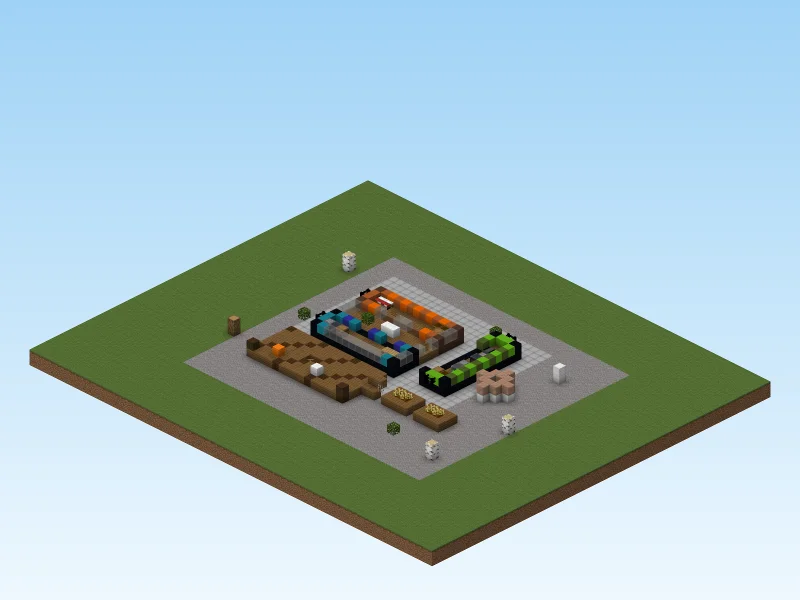
Layer 2 of 22 (135 blocks)
- Light Gray Stained Glass21
- Exposed Copper12
- Lime Concrete10
- Orange Terracotta10
- Chain8
- Black Concrete8
- Cyan Concrete8
- Orange Concrete7
- Green Concrete6
- Brown Terracotta4
- Wheat4
- Birch Log3
- Chest3
- Barrel3
- White Wool3
- Blue Concrete3
- Bed2
- Smithing Table2
- Furnace2
- Bookshelf2
- Spruce Planks2
- Dark Oak Log2
- Block of Iron1
- Anvil1
- Ladder1
- Grindstone1
- Leaves1
- Oak Door1
- Blast Furnace1
- Iron Bars1
- Oak Log1
- Orange Wool1
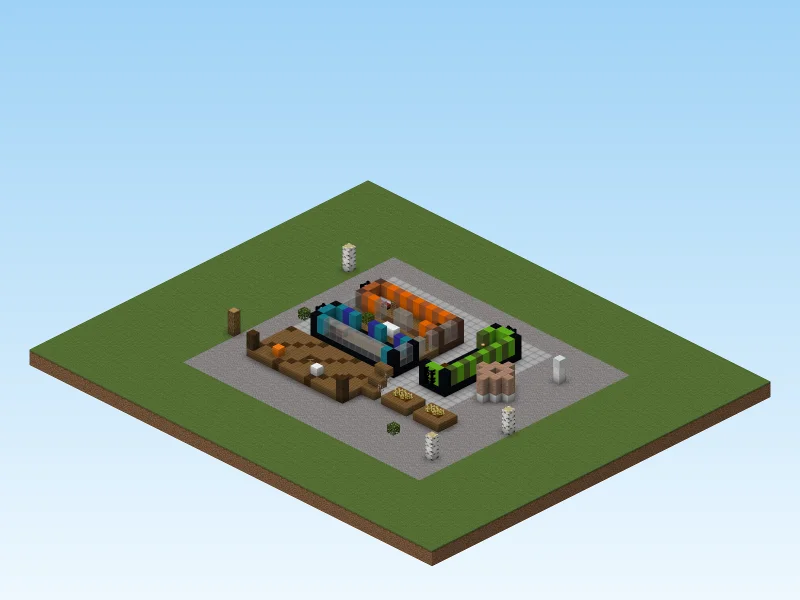
Layer 3 of 22 (111 blocks)
- Light Gray Stained Glass21
- Exposed Copper12
- Lime Concrete10
- Orange Terracotta10
- Chain8
- Black Concrete8
- Cyan Concrete8
- Orange Concrete7
- Green Concrete6
- Brown Terracotta4
- Birch Log3
- Blue Concrete3
- Spruce Planks2
- Dark Oak Log2
- White Concrete1
- Lantern1
- Ladder1
- Oak Door1
- Chest1
- Iron Bars1
- Oak Log1
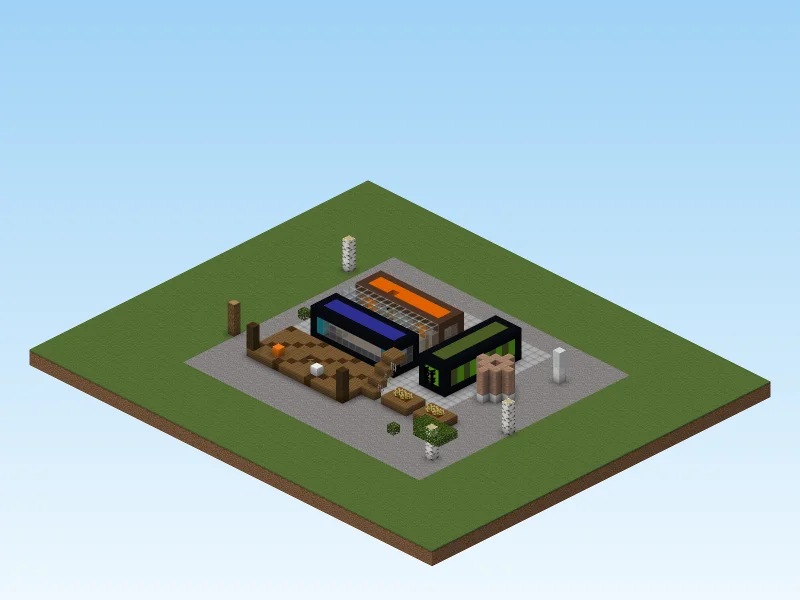
Layer 4 of 22 (228 blocks)
- Black Concrete58
- Glass39
- Brown Terracotta30
- Blue Concrete22
- Orange Concrete21
- Green Concrete20
- Leaves13
- Exposed Copper12
- Spruce Planks4
- Birch Log3
- Dark Oak Log2
- White Concrete1
- Ladder1
- Iron Bars1
- Oak Log1
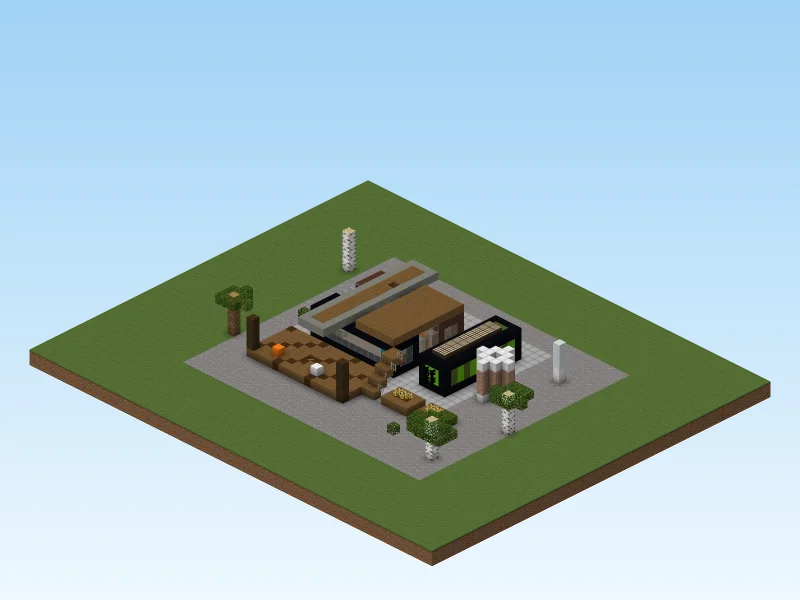
Layer 5 of 22 (215 blocks)
- Spruce Planks97
- Light Gray Concrete40
- Leaves38
- Daylight Detector18
- Block of Iron12
- Birch Log3
- Dark Oak Log2
- White Concrete1
- Ladder1
- Iron Bars1
- Oak Log1
- Azalea Leaves1
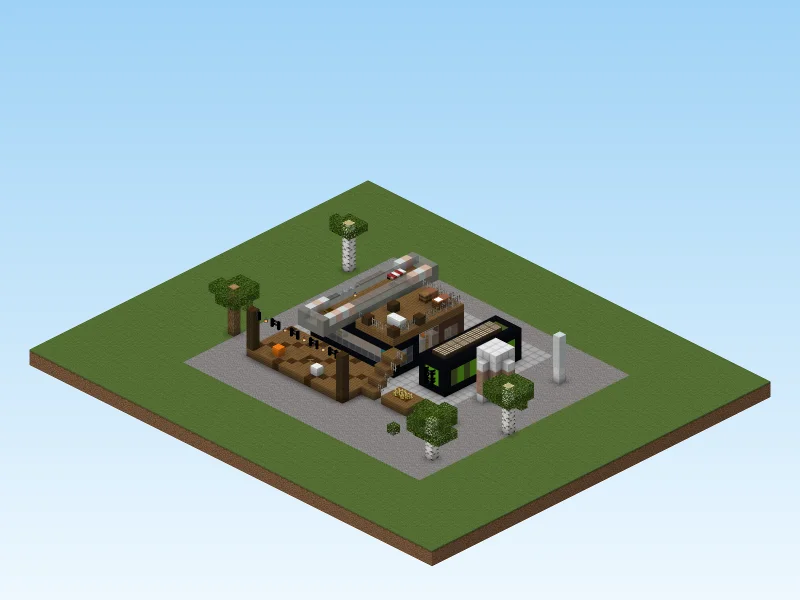
Layer 6 of 22 (162 blocks)
- Leaves62
- Light Gray Stained Glass24
- Iron Bars18
- Block of Iron9
- Chain9
- White Concrete7
- White Terracotta6
- Dark Oak Log6
- Lantern5
- Light Gray Concrete4
- Birch Log2
- Bed2
- Terracotta2
- White Wool2
- Barrel1
- Composter1
- Chest1
- Oak Log1
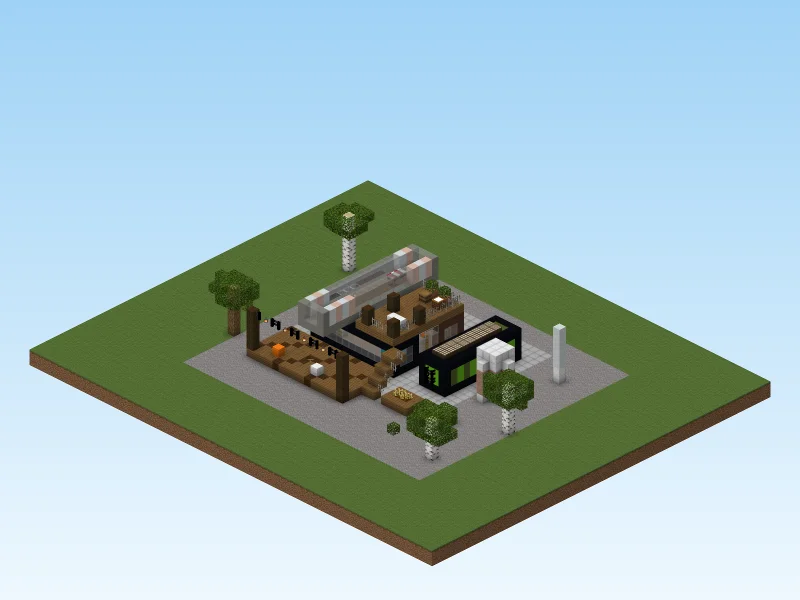
Layer 7 of 22 (92 blocks)
- Leaves45
- Light Gray Stained Glass24
- White Concrete7
- White Terracotta6
- Light Gray Concrete4
- Dark Oak Log4
- Birch Log1
- Azalea Leaves1
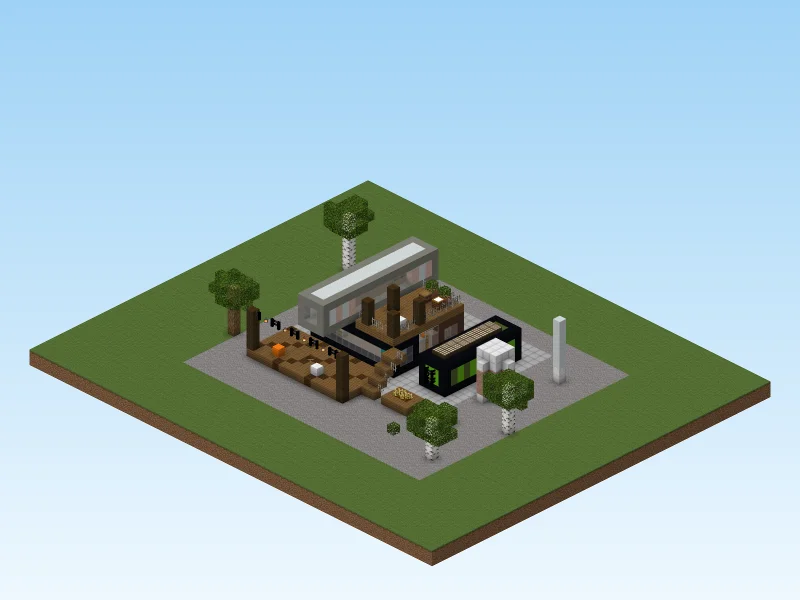
Layer 8 of 22 (90 blocks)
- Light Gray Concrete40
- White Concrete33
- Leaves13
- Dark Oak Log4
Layer 9 of 22 (36 blocks)
- Daylight Detector20
- Dark Oak Planks15
- White Concrete1
Layer 10 of 22 (1 blocks)
- White Concrete1
Layer 11 of 22 (1 blocks)
- White Concrete1
Layer 12 of 22 (1 blocks)
- White Concrete1
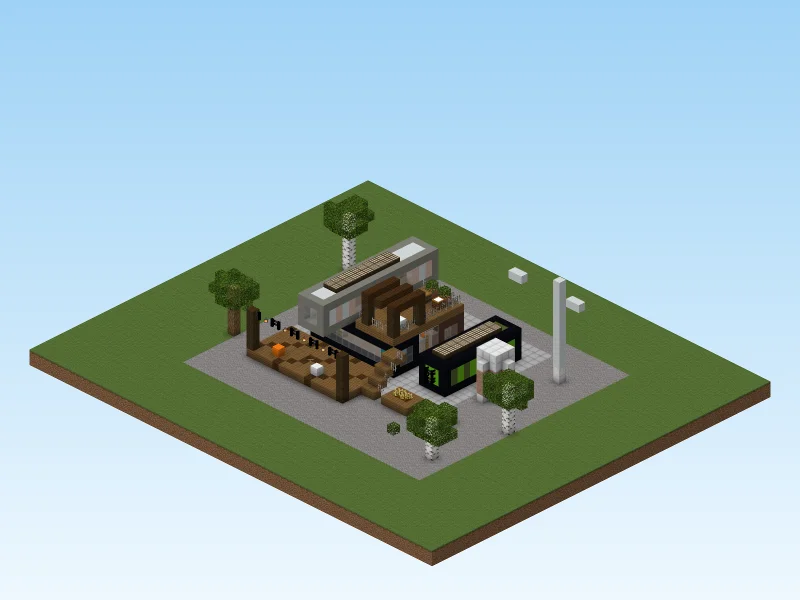
Layer 13 of 22 (5 blocks)
- White Concrete5
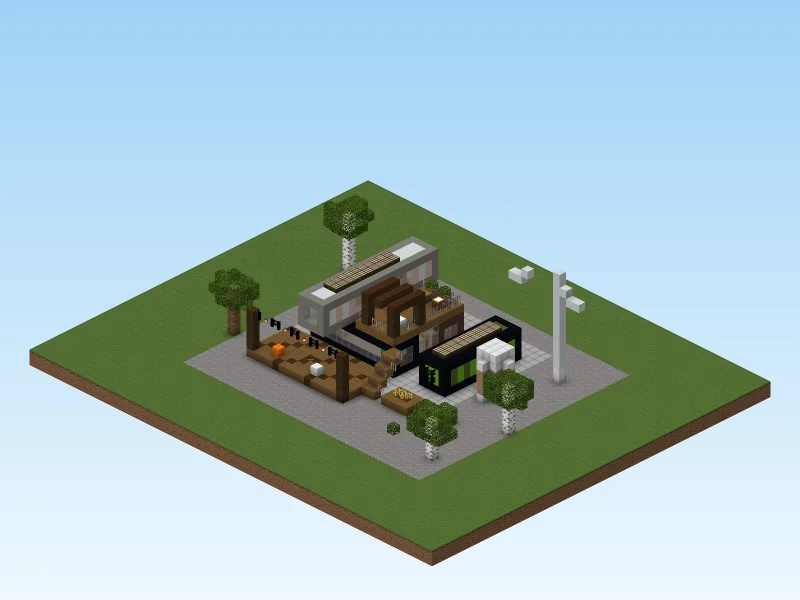
Layer 14 of 22 (3 blocks)
- White Concrete3
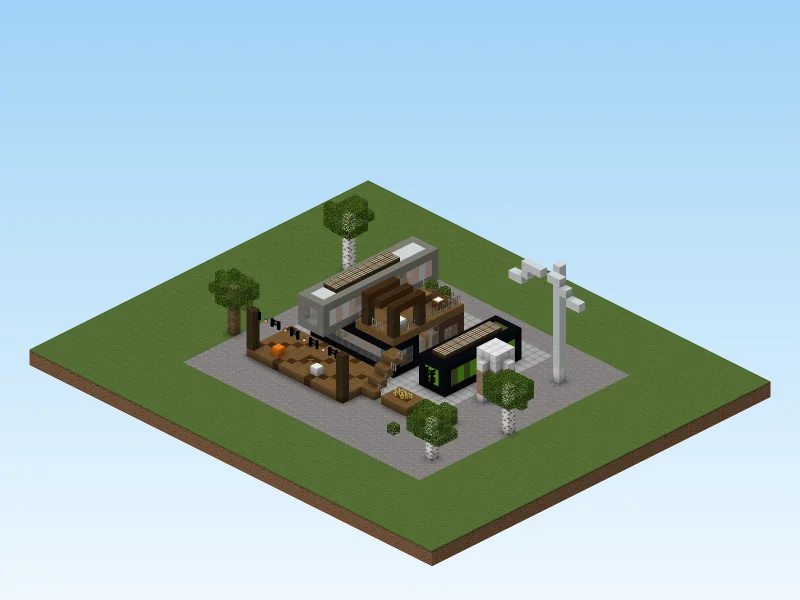
Layer 15 of 22 (6 blocks)
- White Concrete6
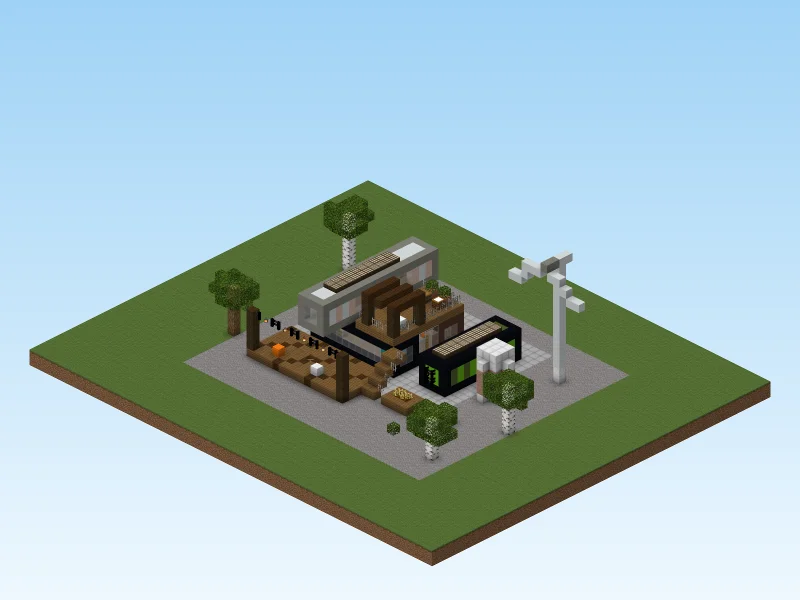
Layer 16 of 22 (4 blocks)
- White Concrete2
- Light Gray Concrete2
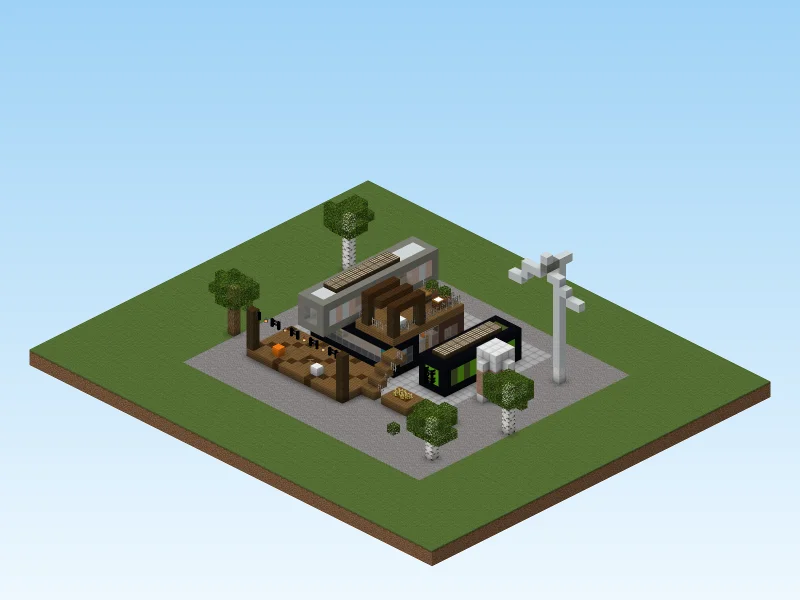
Layer 17 of 22 (1 blocks)
- White Concrete1
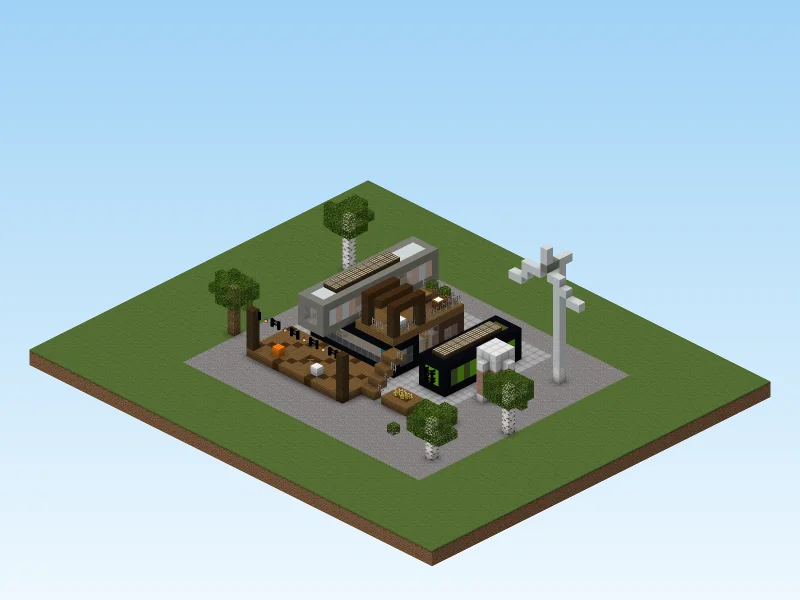
Layer 18 of 22 (1 blocks)
- White Concrete1
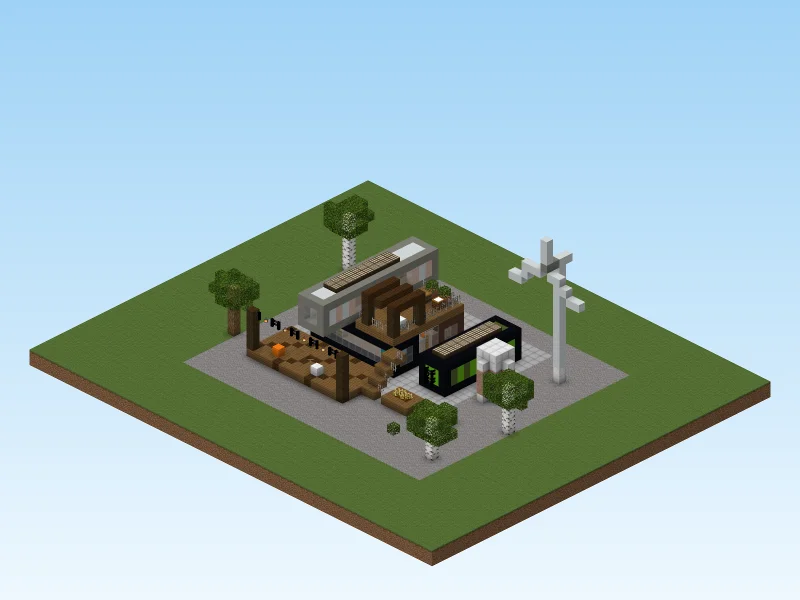
Layer 19 of 22 (1 blocks)
- White Concrete1
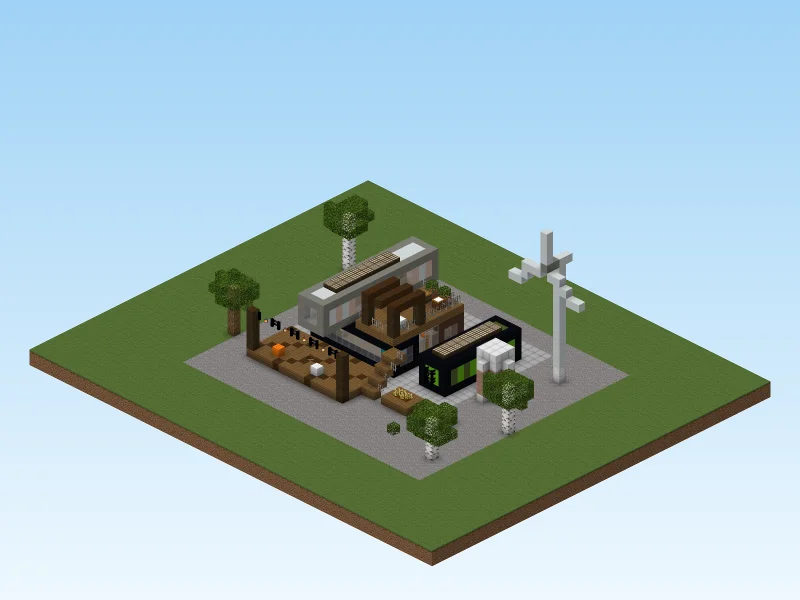
Layer 20 of 22 (1 blocks)
- White Concrete1
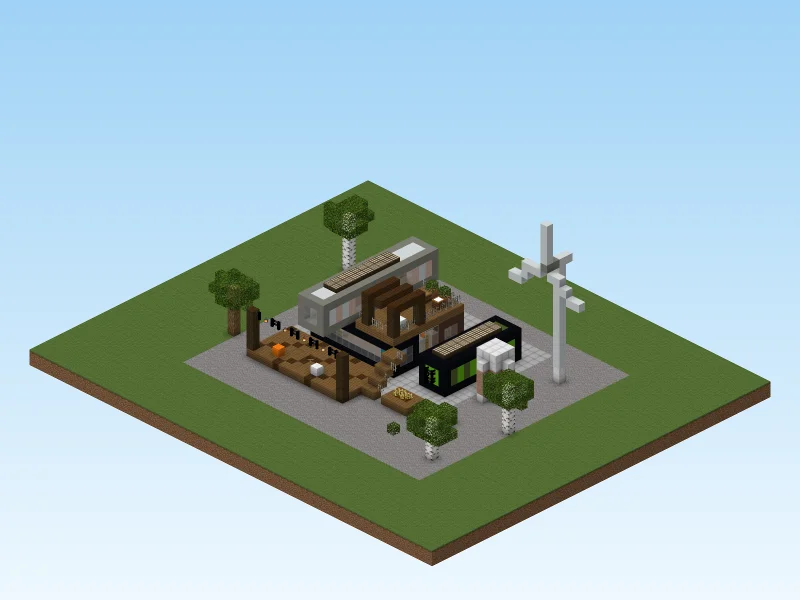
Layer 21 of 22 (1 blocks)
- White Concrete1
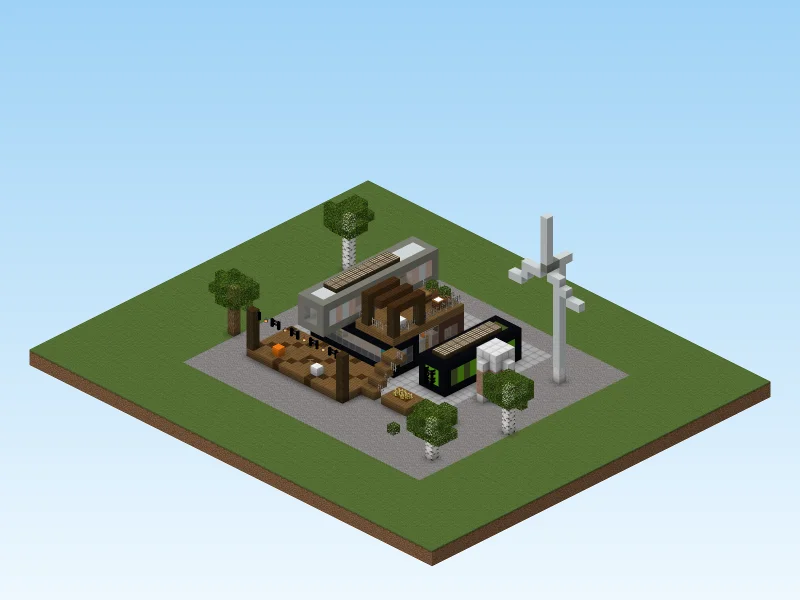
Layer 22 of 22 (1 blocks)
- White Concrete1
Simplified blueprint: stairs and slabs are partly shown as full blocks, animals and plants as small squares. Tip: use the arrow keys ← → to switch layers.
Step-by-step guide
Find a spot and mark it out
Find a good place and mark out the area (43 × 28). The front is at the bottom of the blueprint. Lay paths, water and fields first.
The main building
Build the base and the walls of the main building first. Start with the corners and pillars, then you see the shape right away.
Roof and windows
Build the roof layer by layer from bottom to top. The windows sit exactly as in the blueprint – count the squares.
The special part
Now comes what makes this base unique: four shipping containers with ribbed walls, frames and door bars, a white container lying across the top and sticking out freely at the front, a roof terrace with a wooden deck, pergola and solar panels and a wooden deck with a fire pit and string lights, raised beds, a water tank and a wind turbine.
Furniture
Place the bed, chests, furnace, smithing table and barrels. Lanterns make sure no monsters spawn inside.
Garden and surroundings
Finally fields, trees, fences and decoration. That turns the house into a real base you want to stay in for a long time.
Pro tips
- Build the base as a rough version with cheap blocks first and swap them for the nice blocks later.
- The blueprint shows the layer below in grey – that makes it easy to find your way.
- With HoloPrint you see every block as a hologram in your world – that helps especially with round shapes.
Variations
- Swap the wood or the stone type – with other blocks the base fits into every biome.
- Build a second base from the ten styles next to it and connect them with a path.
- Make the fields bigger or add an animal pen as your world grows.


