Supermarket with Parking Lot
- DifficultyHard
- Size53 × 67 blocks, 15 high
- Build timeabout 10 hours
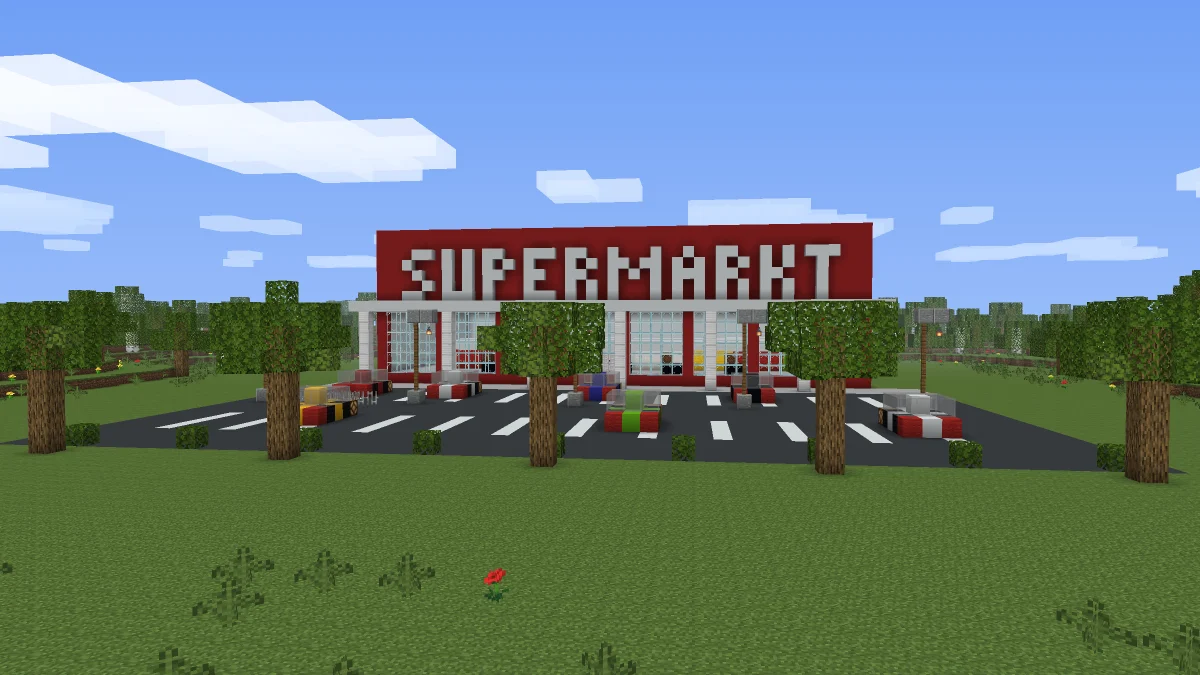
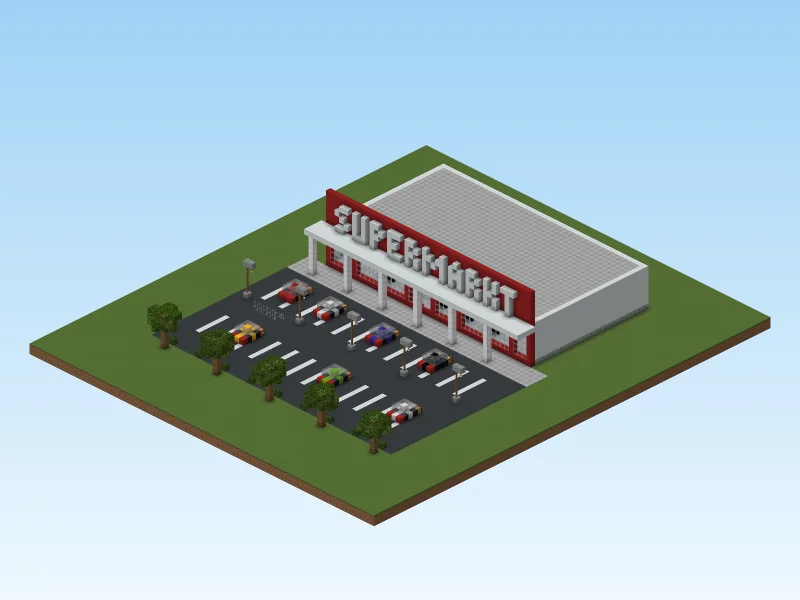
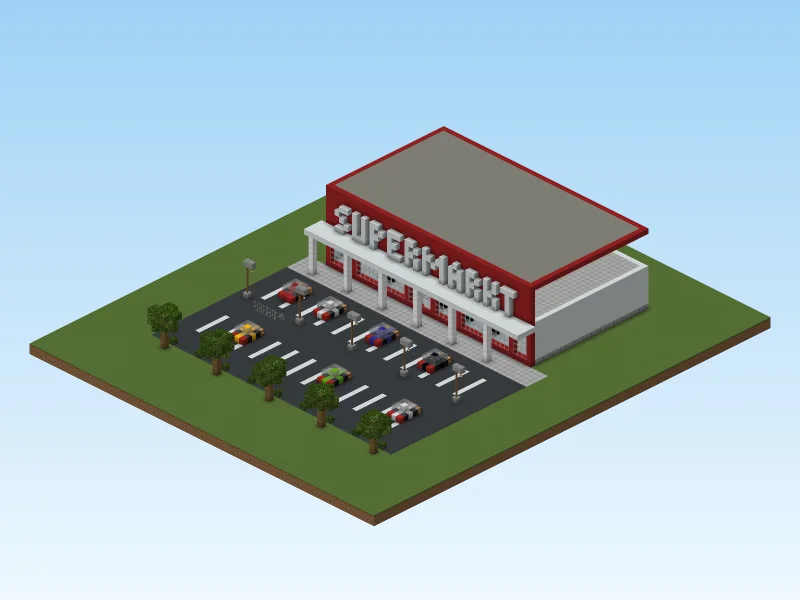
Supermarket with Parking Lot – rebuilt, bigger and with many more details: a big hall (47 × 27) with a red SUPERMARKT sign.
What makes it special: a canopy on iron columns over the glass-fronted entrance, colourful shelves, freezers and six tills inside and a huge car park with markings, seven cars, lamps and a trolley shelter. Altogether it is 53 × 67 blocks and 15 blocks high – 6,519 blocks in total.
You need the most Smooth Stone, White Concrete, Light Gray Concrete and Red Concrete. Paths, streets and water are shown as ground in the blueprint.

Pictures
🔍 Click on parts
Tap any part of the build in the 3D model – a lamp, a tree, a bench next to the house – and you’ll see exactly how to build that part, with its materials and a layer-by-layer plan.
🧊 Build it as a hologram in Minecraft Bedrock (HoloPrint)
Download this build idea as a .mcstructure file – it is made right from the blueprint below. The HoloPrint website turns it into a pack that places the build as a see-through hologram in your world – you just fill in the blocks.
- Tap the button above – the file supermarket-with-parking-lot.mcstructure is downloaded.
- Open the HoloPrint website.
- Upload the file there.
- Create your build template texture pack.
- Download the .mcpack file.
- Open it with Minecraft and activate the pack in your world.
- Place an armor stand – the build template appears there. Tip: put it exactly where the build should stand.
Works with Minecraft Bedrock (phone, tablet, console, Windows). HoloPrint is a free fan project, not made by Blockwerk.
Blueprint layer by layer
Click through from bottom to top. Each square is one block, the front is at the bottom. The layer below is shown in grey. 15 layers, blueprint area: 53 × 67 blocks.
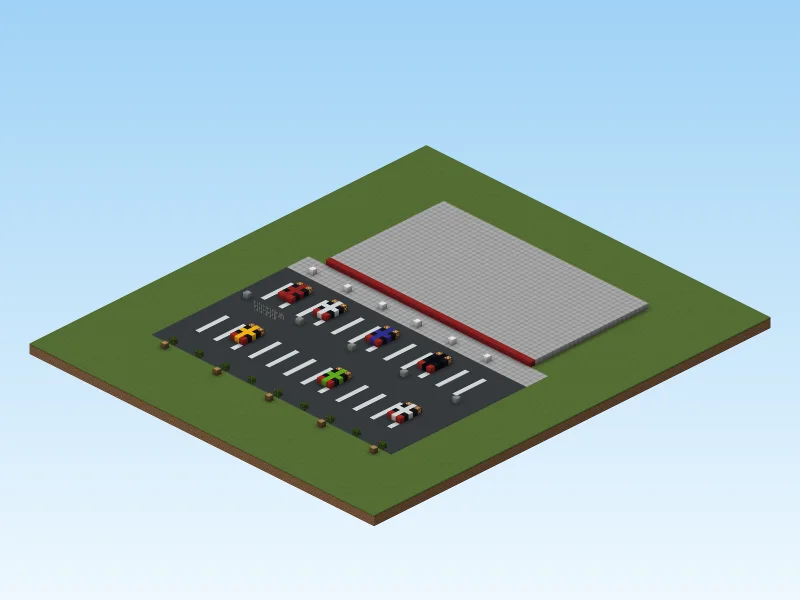
Layer 1 of 15 (1411 blocks)
- Smooth Stone1222
- Red Concrete54
- Black Wool28
- Redstone Lamp14
- White Concrete14
- Red Wool14
- Iron Bars12
- Leaves9
- Blue Concrete7
- Black Concrete7
- Yellow Concrete7
- Lime Concrete7
- Block of Iron6
- Polished Andesite5
- Oak Log5
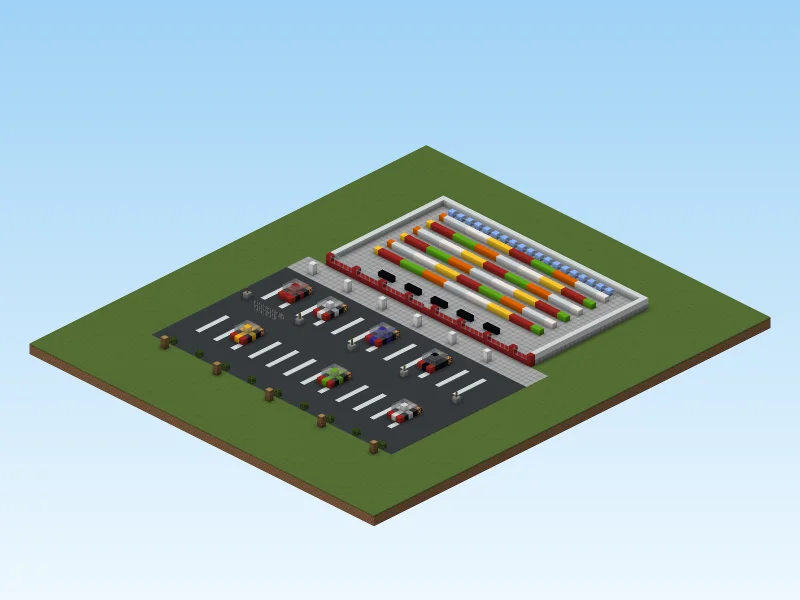
Layer 2 of 15 (504 blocks)
- White Concrete144
- Light Gray Stained Glass56
- Glass55
- Red Wool45
- Lime Concrete37
- Block of Quartz36
- Orange Concrete33
- Yellow Wool33
- Packed Ice19
- Black Concrete16
- Red Concrete10
- Block of Iron6
- Spruce Fence5
- Oak Log5
- Iron Door2
- Blue Concrete1
- Yellow Concrete1
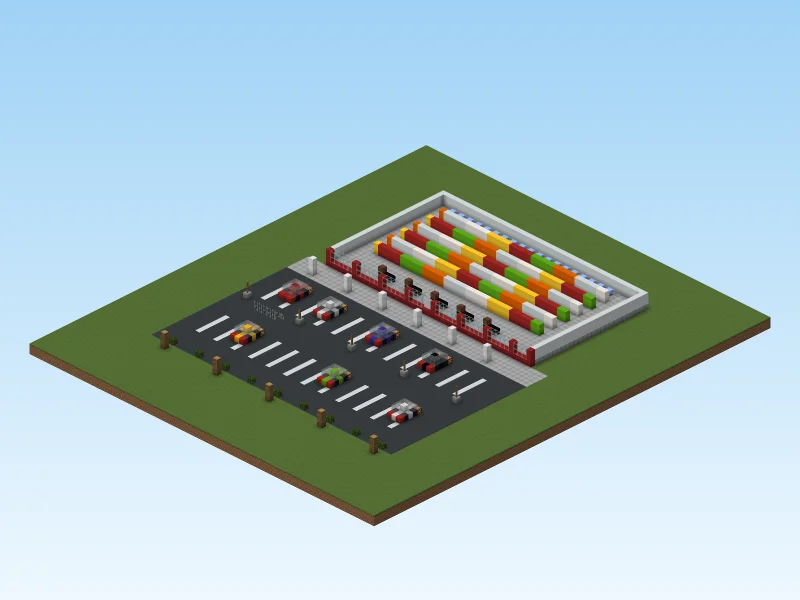
Layer 3 of 15 (393 blocks)
- White Concrete142
- Red Wool45
- Block of Quartz36
- Lime Concrete36
- Glass36
- Orange Concrete33
- Yellow Wool33
- Red Concrete9
- Block of Iron6
- Note Block5
- Spruce Fence5
- Oak Log5
- Iron Door2
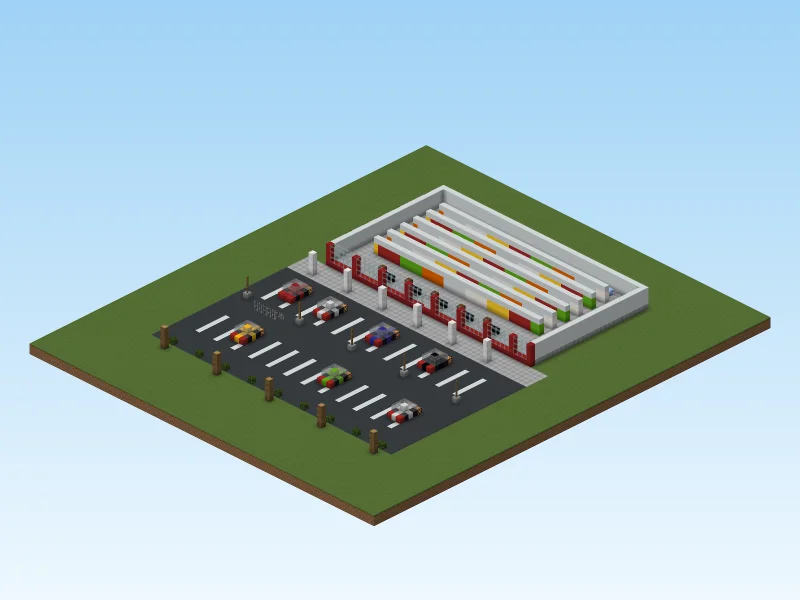
Layer 4 of 15 (388 blocks)
- White Concrete325
- Glass38
- Red Concrete9
- Block of Iron6
- Spruce Fence5
- Oak Log5
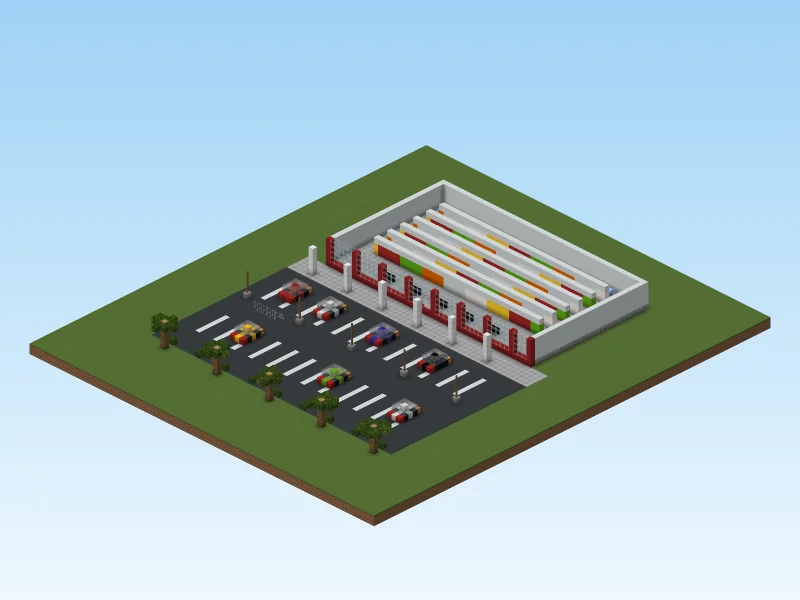
Layer 5 of 15 (229 blocks)
- White Concrete97
- Leaves59
- Glass38
- Azalea Leaves10
- Red Concrete9
- Block of Iron6
- Spruce Fence5
- Oak Log5
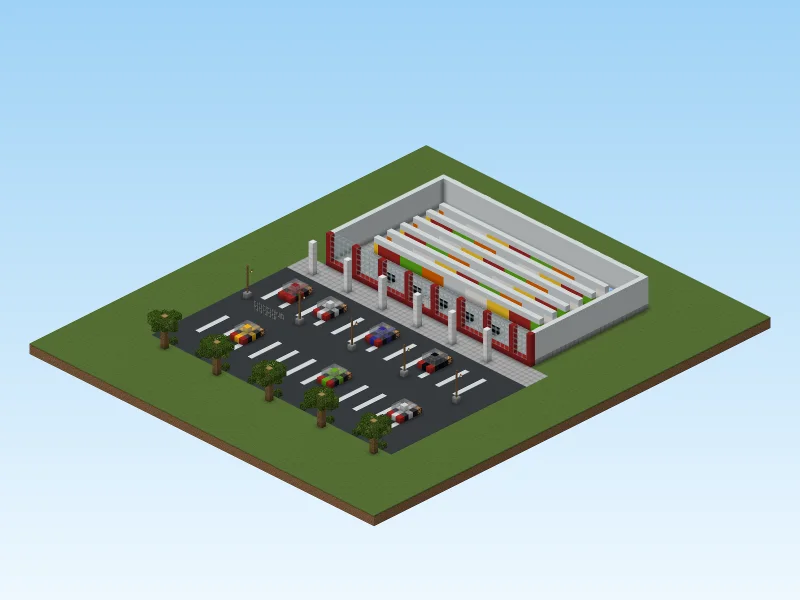
Layer 6 of 15 (253 blocks)
- White Concrete97
- Leaves82
- Glass38
- Red Concrete9
- Block of Iron6
- Azalea Leaves6
- Spruce Fence5
- Lantern5
- Oak Log5
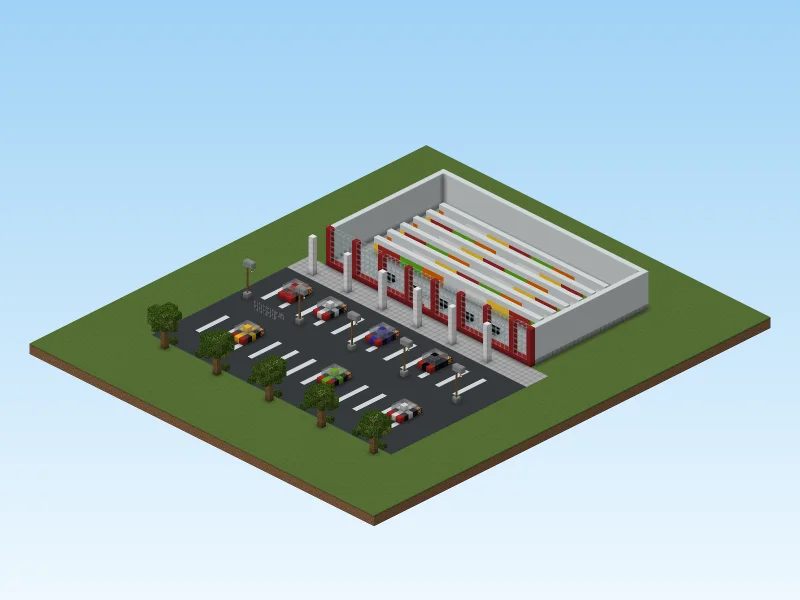
Layer 7 of 15 (228 blocks)
- White Concrete97
- Leaves65
- Glass38
- Polished Andesite10
- Red Concrete9
- Block of Iron6
- Azalea Leaves3

Layer 8 of 15 (1466 blocks)
- Smooth Stone1125
- White Concrete293
- Red Concrete47
- Leaves1
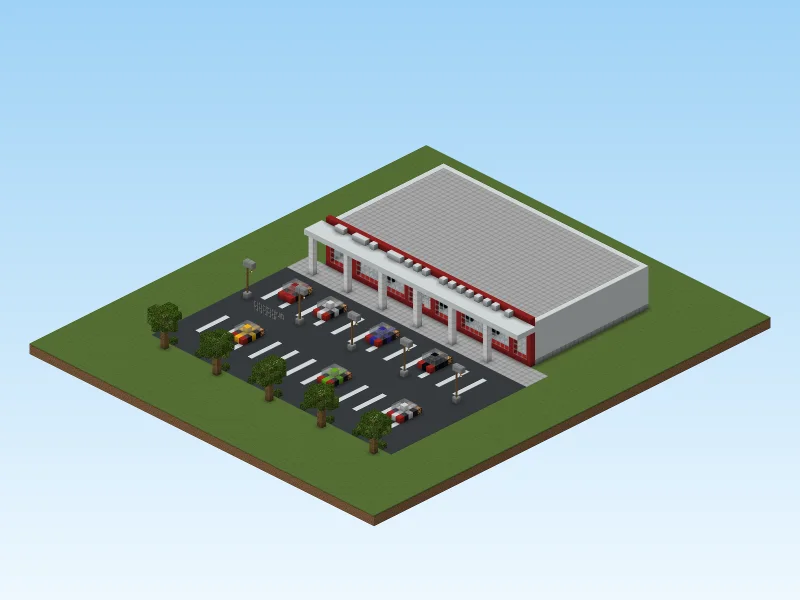
Layer 9 of 15 (67 blocks)
- Red Concrete47
- White Concrete20
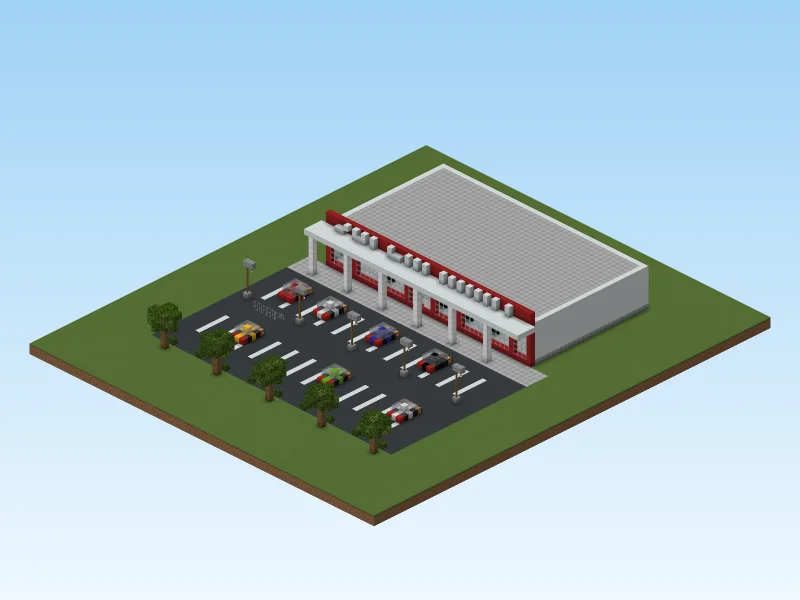
Layer 10 of 15 (63 blocks)
- Red Concrete47
- White Concrete16
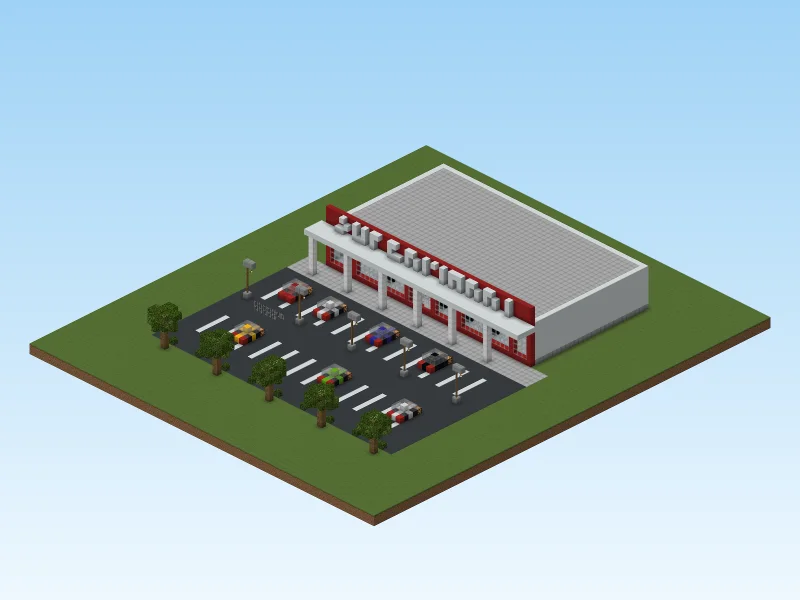
Layer 11 of 15 (67 blocks)
- Red Concrete47
- White Concrete20
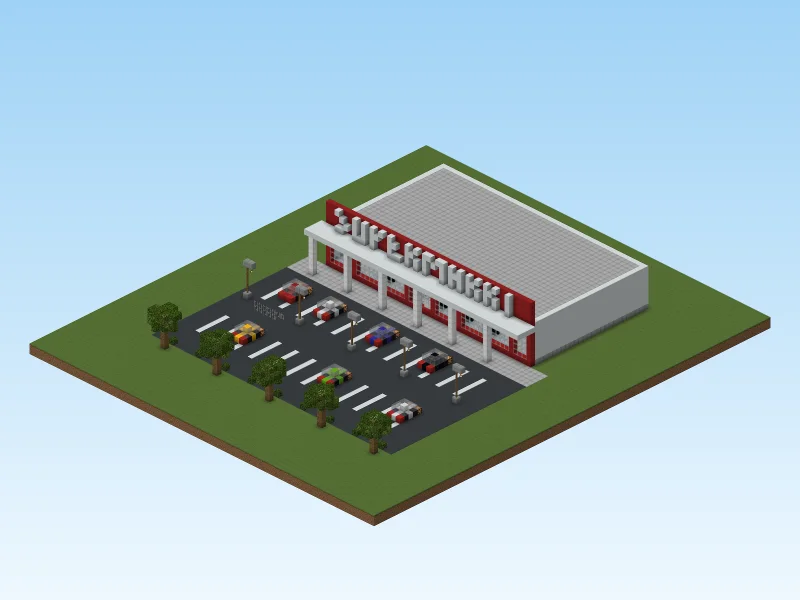
Layer 12 of 15 (66 blocks)
- Red Concrete47
- White Concrete19

Layer 13 of 15 (68 blocks)
- Red Concrete47
- White Concrete21
Layer 14 of 15 (47 blocks)
- Red Concrete47
Layer 15 of 15 (1269 blocks)
- Light Gray Concrete1125
- Red Concrete144
Simplified blueprint: stairs and slabs are partly shown as full blocks, animals and plants as small squares. Tip: use the arrow keys ← → to switch layers.
Step-by-step guide
Street and sidewalk
Lay the ground first: a sidewalk of smooth stone and the asphalt street (shown as ground in the blueprint). The shop is 53 × 67 blocks.
Ground floor with shop windows
Build the walls and the pillars of the front. Big glass panes and the door go between the pillars.
Sign
The letters and pictures of the sign stand one block in front of the facade – count the squares in the blueprint carefully.
Upper floor and roof
Above come flats, a flat roof or a gable roof – depending on the shop.
The special part
Now the part that makes this shop unique: a big hall (47 × 27) with a red SUPERMARKT sign, a canopy on iron columns over the glass-fronted entrance, colourful shelves, freezers and six tills inside and a huge car park with markings, seven cars, lamps and a trolley shelter.
Furniture and decoration
Finally the counter, shelves, tables, lanterns, benches and cars. Then the shop can open!
Pro tips
- Build the pillars at all corners to full height first – then you see the size right away.
- The blueprint shows the layer below in grey – that makes it easy to find your way.
- With “Click parts” you see single parts (trees, lanterns, cars) with their own blueprint.
Variations
- Swap the colours of the walls or the roof – with other blocks everything looks completely different.
- Build several houses and shops next to each other – that makes a whole street or village.
- Add glowstone or lanterns inside – then everything glows nicely at night.


