Aircraft Carrier
- DifficultyHard
- Size164 × 31 blocks, 34 tall
- Build timeabout 15 hours
Aircraft carriers are the largest warships in the world – more than 330 meters long. Fighter jets take off and land on their deck. Here a carrier is built at a scale of 1:2, 164 blocks long.
The flat flight deck of black concrete has an angled landing deck that sticks out to the side, white and yellow markings and a runway at the bow. The island with the bridge and radar stands on the right. Jets and helicopters are parked on deck.

🔍 Click on parts
Tap any part of the build in the 3D model – a lamp, a tree, a bench next to the house – and you’ll see exactly how to build that part, with its materials and a layer-by-layer plan.
🧊 Build it as a hologram in Minecraft Bedrock (HoloPrint)
Download this build idea as a .mcstructure file – it is made right from the blueprint below. The HoloPrint website turns it into a pack that places the build as a see-through hologram in your world – you just fill in the blocks.
- Tap the button above – the file aircraft-carrier.mcstructure is downloaded.
- Open the HoloPrint website.
- Upload the file there.
- Create your build template texture pack.
- Download the .mcpack file.
- Open it with Minecraft and activate the pack in your world.
- Place an armor stand – the build template appears there. Tip: put it exactly where the build should stand.
Works with Minecraft Bedrock (phone, tablet, console, Windows). HoloPrint is a free fan project, not made by Blockwerk.
Layer-by-layer blueprint
Click through from bottom to top. Every square is one block, the front is at the bottom. Gray shows the layer below. 34 layers, area in the plan: 164 × 31 blocks.
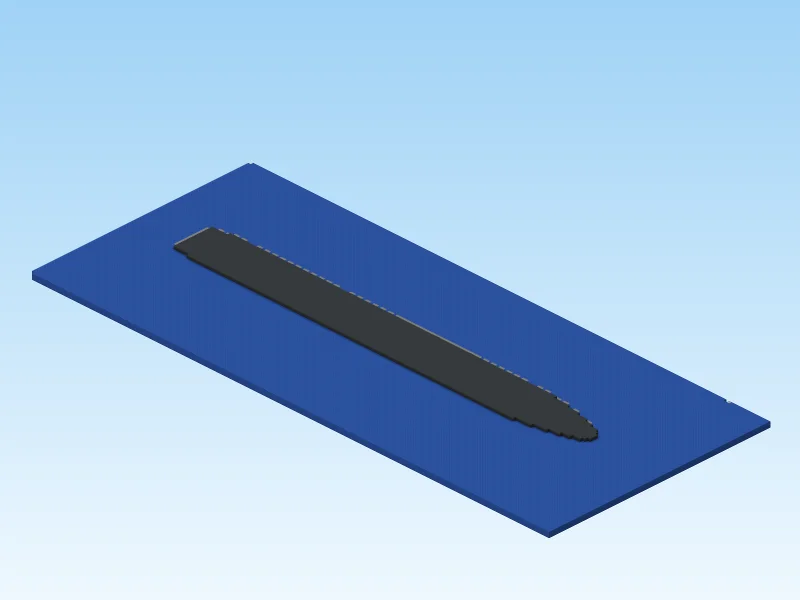
Layer 1 of 34 (2504 blocks)
- Gray Concrete2504
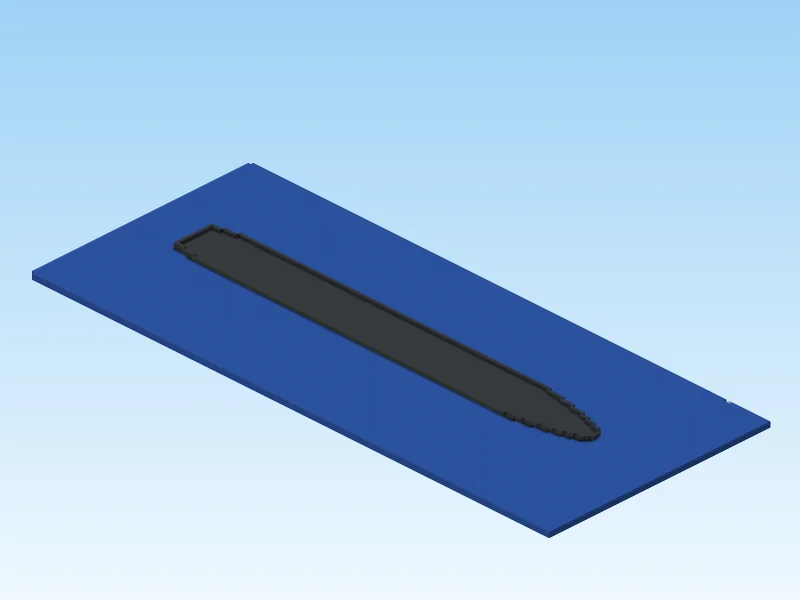
Layer 2 of 34 (328 blocks)
- Gray Concrete328
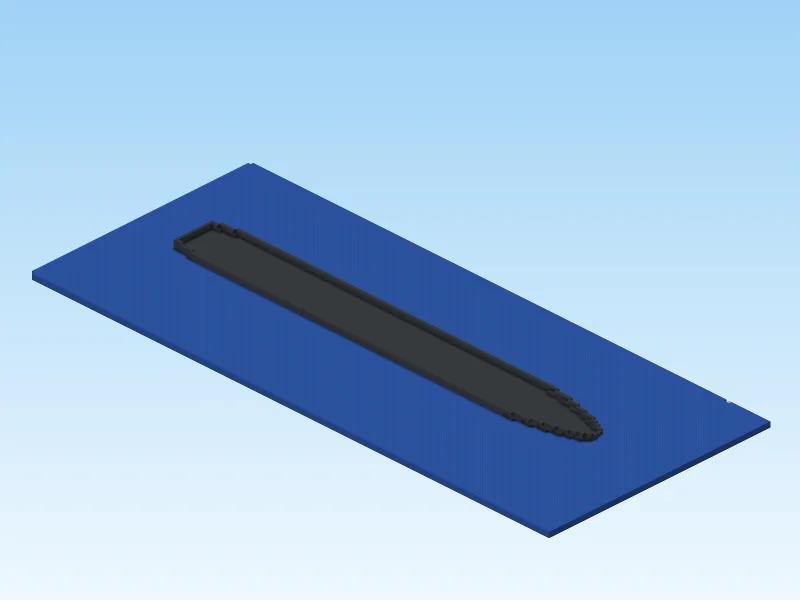
Layer 3 of 34 (330 blocks)
- Gray Concrete330
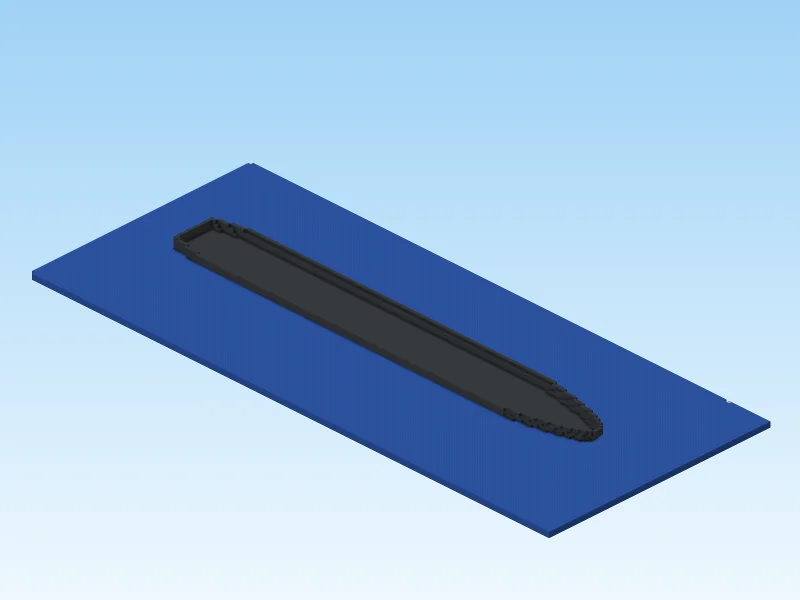
Layer 4 of 34 (330 blocks)
- Gray Concrete330
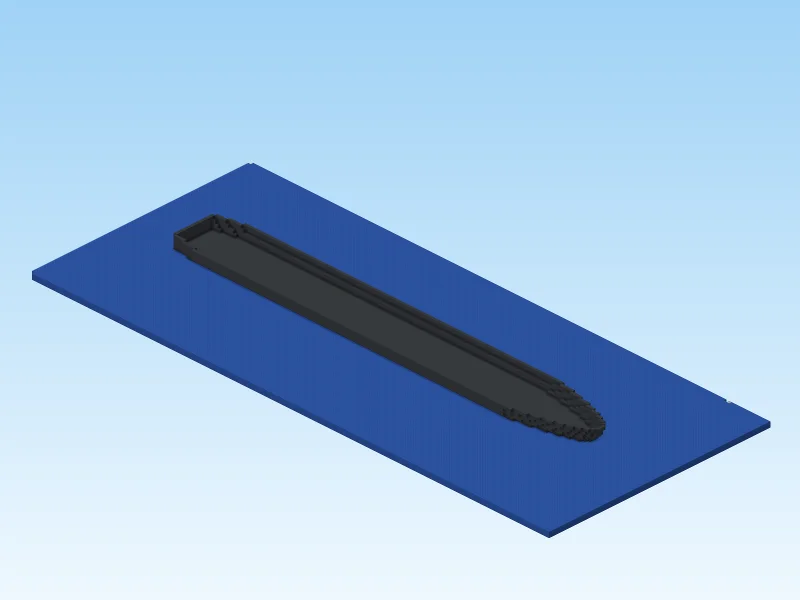
Layer 5 of 34 (332 blocks)
- Gray Concrete332
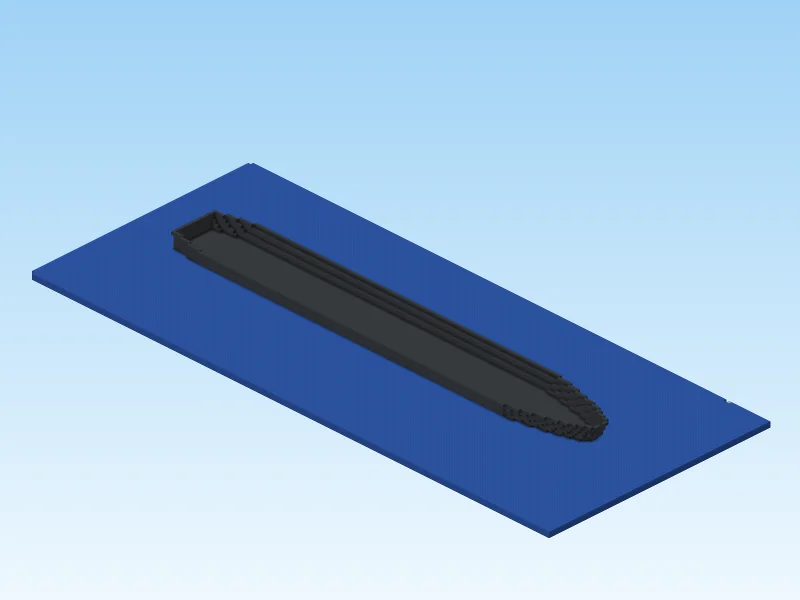
Layer 6 of 34 (335 blocks)
- Gray Concrete335
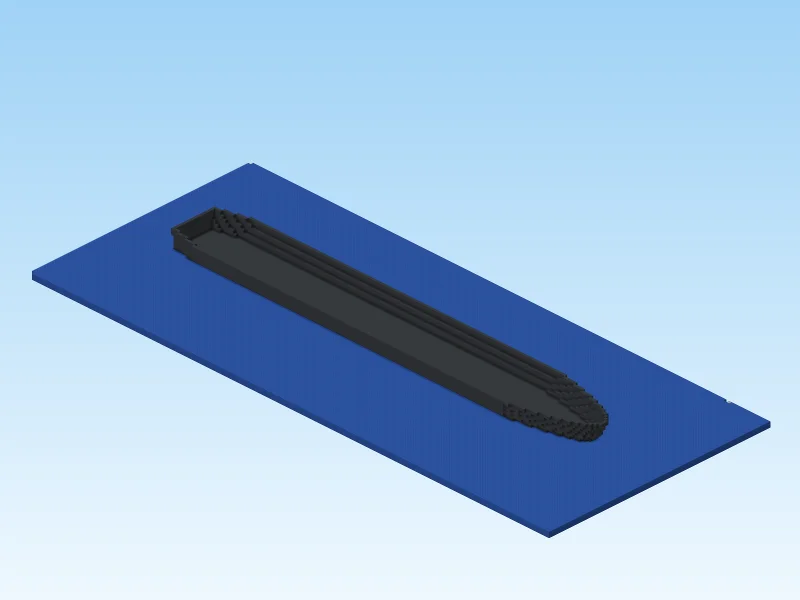
Layer 7 of 34 (336 blocks)
- Gray Concrete336
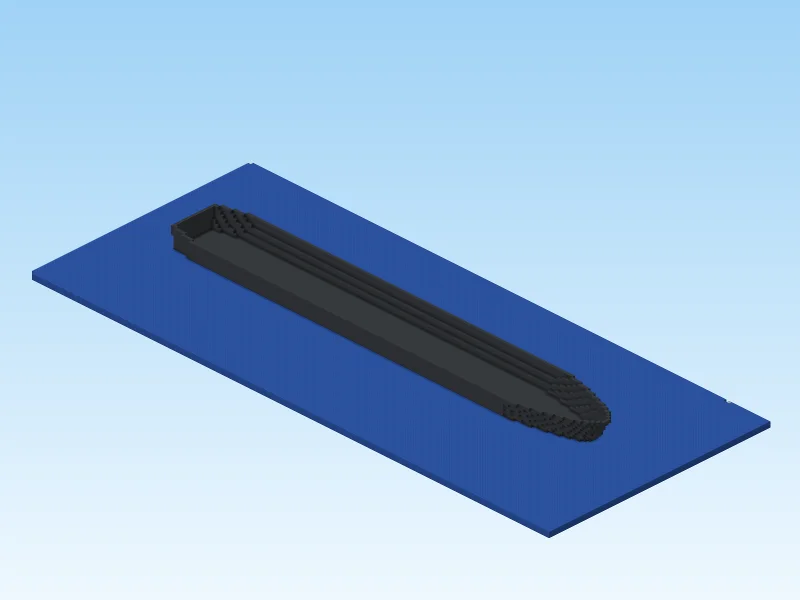
Layer 8 of 34 (338 blocks)
- Gray Concrete338
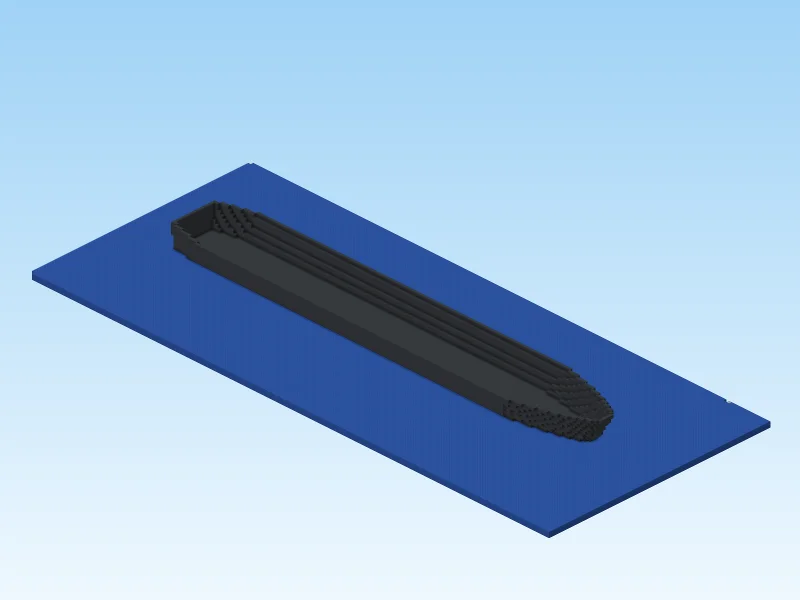
Layer 9 of 34 (340 blocks)
- Gray Concrete340
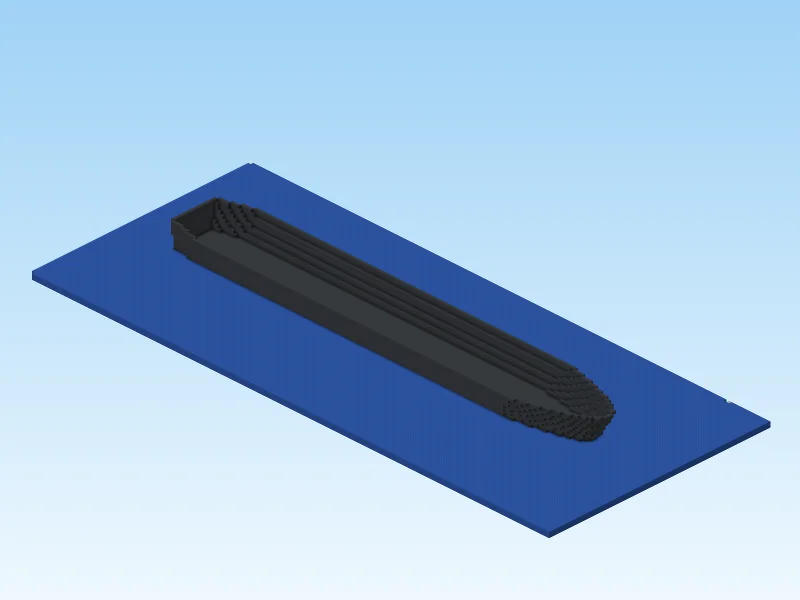
Layer 10 of 34 (342 blocks)
- Gray Concrete342
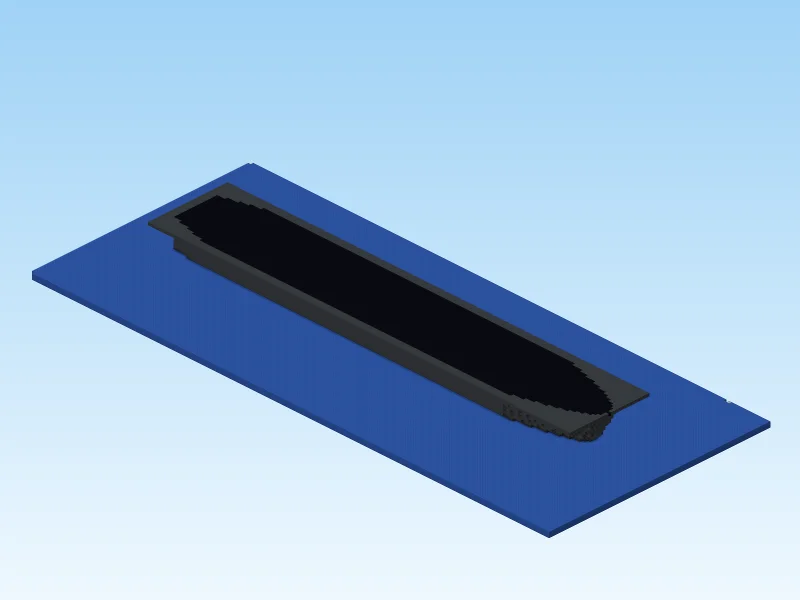
Layer 11 of 34 (5084 blocks)
- Black Concrete3713
- Gray Concrete1371
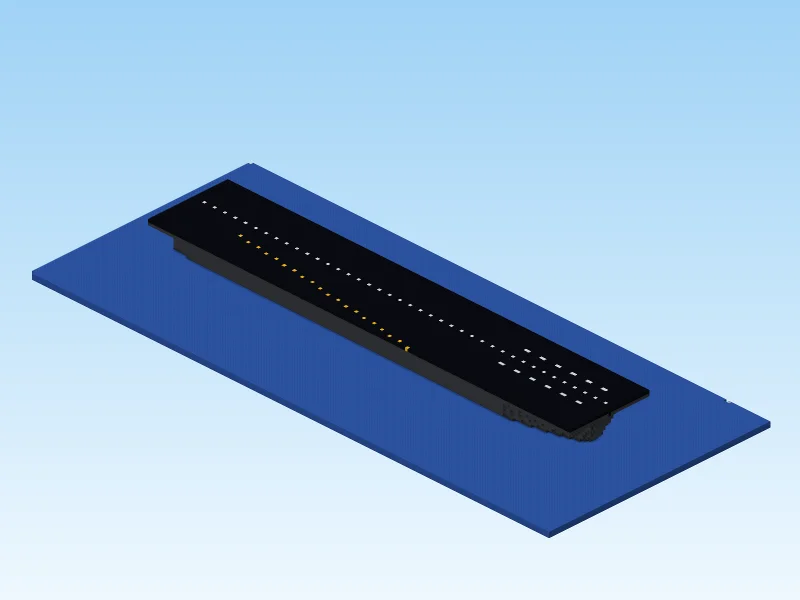
Layer 12 of 34 (5084 blocks)
- Black Concrete5000
- White Concrete64
- Yellow Concrete20
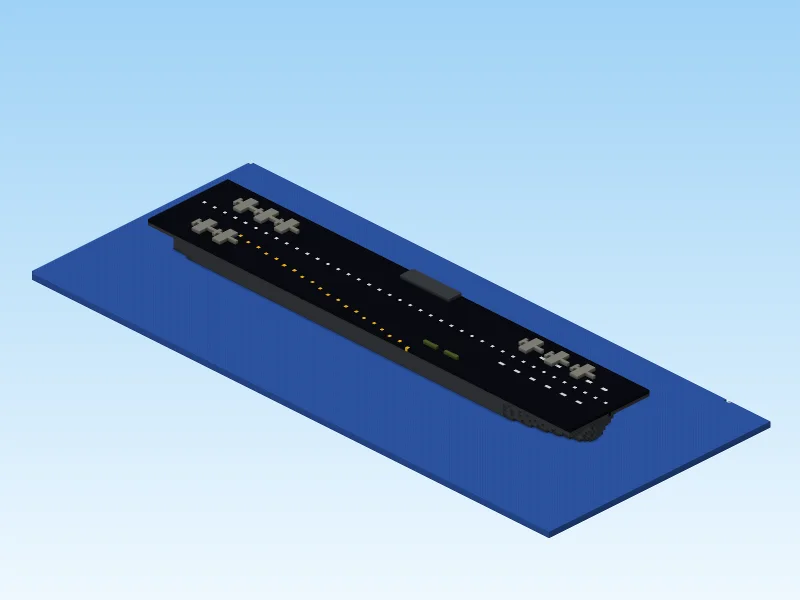
Layer 13 of 34 (329 blocks)
- Light Gray Concrete224
- Gray Concrete95
- Green Concrete10
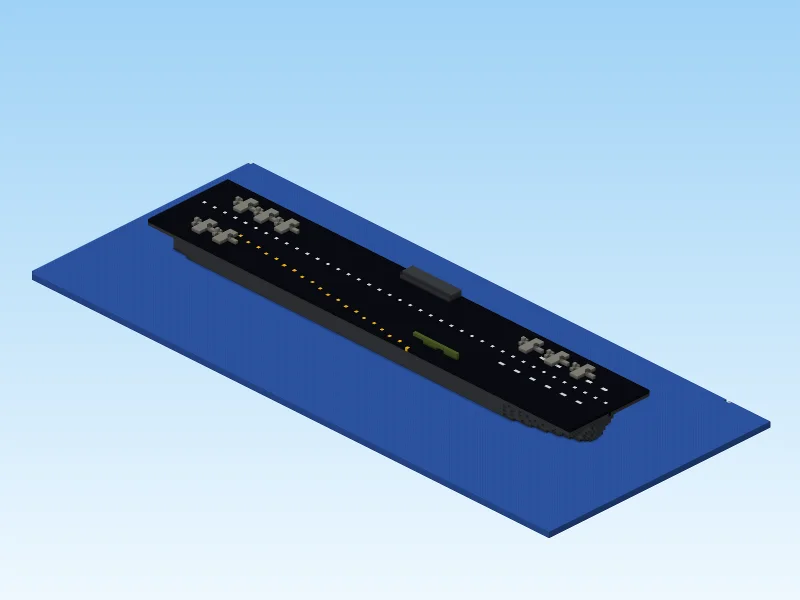
Layer 14 of 34 (128 blocks)
- Gray Concrete76
- Tinted Glass27
- Green Concrete17
- Light Gray Concrete8

Layer 15 of 34 (112 blocks)
- Gray Concrete95
- Black Concrete17
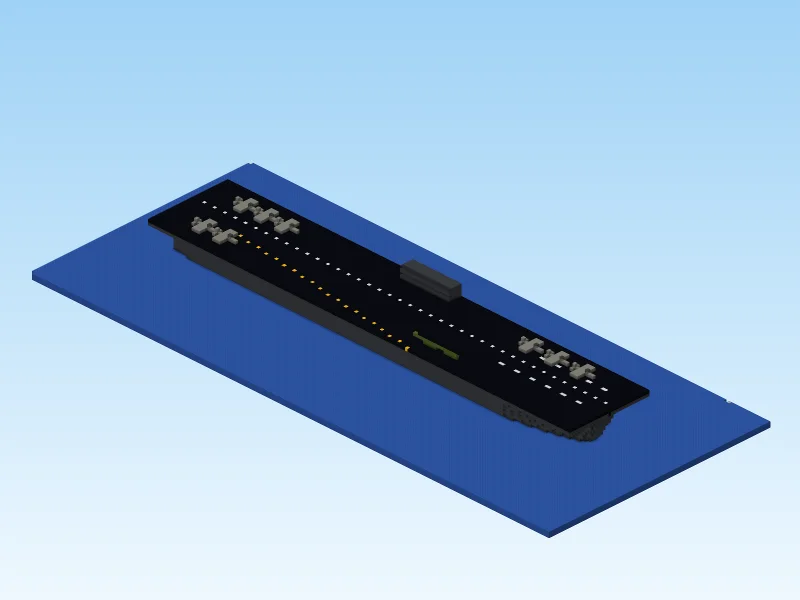
Layer 16 of 34 (95 blocks)
- Gray Concrete76
- Tinted Glass19
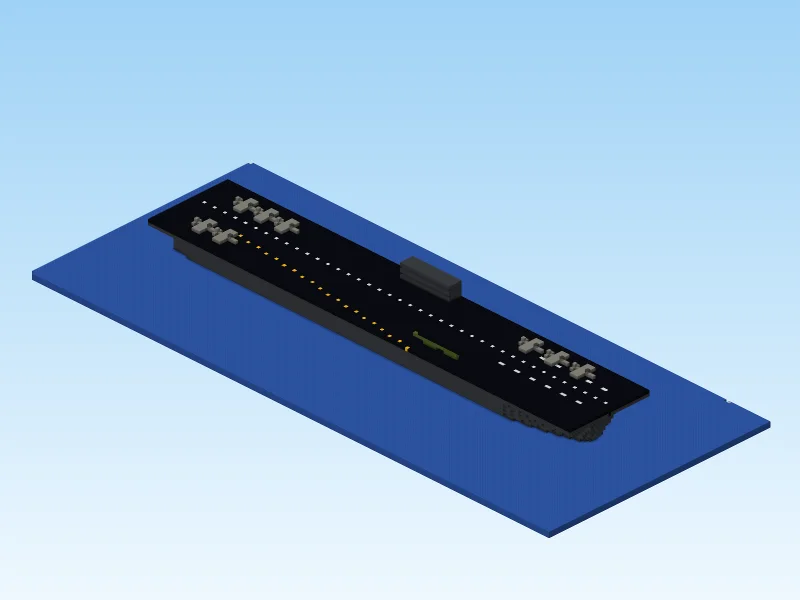
Layer 17 of 34 (95 blocks)
- Gray Concrete95
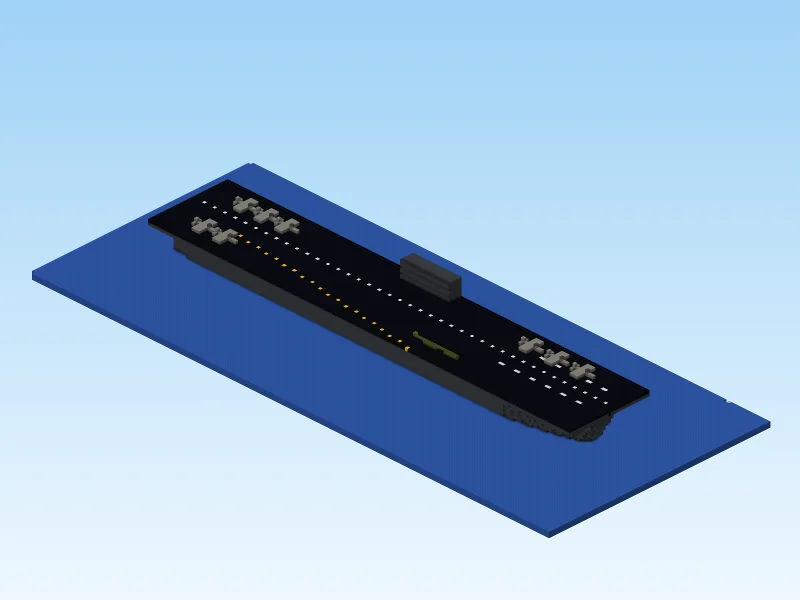
Layer 18 of 34 (95 blocks)
- Gray Concrete76
- Tinted Glass19
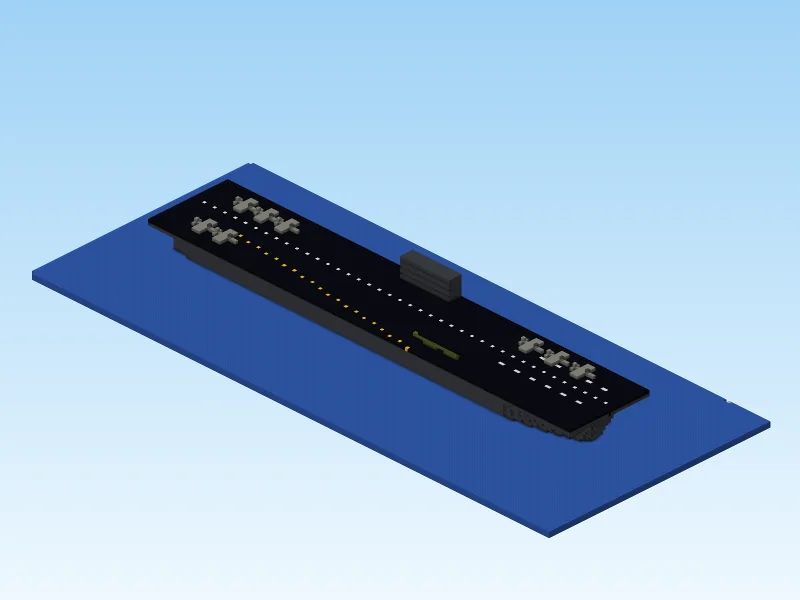
Layer 19 of 34 (95 blocks)
- Gray Concrete95
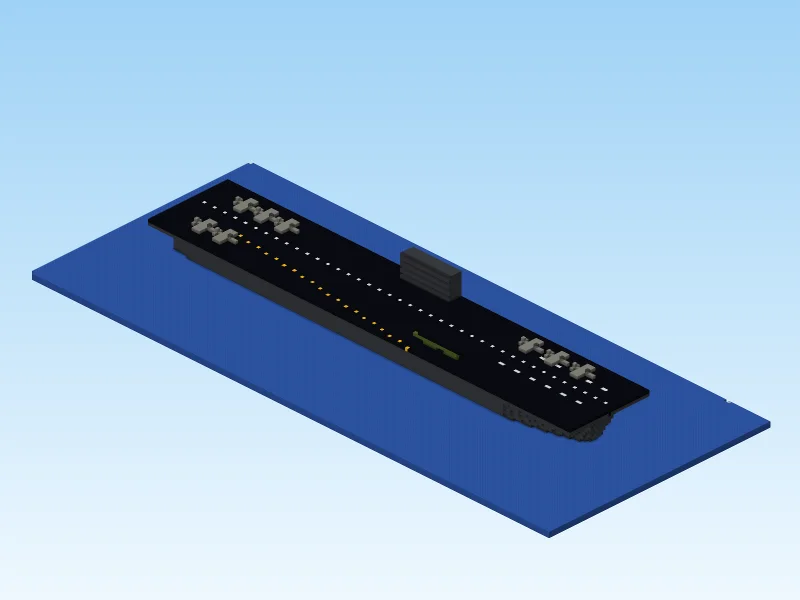
Layer 20 of 34 (95 blocks)
- Gray Concrete76
- Tinted Glass19
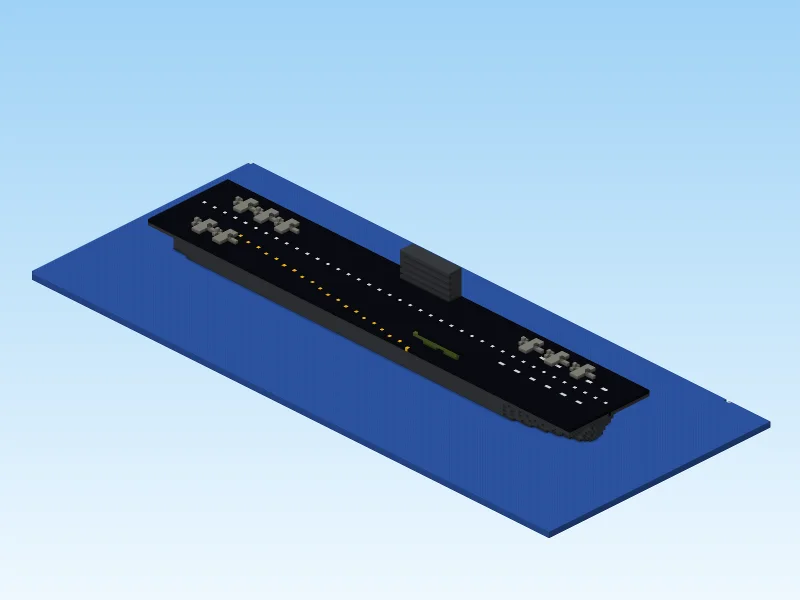
Layer 21 of 34 (95 blocks)
- Gray Concrete95
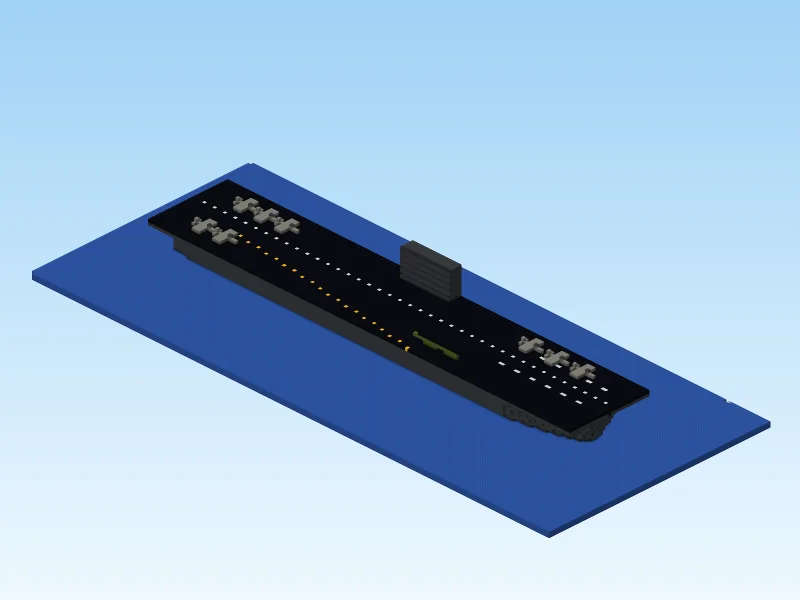
Layer 22 of 34 (95 blocks)
- Gray Concrete76
- Tinted Glass19
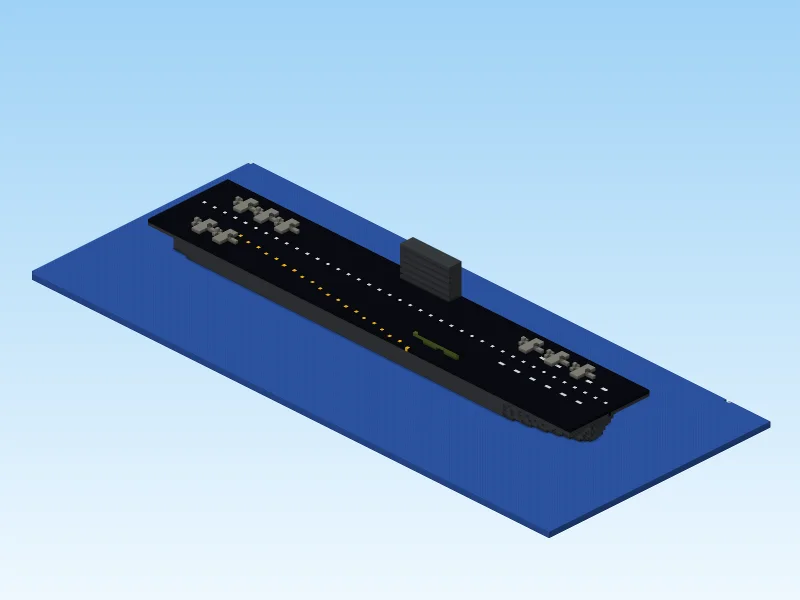
Layer 23 of 34 (95 blocks)
- Gray Concrete95
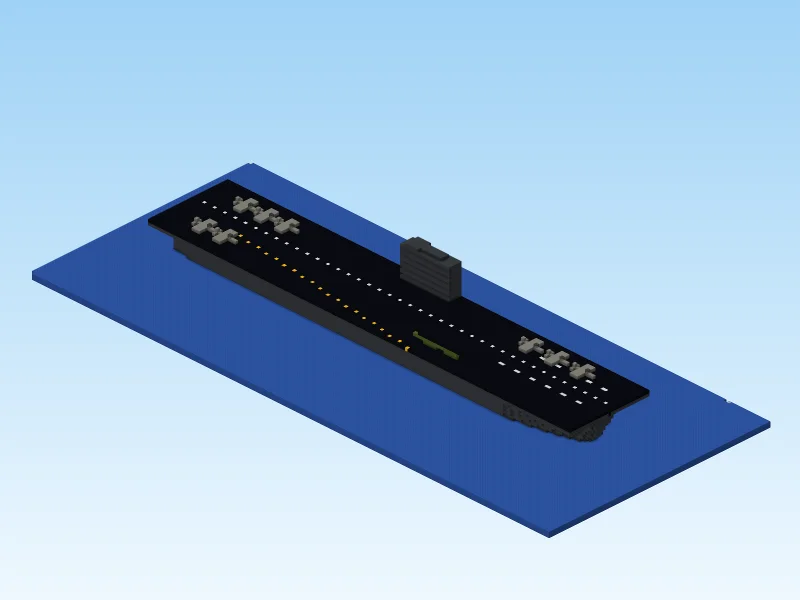
Layer 24 of 34 (49 blocks)
- Gray Concrete49
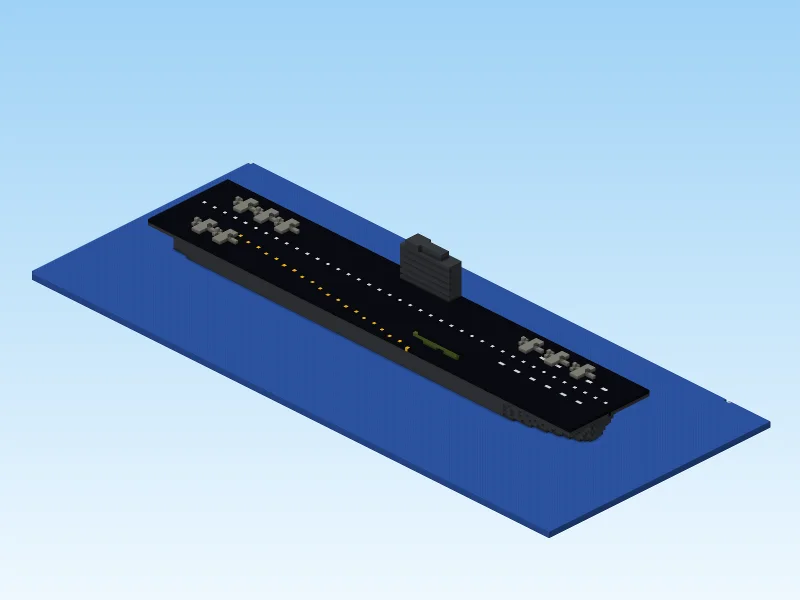
Layer 25 of 34 (49 blocks)
- Gray Concrete49

Layer 26 of 34 (33 blocks)
- Gray Concrete33
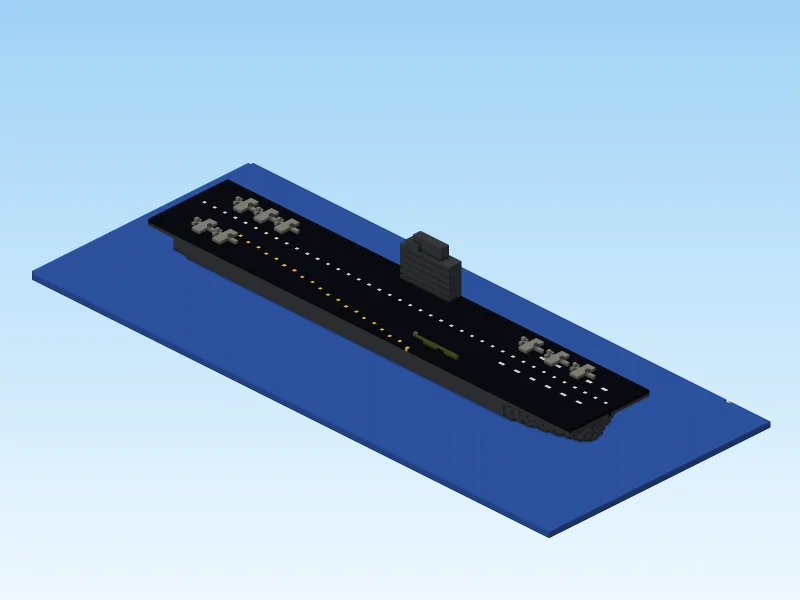
Layer 27 of 34 (33 blocks)
- Gray Concrete33
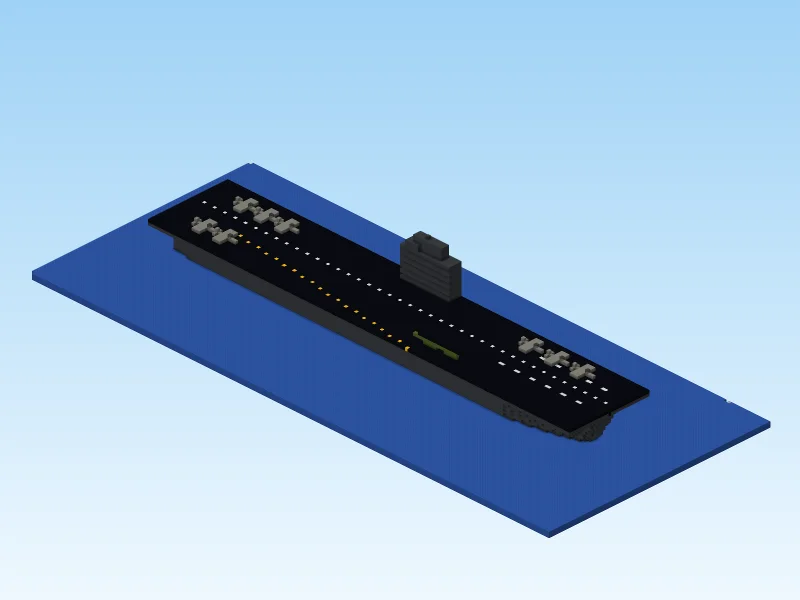
Layer 28 of 34 (1 blocks)
- Gray Concrete1
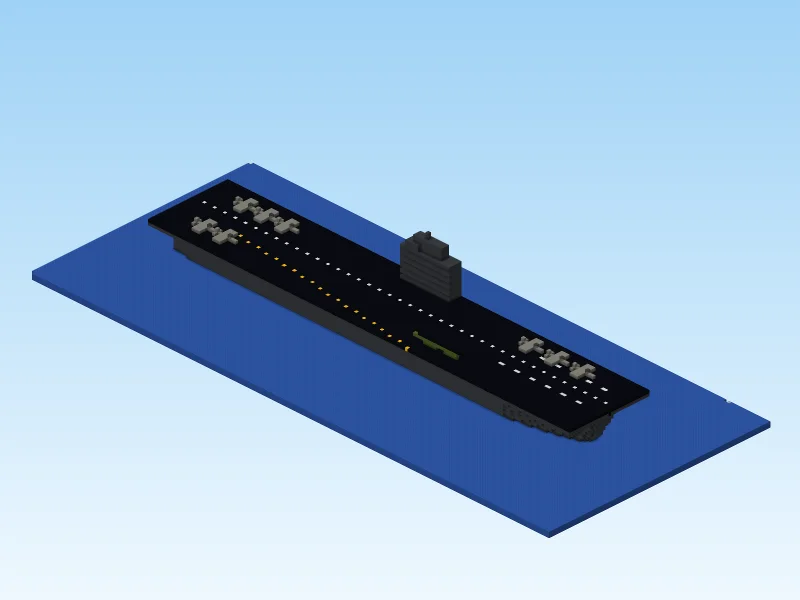
Layer 29 of 34 (1 blocks)
- Gray Concrete1
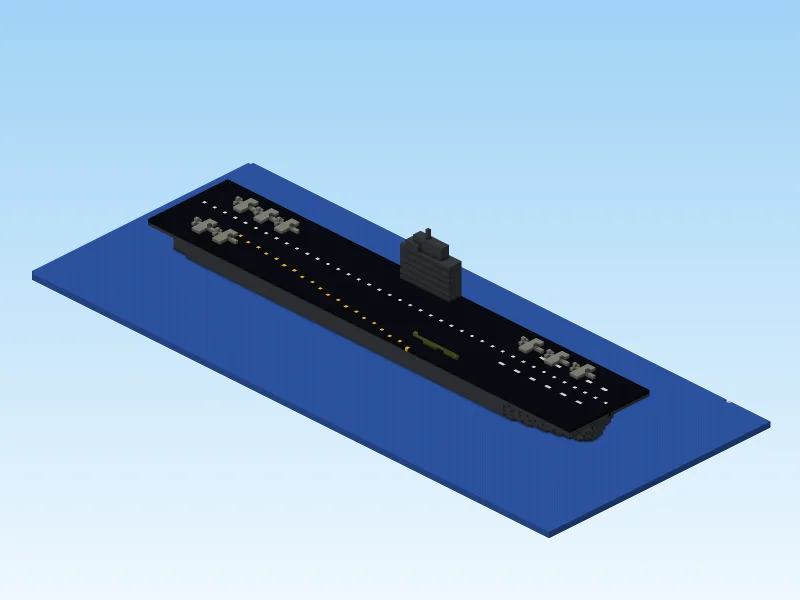
Layer 30 of 34 (1 blocks)
- Gray Concrete1
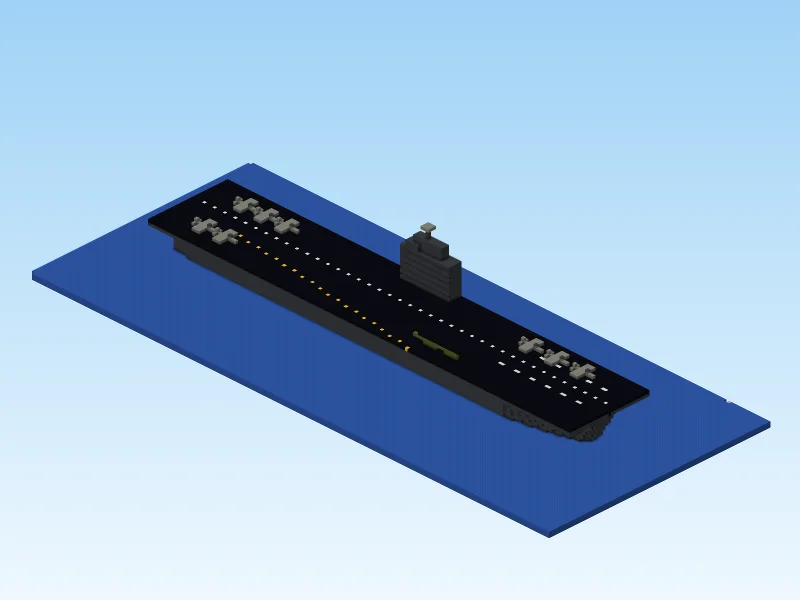
Layer 31 of 34 (9 blocks)
- Light Gray Concrete9
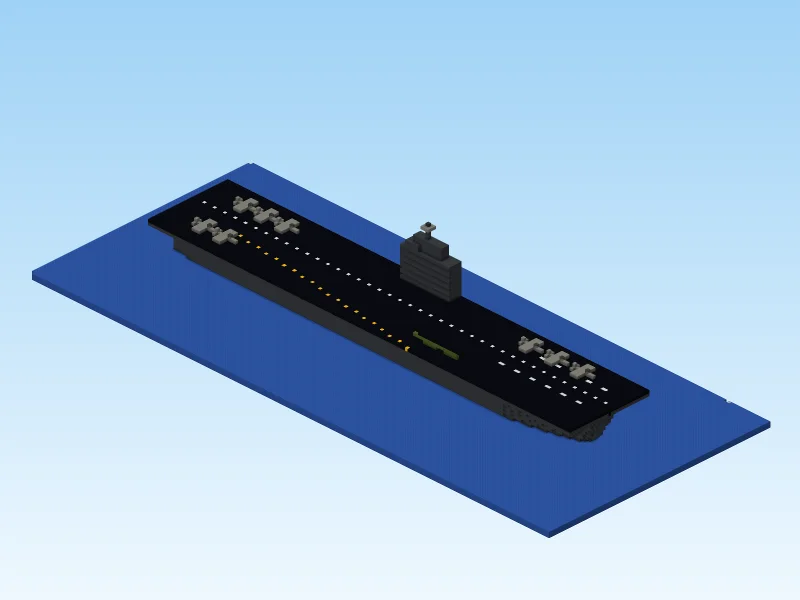
Layer 32 of 34 (1 blocks)
- Gray Concrete1
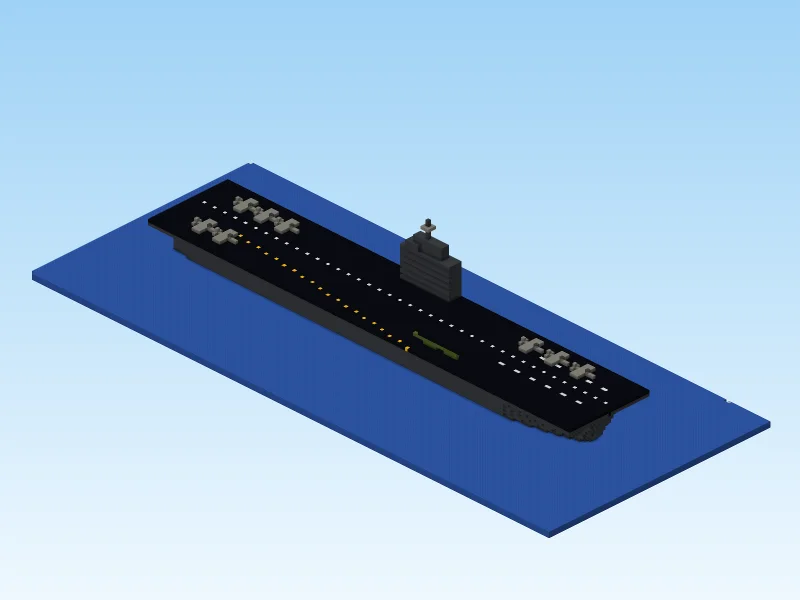
Layer 33 of 34 (1 blocks)
- Gray Concrete1
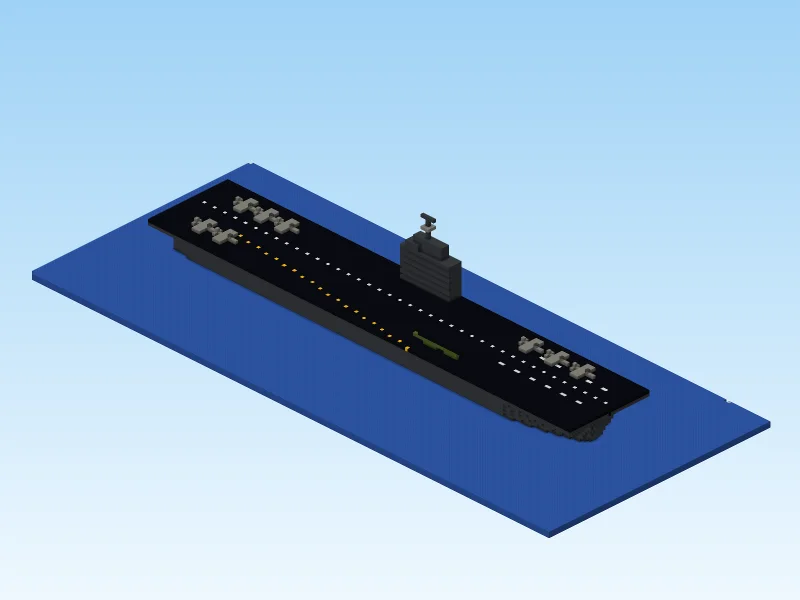
Layer 34 of 34 (5 blocks)
- Gray Concrete5
Simplified blueprint: stairs and slabs are partly shown as full blocks, animals and plants as small squares. Tip: use the arrow keys ← → to switch layers.
Step-by-step guide
Hull
Build a gray hull, 156 blocks long, that widens towards the top.
Flight deck
On top comes the flight deck of black concrete, 31 blocks wide. On the left, an angled landing deck sticks out over the edge.
Markings
Paint a center line and takeoff markings with white concrete, and the line of the landing deck with yellow concrete.
Island
On the right side, build the island: a gray tower with rows of tinted glass windows and a mast with radar on top.
Jets and helicopters
Put small jets of light gray concrete on the deck – fuselage, wings, tail and cockpit – and two green helicopters.
Pro tips
- Build the hull from the waterline upwards. Underwater you can build it further down the same way – then the ship sits deeper in the water.
- The jets are small – use the blueprint to place them block by block.
- In creative mode the /fill command is much faster: it fills whole walls and areas at once.
Variations
- Build an elevator on the side that takes planes below deck.
- Sea lanterns along the landing strip let you land at night too.


