Giant Container Ship
- DifficultyHard
- Size159 × 27 blocks, 33 tall
- Build timeabout 15 hours
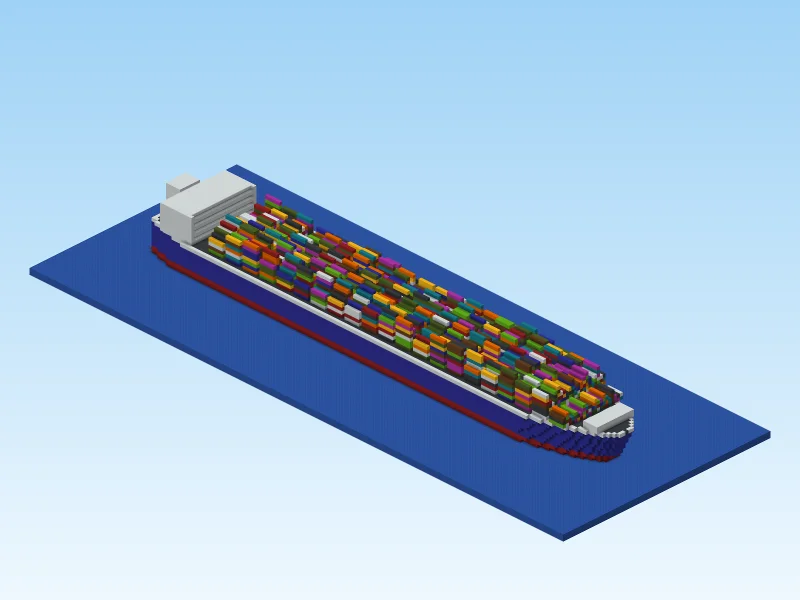
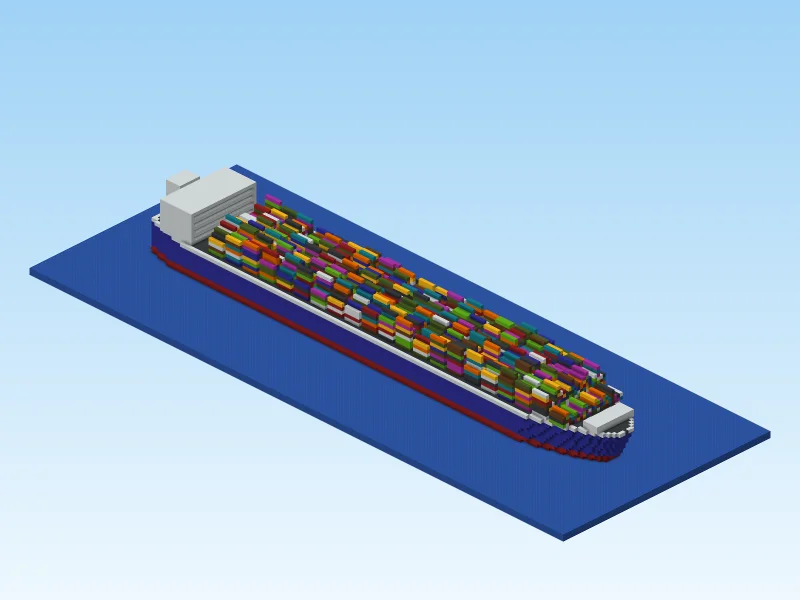
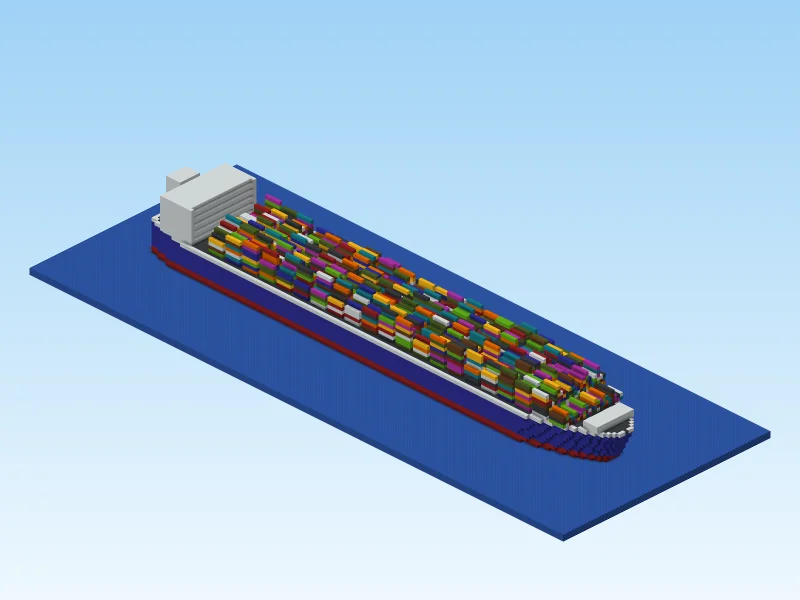
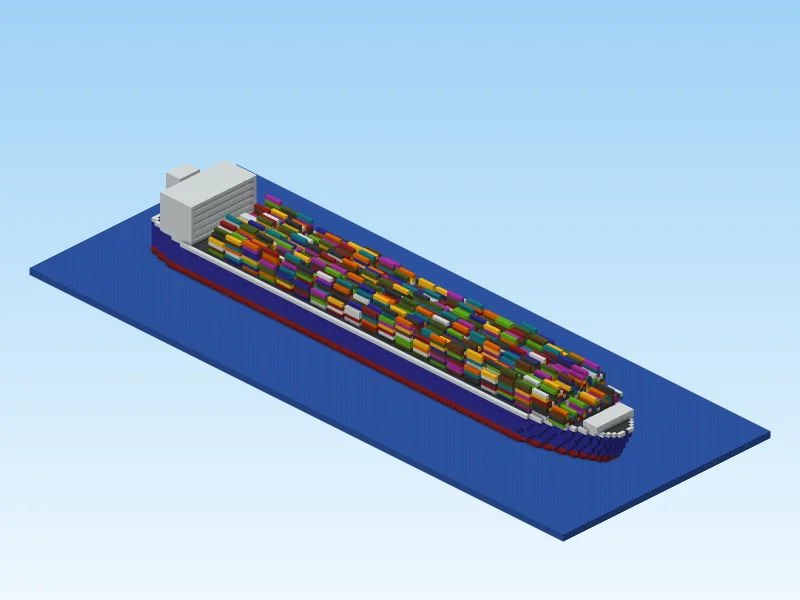
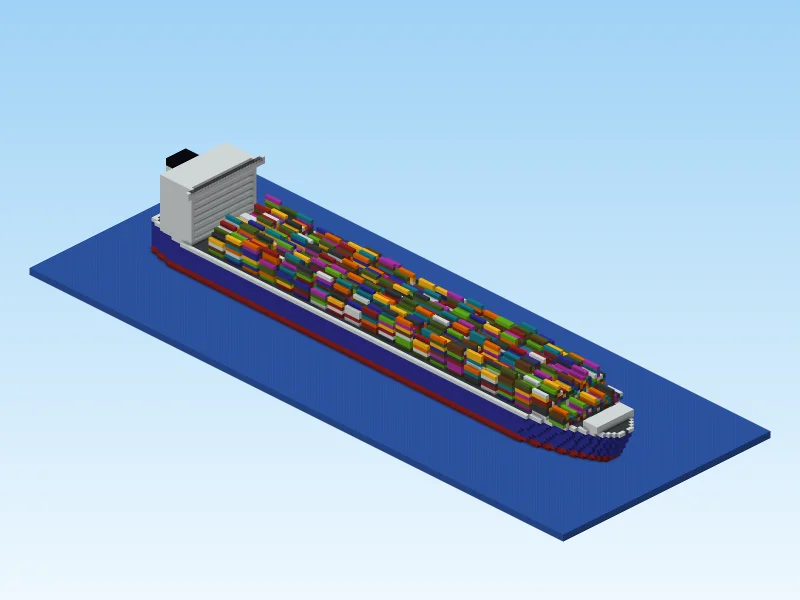
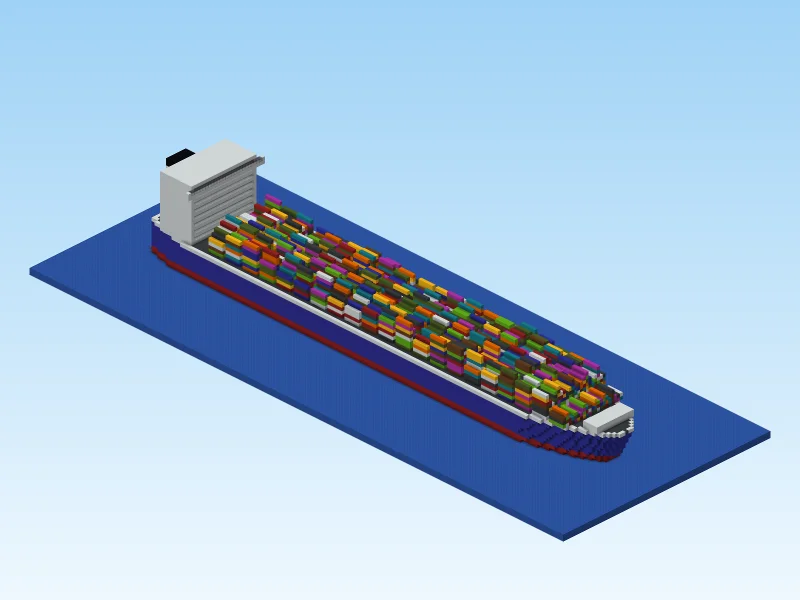
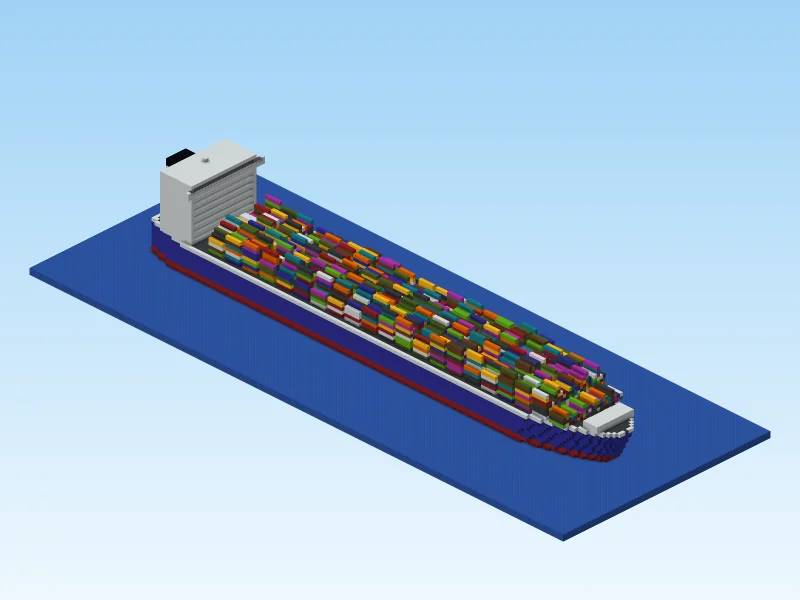
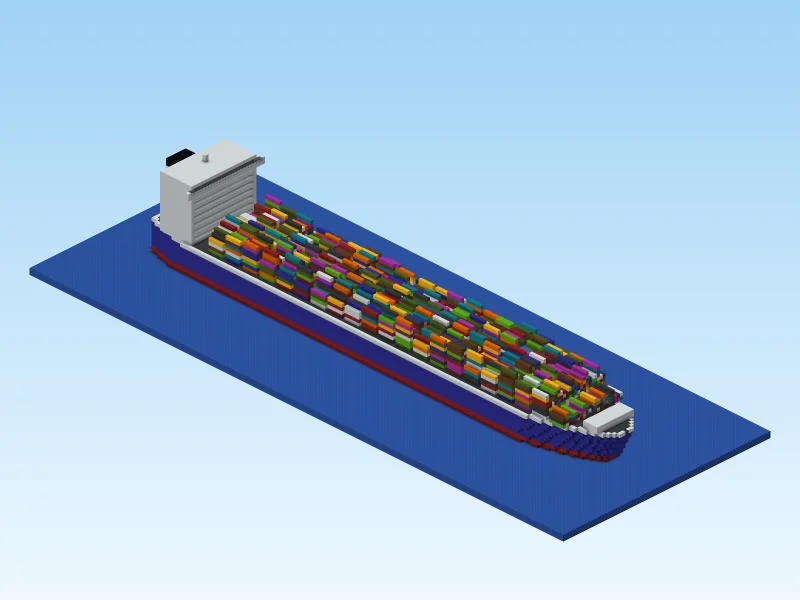
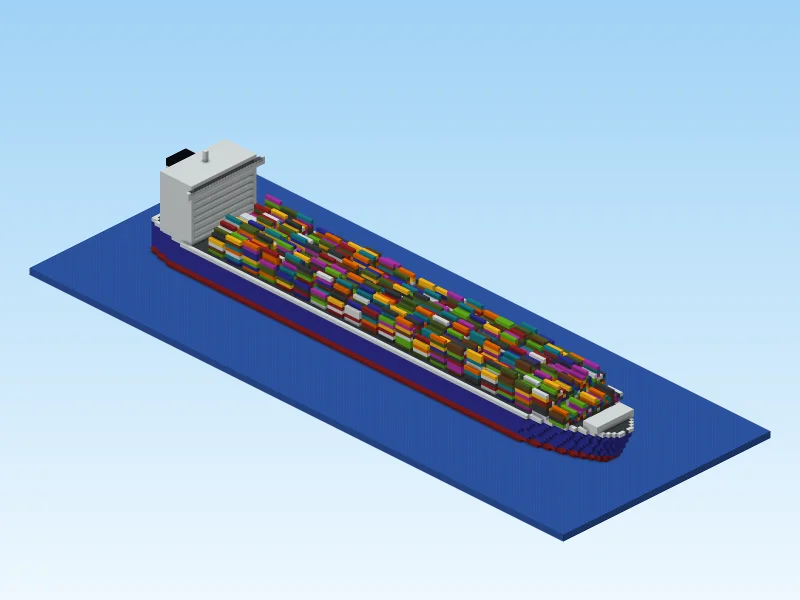
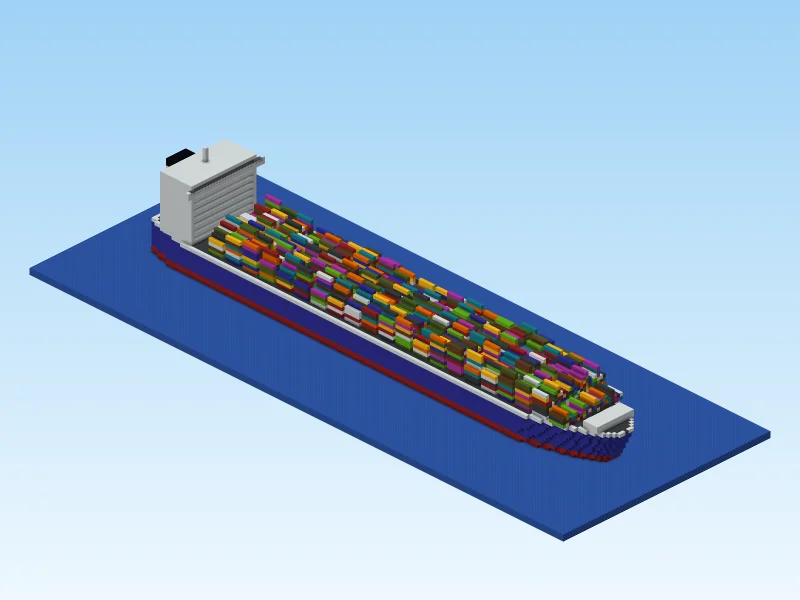
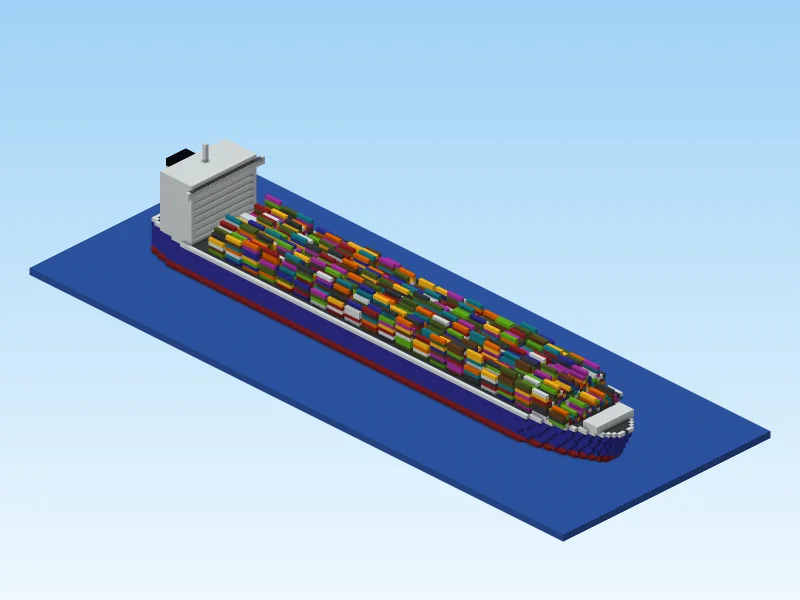
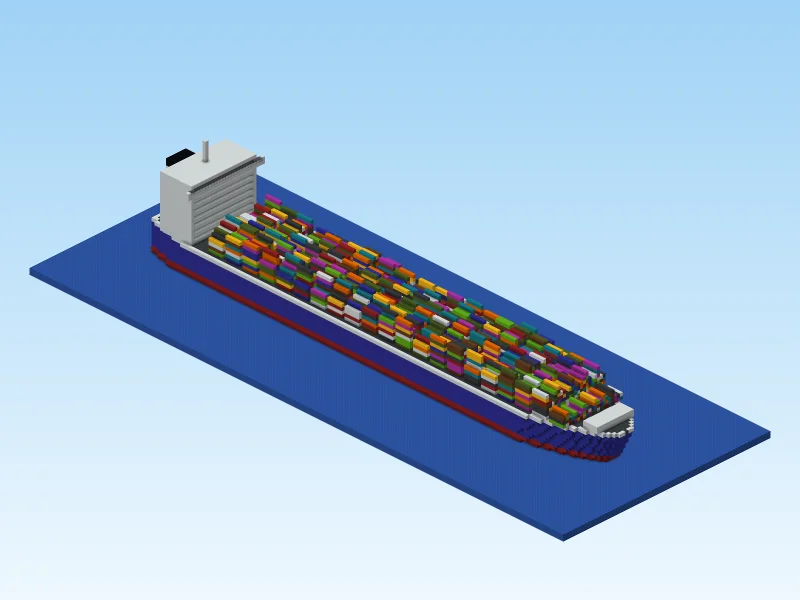
The largest container ships are 400 meters long and carry more than 20,000 containers. This ship is built at a scale of 1:2.5 and is 159 blocks long.
Containers in every color are stacked up to eight high on the dark blue hull with its red bottom. At the back stands the white bridge house with the bridge and the funnel.

🔍 Click on parts
Tap any part of the build in the 3D model – a lamp, a tree, a bench next to the house – and you’ll see exactly how to build that part, with its materials and a layer-by-layer plan.
🧊 Build it as a hologram in Minecraft Bedrock (HoloPrint)
Download this build idea as a .mcstructure file – it is made right from the blueprint below. The HoloPrint website turns it into a pack that places the build as a see-through hologram in your world – you just fill in the blocks.
- Tap the button above – the file giant-container-ship.mcstructure is downloaded.
- Open the HoloPrint website.
- Upload the file there.
- Create your build template texture pack.
- Download the .mcpack file.
- Open it with Minecraft and activate the pack in your world.
- Place an armor stand – the build template appears there. Tip: put it exactly where the build should stand.
Works with Minecraft Bedrock (phone, tablet, console, Windows). HoloPrint is a free fan project, not made by Blockwerk.
Layer-by-layer blueprint
Click through from bottom to top. Every square is one block, the front is at the bottom. Gray shows the layer below. 33 layers, area in the plan: 159 × 27 blocks.
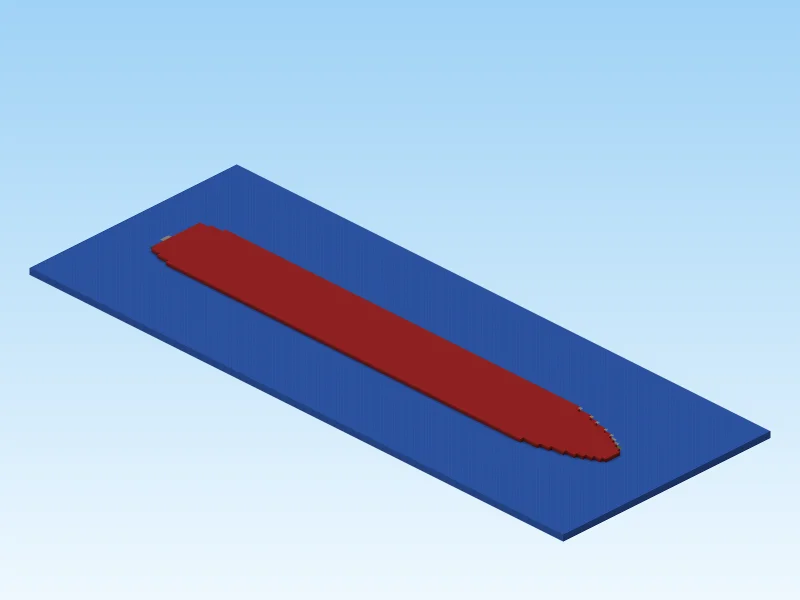
Layer 1 of 33 (3056 blocks)
- Red Concrete3056
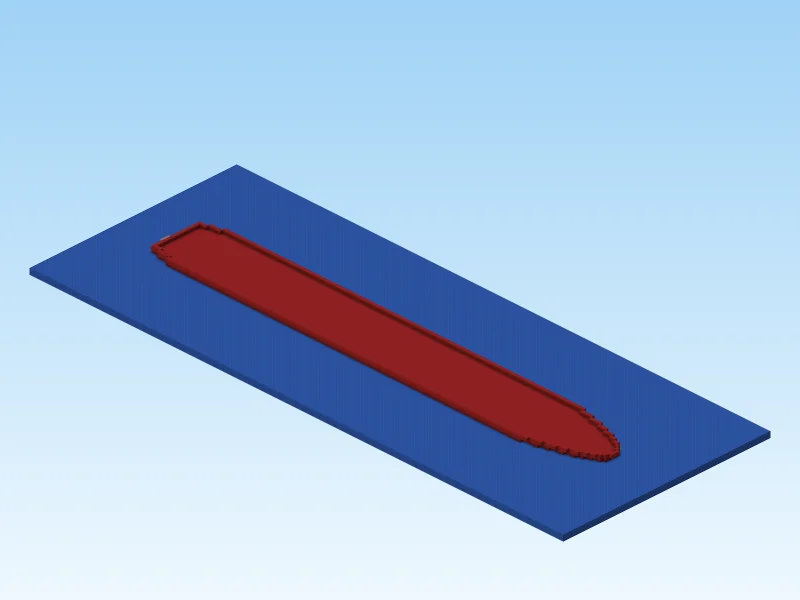
Layer 2 of 33 (326 blocks)
- Red Concrete326
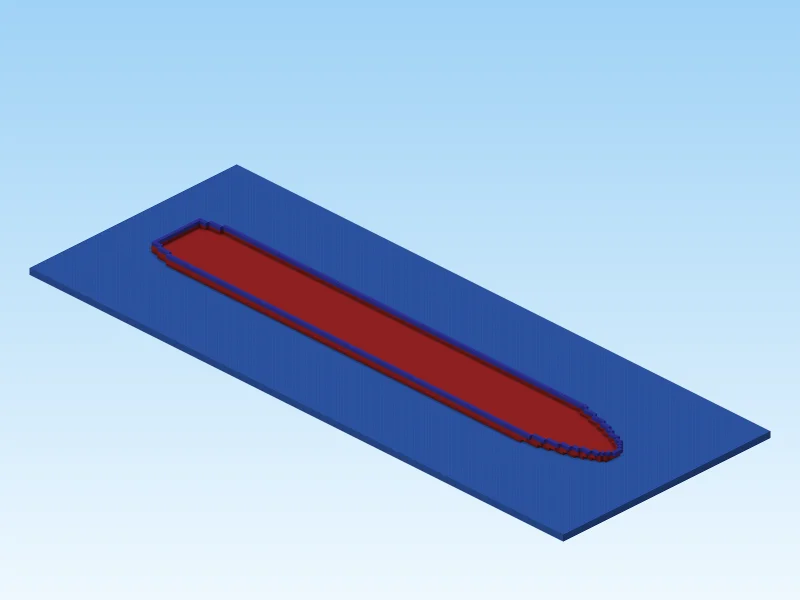
Layer 3 of 33 (328 blocks)
- Blue Concrete328
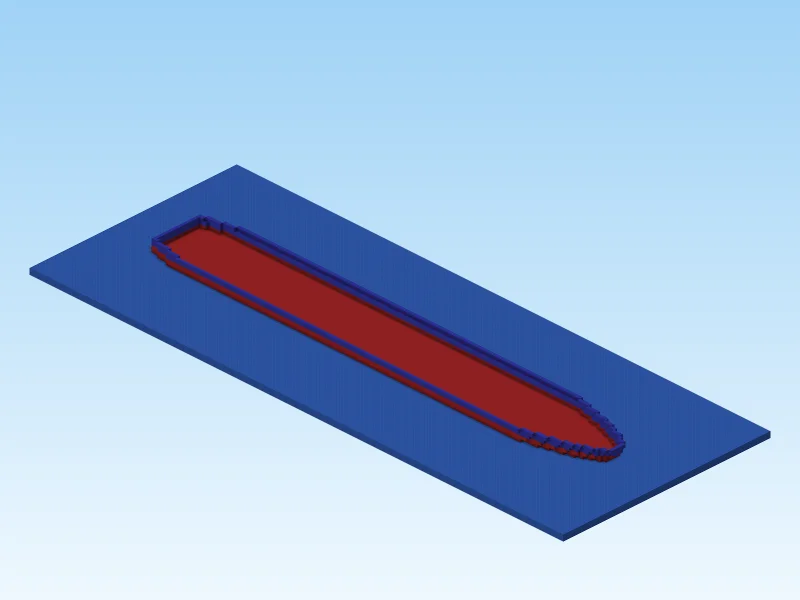
Layer 4 of 33 (330 blocks)
- Blue Concrete330
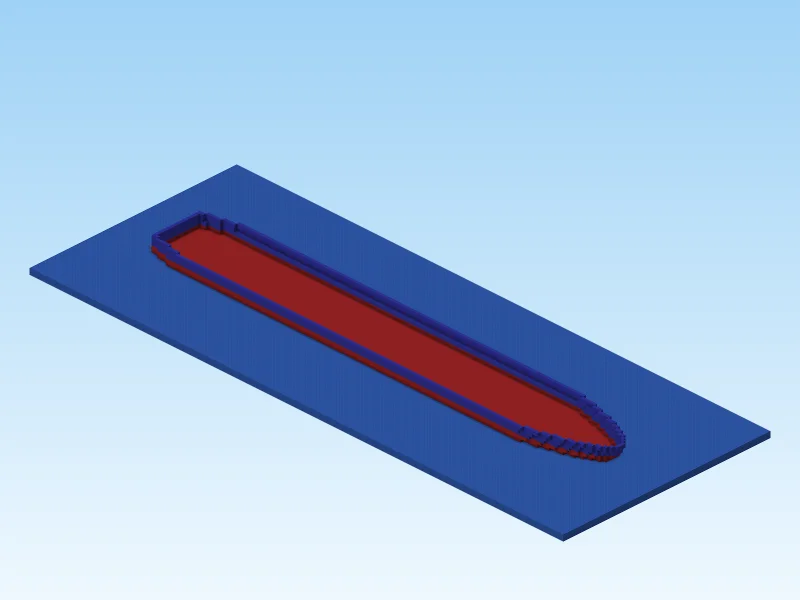
Layer 5 of 33 (330 blocks)
- Blue Concrete330

Layer 6 of 33 (332 blocks)
- Blue Concrete332
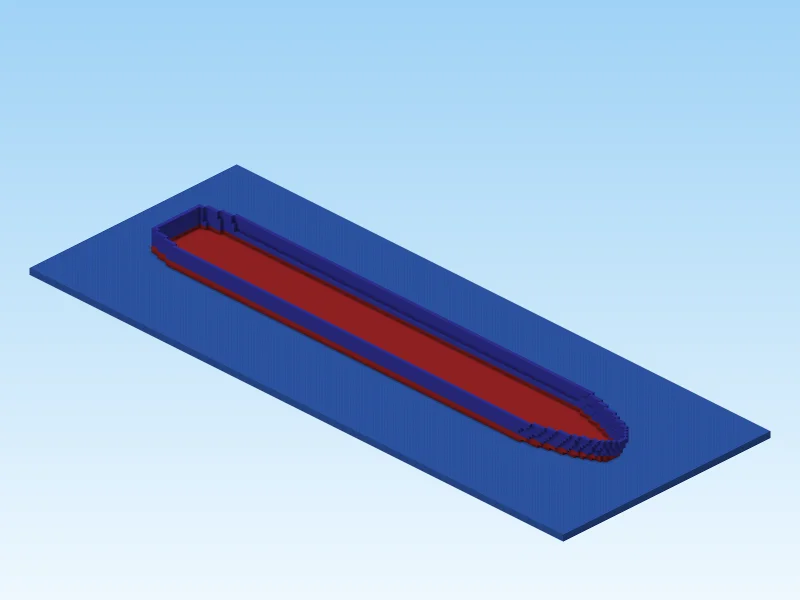
Layer 7 of 33 (332 blocks)
- Blue Concrete332
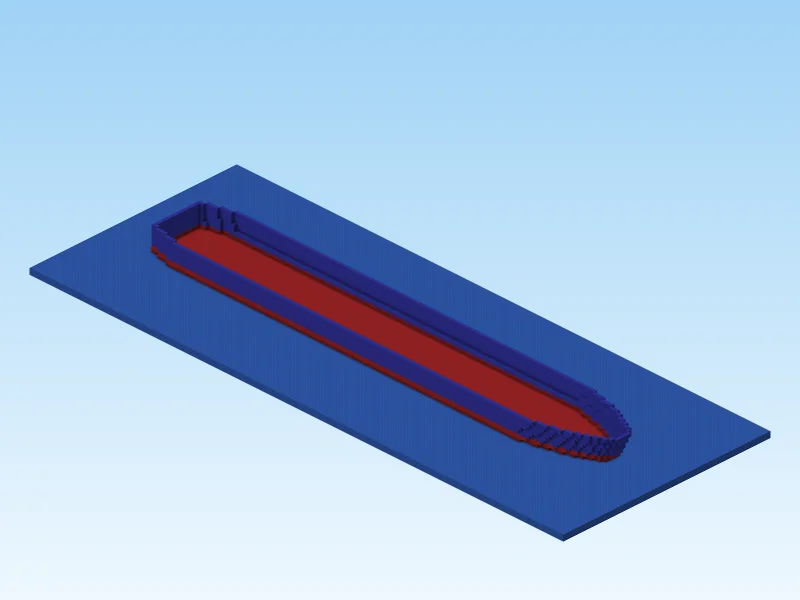
Layer 8 of 33 (334 blocks)
- Blue Concrete334
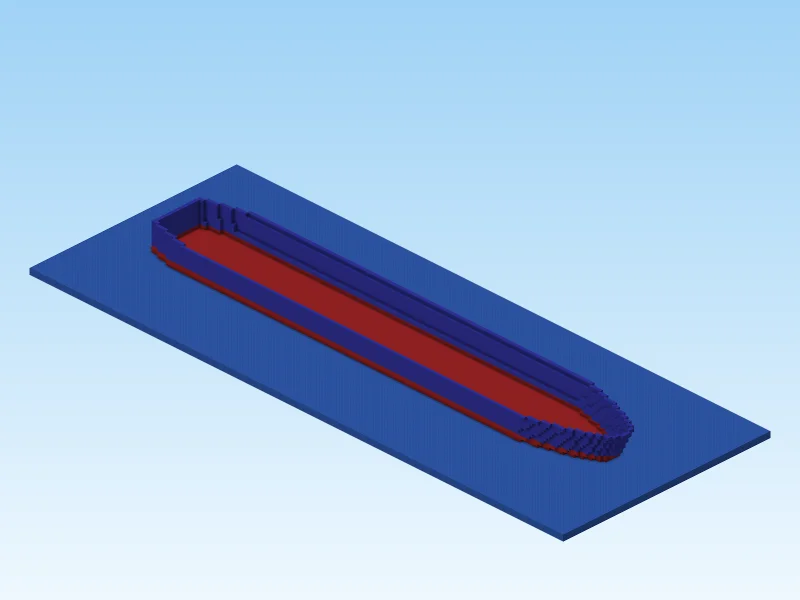
Layer 9 of 33 (336 blocks)
- Blue Concrete336
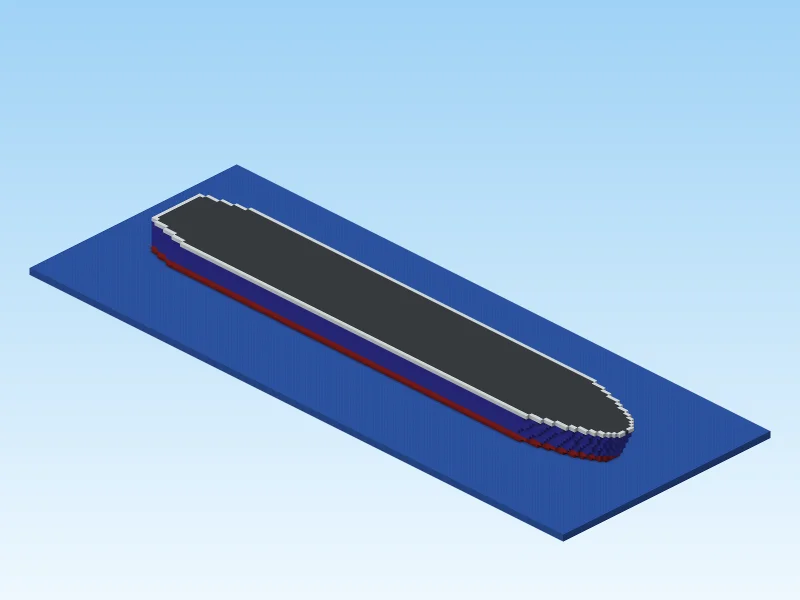
Layer 10 of 33 (3715 blocks)
- Gray Concrete3380
- White Concrete335
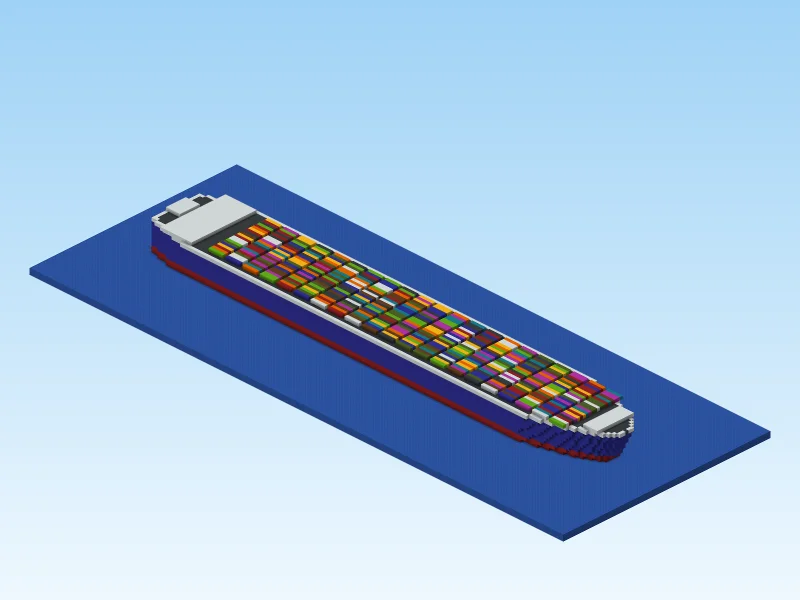
Layer 11 of 33 (2558 blocks)
- White Concrete518
- Blue Concrete230
- Gray Concrete225
- Green Concrete220
- Lime Concrete210
- Yellow Concrete205
- Orange Concrete205
- Magenta Concrete205
- Red Concrete195
- Brown Concrete180
- Cyan Concrete165
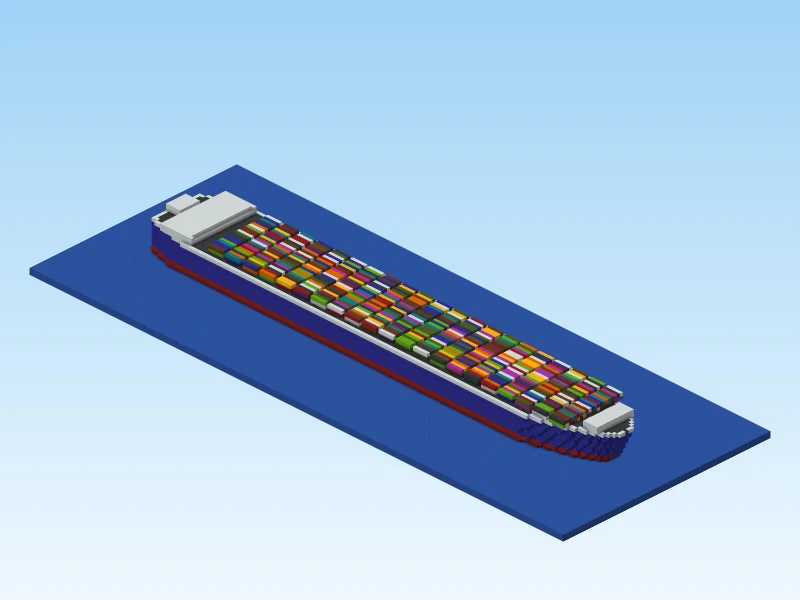
Layer 12 of 33 (2558 blocks)
- White Concrete572
- Blue Concrete240
- Red Concrete220
- Gray Concrete215
- Brown Concrete205
- Green Concrete205
- Yellow Concrete195
- Lime Concrete180
- Magenta Concrete175
- Orange Concrete170
- Cyan Concrete160
- Light Gray Stained Glass21
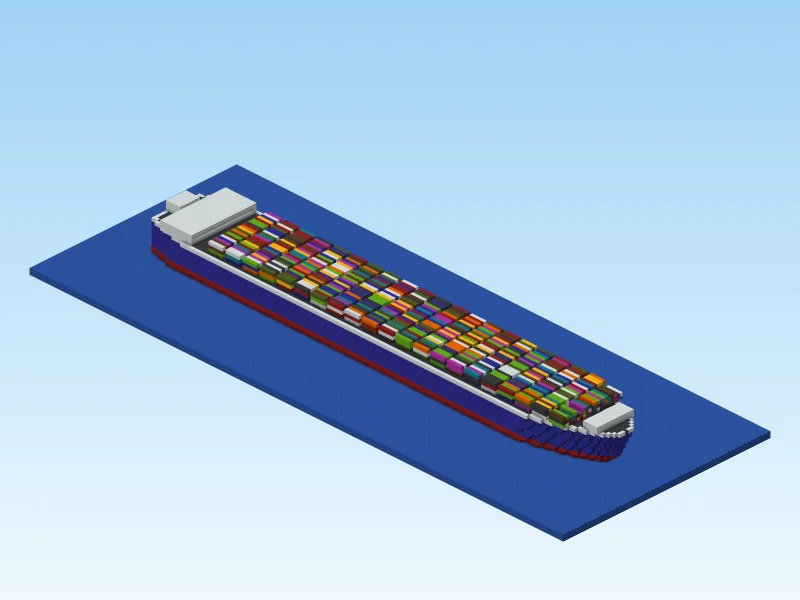
Layer 13 of 33 (2448 blocks)
- White Concrete518
- Blue Concrete240
- Lime Concrete235
- Red Concrete220
- Gray Concrete220
- Brown Concrete200
- Magenta Concrete185
- Yellow Concrete170
- Green Concrete155
- Cyan Concrete155
- Orange Concrete150
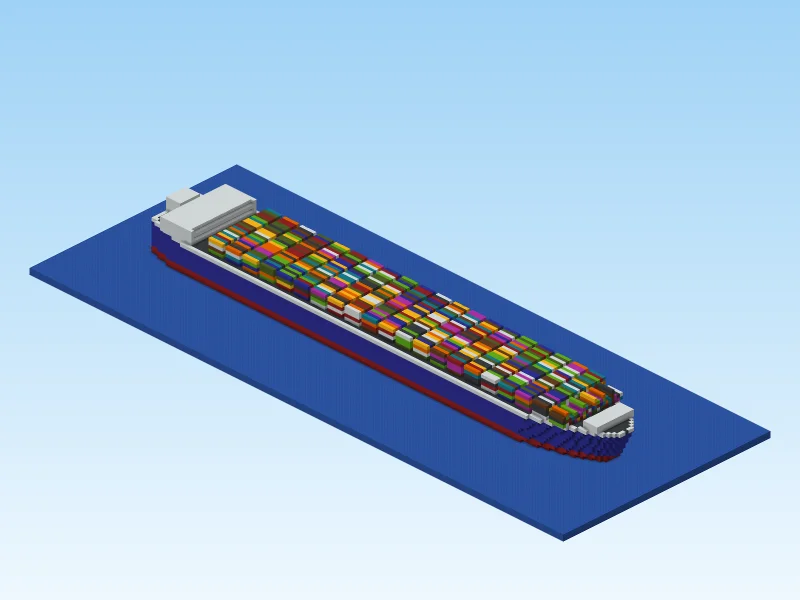
Layer 14 of 33 (2413 blocks)
- White Concrete482
- Green Concrete230
- Yellow Concrete225
- Blue Concrete200
- Red Concrete195
- Lime Concrete190
- Gray Concrete190
- Brown Concrete185
- Cyan Concrete180
- Orange Concrete170
- Magenta Concrete145
- Light Gray Stained Glass21
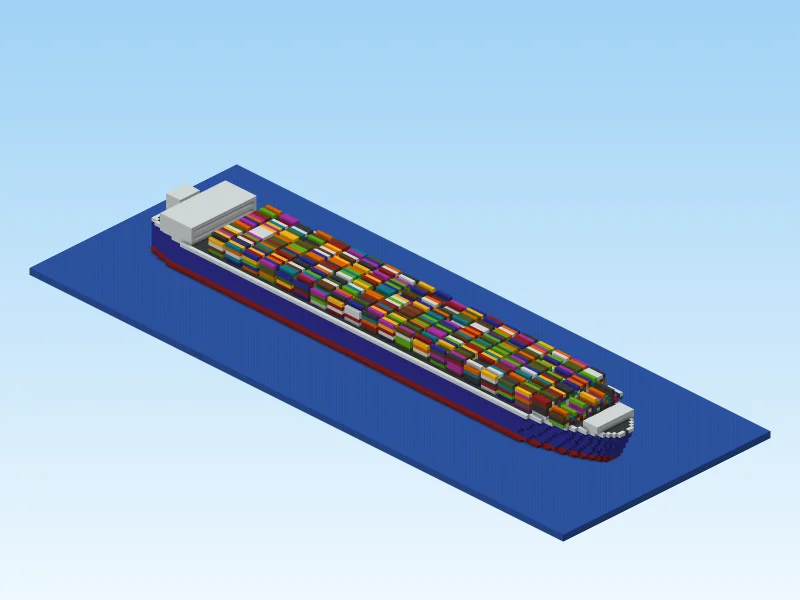
Layer 15 of 33 (1948 blocks)
- White Concrete448
- Orange Concrete175
- Red Concrete170
- Brown Concrete165
- Green Concrete155
- Lime Concrete150
- Yellow Concrete150
- Blue Concrete145
- Magenta Concrete140
- Gray Concrete135
- Cyan Concrete115
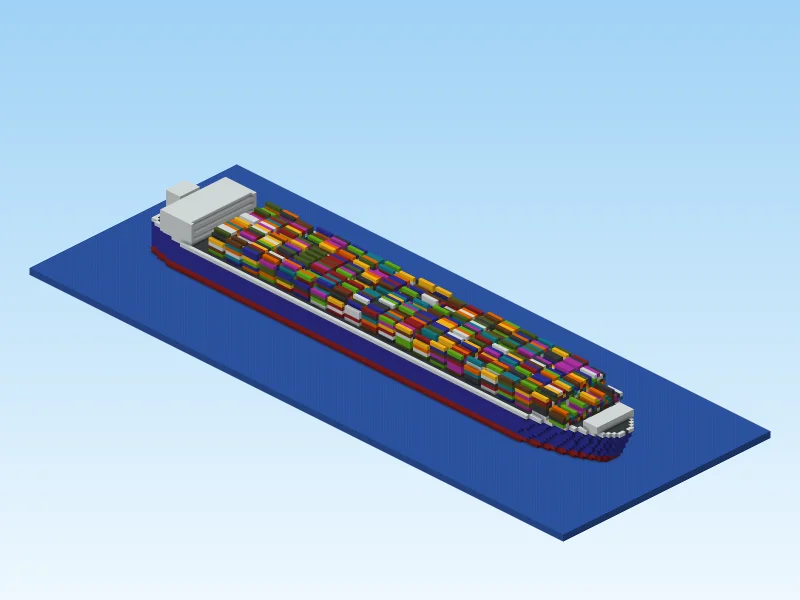
Layer 16 of 33 (1633 blocks)
- White Concrete362
- Blue Concrete155
- Green Concrete145
- Orange Concrete140
- Yellow Concrete135
- Red Concrete130
- Cyan Concrete125
- Magenta Concrete115
- Brown Concrete115
- Gray Concrete100
- Lime Concrete90
- Light Gray Stained Glass21
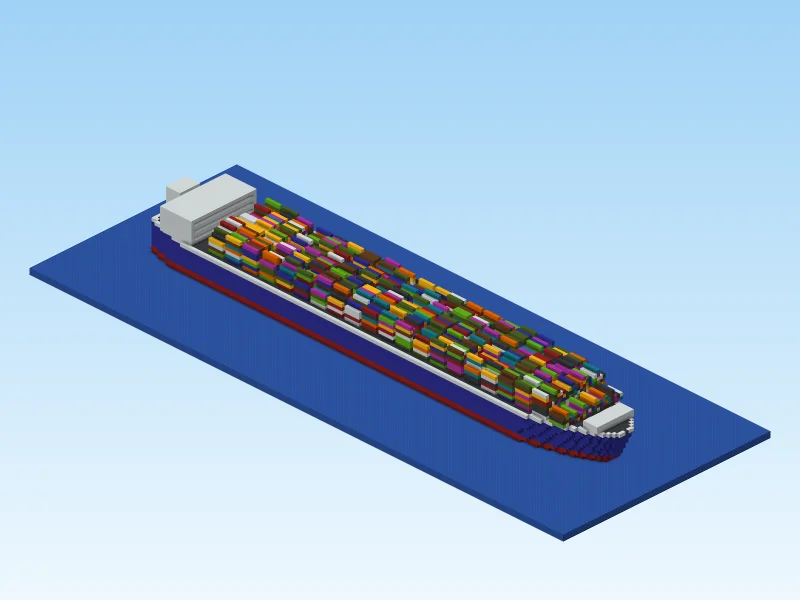
Layer 17 of 33 (1173 blocks)
- White Concrete343
- Green Concrete140
- Magenta Concrete105
- Brown Concrete105
- Lime Concrete90
- Yellow Concrete85
- Orange Concrete70
- Red Concrete65
- Blue Concrete65
- Cyan Concrete55
- Gray Concrete50
Layer 18 of 33 (723 blocks)
- White Concrete287
- Cyan Concrete65
- Green Concrete50
- Gray Concrete50
- Orange Concrete50
- Magenta Concrete45
- Yellow Concrete40
- Red Concrete35
- Blue Concrete30
- Lime Concrete25
- Brown Concrete25
- Light Gray Stained Glass21
Layer 19 of 33 (288 blocks)
- White Concrete288
Layer 20 of 33 (288 blocks)
- White Concrete267
- Light Gray Stained Glass21
Layer 21 of 33 (288 blocks)
- White Concrete288
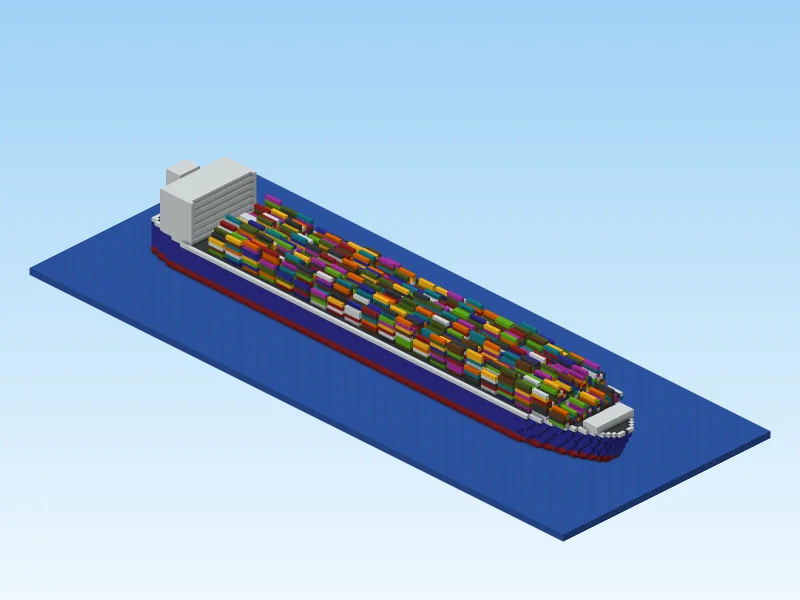
Layer 22 of 33 (288 blocks)
- White Concrete267
- Light Gray Stained Glass21
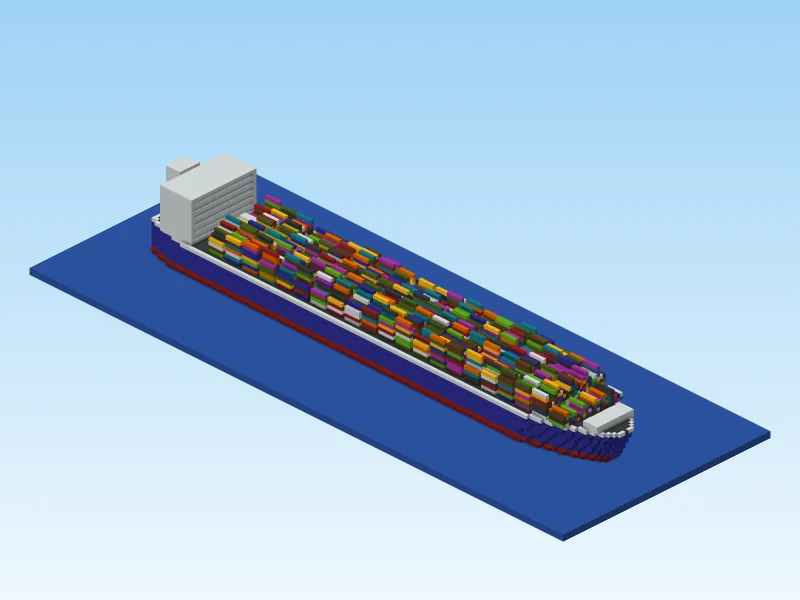
Layer 23 of 33 (288 blocks)
- White Concrete288
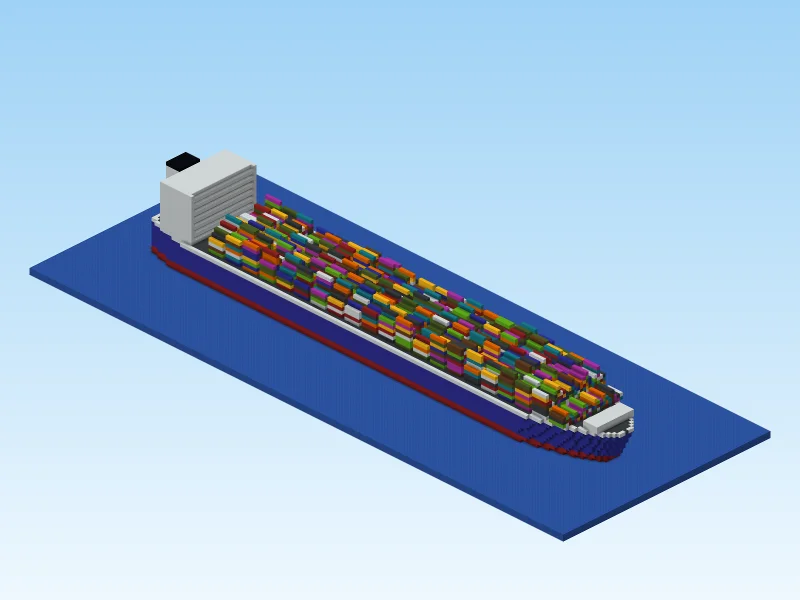
Layer 24 of 33 (288 blocks)
- White Concrete232
- Black Concrete35
- Light Gray Stained Glass21
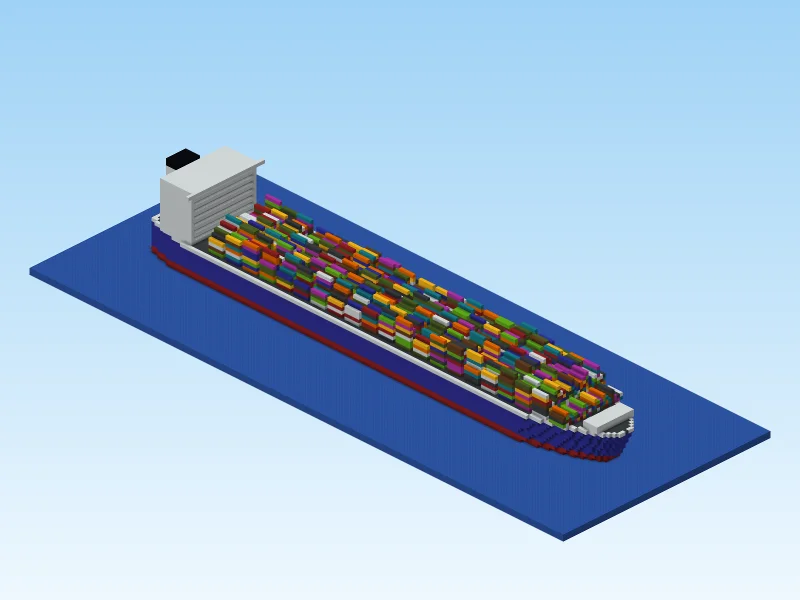
Layer 25 of 33 (315 blocks)
- White Concrete280
- Black Concrete35
Layer 26 of 33 (280 blocks)
- White Concrete234
- Tinted Glass25
- Light Gray Stained Glass21
Layer 27 of 33 (253 blocks)
- White Concrete253
Layer 28 of 33 (1 blocks)
- White Concrete1
Layer 29 of 33 (1 blocks)
- White Concrete1
Layer 30 of 33 (1 blocks)
- White Concrete1
Layer 31 of 33 (1 blocks)
- White Concrete1
Layer 32 of 33 (1 blocks)
- White Concrete1
Layer 33 of 33 (1 blocks)
- White Concrete1
Simplified blueprint: stairs and slabs are partly shown as full blocks, animals and plants as small squares. Tip: use the arrow keys ← → to switch layers.
Step-by-step guide
Hull
Build a long hull with a flat deck: red concrete at the bottom, blue concrete above, a white edge on top. The bow is pointed and slightly overhanging.
Containers
A container is 5 blocks long and 1 wide. Place them in rows across the full width and stack them 4 to 8 high – with the colors mixed up.
Gaps
Leave one block free between the container rows – that way you can see the individual stacks.
Bridge house
At the back, build a tall white house with rows of windows and the bridge on top, its wings sticking out over the sides.
Funnel
At the very back stands a white funnel with a black top.
Pro tips
- Build the hull from the waterline upwards. Underwater you can build it further down the same way – then the ship sits deeper in the water.
- Containers are quick with the /fill command – in creative mode you fill a whole stack at once.
- There are 16 concrete colors – the more mixed up, the more realistic it looks.
Variations
- Build a container port with cranes and a storage yard next to it.
- Turn some containers into small houses.


