Container Port with Cranes
- DifficultyHard
- Size217 × 119 blocks, 43 tall
- Build timeabout 20 hours
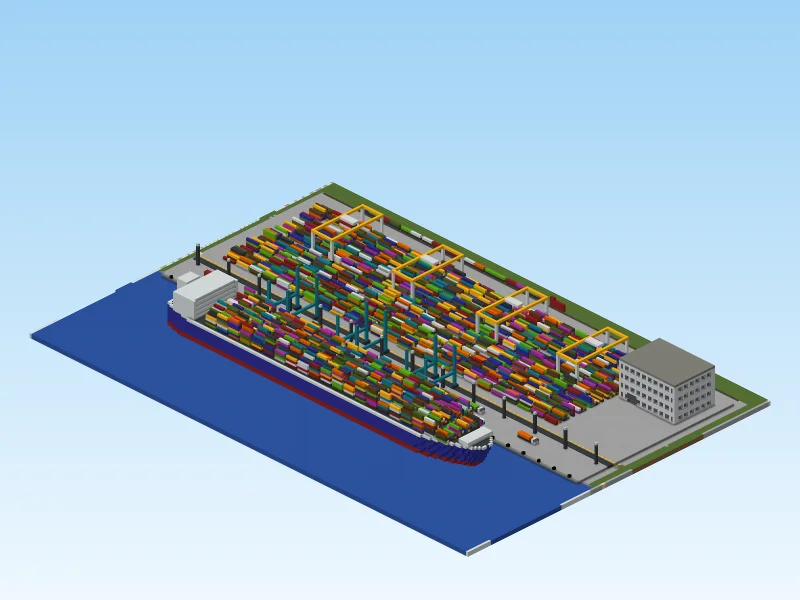
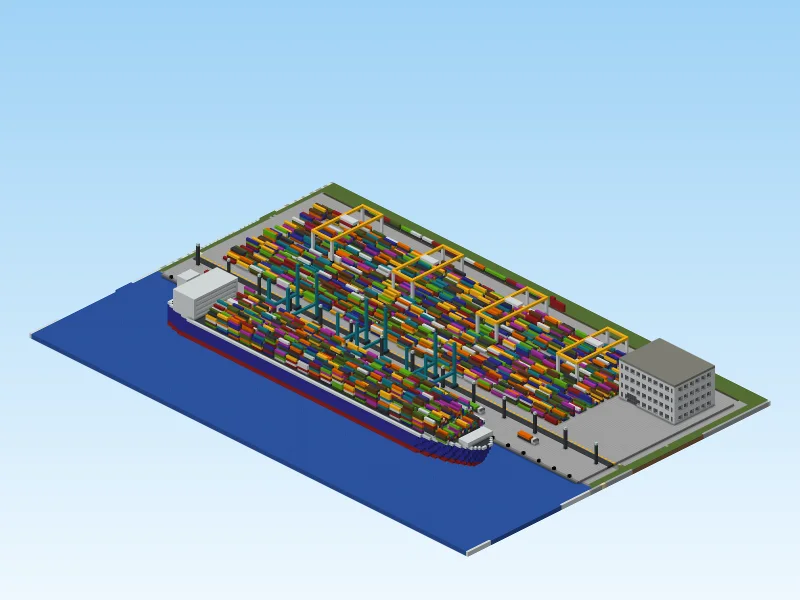
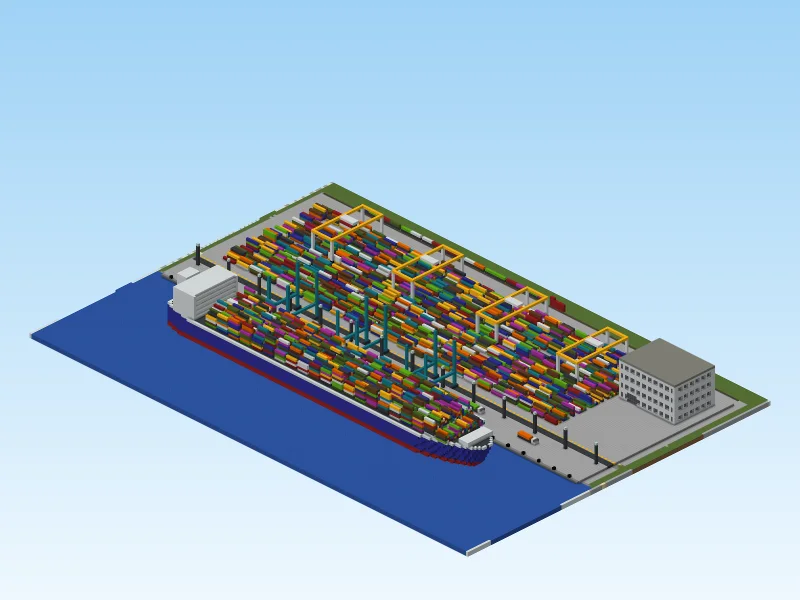
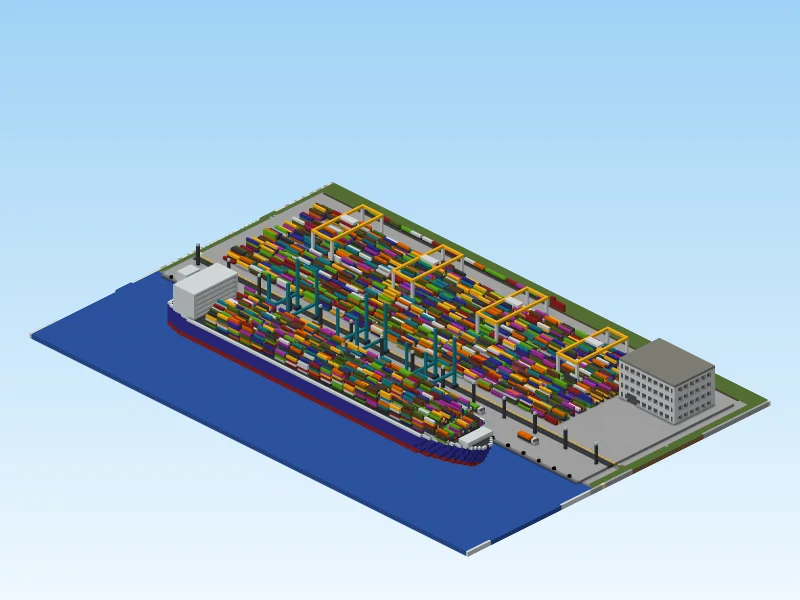
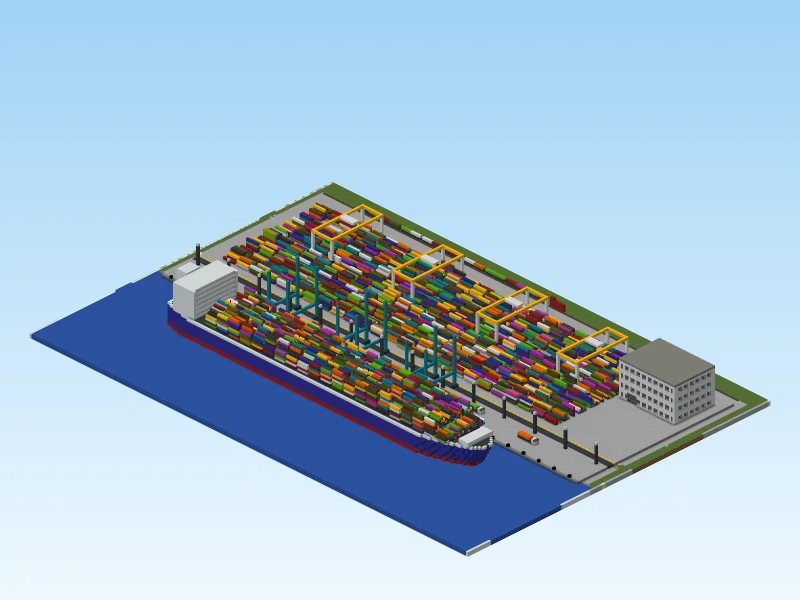
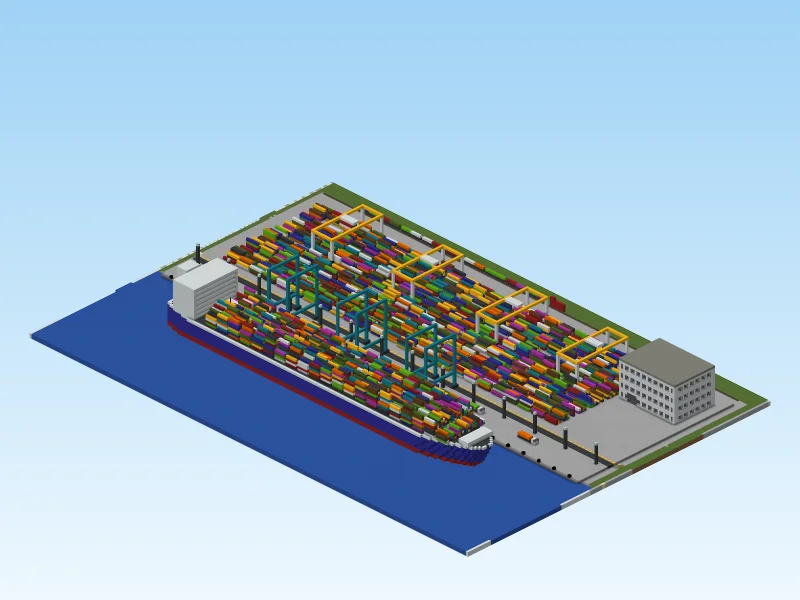
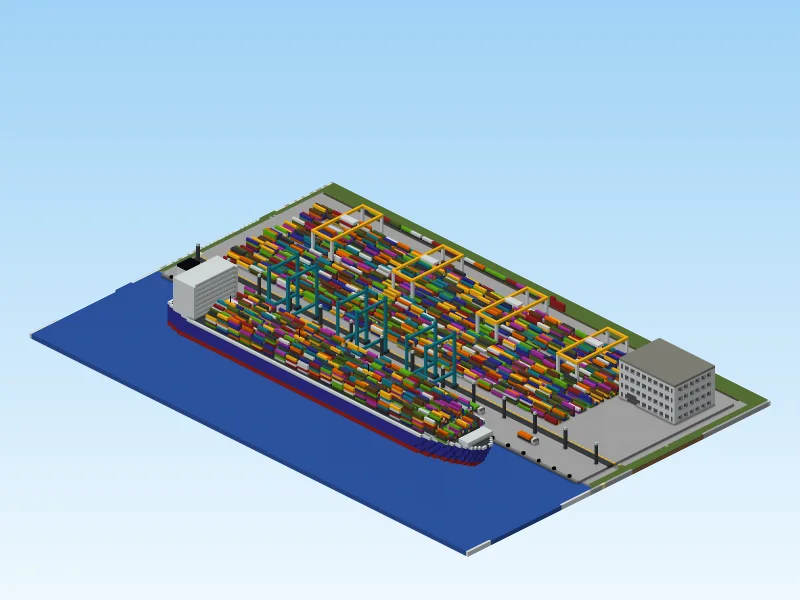
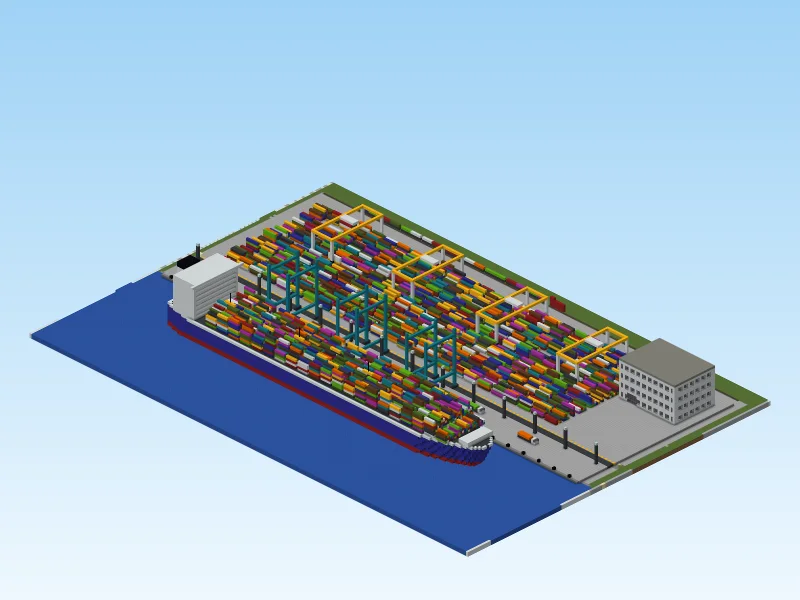
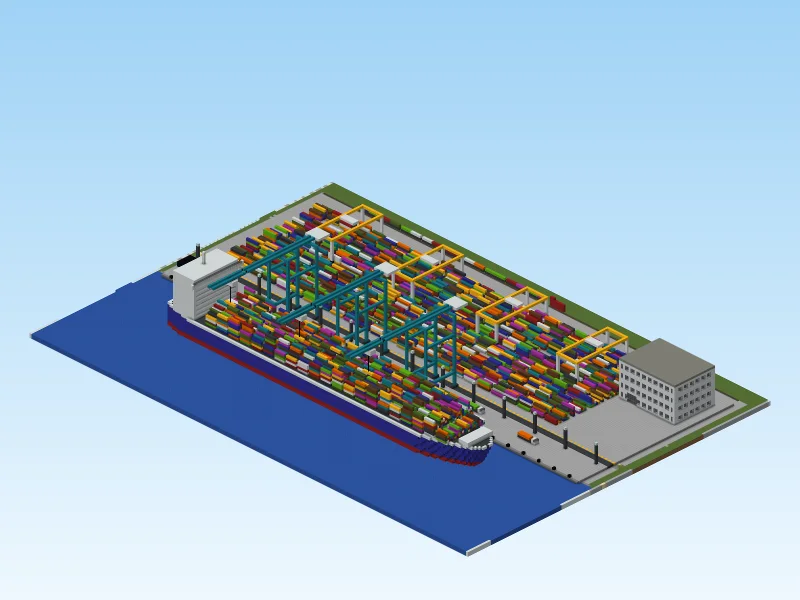
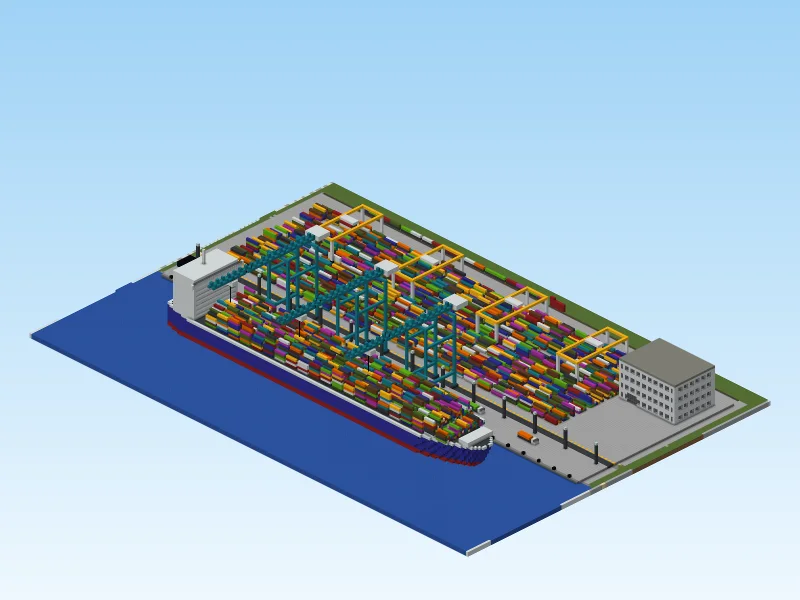
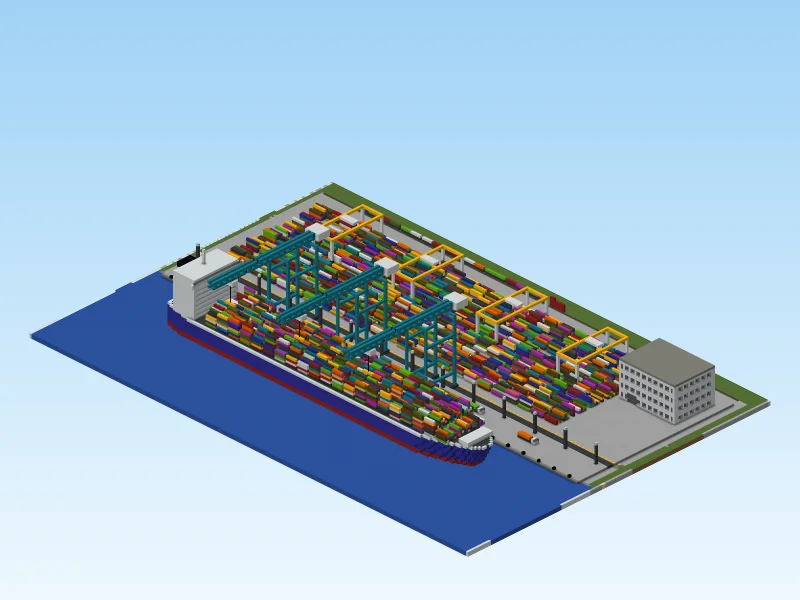
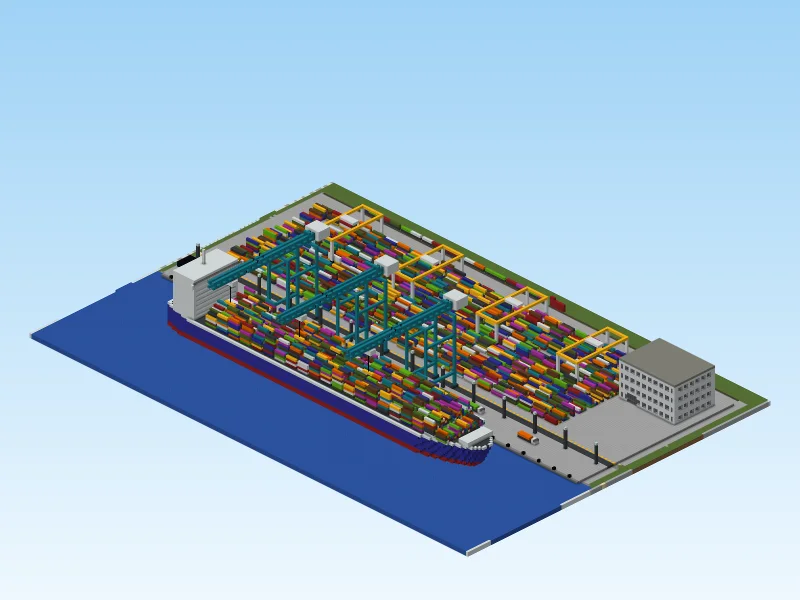
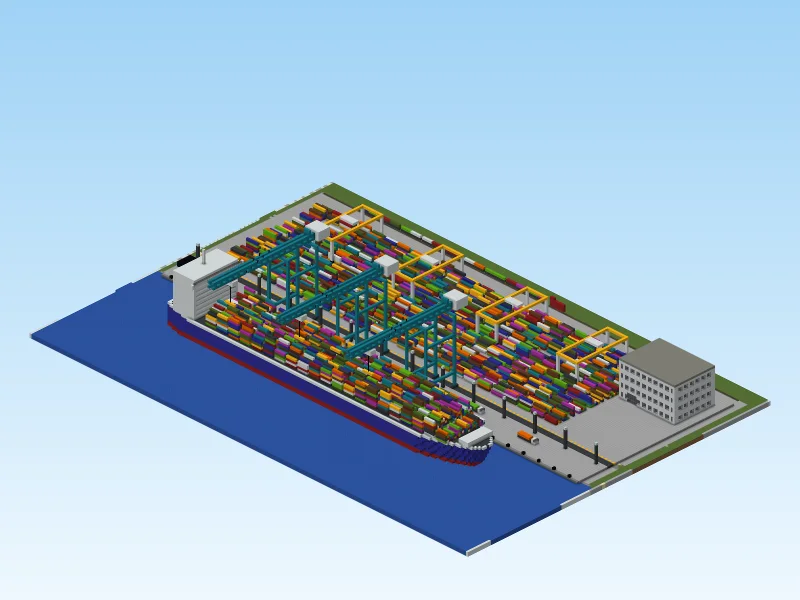
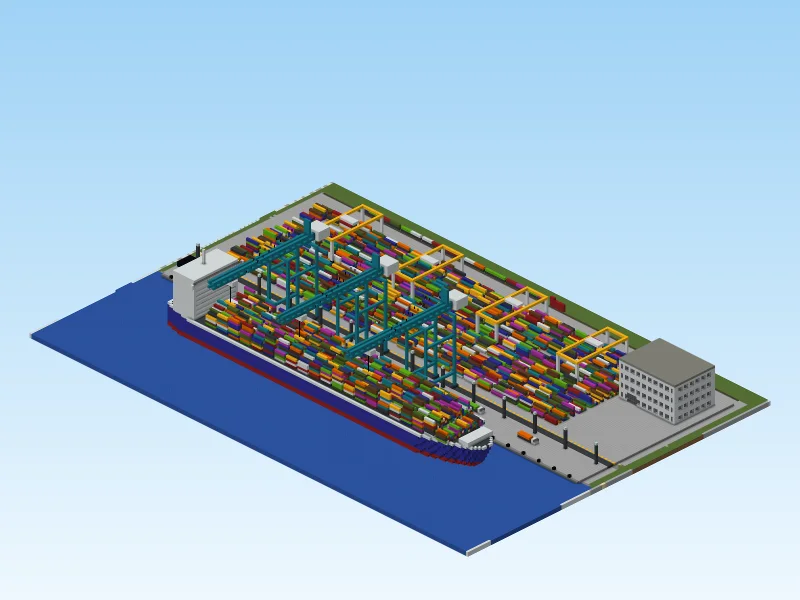
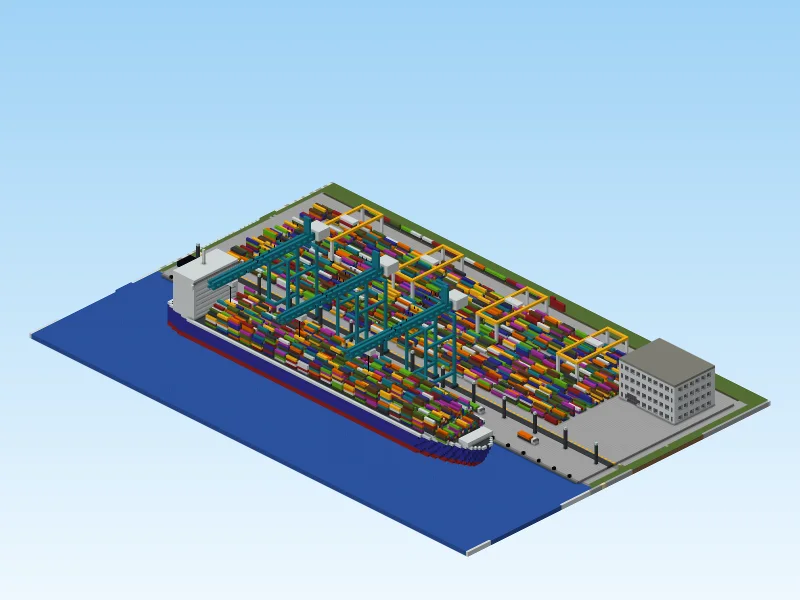
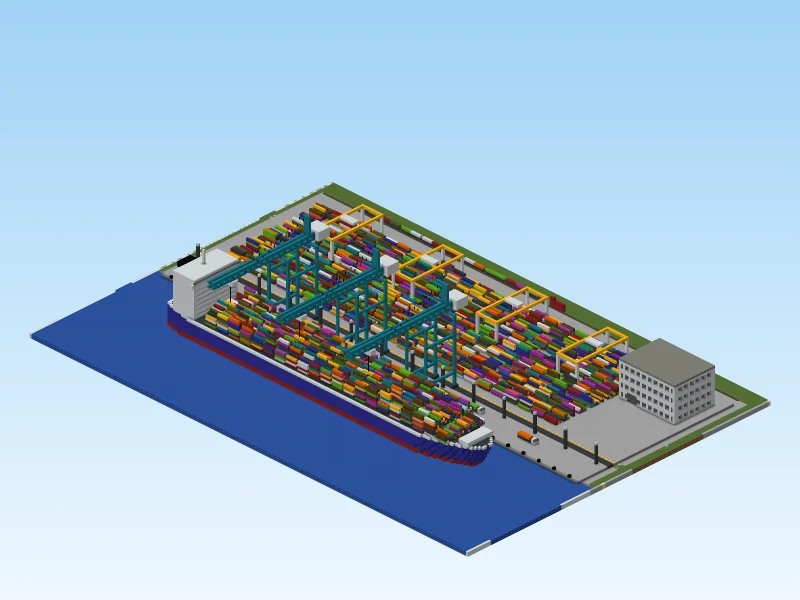
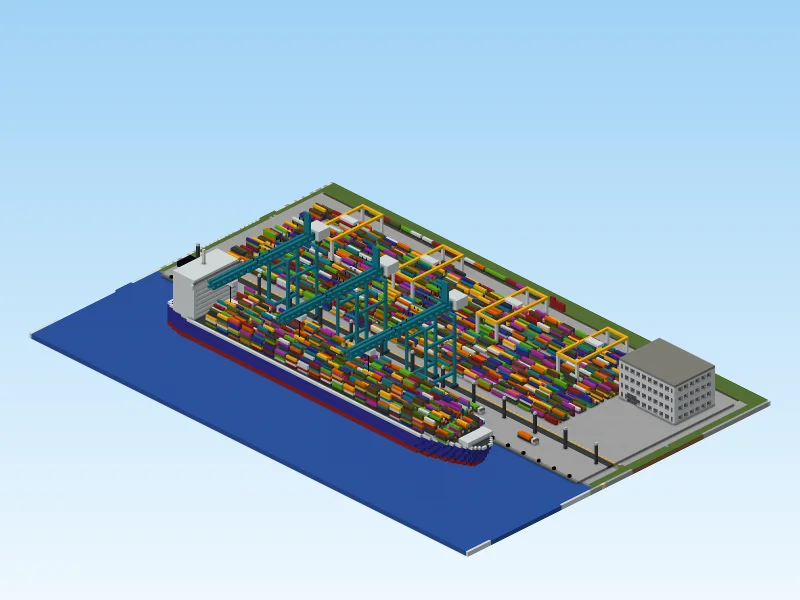
At a container port, huge ships are loaded and unloaded. A 160-block-long container ship lies at the quay, with three cyan ship-to-shore cranes reaching their booms far out over it.
Behind it, hundreds of colorful containers are stacked in the yard, with gantry cranes moving between the rows. Trucks pick up containers, and a freight train waits on a track.

🔍 Click on parts
Tap any part of the build in the 3D model – a lamp, a tree, a bench next to the house – and you’ll see exactly how to build that part, with its materials and a layer-by-layer plan.
🧊 Build it as a hologram in Minecraft Bedrock (HoloPrint)
Download this build idea as a .mcstructure file – it is made right from the blueprint below. The HoloPrint website turns it into a pack that places the build as a see-through hologram in your world – you just fill in the blocks.
- Tap the button above – the file container-port.mcstructure is downloaded.
- Open the HoloPrint website.
- Upload the file there.
- Create your build template texture pack.
- Download the .mcpack file.
- Open it with Minecraft and activate the pack in your world.
- Place an armor stand – the build template appears there. Tip: put it exactly where the build should stand.
Works with Minecraft Bedrock (phone, tablet, console, Windows). HoloPrint is a free fan project, not made by Blockwerk.
Layer-by-layer blueprint
Click through from bottom to top. Every square is one block, the front is at the bottom. Gray shows the layer below. 44 layers, area in the plan: 217 × 119 blocks.
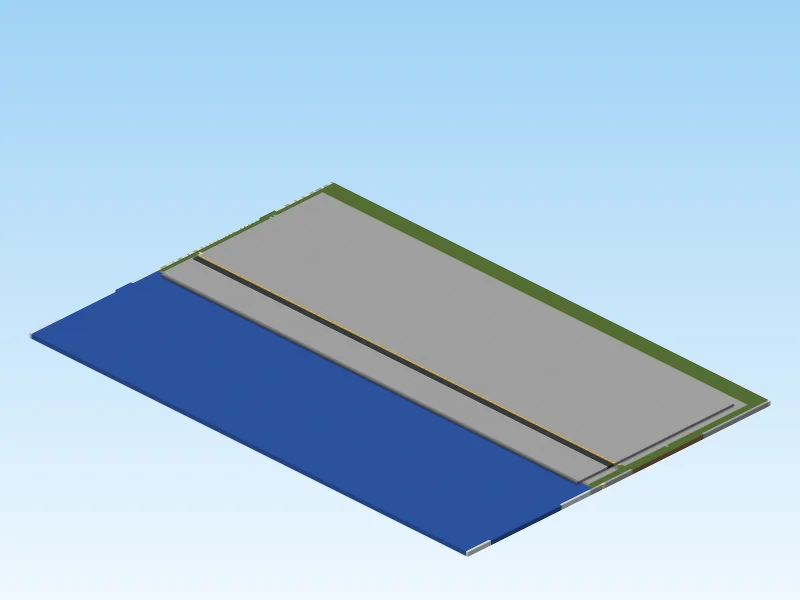
Layer 1 of 44 (17794 blocks)
- Smooth Stone16817
- Gray Concrete651
- Stone Bricks217
- Yellow Concrete109
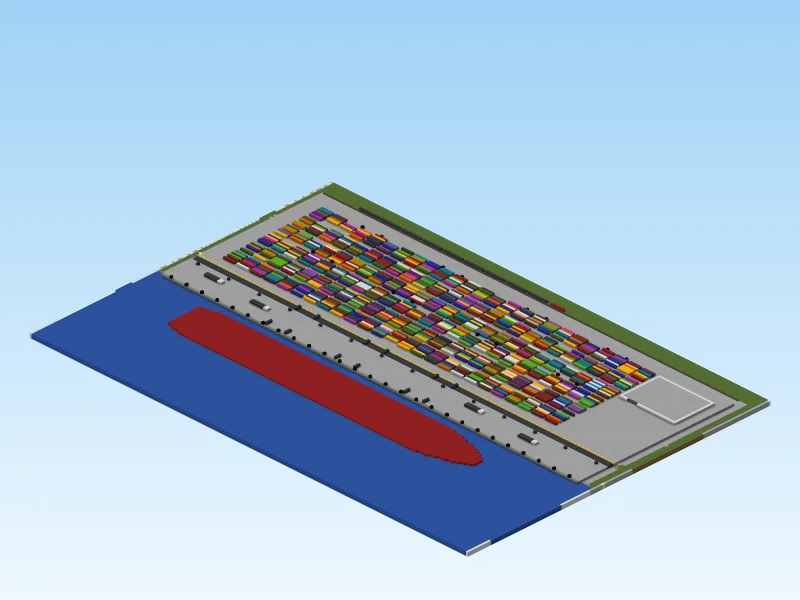
Layer 2 of 44 (9652 blocks)
- Red Concrete3699
- Gray Concrete718
- Blue Concrete570
- Cyan Concrete558
- White Concrete539
- Smooth Stone513
- Lime Concrete504
- Yellow Concrete486
- Orange Concrete474
- Green Concrete450
- Brown Concrete444
- Magenta Concrete432
- Rail217
- Black Concrete43
- Tinted Glass5
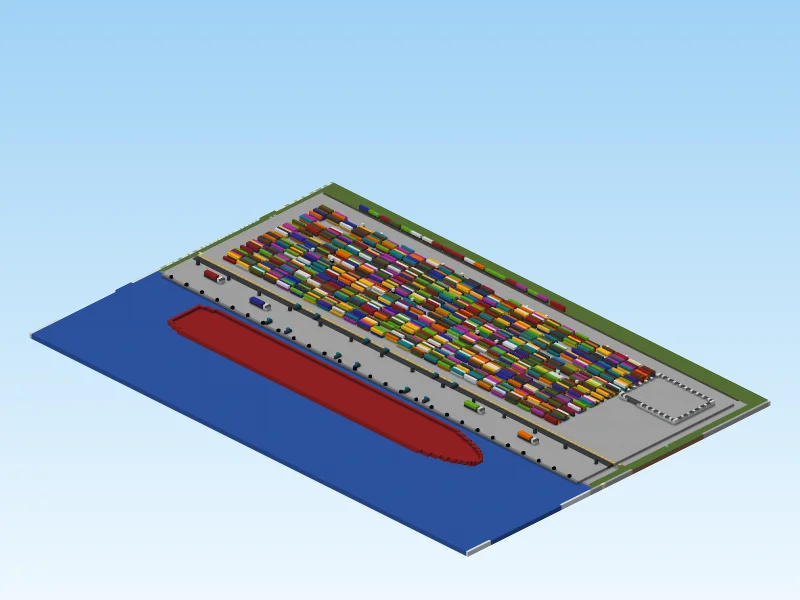
Layer 3 of 44 (5281 blocks)
- Red Concrete766
- White Concrete529
- Blue Concrete491
- Gray Concrete488
- Yellow Concrete462
- Lime Concrete451
- Green Concrete443
- Cyan Concrete432
- Brown Concrete390
- Orange Concrete389
- Magenta Concrete370
- Tinted Glass70
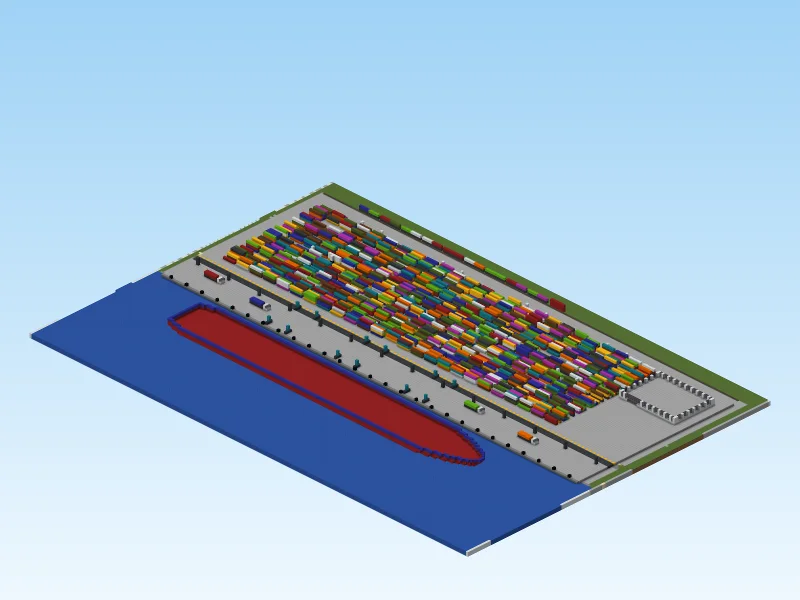
Layer 4 of 44 (3197 blocks)
- Blue Concrete616
- Lime Concrete300
- Orange Concrete294
- White Concrete272
- Cyan Concrete270
- Green Concrete258
- Magenta Concrete240
- Gray Concrete224
- Red Concrete223
- Yellow Concrete222
- Brown Concrete216
- Tinted Glass62
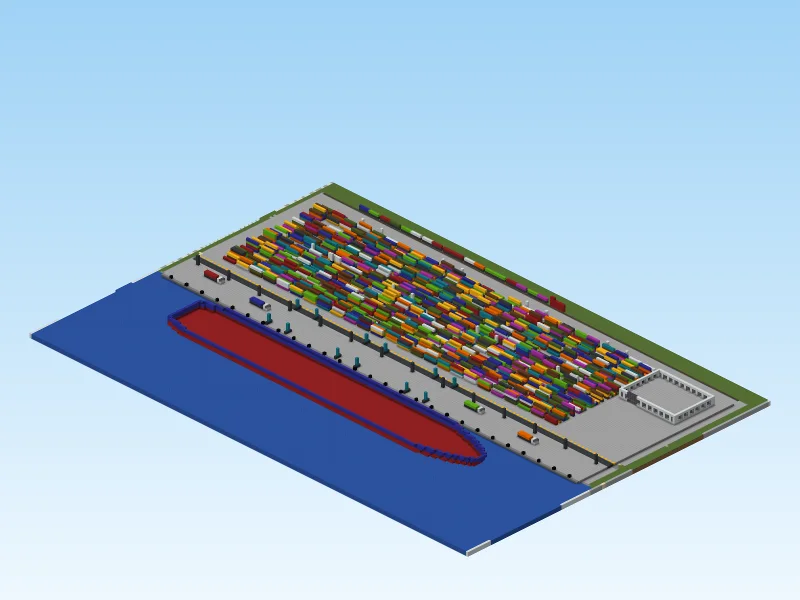
Layer 5 of 44 (1316 blocks)
- Blue Concrete420
- White Concrete155
- Brown Concrete114
- Yellow Concrete102
- Gray Concrete98
- Cyan Concrete78
- Orange Concrete78
- Lime Concrete78
- Magenta Concrete72
- Green Concrete72
- Red Concrete44
- Tinted Glass5
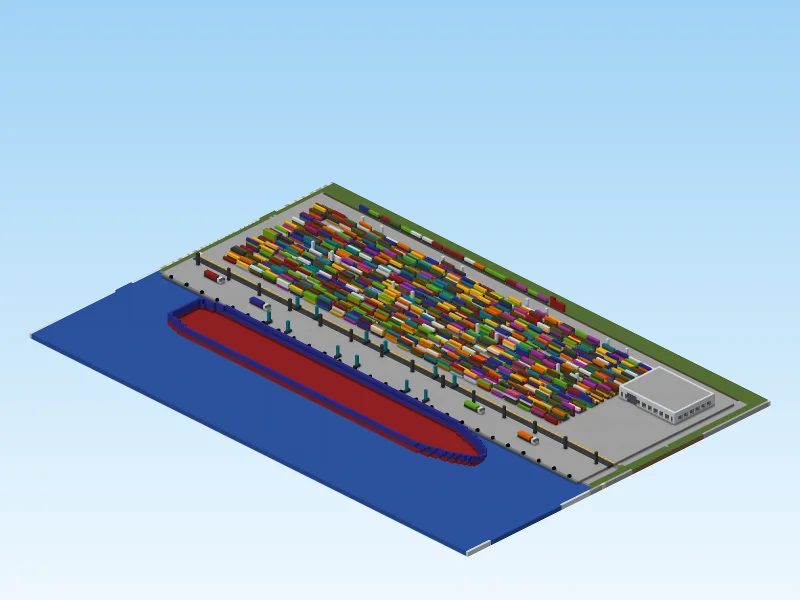
Layer 6 of 44 (981 blocks)
- Smooth Stone513
- Blue Concrete330
- White Concrete112
- Gray Concrete14
- Cyan Concrete12
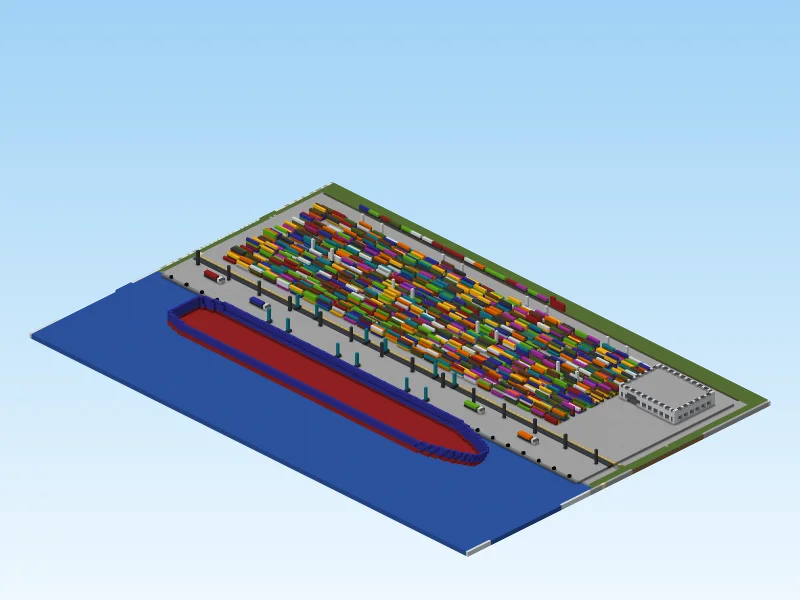
Layer 7 of 44 (470 blocks)
- Blue Concrete332
- Tinted Glass60
- White Concrete52
- Gray Concrete14
- Cyan Concrete12
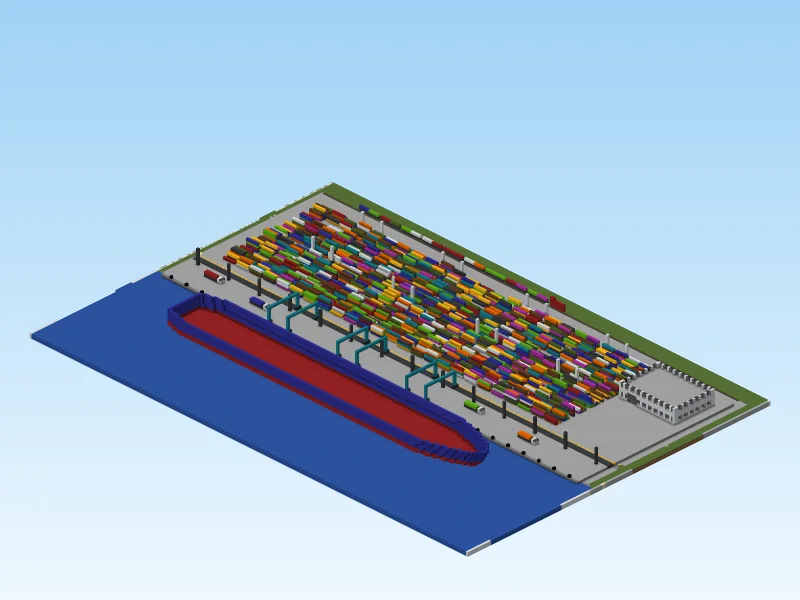
Layer 8 of 44 (554 blocks)
- Blue Concrete332
- Cyan Concrete96
- Tinted Glass60
- White Concrete52
- Gray Concrete14
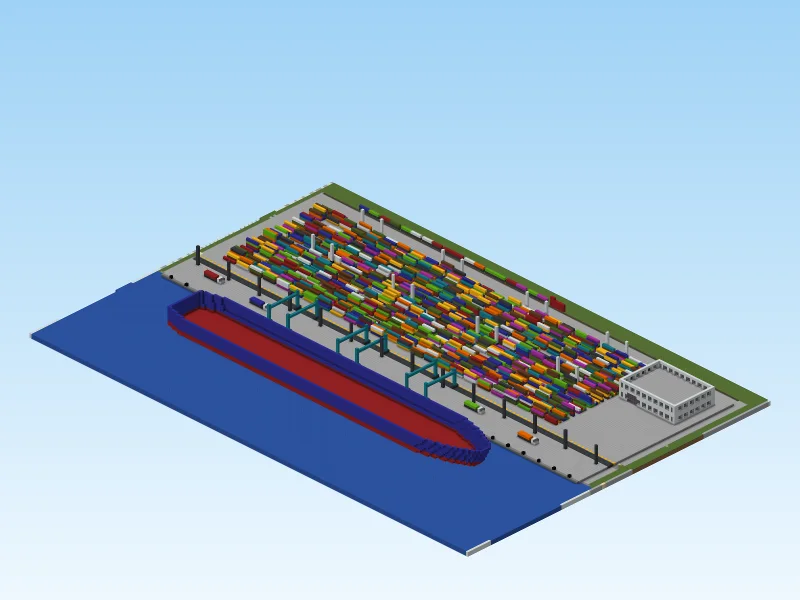
Layer 9 of 44 (472 blocks)
- Blue Concrete334
- White Concrete112
- Gray Concrete14
- Cyan Concrete12
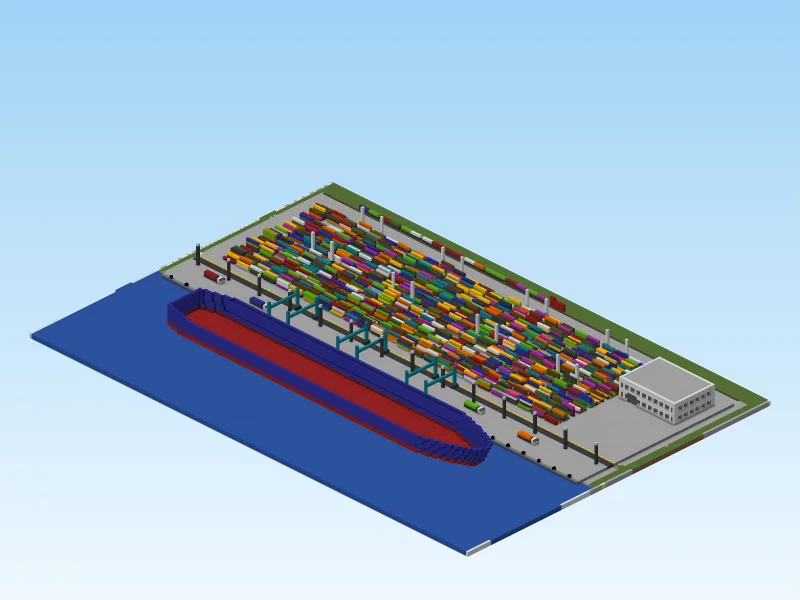
Layer 10 of 44 (987 blocks)
- Smooth Stone513
- Blue Concrete336
- White Concrete112
- Sea Lantern14
- Cyan Concrete12
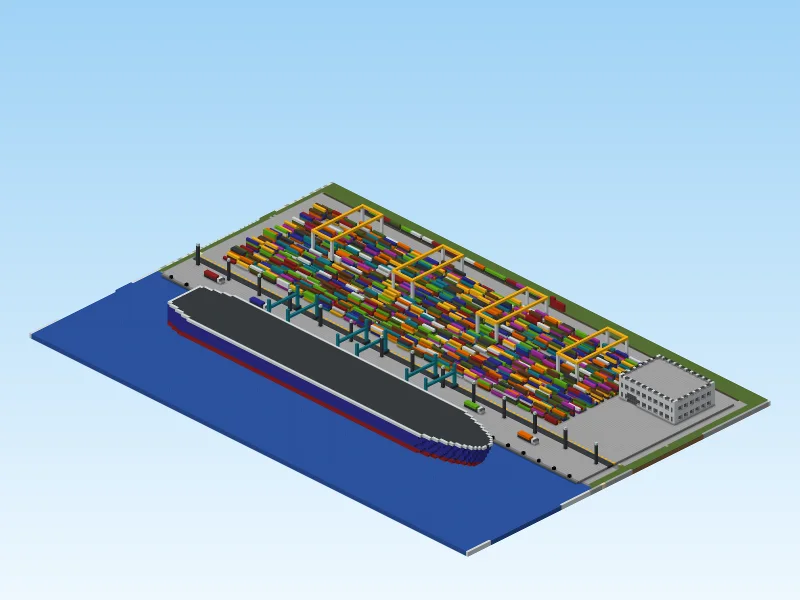
Layer 11 of 44 (4111 blocks)
- Gray Concrete3380
- White Concrete371
- Yellow Concrete288
- Tinted Glass60
- Cyan Concrete12

Layer 12 of 44 (2750 blocks)
- White Concrete638
- Blue Concrete230
- Gray Concrete225
- Green Concrete220
- Lime Concrete210
- Yellow Concrete205
- Orange Concrete205
- Magenta Concrete205
- Red Concrete195
- Brown Concrete180
- Cyan Concrete177
- Tinted Glass60
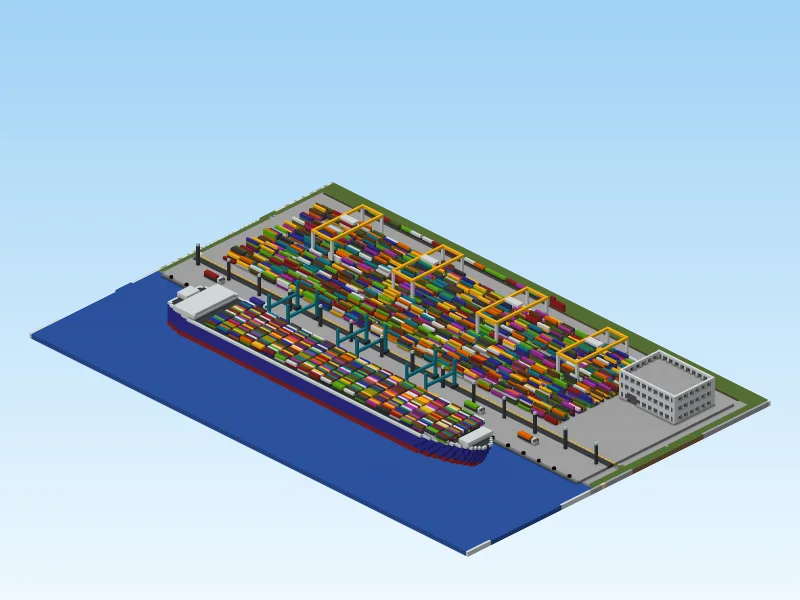
Layer 13 of 44 (2666 blocks)
- White Concrete668
- Blue Concrete240
- Red Concrete220
- Gray Concrete215
- Brown Concrete205
- Green Concrete205
- Yellow Concrete195
- Lime Concrete180
- Magenta Concrete175
- Cyan Concrete172
- Orange Concrete170
- Light Gray Stained Glass21

Layer 14 of 44 (3069 blocks)
- White Concrete614
- Smooth Stone513
- Blue Concrete240
- Lime Concrete235
- Red Concrete220
- Gray Concrete220
- Brown Concrete200
- Magenta Concrete185
- Yellow Concrete170
- Cyan Concrete167
- Green Concrete155
- Orange Concrete150
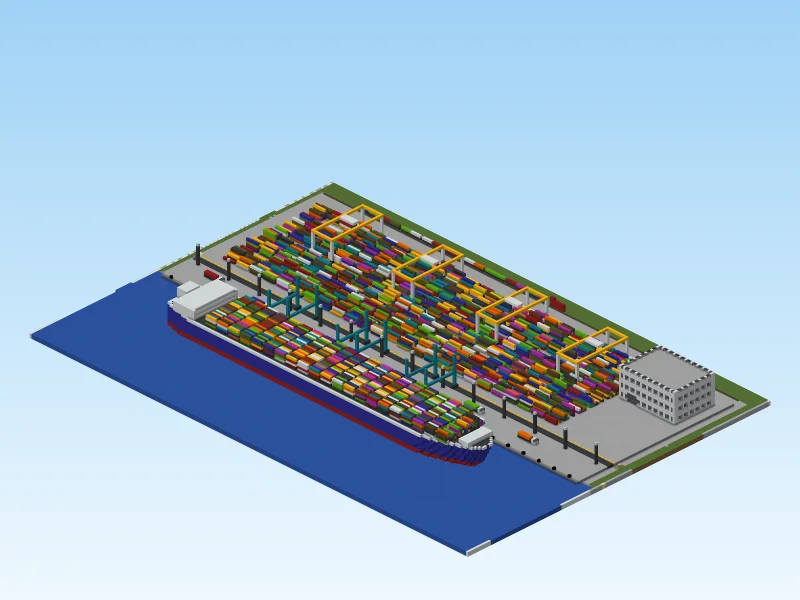
Layer 15 of 44 (2521 blocks)
- White Concrete518
- Green Concrete230
- Yellow Concrete225
- Blue Concrete200
- Red Concrete195
- Cyan Concrete192
- Lime Concrete190
- Gray Concrete190
- Brown Concrete185
- Orange Concrete170
- Magenta Concrete145
- Tinted Glass60
- Light Gray Stained Glass21
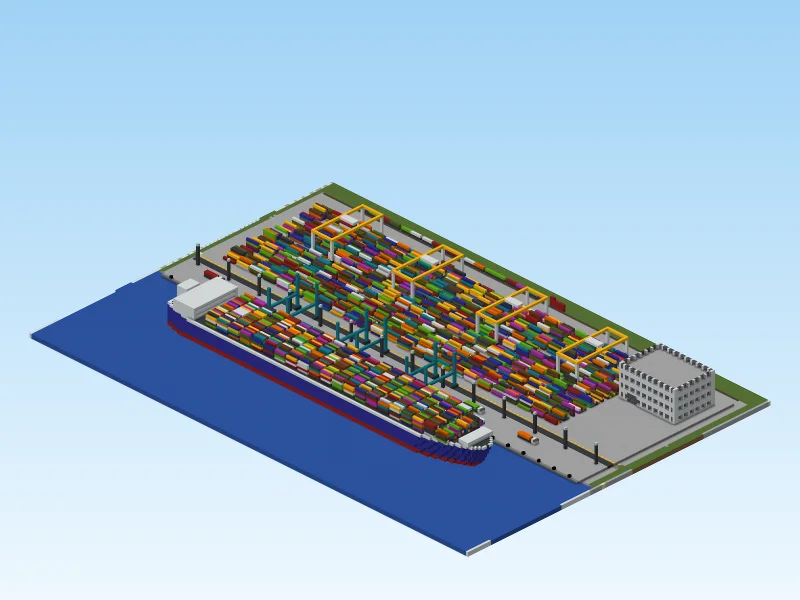
Layer 16 of 44 (2056 blocks)
- White Concrete484
- Orange Concrete175
- Red Concrete170
- Brown Concrete165
- Green Concrete155
- Lime Concrete150
- Yellow Concrete150
- Blue Concrete145
- Magenta Concrete140
- Gray Concrete135
- Cyan Concrete127
- Tinted Glass60
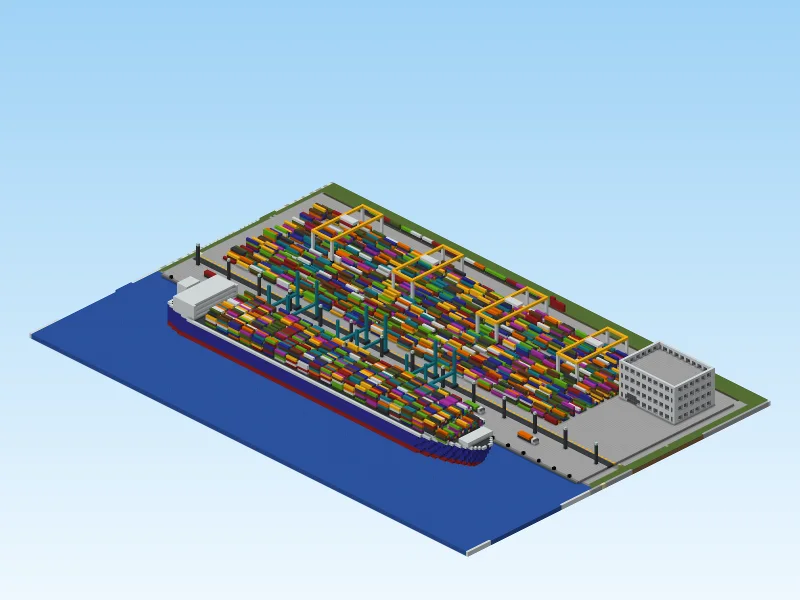
Layer 17 of 44 (1741 blocks)
- White Concrete458
- Blue Concrete155
- Green Concrete145
- Orange Concrete140
- Cyan Concrete137
- Yellow Concrete135
- Red Concrete130
- Magenta Concrete115
- Brown Concrete115
- Gray Concrete100
- Lime Concrete90
- Light Gray Stained Glass21
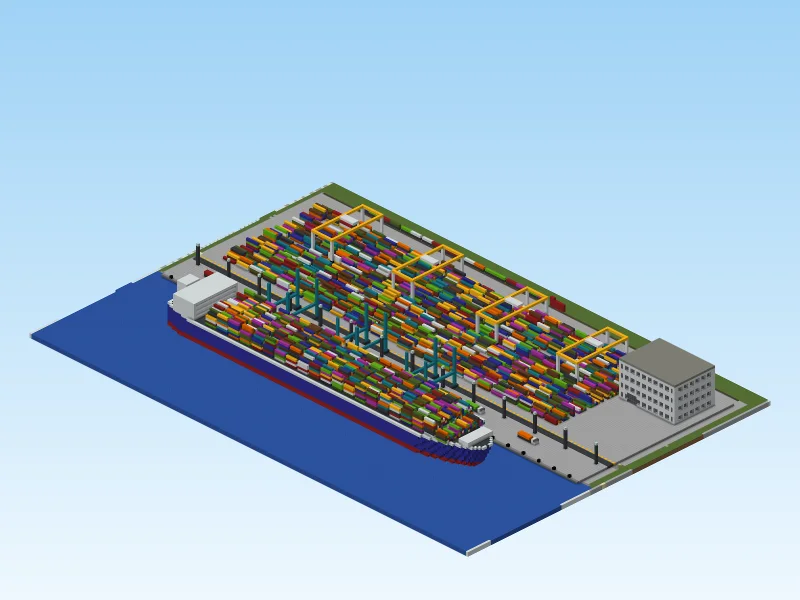
Layer 18 of 44 (1794 blocks)
- Light Gray Concrete609
- White Concrete343
- Green Concrete140
- Magenta Concrete105
- Brown Concrete105
- Lime Concrete90
- Yellow Concrete85
- Orange Concrete70
- Cyan Concrete67
- Red Concrete65
- Blue Concrete65
- Gray Concrete50
Layer 19 of 44 (735 blocks)
- White Concrete287
- Cyan Concrete77
- Green Concrete50
- Gray Concrete50
- Orange Concrete50
- Magenta Concrete45
- Yellow Concrete40
- Red Concrete35
- Blue Concrete30
- Lime Concrete25
- Brown Concrete25
- Light Gray Stained Glass21
Layer 20 of 44 (300 blocks)
- White Concrete288
- Cyan Concrete12
Layer 21 of 44 (300 blocks)
- White Concrete267
- Light Gray Stained Glass21
- Cyan Concrete12
Layer 22 of 44 (315 blocks)
- White Concrete288
- Yellow Concrete15
- Cyan Concrete12
Layer 23 of 44 (303 blocks)
- White Concrete267
- Light Gray Stained Glass21
- Cyan Concrete12
- Chain3
Layer 24 of 44 (387 blocks)
- White Concrete288
- Cyan Concrete96
- Chain3
Layer 25 of 44 (303 blocks)
- White Concrete232
- Black Concrete35
- Light Gray Stained Glass21
- Cyan Concrete12
- Chain3
Layer 26 of 44 (330 blocks)
- White Concrete280
- Black Concrete35
- Cyan Concrete12
- Chain3

Layer 27 of 44 (295 blocks)
- White Concrete234
- Tinted Glass25
- Light Gray Stained Glass21
- Cyan Concrete12
- Chain3
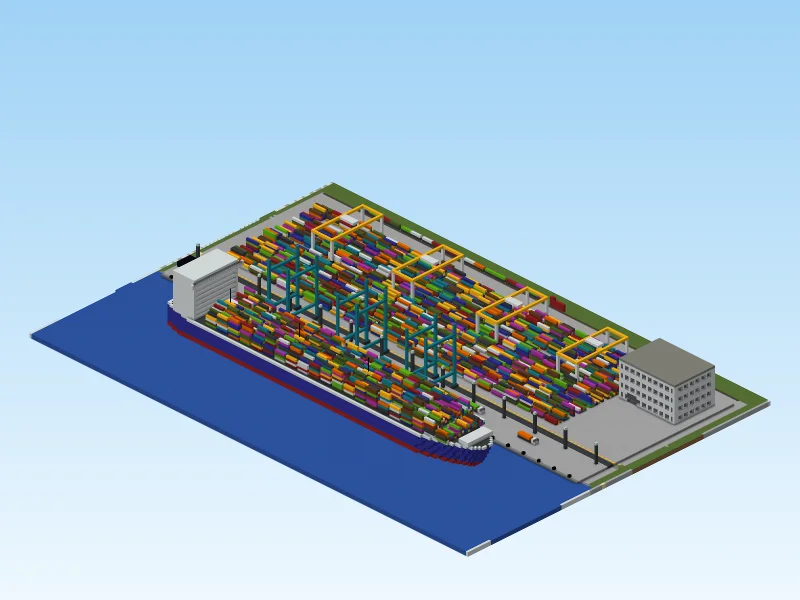
Layer 28 of 44 (268 blocks)
- White Concrete253
- Cyan Concrete12
- Chain3
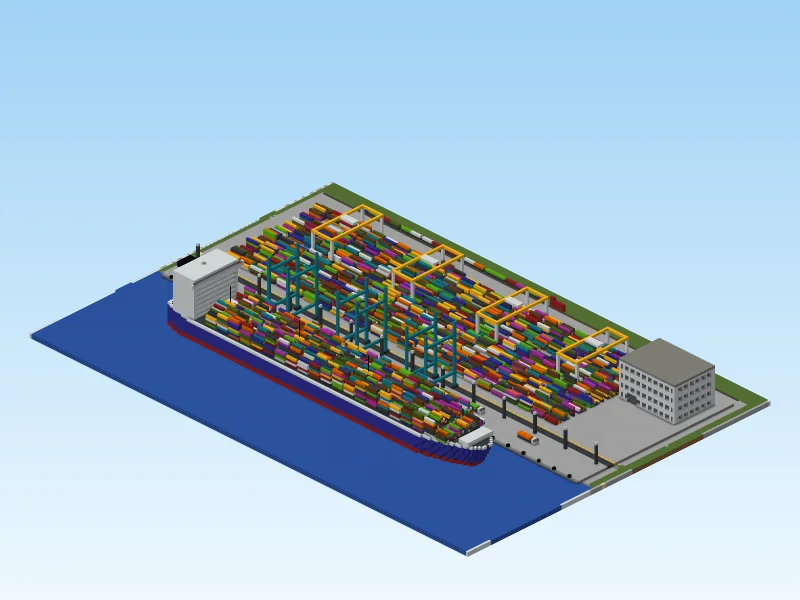
Layer 29 of 44 (16 blocks)
- Cyan Concrete12
- Chain3
- White Concrete1
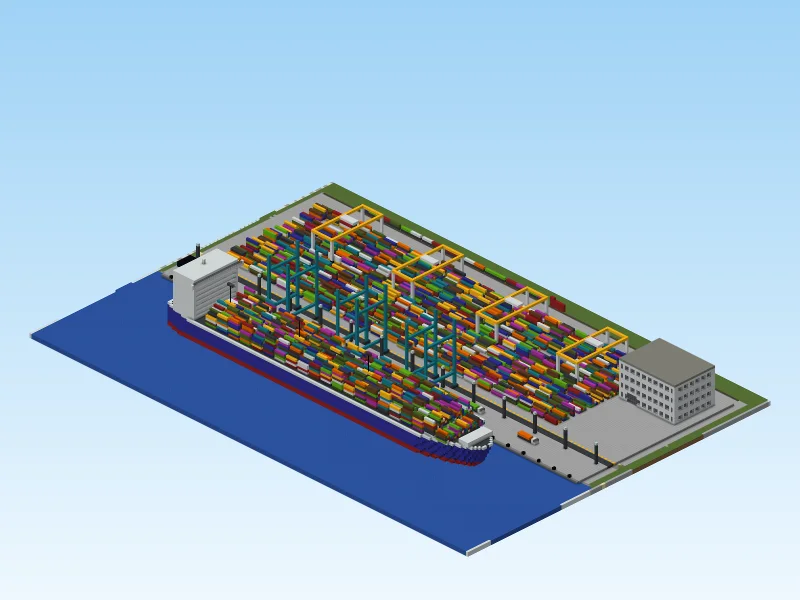
Layer 30 of 44 (22 blocks)
- Cyan Concrete12
- Tinted Glass9
- White Concrete1

Layer 31 of 44 (58 blocks)
- White Concrete46
- Cyan Concrete12
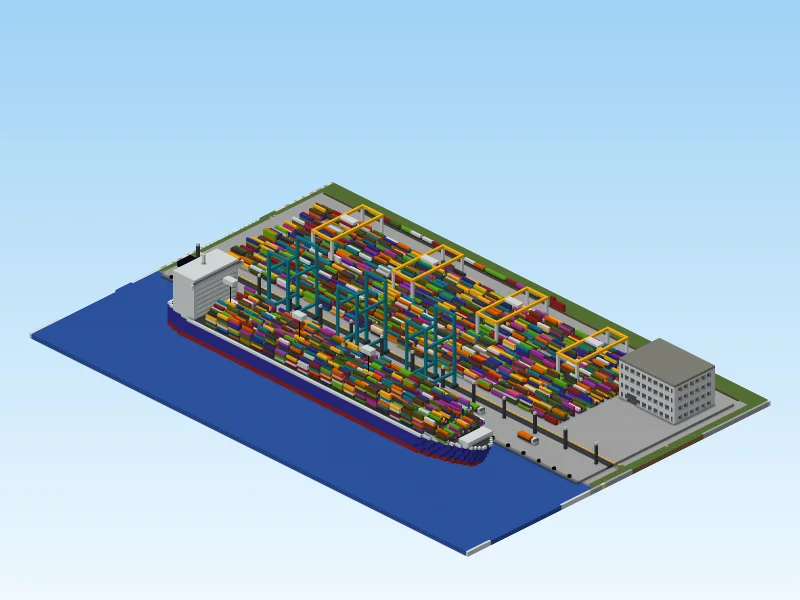
Layer 32 of 44 (112 blocks)
- Cyan Concrete66
- White Concrete46
Layer 33 of 44 (445 blocks)
- Cyan Concrete312
- White Concrete127
- Chain6
Layer 34 of 44 (241 blocks)
- White Concrete127
- Cyan Concrete108
- Chain6
Layer 35 of 44 (444 blocks)
- Cyan Concrete312
- White Concrete126
- Chain6
Layer 36 of 44 (141 blocks)
- White Concrete126
- Cyan Concrete9
- Chain6
Layer 37 of 44 (15 blocks)
- Cyan Concrete9
- Chain6
Layer 38 of 44 (15 blocks)
- Cyan Concrete9
- Chain6
Layer 39 of 44 (15 blocks)
- Cyan Concrete9
- Chain6
Layer 40 of 44 (15 blocks)
- Cyan Concrete9
- Chain6
Layer 41 of 44 (15 blocks)
- Cyan Concrete9
- Chain6
Layer 42 of 44 (15 blocks)
- Cyan Concrete9
- Chain6
Layer 43 of 44 (15 blocks)
- Cyan Concrete9
- Chain6
Layer 44 of 44 (9 blocks)
- Cyan Concrete9
Simplified blueprint: stairs and slabs are partly shown as full blocks, animals and plants as small squares. Tip: use the arrow keys ← → to switch layers.
Step-by-step guide
Quay
Build a big area of smooth stone by the water, with stone bricks and bollards at the edge. A yellow line marks the crane rails.
Container ship
Moor the container ship lengthwise along the quay – you can also find it as a separate build idea with a blueprint.
Ship-to-shore cranes
Build three cranes: four legs of cyan concrete, 30 blocks tall, with cross braces. On top a boom of two girders runs out over the ship, with a white machine house at the back and a tall A-frame with chain cables.
Trolley
A white trolley hangs from the boom with chains and a yellow spreader.
Container yard
Stack containers of 6 concrete blocks each in rows, one to four high, in many colors. Leave lanes free.
Gantry cranes
Build four white and yellow gantry cranes on wheels over the rows.
Trucks, train and office
Place trucks with containers, lay a track with freight cars and a red locomotive and build a four-story office building.
Pro tips
- Build the hull from the waterline upwards. Underwater you can build it further down the same way – then the ship sits deeper in the water.
- Containers are fastest with /fill in creative mode – one container is 6 × 1 × 1 blocks.
- In creative mode the /fill command is much faster: it fills whole walls and areas at once.
Variations
- Build a second ship just entering the port.
- Put up floodlight masts – container ports work at night too.


