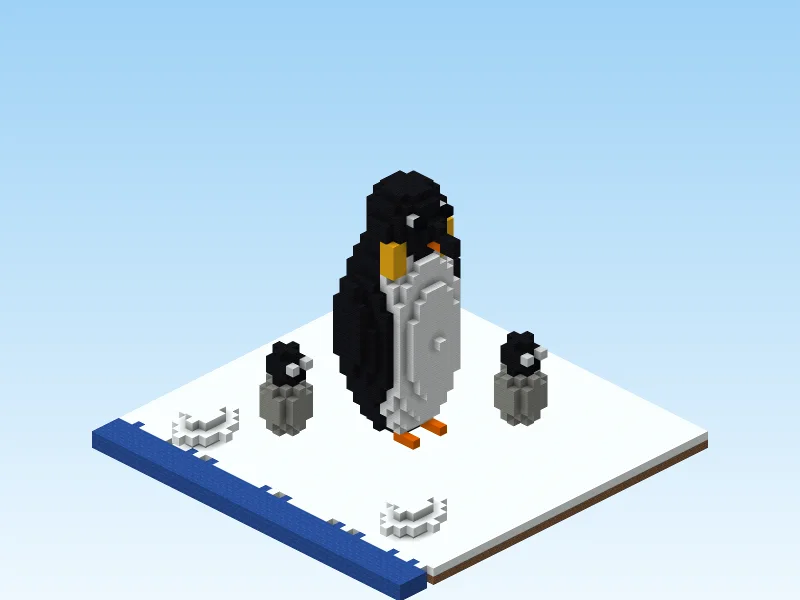
Emperor Penguin with Chicks
- DifficultyEasy
- Size14 blocks wide, 30 tall
- Build timeabout 1.5 hours
Emperor penguins are the largest penguins in the world and live in Antarctica. The fathers keep the egg warm on their feet – in the middle of the icy winter.
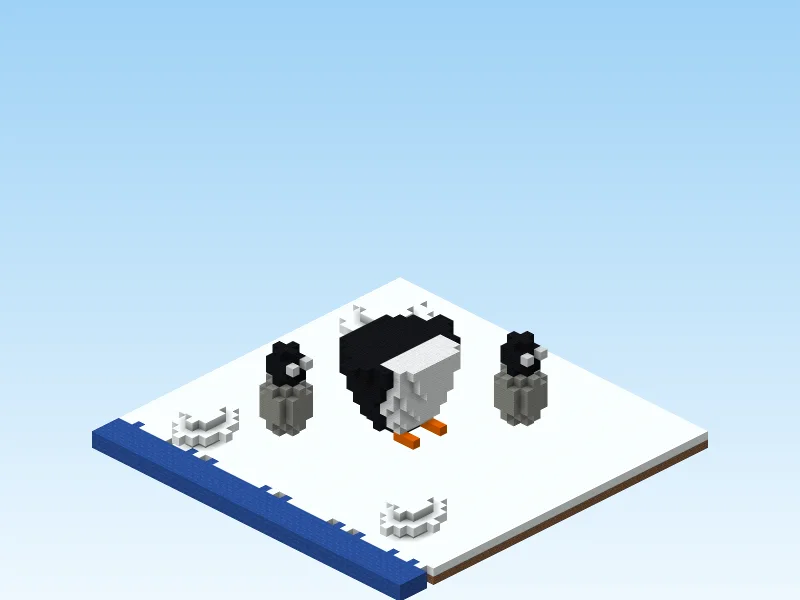
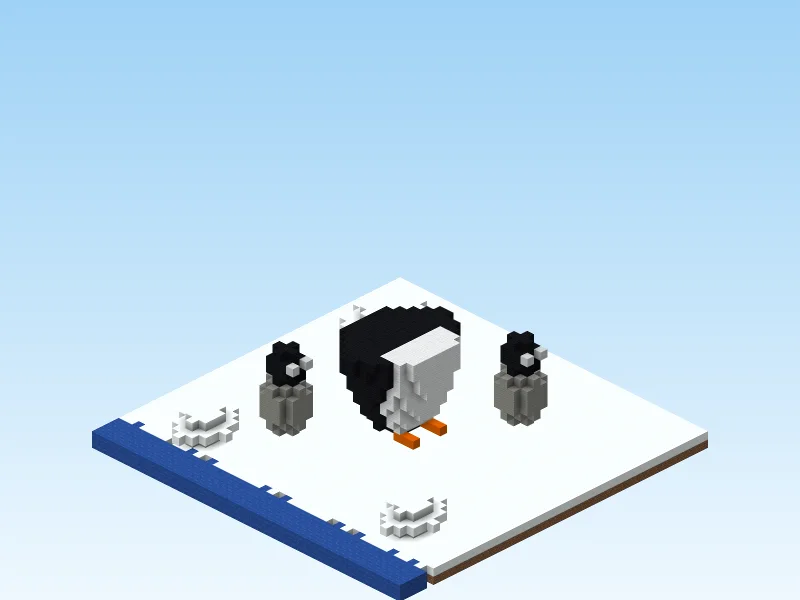
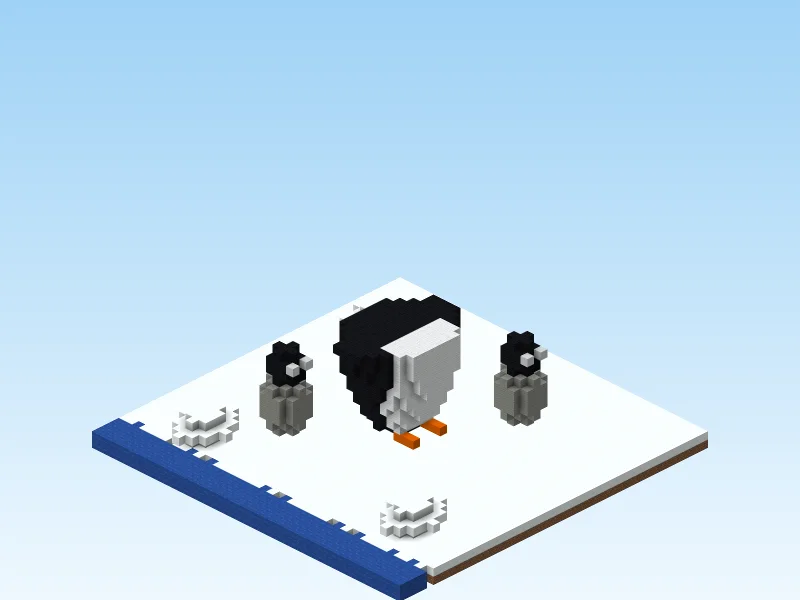
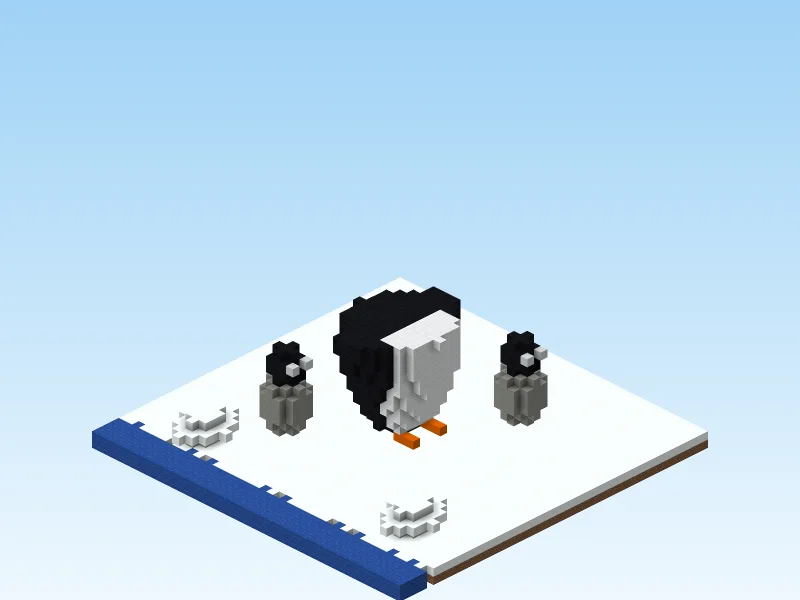
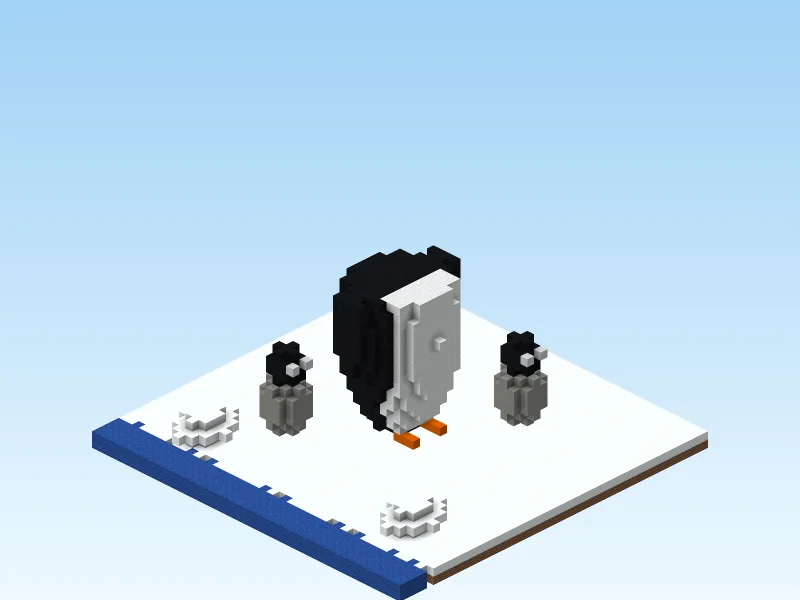
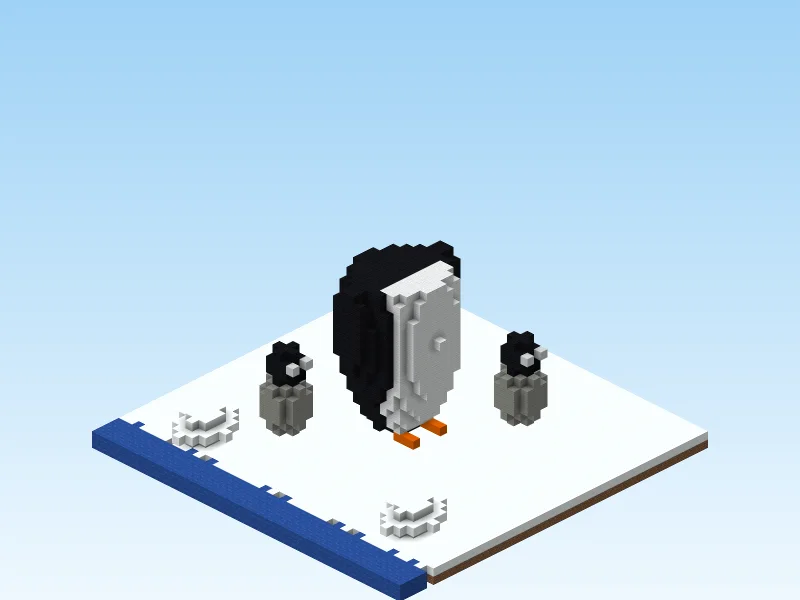
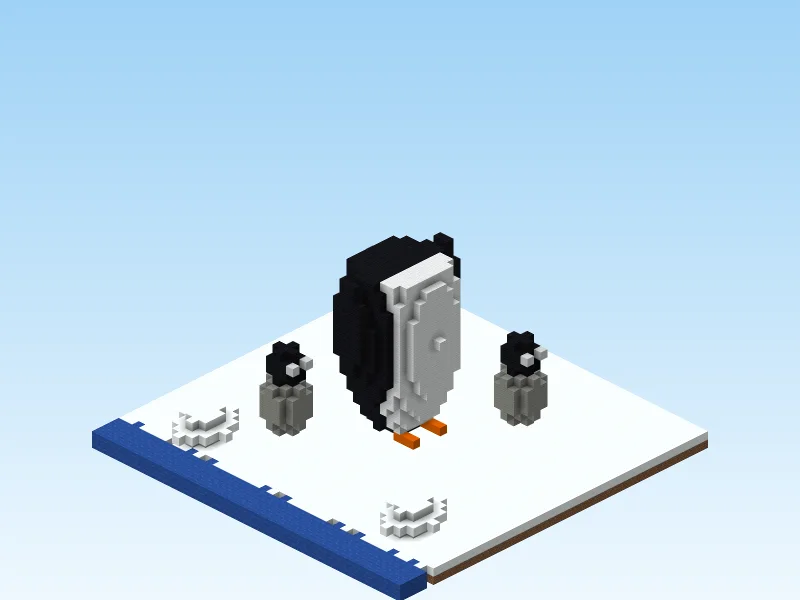
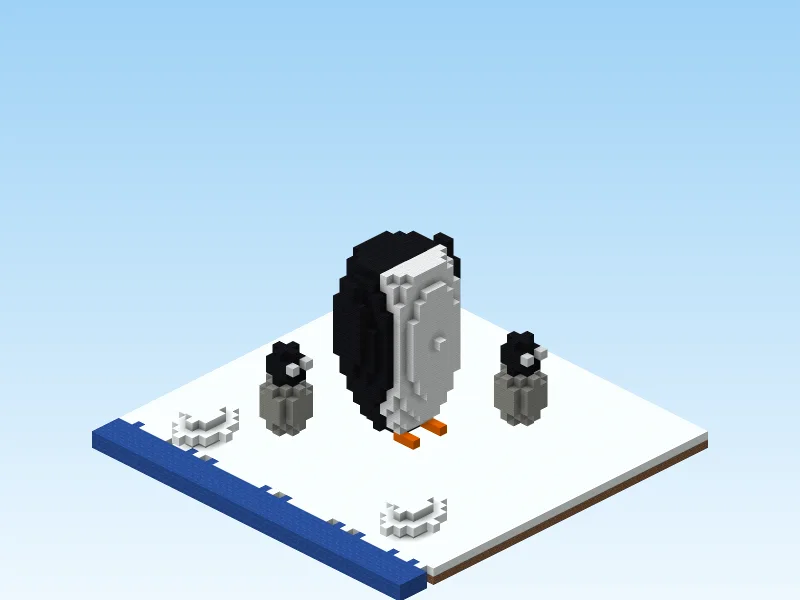
This statue shows a big emperor penguin with a black back, a white belly and yellow patches on the neck. Two fluffy gray chicks stand next to it. Everything stands on snow by the water.

🔍 Click on parts
Tap any part of the build in the 3D model – a lamp, a tree, a bench next to the house – and you’ll see exactly how to build that part, with its materials and a layer-by-layer plan.
🧊 Build it as a hologram in Minecraft Bedrock (HoloPrint)
Download this build idea as a .mcstructure file – it is made right from the blueprint below. The HoloPrint website turns it into a pack that places the build as a see-through hologram in your world – you just fill in the blocks.
- Tap the button above – the file emperor-penguin.mcstructure is downloaded.
- Open the HoloPrint website.
- Upload the file there.
- Create your build template texture pack.
- Download the .mcpack file.
- Open it with Minecraft and activate the pack in your world.
- Place an armor stand – the build template appears there. Tip: put it exactly where the build should stand.
Works with Minecraft Bedrock (phone, tablet, console, Windows). HoloPrint is a free fan project, not made by Blockwerk.
Layer-by-layer blueprint
Click through from bottom to top. Every square is one block, the front is at the bottom. Gray shows the layer below. 31 layers, area in the plan: 39 × 39 blocks.
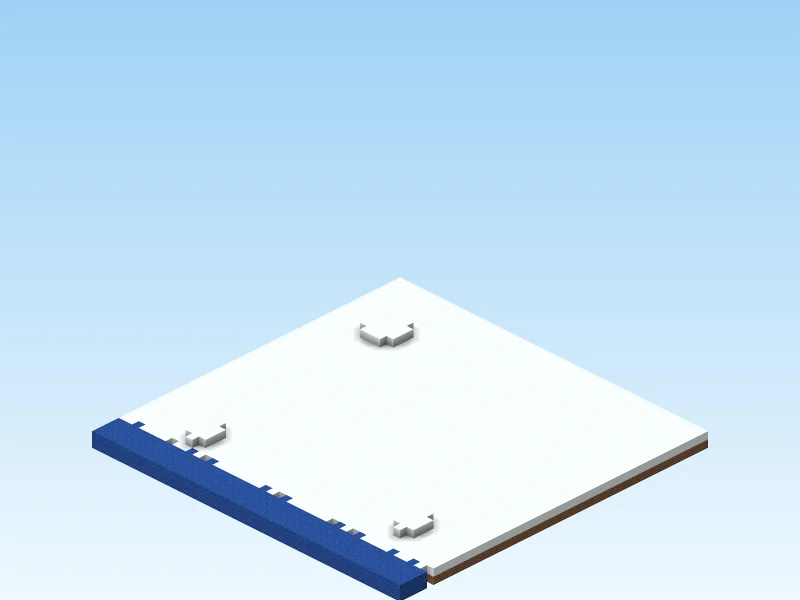
Layer 1 of 31 (43 blocks)
- Snow Block43
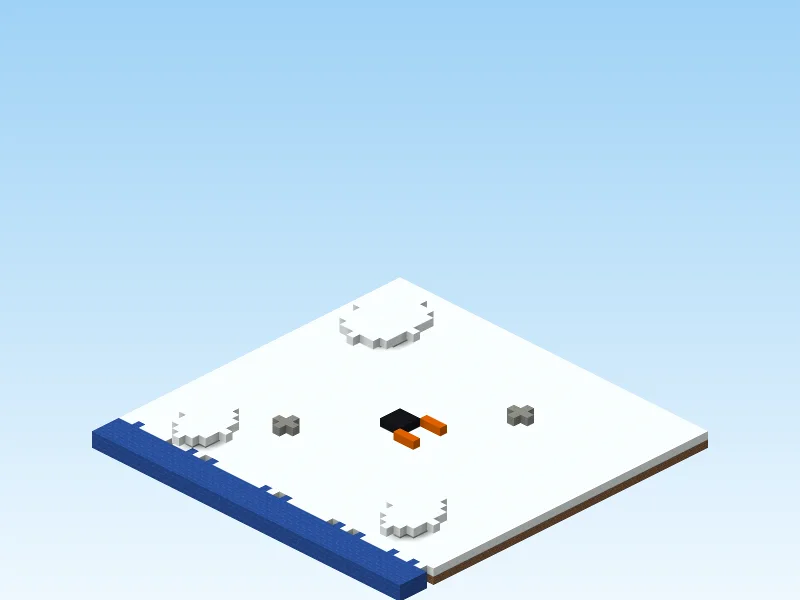
Layer 2 of 31 (158 blocks)
- Snow Block133
- Light Gray Wool10
- Black Wool9
- Orange Concrete6
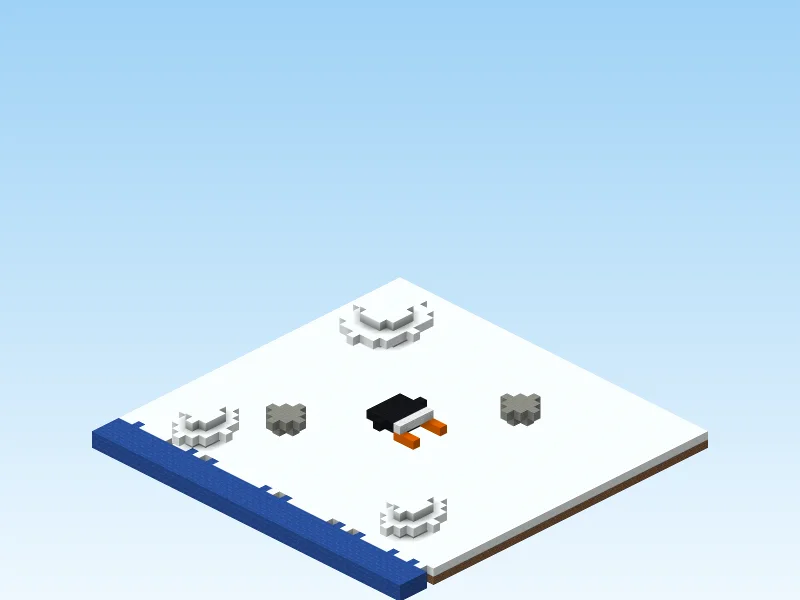
Layer 3 of 31 (96 blocks)
- Snow Block43
- Light Gray Wool26
- Black Wool22
- White Wool5
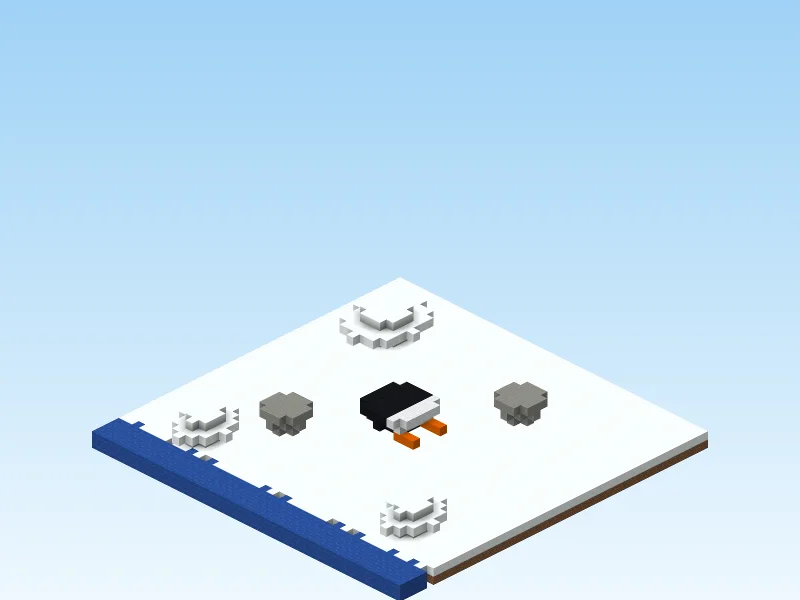
Layer 4 of 31 (87 blocks)
- Light Gray Wool42
- Black Wool33
- White Wool12
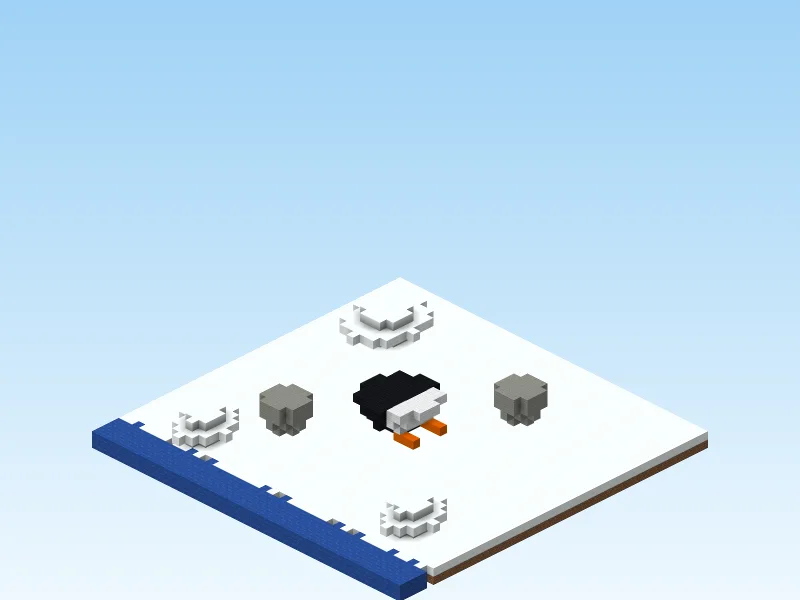
Layer 5 of 31 (103 blocks)
- Black Wool44
- Light Gray Wool42
- White Wool17
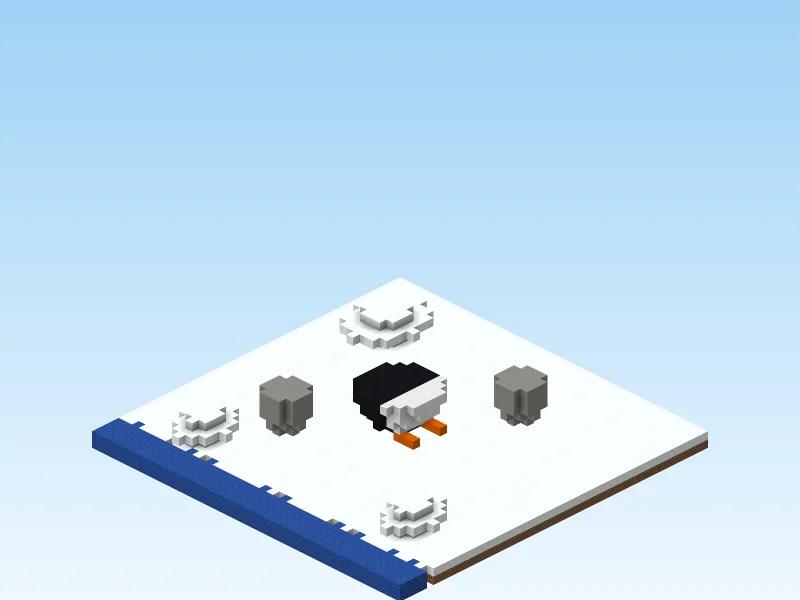
Layer 6 of 31 (111 blocks)
- Black Wool48
- Light Gray Wool42
- White Wool21

Layer 7 of 31 (109 blocks)
- Black Wool58
- Light Gray Wool26
- White Wool25

Layer 8 of 31 (103 blocks)
- Black Wool75
- White Wool28
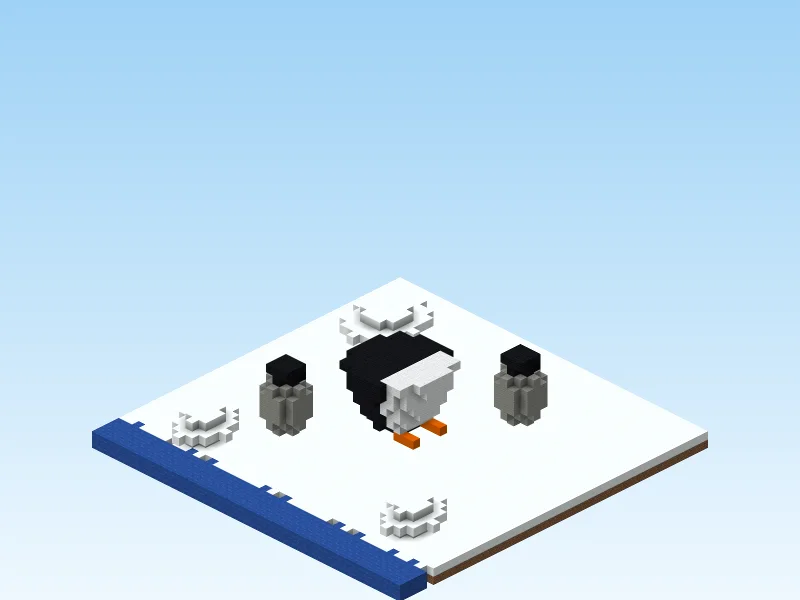
Layer 9 of 31 (121 blocks)
- Black Wool87
- White Wool32
- Black Concrete2
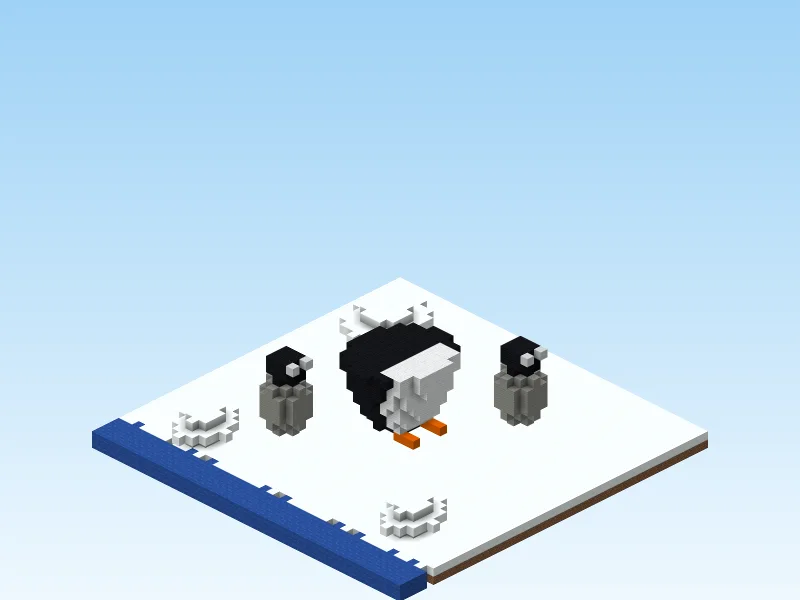
Layer 10 of 31 (133 blocks)
- Black Wool97
- White Wool32
- White Concrete4
Layer 11 of 31 (129 blocks)
- Black Wool95
- White Wool34
Layer 12 of 31 (123 blocks)
- Black Wool89
- White Wool34
Layer 13 of 31 (127 blocks)
- Black Wool93
- White Wool34
Layer 14 of 31 (129 blocks)
- Black Wool94
- White Wool35
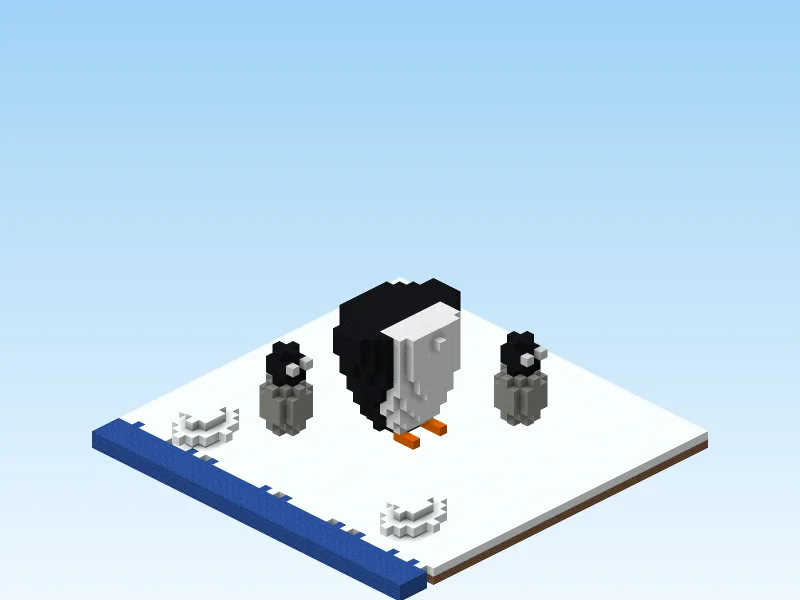
Layer 15 of 31 (127 blocks)
- Black Wool93
- White Wool34
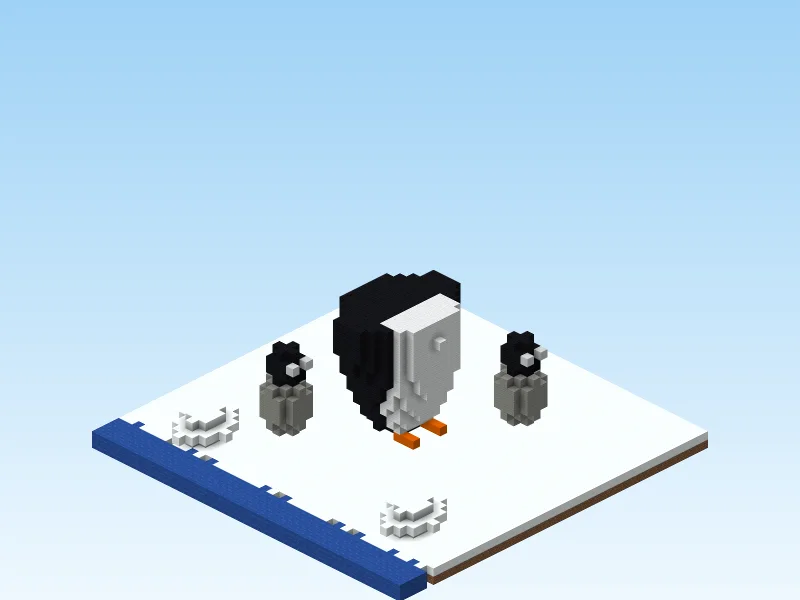
Layer 16 of 31 (127 blocks)
- Black Wool93
- White Wool34
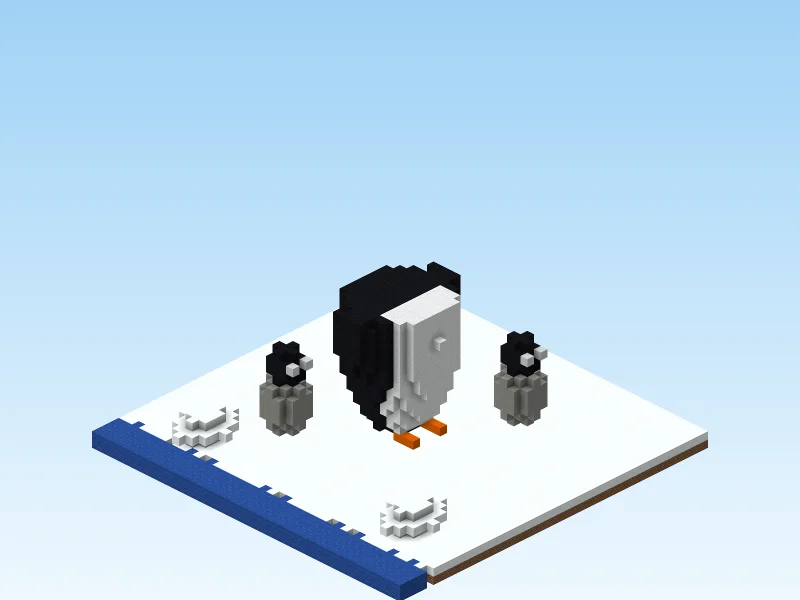
Layer 17 of 31 (123 blocks)
- Black Wool89
- White Wool34
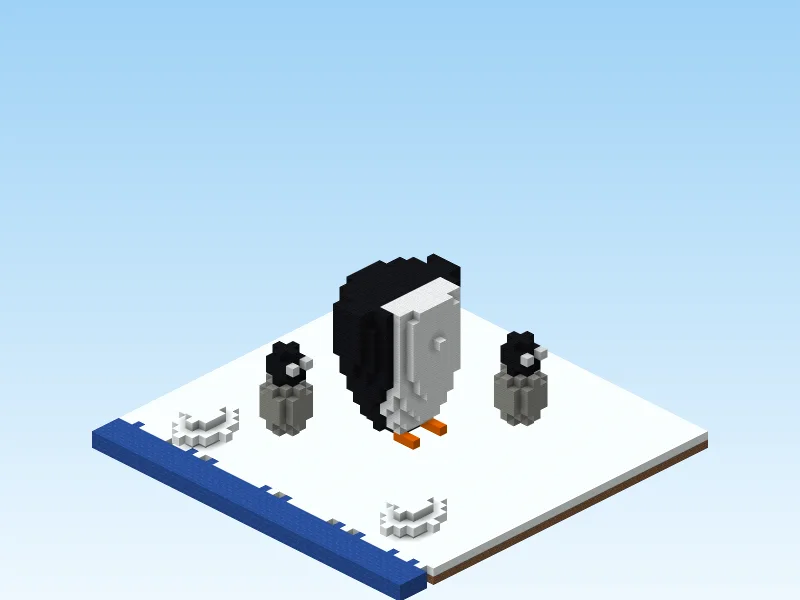
Layer 18 of 31 (119 blocks)
- Black Wool87
- White Wool32
Layer 19 of 31 (113 blocks)
- Black Wool81
- White Wool32
Layer 20 of 31 (101 blocks)
- Black Wool73
- White Wool28
Layer 21 of 31 (87 blocks)
- Black Wool62
- White Wool25
Layer 22 of 31 (69 blocks)
- Black Wool48
- White Wool21
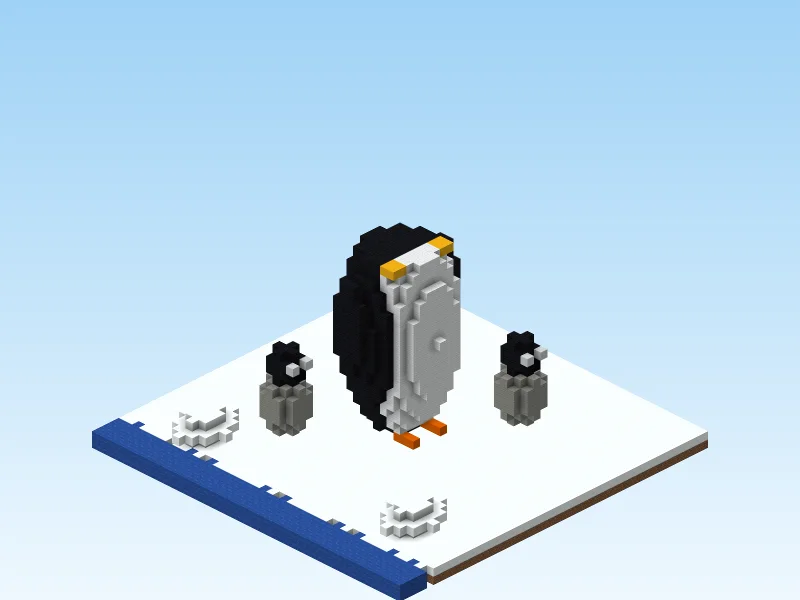
Layer 23 of 31 (65 blocks)
- Black Wool44
- White Wool13
- Yellow Concrete8
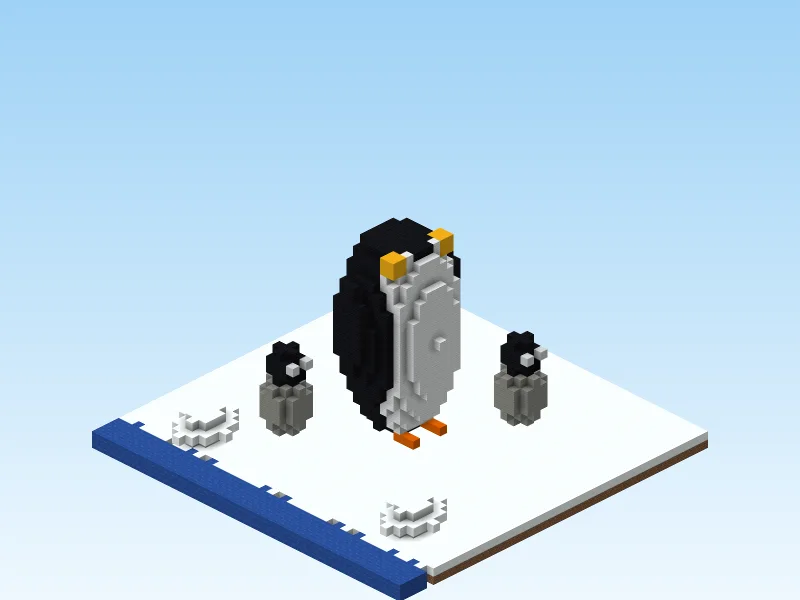
Layer 24 of 31 (51 blocks)
- Black Wool41
- Yellow Concrete8
- White Wool2
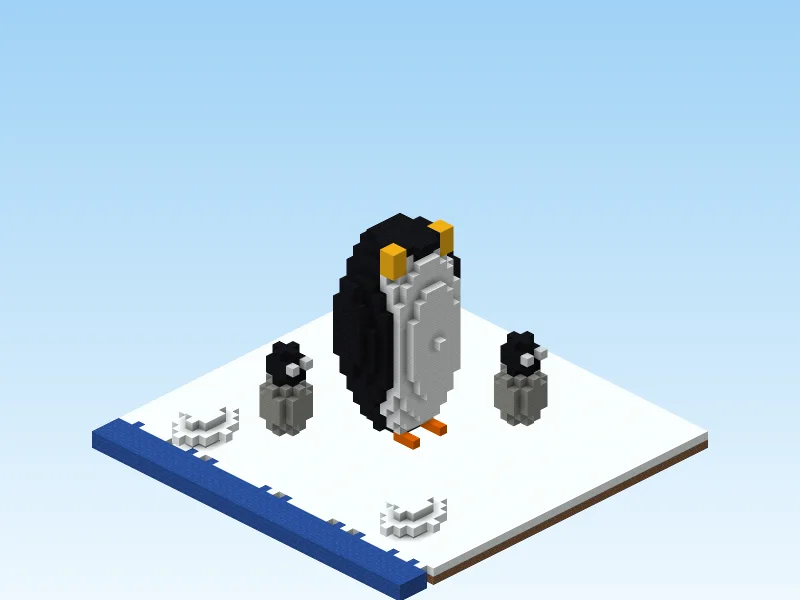
Layer 25 of 31 (45 blocks)
- Black Wool37
- Yellow Concrete8
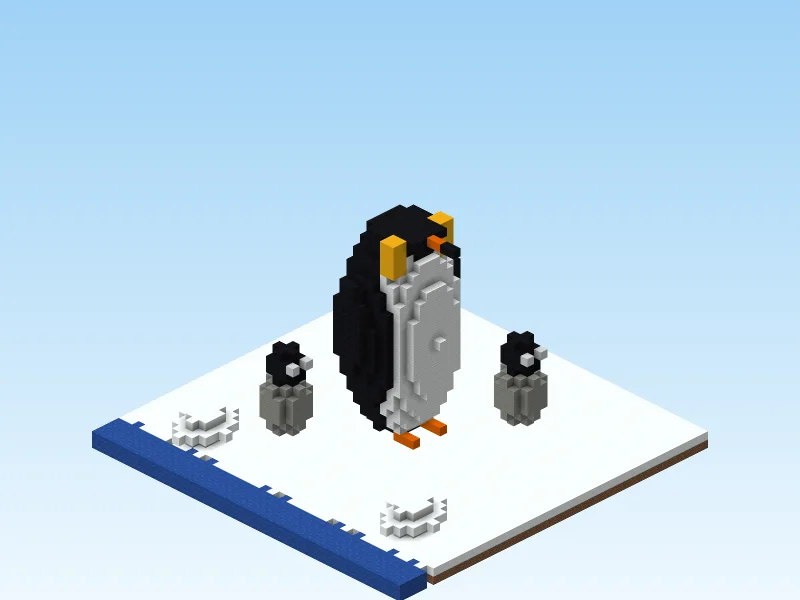
Layer 26 of 31 (53 blocks)
- Black Wool43
- Yellow Concrete8
- Orange Concrete2
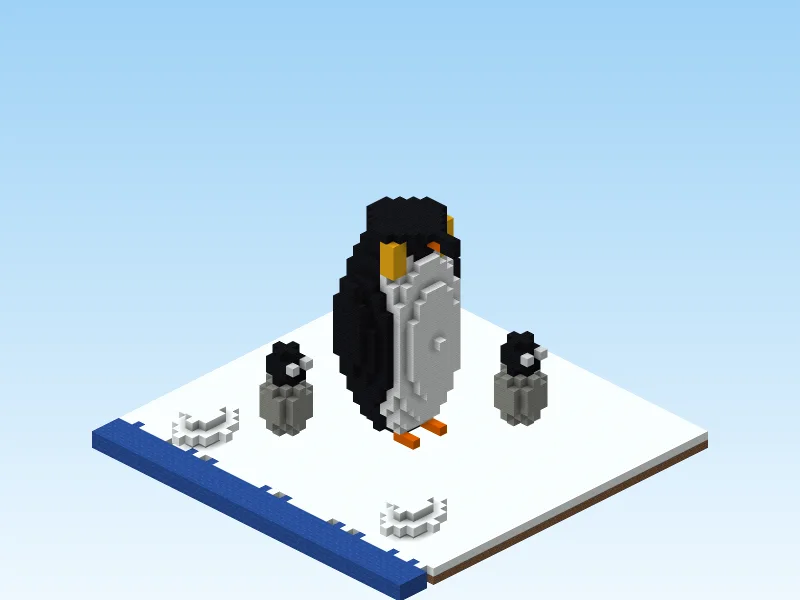
Layer 27 of 31 (60 blocks)
- Black Wool60
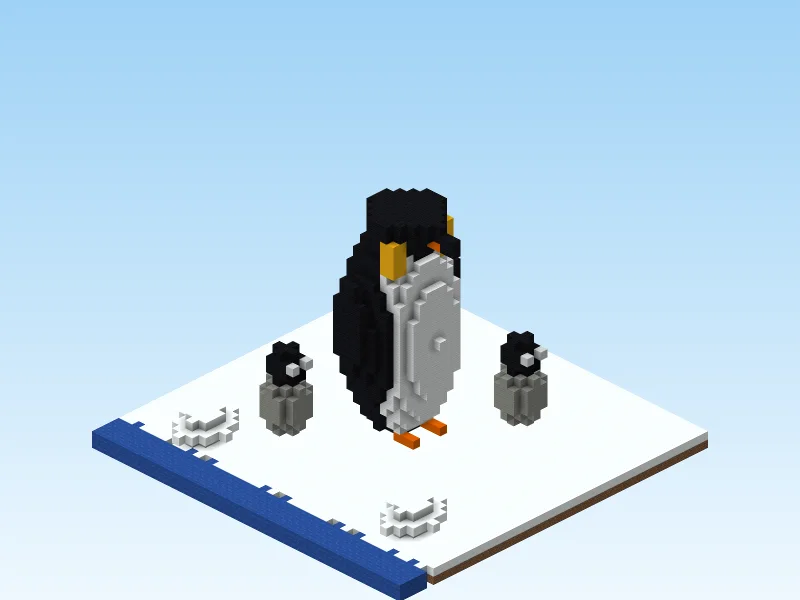
Layer 28 of 31 (58 blocks)
- Black Wool58
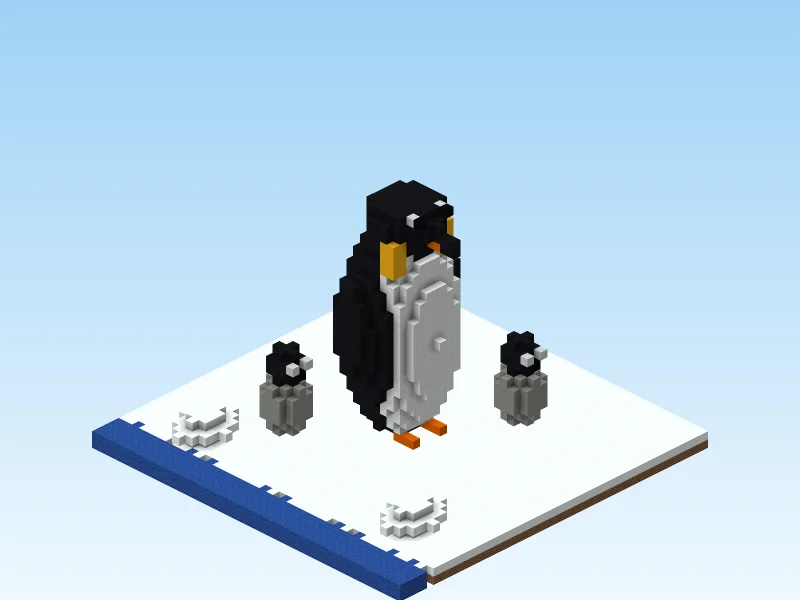
Layer 29 of 31 (47 blocks)
- Black Wool43
- White Concrete2
- Black Concrete2
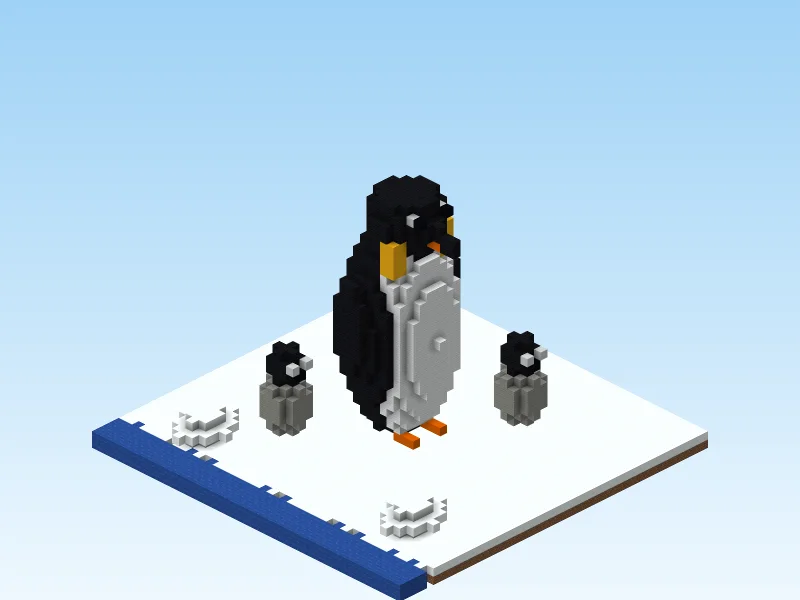
Layer 30 of 31 (37 blocks)
- Black Wool37
Layer 31 of 31 (21 blocks)
- Black Wool21
Simplified blueprint: stairs and slabs are partly shown as full blocks, animals and plants as small squares. Tip: use the arrow keys ← → to switch layers.
Step-by-step guide
Snow and water
Lay out an area of snow with water on one side.
Body
Build a tall oval body, 25 blocks tall. The back and sides are black wool, the belly at the front white wool.
Head
A round black head sits on top with a long beak that has orange stripes on the side.
Yellow patches
Place yellow patches on the sides of the neck below the head.
Flippers and feet
Flat black flippers go on the sides, orange feet at the bottom.
Chicks
Next to it, build two small chicks of light gray wool with black heads and white cheeks.
Pro tips
- Build the body as an oval first, then legs and head – eyes, nose and patterns come at the very end.
- The round shapes are easiest with the blueprint: every layer is a slice through the animal.
Variations
- Build an igloo and an ice floe of packed ice.
- Set up a whole colony of many small penguins.


