Fox
- DifficultyEasy
- Size41 blocks long, 19 tall
- Build timeabout 1 hour
The red fox is clever, quick and lives almost everywhere – in forests, on fields and even in cities. In Minecraft it sleeps during the day and hunts at night.
This statue shows an orange fox with a white chest and muzzle, black legs, pointed ears with black tips and a thick, bushy tail.

🔍 Click on parts
Tap any part of the build in the 3D model – a lamp, a tree, a bench next to the house – and you’ll see exactly how to build that part, with its materials and a layer-by-layer plan.
🧊 Build it as a hologram in Minecraft Bedrock (HoloPrint)
Download this build idea as a .mcstructure file – it is made right from the blueprint below. The HoloPrint website turns it into a pack that places the build as a see-through hologram in your world – you just fill in the blocks.
- Tap the button above – the file fox.mcstructure is downloaded.
- Open the HoloPrint website.
- Upload the file there.
- Create your build template texture pack.
- Download the .mcpack file.
- Open it with Minecraft and activate the pack in your world.
- Place an armor stand – the build template appears there. Tip: put it exactly where the build should stand.
Works with Minecraft Bedrock (phone, tablet, console, Windows). HoloPrint is a free fan project, not made by Blockwerk.
Layer-by-layer blueprint
Click through from bottom to top. Every square is one block, the front is at the bottom. Gray shows the layer below. 19 layers, area in the plan: 41 × 7 blocks.
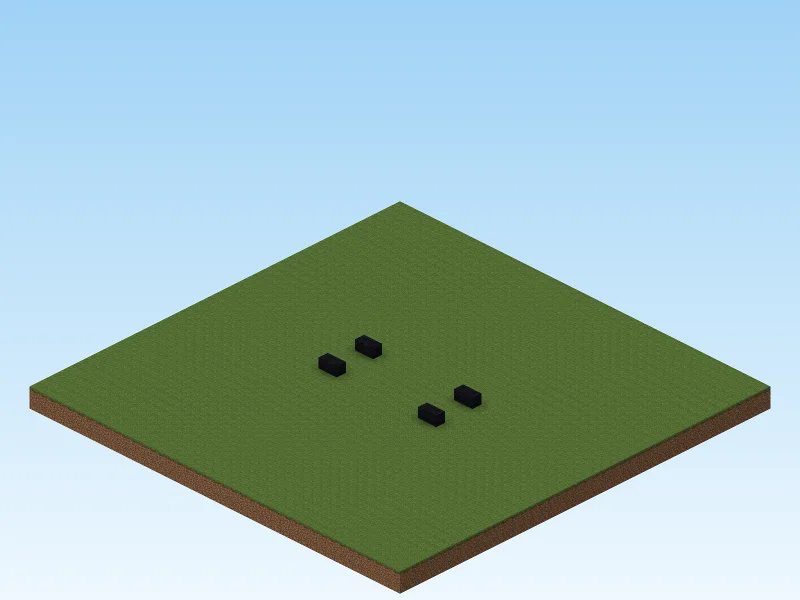
Layer 1 of 19 (8 blocks)
- Black Wool8

Layer 2 of 19 (24 blocks)
- Black Wool24

Layer 3 of 19 (24 blocks)
- Black Wool24

Layer 4 of 19 (25 blocks)
- Black Wool24
- Orange Concrete1
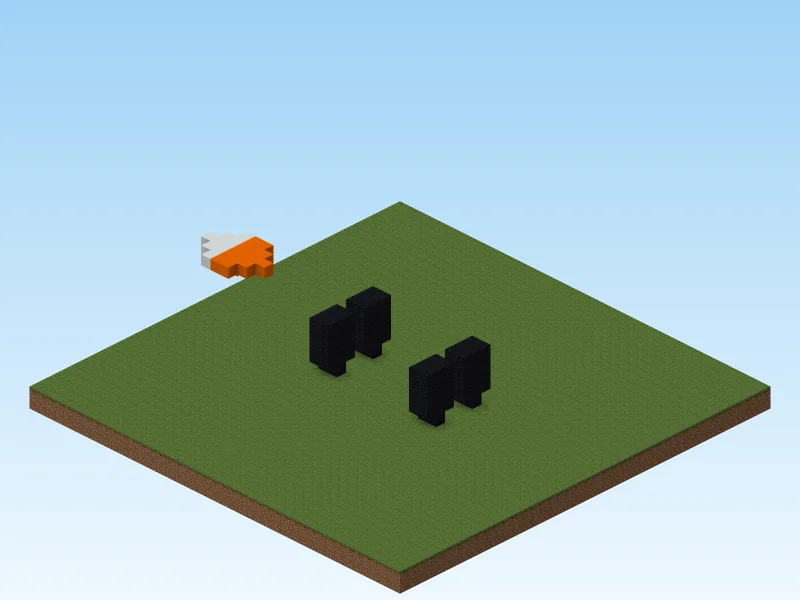
Layer 5 of 19 (47 blocks)
- Black Wool24
- Orange Concrete14
- White Concrete9
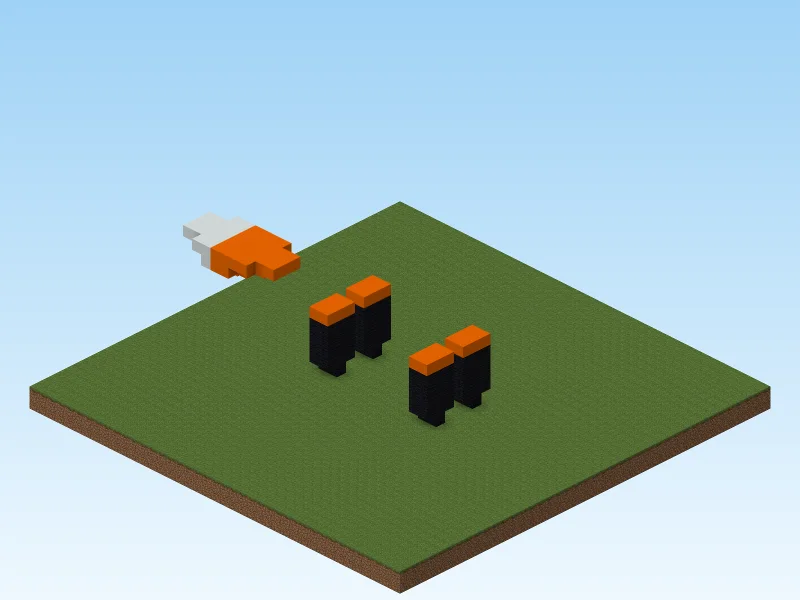
Layer 6 of 19 (66 blocks)
- Orange Concrete50
- White Concrete16
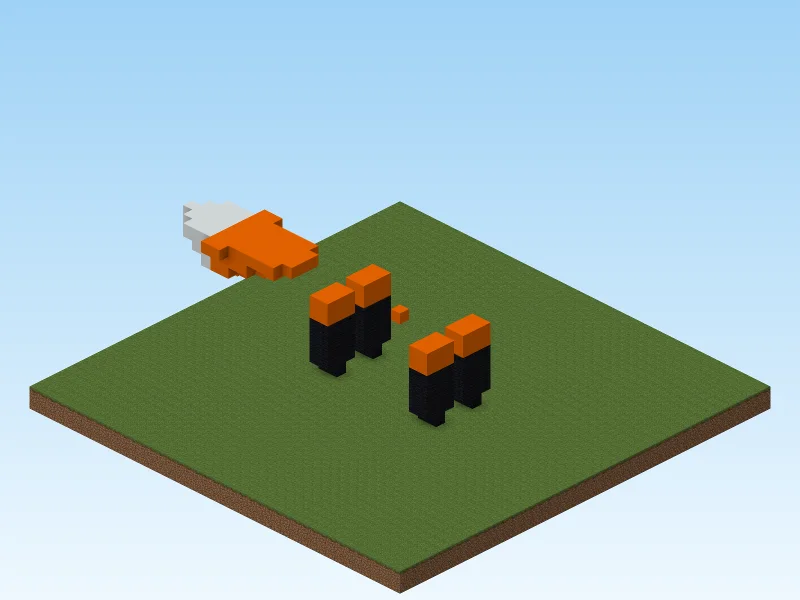
Layer 7 of 19 (86 blocks)
- Orange Concrete67
- White Concrete19
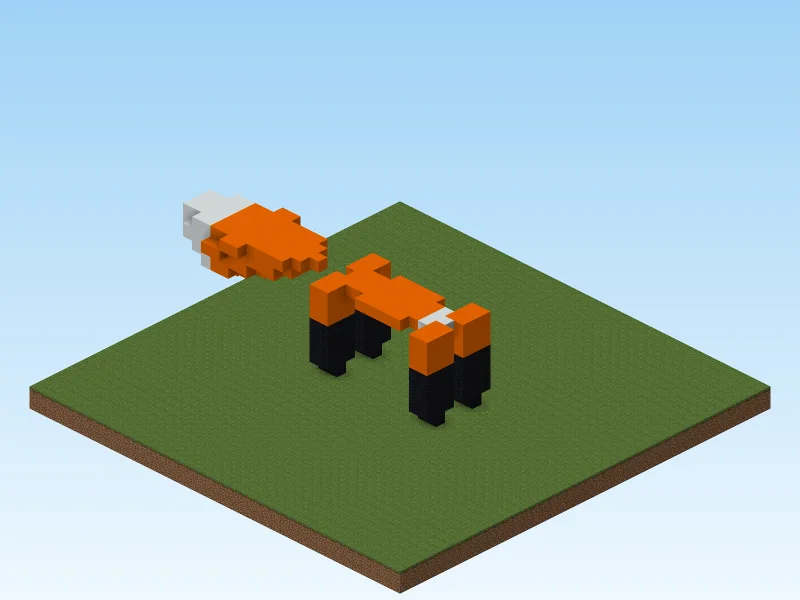
Layer 8 of 19 (127 blocks)
- Orange Concrete107
- White Concrete20

Layer 9 of 19 (146 blocks)
- Orange Concrete130
- White Concrete16
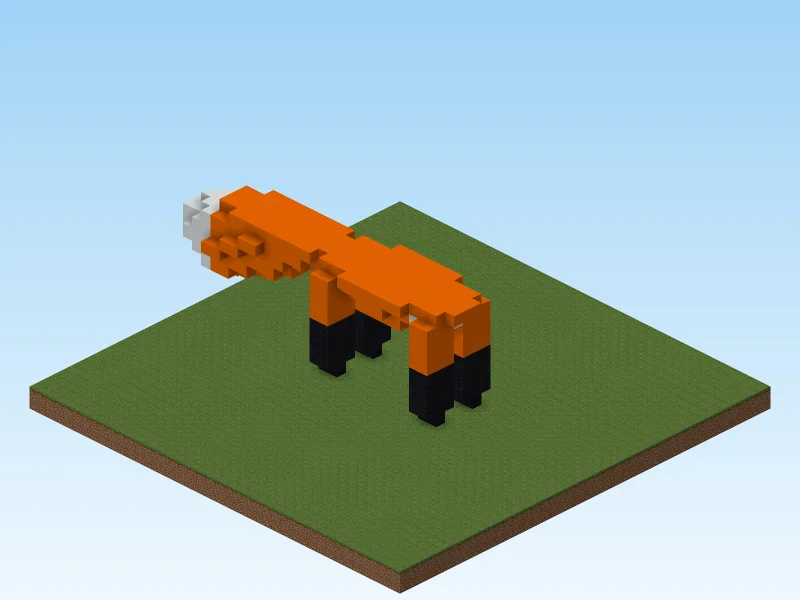
Layer 10 of 19 (136 blocks)
- Orange Concrete136
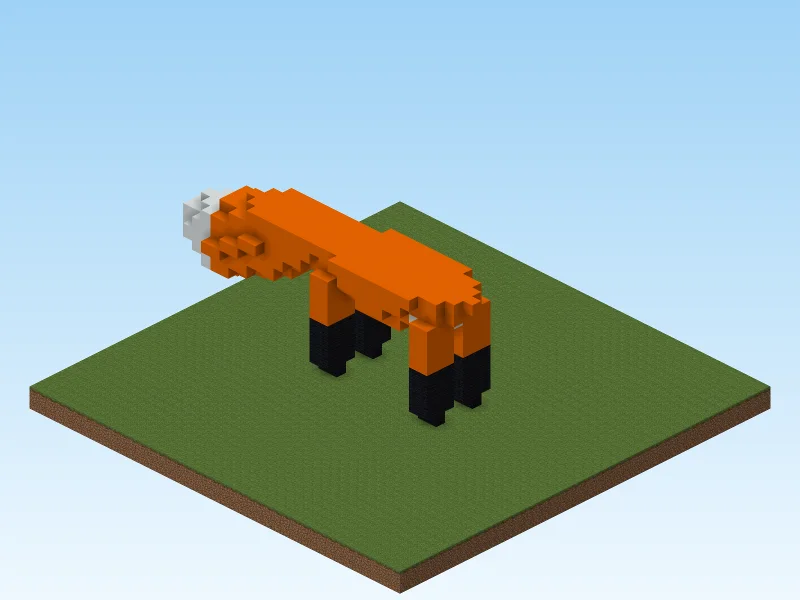
Layer 11 of 19 (131 blocks)
- Orange Concrete131
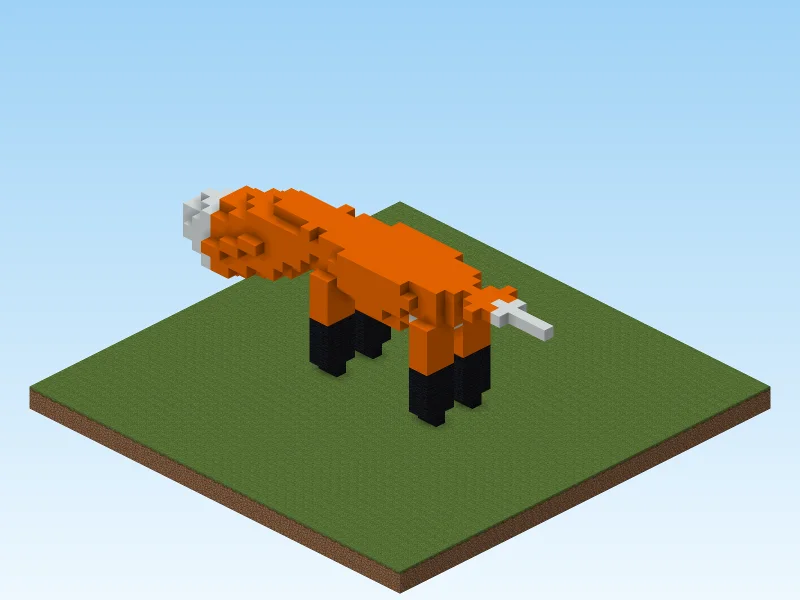
Layer 12 of 19 (122 blocks)
- Orange Concrete114
- White Concrete8
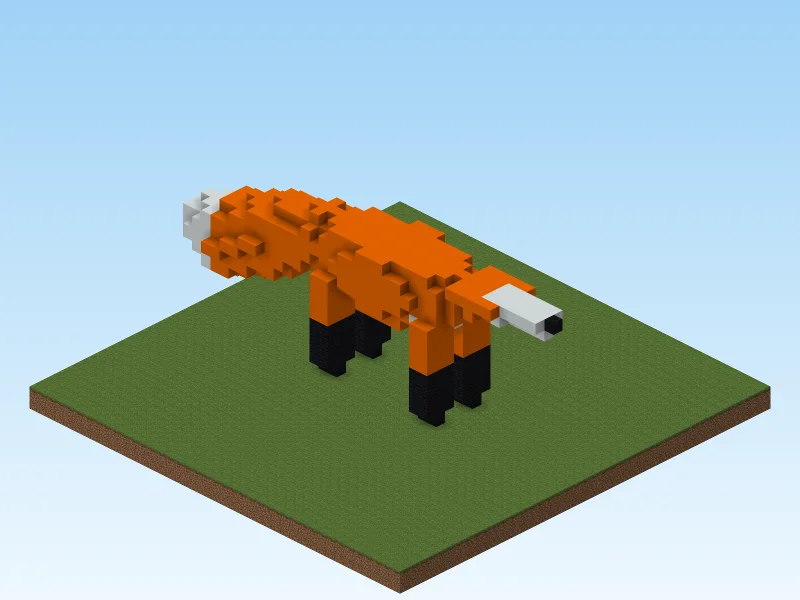
Layer 13 of 19 (111 blocks)
- Orange Concrete92
- White Concrete18
- Black Wool1
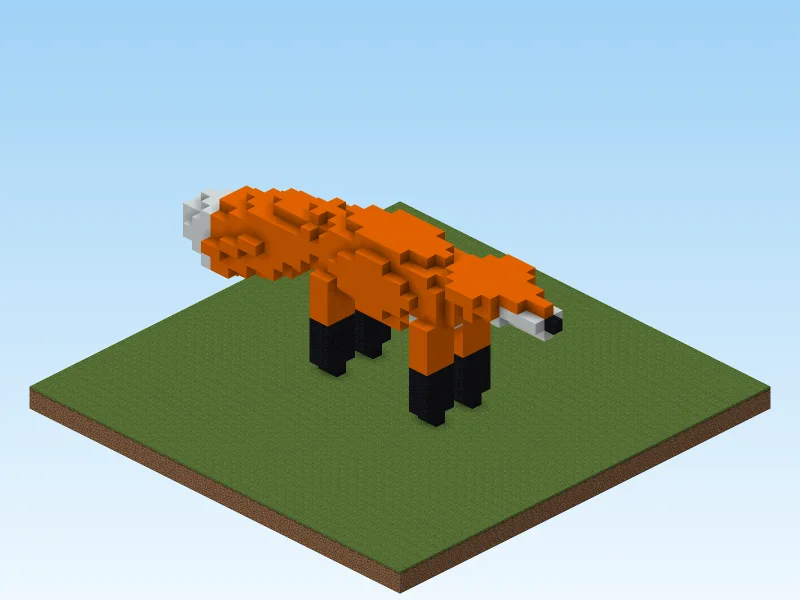
Layer 14 of 19 (81 blocks)
- Orange Concrete81
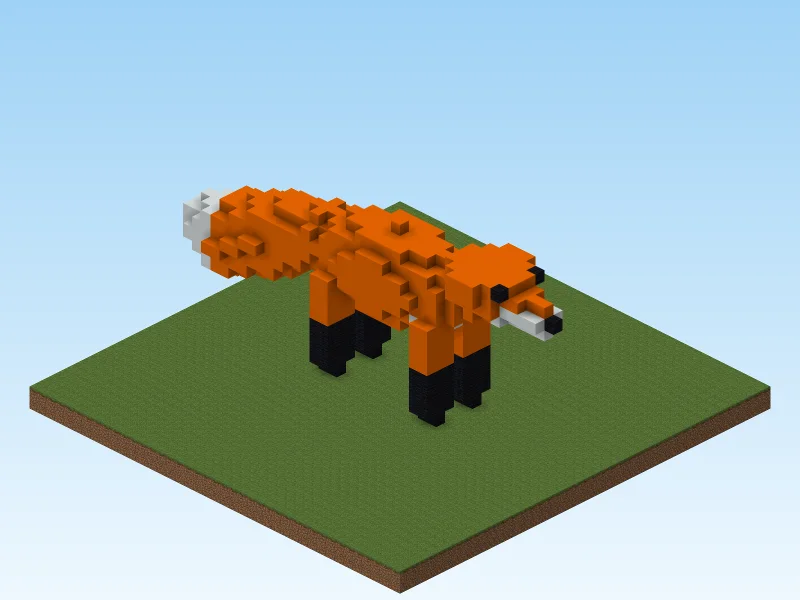
Layer 15 of 19 (40 blocks)
- Orange Concrete38
- Black Wool2
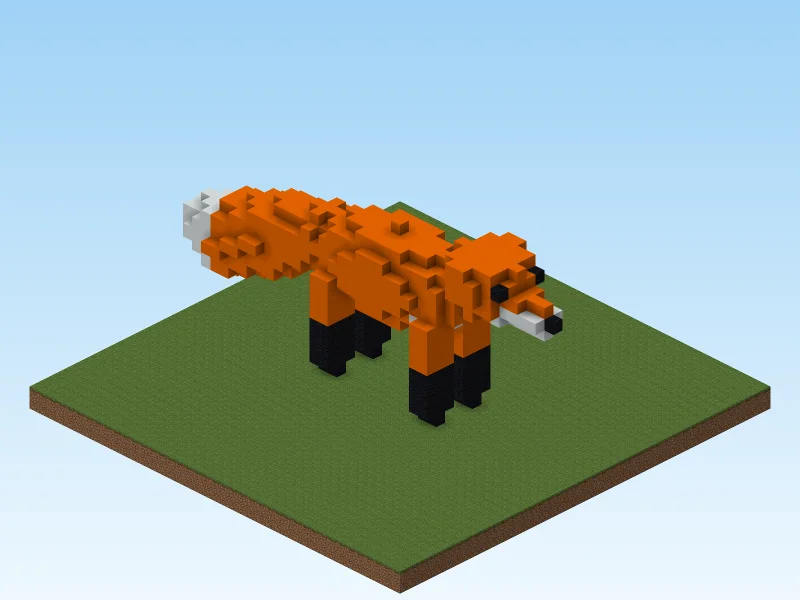
Layer 16 of 19 (31 blocks)
- Orange Concrete31
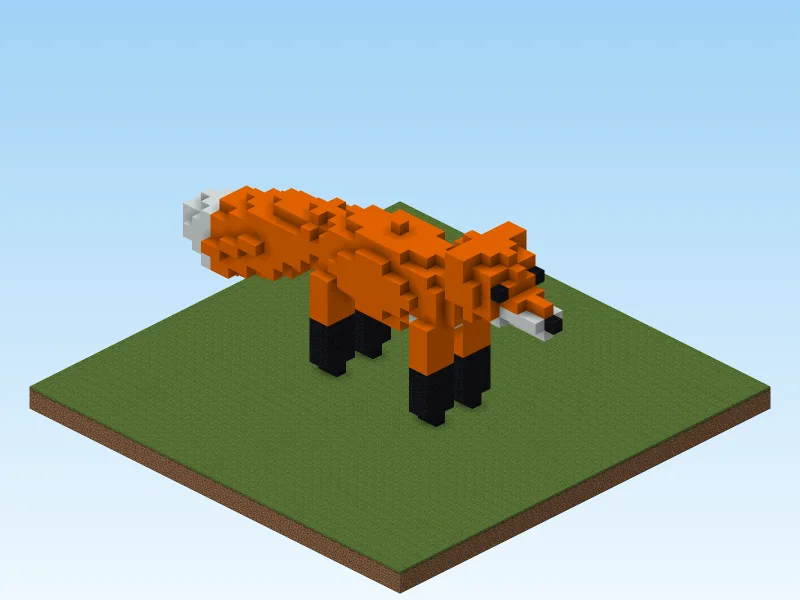
Layer 17 of 19 (19 blocks)
- Orange Concrete19
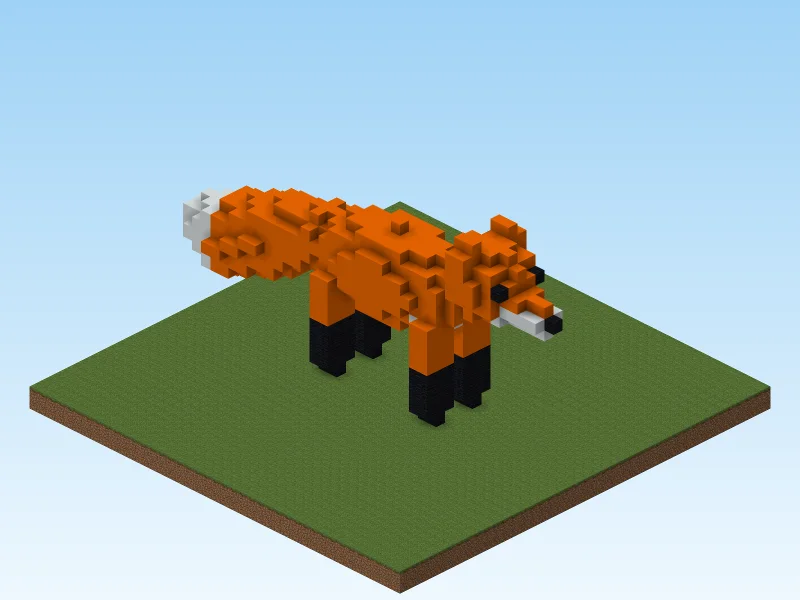
Layer 18 of 19 (4 blocks)
- Orange Concrete4
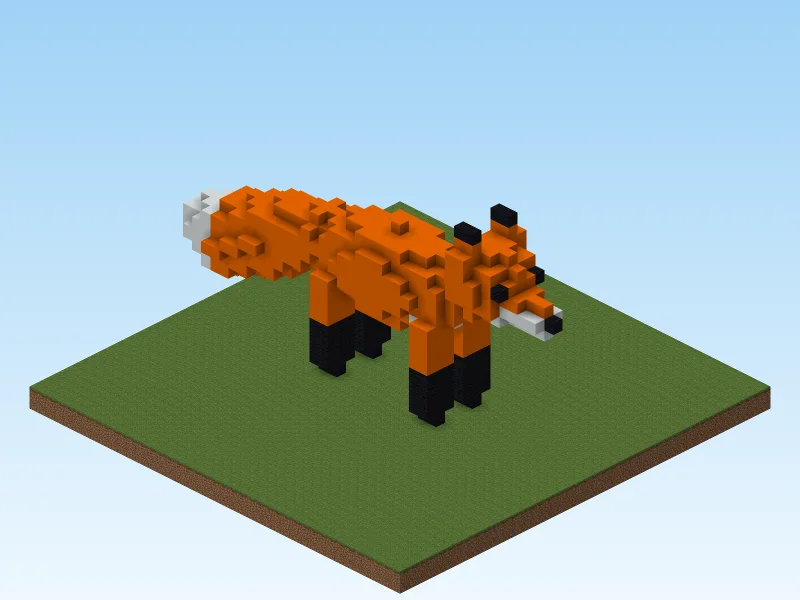
Layer 19 of 19 (4 blocks)
- Black Wool4
Simplified blueprint: stairs and slabs are partly shown as full blocks, animals and plants as small squares. Tip: use the arrow keys ← → to switch layers.
Step-by-step guide
Body
Build a slim oval body of orange concrete, 17 blocks long. It's white underneath at the front.
Legs
Below it go four thin legs – black at the bottom, orange at the top.
Head and muzzle
The head sits up front with a long, pointed muzzle, white underneath, with a black nose.
Ears
Add two pointed ears with black tips on top.
Tail
A long, thick tail goes at the back, widest in the middle, with a white tip.
Pro tips
- Build the body as an oval first, then legs and head – eyes, nose and patterns come at the very end.
- The round shapes are easiest with the blueprint: every layer is a slice through the animal.
Variations
- Build a fox den under a tree.
- Turn it into an arctic fox of white wool for a snowy landscape.


