Lazy River with Waterfall
- DifficultyMedium
- Size99 × 67 blocks, 13 tall
- Build timeabout 4 hours
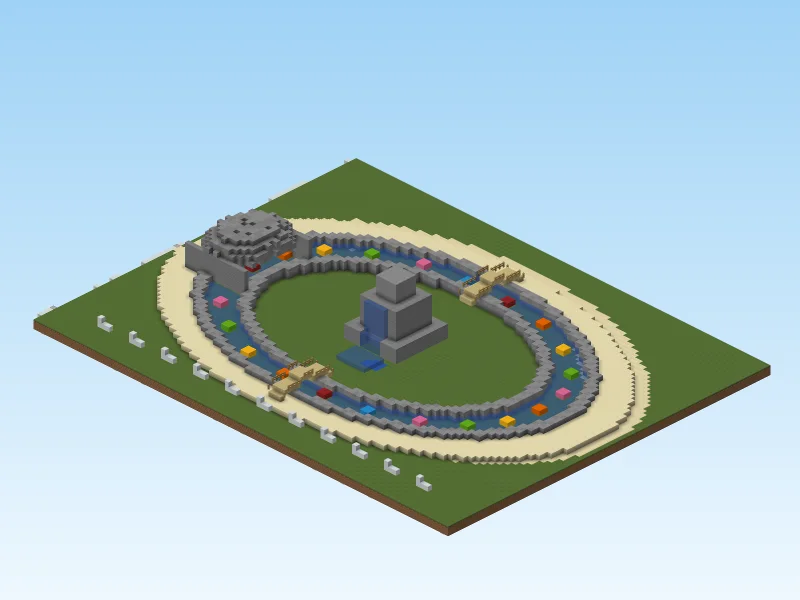
On the lazy river you just drift along in a swim ring. The channel runs in a big oval around an island with palm trees.
Along the way you float through a rock cave and under two wooden bridges. In the middle of the island a waterfall rushes down from a rock.

🔍 Click on parts
Tap any part of the build in the 3D model – a lamp, a tree, a bench next to the house – and you’ll see exactly how to build that part, with its materials and a layer-by-layer plan.
🧊 Build it as a hologram in Minecraft Bedrock (HoloPrint)
Download this build idea as a .mcstructure file – it is made right from the blueprint below. The HoloPrint website turns it into a pack that places the build as a see-through hologram in your world – you just fill in the blocks.
- Tap the button above – the file lazy-river.mcstructure is downloaded.
- Open the HoloPrint website.
- Upload the file there.
- Create your build template texture pack.
- Download the .mcpack file.
- Open it with Minecraft and activate the pack in your world.
- Place an armor stand – the build template appears there. Tip: put it exactly where the build should stand.
Works with Minecraft Bedrock (phone, tablet, console, Windows). HoloPrint is a free fan project, not made by Blockwerk.
Layer-by-layer blueprint
Click through from bottom to top. Every square is one block, the front is at the bottom. Gray shows the layer below. 14 layers, area in the plan: 99 × 67 blocks.
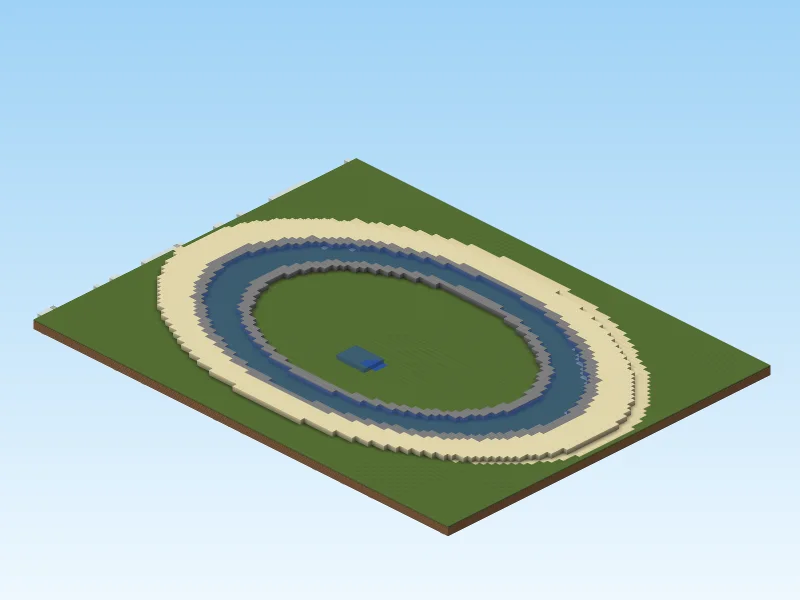
Layer 1 of 14 (3259 blocks)
- Smooth Sandstone1372
- Water1177
- Stone710
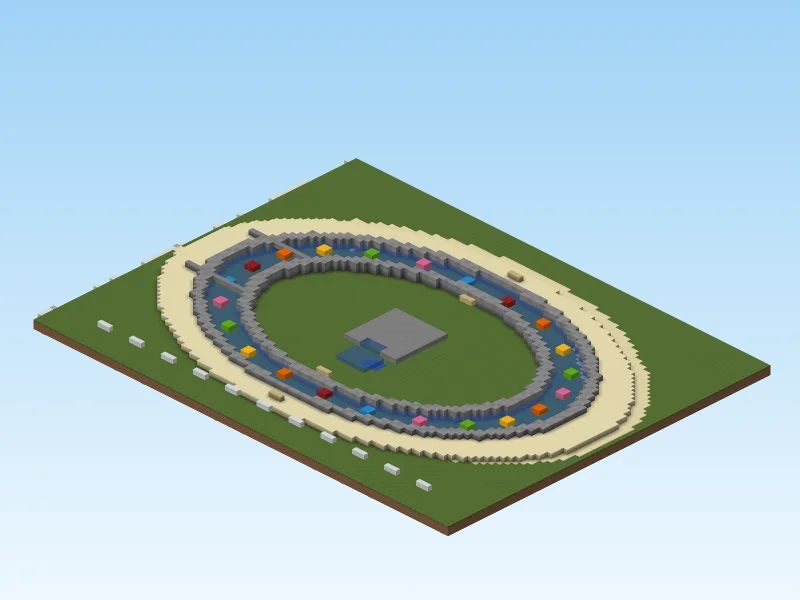
Layer 2 of 14 (1034 blocks)
- Andesite479
- Stone414
- White Concrete33
- Orange Concrete16
- Yellow Concrete16
- Lime Concrete16
- Pink Concrete16
- Red Concrete12
- Birch Planks12
- Light Blue Concrete10
- Water10
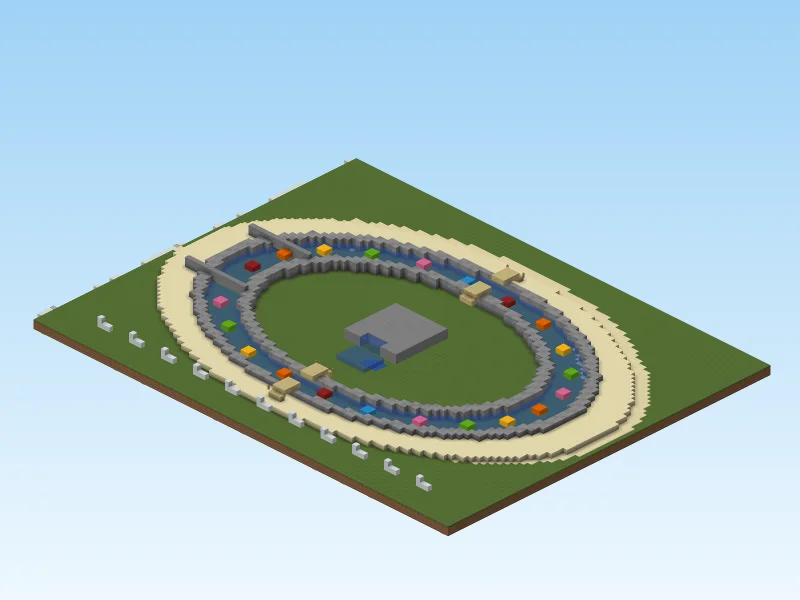
Layer 3 of 14 (266 blocks)
- Stone189
- Birch Planks48
- White Concrete11
- Water10
- Oak Fence8
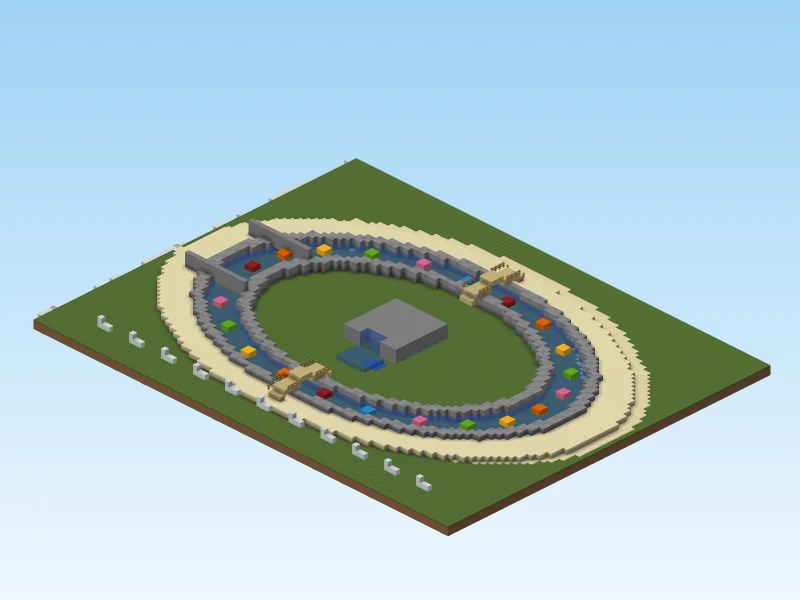
Layer 4 of 14 (249 blocks)
- Stone189
- Oak Fence32
- Birch Planks18
- Water10
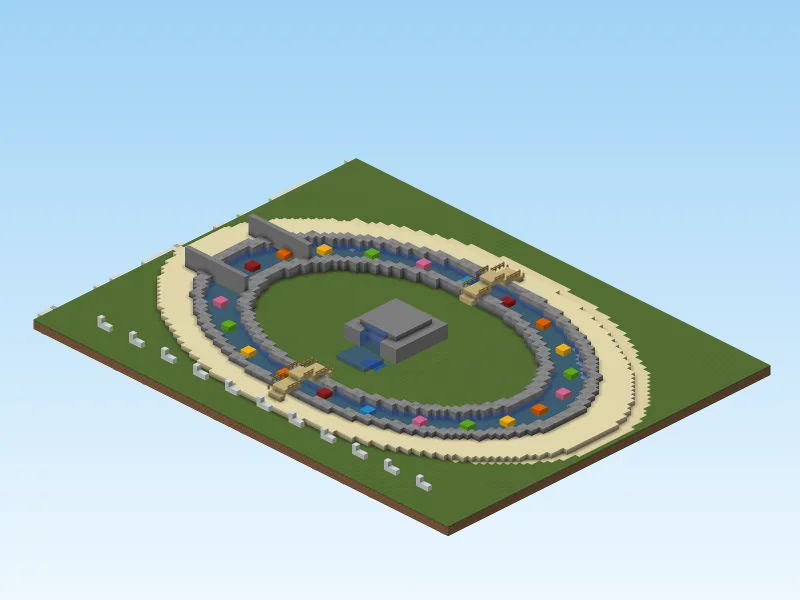
Layer 5 of 14 (128 blocks)
- Stone111
- Oak Fence12
- Water5
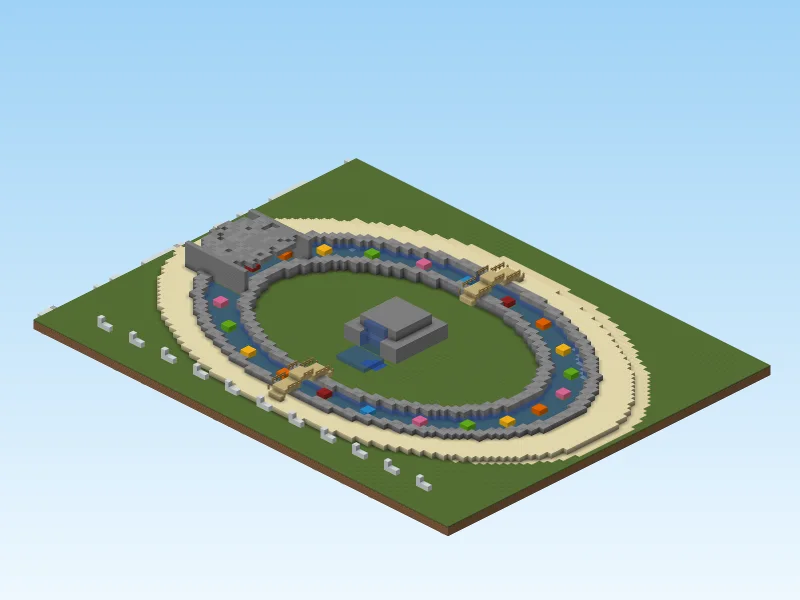
Layer 6 of 14 (285 blocks)
- Stone218
- Andesite62
- Water5
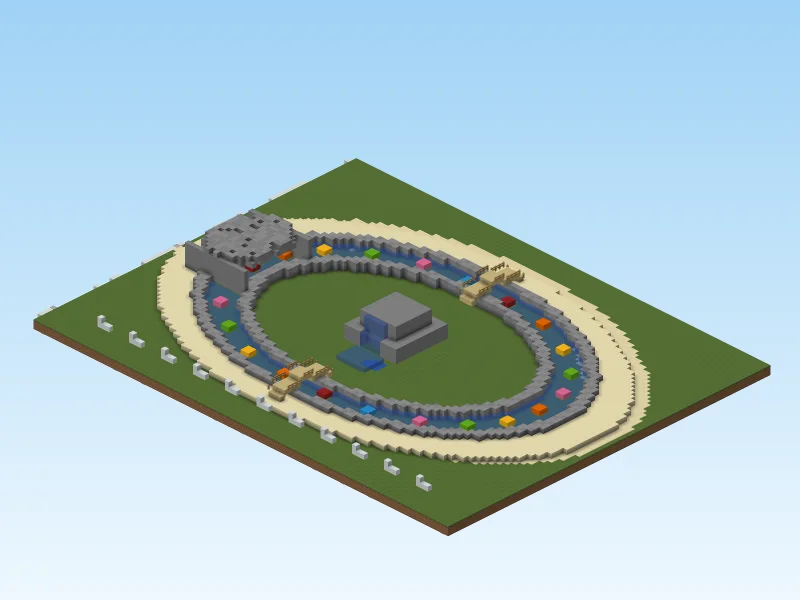
Layer 7 of 14 (247 blocks)
- Stone169
- Andesite73
- Water5
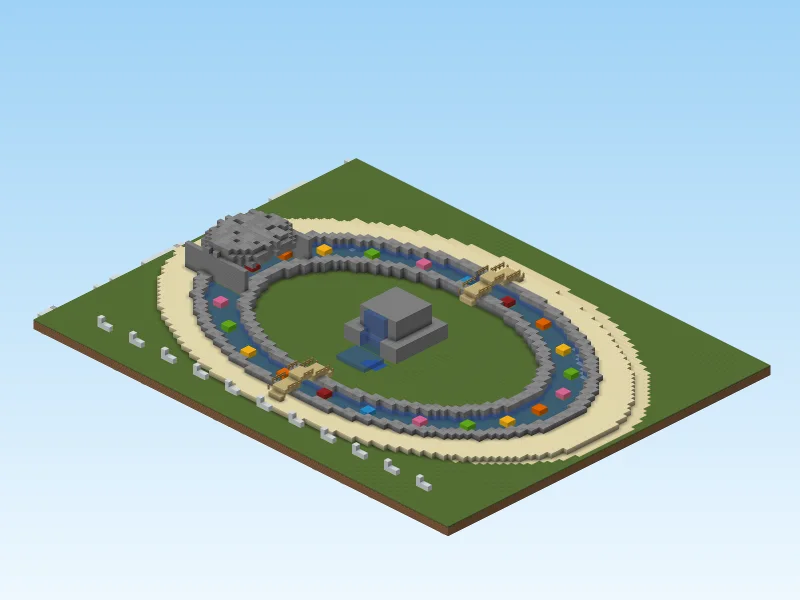
Layer 8 of 14 (216 blocks)
- Stone161
- Andesite50
- Water5

Layer 9 of 14 (168 blocks)
- Stone126
- Andesite37
- Water5
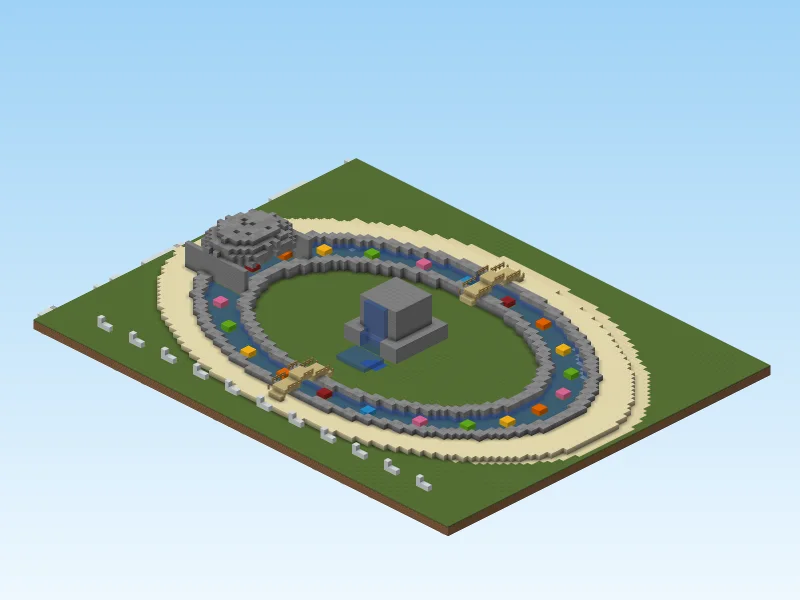
Layer 10 of 14 (86 blocks)
- Stone81
- Water5
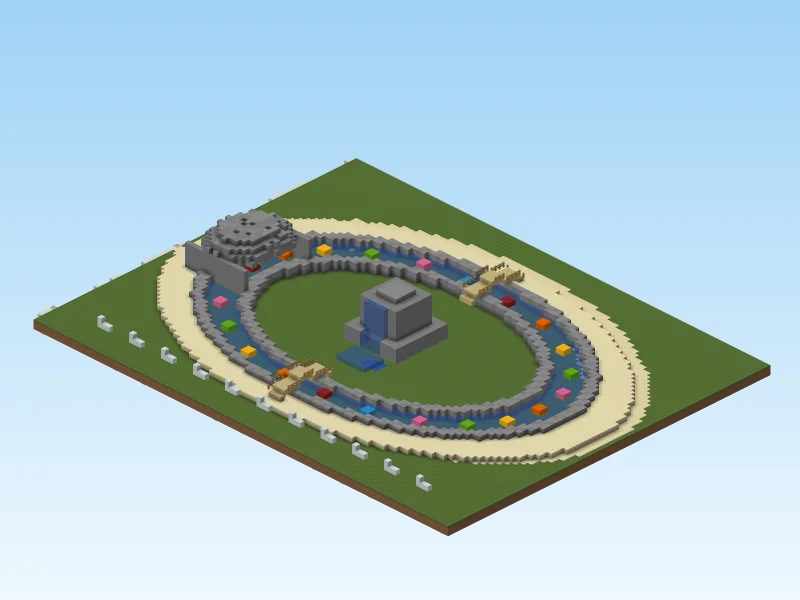
Layer 11 of 14 (25 blocks)
- Andesite25
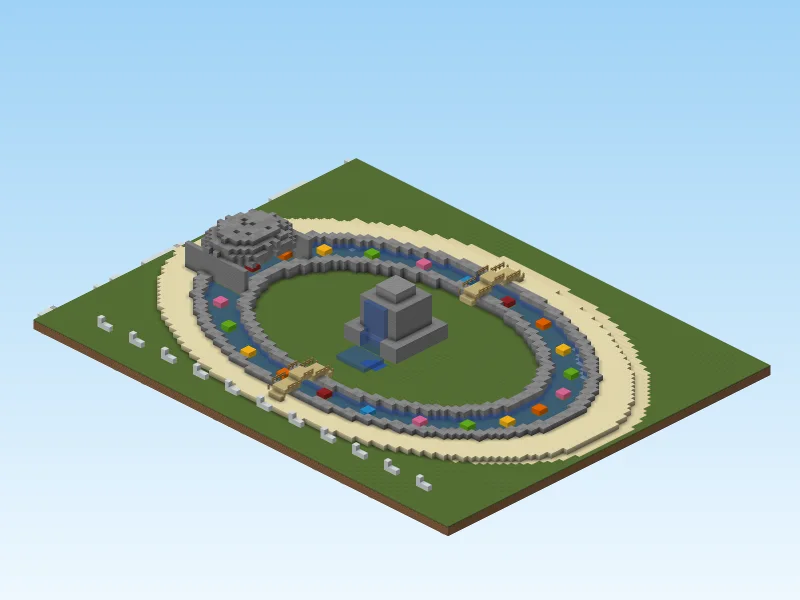
Layer 12 of 14 (25 blocks)
- Andesite25
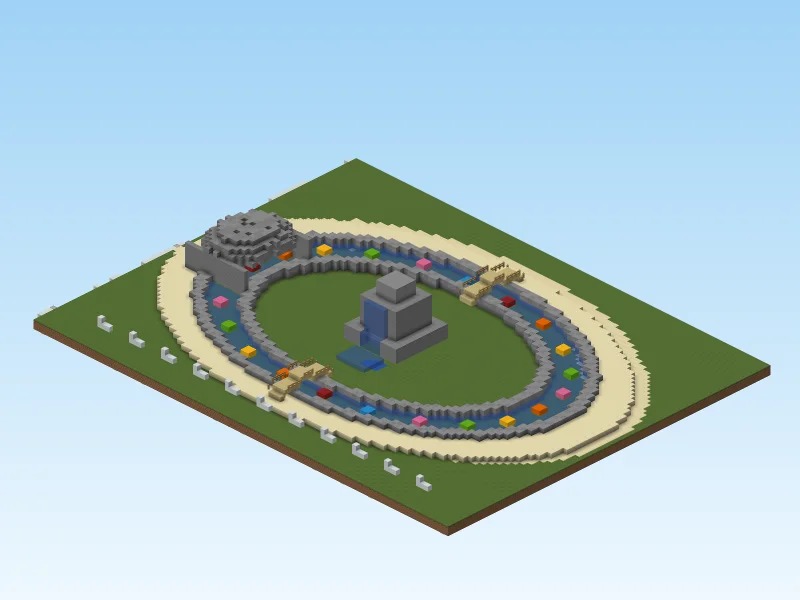
Layer 13 of 14 (25 blocks)
- Andesite25
Layer 14 of 14 (25 blocks)
- Andesite25
Simplified blueprint: stairs and slabs are partly shown as full blocks, animals and plants as small squares. Tip: use the arrow keys ← → to switch layers.
Step-by-step guide
Oval
Mark out a big oval, 80 × 52 blocks. A 6-block-wide channel goes on it.
Channel
Fill the channel with water and put a low wall of stone and andesite along both edges.
Island
The inside stays grass. A stepped rock of stone and andesite, 12 blocks tall, goes in the middle.
Waterfall
Let water fall from the front of the rock into a small pool.
Rock cave
On one side build a stone cave over the channel – an arch you drift under.
Bridges
Two birch bridges with fence railings cross the channel in a flat arch.
Rings
Spread swim rings of colorful concrete on the water.
Pro tips
- To make things drift in Minecraft, the water needs a current: place a new source every 7 blocks in the direction of flow.
- In creative mode the /fill command is much faster: it fills whole walls and areas at once.
Variations
- Build water jets that spray from the side.
- Add a second cave with a glass roof and fish.


