Decorated Nether Portal
- DifficultyEasy
- Size8 × 6 blocks
- Build timeabout 10 minutes
A Nether portal is a must in every world. But usually it's just a bare obsidian frame standing in the landscape.
With a few Nether blocks around it, it looks like the Nether has started to grow into your world.

🔍 Click on parts
Tap any part of the build in the 3D model – a lamp, a tree, a bench next to the house – and you’ll see exactly how to build that part, with its materials and a layer-by-layer plan.
🧊 Build it as a hologram in Minecraft Bedrock (HoloPrint)
Download this build idea as a .mcstructure file – it is made right from the blueprint below. The HoloPrint website turns it into a pack that places the build as a see-through hologram in your world – you just fill in the blocks.
- Tap the button above – the file nether-portal-design.mcstructure is downloaded.
- Open the HoloPrint website.
- Upload the file there.
- Create your build template texture pack.
- Download the .mcpack file.
- Open it with Minecraft and activate the pack in your world.
- Place an armor stand – the build template appears there. Tip: put it exactly where the build should stand.
Works with Minecraft Bedrock (phone, tablet, console, Windows). HoloPrint is a free fan project, not made by Blockwerk. Animals, boats, minecarts and paintings from the blueprint are not in the file – add them yourself at the end.
Layer-by-layer blueprint
Click through from bottom to top. Every square is one block, the front is at the bottom. Gray shows the layer below. 7 layers, area in the plan: 10 × 8 blocks.

Layer 1 of 7 (52 blocks)
- Netherrack40
- Blackstone12
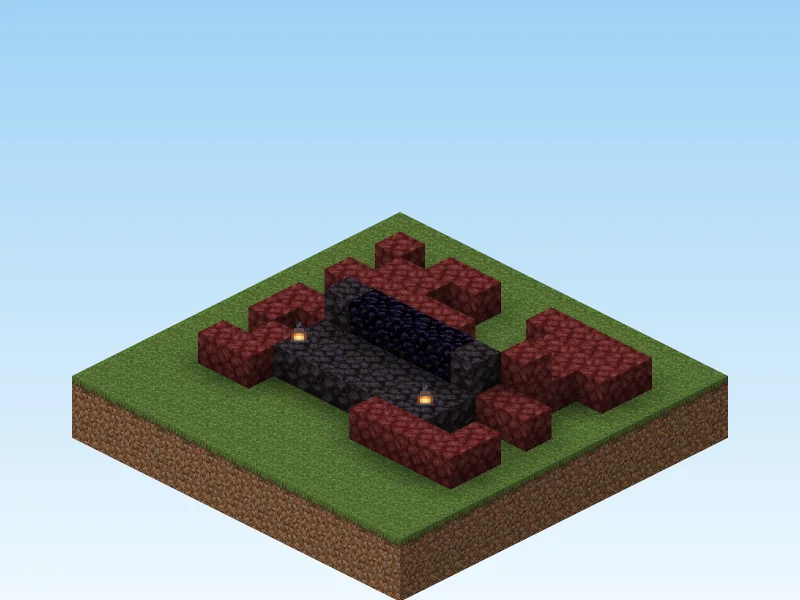
Layer 2 of 7 (9 blocks)
- Obsidian4
- Blackstone2
- Lantern2
- Netherrack1
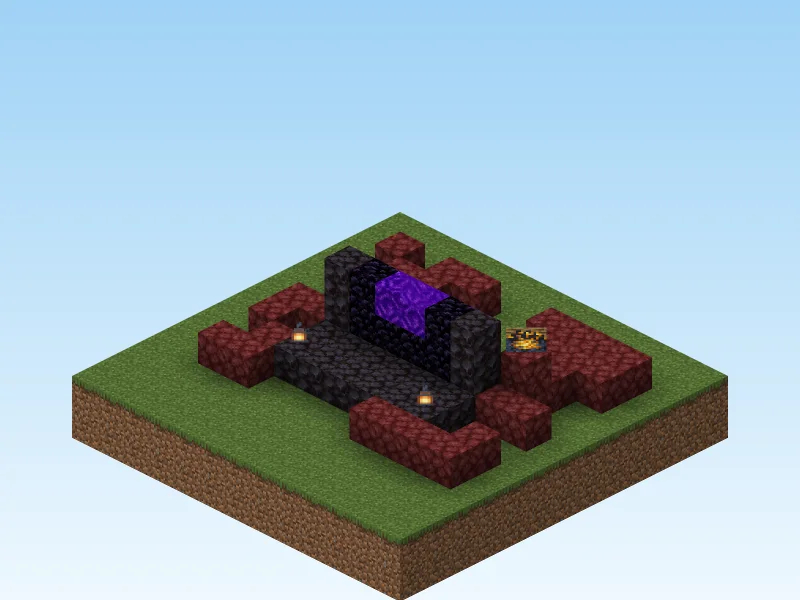
Layer 3 of 7 (7 blocks)
- Obsidian2
- Nether Portal (after lighting)2
- Blackstone2
- Campfire1
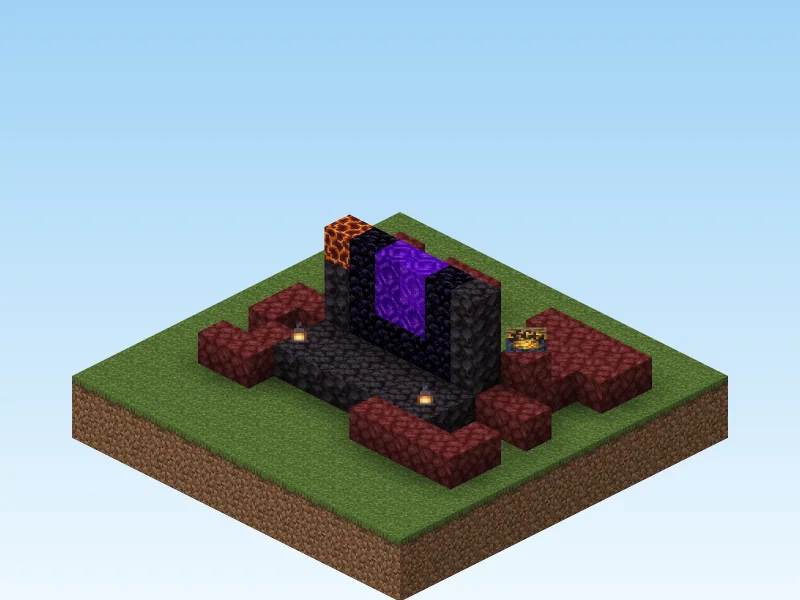
Layer 4 of 7 (6 blocks)
- Obsidian2
- Nether Portal (after lighting)2
- Blackstone1
- Magma Block1

Layer 5 of 7 (4 blocks)
- Obsidian2
- Nether Portal (after lighting)2

Layer 6 of 7 (4 blocks)
- Obsidian4
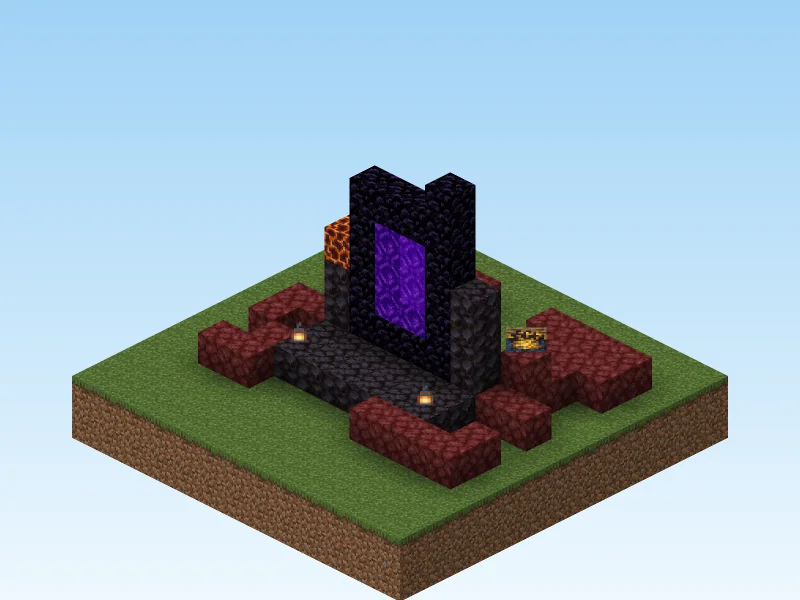
Layer 7 of 7 (1 blocks)
- Obsidian1
Simplified blueprint: stairs and slabs are partly shown as full blocks, animals and plants as small squares. Tip: use the arrow keys ← → to switch layers.
Step-by-step guide
Frame
Build an obsidian frame: 2 blocks wide and 3 blocks high inside. You don't need the corners – 10 obsidian are enough.
Light it
Light the inside of the frame with flint and steel. The purple portal surface appears.
Nether ground
Replace the ground around the portal irregularly with netherrack. Not too neat – it should look like burnt earth.
Pillars
Place blackstone pillars left and right and put a magma block between them as embers.
Details
One obsidian block placed off-center on top of the frame looks broken. Lanterns and a campfire provide light.
Pro tips
- Obsidian forms when water flows onto a lava source. You can only mine it with a diamond or netherite pickaxe.
- Careful: netherrack burns forever once it's lit – don't use it next to wood.
Variations
- With crying obsidian the portal looks like a ruin.
- Build the portal into a stone brick archway – like a gate to another world.


