Plush fox dragon
- DifficultyMedium
- Size45 × 44 blocks, 36 high
- Build timeabout 3 hours
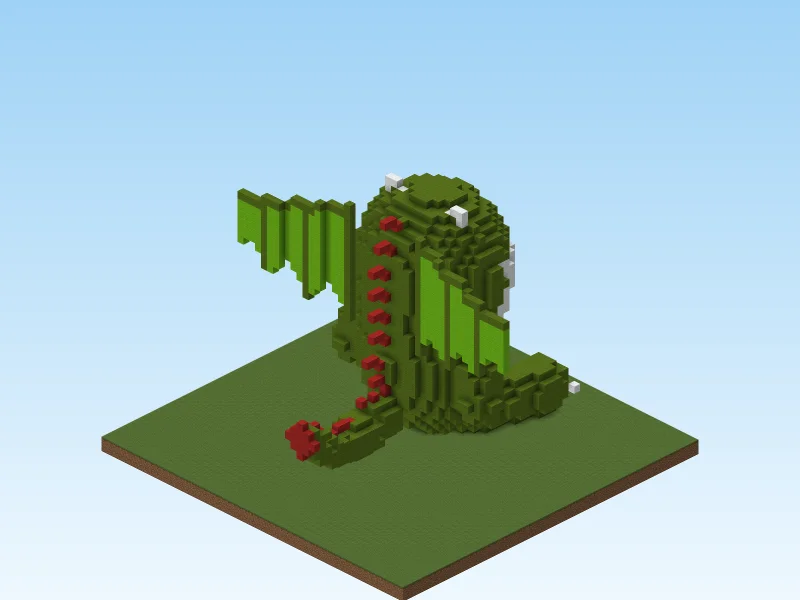
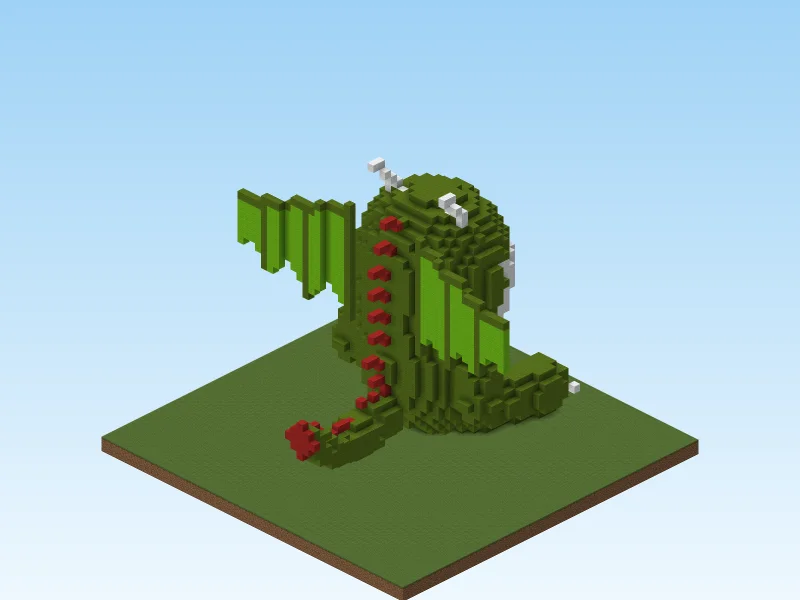
The plush fox dressed up as a dragon: the same round cuddly-toy shape with button eyes, black nose and white cheeks – but green, with a yellow dragon belly and orange stripes, two white horns, big wings with bones on its back, red spikes along its back and a long tail with an arrow tip.
Like the fox, only the shell is built from wool. For Minecraft Bedrock the dragon is also available as a .mcstructure file for HoloPrint.

Pictures
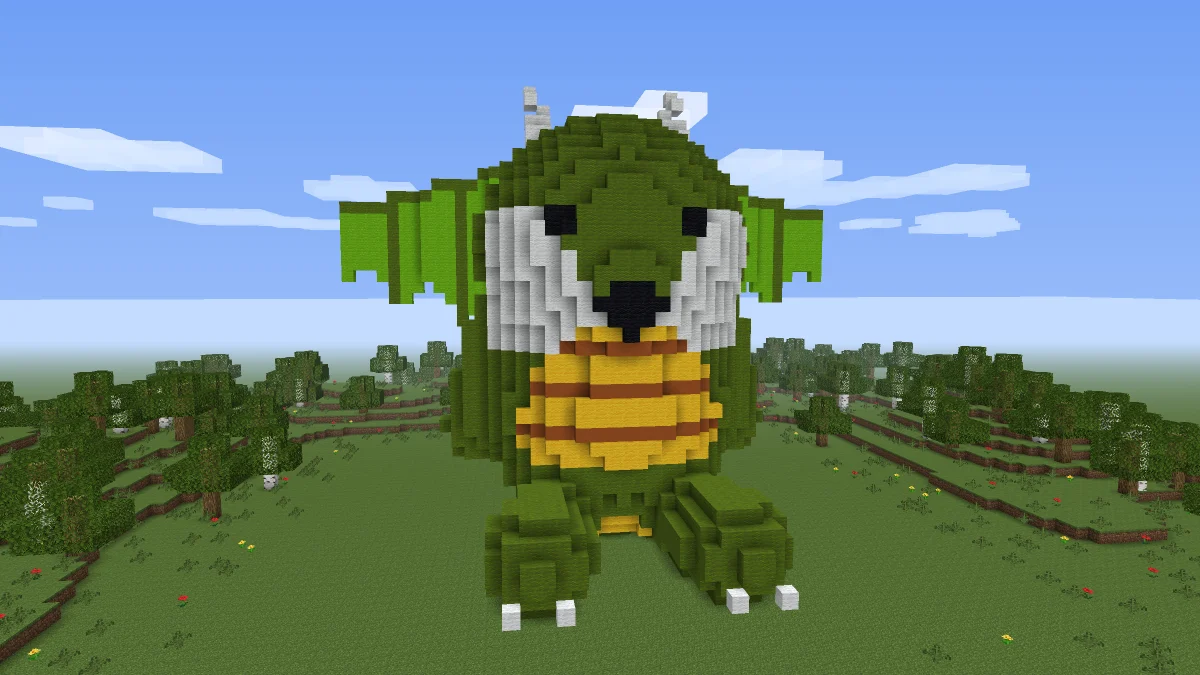
🔍 Click on parts
Tap any part of the build in the 3D model – a lamp, a tree, a bench next to the house – and you’ll see exactly how to build that part, with its materials and a layer-by-layer plan.
🧊 Build it as a hologram in Minecraft Bedrock (HoloPrint)
Download the plush fox dragon as a .mcstructure file. The HoloPrint website turns it into a pack that places the build as a see-through hologram in your world – you just fill in the blocks.
⬇ Download plush fox dragon as .mcstructure HoloPrint ↗
- Download the file pluesch-fuchs-drache.mcstructure above.
- Open the HoloPrint website.
- Upload the file there.
- Create your build template texture pack.
- Download the .mcpack file.
- Open it with Minecraft and activate the pack in your world.
- Place an armor stand – the build template appears there.
Works with Minecraft Bedrock (phone, tablet, console, Windows). HoloPrint is a free fan project, not made by Blockwerk.
Blueprint layer by layer
Click through from bottom to top. Each square is one block, the front is at the bottom. The layer below is shown in grey. 36 layers, blueprint area: 45 × 44 blocks.
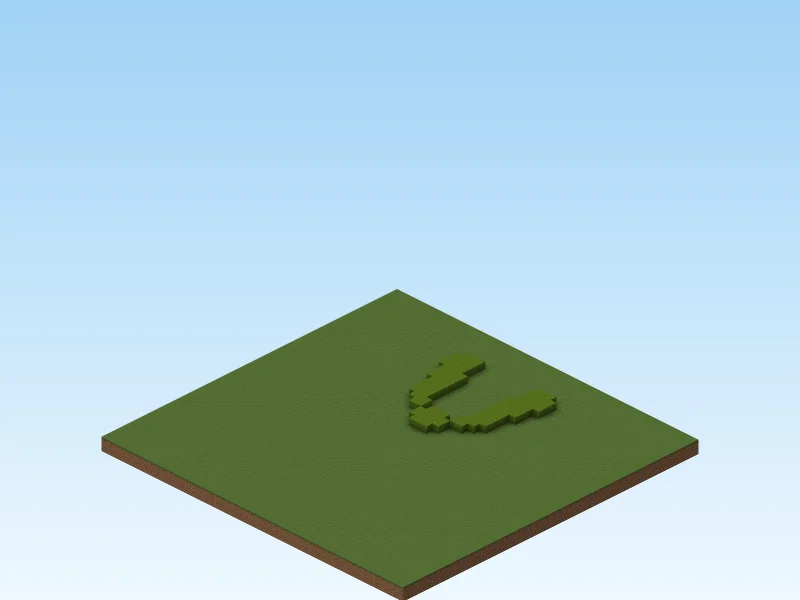
Layer 1 of 36 (104 blocks)
- Green Wool104

Layer 2 of 36 (109 blocks)
- Green Wool93
- Yellow Wool12
- White Wool4
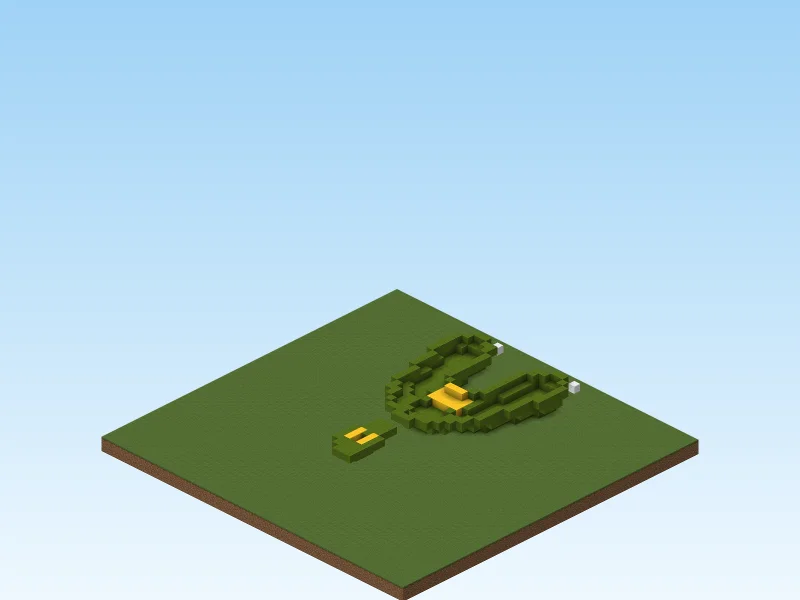
Layer 3 of 36 (110 blocks)
- Green Wool101
- Yellow Wool9
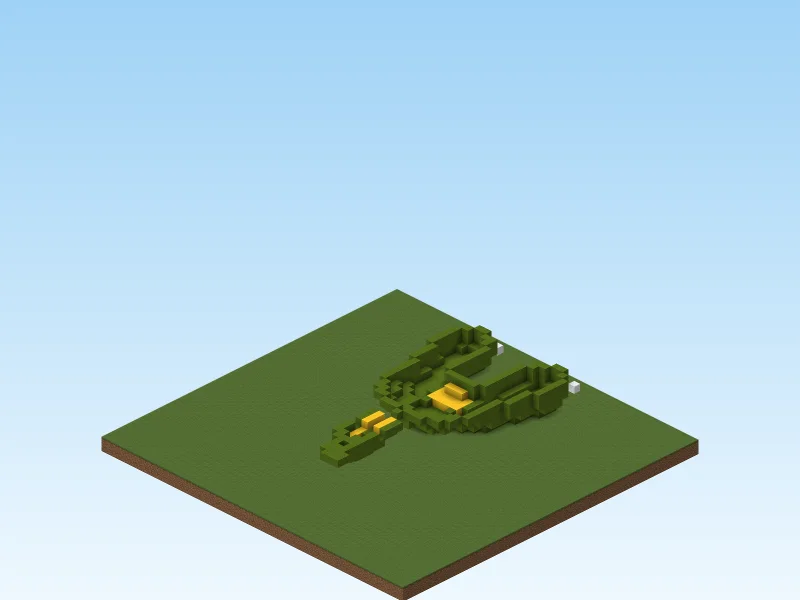
Layer 4 of 36 (114 blocks)
- Green Wool108
- Yellow Wool6

Layer 5 of 36 (119 blocks)
- Green Wool119
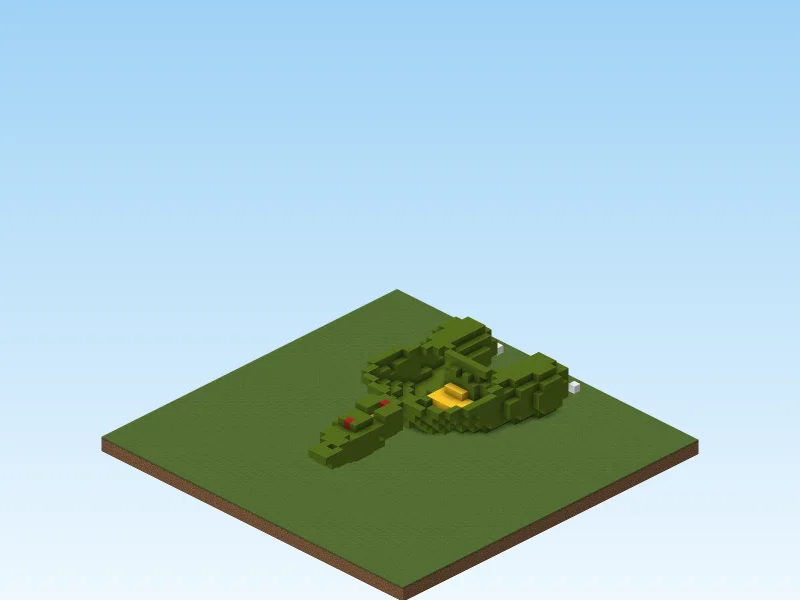
Layer 6 of 36 (134 blocks)
- Green Wool132
- Red Wool2
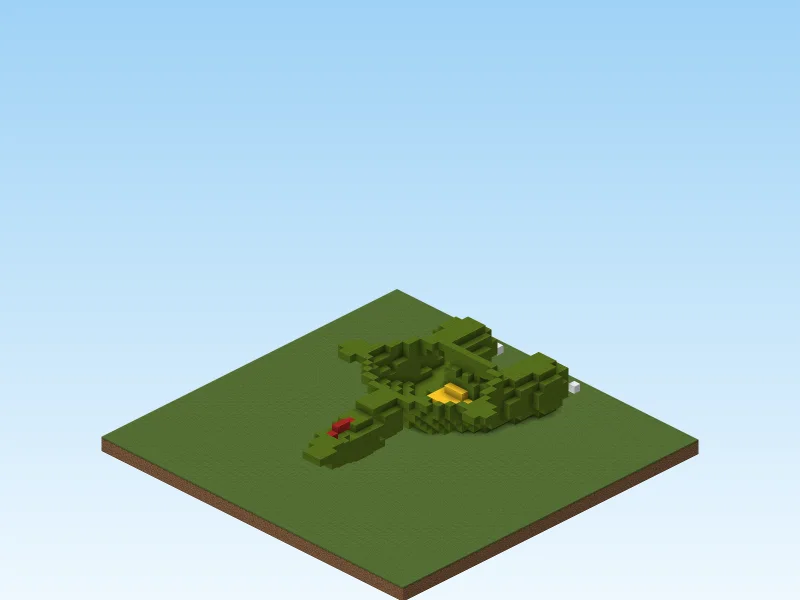
Layer 7 of 36 (98 blocks)
- Green Wool95
- Red Wool3

Layer 8 of 36 (73 blocks)
- Green Wool56
- Yellow Wool13
- Red Wool4
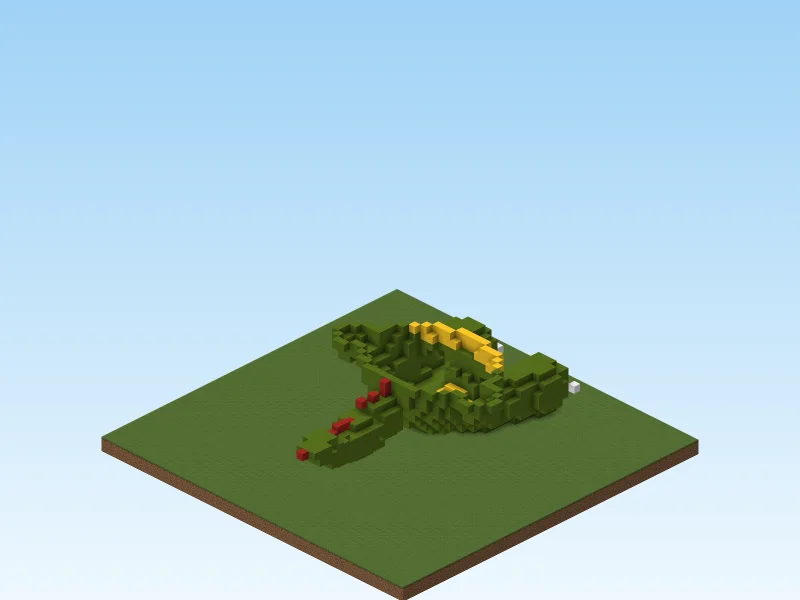
Layer 9 of 36 (76 blocks)
- Green Wool59
- Yellow Wool15
- Red Wool2

Layer 10 of 36 (72 blocks)
- Green Wool51
- Orange Terracotta15
- Red Wool6

Layer 11 of 36 (69 blocks)
- Green Wool49
- Yellow Wool15
- Red Wool5
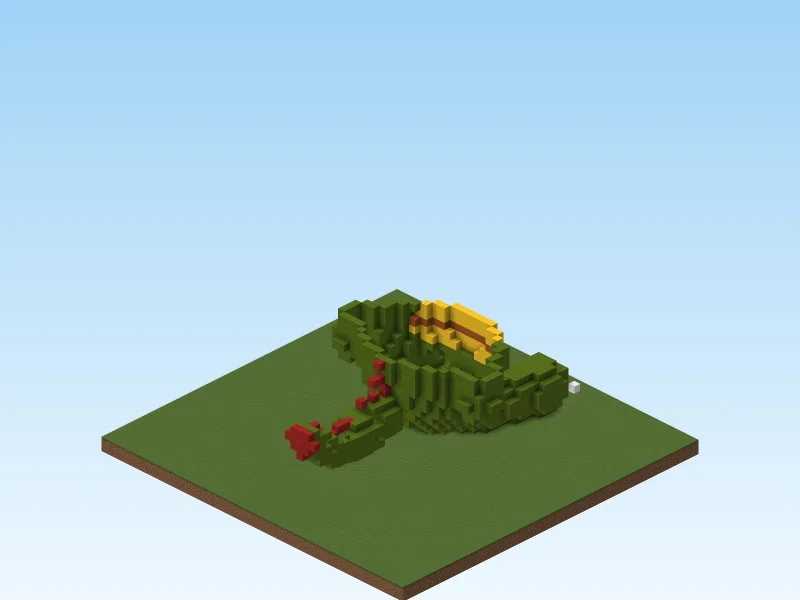
Layer 12 of 36 (64 blocks)
- Green Wool46
- Yellow Wool13
- Red Wool5

Layer 13 of 36 (55 blocks)
- Green Wool39
- Orange Terracotta13
- Red Wool3

Layer 14 of 36 (52 blocks)
- Green Wool39
- Yellow Wool13
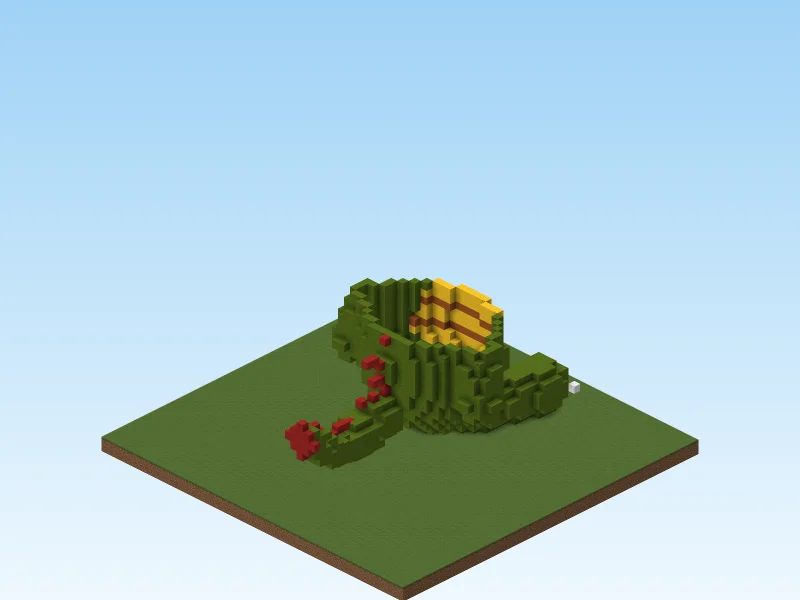
Layer 15 of 36 (51 blocks)
- Green Wool39
- Yellow Wool11
- Red Wool1

Layer 16 of 36 (54 blocks)
- Green Wool33
- White Wool10
- Orange Terracotta9
- Red Wool2
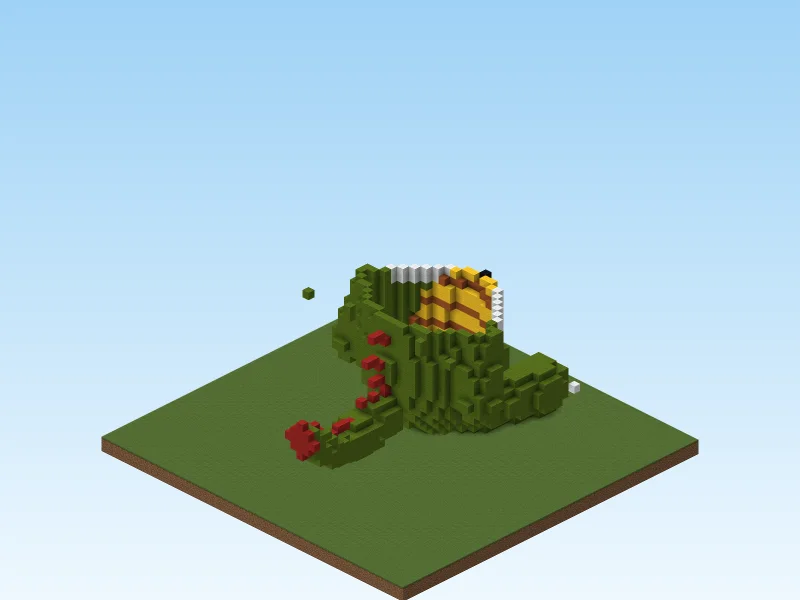
Layer 17 of 36 (52 blocks)
- Green Wool33
- White Wool12
- Yellow Wool6
- Black Wool1

Layer 18 of 36 (57 blocks)
- Green Wool31
- White Wool18
- Lime Wool4
- Black Wool3
- Red Wool1

Layer 19 of 36 (68 blocks)
- Green Wool33
- White Wool16
- Lime Wool12
- Black Wool5
- Red Wool2

Layer 20 of 36 (70 blocks)
- Green Wool33
- Lime Wool18
- White Wool16
- Black Wool3

Layer 21 of 36 (81 blocks)
- Green Wool40
- Lime Wool24
- White Wool16
- Red Wool1
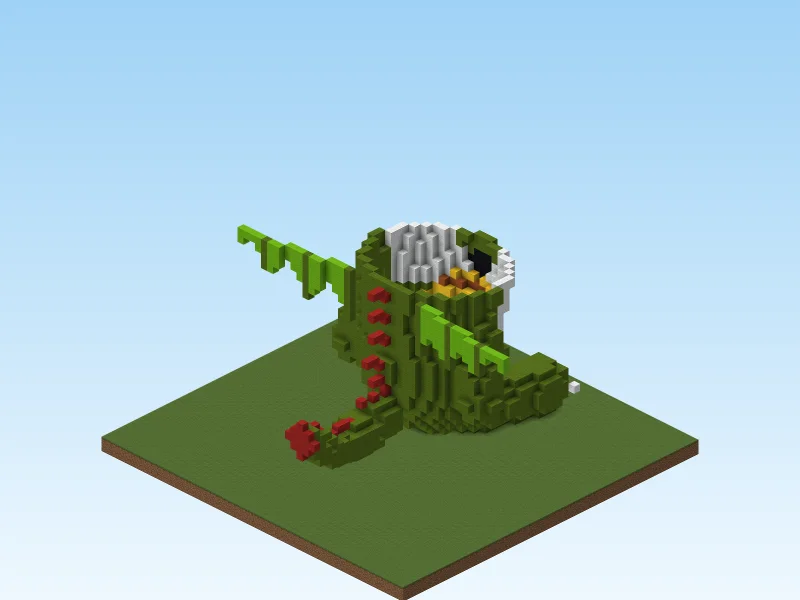
Layer 22 of 36 (86 blocks)
- Green Wool40
- Lime Wool28
- White Wool16
- Red Wool2
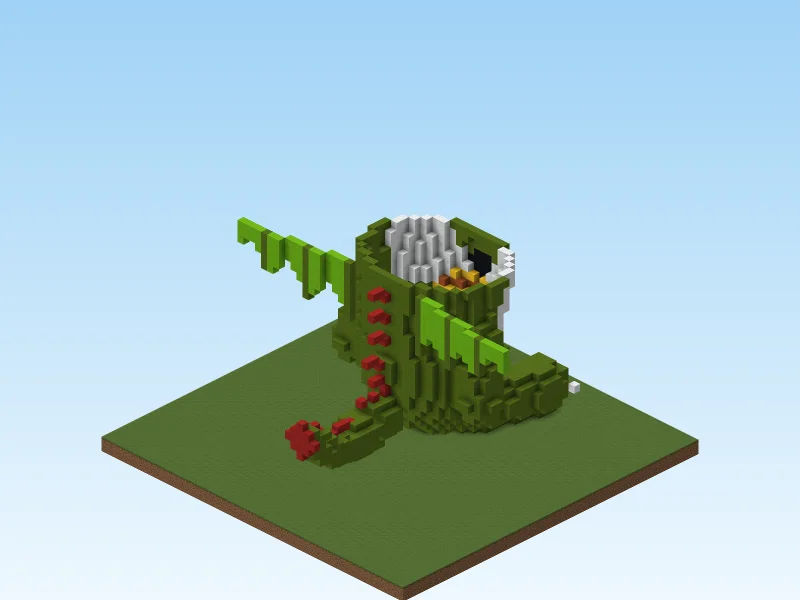
Layer 23 of 36 (84 blocks)
- Green Wool44
- Lime Wool28
- White Wool12
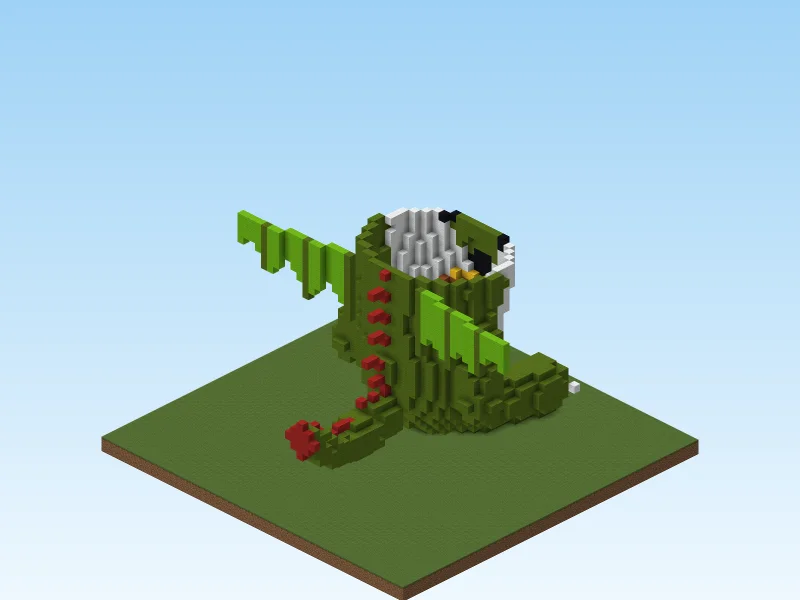
Layer 24 of 36 (85 blocks)
- Green Wool40
- Lime Wool28
- White Wool12
- Black Wool4
- Red Wool1

Layer 25 of 36 (88 blocks)
- Green Wool42
- Lime Wool28
- White Wool12
- Black Wool4
- Red Wool2
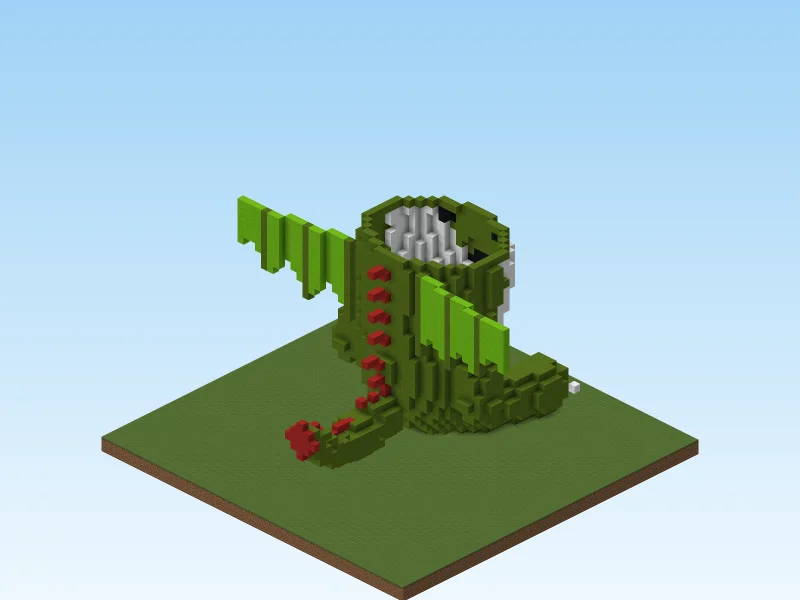
Layer 26 of 36 (80 blocks)
- Green Wool52
- Lime Wool28

Layer 27 of 36 (81 blocks)
- Green Wool60
- Lime Wool20
- Red Wool1
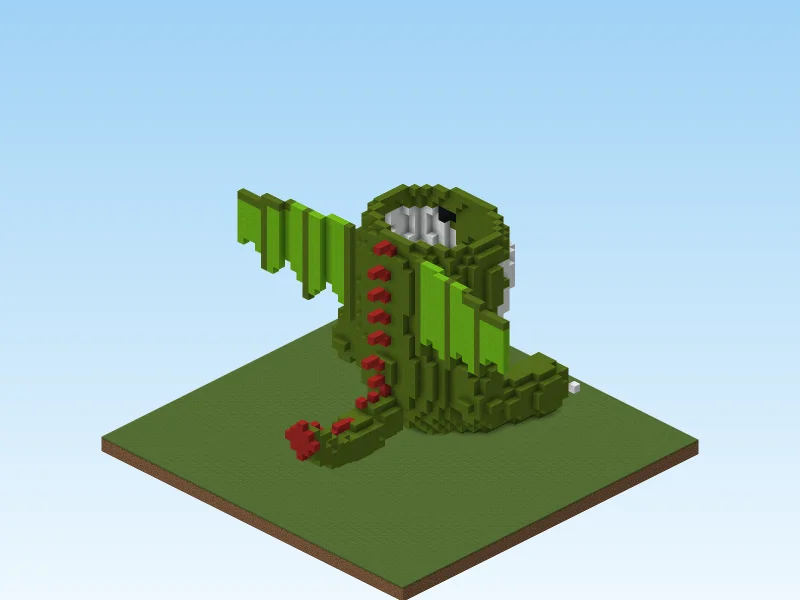
Layer 28 of 36 (70 blocks)
- Green Wool54
- Lime Wool14
- Red Wool2

Layer 29 of 36 (58 blocks)
- Green Wool50
- Lime Wool8

Layer 30 of 36 (54 blocks)
- Green Wool53
- Red Wool1
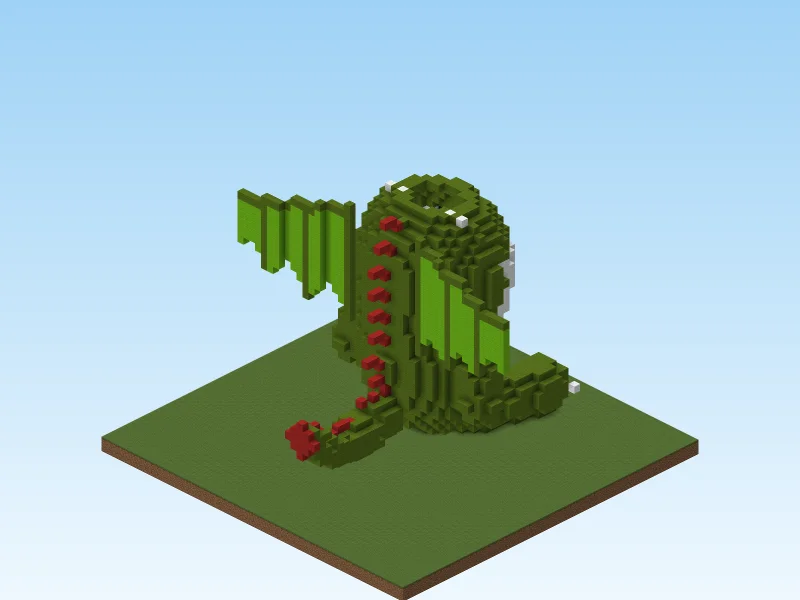
Layer 31 of 36 (53 blocks)
- Green Wool47
- White Wool4
- Red Wool2
Layer 32 of 36 (36 blocks)
- Green Wool32
- White Wool4

Layer 33 of 36 (4 blocks)
- White Wool4

Layer 34 of 36 (2 blocks)
- White Wool2
Layer 35 of 36 (4 blocks)
- White Wool4

Layer 36 of 36 (2 blocks)
- White Wool2
Simplified blueprint: stairs and slabs are partly shown as full blocks, animals and plants as small squares. Tip: use the arrow keys ← → to switch layers.
Step-by-step guide
Body like the fox
First build the plush fox, just in green wool instead of orange. The belly becomes yellow with an orange stripe every third row.
Face
The cheeks stay white, nose and eyes black – so you can still recognise the fox.
Horns
Instead of ears, add two white horns curving backwards.
Wings
One wing on each side of the back: lime skin, green bones and a scalloped lower edge.
Back spikes
Put a red spike every three blocks along the middle of the back.
Tail
At the back a long green tail swinging sideways and up, with red spikes and a red arrow tip at the end.
Build with HoloPrint (Bedrock)
Download the .mcstructure file below and turn it into a hologram in your world with HoloPrint.
Pro tips
- The wings are only one block thick – build them with scaffolding and remove it afterwards.
- With red wool instead of green it becomes a fire dragon.
Variations
- Put fire made of orange and yellow wool in front of the nose.
- Build a nest of hay bales with big dragon eggs next to it.
