Plush fox (cuddly toy)
- DifficultyMedium
- Size27 × 24 blocks, 33 high
- Build timeabout 2 hours
A cuddly toy fox to build – based on a photo of a real plush fox: a big pear-shaped body without a neck, two small round ears, black button eyes, white cheeks forming a V down to the black nose, a big white belly, short little arms and long floppy legs lying forward.
Only the shell is built from wool – the fox is hollow inside, like big statues in Minecraft. For Minecraft Bedrock you also get the fox as a .mcstructure file: HoloPrint turns it into a hologram that shows you where every block goes in your world.

Pictures
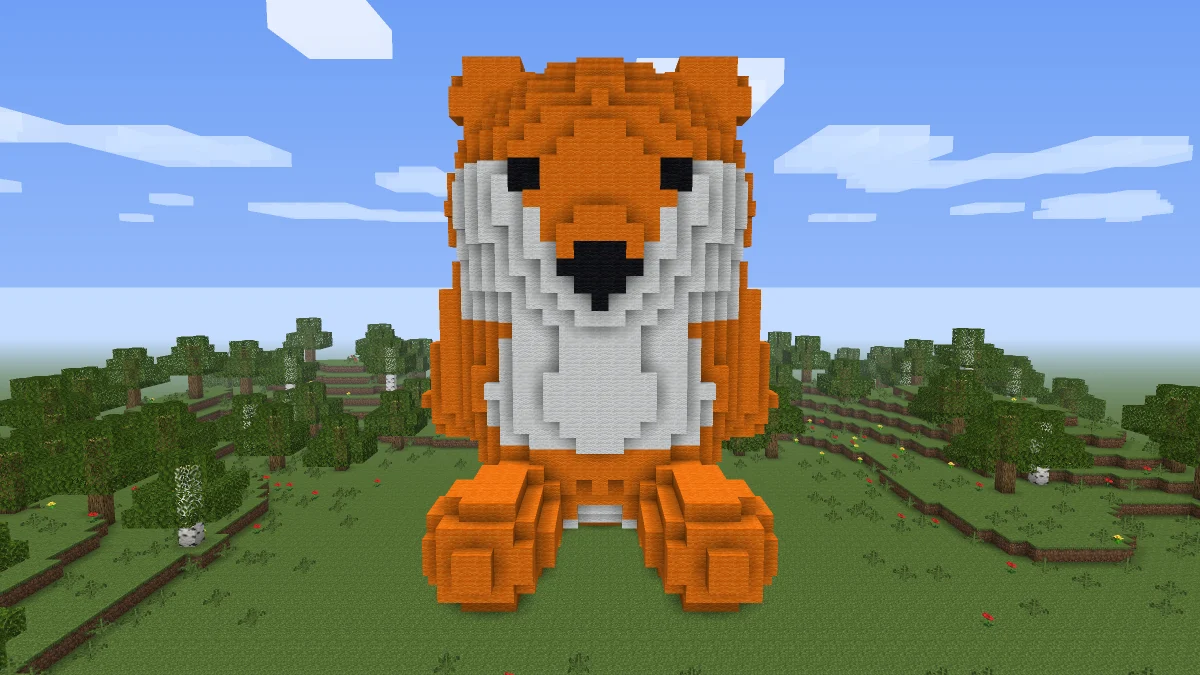
🔍 Click on parts
Tap any part of the build in the 3D model – a lamp, a tree, a bench next to the house – and you’ll see exactly how to build that part, with its materials and a layer-by-layer plan.
🧊 Build it as a hologram in Minecraft Bedrock (HoloPrint)
Download the plush fox as a .mcstructure file. The HoloPrint website turns it into a pack that places the build as a see-through hologram in your world – you just fill in the blocks.
⬇ Download plush fox as .mcstructure HoloPrint ↗
- Download the file pluesch-fuchs.mcstructure above.
- Open the HoloPrint website.
- Upload the file there.
- Create your build template texture pack.
- Download the .mcpack file.
- Open it with Minecraft and activate the pack in your world.
- Place an armor stand – the build template appears there.
Works with Minecraft Bedrock (phone, tablet, console, Windows). HoloPrint is a free fan project, not made by Blockwerk.
🦊 Mod: plush fox as a pet (Minecraft Bedrock)
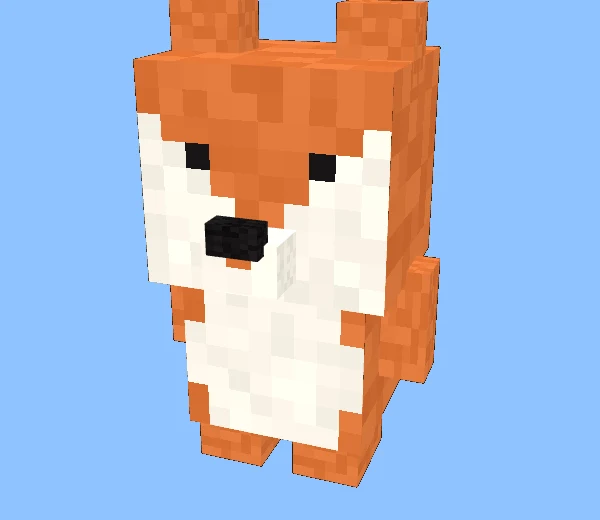
The plush fox is also available as a real animal for your game – as an add-on (mod) for Minecraft Bedrock. It wanders around, can be tamed with sweet berries, then follows you everywhere and sits down when you tap it. With the Fox Controller you choose whether it is peaceful, aggressive or psycho – then it fights for you with a sword, jump attack, pistol, rocket launcher or minigun. In Control mode you even steer it yourself.
⬇ Download pet enclosure add-on with plush fox (.mcaddon)
- Download the file gehege.mcaddon.
- Open it (tap or double-click) – Minecraft starts and imports the behavior pack and the resource pack.
- Edit your world (or create a new one) and activate “Gehege (Blockwerk)” under Behavior Packs – the resource pack is added automatically.
- In the creative inventory you will find the Plush Fox Spawn Egg. Wild plush foxes also live rarely in forests and taigas.
- Feed it sweet berries (or glow berries) until hearts appear – now it is yours.
- Once tamed it follows you, sits down when you tap it and stands up again. Sweet berries heal it, and leads and name tags work too.
- When you tame it you get the Fox Controller. Use it and choose Peaceful (never attacks), Aggressive (fights back when attacked) or Psycho (fights with the weapon of your choice when you hit someone or it gets attacked) – or Control to steer it yourself (sneak = get out). Everything about it: pet enclosure add-on.
Works on phone, tablet and Windows with Minecraft Bedrock (version 1.21 or newer). On Xbox, PlayStation and Switch add-on files cannot be opened.
Blueprint layer by layer
Click through from bottom to top. Each square is one block, the front is at the bottom. The layer below is shown in grey. 33 layers, blueprint area: 27 × 24 blocks.
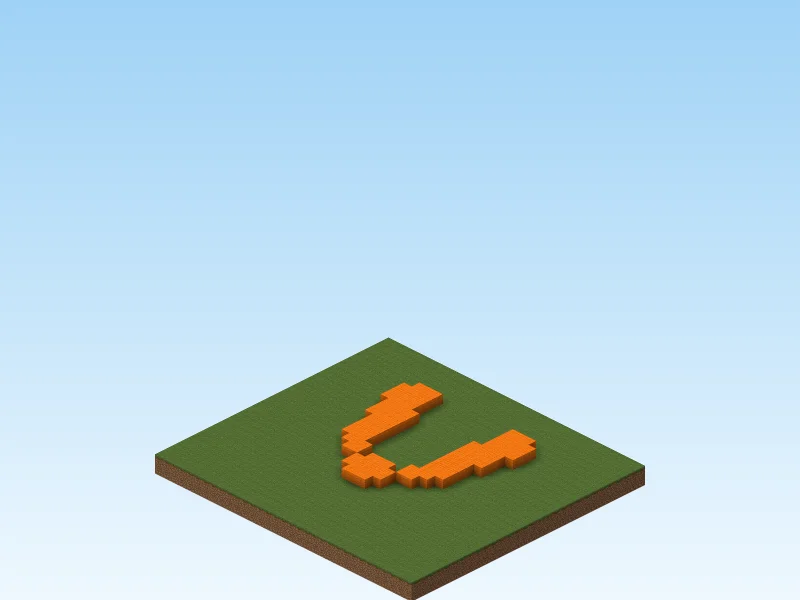
Layer 1 of 33 (104 blocks)
- Orange Wool104
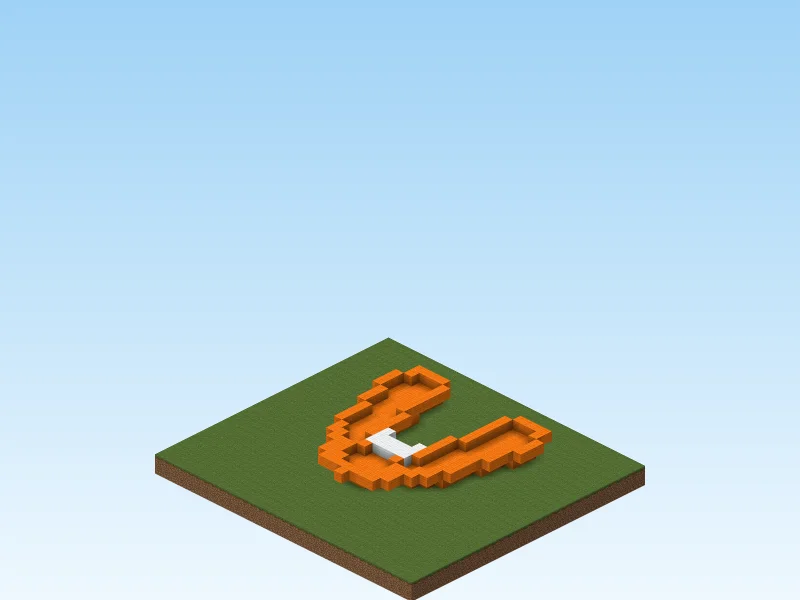
Layer 2 of 33 (96 blocks)
- Orange Wool84
- White Wool12
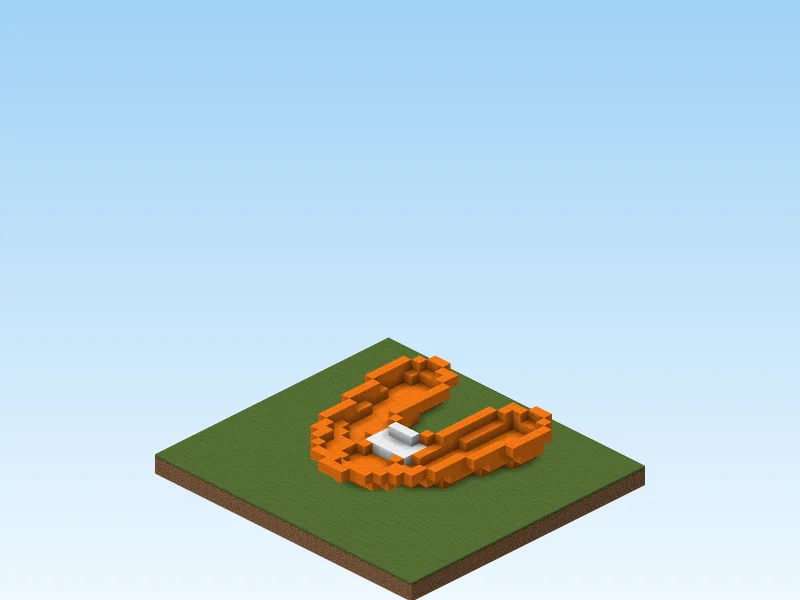
Layer 3 of 33 (76 blocks)
- Orange Wool73
- White Wool3
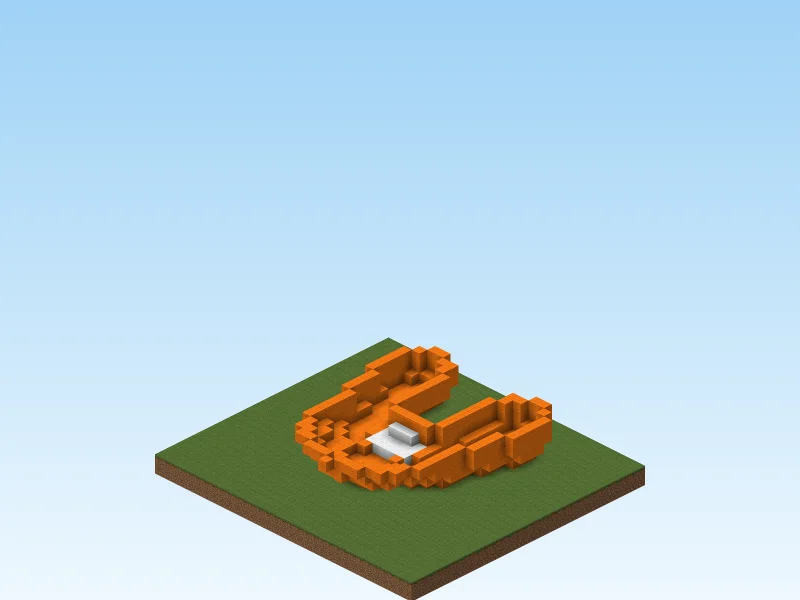
Layer 4 of 33 (78 blocks)
- Orange Wool78
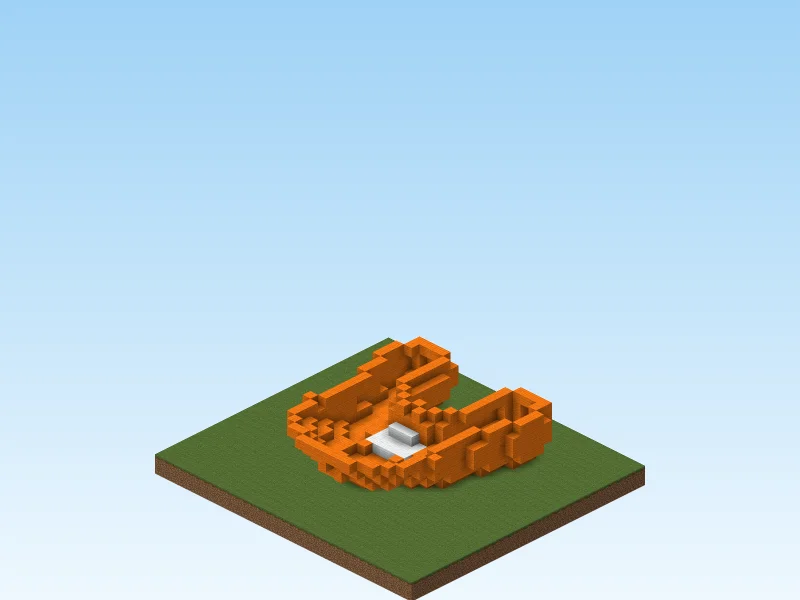
Layer 5 of 33 (74 blocks)
- Orange Wool74
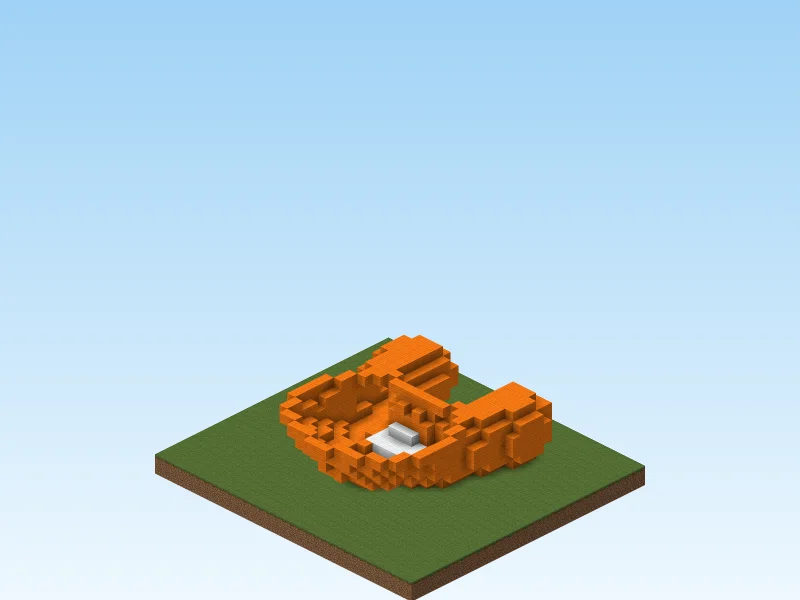
Layer 6 of 33 (94 blocks)
- Orange Wool94

Layer 7 of 33 (66 blocks)
- Orange Wool66
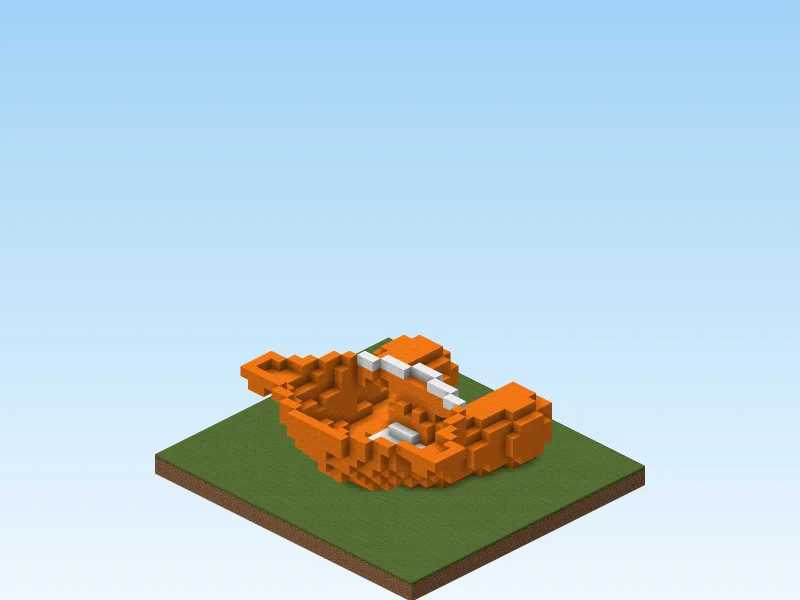
Layer 8 of 33 (58 blocks)
- Orange Wool45
- White Wool13
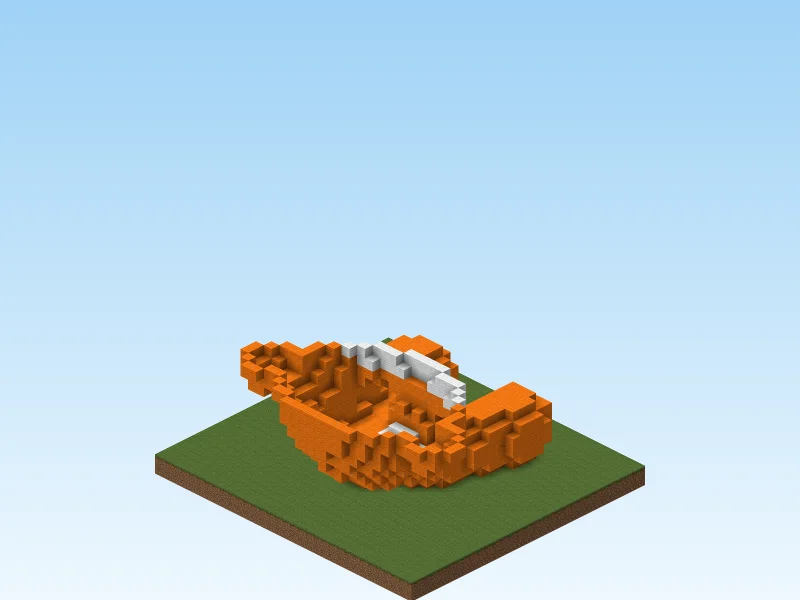
Layer 9 of 33 (58 blocks)
- Orange Wool43
- White Wool15
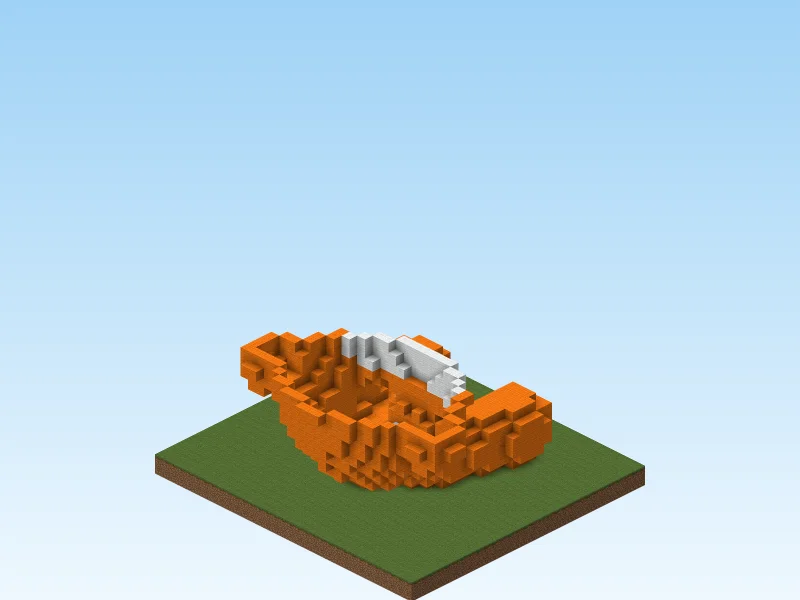
Layer 10 of 33 (58 blocks)
- Orange Wool43
- White Wool15

Layer 11 of 33 (56 blocks)
- Orange Wool41
- White Wool15
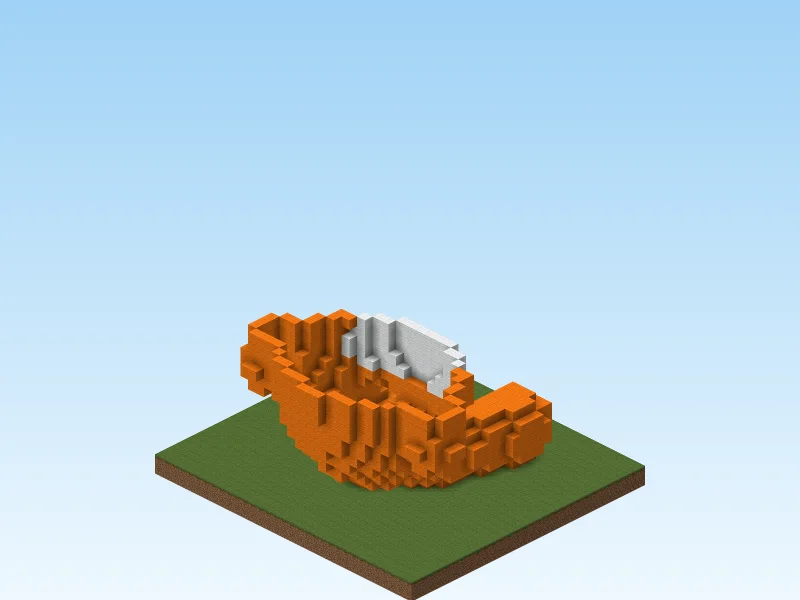
Layer 12 of 33 (56 blocks)
- Orange Wool43
- White Wool13
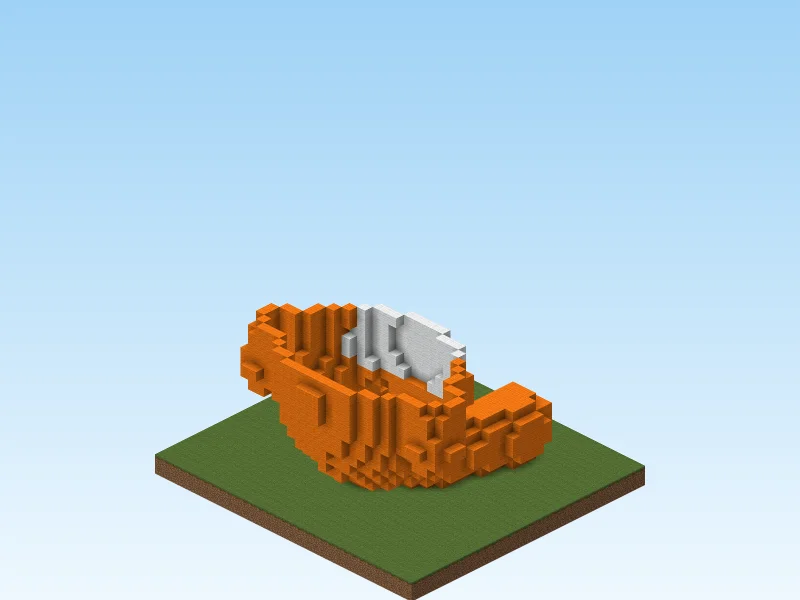
Layer 13 of 33 (52 blocks)
- Orange Wool39
- White Wool13

Layer 14 of 33 (52 blocks)
- Orange Wool39
- White Wool13

Layer 15 of 33 (50 blocks)
- Orange Wool39
- White Wool11
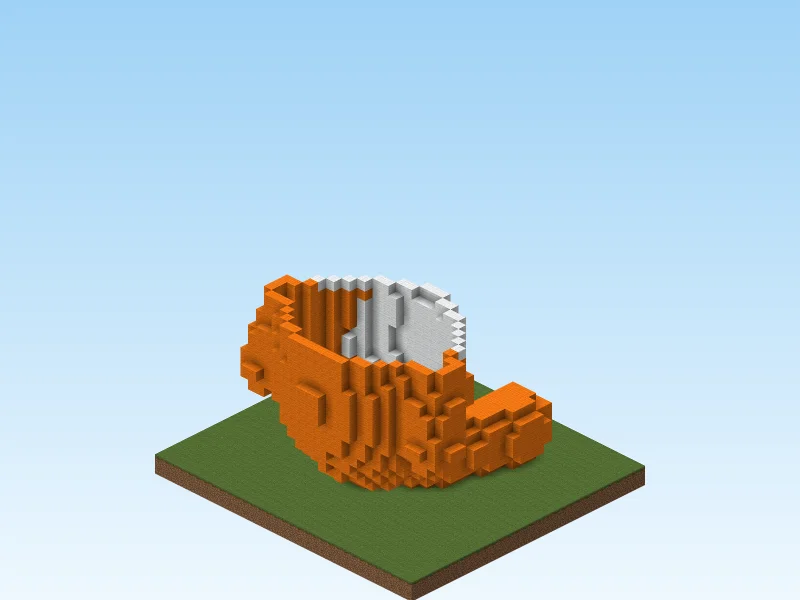
Layer 16 of 33 (50 blocks)
- Orange Wool31
- White Wool19

Layer 17 of 33 (48 blocks)
- Orange Wool29
- White Wool18
- Black Wool1
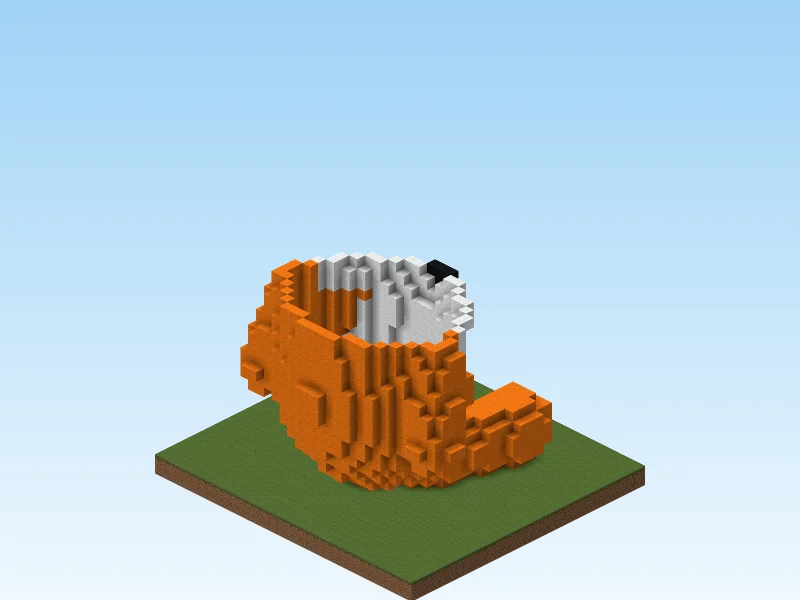
Layer 18 of 33 (48 blocks)
- Orange Wool27
- White Wool18
- Black Wool3

Layer 19 of 33 (48 blocks)
- Orange Wool27
- White Wool16
- Black Wool5
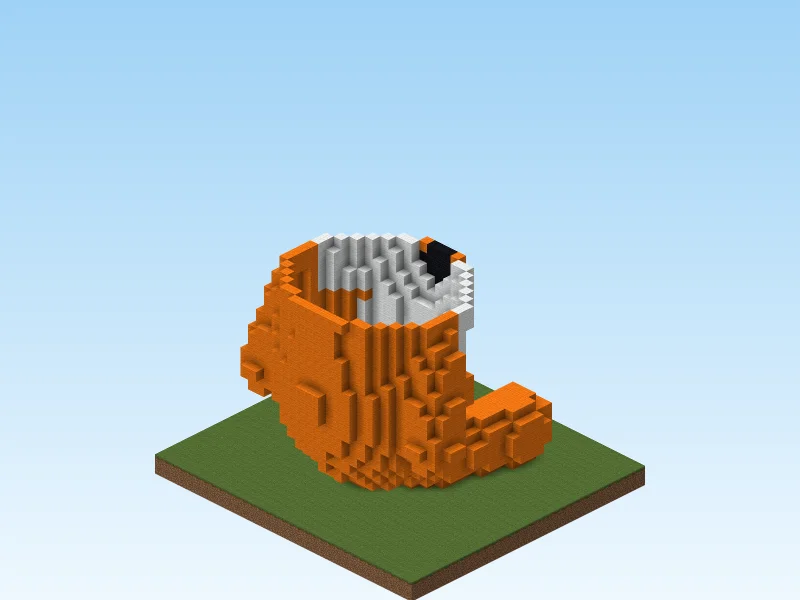
Layer 20 of 33 (46 blocks)
- Orange Wool27
- White Wool16
- Black Wool3

Layer 21 of 33 (50 blocks)
- Orange Wool34
- White Wool16
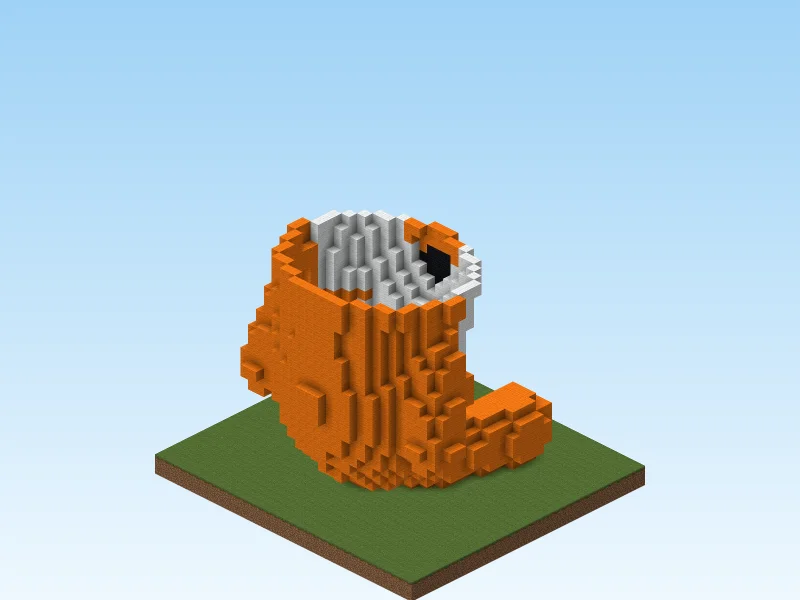
Layer 22 of 33 (50 blocks)
- Orange Wool34
- White Wool16
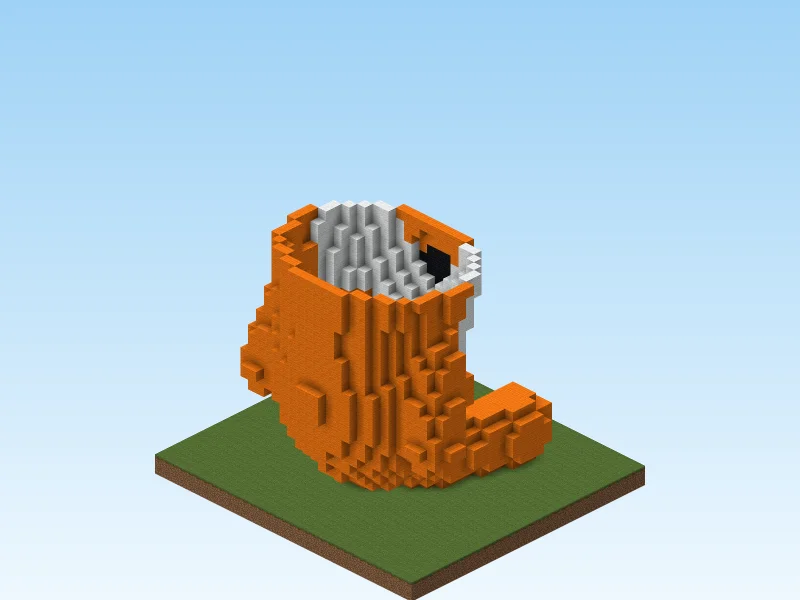
Layer 23 of 33 (50 blocks)
- Orange Wool38
- White Wool12

Layer 24 of 33 (50 blocks)
- Orange Wool34
- White Wool12
- Black Wool4

Layer 25 of 33 (52 blocks)
- Orange Wool36
- White Wool12
- Black Wool4
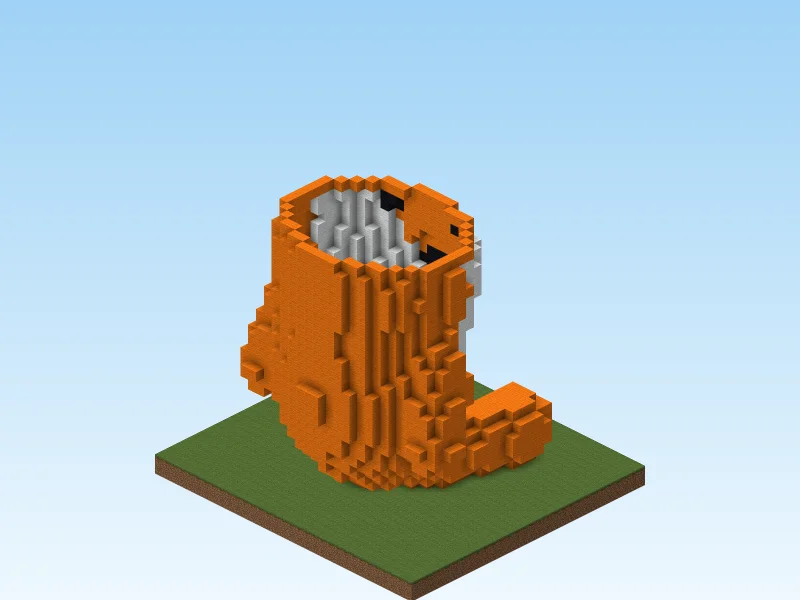
Layer 26 of 33 (46 blocks)
- Orange Wool46

Layer 27 of 33 (46 blocks)
- Orange Wool46
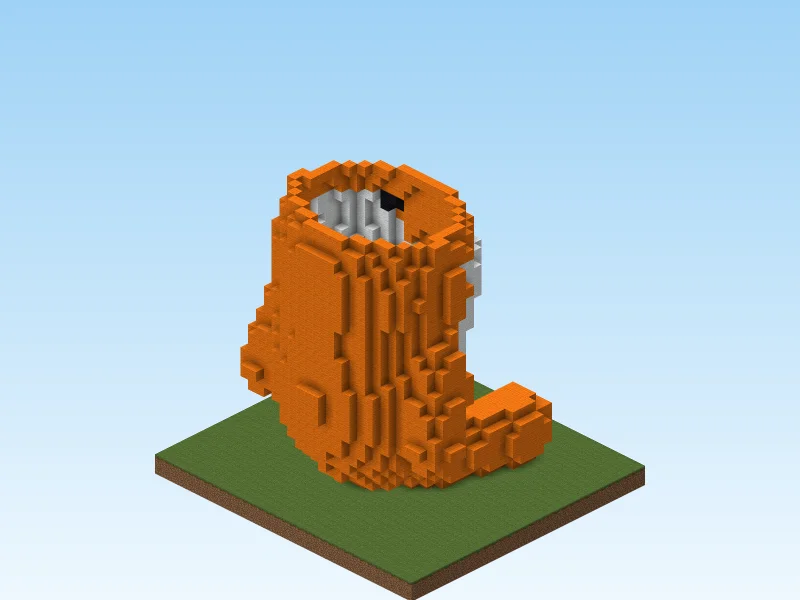
Layer 28 of 33 (44 blocks)
- Orange Wool44

Layer 29 of 33 (44 blocks)
- Orange Wool44

Layer 30 of 33 (53 blocks)
- Orange Wool53
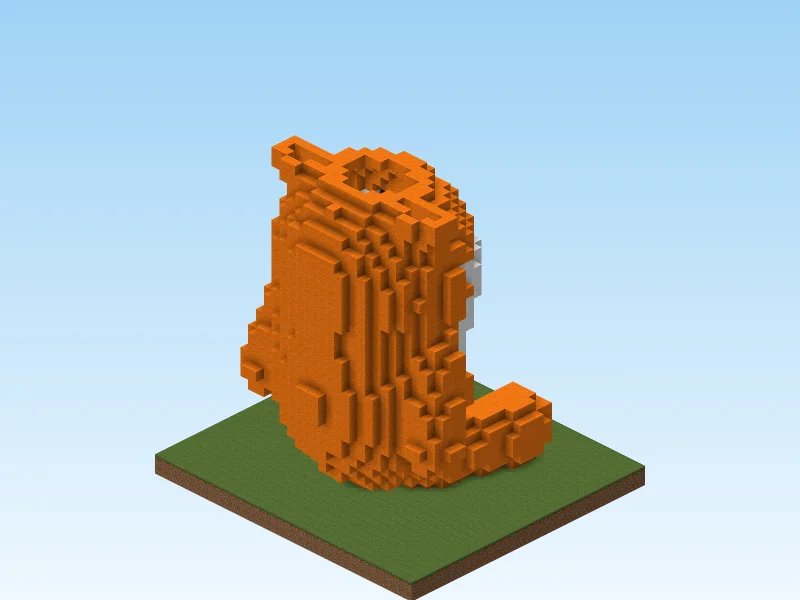
Layer 31 of 33 (69 blocks)
- Orange Wool69
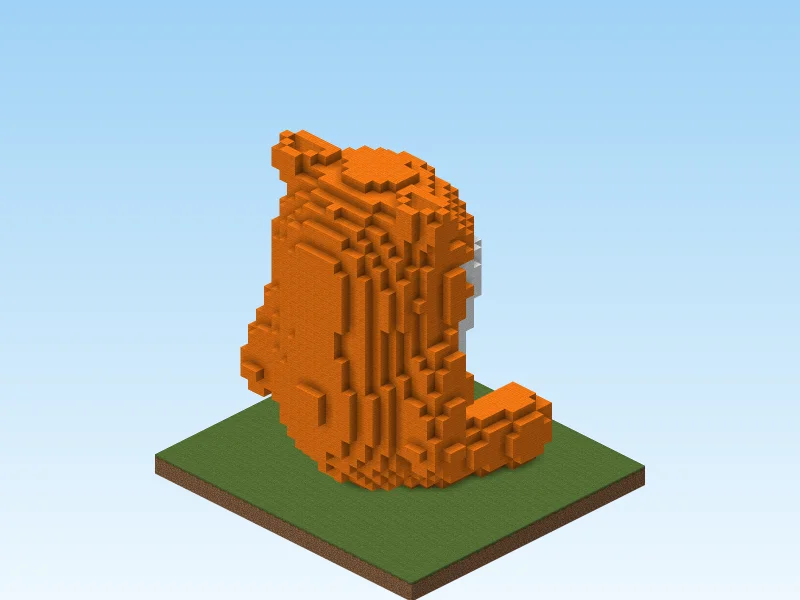
Layer 32 of 33 (54 blocks)
- Orange Wool54
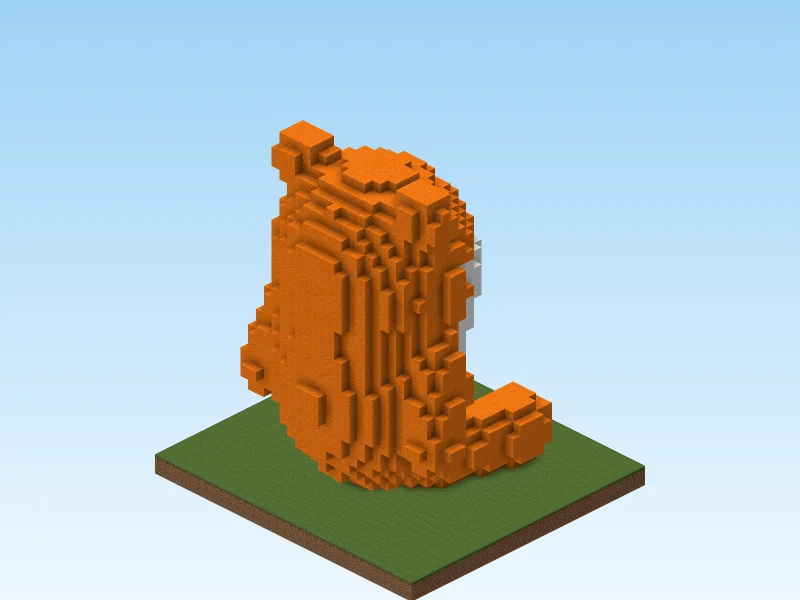
Layer 33 of 33 (24 blocks)
- Orange Wool24
Simplified blueprint: stairs and slabs are partly shown as full blocks, animals and plants as small squares. Tip: use the arrow keys ← → to switch layers.
Step-by-step guide
Legs and feet
Start at the bottom: two short floppy legs lie forward on the ground and end in round feet.
Belly
Above them grows the round belly. The front is a big oval of white wool, the rest is orange wool.
Arms
Two short little arms hang down and back at the sides.
Head
The head joins the belly without a neck and is almost as wide as the body. At the front: white cheeks, with an orange stripe in the middle that gets narrower towards the bottom.
Face
Put the snout slightly forward with the black nose on it. The eyes are one block of black wool each, at the top edge of the cheeks.
Ears
Add two small round ears at the top left and right.
Build with HoloPrint (Bedrock)
Download the .mcstructure file below, turn it into a pack with HoloPrint and place the fox as a hologram in your world – then you only have to fill in the blocks.
Pro tips
- Build layer by layer from the bottom up – the blueprint shows every layer on its own.
- Use wool instead of concrete – it looks softer, like a real plush toy.
- The inside stays hollow: that saves lots of blocks.
Variations
- Build the fox twice as big as a giant cuddly toy in your room.
- Make a whole shelf of cuddly toys with a bear, a bunny and a fox.
- Light grey wool instead of orange – and you get an arctic fox.
