Sky Islands with Temple and Waterfalls
- DifficultyHard
- Size127 × 119 blocks, 94 tall
- Build timeabout 30 hours
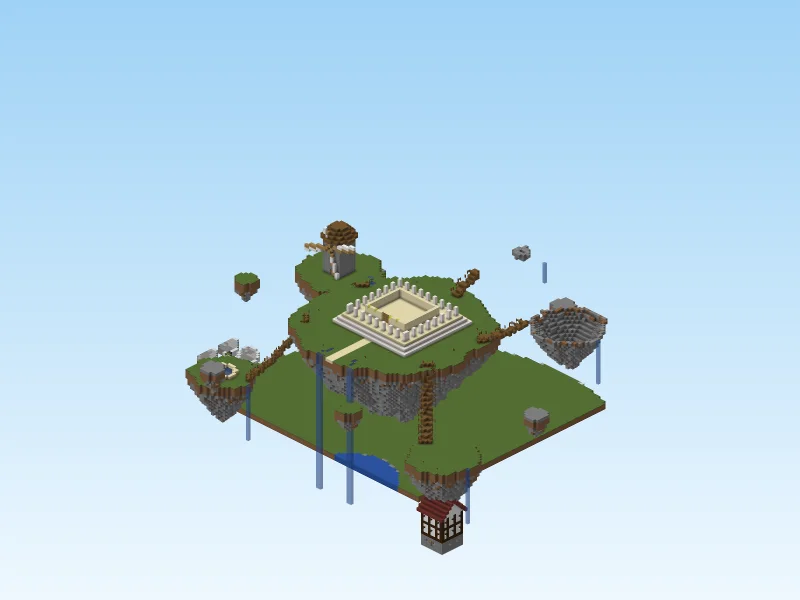
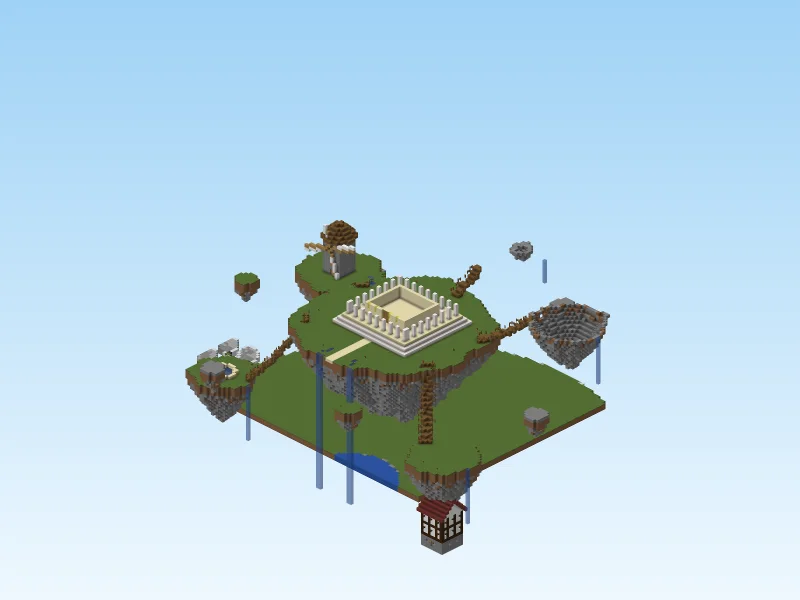
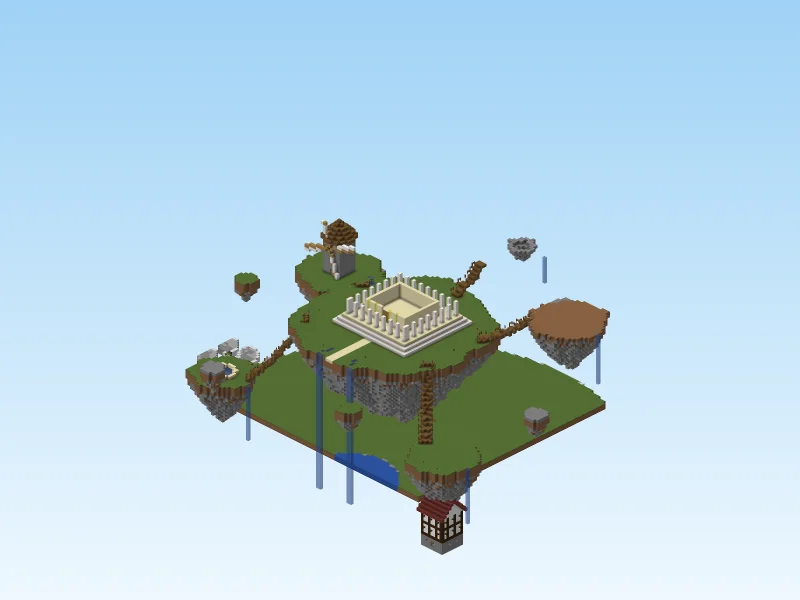
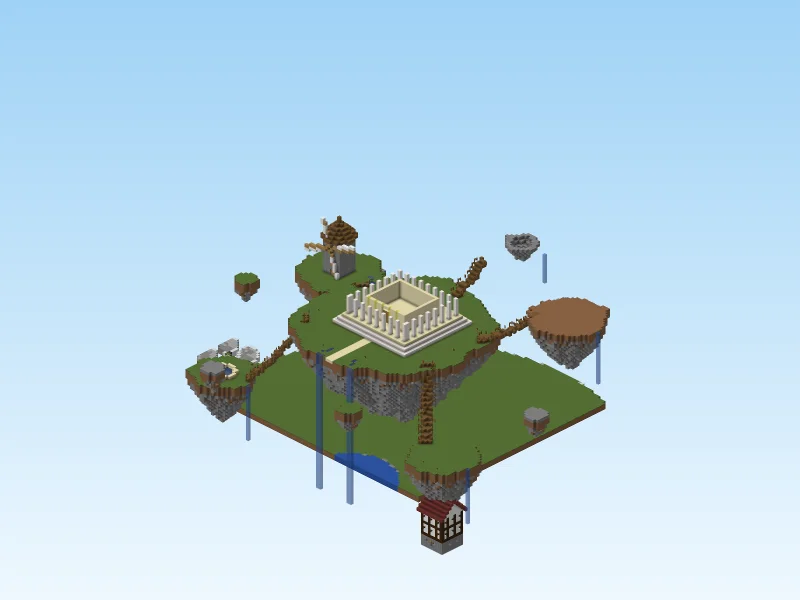
High above the ground, islands float in the air. On the biggest one stands a shining quartz temple with columns and a golden dome, and three waterfalls plunge from its edge into a lake.
All around, five smaller islands float at different heights – with a windmill, a lighthouse tower, a timber-frame house, a cherry garden and crystals – connected by swaying rope bridges. Their undersides taper to a point like real chunks of rock.

🔍 Click on parts
Tap any part of the build in the 3D model – a lamp, a tree, a bench next to the house – and you’ll see exactly how to build that part, with its materials and a layer-by-layer plan.
🧊 Build it as a hologram in Minecraft Bedrock (HoloPrint)
Download this build idea as a .mcstructure file – it is made right from the blueprint below. The HoloPrint website turns it into a pack that places the build as a see-through hologram in your world – you just fill in the blocks.
- Tap the button above – the file sky-islands.mcstructure is downloaded.
- Open the HoloPrint website.
- Upload the file there.
- Create your build template texture pack.
- Download the .mcpack file.
- Open it with Minecraft and activate the pack in your world.
- Place an armor stand – the build template appears there. Tip: put it exactly where the build should stand.
Works with Minecraft Bedrock (phone, tablet, console, Windows). HoloPrint is a free fan project, not made by Blockwerk.
Layer-by-layer blueprint
Click through from bottom to top. Every square is one block, the front is at the bottom. Gray shows the layer below. 94 layers, area in the plan: 127 × 119 blocks.

Layer 1 of 94 (87 blocks)
- Cobblestone81
- Water6
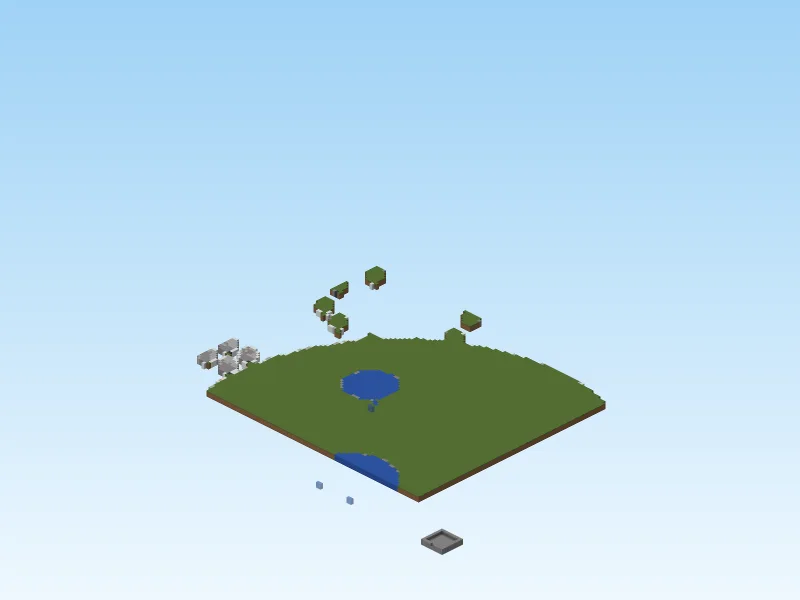
Layer 2 of 94 (38 blocks)
- Cobblestone31
- Water6
- Spruce Door1
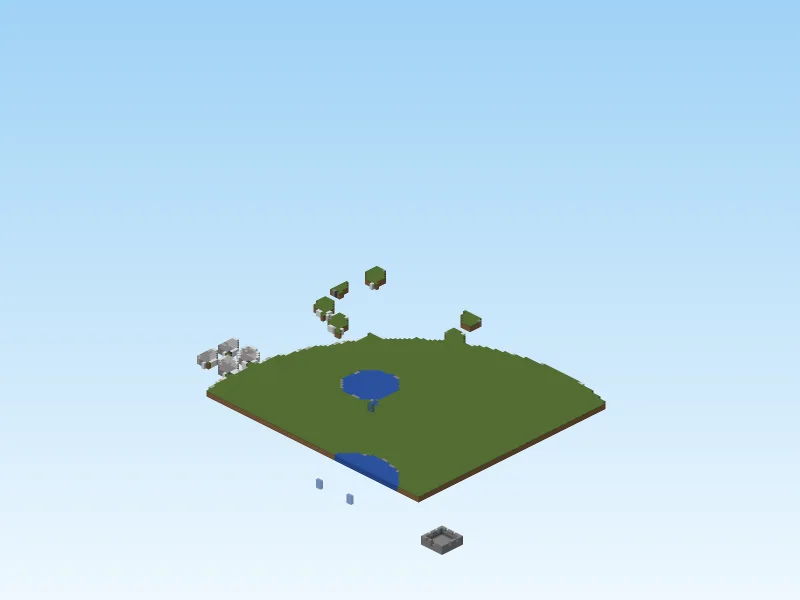
Layer 3 of 94 (38 blocks)
- Cobblestone23
- Glass8
- Water6
- Spruce Door1

Layer 4 of 94 (39 blocks)
- Cobblestone32
- Water6
- Lantern1

Layer 5 of 94 (87 blocks)
- Spruce Planks49
- Spruce Log32
- Water6

Layer 6 of 94 (38 blocks)
- White Wool20
- Spruce Log12
- Water6
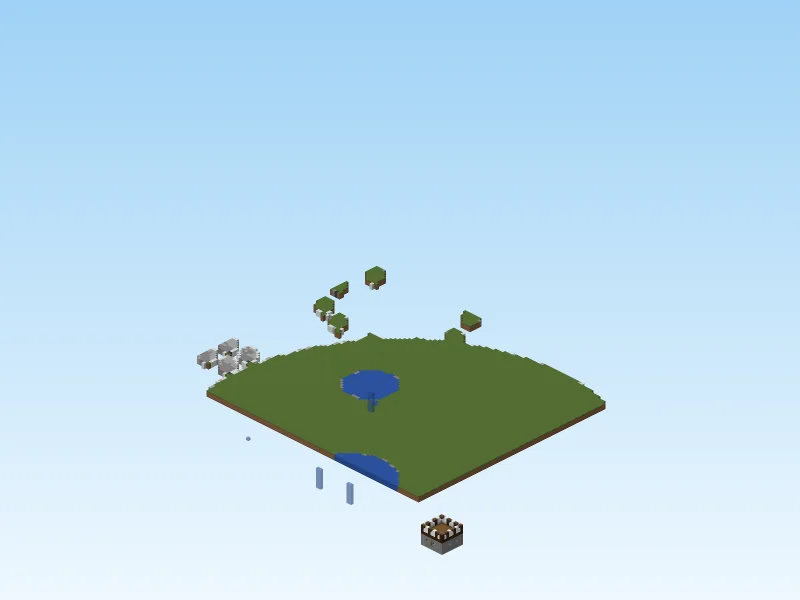
Layer 7 of 94 (39 blocks)
- Spruce Log12
- Glass12
- White Wool8
- Water7
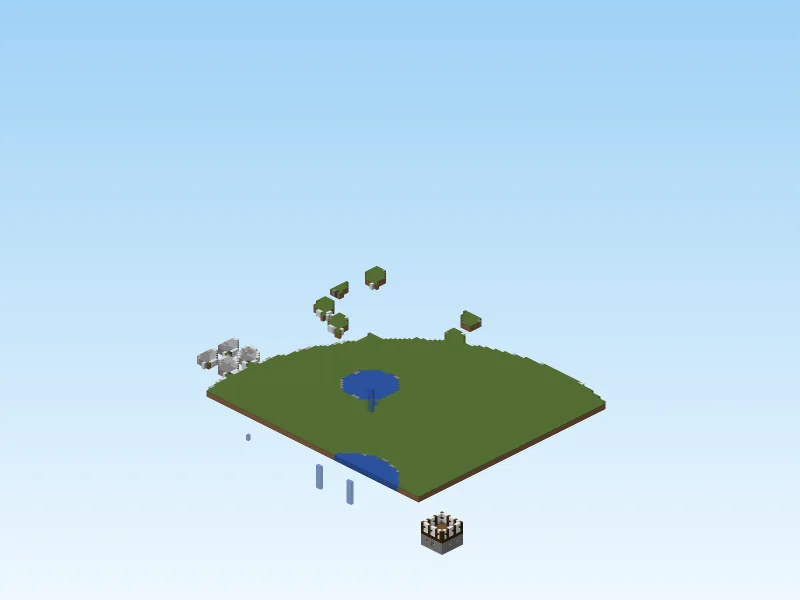
Layer 8 of 94 (39 blocks)
- White Wool20
- Spruce Log12
- Water7
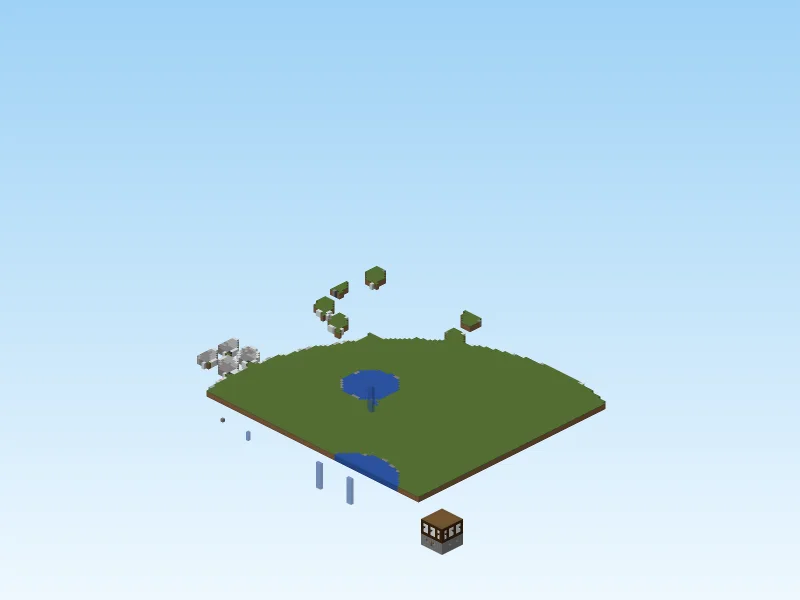
Layer 9 of 94 (89 blocks)
- Spruce Planks49
- Spruce Log32
- Water7
- Stone1
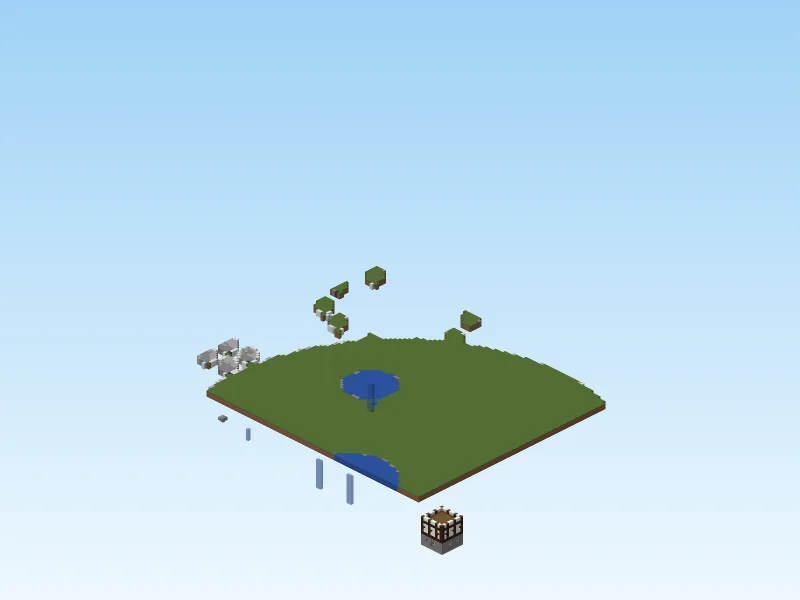
Layer 10 of 94 (43 blocks)
- White Wool20
- Spruce Log12
- Water7
- Andesite2
- Stone2
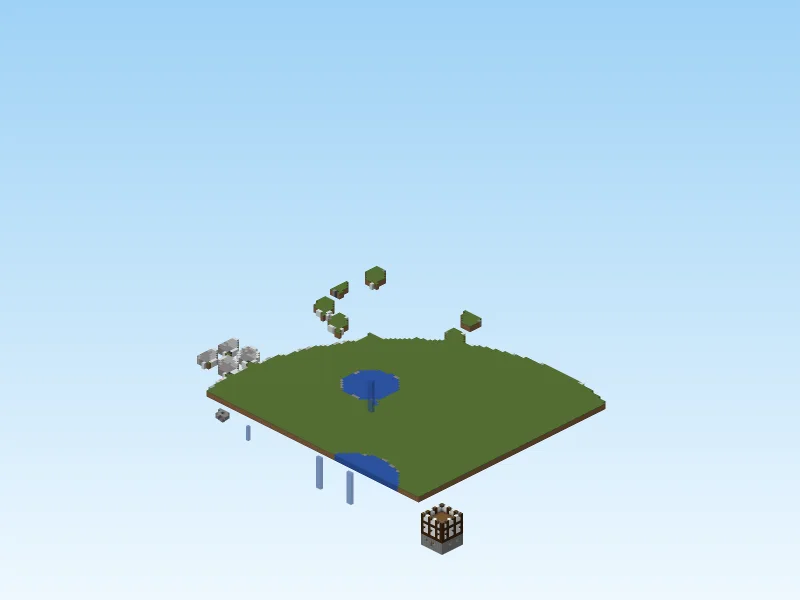
Layer 11 of 94 (51 blocks)
- Spruce Log12
- Glass12
- Stone10
- White Wool8
- Water7
- Andesite2

Layer 12 of 94 (65 blocks)
- Stone24
- White Wool20
- Spruce Log12
- Water7
- Andesite2
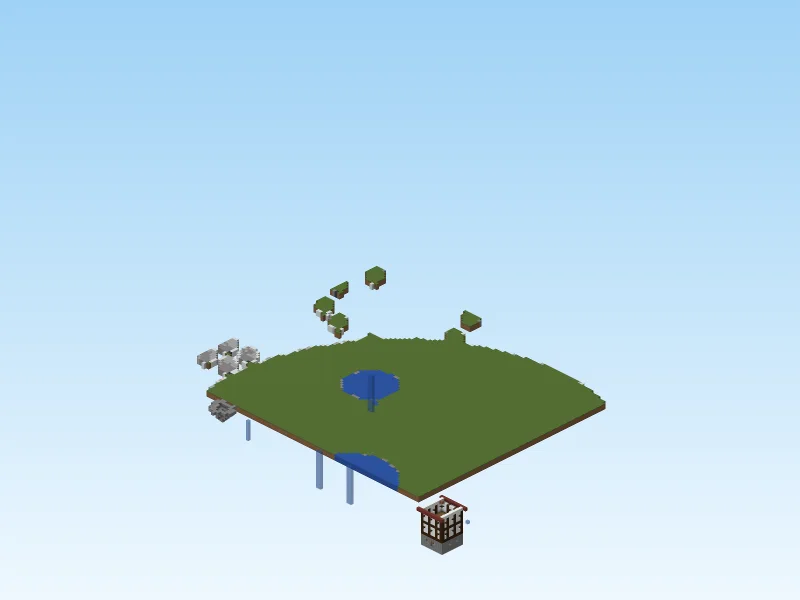
Layer 13 of 94 (84 blocks)
- Stone31
- Mangrove Planks22
- White Wool18
- Water8
- Andesite4
- Bricks1
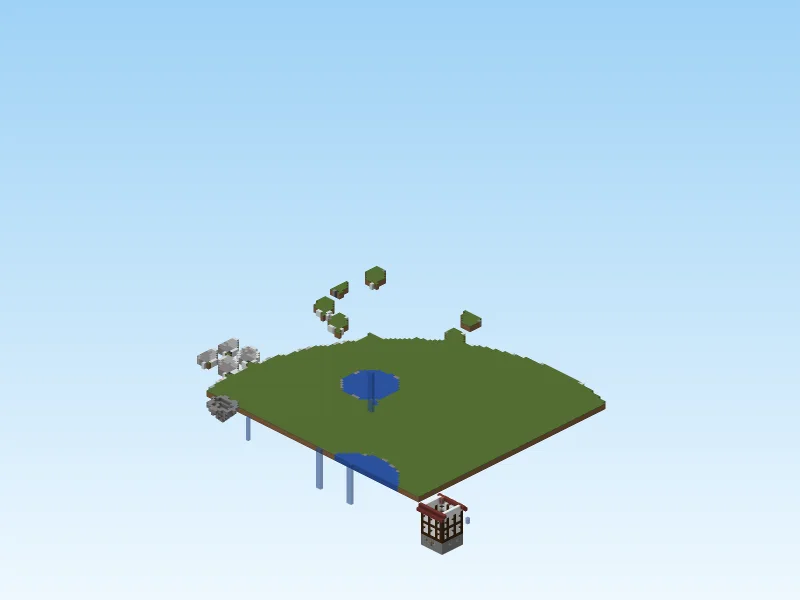
Layer 14 of 94 (83 blocks)
- Stone37
- Mangrove Planks22
- White Wool14
- Water8
- Bricks1
- Andesite1

Layer 15 of 94 (83 blocks)
- Stone38
- Mangrove Planks21
- White Wool10
- Water8
- Andesite5
- Bricks1

Layer 16 of 94 (89 blocks)
- Stone39
- Mangrove Planks22
- Andesite13
- Water8
- White Wool6
- Bricks1

Layer 17 of 94 (125 blocks)
- Stone75
- Mangrove Planks22
- Andesite17
- Water8
- White Wool2
- Bricks1
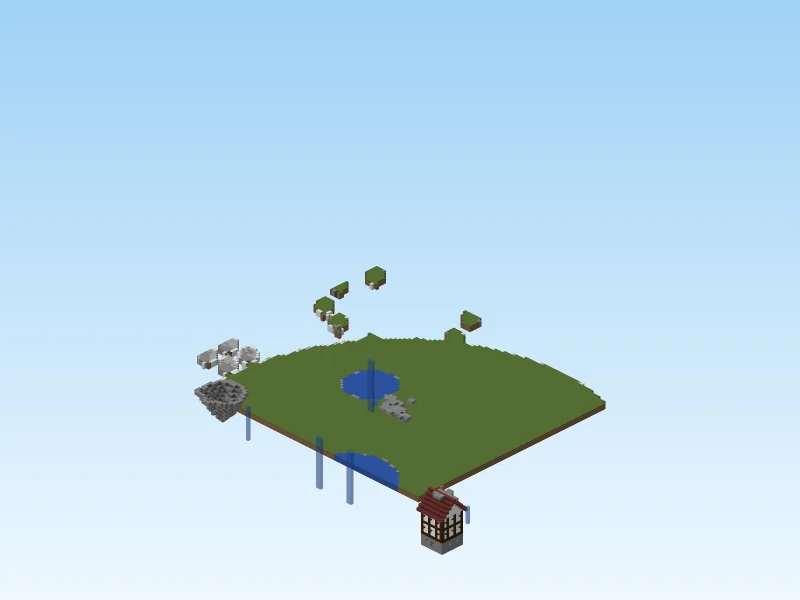
Layer 18 of 94 (164 blocks)
- Stone121
- Andesite23
- Mangrove Planks11
- Water8
- Bricks1

Layer 19 of 94 (200 blocks)
- Stone145
- Andesite45
- Water9
- Bricks1

Layer 20 of 94 (258 blocks)
- Stone177
- Andesite52
- Dirt20
- Water9
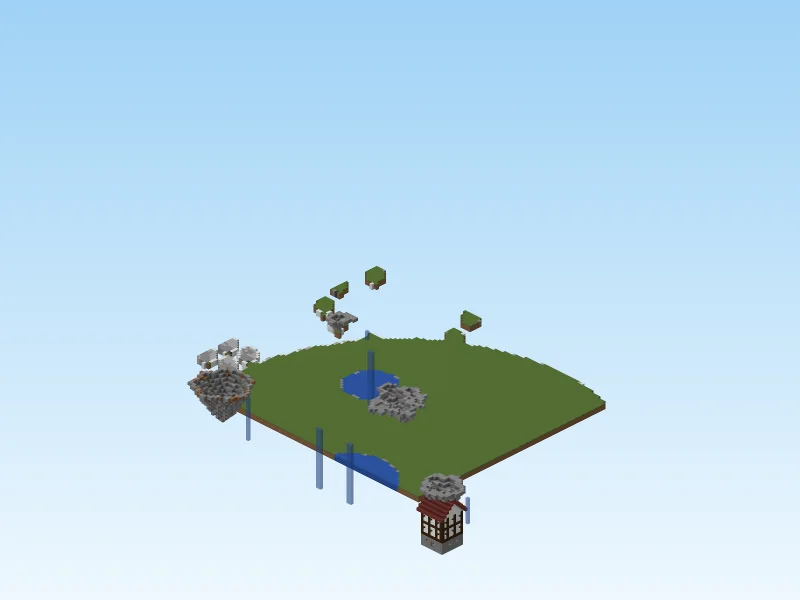
Layer 21 of 94 (301 blocks)
- Stone210
- Andesite64
- Dirt18
- Water9
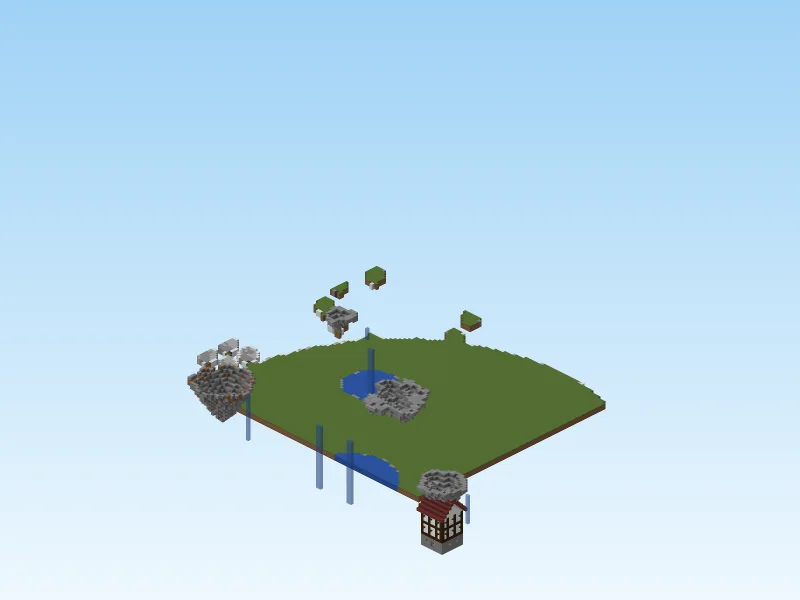
Layer 22 of 94 (308 blocks)
- Stone216
- Andesite70
- Dirt13
- Water9

Layer 23 of 94 (562 blocks)
- Dirt305
- Stone192
- Andesite56
- Water9

Layer 24 of 94 (578 blocks)
- Dirt305
- Stone212
- Andesite52
- Water9

Layer 25 of 94 (624 blocks)
- Dirt / Grass Block268
- Stone258
- Andesite52
- Water46

Layer 26 of 94 (375 blocks)
- Stone246
- Andesite66
- Dirt26
- Smooth Sandstone24
- Water8
- Spruce Planks5

Layer 27 of 94 (364 blocks)
- Stone249
- Andesite72
- Dirt28
- Water8
- Spruce Planks4
- Spruce Fence3

Layer 28 of 94 (372 blocks)
- Stone237
- Andesite87
- Dirt31
- Water8
- Spruce Planks5
- Spruce Fence4

Layer 29 of 94 (755 blocks)
- Dirt425
- Stone262
- Andesite52
- Water8
- Spruce Planks5
- Spruce Fence3
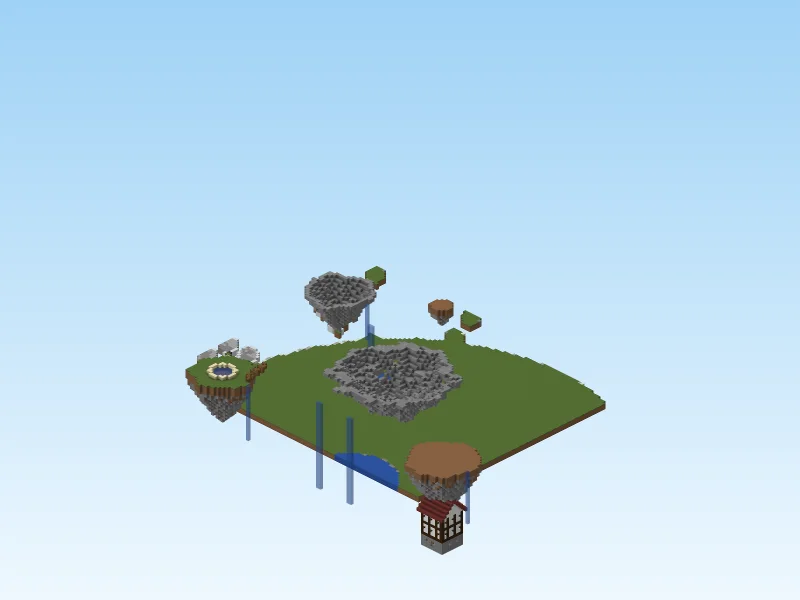
Layer 30 of 94 (791 blocks)
- Dirt425
- Stone285
- Andesite67
- Water8
- Spruce Planks3
- Spruce Fence3

Layer 31 of 94 (787 blocks)
- Dirt / Grass Block425
- Stone276
- Andesite72
- Water8
- Spruce Planks4
- Spruce Fence2

Layer 32 of 94 (366 blocks)
- Stone255
- Andesite62
- Dirt24
- Spruce Planks12
- Water7
- Poppy3
- Spruce Fence3

Layer 33 of 94 (347 blocks)
- Stone239
- Andesite60
- Dirt24
- Spruce Planks9
- Spruce Fence8
- Water7

Layer 34 of 94 (357 blocks)
- Stone246
- Andesite57
- Dirt31
- Spruce Planks9
- Water7
- Spruce Fence7
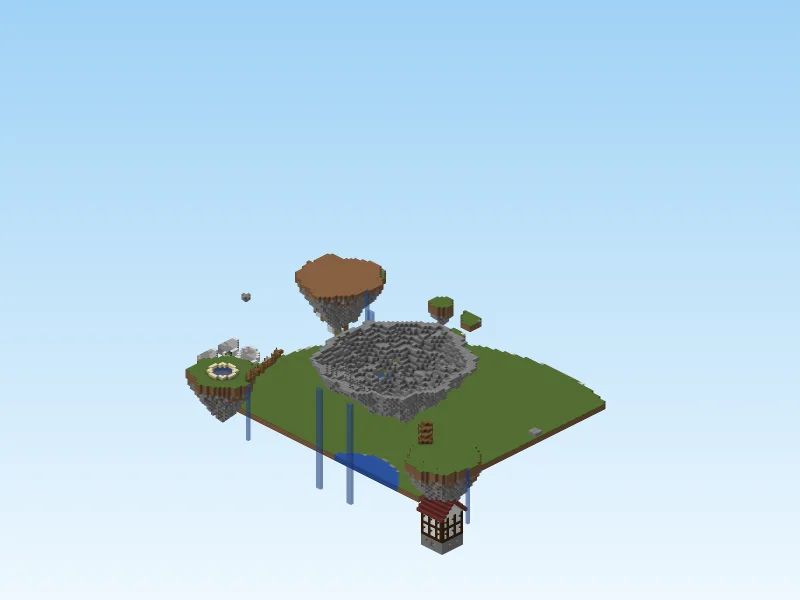
Layer 35 of 94 (835 blocks)
- Dirt503
- Stone244
- Andesite65
- Spruce Planks9
- Water7
- Spruce Fence7
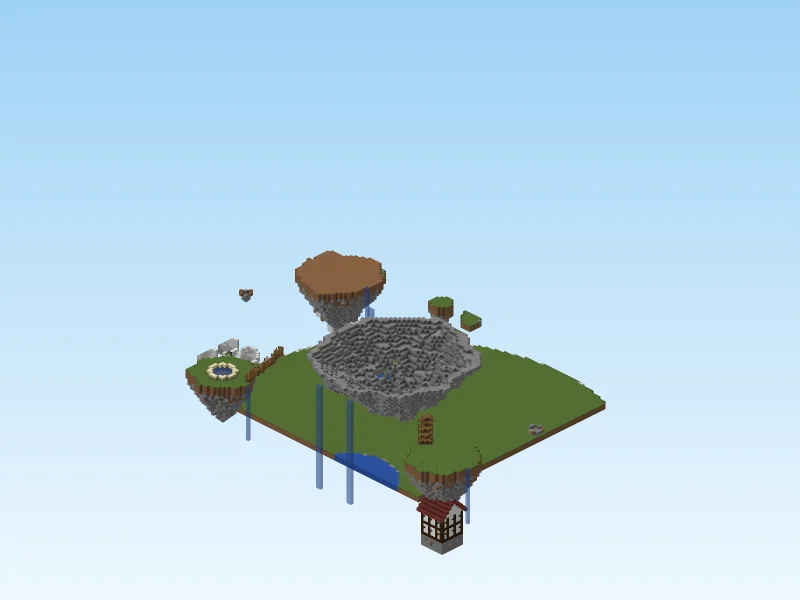
Layer 36 of 94 (829 blocks)
- Dirt509
- Stone232
- Andesite64
- Spruce Planks10
- Water7
- Spruce Fence7

Layer 37 of 94 (807 blocks)
- Dirt / Grass Block502
- Stone214
- Andesite59
- Dirt10
- Water7
- Spruce Planks7
- Spruce Fence7
- Oak Planks1

Layer 38 of 94 (344 blocks)
- Stone219
- Andesite57
- Cobblestone23
- Spruce Planks21
- Dirt11
- Water6
- Spruce Fence5
- Oak Door1
- White Wool1

Layer 39 of 94 (415 blocks)
- Stone209
- Dirt81
- Andesite60
- Cobblestone23
- Spruce Planks17
- Spruce Fence15
- Water7
- Oak Door1
- Oak Planks1
- White Wool1
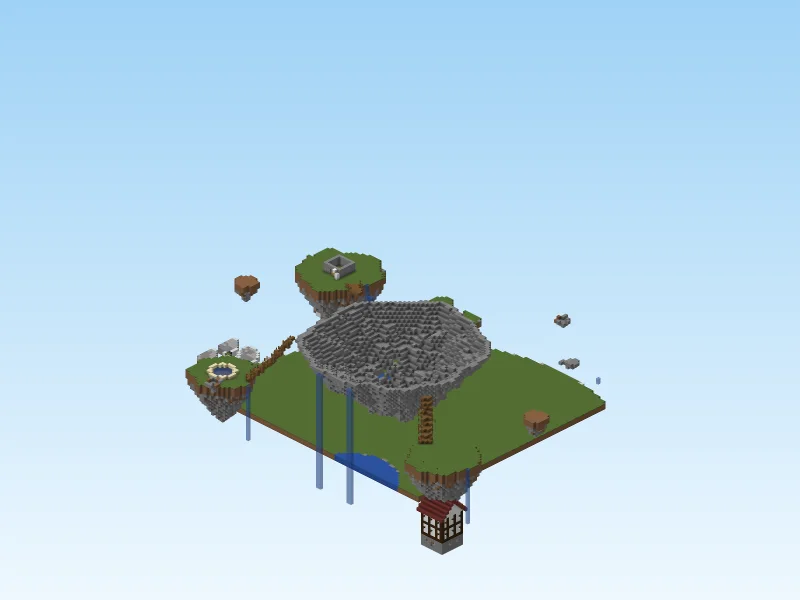
Layer 40 of 94 (414 blocks)
- Stone216
- Dirt87
- Andesite54
- Cobblestone24
- Spruce Planks13
- Spruce Fence12
- Water7
- White Wool1

Layer 41 of 94 (412 blocks)
- Stone268
- Andesite48
- Dirt / Grass Block39
- Cobblestone24
- Spruce Planks12
- Spruce Fence10
- Water7
- Dirt3
- White Wool1

Layer 42 of 94 (324 blocks)
- Stone148
- Dirt84
- Andesite38
- Cobblestone24
- Spruce Planks13
- Spruce Fence8
- Water7
- Oak Planks1
- White Wool1
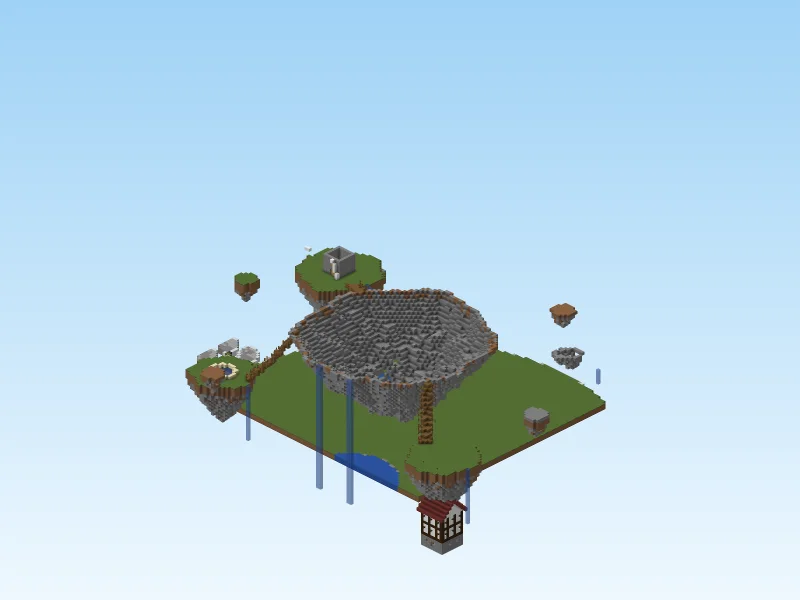
Layer 43 of 94 (366 blocks)
- Dirt148
- Stone138
- Andesite26
- Cobblestone24
- Spruce Planks11
- Spruce Fence9
- Water7
- White Wool3

Layer 44 of 94 (351 blocks)
- Stone138
- Dirt125
- Andesite34
- Cobblestone24
- Spruce Planks10
- Spruce Fence7
- Water7
- White Wool4
- Oak Planks2

Layer 45 of 94 (3000 blocks)
- Dirt2803
- Stone132
- Cobblestone24
- Andesite11
- Spruce Planks10
- Spruce Fence7
- Water7
- Oak Planks4
- White Wool2
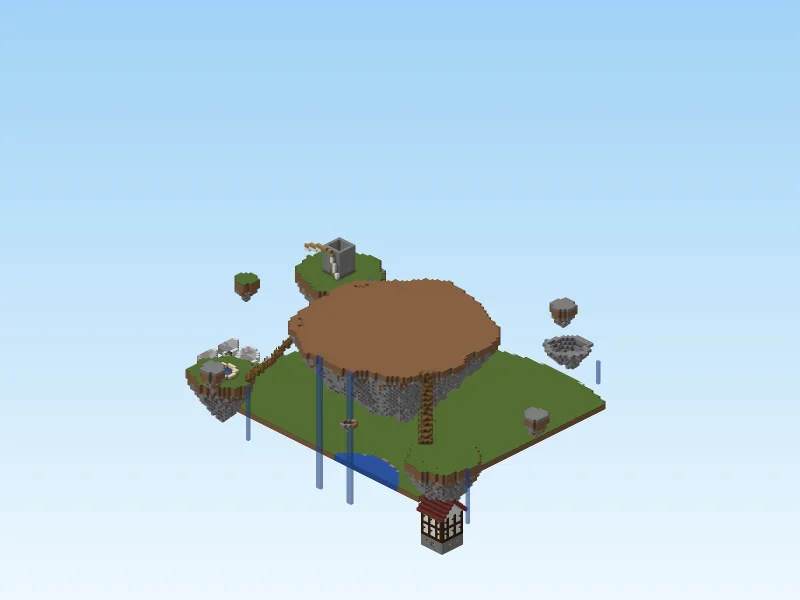
Layer 46 of 94 (2932 blocks)
- Dirt2807
- Stone54
- Cobblestone24
- Andesite18
- Spruce Planks10
- Spruce Fence7
- Water7
- Oak Planks5
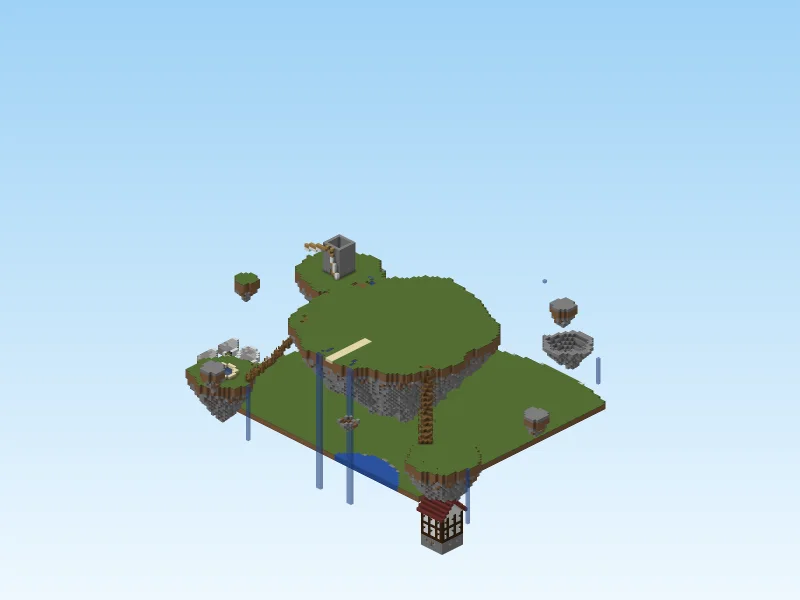
Layer 47 of 94 (2930 blocks)
- Dirt / Grass Block2735
- Stone68
- Smooth Sandstone51
- Cobblestone24
- Water20
- Spruce Planks11
- Andesite10
- Spruce Fence8
- Oak Planks2
- Dirt1

Layer 48 of 94 (1069 blocks)
- Block of Quartz899
- Stone68
- Spruce Planks30
- Cobblestone24
- Andesite22
- Spruce Fence7
- Poppy6
- Oak Planks5
- Dandelion4
- Water2
- Dirt2
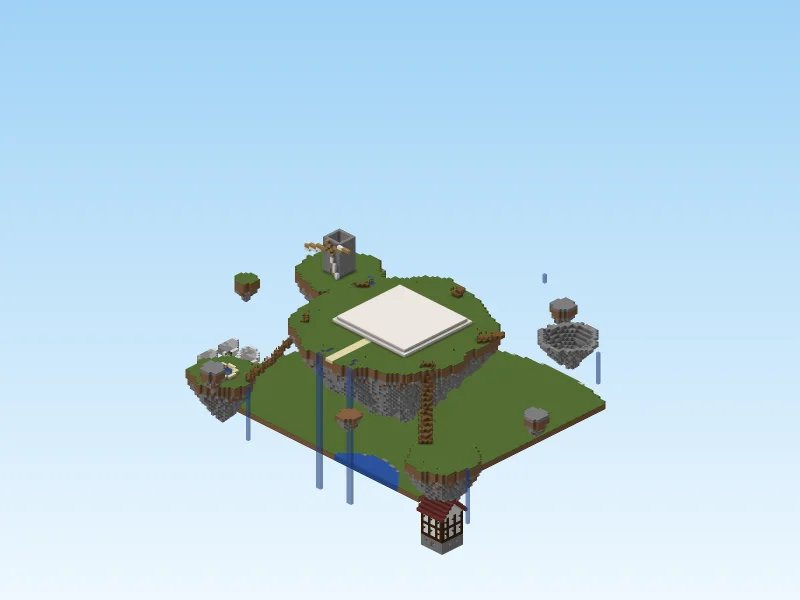
Layer 49 of 94 (976 blocks)
- Block of Quartz783
- Stone67
- Dirt39
- Cobblestone24
- Andesite20
- Spruce Fence20
- Spruce Planks15
- Oak Planks4
- White Wool2
- Water2

Layer 50 of 94 (856 blocks)
- Smooth Sandstone675
- Stone62
- Dirt39
- Spruce Stairs28
- Andesite19
- Spruce Planks13
- Spruce Fence12
- White Wool4
- Oak Planks2
- Water2

Layer 51 of 94 (257 blocks)
- Stone68
- Smooth Sandstone57
- Dirt / Grass Block39
- Block of Quartz32
- Spruce Stairs23
- Andesite11
- Spruce Planks10
- Spruce Fence9
- Oak Door3
- White Wool3
- Water2

Layer 52 of 94 (220 blocks)
- Smooth Sandstone57
- Stone57
- Block of Quartz32
- Dirt23
- Spruce Stairs16
- Spruce Planks12
- Andesite9
- Spruce Fence7
- Oak Door3
- Water2
- Oak Planks1
- White Wool1
Layer 53 of 94 (225 blocks)
- Smooth Sandstone53
- Stone48
- Block of Quartz32
- Dirt25
- Spruce Stairs21
- Andesite17
- Spruce Planks10
- Spruce Fence9
- Yellow Stained Glass4
- Oak Door3
- Water2
- White Wool1
Layer 54 of 94 (209 blocks)
- Smooth Sandstone53
- Stone49
- Block of Quartz32
- Dirt22
- Andesite21
- Spruce Planks10
- Spruce Fence7
- Spruce Stairs5
- Yellow Stained Glass4
- Oak Door3
- Water2
- White Wool1
Layer 55 of 94 (586 blocks)
- Dirt439
- Smooth Sandstone53
- Block of Quartz32
- Stone28
- Spruce Planks9
- Andesite9
- Spruce Fence7
- Yellow Stained Glass4
- Water2
- Spruce Stairs1
- Oak Planks1
- White Wool1
Layer 56 of 94 (595 blocks)
- Dirt438
- Smooth Sandstone55
- Stone36
- Block of Quartz32
- Andesite11
- Spruce Planks8
- Spruce Fence6
- Yellow Stained Glass5
- Water2
- Spruce Stairs1
- White Wool1

Layer 57 of 94 (594 blocks)
- Dirt / Grass Block436
- Smooth Sandstone55
- Stone36
- Block of Quartz32
- Andesite13
- Spruce Planks9
- Yellow Stained Glass5
- Spruce Fence5
- Water2
- Oak Planks1

Layer 58 of 94 (181 blocks)
- Block of Quartz56
- Smooth Sandstone55
- Stone37
- Andesite15
- Spruce Fence6
- Spruce Planks6
- Yellow Stained Glass5
- Water1

Layer 59 of 94 (181 blocks)
- Block of Quartz56
- Smooth Sandstone55
- Stone45
- Andesite11
- Yellow Stained Glass5
- Spruce Fence5
- Spruce Planks3
- Water1

Layer 60 of 94 (184 blocks)
- Smooth Sandstone60
- Block of Quartz56
- Stone29
- Dirt23
- Andesite10
- Spruce Planks3
- Spruce Fence2
- Water1

Layer 61 of 94 (189 blocks)
- Smooth Sandstone60
- Block of Quartz52
- Stone39
- Dirt21
- Spruce Planks6
- Light Blue Stained Glass4
- Andesite4
- Spruce Fence2
- Water1

Layer 62 of 94 (182 blocks)
- Smooth Sandstone60
- Block of Quartz52
- Stone31
- Dirt18
- Andesite7
- Spruce Planks6
- Light Blue Stained Glass4
- Spruce Fence3
- Water1
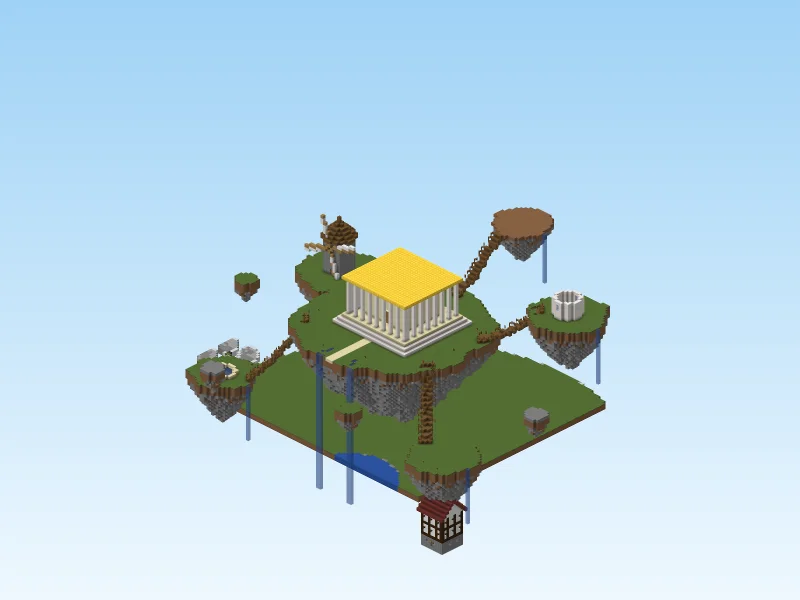
Layer 63 of 94 (968 blocks)
- Block of Gold675
- Dirt262
- Block of Quartz24
- Spruce Fence3
- Spruce Planks3
- Water1

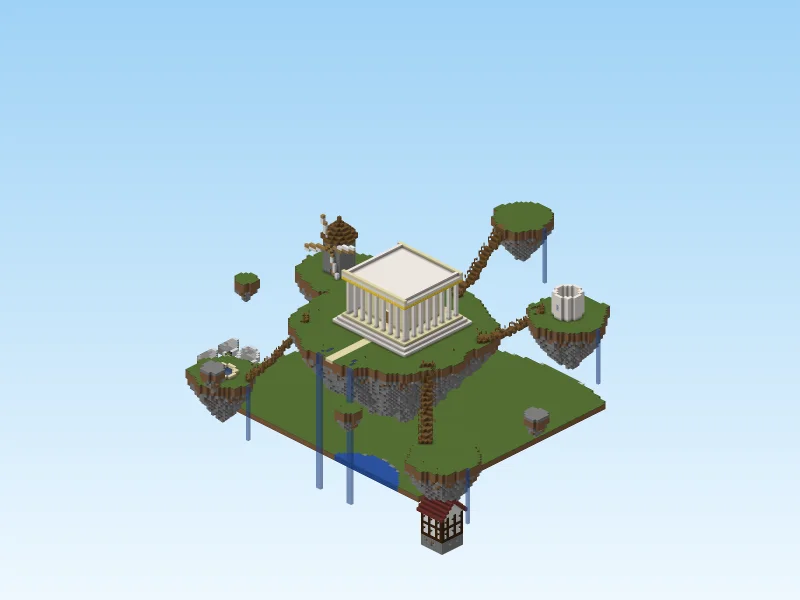
Layer 64 of 94 (966 blocks)
- Block of Quartz699
- Dirt261
- Spruce Planks3
- Spruce Fence2
- Water1
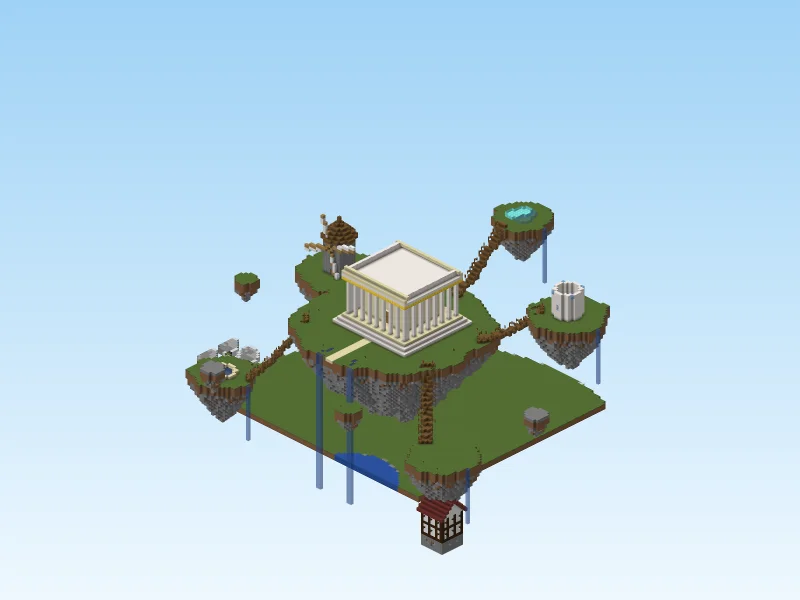
Layer 65 of 94 (390 blocks)
- Dirt / Grass Block258
- Block of Quartz70
- Smooth Sandstone54
- Spruce Planks5
- Spruce Fence2
- Water1
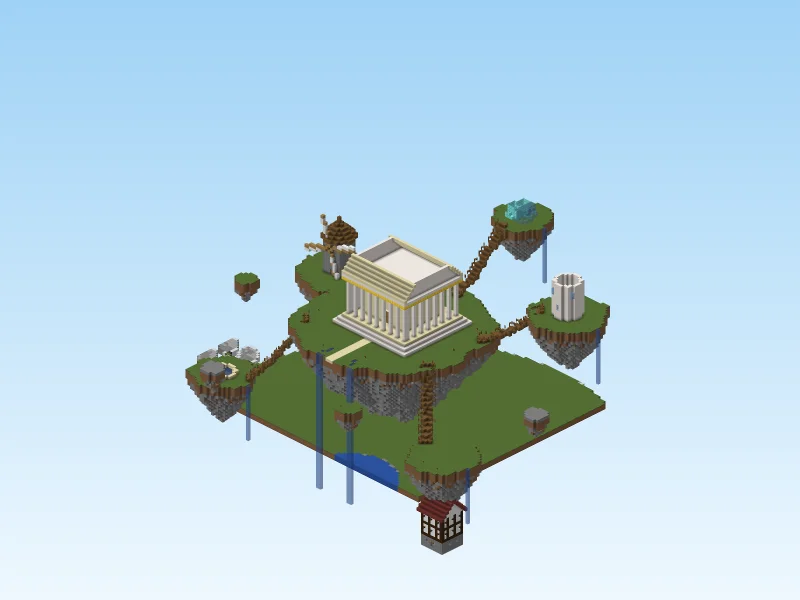
Layer 66 of 94 (189 blocks)
- Block of Quartz66
- Smooth Sandstone54
- Beacon36
- Cyan Stained Glass23
- Light Blue Stained Glass4
- Spruce Fence3
- Spruce Planks3

Layer 67 of 94 (166 blocks)
- Block of Quartz62
- Smooth Sandstone54
- Beacon26
- Cyan Stained Glass18
- Light Blue Stained Glass4
- Spruce Fence2

Layer 68 of 94 (148 blocks)
- Block of Quartz58
- Smooth Sandstone54
- Beacon21
- Cyan Stained Glass15
Layer 69 of 94 (143 blocks)
- Smooth Sandstone54
- Block of Quartz54
- Beacon20
- Cyan Stained Glass15
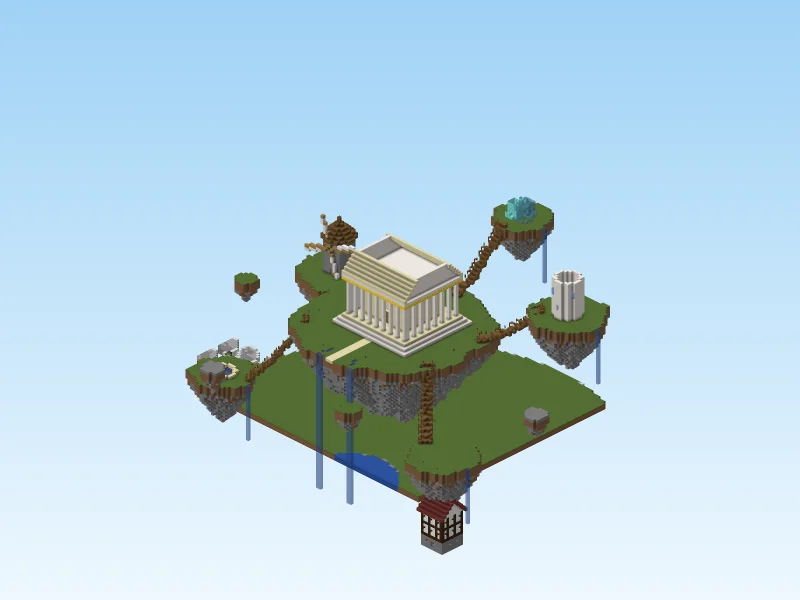
Layer 70 of 94 (137 blocks)
- Smooth Sandstone54
- Block of Quartz50
- Cyan Stained Glass17
- Beacon16

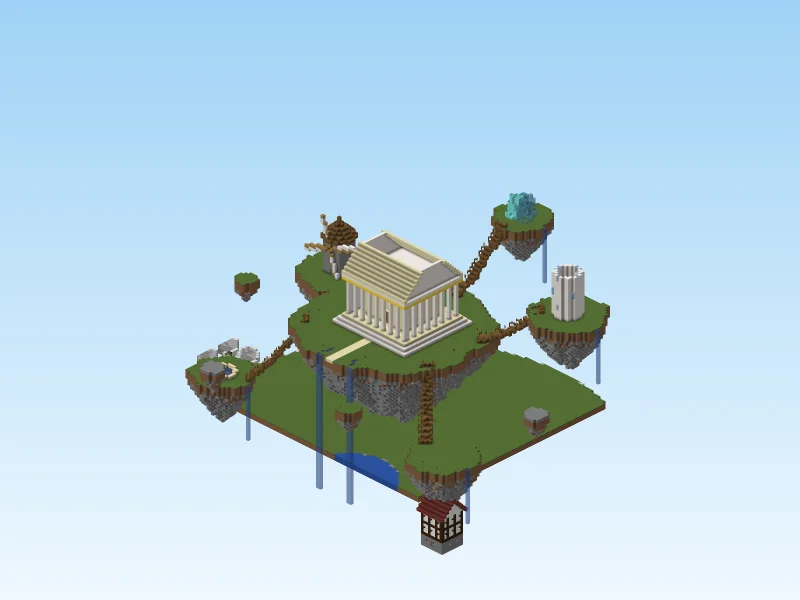
Layer 71 of 94 (127 blocks)
- Smooth Sandstone54
- Block of Quartz42
- Beacon14
- Cyan Stained Glass13
- Light Blue Stained Glass4
Layer 72 of 94 (118 blocks)
- Smooth Sandstone54
- Block of Quartz38
- Beacon12
- Cyan Stained Glass10
- Light Blue Stained Glass4

Layer 73 of 94 (110 blocks)
- Smooth Sandstone54
- Block of Quartz38
- Cyan Stained Glass10
- Beacon8

Layer 74 of 94 (131 blocks)
- Block of Quartz74
- Smooth Sandstone50
- Beacon5
- Cyan Stained Glass2

Layer 75 of 94 (122 blocks)
- Block of Quartz62
- Smooth Sandstone46
- Light Blue Stained Glass8
- Beacon5
- Cyan Stained Glass1

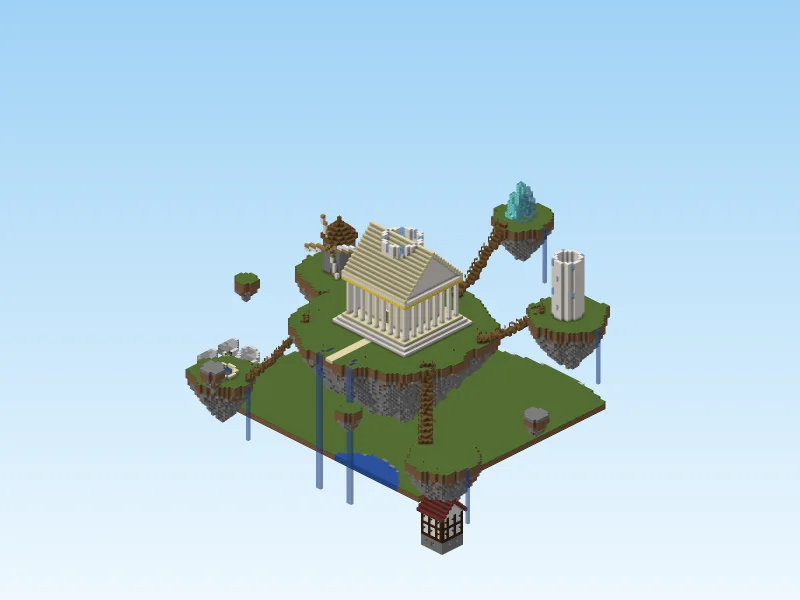
Layer 76 of 94 (125 blocks)
- Block of Quartz58
- Smooth Sandstone50
- Light Blue Stained Glass12
- Beacon5
Layer 77 of 94 (94 blocks)
- Block of Quartz56
- Smooth Sandstone25
- Light Blue Stained Glass12
- Beacon1

Layer 78 of 94 (65 blocks)
- Block of Quartz64
- Beacon1
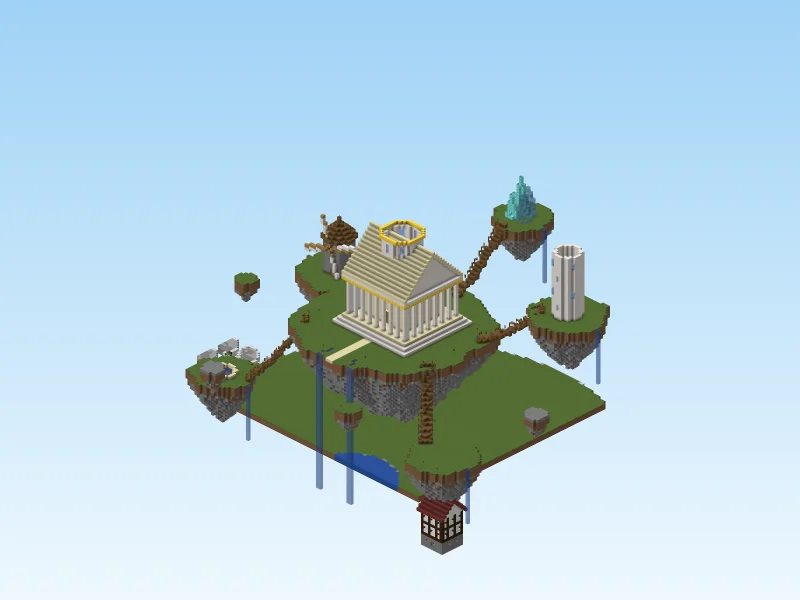
Layer 79 of 94 (61 blocks)
- Block of Gold36
- Block of Quartz24
- Beacon1

Layer 80 of 94 (64 blocks)
- Block of Gold40
- Block of Quartz24
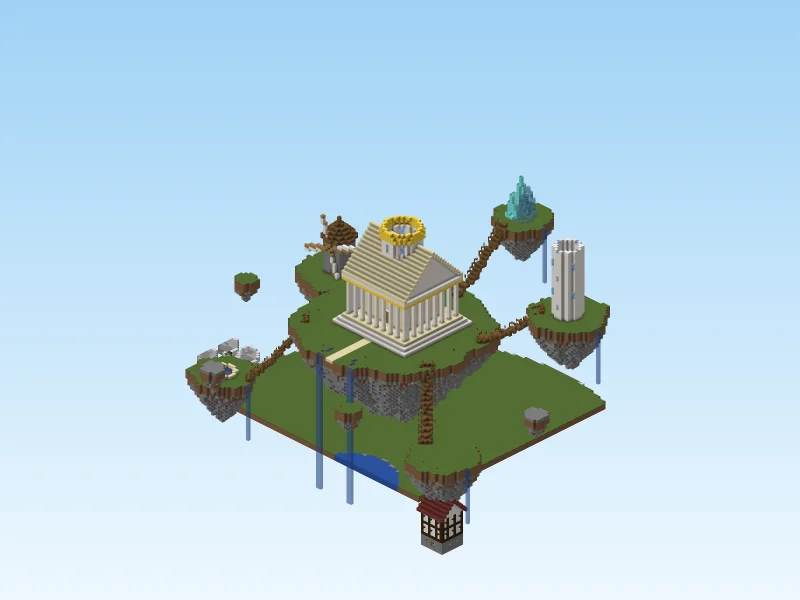
Layer 81 of 94 (56 blocks)
- Block of Gold32
- Block of Quartz20
- Light Blue Stained Glass4

Layer 82 of 94 (52 blocks)
- Block of Gold28
- Block of Quartz20
- Light Blue Stained Glass4

Layer 83 of 94 (48 blocks)
- Block of Gold24
- Block of Quartz24

Layer 84 of 94 (52 blocks)
- Block of Quartz28
- Block of Gold24

Layer 85 of 94 (31 blocks)
- Block of Quartz19
- Block of Gold12

Layer 86 of 94 (25 blocks)
- Light Blue Concrete20
- Block of Gold5
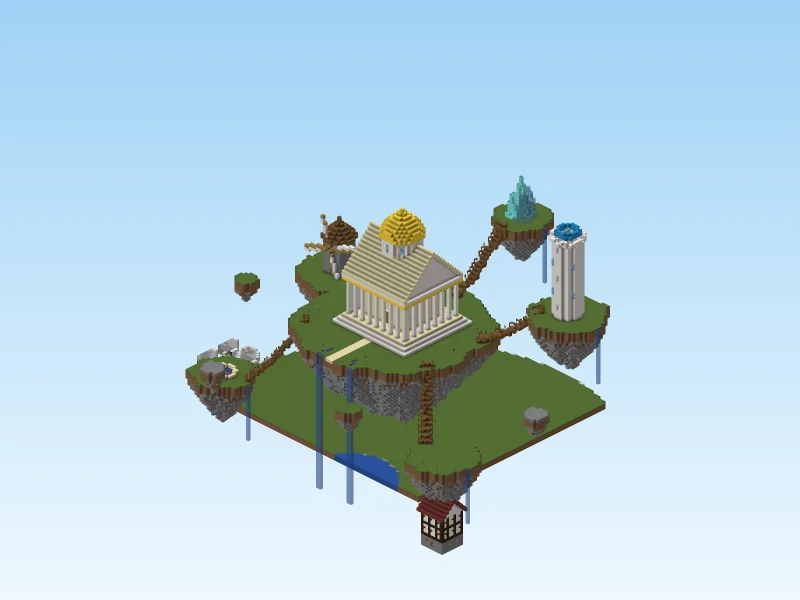
Layer 87 of 94 (18 blocks)
- Light Blue Concrete16
- Block of Gold1
- Beacon1
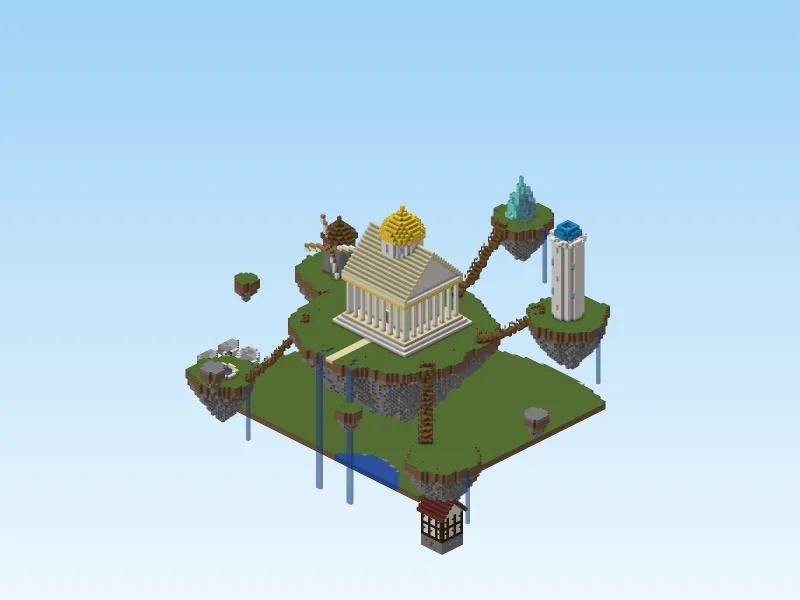
Layer 88 of 94 (17 blocks)
- Light Blue Concrete16
- Block of Gold1

Layer 89 of 94 (22 blocks)
- Light Blue Concrete21
- Chain1

Layer 90 of 94 (9 blocks)
- Light Blue Concrete9

Layer 91 of 94 (5 blocks)
- Light Blue Concrete5
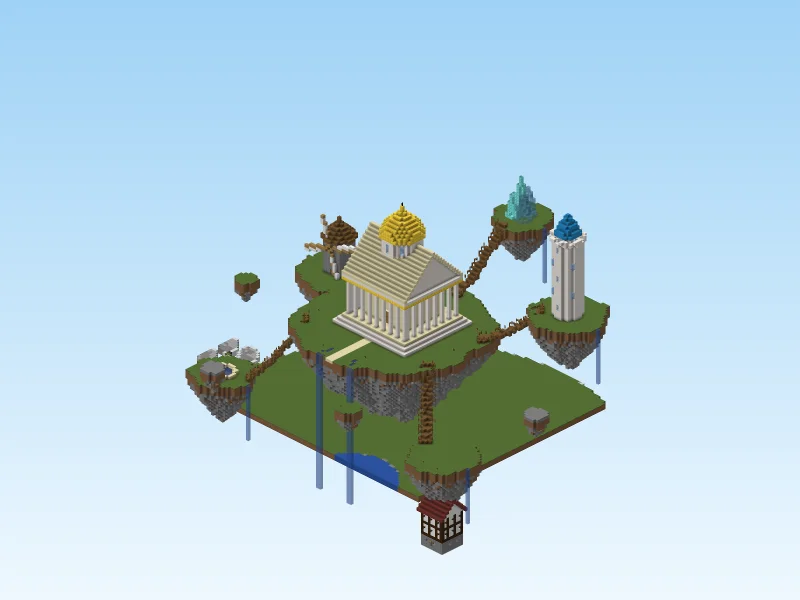
Layer 92 of 94 (1 blocks)
- Light Blue Concrete1

Layer 93 of 94 (1 blocks)
- Light Blue Concrete1

Layer 94 of 94 (1 blocks)
- Block of Gold1
Simplified blueprint: stairs and slabs are partly shown as full blocks, animals and plants as small squares. Tip: use the arrow keys ← → to switch layers.
Step-by-step guide
Main island
At height 46, build an irregular round area about 60 blocks across from grass and dirt. Below it the island tapers into a rocky point of stone and andesite, up to 30 blocks down. It can stay hollow inside.
Temple base
In the middle, lay three steps of quartz and smooth sandstone, 31 × 29 blocks.
Columns
Put up a quartz column every 3 blocks all around, 12 blocks tall. Inside stands the cella with yellow windows and a door.
Roof and dome
Above the columns goes a band of gold, then a gable roof of smooth sandstone. On top sits a round drum with windows and a dome of gold blocks.
Waterfalls
Let water run over the edge in three places, 2 blocks wide all the way down into a lake.
Smaller islands
Build five smaller islands at different heights: one with a windmill, one with a white tower and beacon, one with a timber-frame house, one with cherry trees and a pond, and the highest one with glowing crystals.
Rope bridges
Connect the islands with spruce bridges and fence railings that sag slightly in the middle.
Small rocks
Finally let a few small boulders float freely in the air.
Pro tips
- Plan the project in sections and collect the main blocks in shulker boxes first – the material list shows the exact count in stacks.
- Build floating islands from the top down: first the surface, then the point below ring by ring. Use scaffolding and remove it afterwards.
- Scaffolding helps when building high up – or elytra and firework rockets.
Variations
- Instead of waterfalls you can let lava flow – then it becomes a Nether island.
- Build an airship dock on one of the islands.


