Supersonic Passenger Jet
- DifficultyHard
- Size62 × 31 blocks, 20 tall
- Build timeabout 4 hours
There were passenger planes that flew faster than sound – from Europe to New York in just 3.5 hours. Their trademark: a very slim fuselage, huge triangular delta wings and a nose that could be lowered for landing.
This supersonic jet is built at real size, 62 blocks long, and stands on tall landing gear on the apron.

🔍 Click on parts
Tap any part of the build in the 3D model – a lamp, a tree, a bench next to the house – and you’ll see exactly how to build that part, with its materials and a layer-by-layer plan.
🧊 Build it as a hologram in Minecraft Bedrock (HoloPrint)
Download this build idea as a .mcstructure file – it is made right from the blueprint below. The HoloPrint website turns it into a pack that places the build as a see-through hologram in your world – you just fill in the blocks.
- Tap the button above – the file supersonic-jet.mcstructure is downloaded.
- Open the HoloPrint website.
- Upload the file there.
- Create your build template texture pack.
- Download the .mcpack file.
- Open it with Minecraft and activate the pack in your world.
- Place an armor stand – the build template appears there. Tip: put it exactly where the build should stand.
Works with Minecraft Bedrock (phone, tablet, console, Windows). HoloPrint is a free fan project, not made by Blockwerk.
Layer-by-layer blueprint
Click through from bottom to top. Every square is one block, the front is at the bottom. Gray shows the layer below. 20 layers, area in the plan: 62 × 31 blocks.
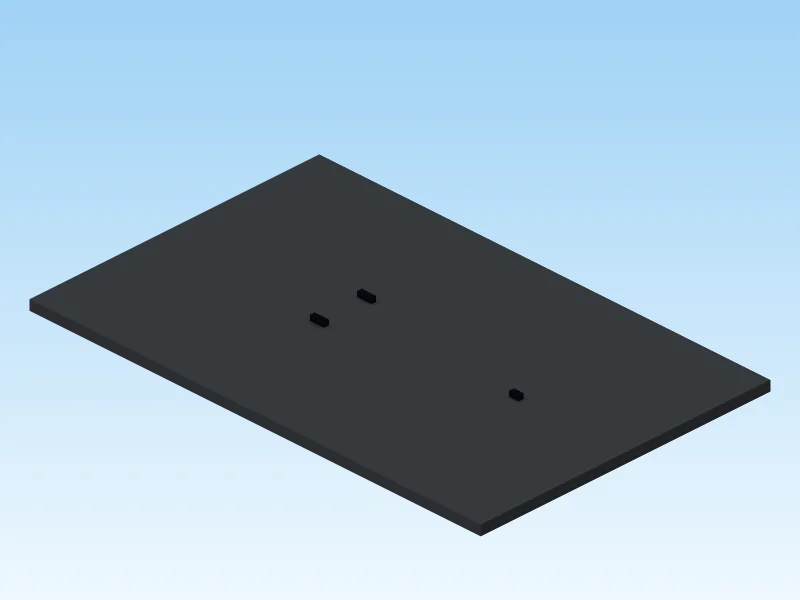
Layer 1 of 20 (8 blocks)
- Black Concrete8
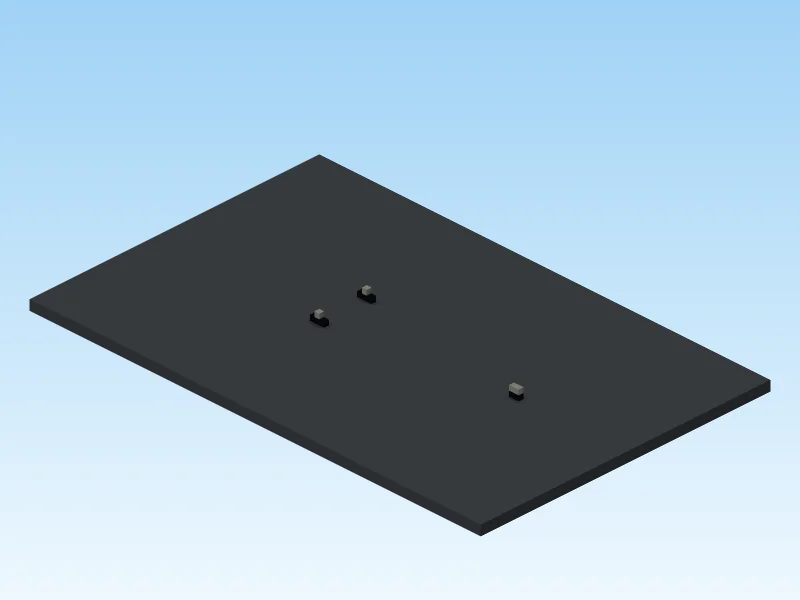
Layer 2 of 20 (4 blocks)
- Light Gray Concrete4
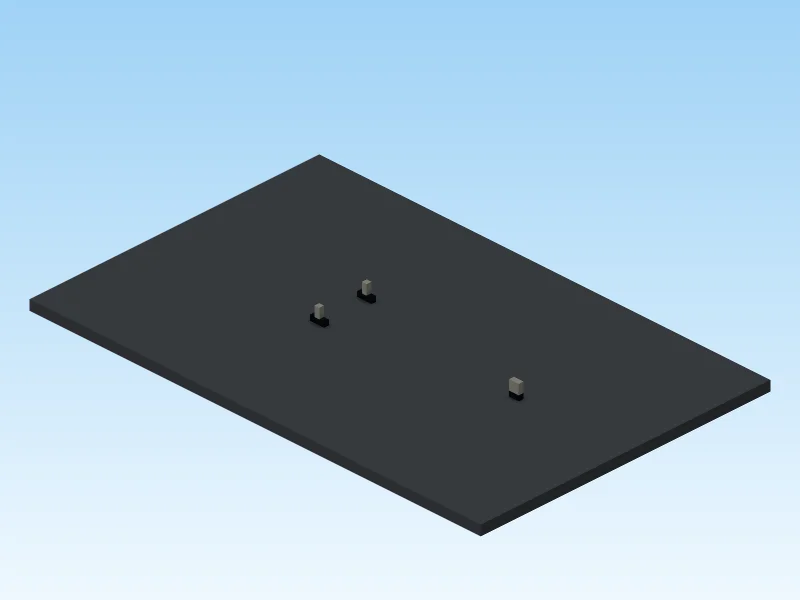
Layer 3 of 20 (4 blocks)
- Light Gray Concrete4

Layer 4 of 20 (46 blocks)
- Light Gray Concrete43
- Black Concrete3

Layer 5 of 20 (46 blocks)
- Light Gray Concrete43
- Black Concrete3

Layer 6 of 20 (563 blocks)
- White Concrete563
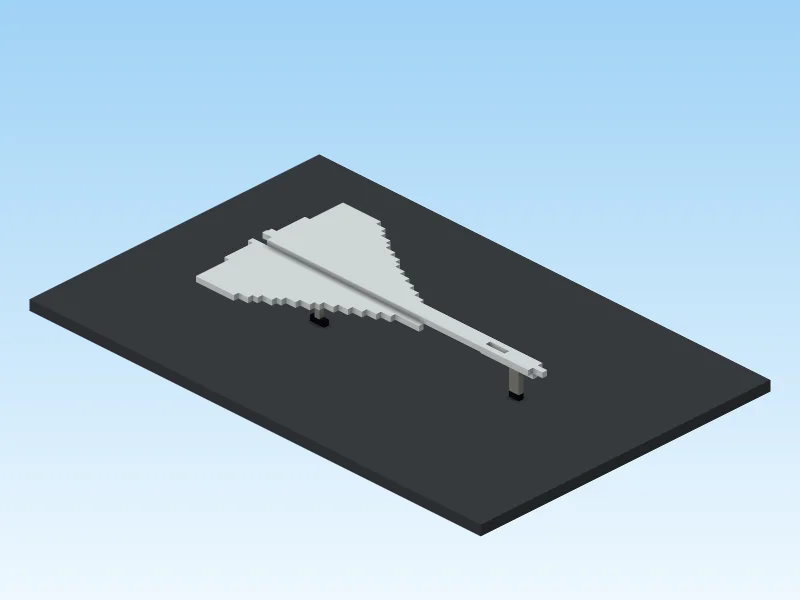
Layer 7 of 20 (165 blocks)
- White Concrete165

Layer 8 of 20 (125 blocks)
- White Concrete125
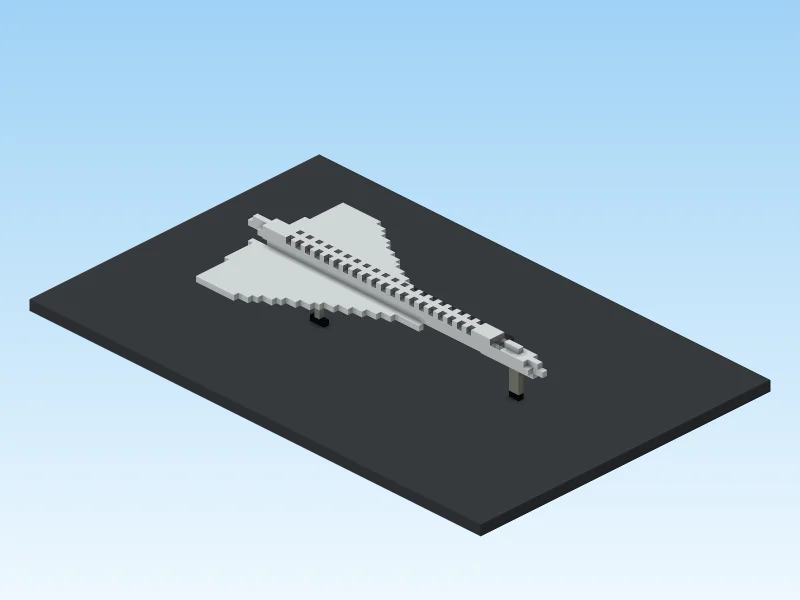
Layer 9 of 20 (156 blocks)
- White Concrete110
- Tinted Glass46
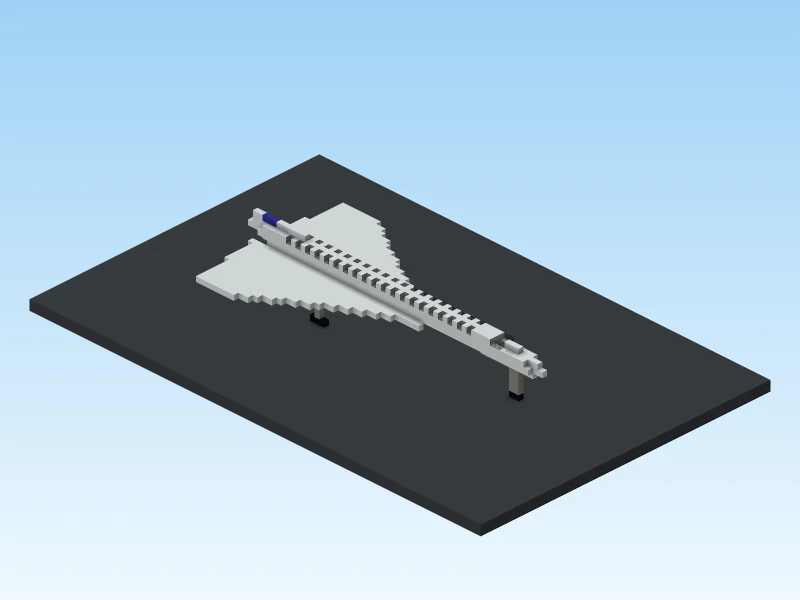
Layer 10 of 20 (11 blocks)
- White Concrete8
- Blue Concrete3

Layer 11 of 20 (10 blocks)
- White Concrete7
- Blue Concrete3
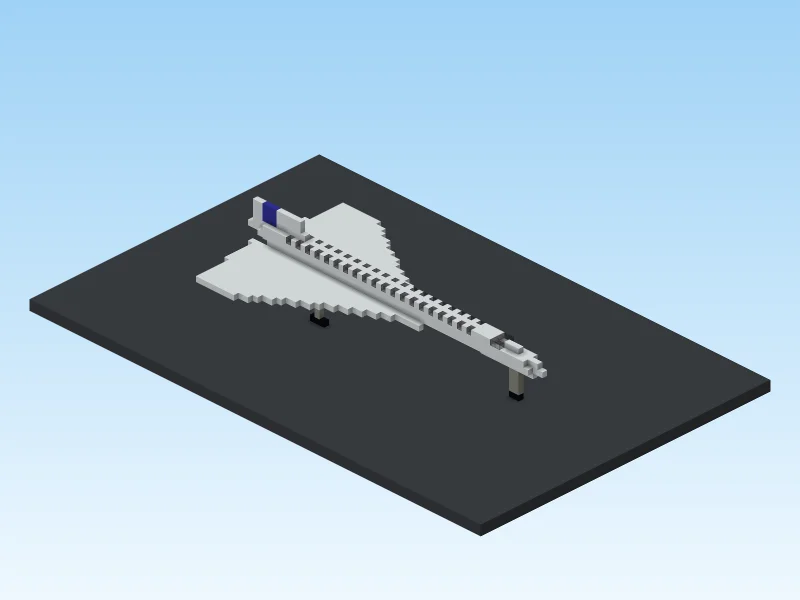
Layer 12 of 20 (10 blocks)
- White Concrete7
- Blue Concrete3
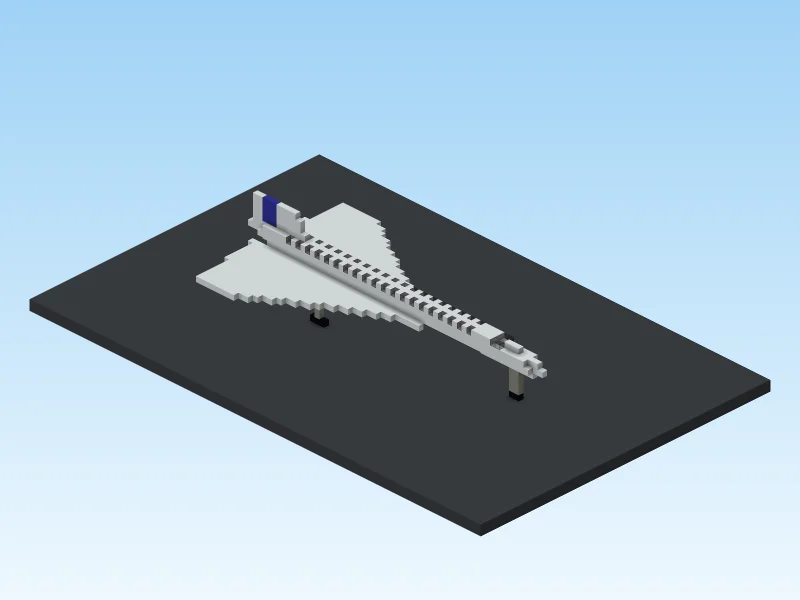
Layer 13 of 20 (9 blocks)
- White Concrete6
- Blue Concrete3

Layer 14 of 20 (8 blocks)
- White Concrete5
- Blue Concrete3
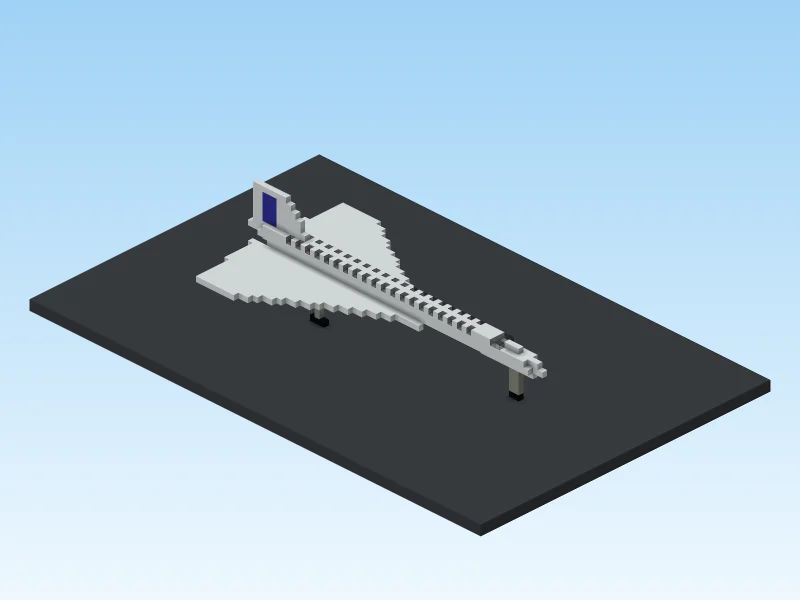
Layer 15 of 20 (7 blocks)
- White Concrete7

Layer 16 of 20 (8 blocks)
- White Concrete8
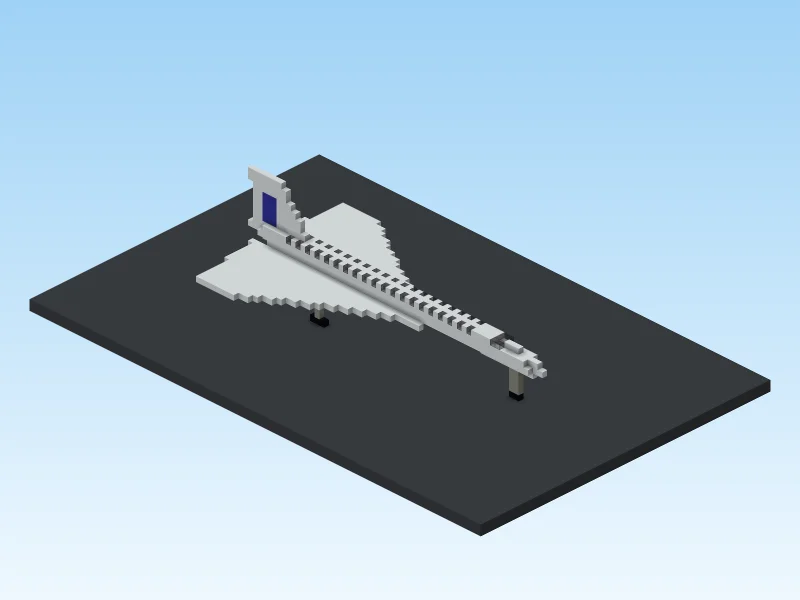
Layer 17 of 20 (7 blocks)
- White Concrete7
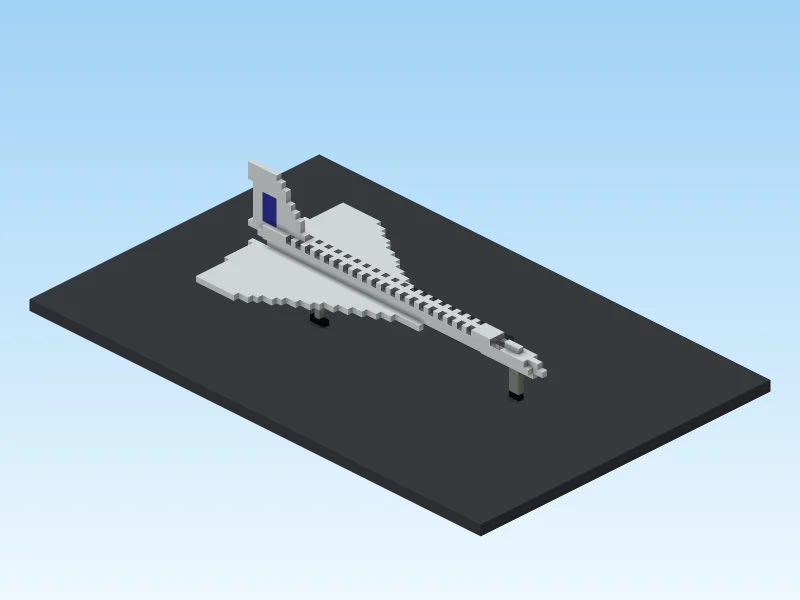
Layer 18 of 20 (6 blocks)
- White Concrete6

Layer 19 of 20 (6 blocks)
- White Concrete6
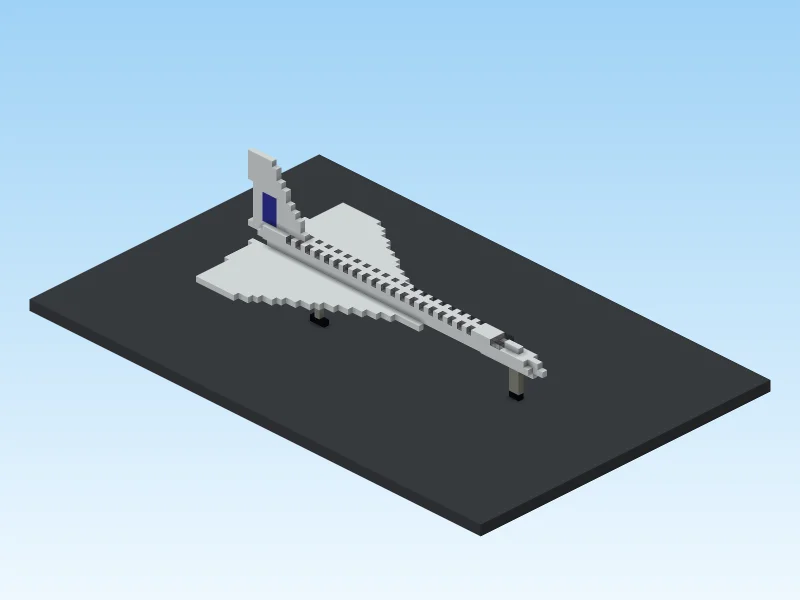
Layer 20 of 20 (5 blocks)
- White Concrete5
Simplified blueprint: stairs and slabs are partly shown as full blocks, animals and plants as small squares. Tip: use the arrow keys ← → to switch layers.
Step-by-step guide
Fuselage
Build a very slim fuselage, 62 blocks long and only 3 wide, of white concrete with small windows.
Drooped nose
At the front, the fuselage runs out into a long, pointed nose that tilts downwards.
Delta wings
The wings are huge triangles: they start far forward on the fuselage and get shorter towards the tips – with a slight curve at the front.
Engines
Under each wing sits a wide box with two engines.
Tail and landing gear
A tall fin with a blue stripe stands at the back. The landing gear legs are especially long.
Pro tips
- Build the fuselage first and only then the wings – that way you hit the right height and position.
- The round fuselage is easiest with the blueprint: every layer is a slice through the plane.
Variations
- Build a runway with lights.
- Give the jet a paint job in your colors.


