Burj Khalifa (Dubai)
- DifficultyHard
- Size37 × 37 blocks, 208 tall
- Build timeabout 30 hours
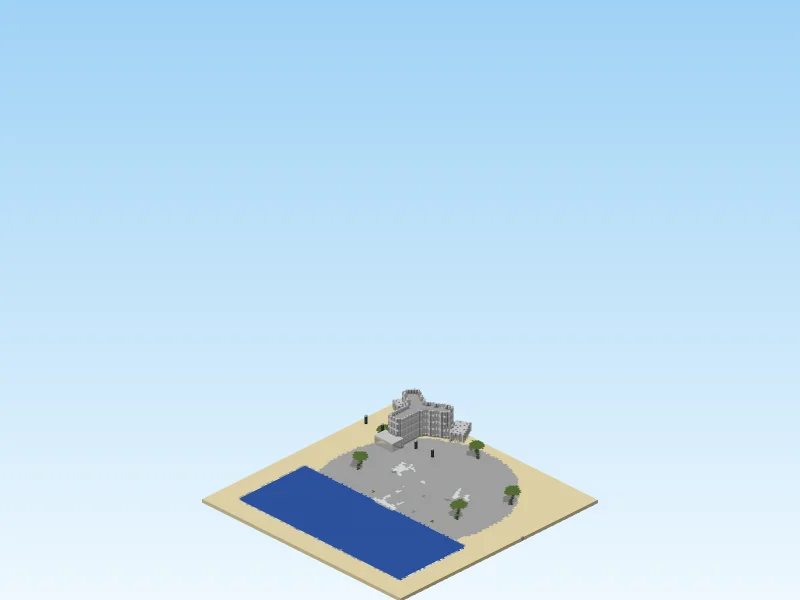
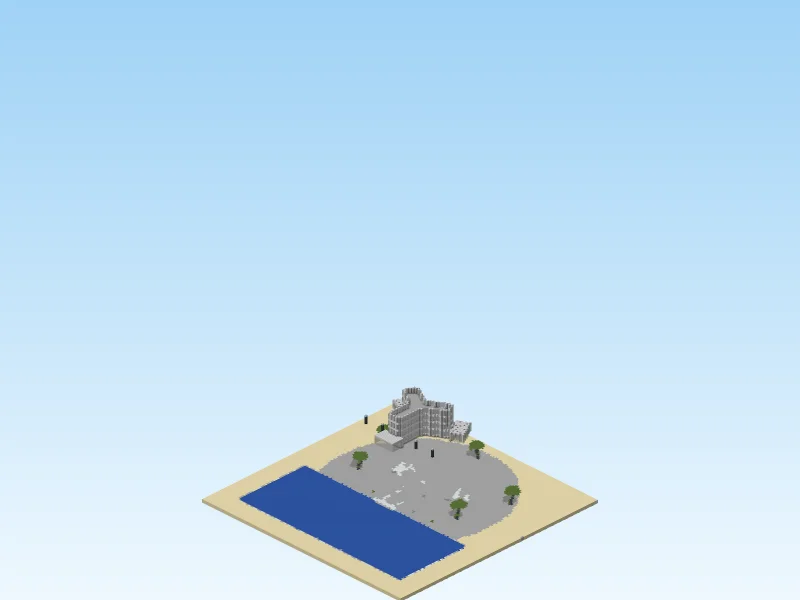
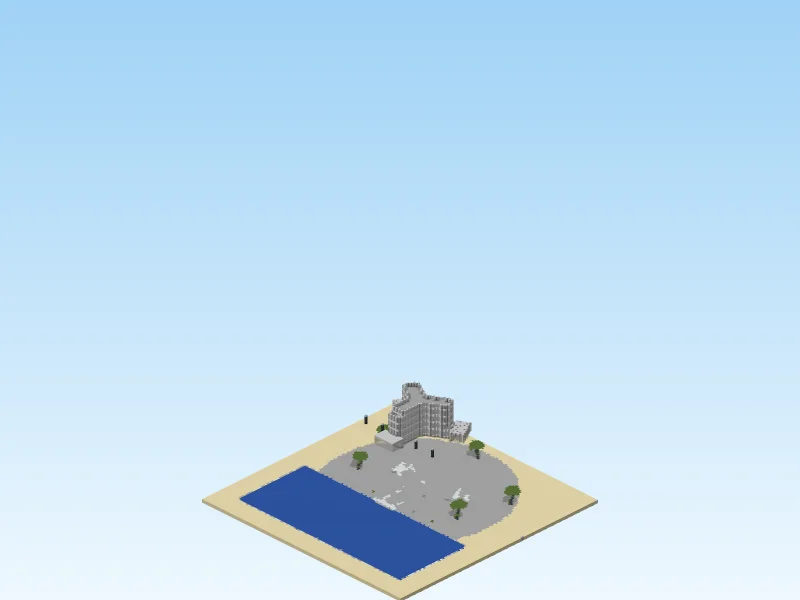
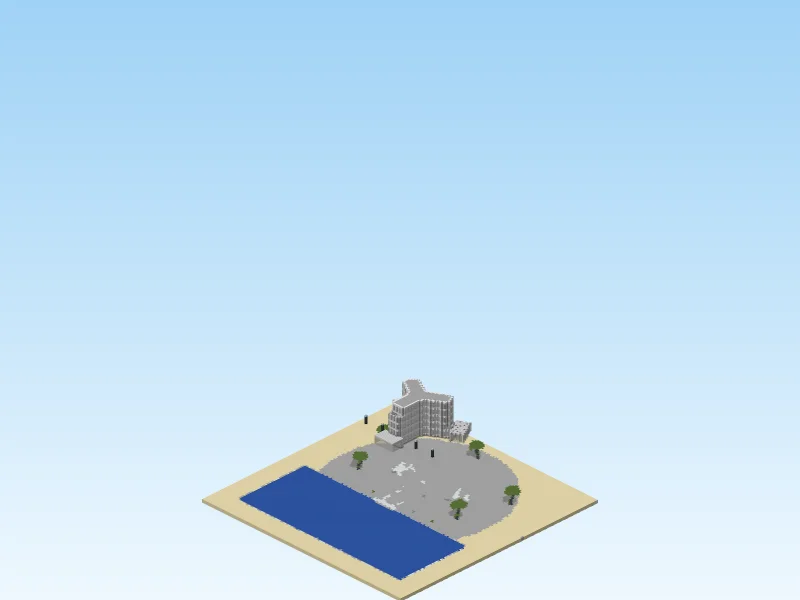
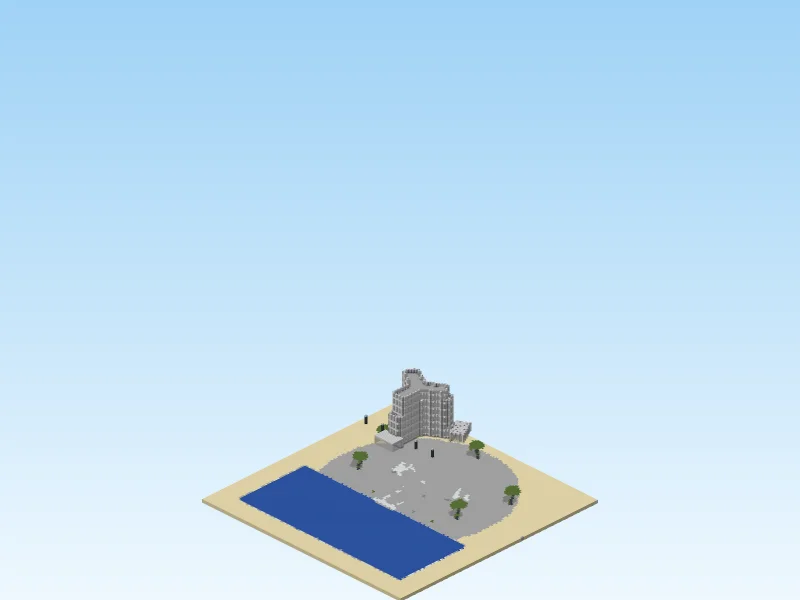
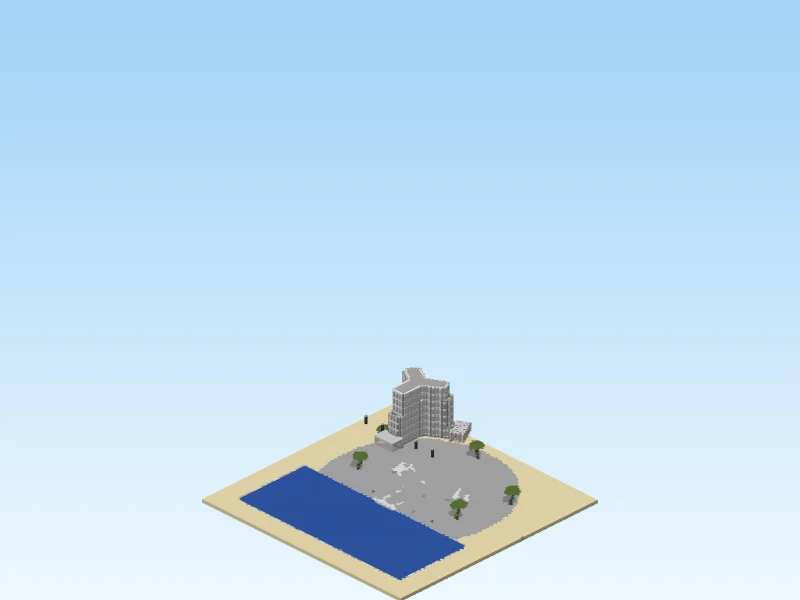
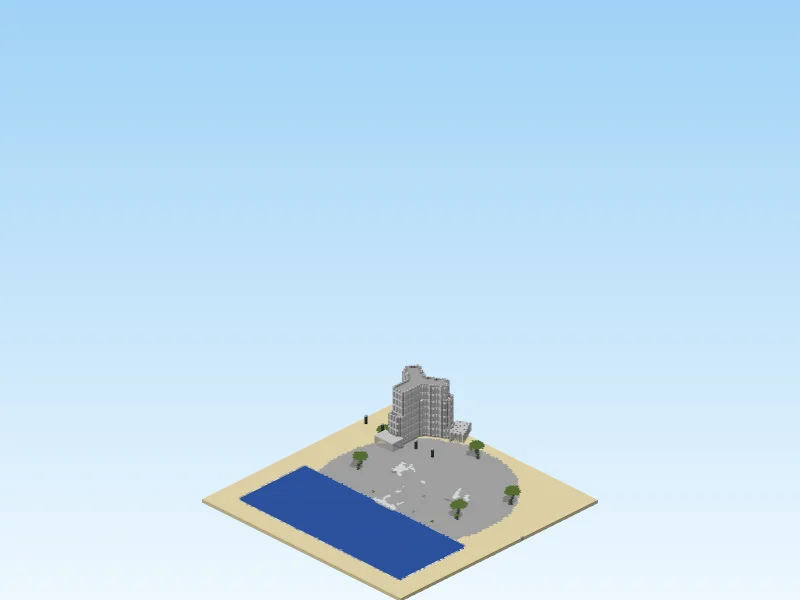
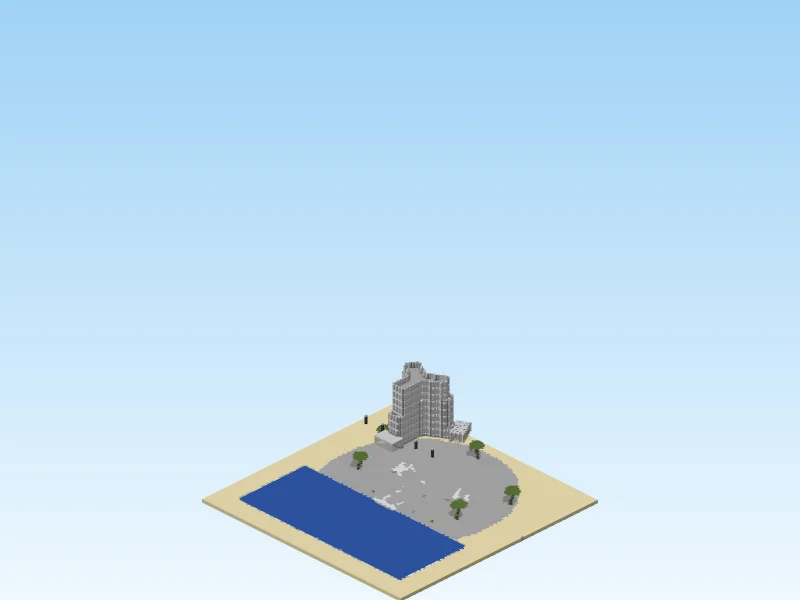
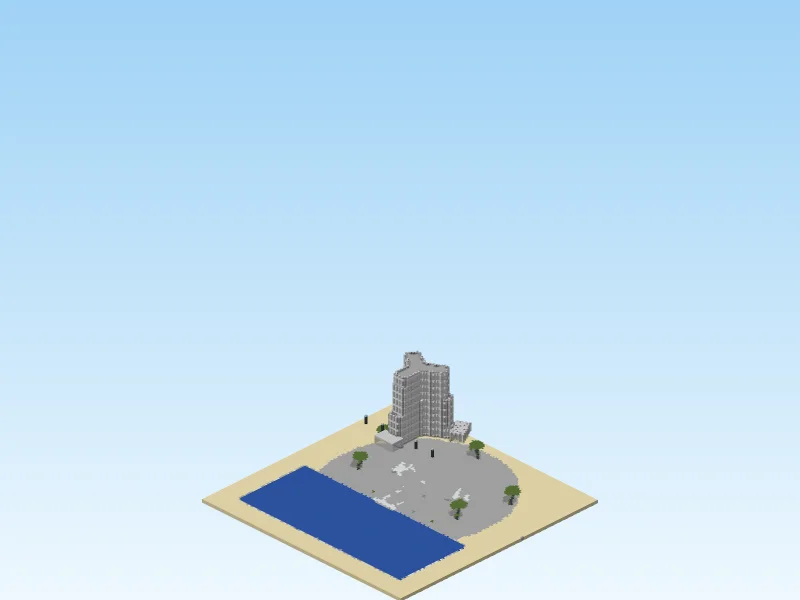
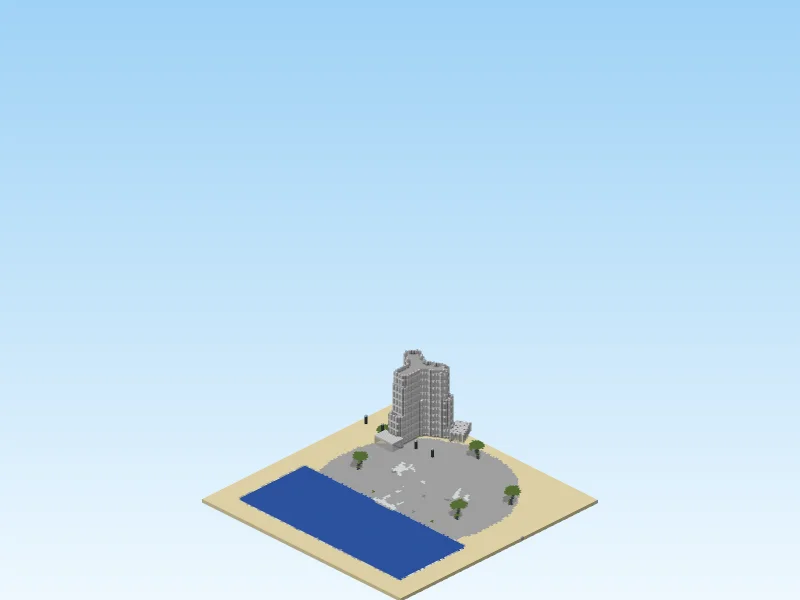
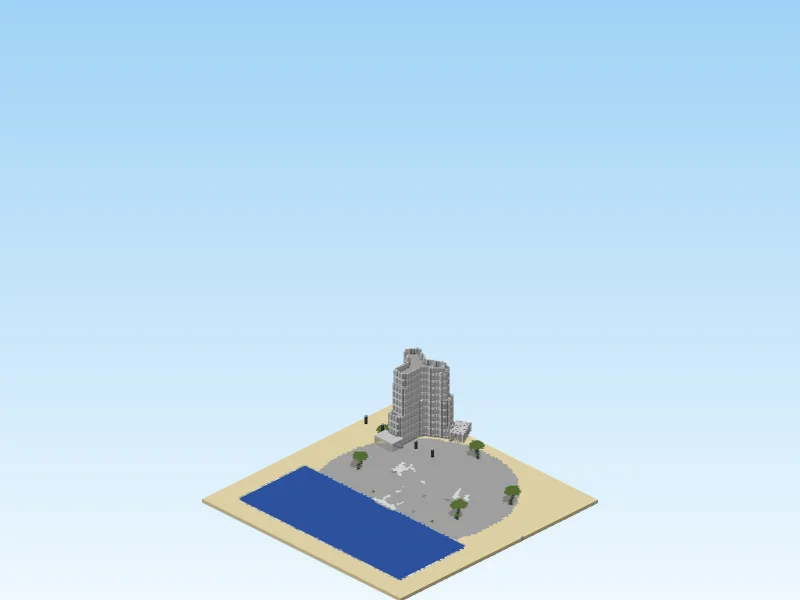
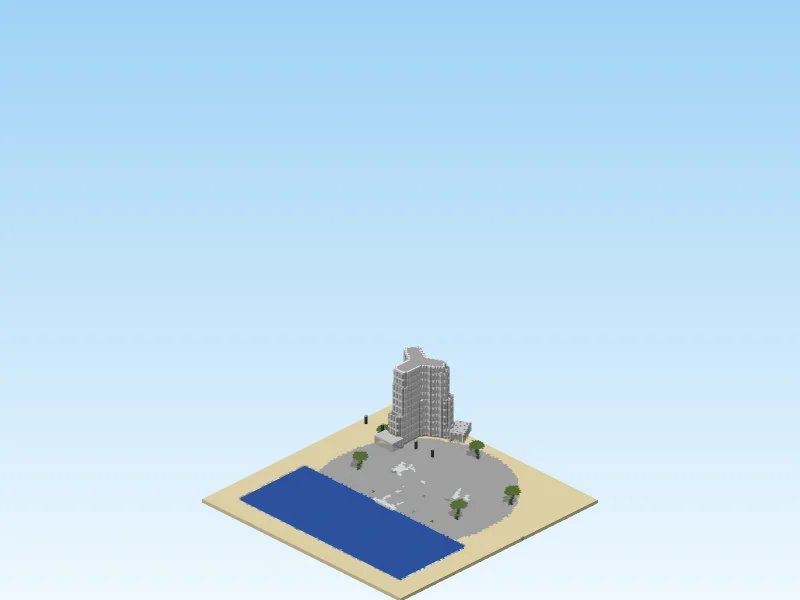
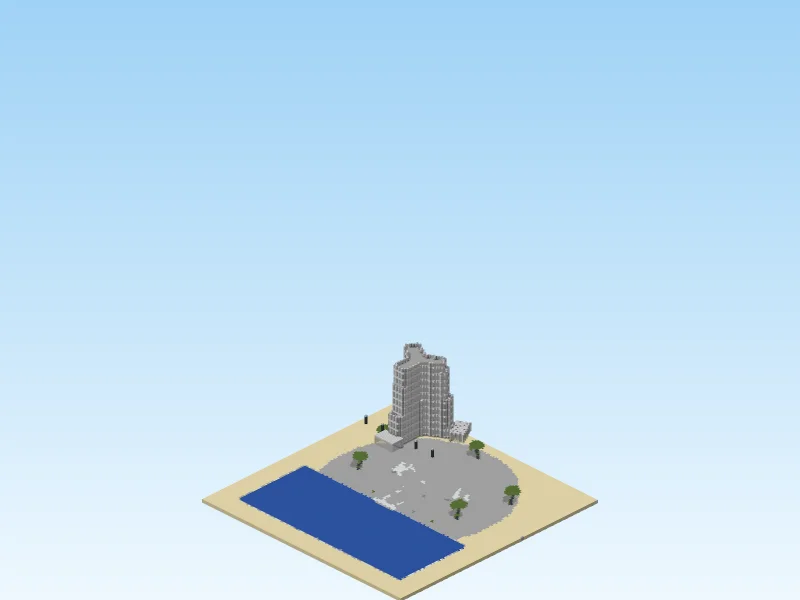
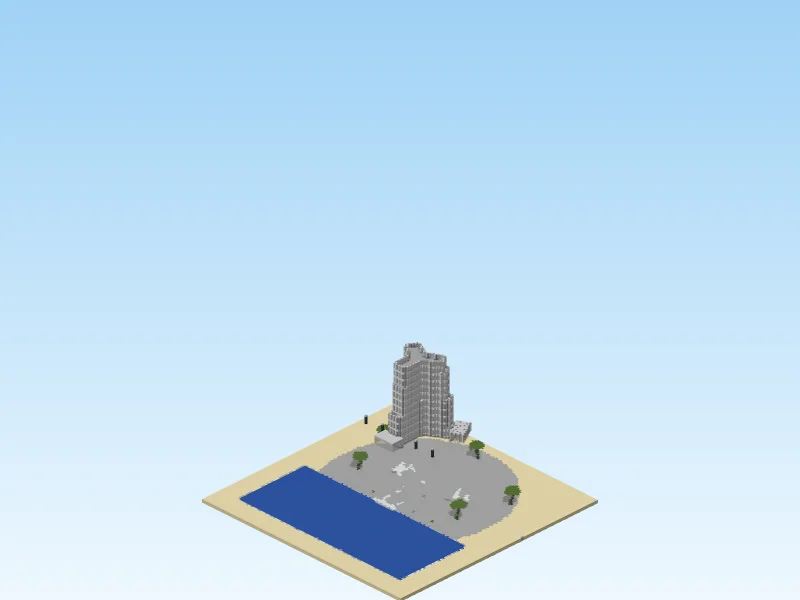
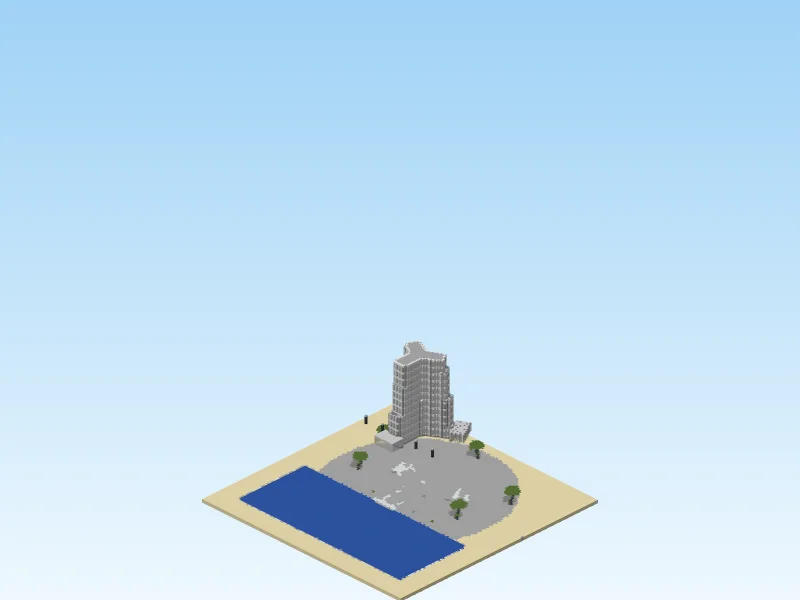
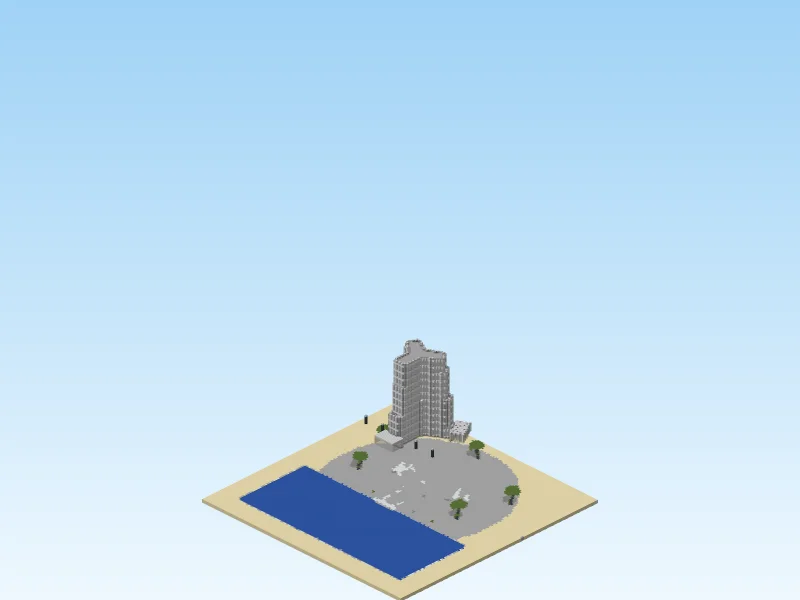
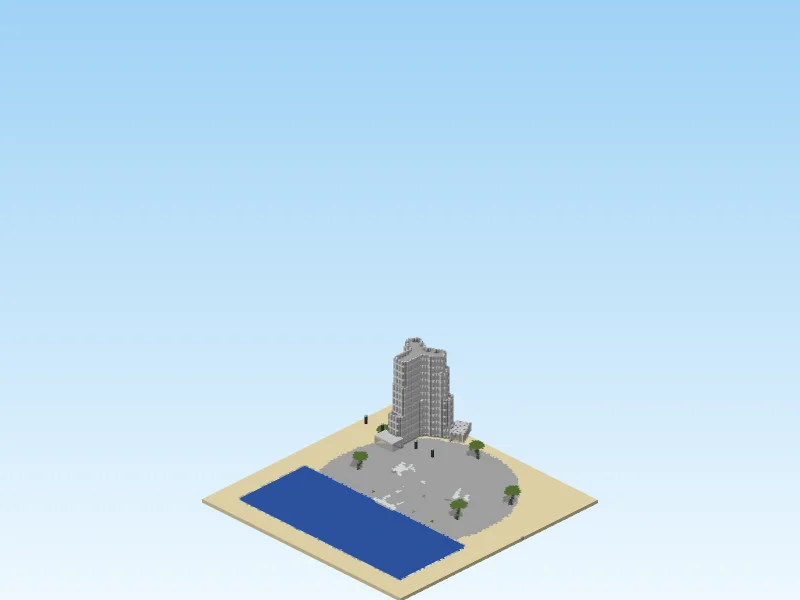
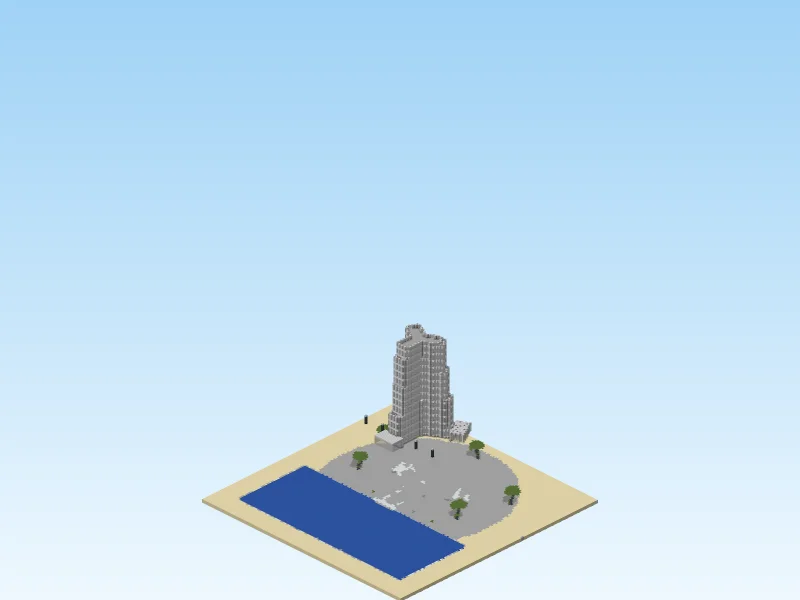
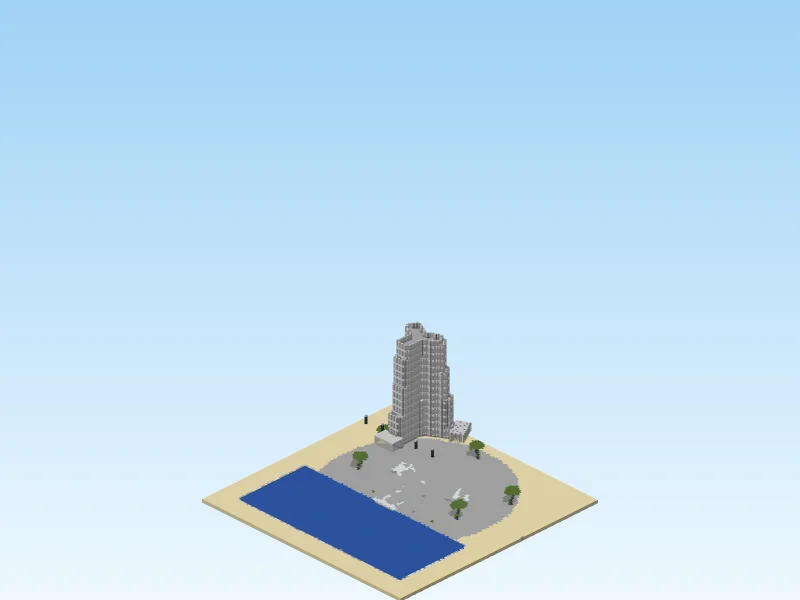
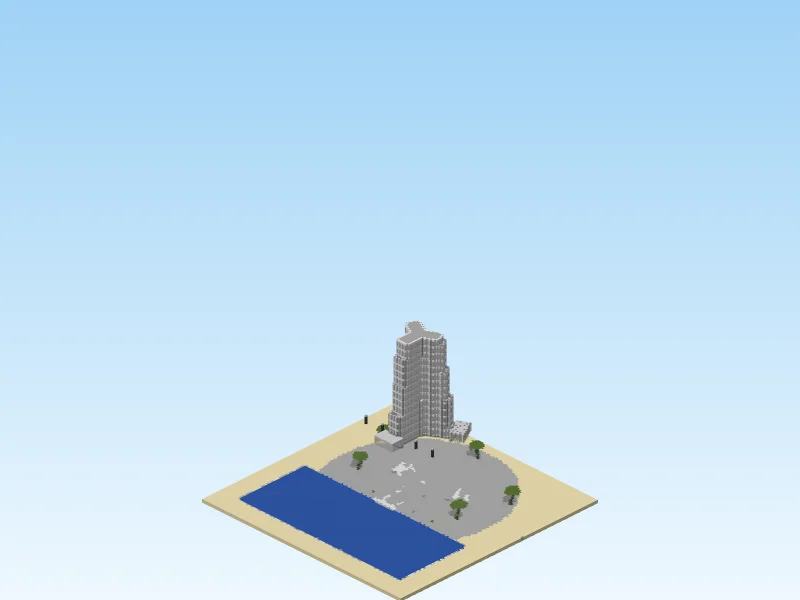
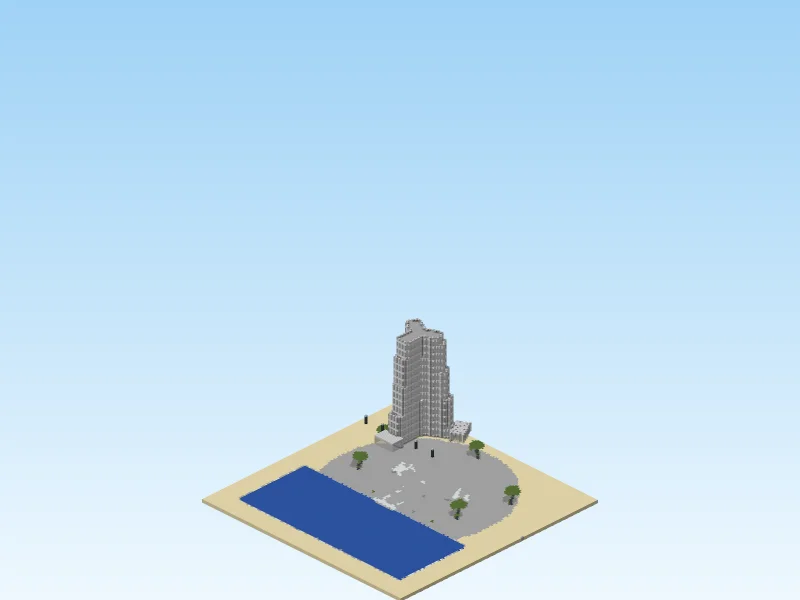
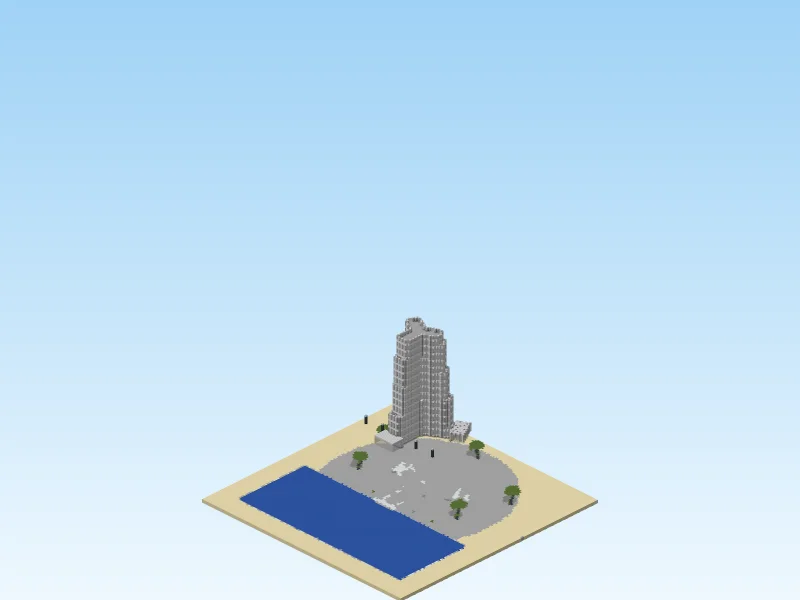
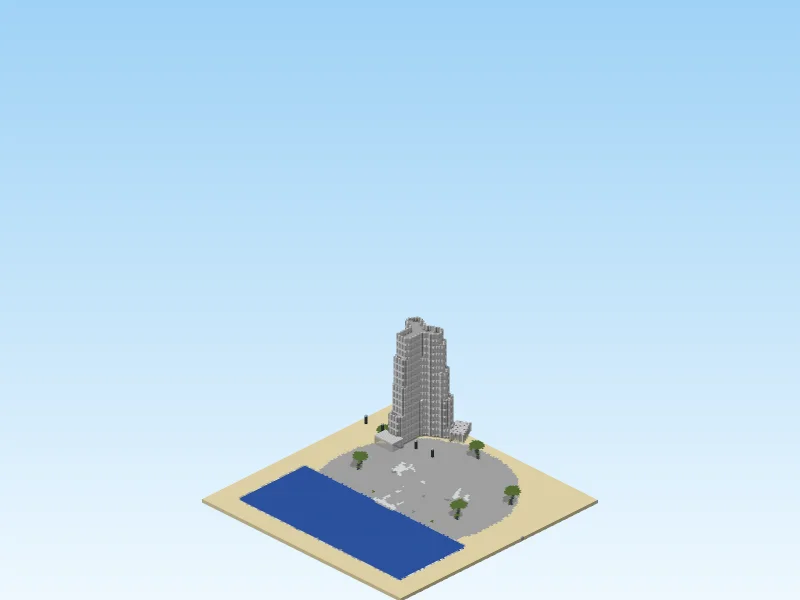
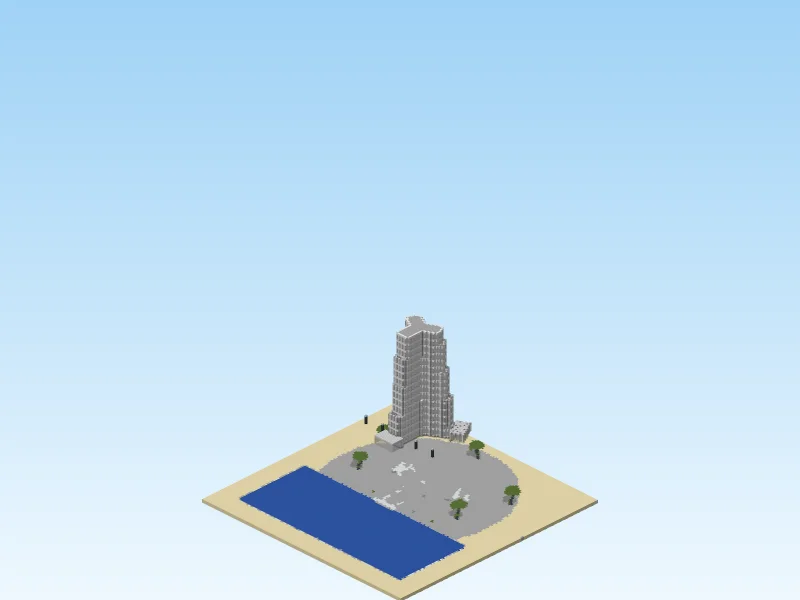
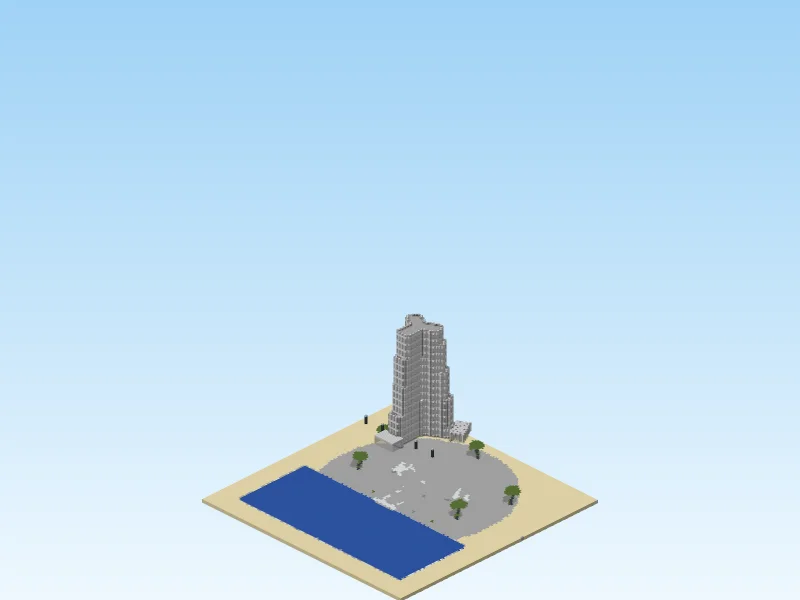
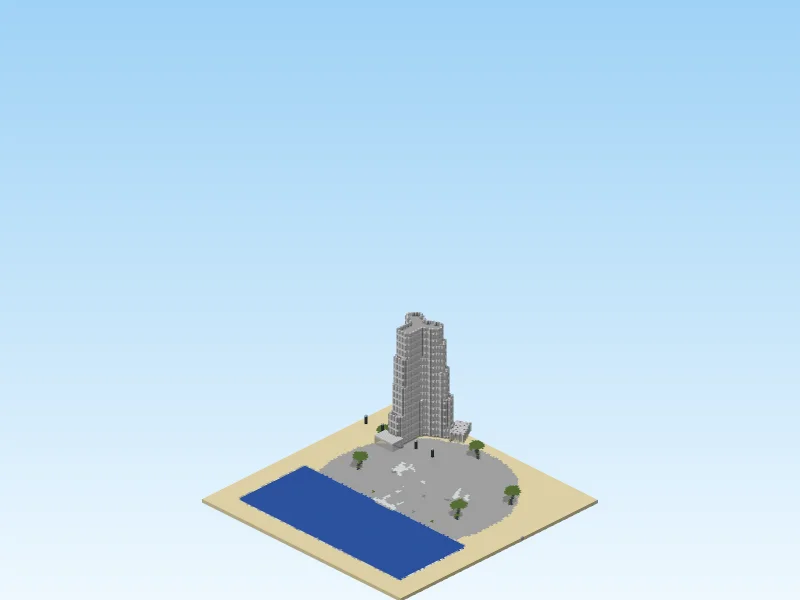
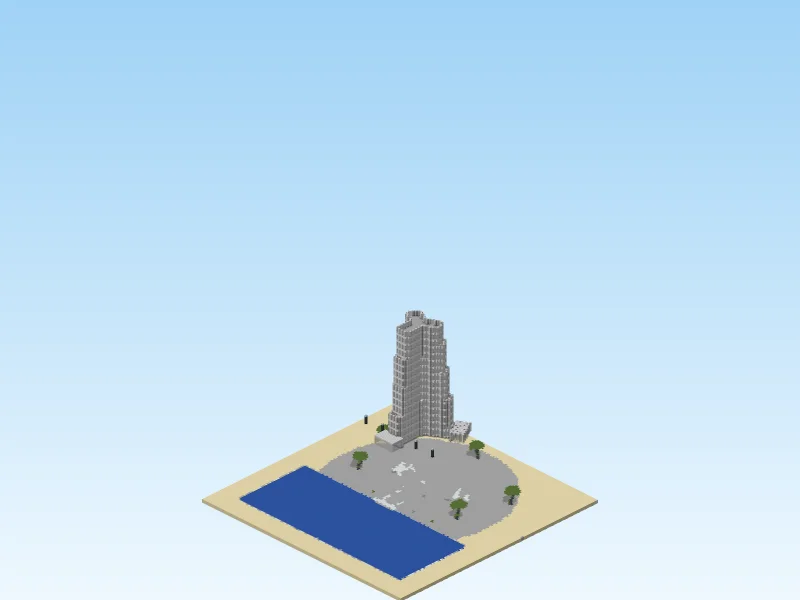
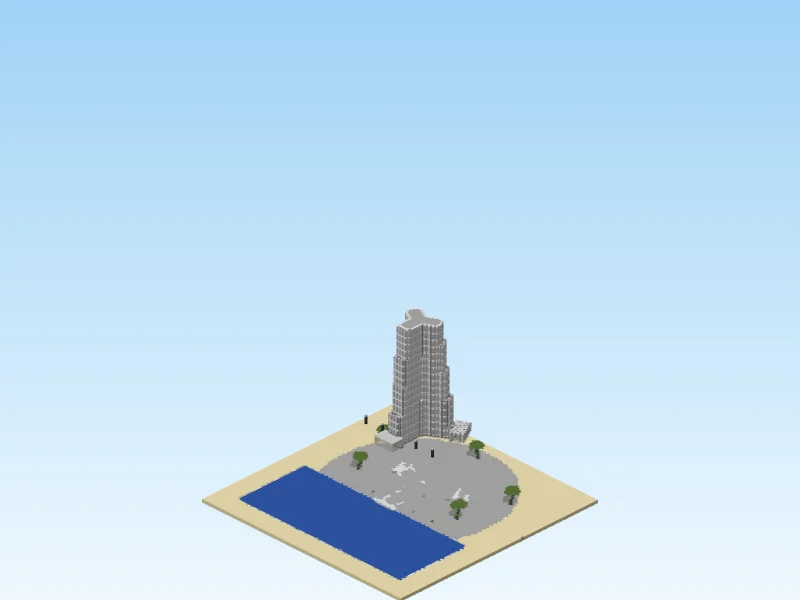
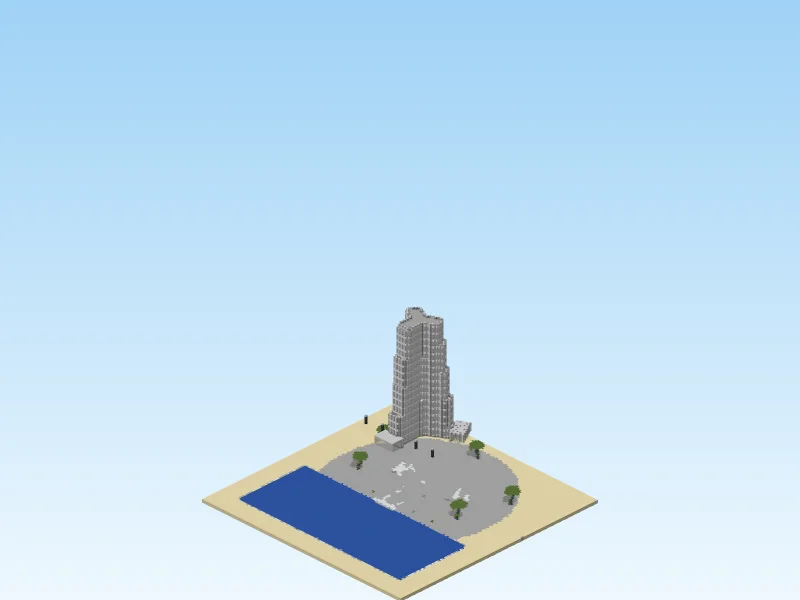
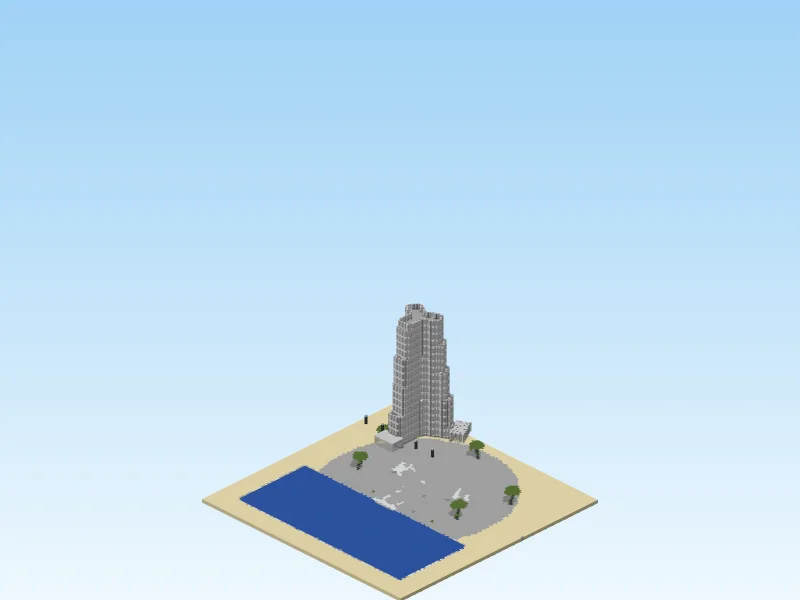
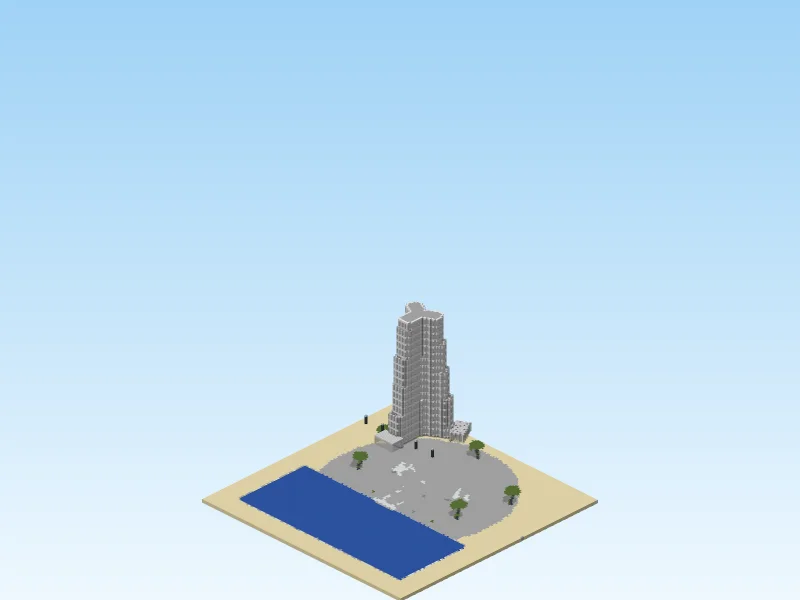
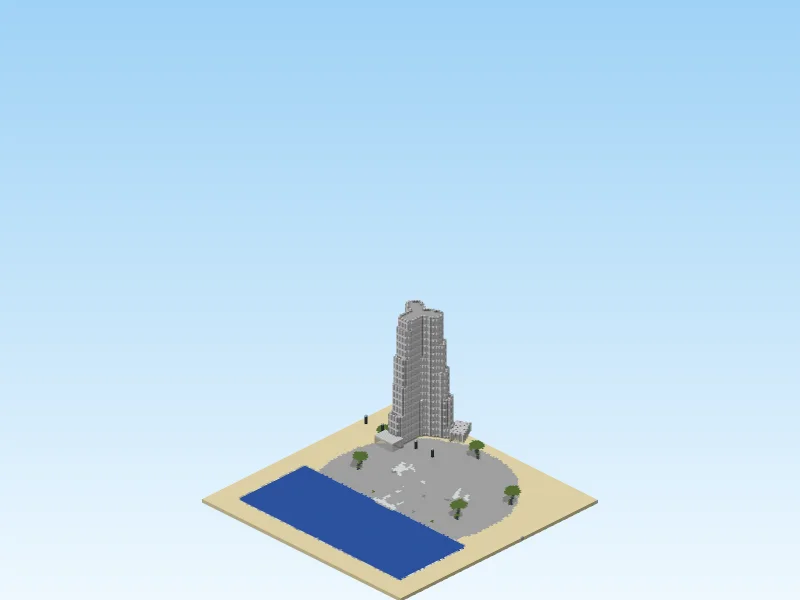
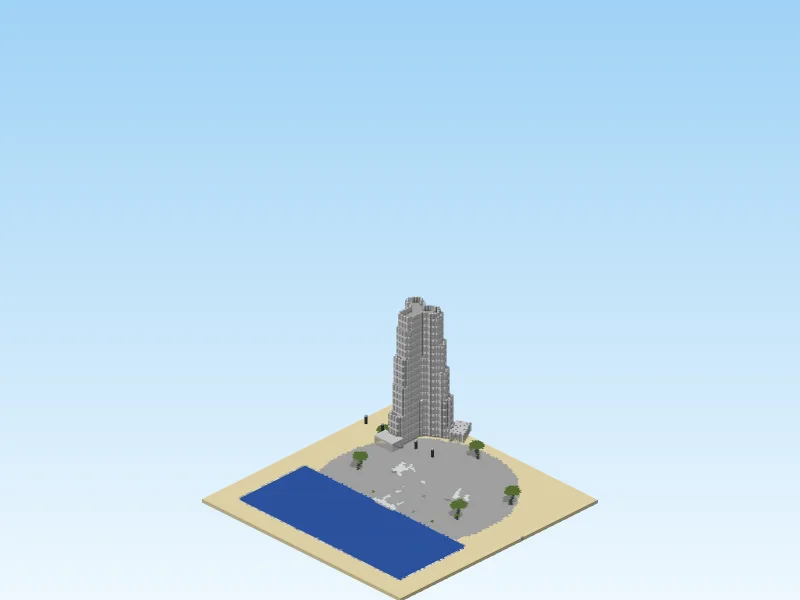
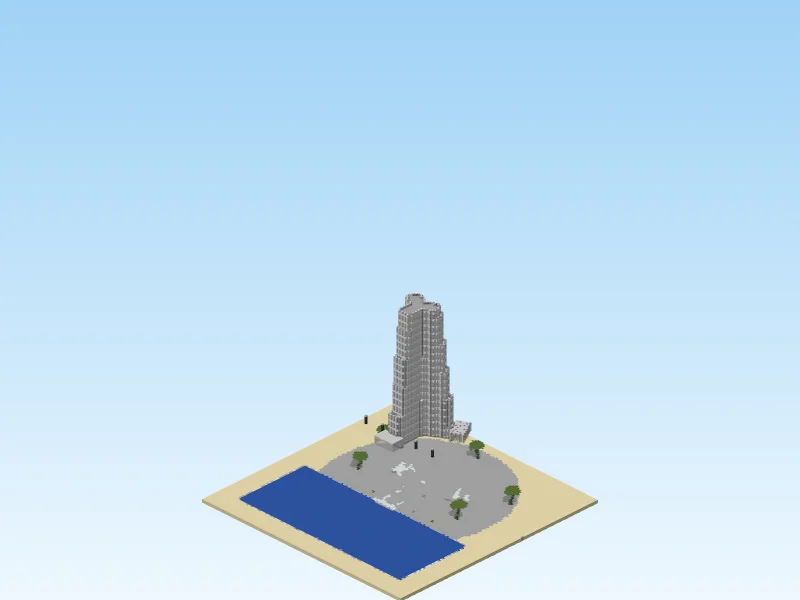
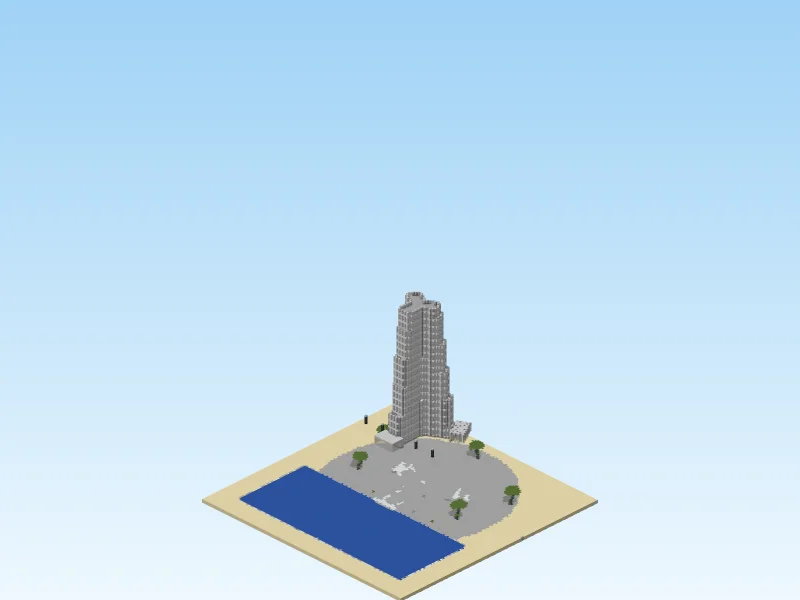
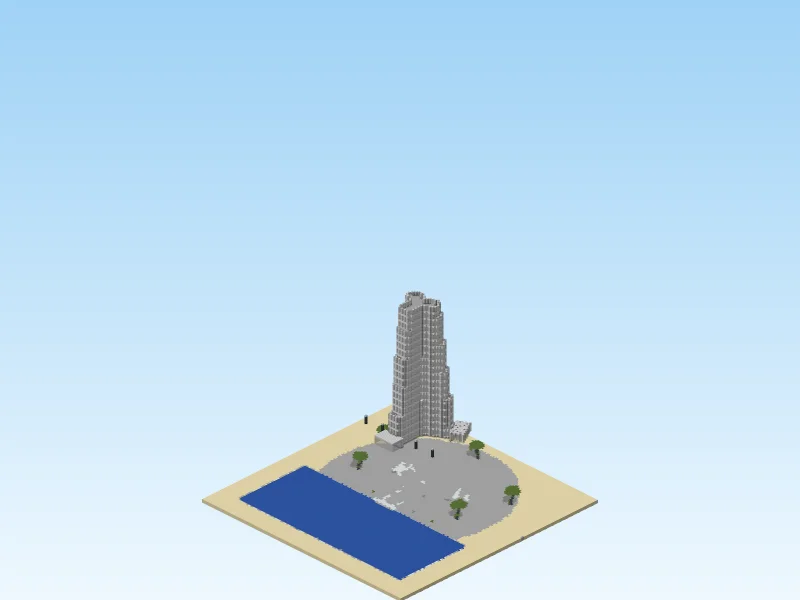
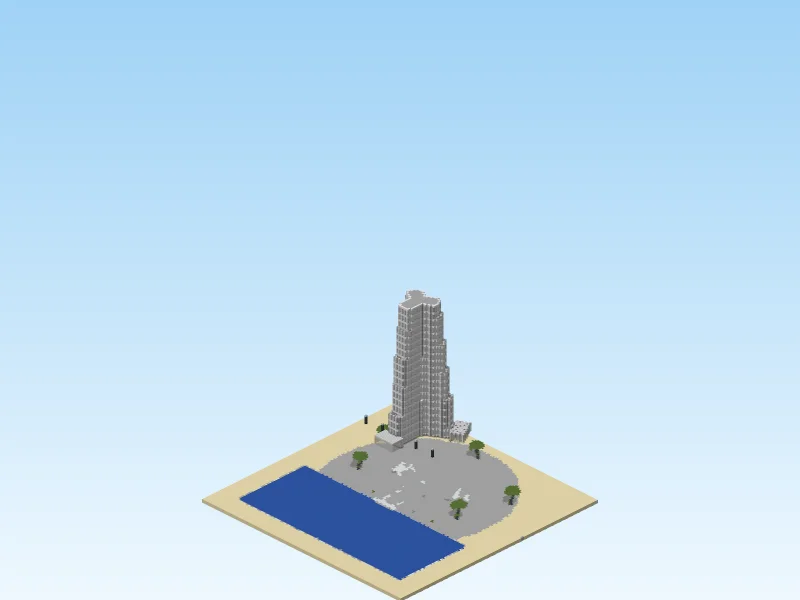
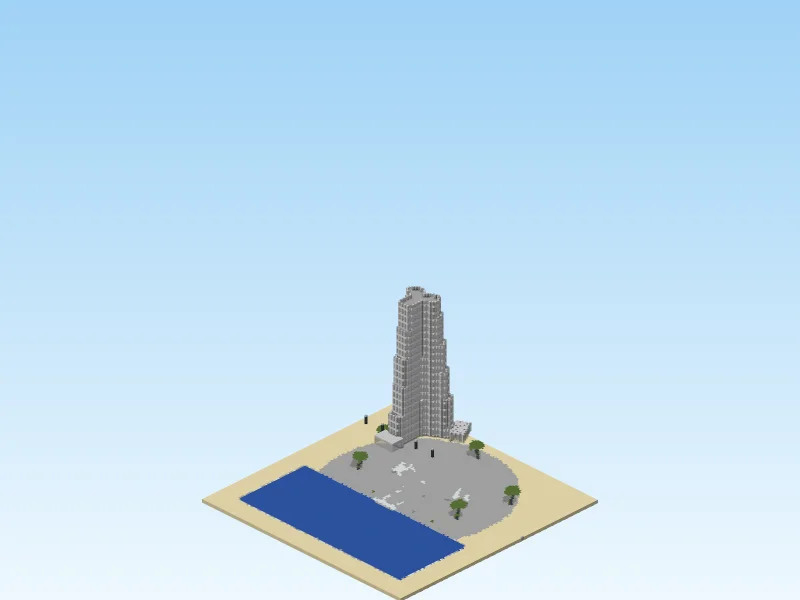
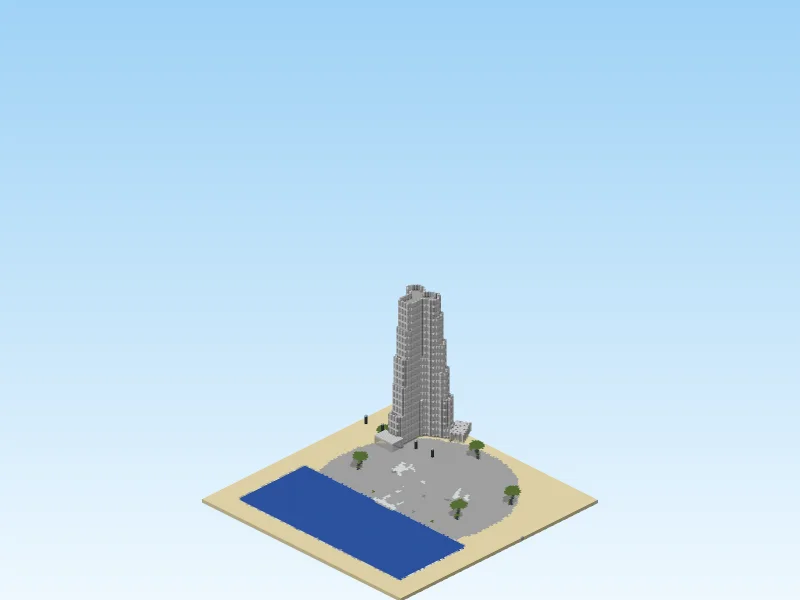
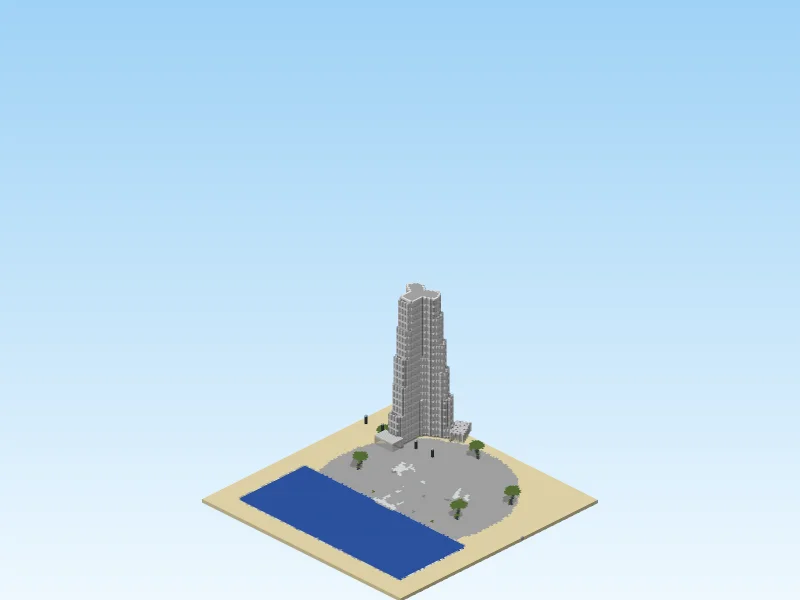
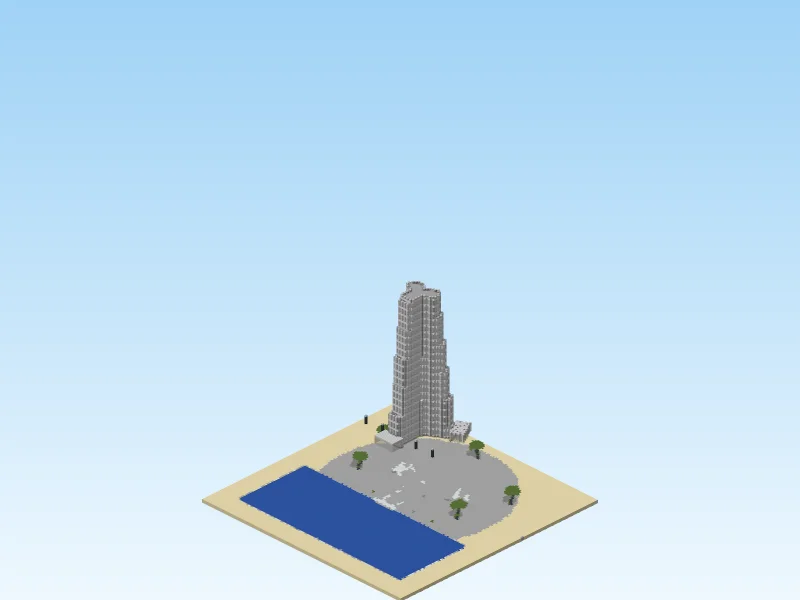
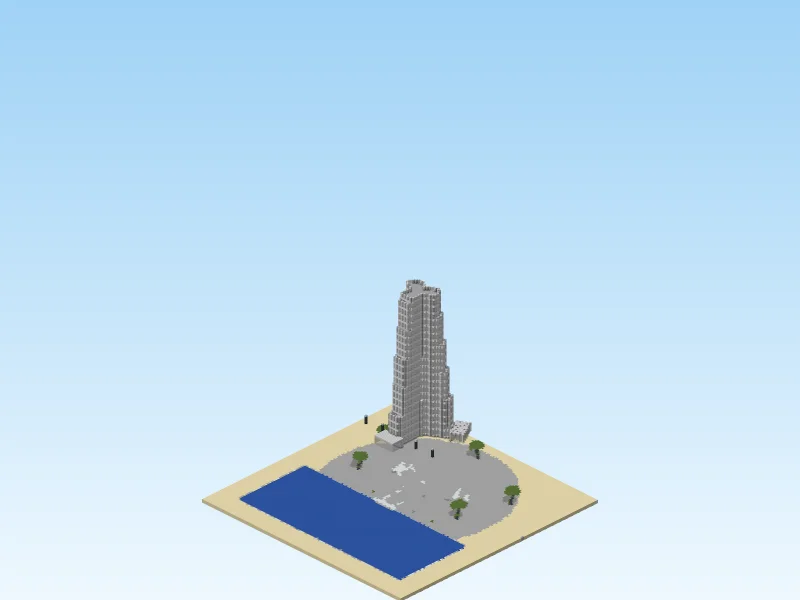
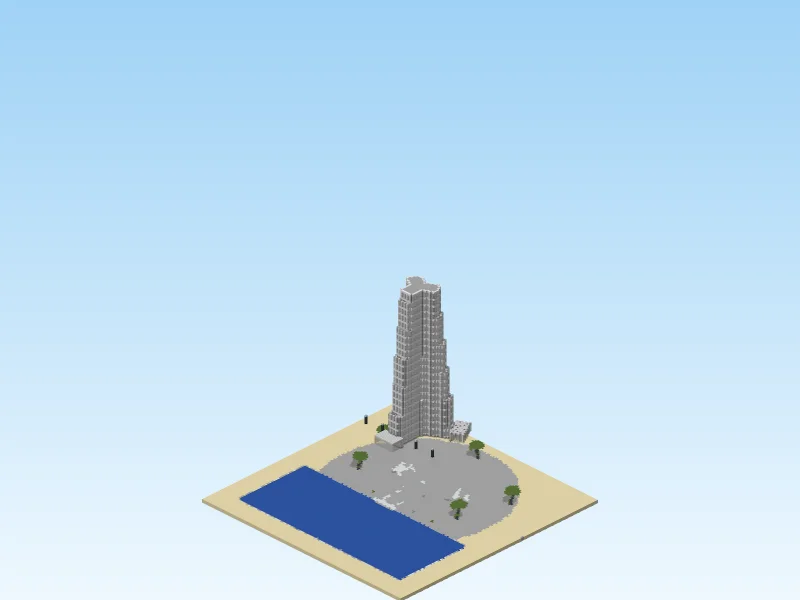
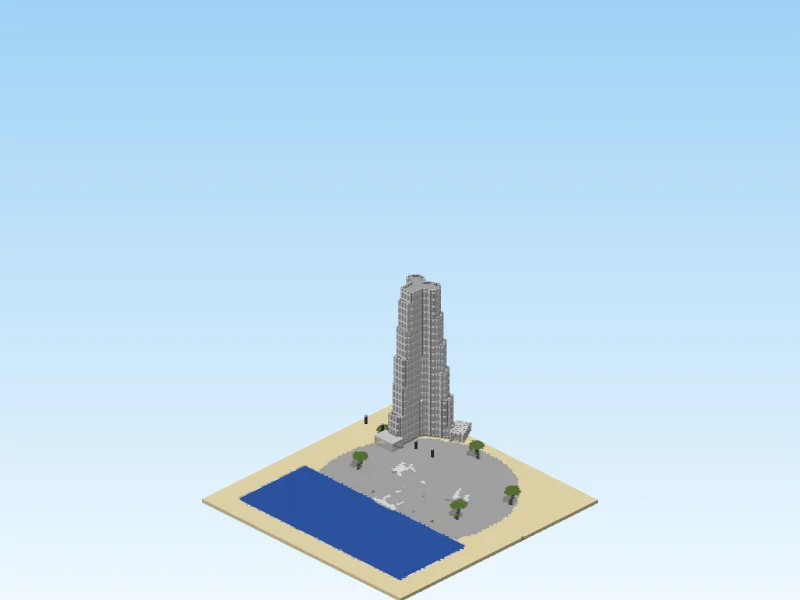
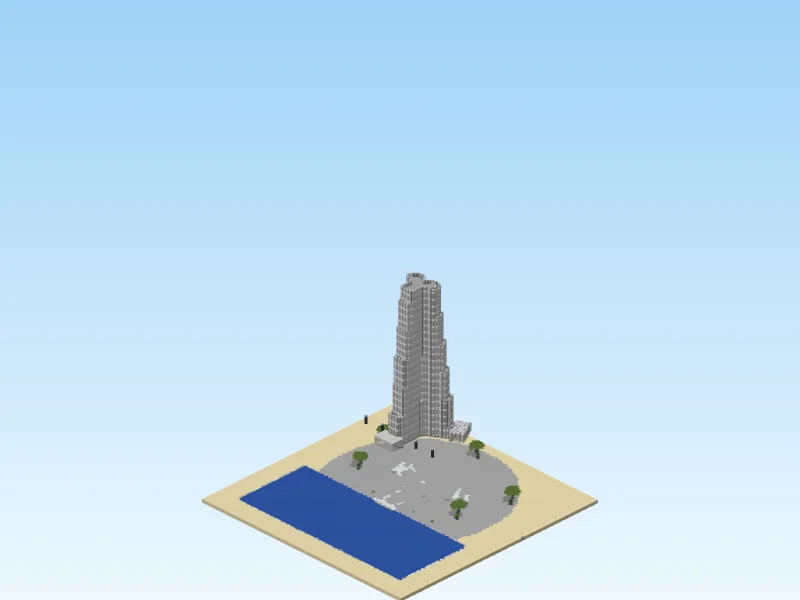
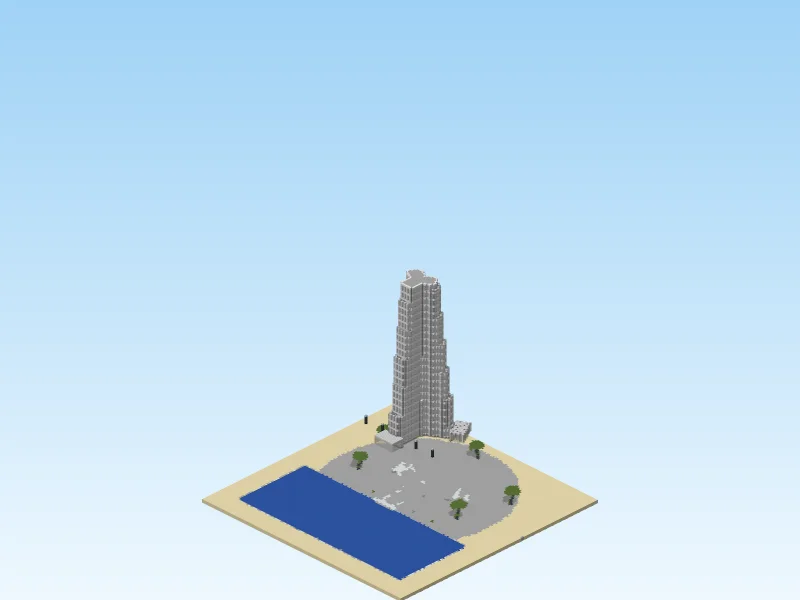
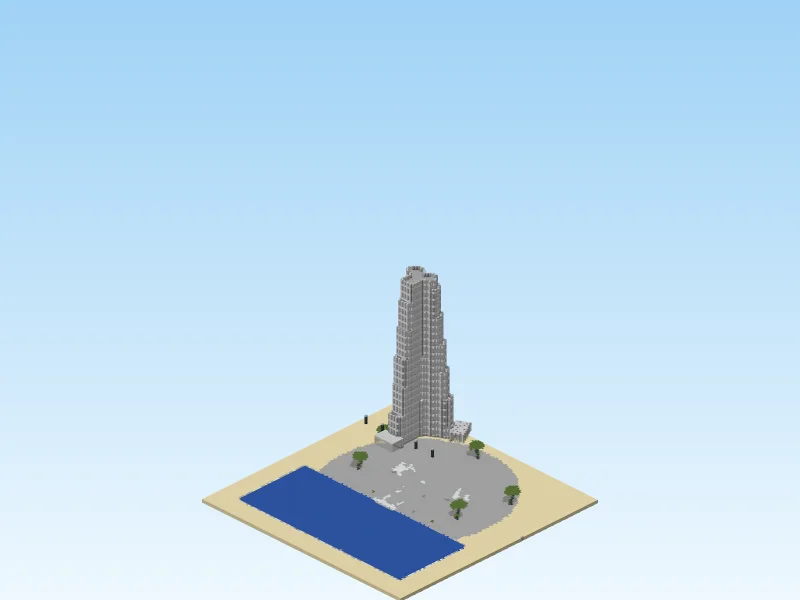
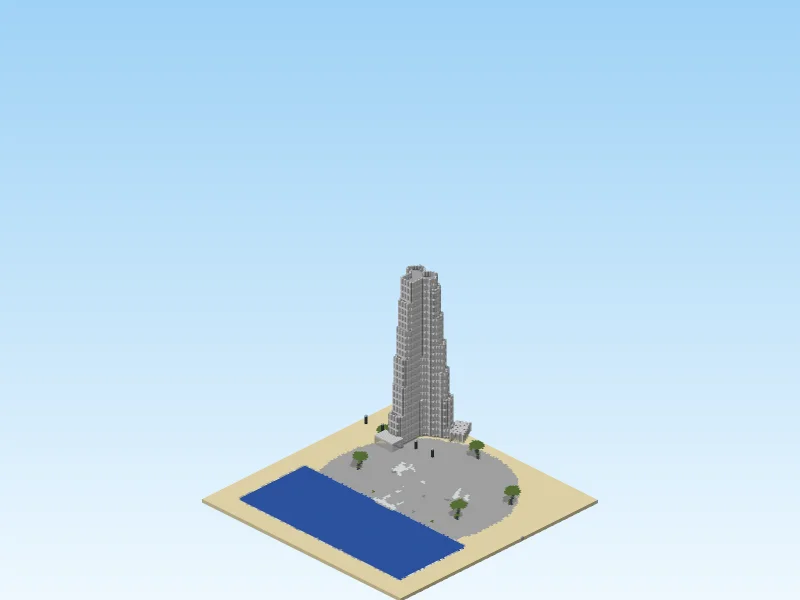
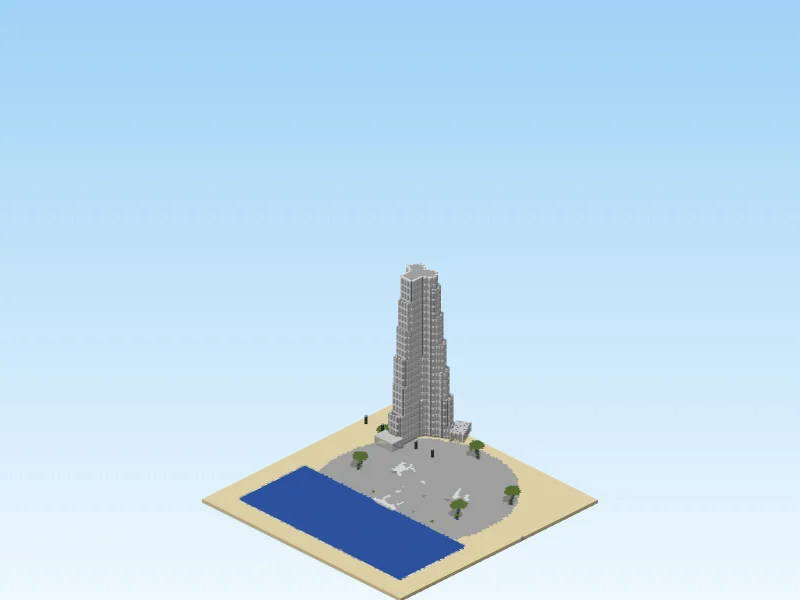
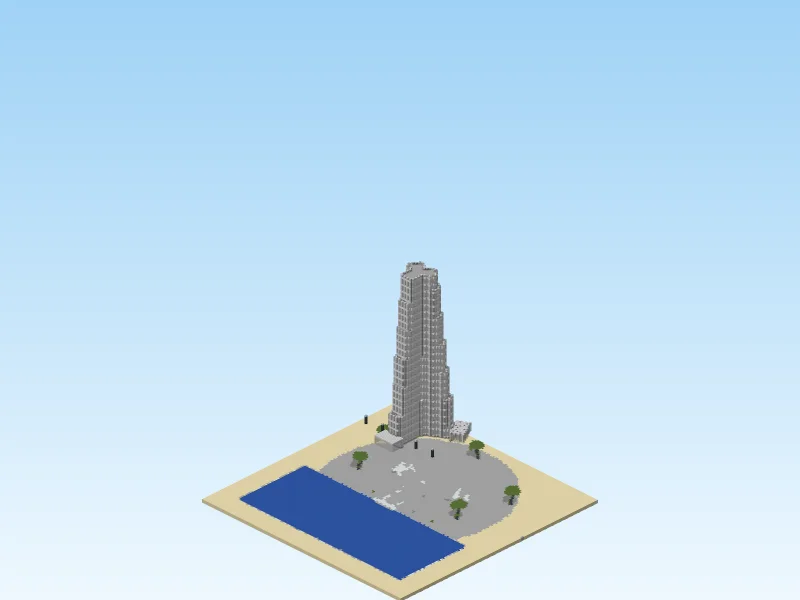
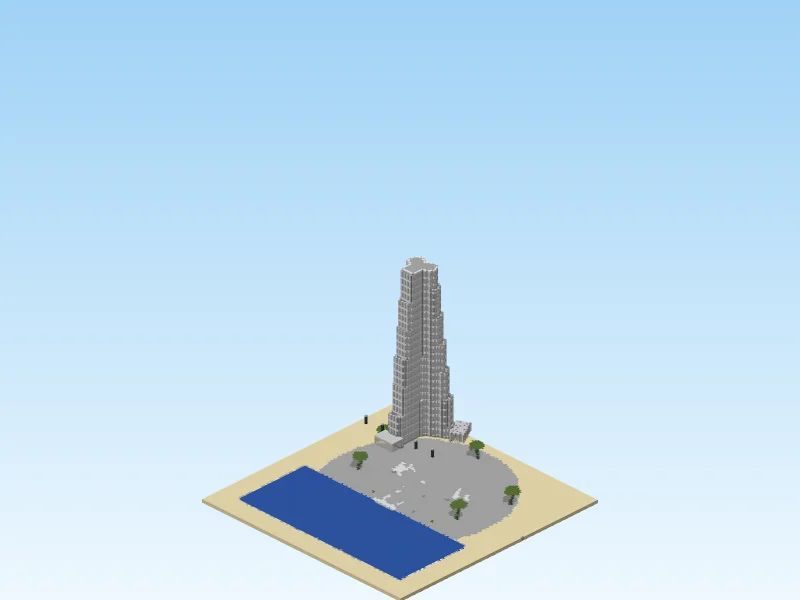
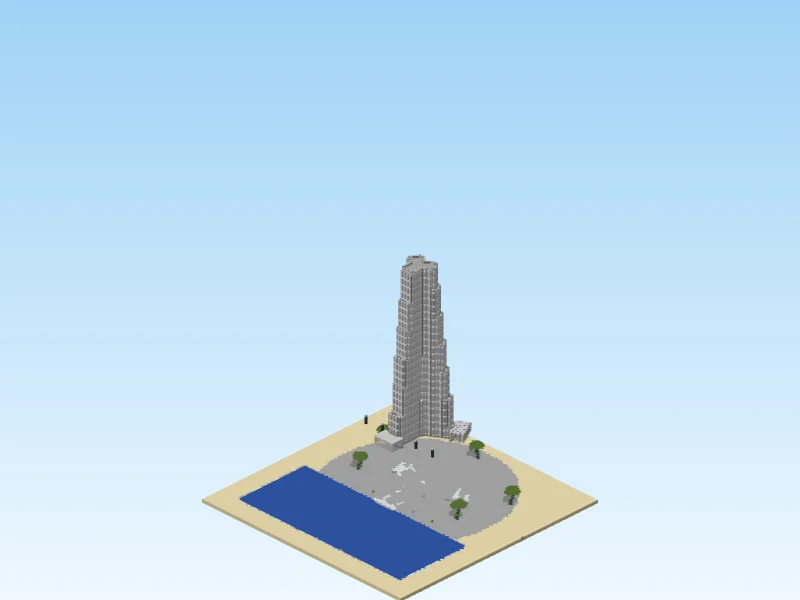
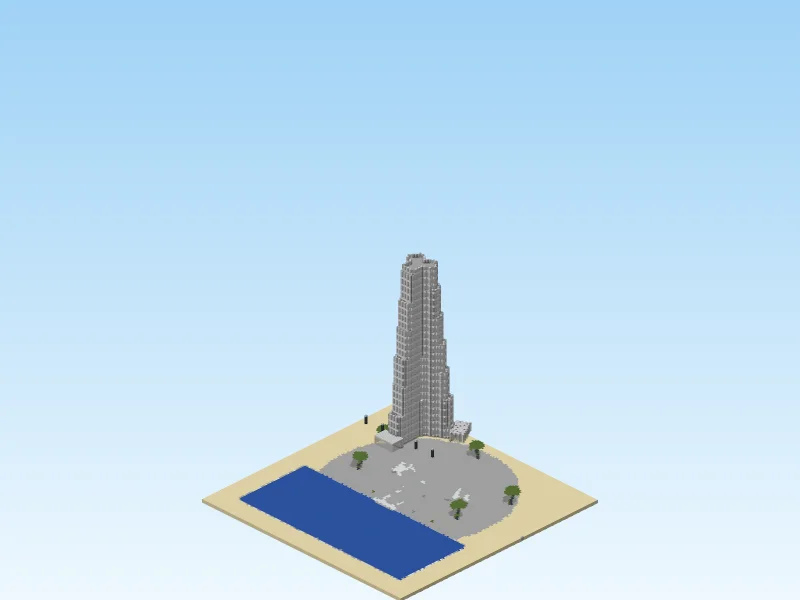
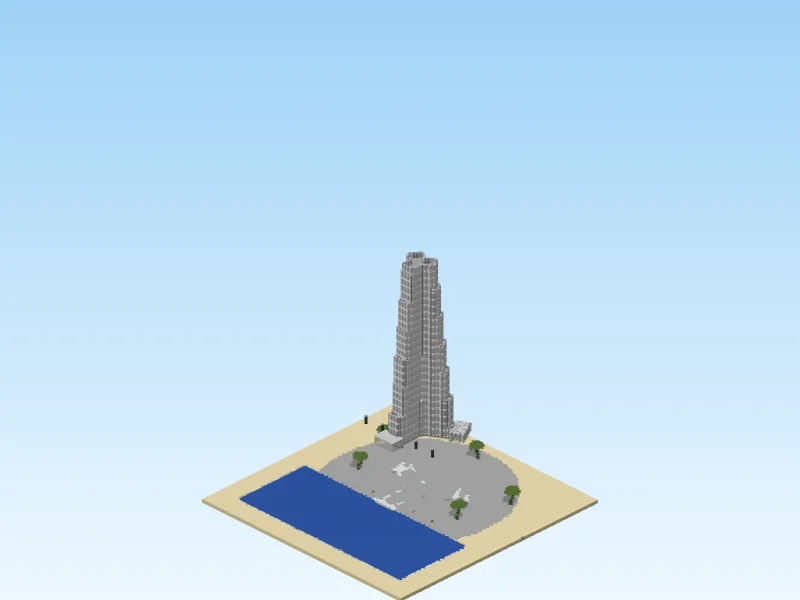
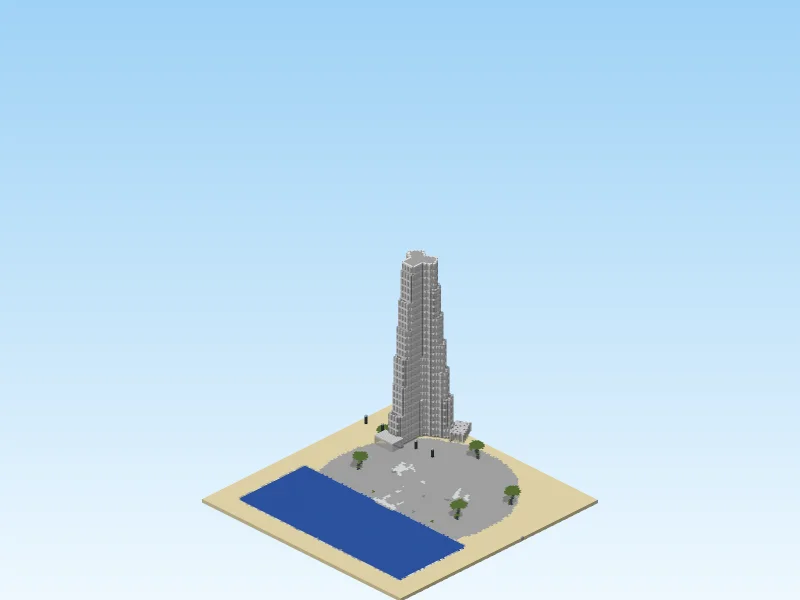
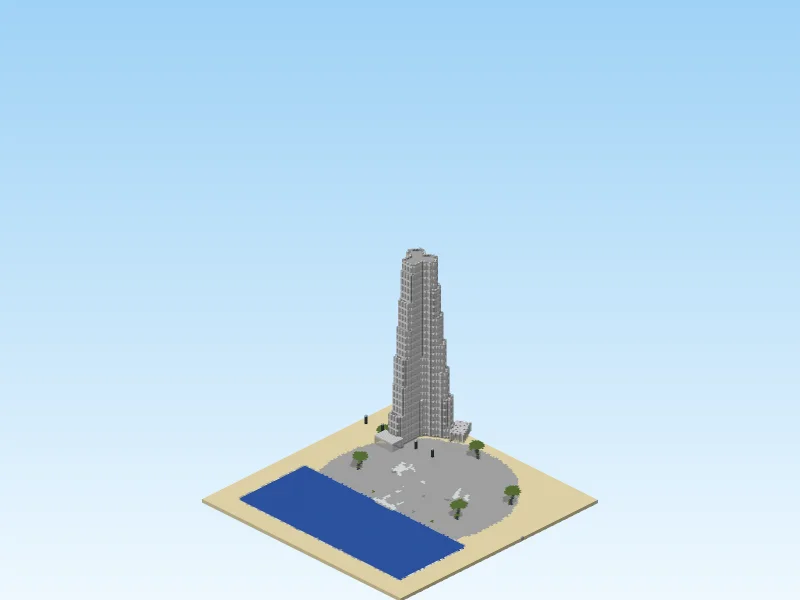
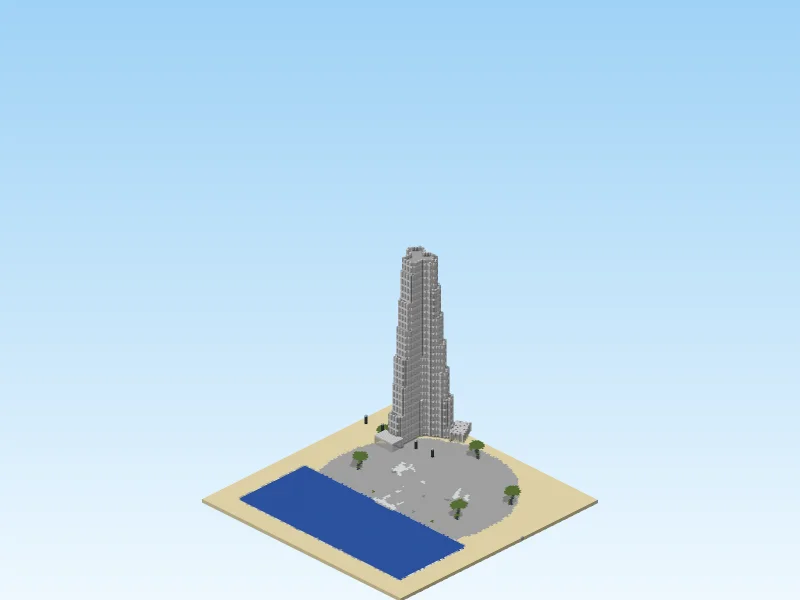
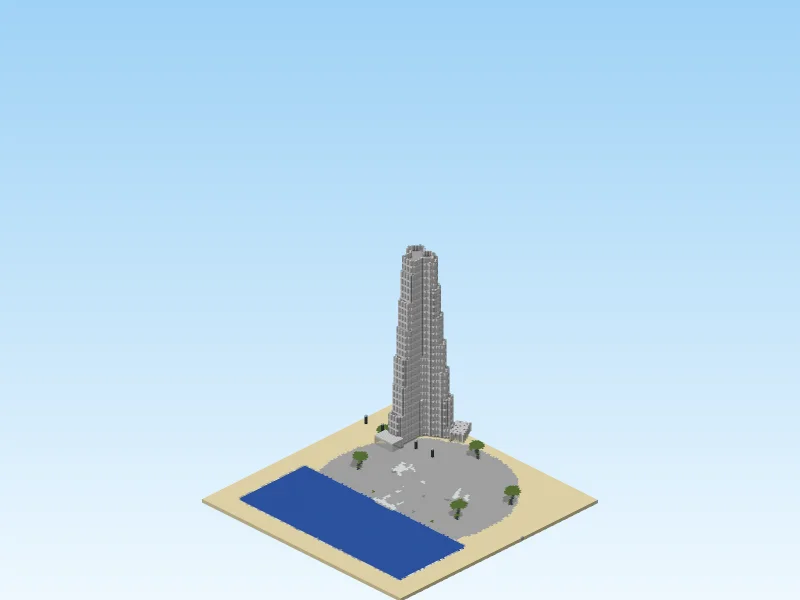
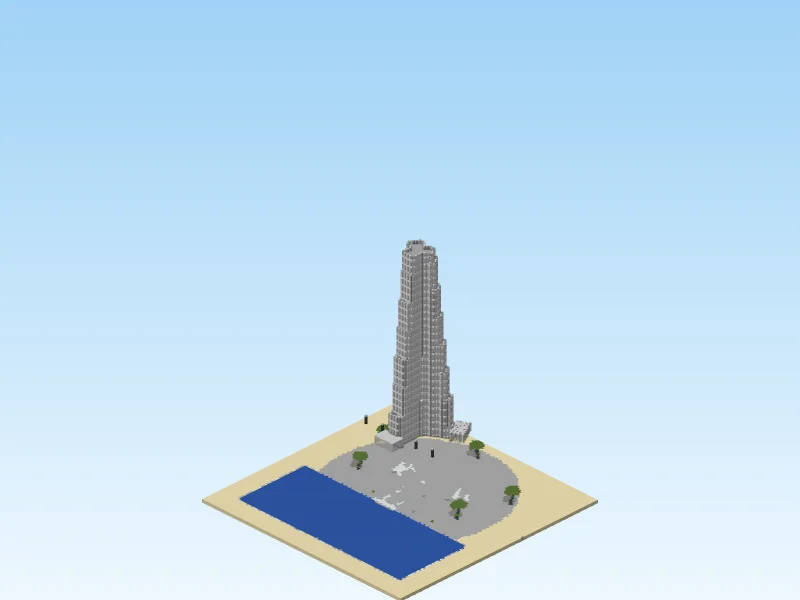
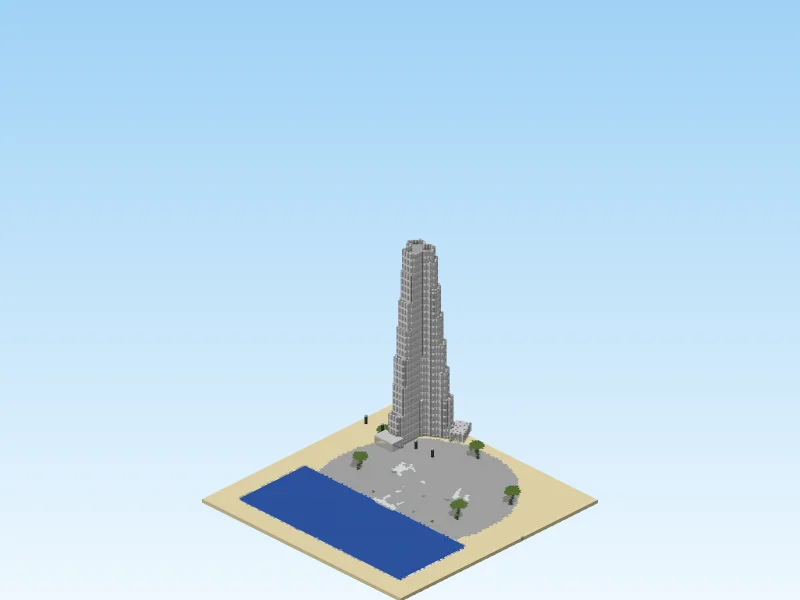
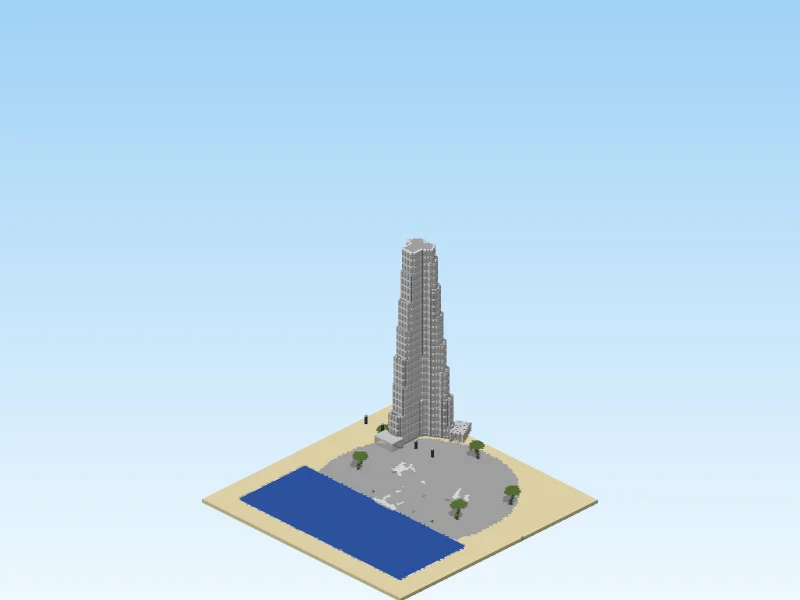
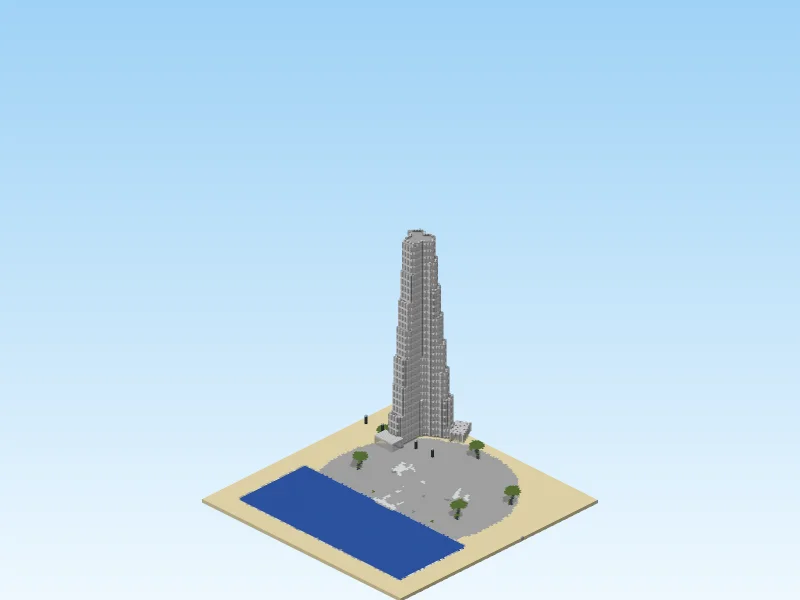
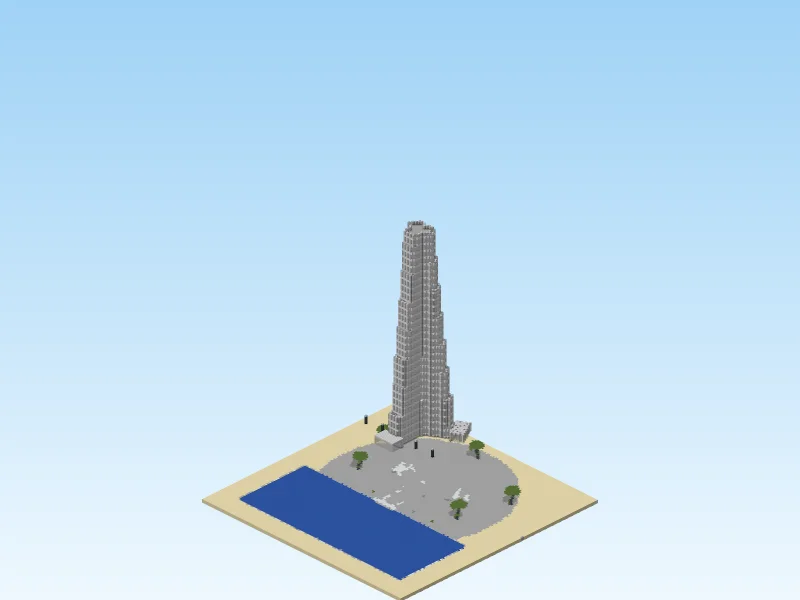
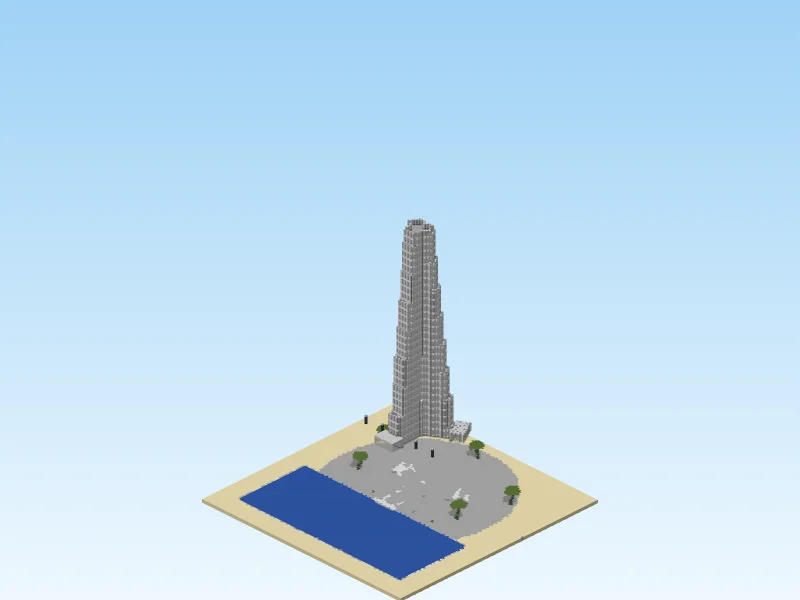
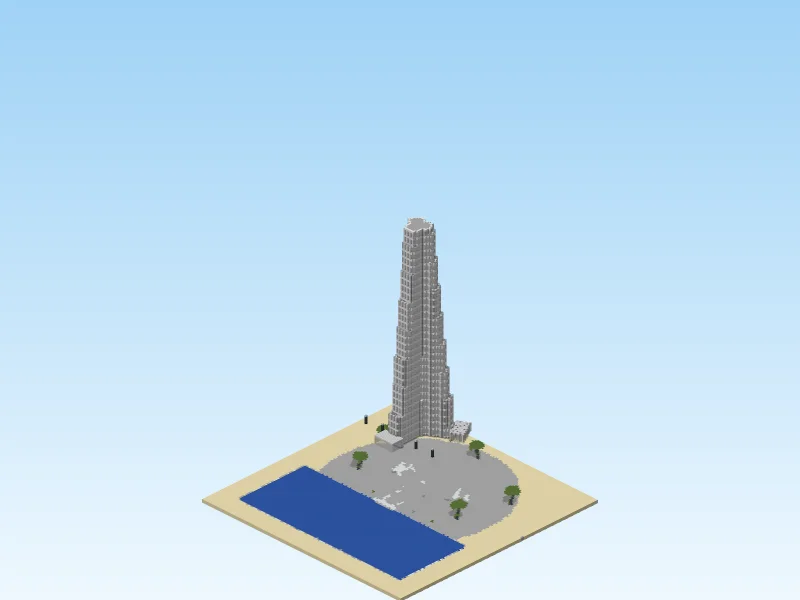
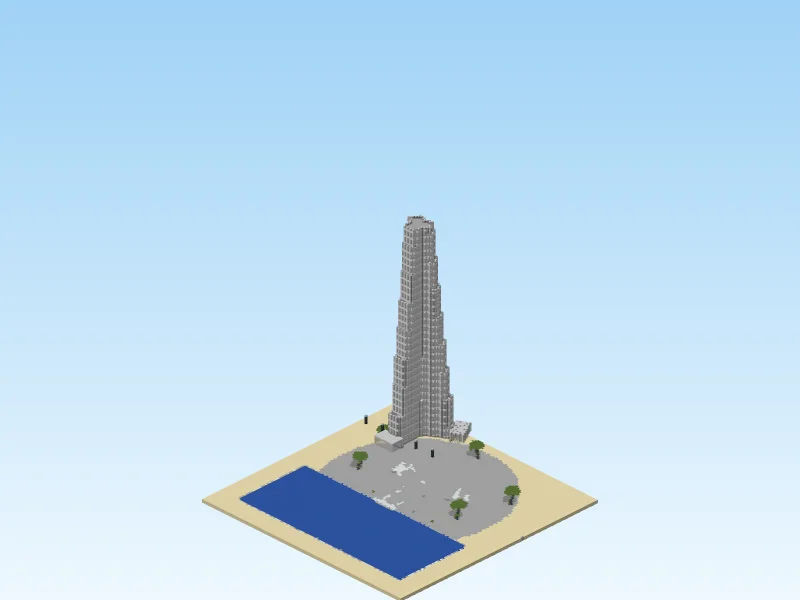
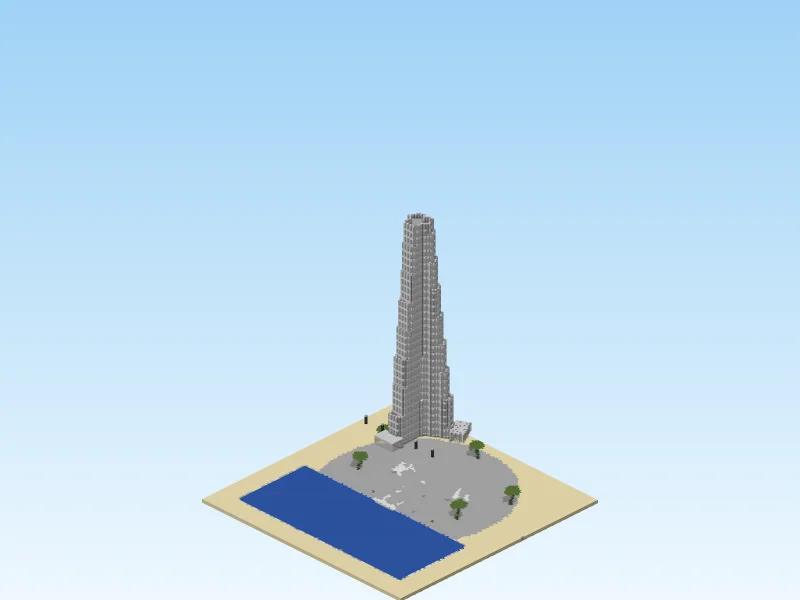
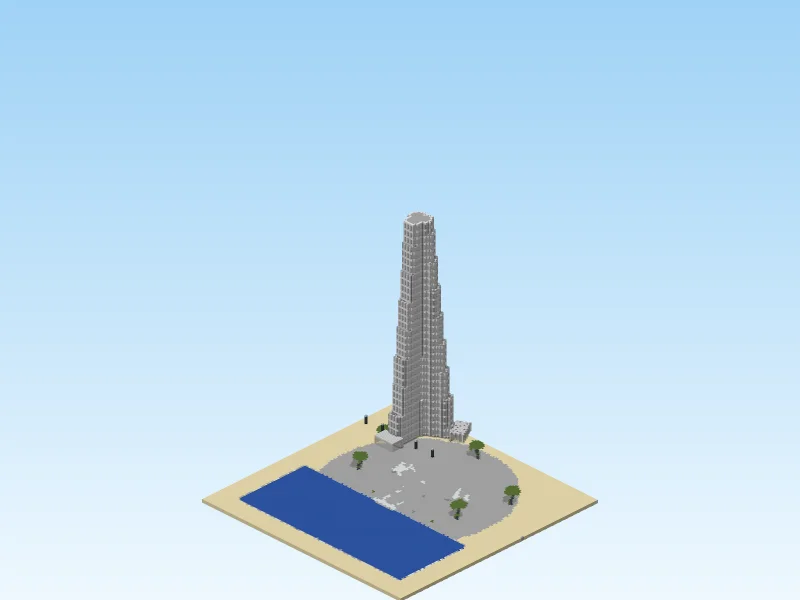
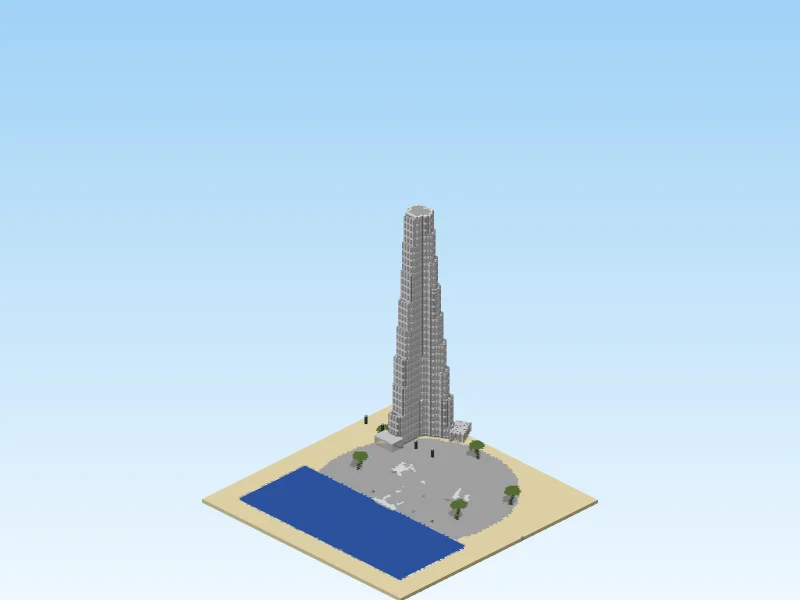
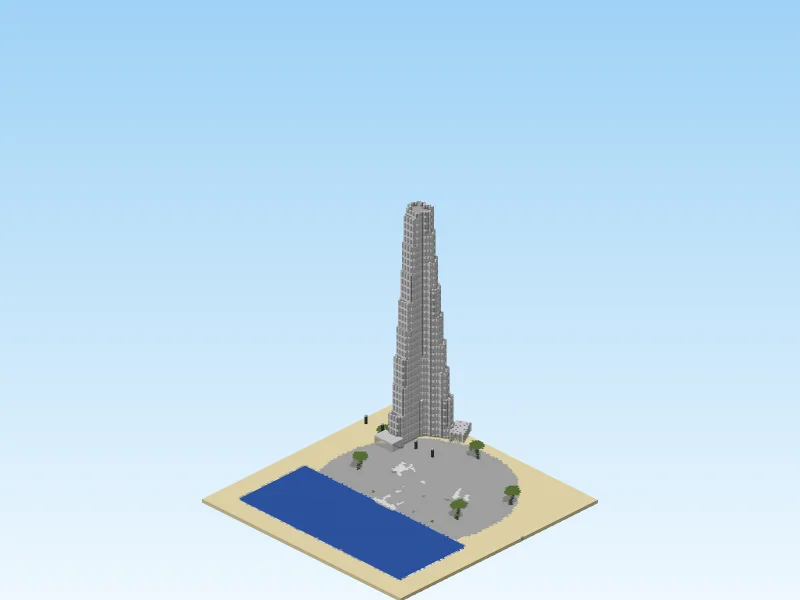
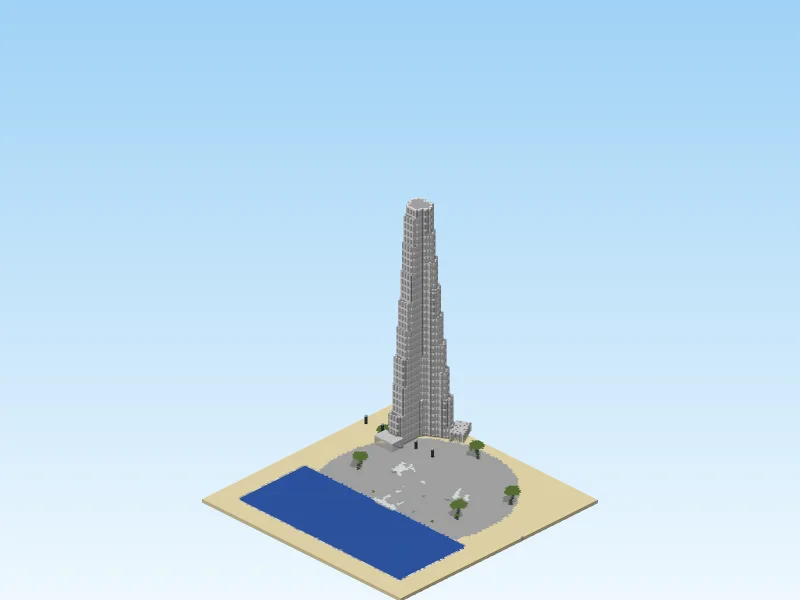
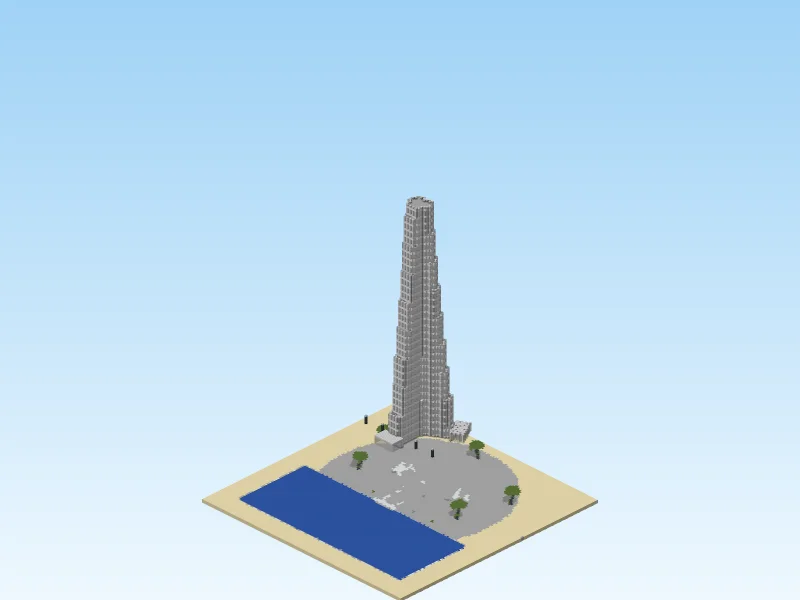
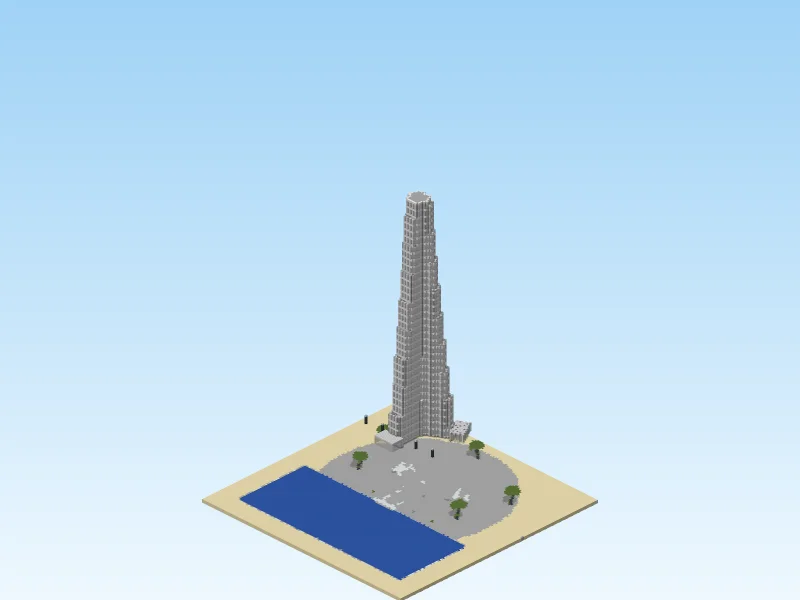
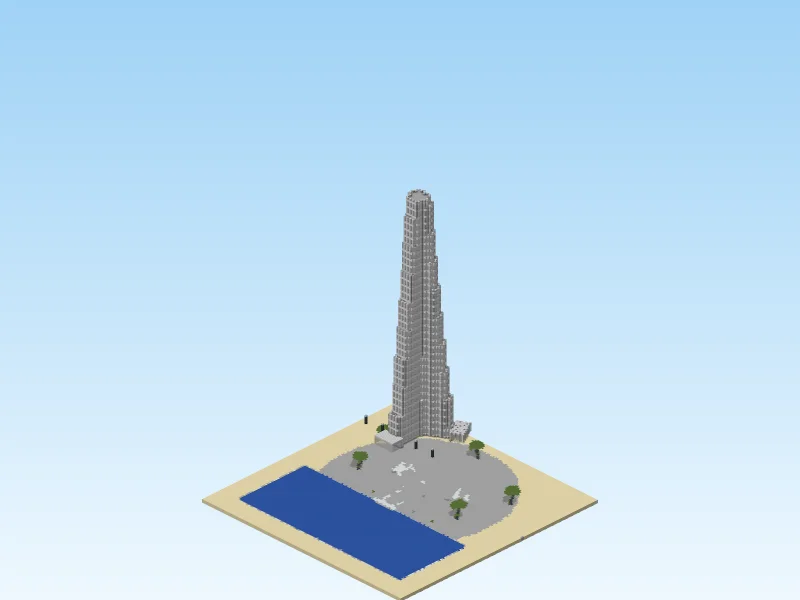
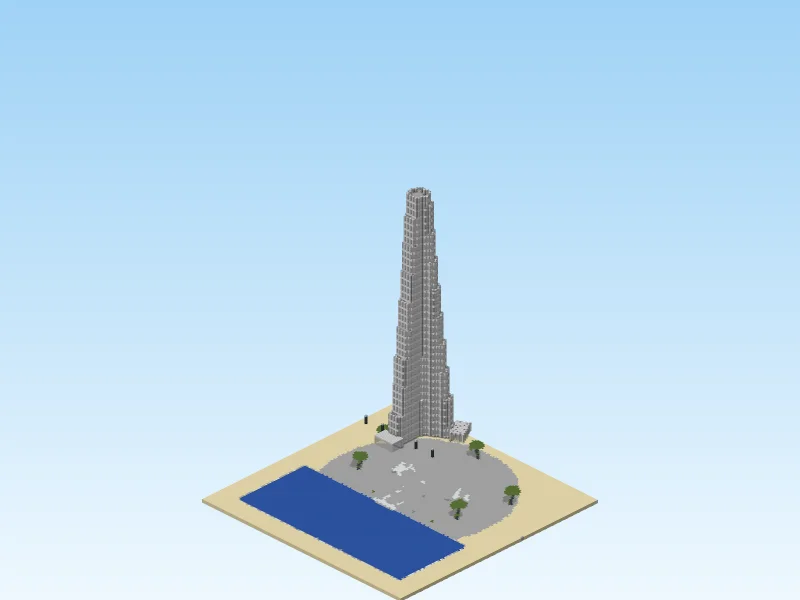
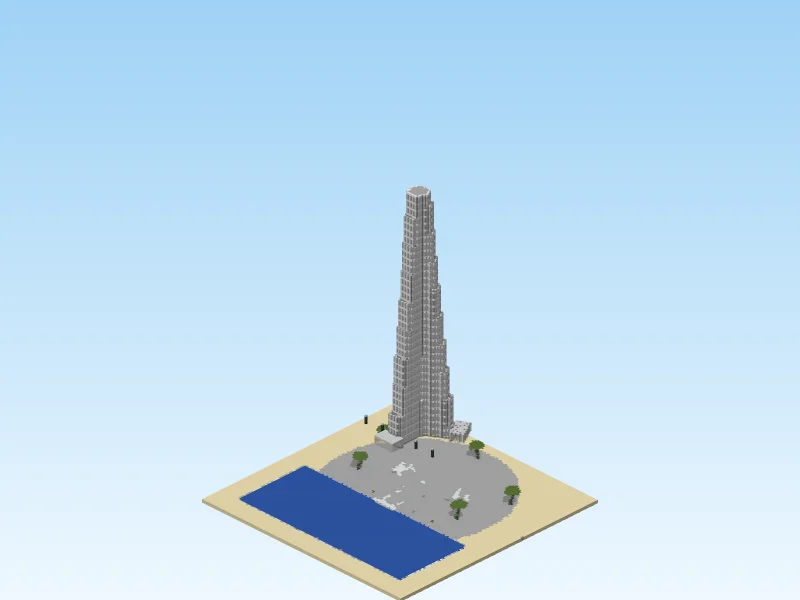
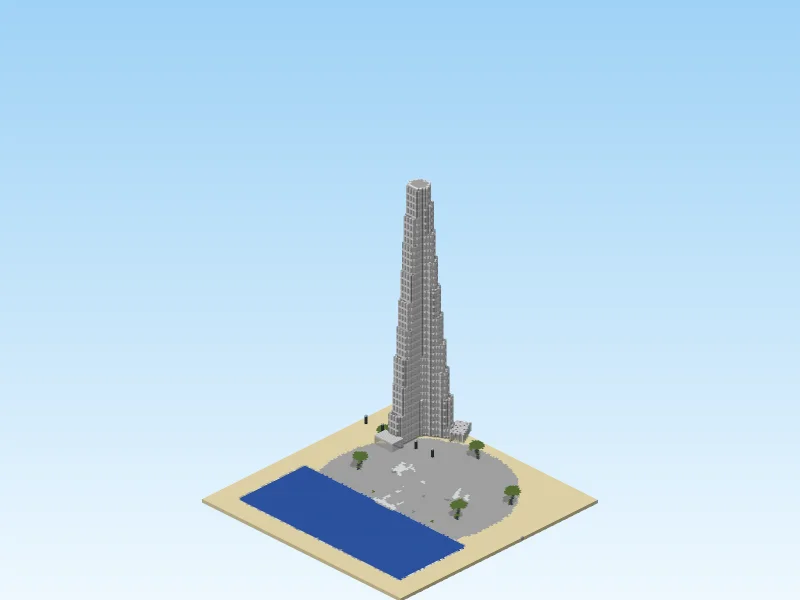
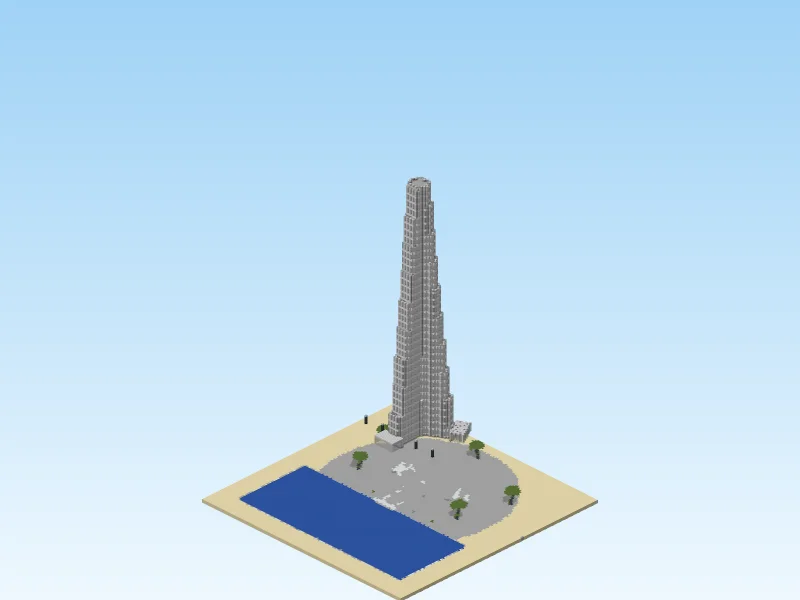
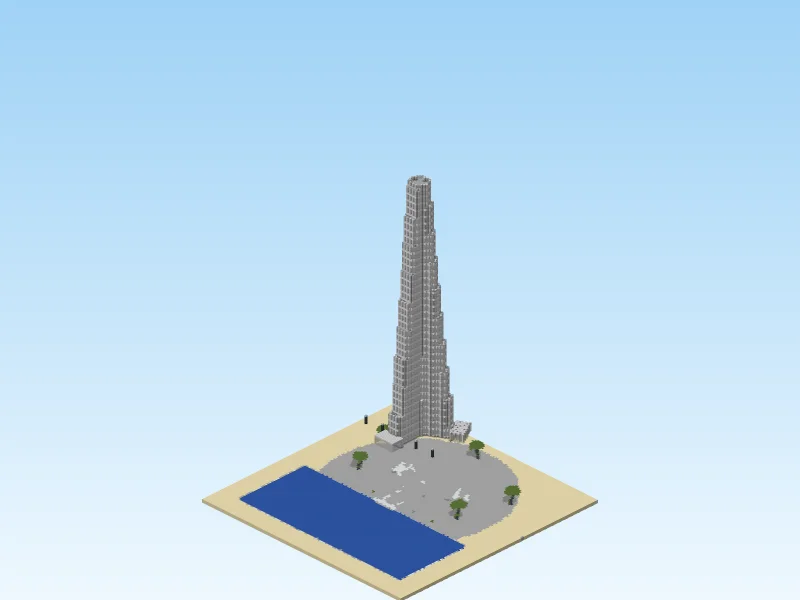
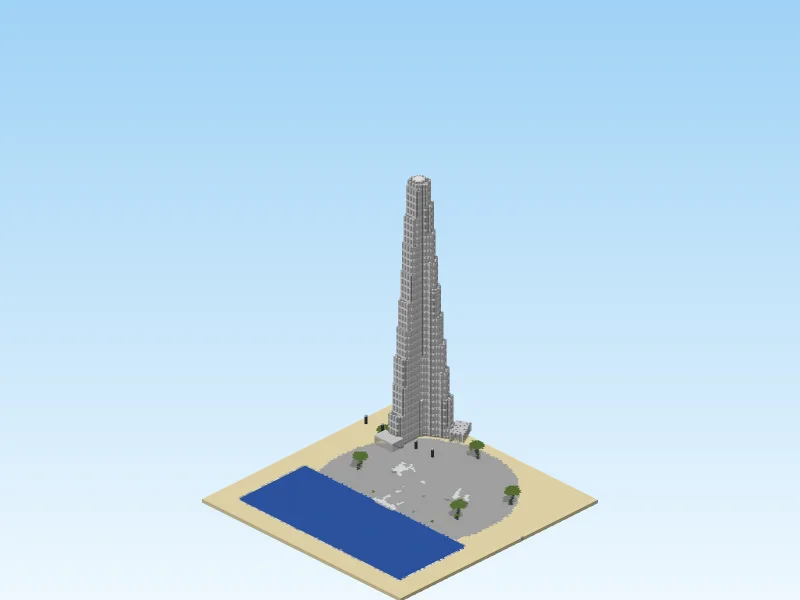
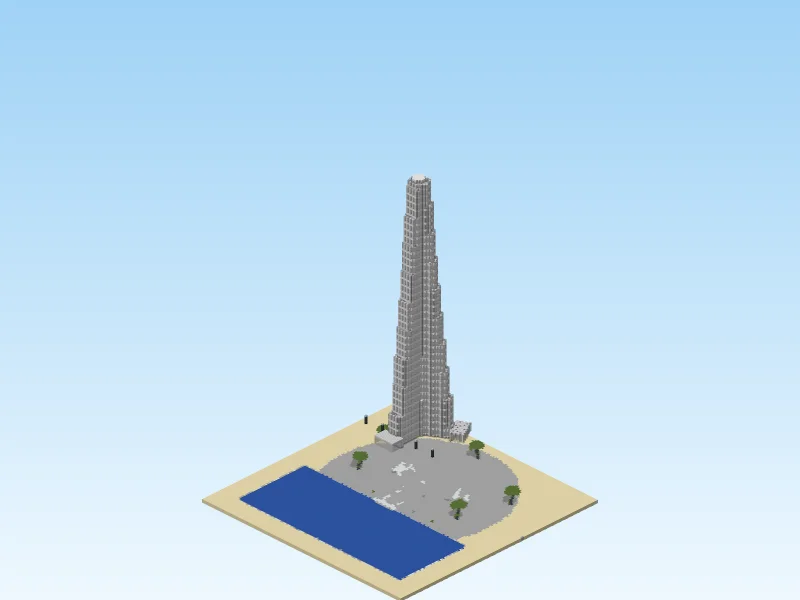
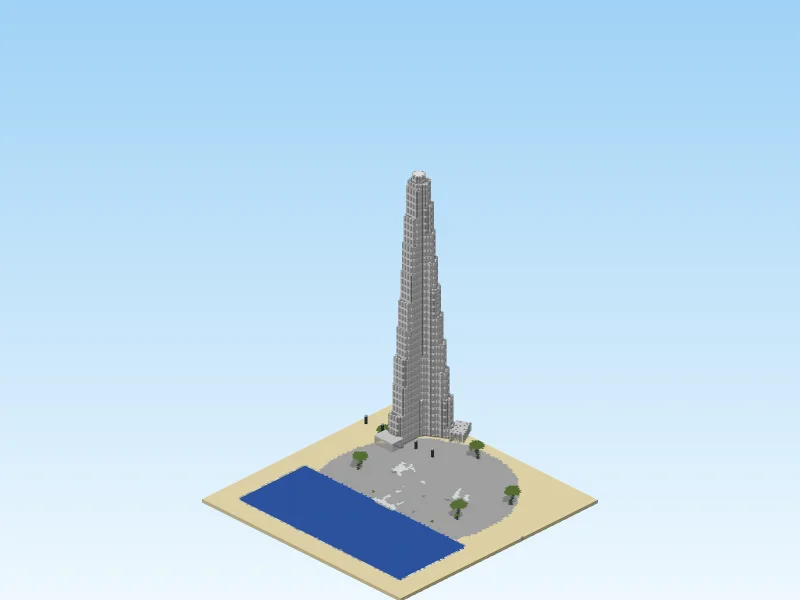
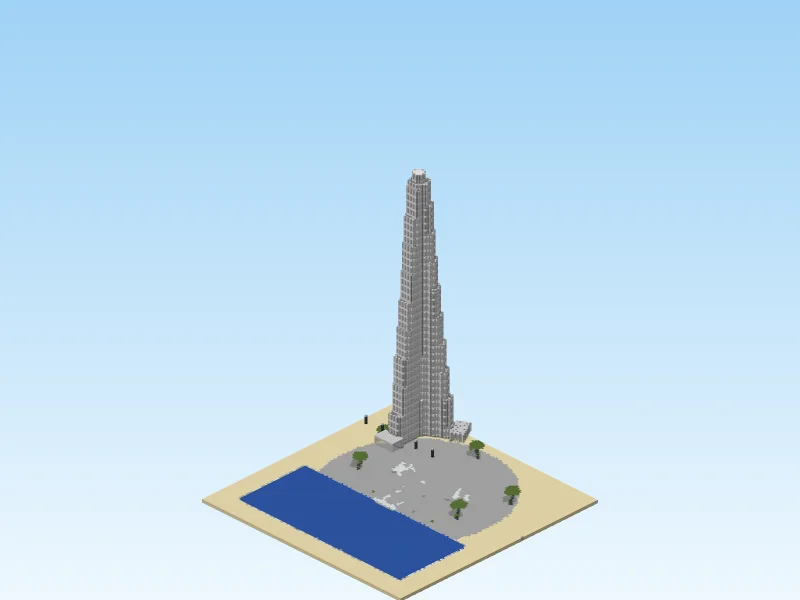
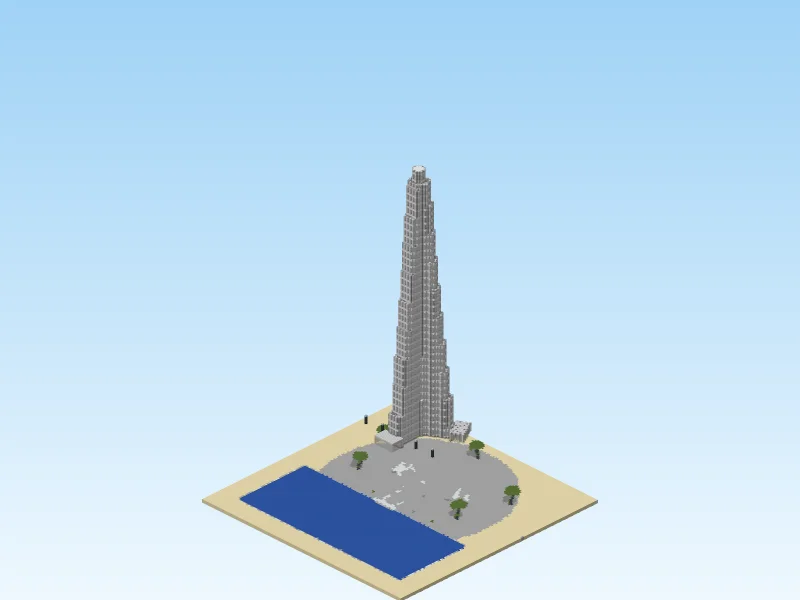
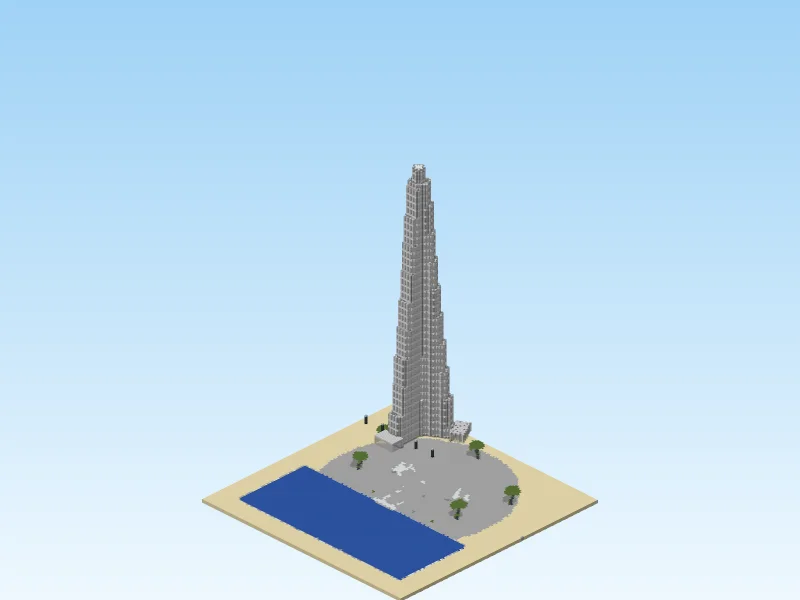
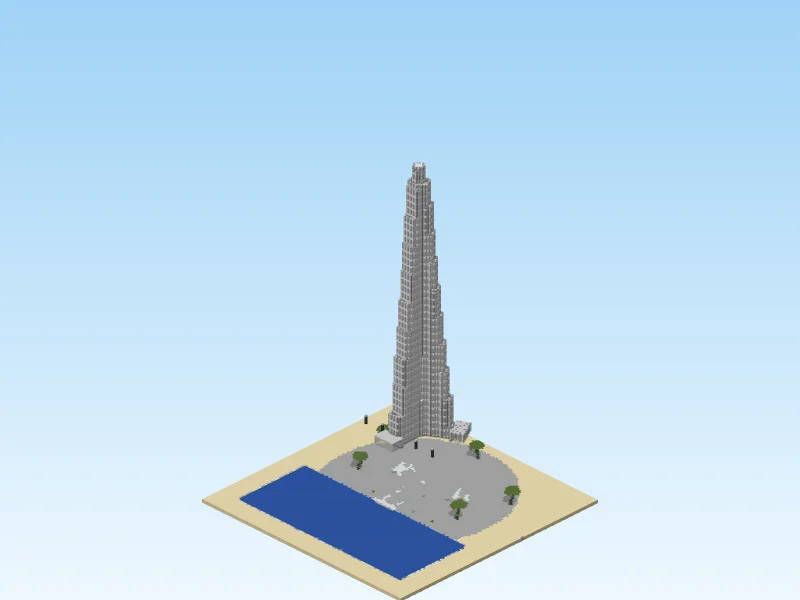
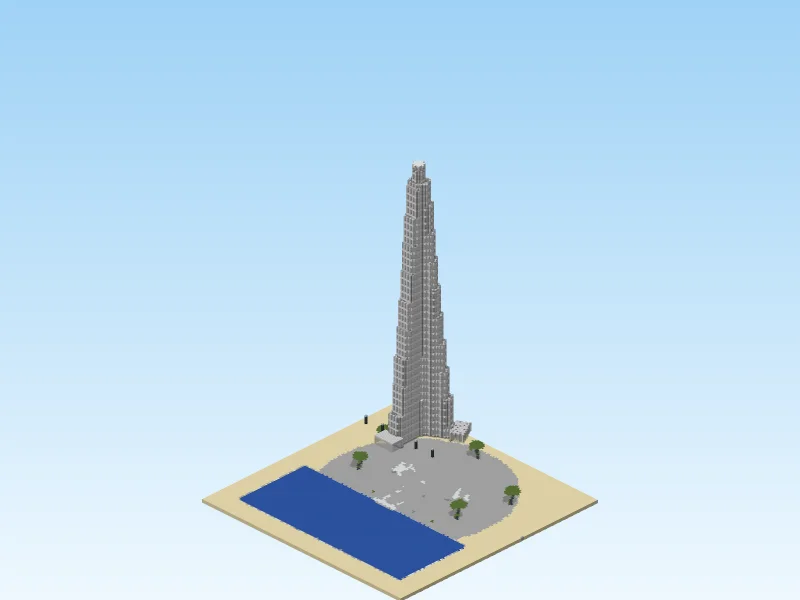
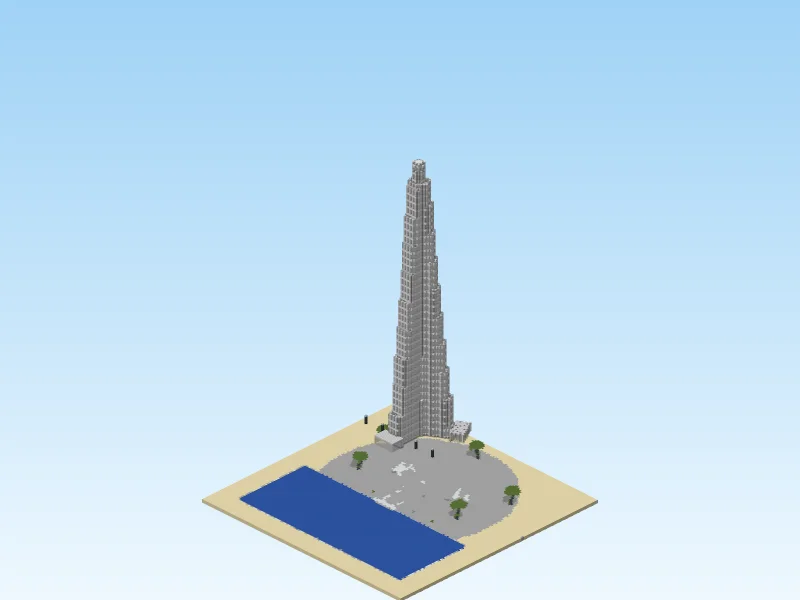
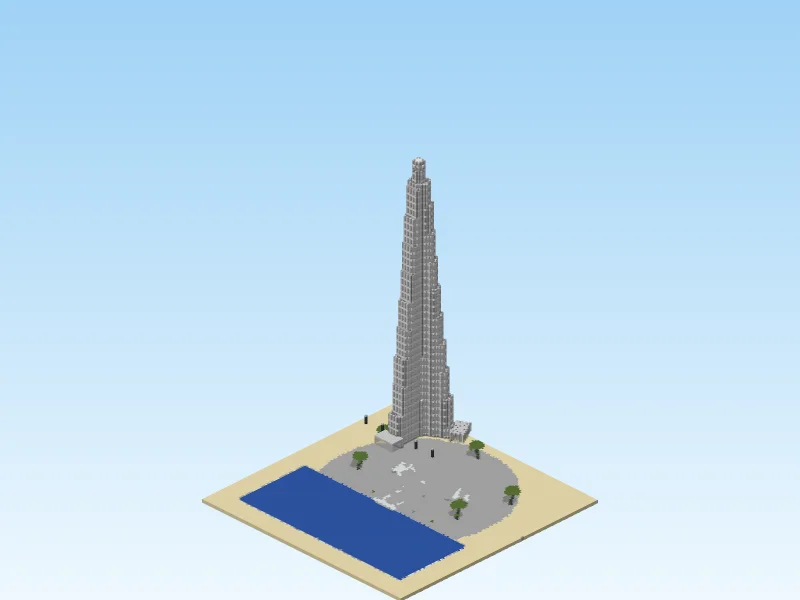
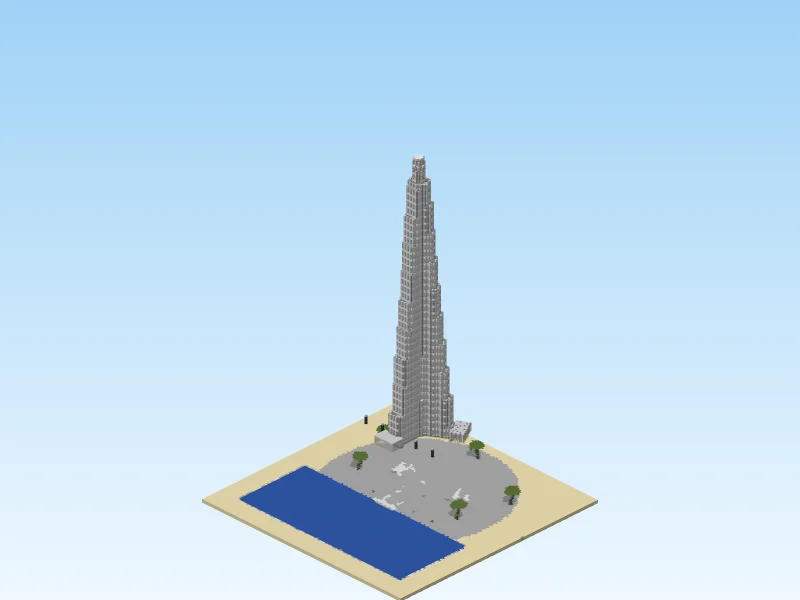
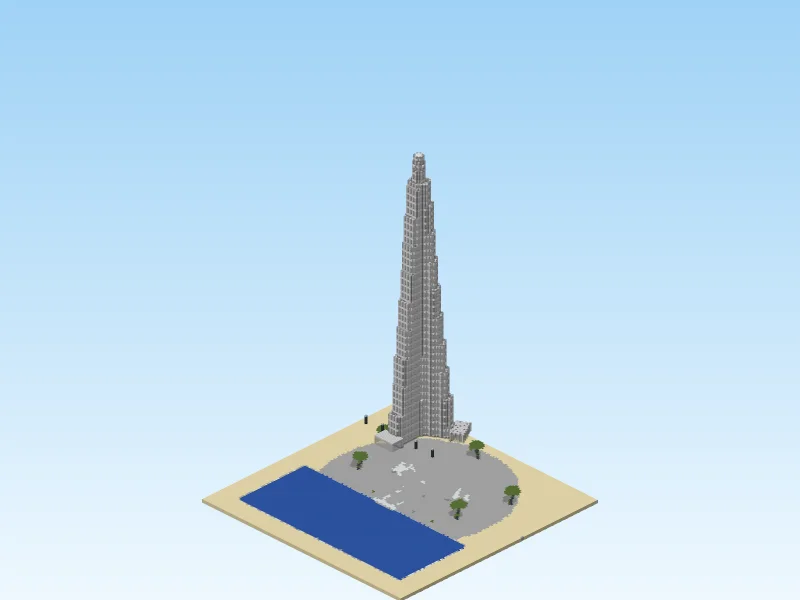
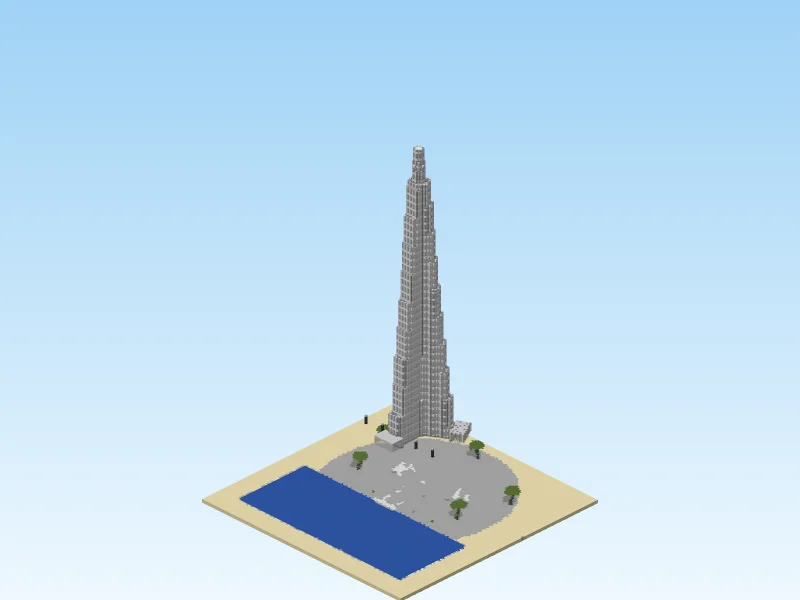
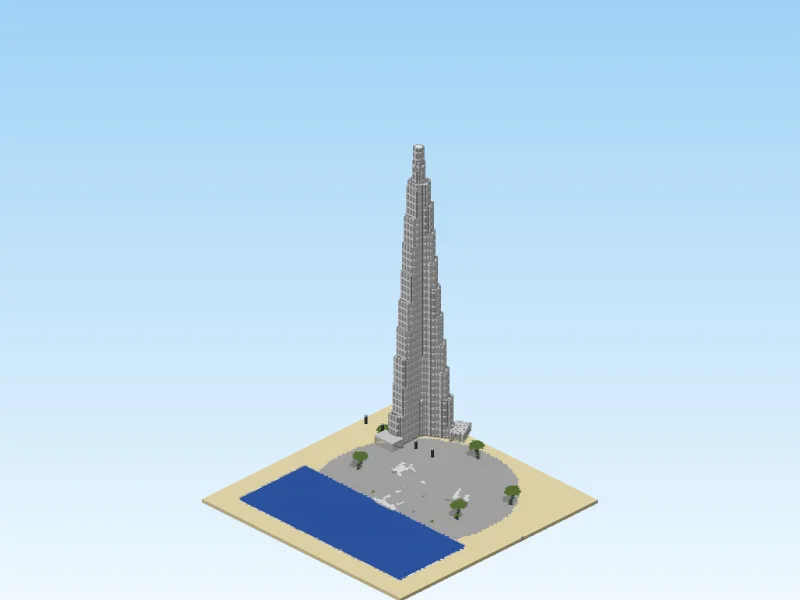
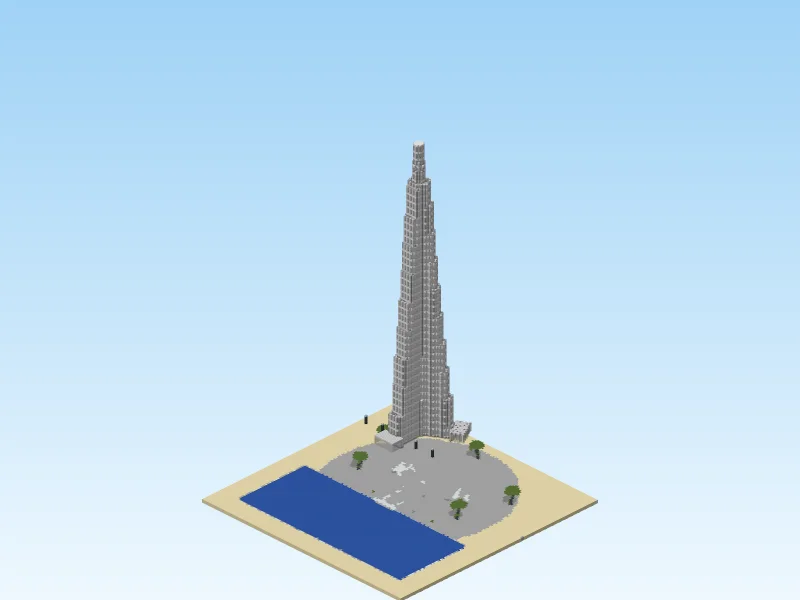
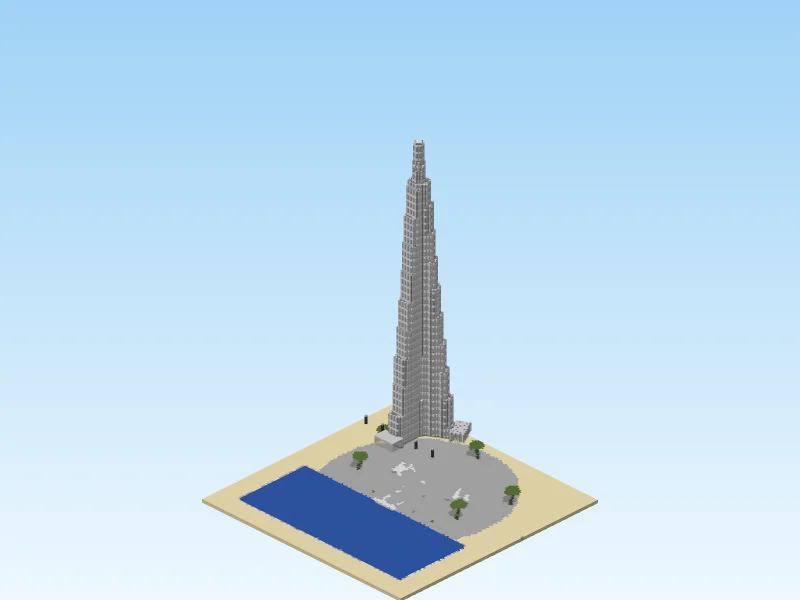
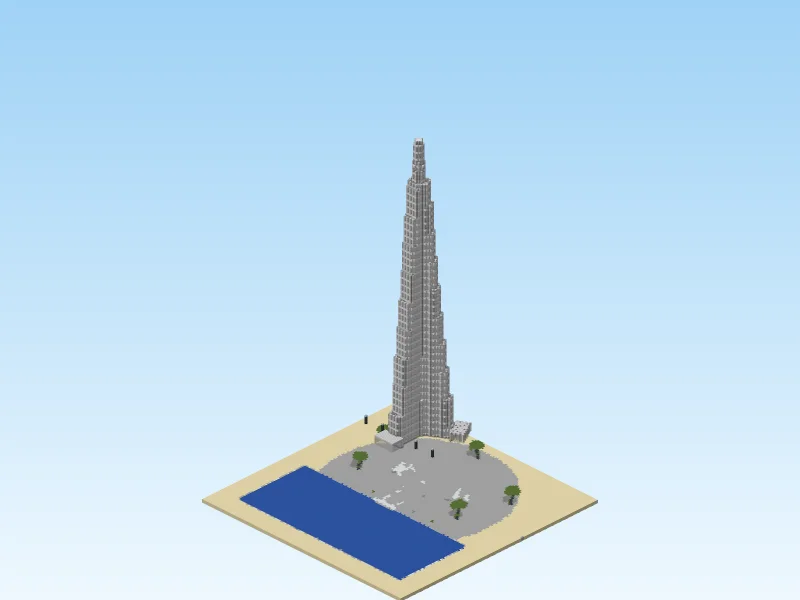
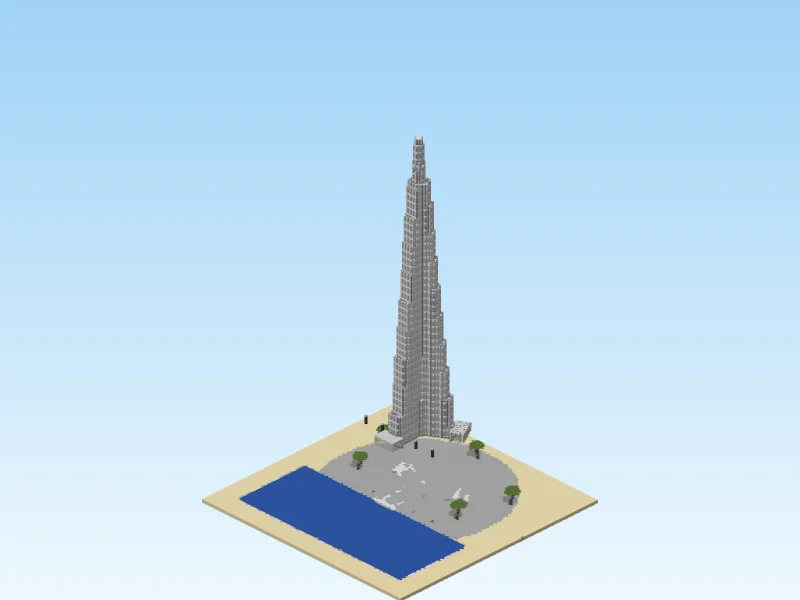
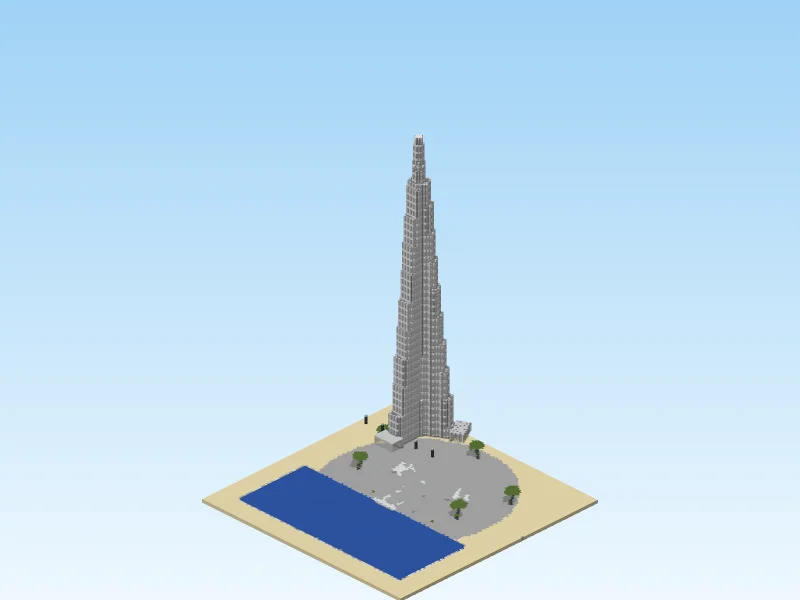
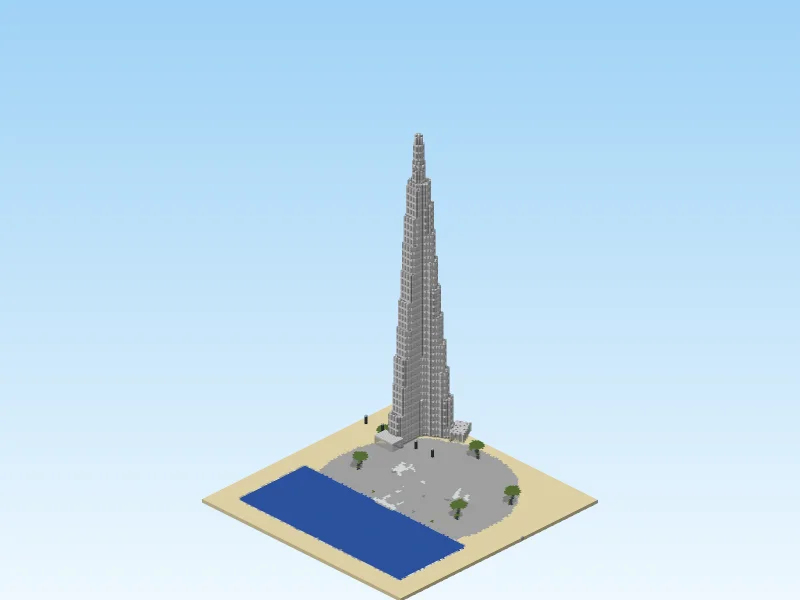
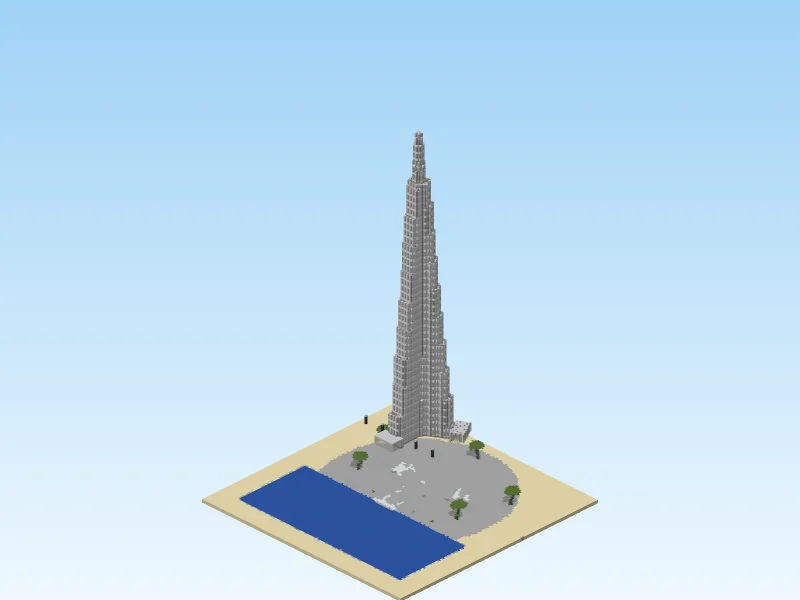
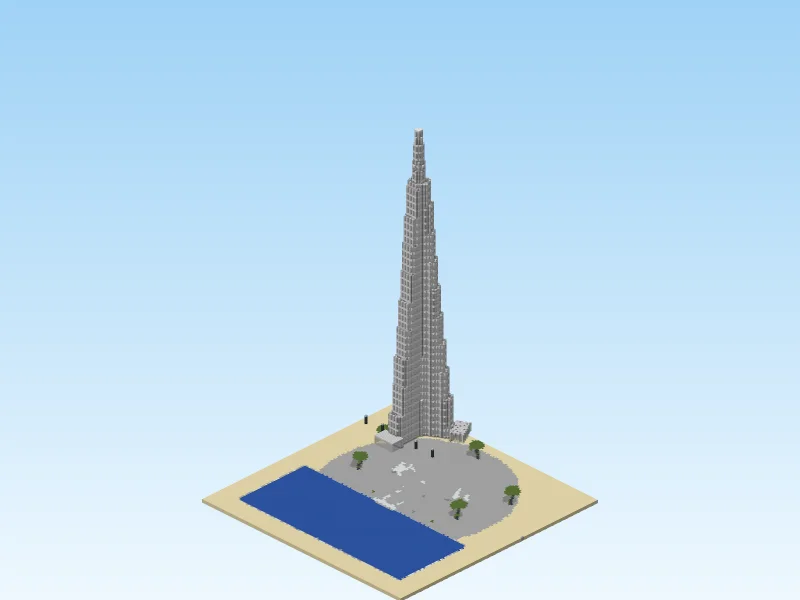
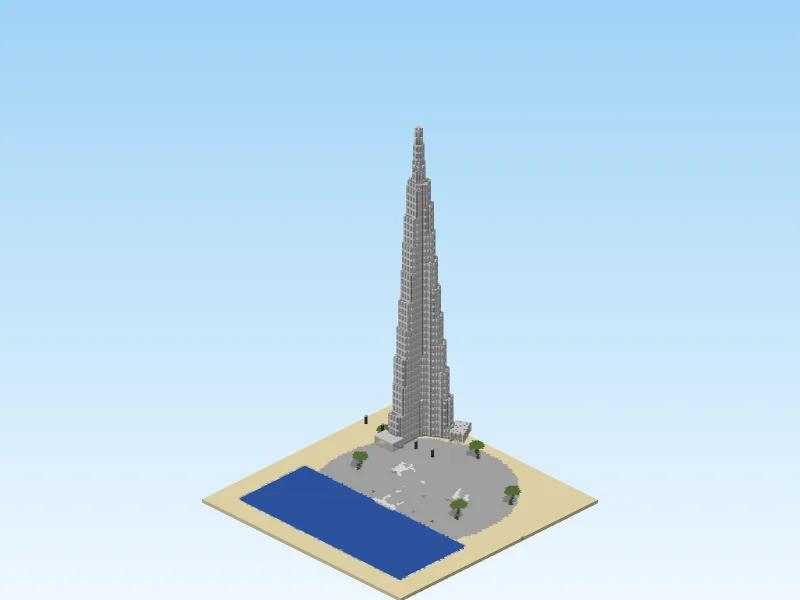
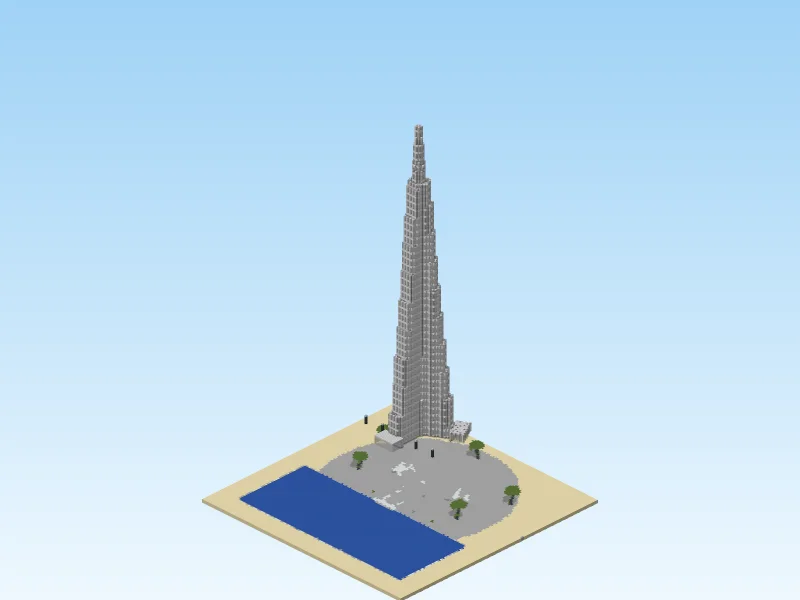
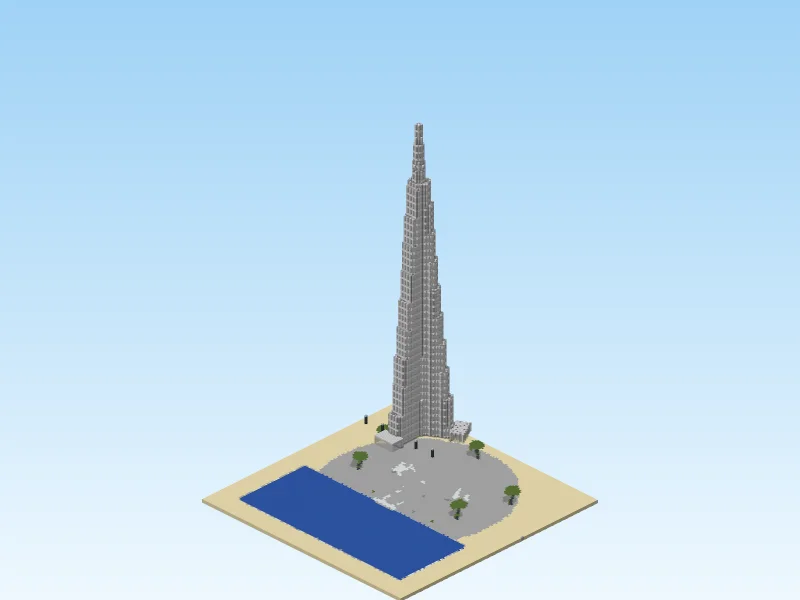
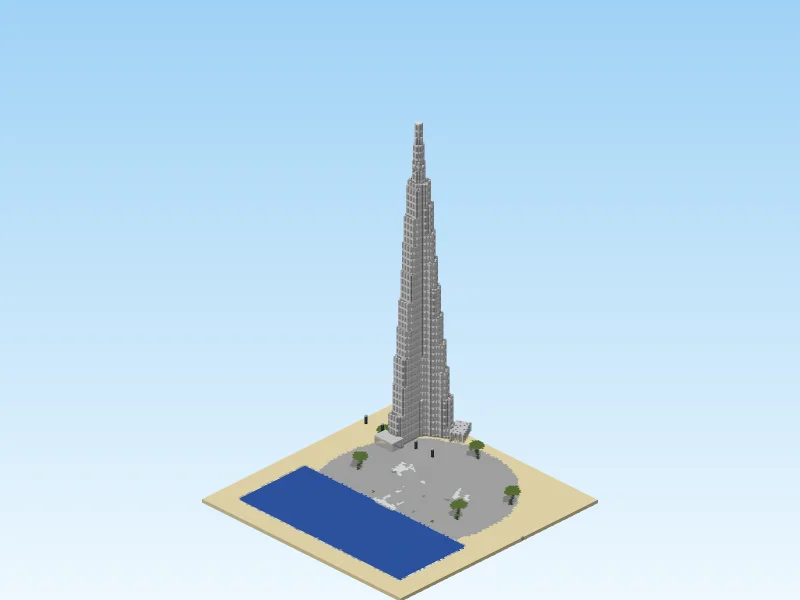
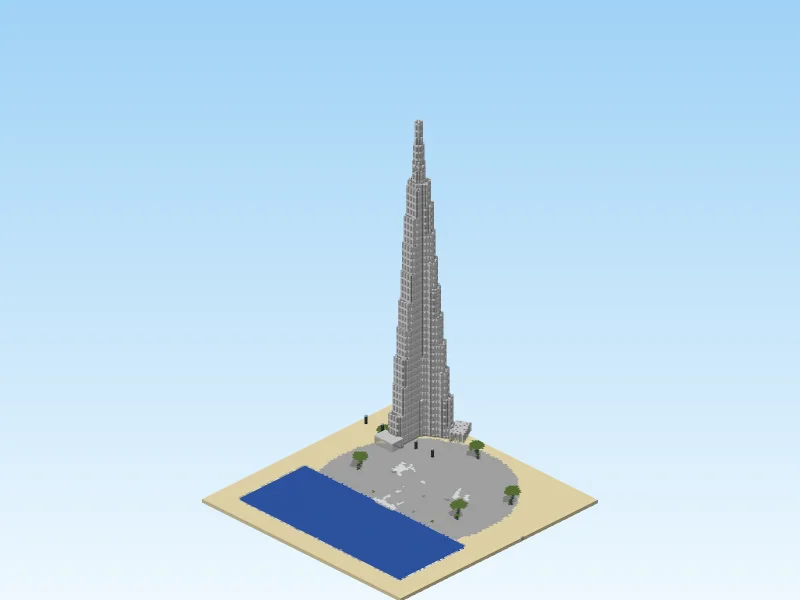
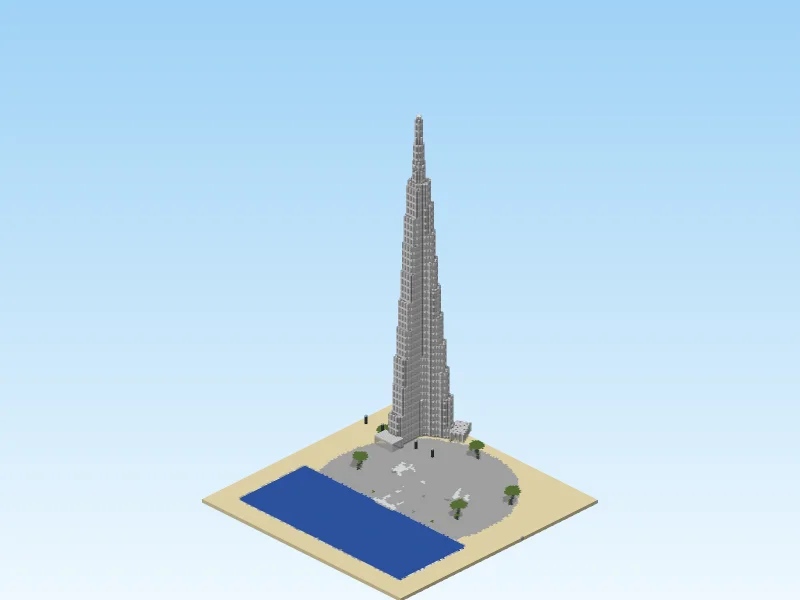
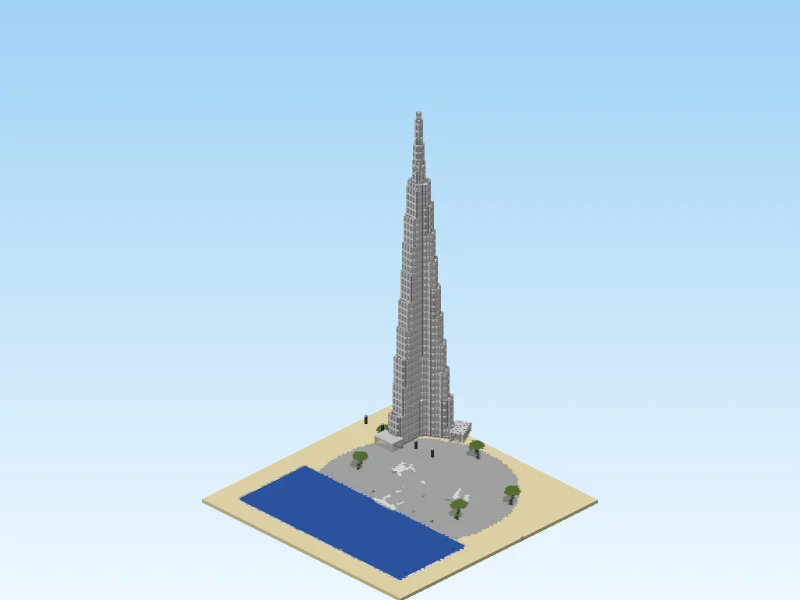
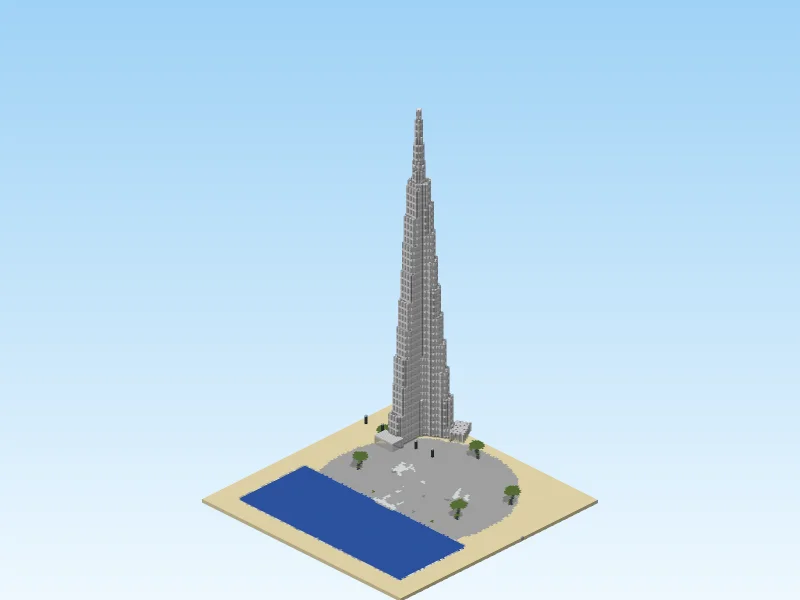
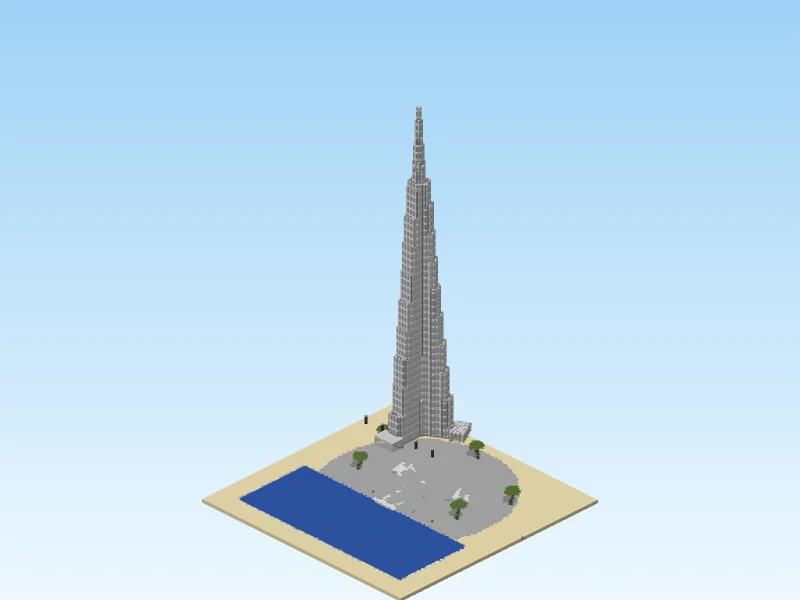
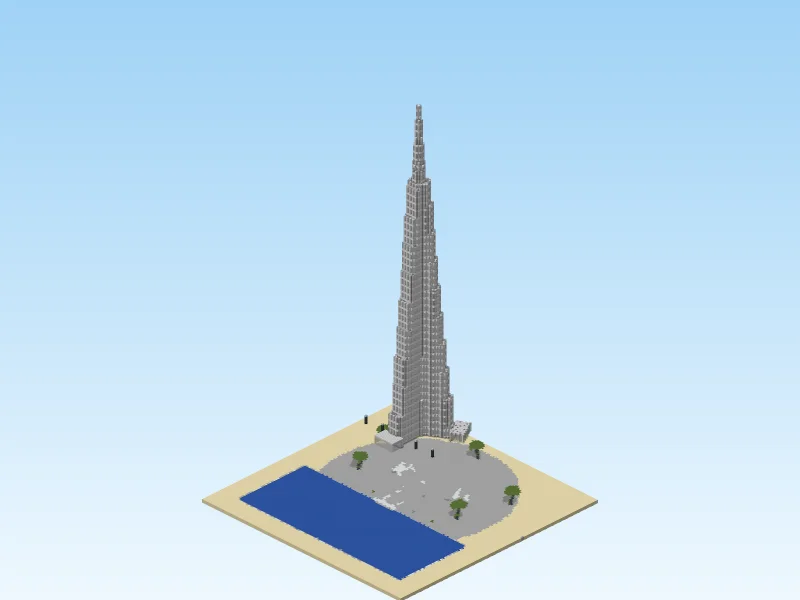
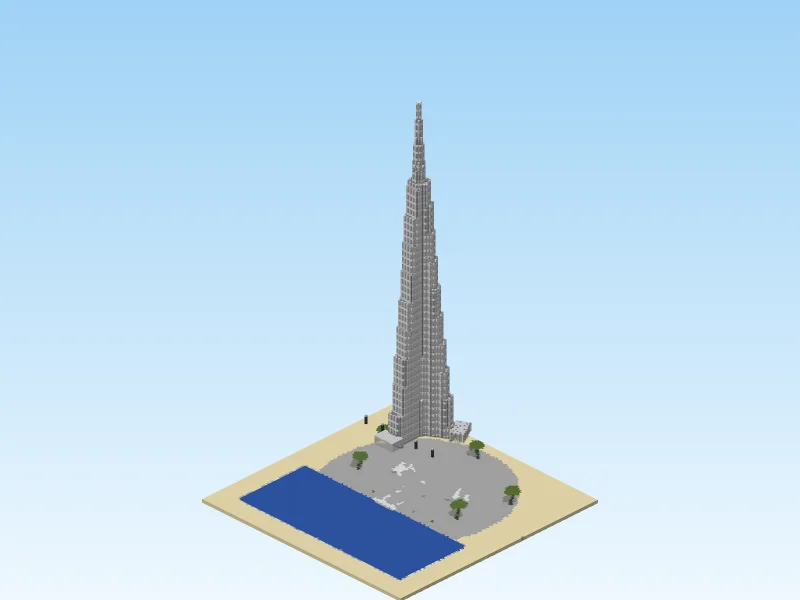
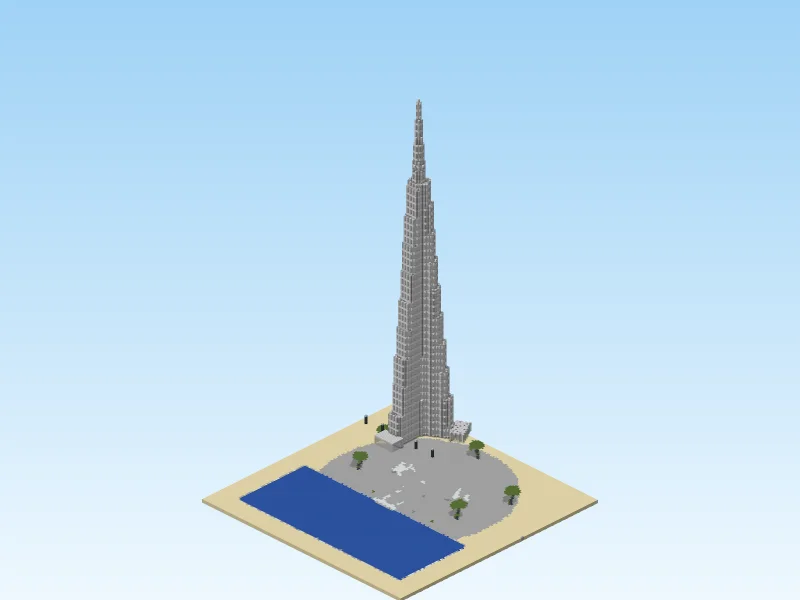
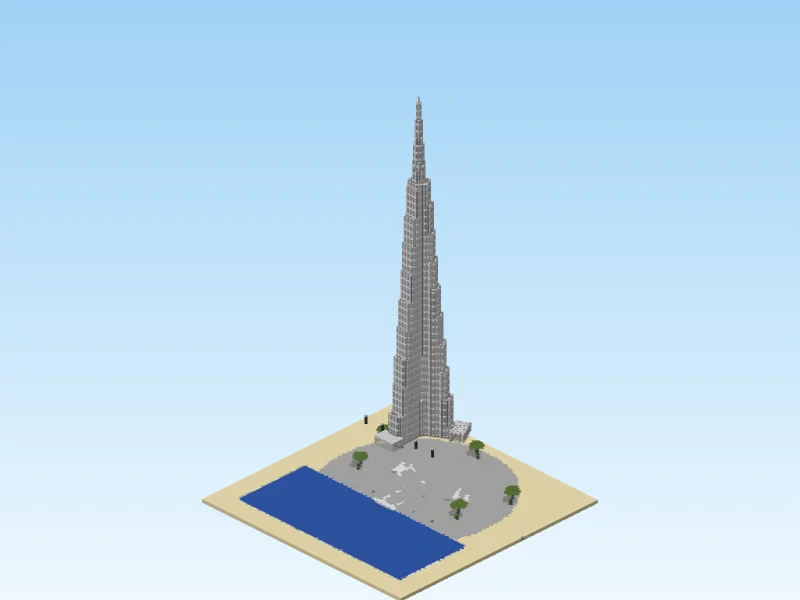
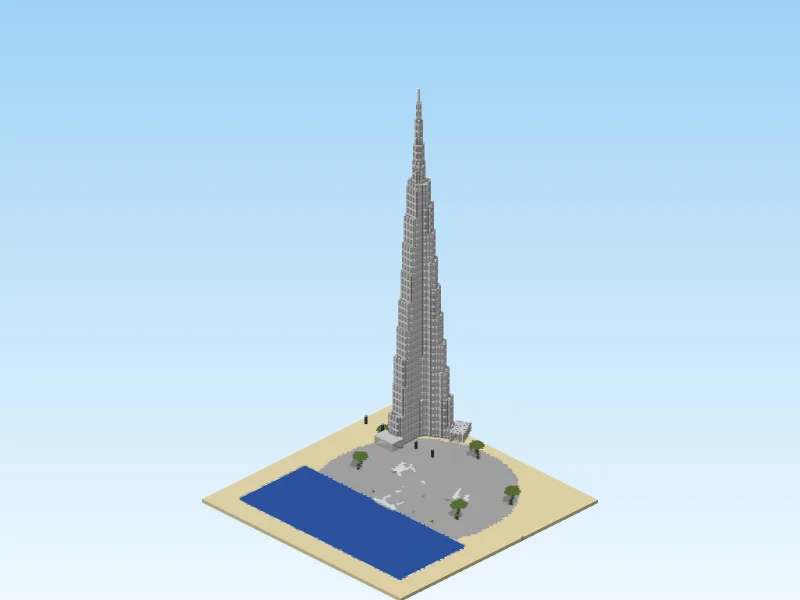
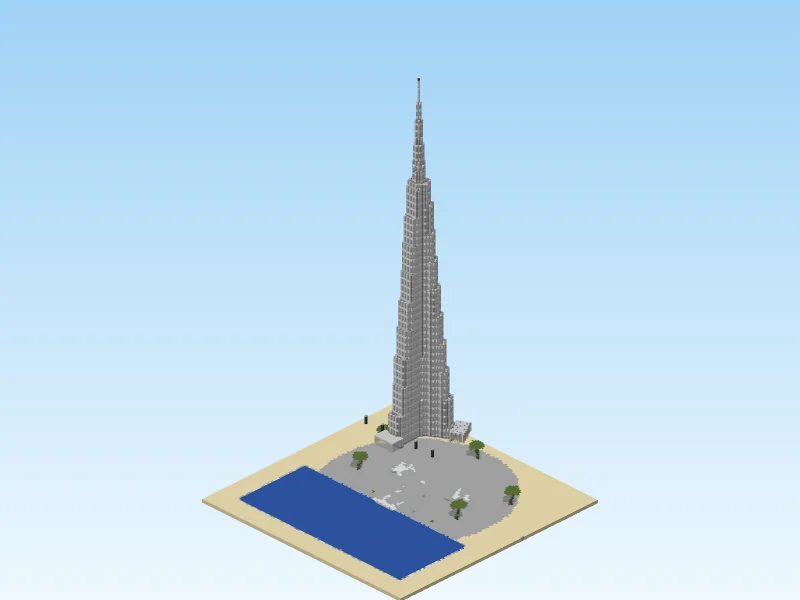
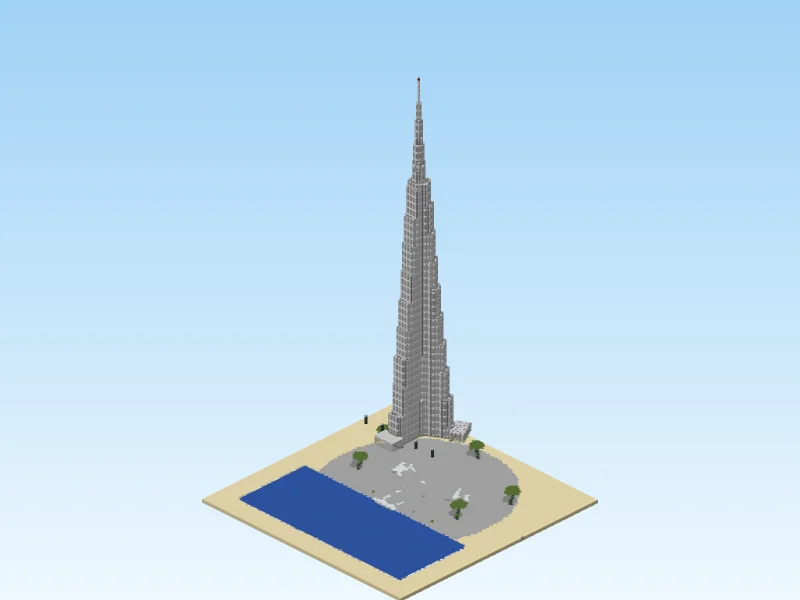
At 828 meters, the Burj Khalifa in Dubai is the tallest building in the world. It doesn't fit into Minecraft at full size, because you can build at most 384 blocks high. On Blockwerk it stands at a scale of 1:4 – and at 208 blocks it's still the tallest build on the site.
From above, the floor plan looks like a Y: three wings around a round core. Every few floors one wing gets shorter, taking turns – so the tower spirals upwards until only the long spire is left. The facade shines silver with glass and metal.

🔍 Click on parts
Tap any part of the build in the 3D model – a lamp, a tree, a bench next to the house – and you’ll see exactly how to build that part, with its materials and a layer-by-layer plan.
🧊 Build it as a hologram in Minecraft Bedrock (HoloPrint)
Download this build idea as a .mcstructure file – it is made right from the blueprint below. The HoloPrint website turns it into a pack that places the build as a see-through hologram in your world – you just fill in the blocks.
- Tap the button above – the file burj-khalifa.mcstructure is downloaded.
- Open the HoloPrint website.
- Upload the file there.
- Create your build template texture pack.
- Download the .mcpack file.
- Open it with Minecraft and activate the pack in your world.
- Place an armor stand – the build template appears there. Tip: put it exactly where the build should stand.
Works with Minecraft Bedrock (phone, tablet, console, Windows). HoloPrint is a free fan project, not made by Blockwerk.
Layer-by-layer blueprint
Click through from bottom to top. Every square is one block, the front is at the bottom. Gray shows the layer below. 208 layers, area in the plan: 51 × 44 blocks.

Layer 1 of 208 (718 blocks)
- Smooth Stone339
- Light Gray Stained Glass220
- Block of Iron100
- Polished Diorite55
- Gray Concrete4
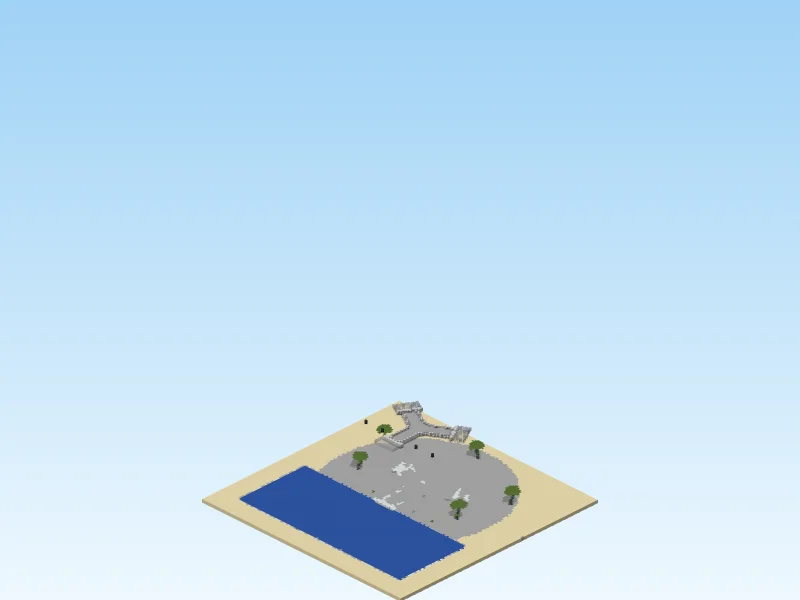
Layer 2 of 208 (379 blocks)
- Light Gray Stained Glass274
- Polished Diorite101
- Gray Concrete4
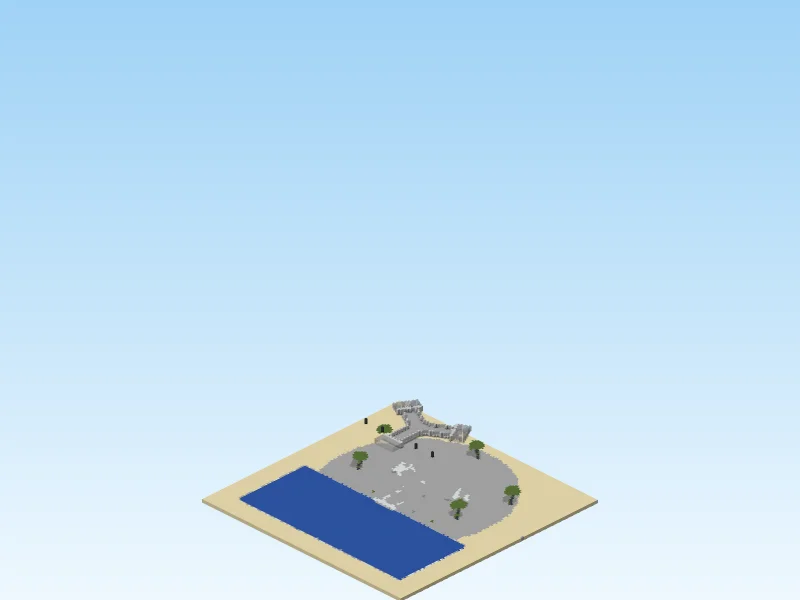
Layer 3 of 208 (379 blocks)
- Light Gray Stained Glass274
- Polished Diorite101
- Gray Concrete4
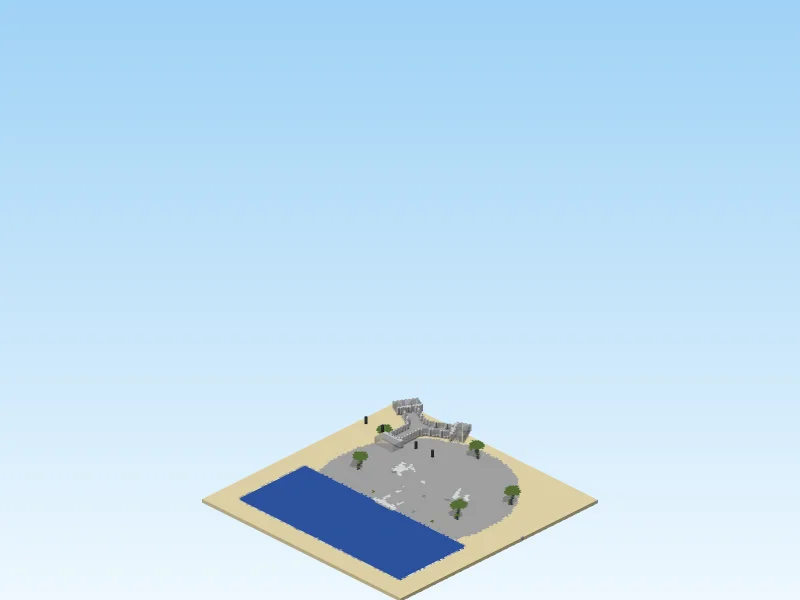
Layer 4 of 208 (379 blocks)
- Light Gray Stained Glass274
- Polished Diorite101
- Gray Concrete4
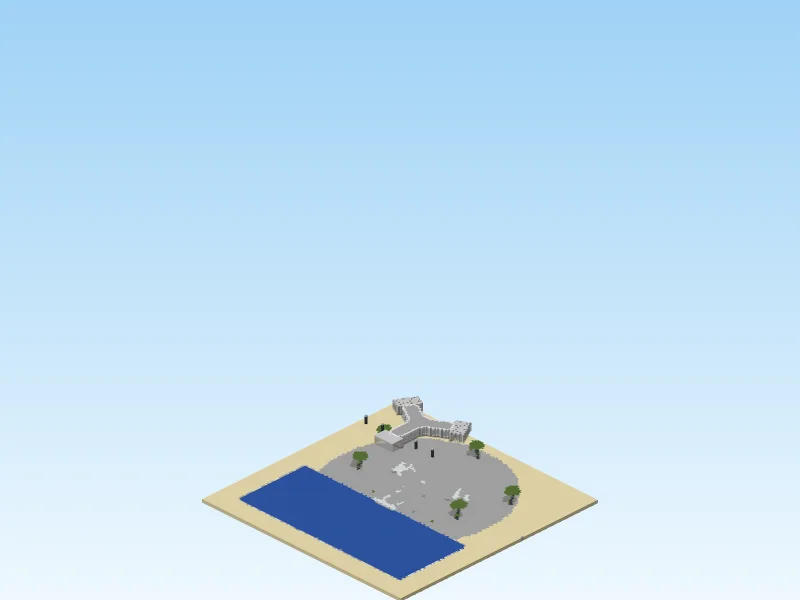
Layer 5 of 208 (718 blocks)
- Smooth Stone339
- Polished Diorite275
- Block of Iron100
- Sea Lantern4
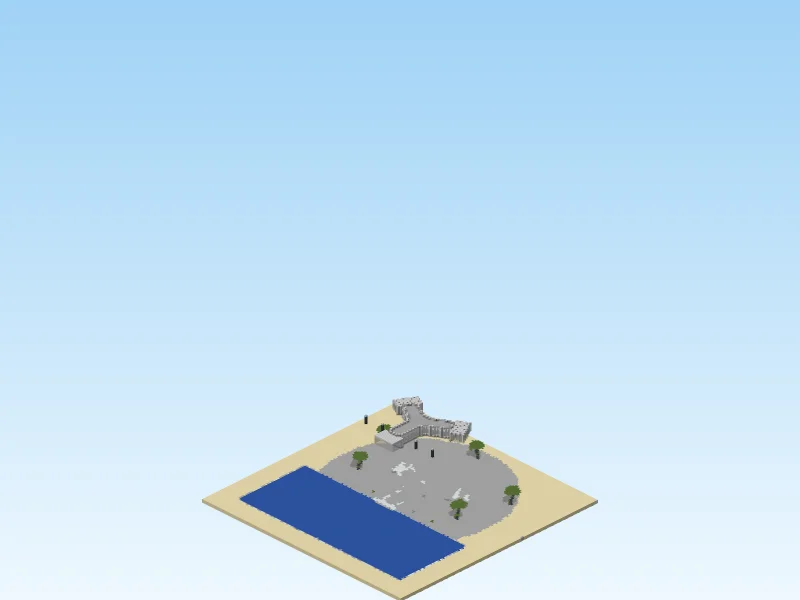
Layer 6 of 208 (100 blocks)
- Light Gray Stained Glass54
- Polished Diorite46
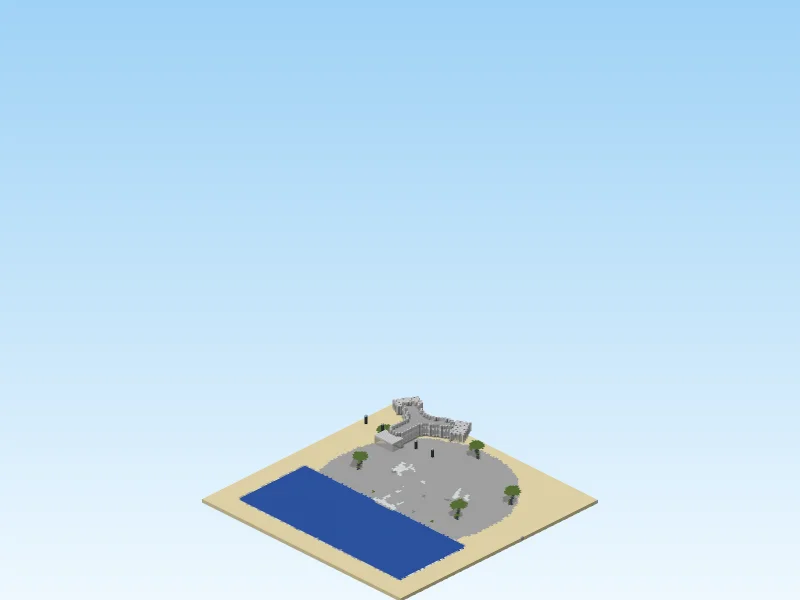
Layer 7 of 208 (99 blocks)
- Light Gray Stained Glass50
- Polished Diorite49

Layer 8 of 208 (99 blocks)
- Polished Diorite51
- Light Gray Stained Glass48
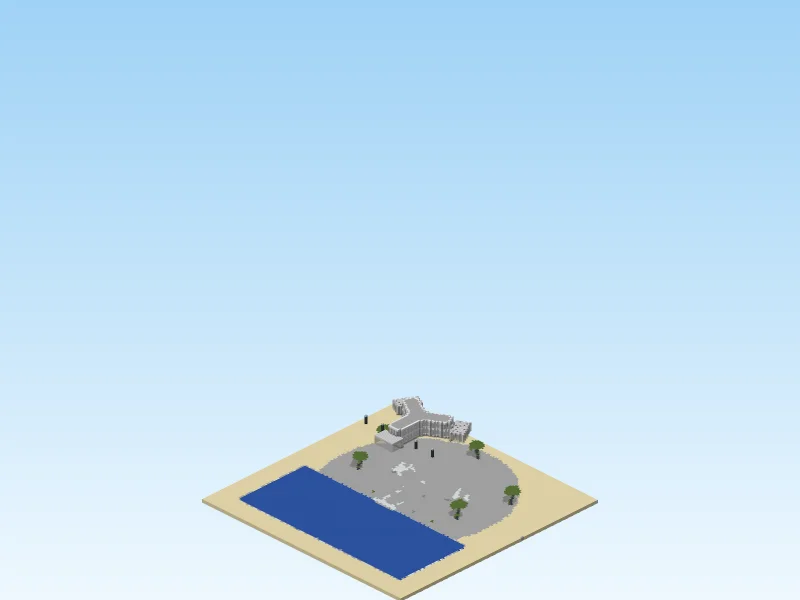
Layer 9 of 208 (429 blocks)
- Smooth Stone330
- Block of Iron99
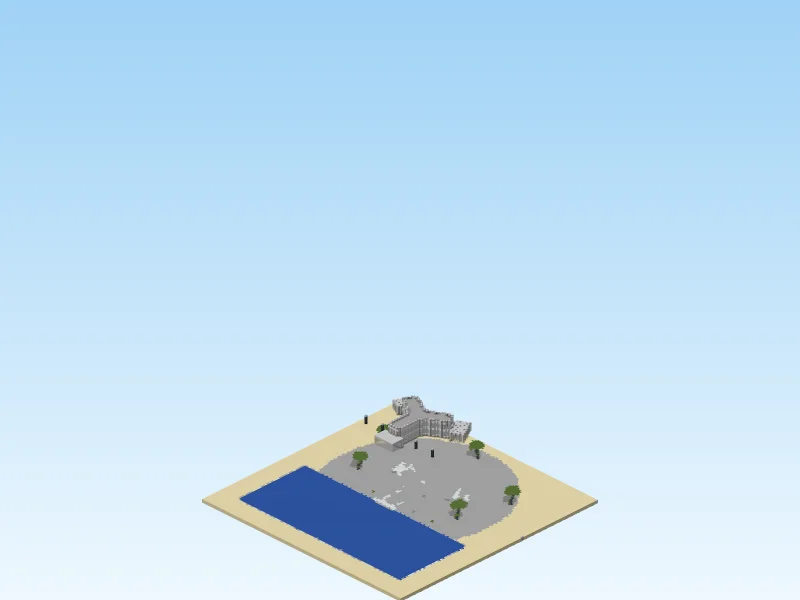
Layer 10 of 208 (99 blocks)
- Polished Diorite51
- Light Gray Stained Glass48
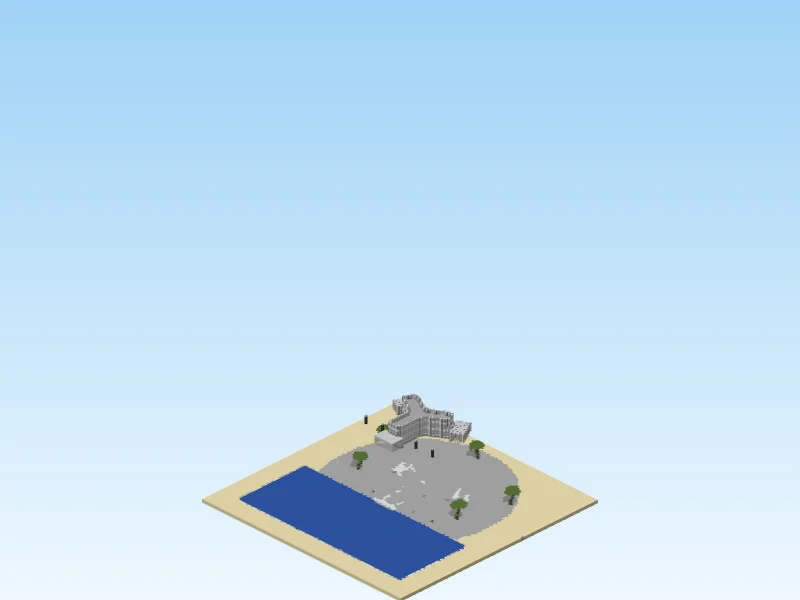
Layer 11 of 208 (99 blocks)
- Polished Diorite51
- Light Gray Stained Glass48
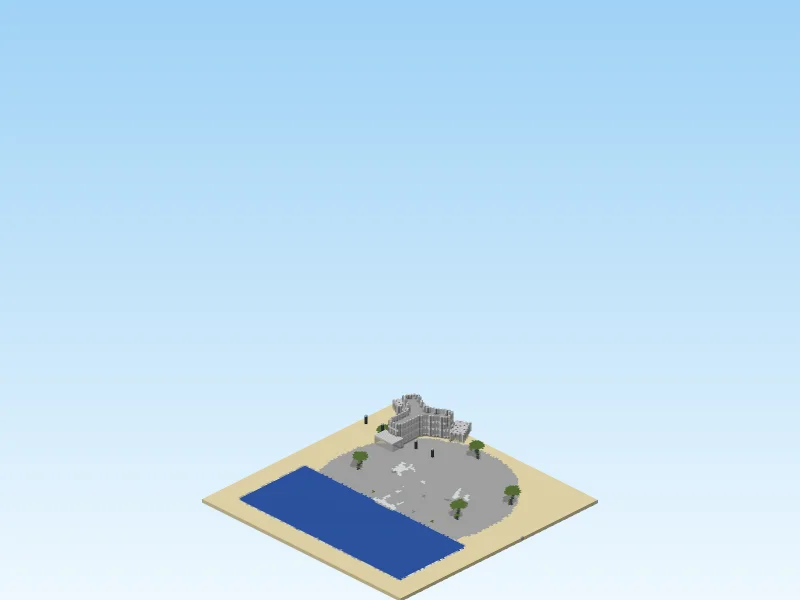
Layer 12 of 208 (97 blocks)
- Polished Diorite53
- Light Gray Stained Glass44
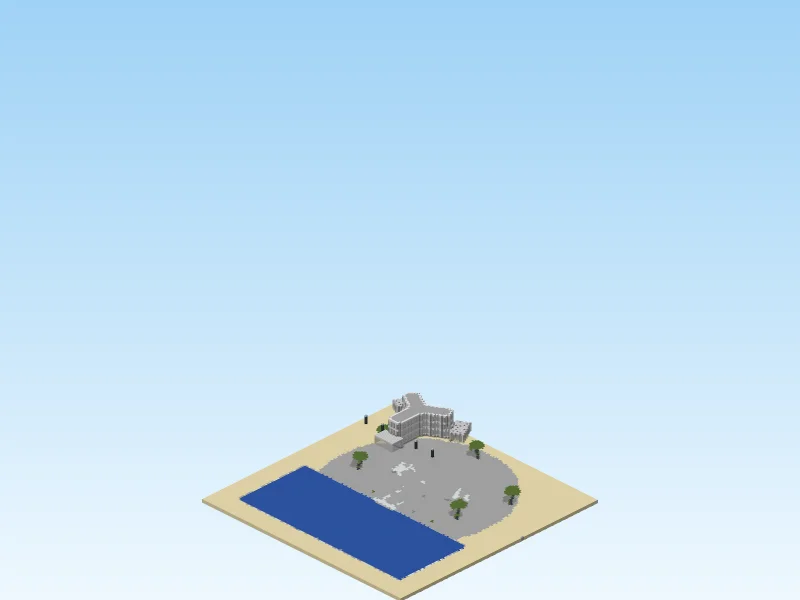
Layer 13 of 208 (415 blocks)
- Smooth Stone318
- Block of Iron97
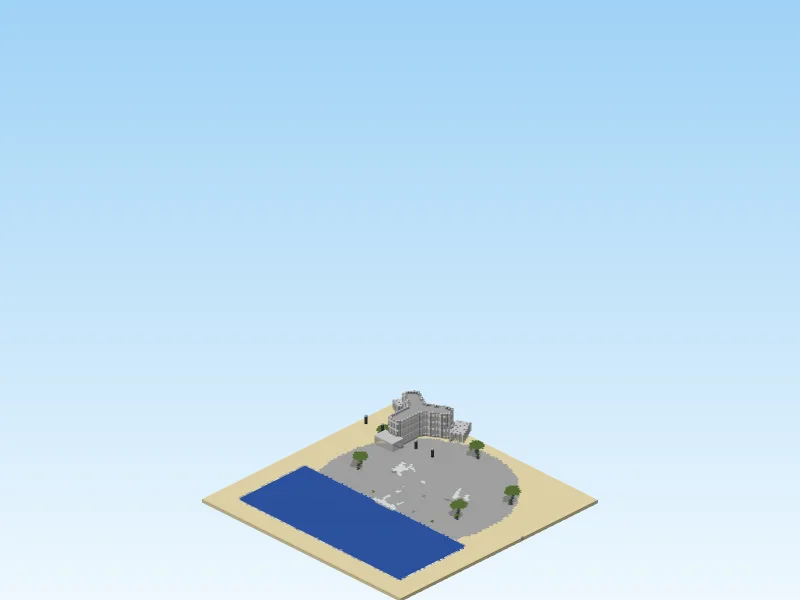
Layer 14 of 208 (97 blocks)
- Polished Diorite52
- Light Gray Stained Glass45
Layer 15 of 208 (97 blocks)
- Polished Diorite52
- Light Gray Stained Glass45
Layer 16 of 208 (97 blocks)
- Polished Diorite52
- Light Gray Stained Glass45

Layer 17 of 208 (390 blocks)
- Smooth Stone299
- Block of Iron91

Layer 18 of 208 (91 blocks)
- Polished Diorite49
- Light Gray Stained Glass42
Layer 19 of 208 (91 blocks)
- Polished Diorite49
- Light Gray Stained Glass42

Layer 20 of 208 (91 blocks)
- Polished Diorite49
- Light Gray Stained Glass42
Layer 21 of 208 (390 blocks)
- Smooth Stone299
- Block of Iron91

Layer 22 of 208 (91 blocks)
- Polished Diorite47
- Light Gray Stained Glass44
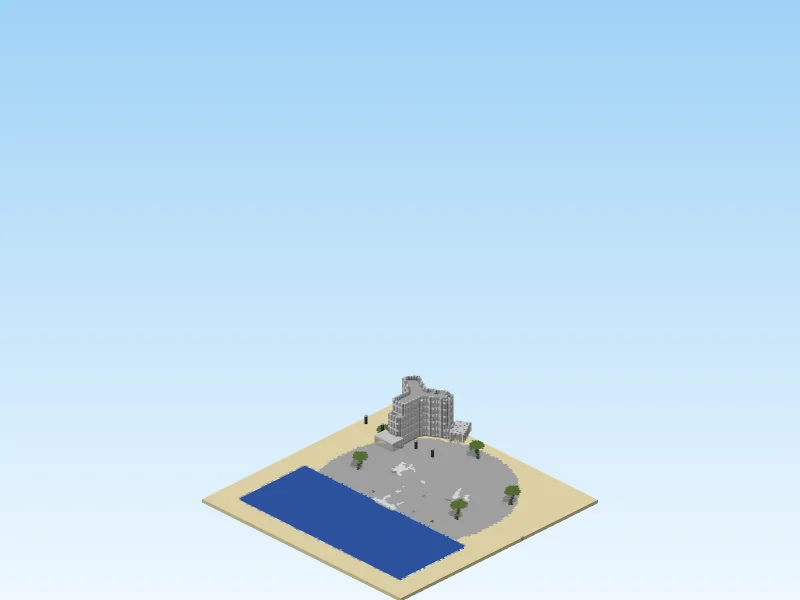
Layer 23 of 208 (87 blocks)
- Light Gray Stained Glass46
- Polished Diorite41
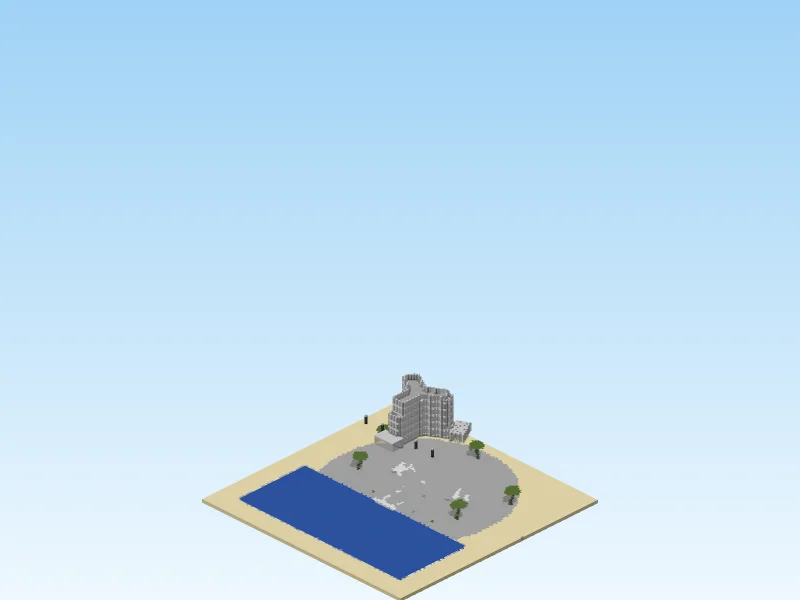
Layer 24 of 208 (87 blocks)
- Light Gray Stained Glass46
- Polished Diorite41
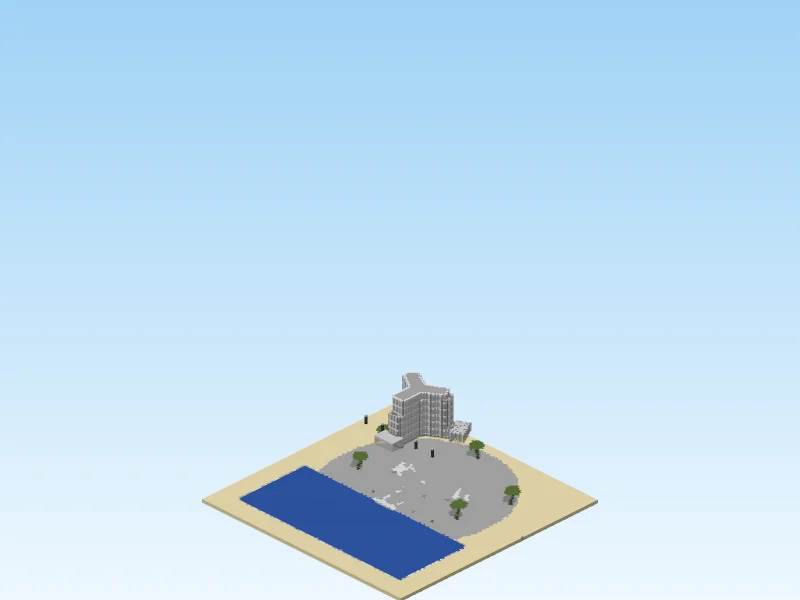
Layer 25 of 208 (372 blocks)
- Smooth Stone285
- Block of Iron87
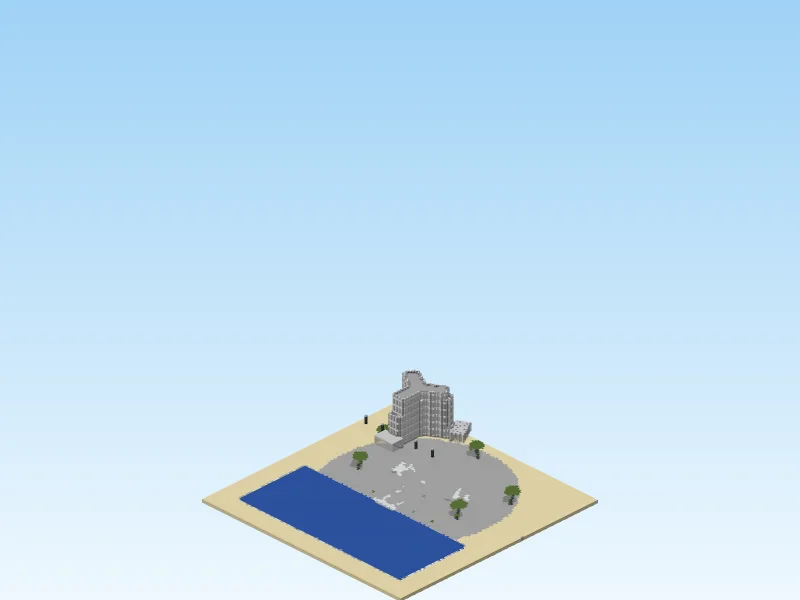
Layer 26 of 208 (87 blocks)
- Light Gray Stained Glass46
- Polished Diorite41
Layer 27 of 208 (87 blocks)
- Light Gray Stained Glass46
- Polished Diorite41

Layer 28 of 208 (84 blocks)
- Light Gray Stained Glass48
- Polished Diorite36
Layer 29 of 208 (357 blocks)
- Smooth Stone273
- Block of Iron84
Layer 30 of 208 (84 blocks)
- Light Gray Stained Glass48
- Polished Diorite36

Layer 31 of 208 (84 blocks)
- Light Gray Stained Glass48
- Polished Diorite36
Layer 32 of 208 (84 blocks)
- Light Gray Stained Glass48
- Polished Diorite36
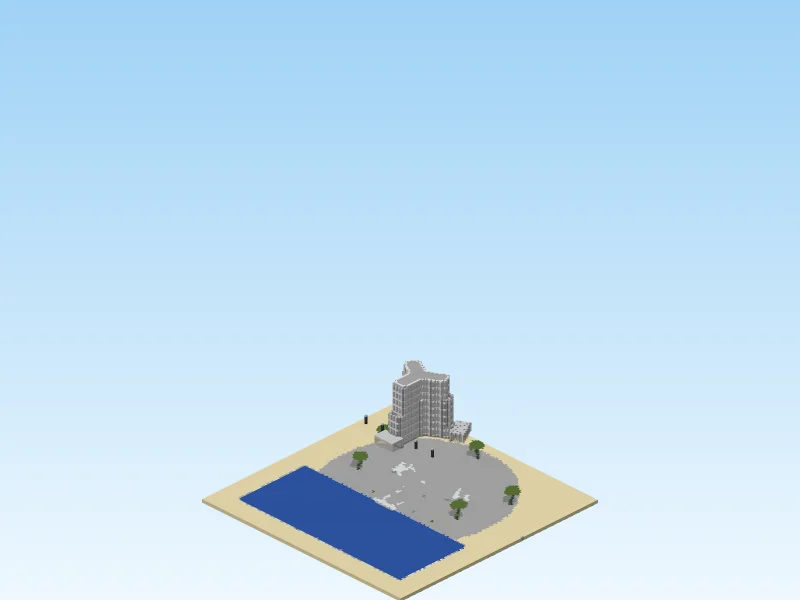
Layer 33 of 208 (346 blocks)
- Smooth Stone264
- Block of Iron82
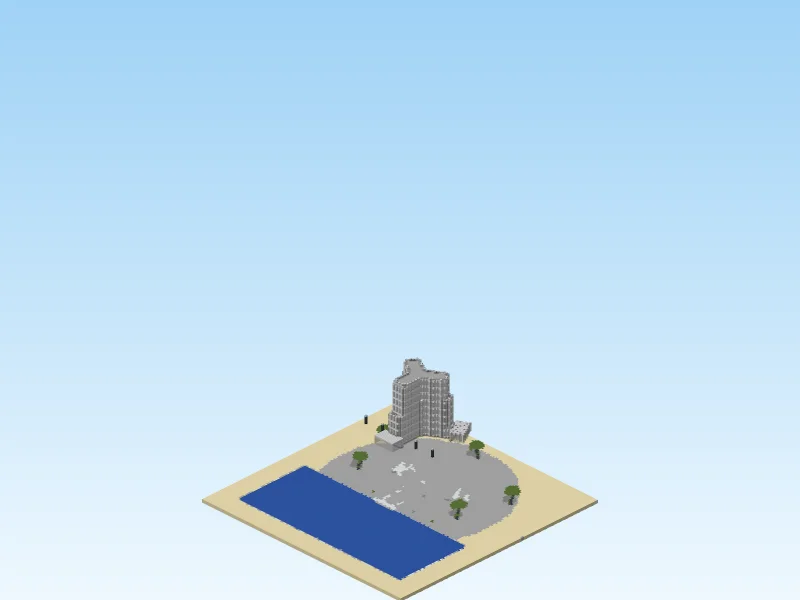
Layer 34 of 208 (82 blocks)
- Light Gray Stained Glass47
- Polished Diorite35
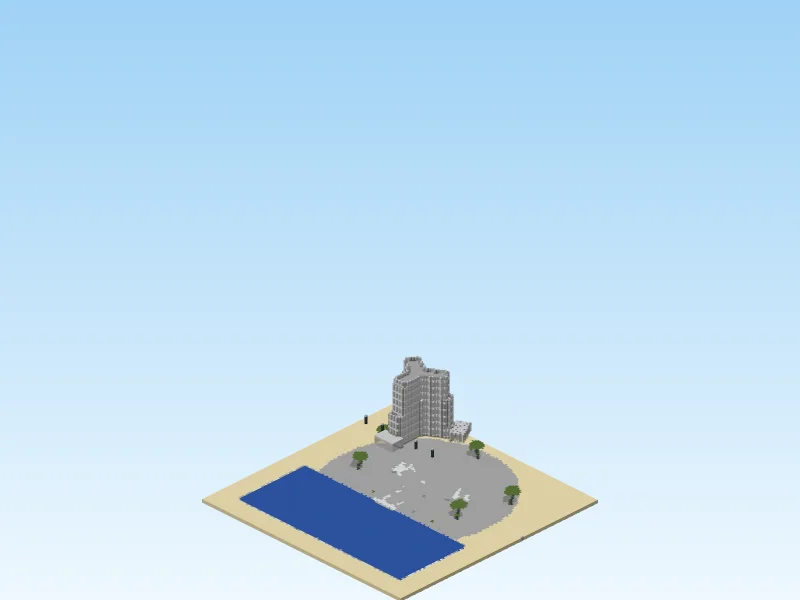
Layer 35 of 208 (82 blocks)
- Light Gray Stained Glass47
- Polished Diorite35

Layer 36 of 208 (82 blocks)
- Light Gray Stained Glass47
- Polished Diorite35
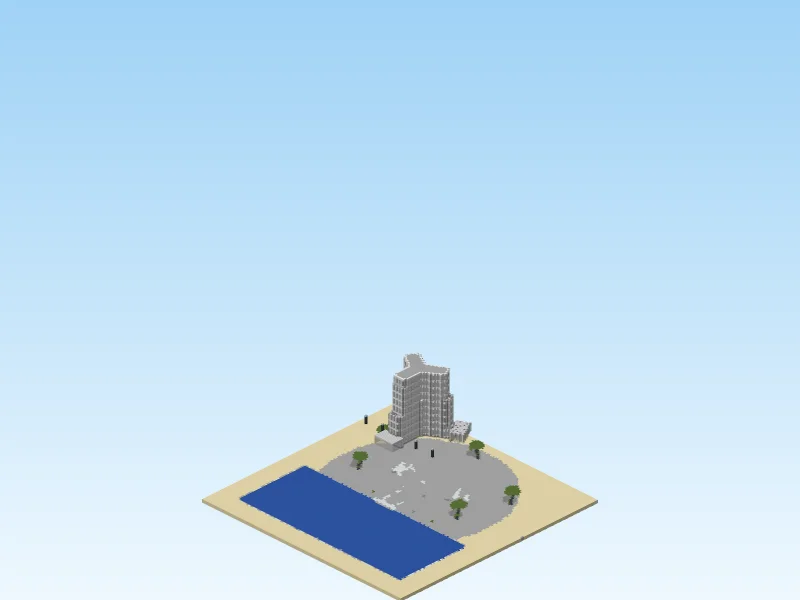
Layer 37 of 208 (346 blocks)
- Smooth Stone264
- Block of Iron82
Layer 38 of 208 (82 blocks)
- Light Gray Stained Glass47
- Polished Diorite35
Layer 39 of 208 (79 blocks)
- Light Gray Stained Glass44
- Polished Diorite35
Layer 40 of 208 (79 blocks)
- Light Gray Stained Glass44
- Polished Diorite35
Layer 41 of 208 (333 blocks)
- Smooth Stone254
- Block of Iron79

Layer 42 of 208 (79 blocks)
- Light Gray Stained Glass44
- Polished Diorite35
Layer 43 of 208 (79 blocks)
- Light Gray Stained Glass44
- Polished Diorite35
Layer 44 of 208 (76 blocks)
- Light Gray Stained Glass40
- Polished Diorite36
Layer 45 of 208 (319 blocks)
- Smooth Stone243
- Block of Iron76
Layer 46 of 208 (76 blocks)
- Light Gray Stained Glass40
- Polished Diorite36
Layer 47 of 208 (78 blocks)
- Polished Diorite40
- Light Gray Stained Glass38
Layer 48 of 208 (78 blocks)
- Polished Diorite40
- Light Gray Stained Glass38
Layer 49 of 208 (301 blocks)
- Smooth Stone227
- Block of Iron74
Layer 50 of 208 (74 blocks)
- Light Gray Stained Glass38
- Polished Diorite36
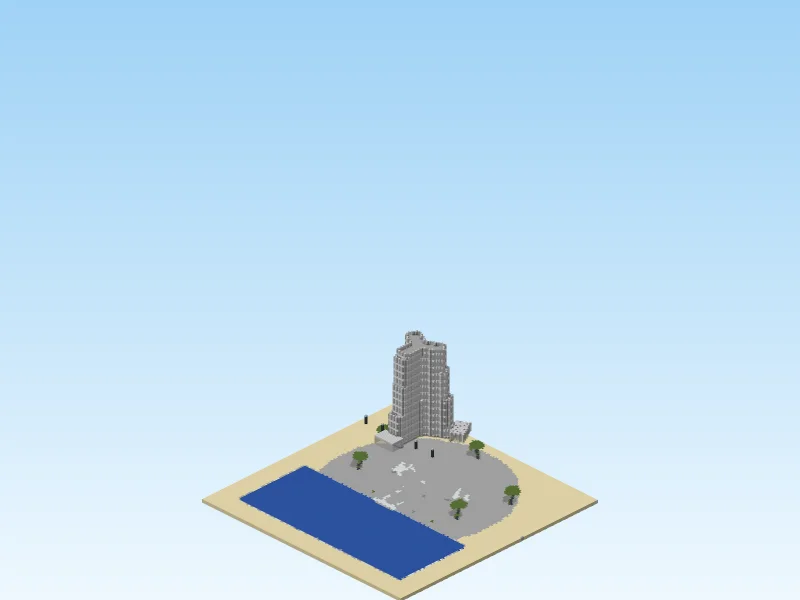
Layer 51 of 208 (74 blocks)
- Light Gray Stained Glass38
- Polished Diorite36
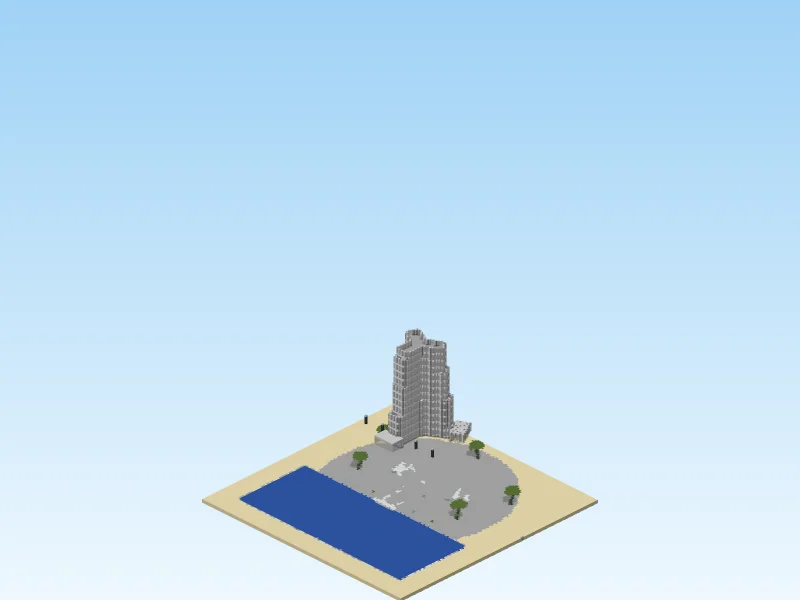
Layer 52 of 208 (74 blocks)
- Light Gray Stained Glass38
- Polished Diorite36
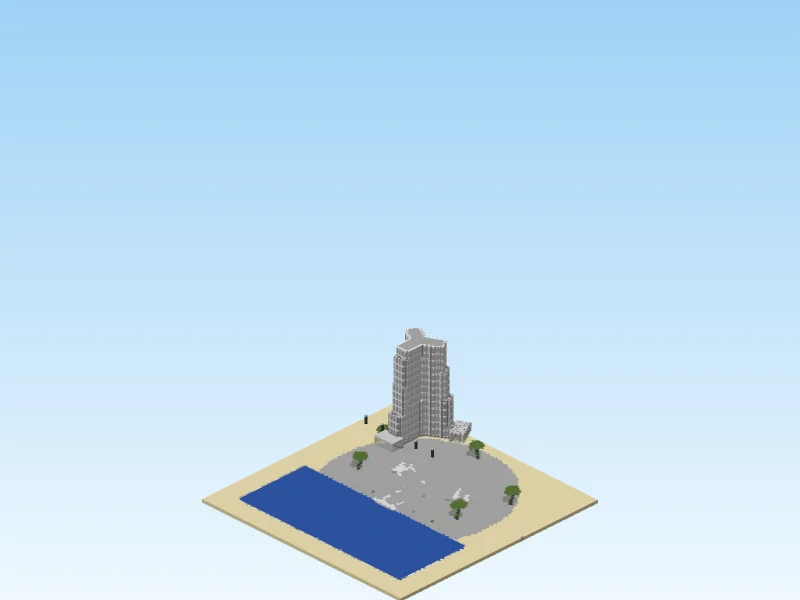
Layer 53 of 208 (301 blocks)
- Smooth Stone227
- Block of Iron74
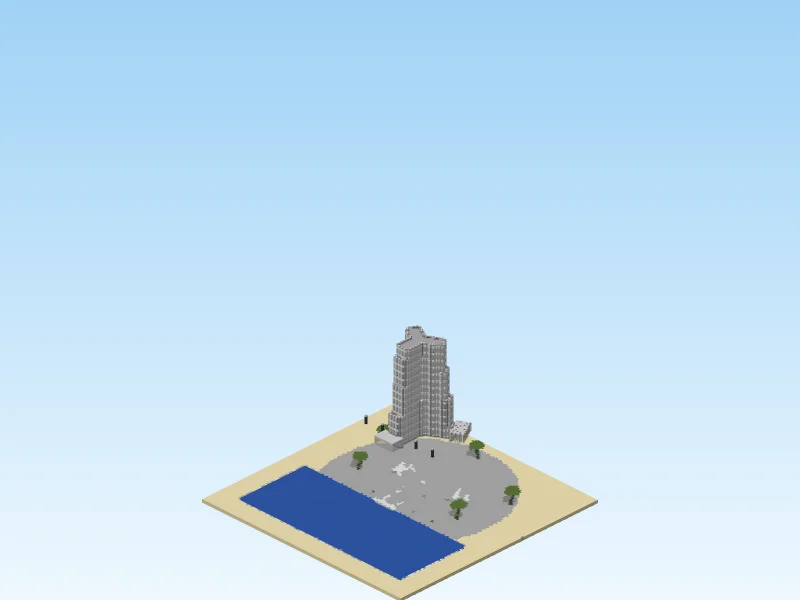
Layer 54 of 208 (74 blocks)
- Light Gray Stained Glass38
- Polished Diorite36
Layer 55 of 208 (72 blocks)
- Light Gray Stained Glass36
- Polished Diorite36
Layer 56 of 208 (72 blocks)
- Light Gray Stained Glass36
- Polished Diorite36
Layer 57 of 208 (288 blocks)
- Smooth Stone216
- Block of Iron72
Layer 58 of 208 (72 blocks)
- Light Gray Stained Glass36
- Polished Diorite36
Layer 59 of 208 (72 blocks)
- Light Gray Stained Glass36
- Polished Diorite36
Layer 60 of 208 (69 blocks)
- Polished Diorite36
- Light Gray Stained Glass33
Layer 61 of 208 (276 blocks)
- Smooth Stone207
- Block of Iron69
Layer 62 of 208 (69 blocks)
- Polished Diorite36
- Light Gray Stained Glass33
Layer 63 of 208 (69 blocks)
- Polished Diorite36
- Light Gray Stained Glass33
Layer 64 of 208 (69 blocks)
- Polished Diorite36
- Light Gray Stained Glass33
Layer 65 of 208 (265 blocks)
- Smooth Stone198
- Block of Iron67
Layer 66 of 208 (67 blocks)
- Polished Diorite35
- Light Gray Stained Glass32

Layer 67 of 208 (67 blocks)
- Polished Diorite35
- Light Gray Stained Glass32
Layer 68 of 208 (67 blocks)
- Polished Diorite35
- Light Gray Stained Glass32
Layer 69 of 208 (264 blocks)
- Smooth Stone197
- Block of Iron67
Layer 70 of 208 (67 blocks)
- Polished Diorite36
- Light Gray Stained Glass31

Layer 71 of 208 (65 blocks)
- Polished Diorite36
- Light Gray Stained Glass29
Layer 72 of 208 (65 blocks)
- Polished Diorite36
- Light Gray Stained Glass29

Layer 73 of 208 (253 blocks)
- Smooth Stone188
- Block of Iron65
Layer 74 of 208 (65 blocks)
- Polished Diorite36
- Light Gray Stained Glass29
Layer 75 of 208 (65 blocks)
- Polished Diorite36
- Light Gray Stained Glass29
Layer 76 of 208 (62 blocks)
- Polished Diorite34
- Light Gray Stained Glass28
Layer 77 of 208 (241 blocks)
- Smooth Stone179
- Block of Iron62

Layer 78 of 208 (62 blocks)
- Polished Diorite34
- Light Gray Stained Glass28
Layer 79 of 208 (62 blocks)
- Polished Diorite34
- Light Gray Stained Glass28
Layer 80 of 208 (62 blocks)
- Polished Diorite34
- Light Gray Stained Glass28
Layer 81 of 208 (225 blocks)
- Smooth Stone167
- Block of Iron58
Layer 82 of 208 (58 blocks)
- Polished Diorite34
- Light Gray Stained Glass24
Layer 83 of 208 (58 blocks)
- Polished Diorite34
- Light Gray Stained Glass24

Layer 84 of 208 (58 blocks)
- Polished Diorite34
- Light Gray Stained Glass24
Layer 85 of 208 (225 blocks)
- Smooth Stone167
- Block of Iron58
Layer 86 of 208 (58 blocks)
- Polished Diorite34
- Light Gray Stained Glass24
Layer 87 of 208 (55 blocks)
- Polished Diorite30
- Light Gray Stained Glass25

Layer 88 of 208 (55 blocks)
- Polished Diorite30
- Light Gray Stained Glass25
Layer 89 of 208 (213 blocks)
- Smooth Stone158
- Block of Iron55

Layer 90 of 208 (55 blocks)
- Polished Diorite30
- Light Gray Stained Glass25
Layer 91 of 208 (55 blocks)
- Polished Diorite30
- Light Gray Stained Glass25
Layer 92 of 208 (54 blocks)
- Light Gray Stained Glass27
- Polished Diorite27
Layer 93 of 208 (202 blocks)
- Smooth Stone148
- Block of Iron54
Layer 94 of 208 (54 blocks)
- Light Gray Stained Glass27
- Polished Diorite27

Layer 95 of 208 (54 blocks)
- Light Gray Stained Glass27
- Polished Diorite27

Layer 96 of 208 (54 blocks)
- Light Gray Stained Glass27
- Polished Diorite27
Layer 97 of 208 (193 blocks)
- Smooth Stone141
- Block of Iron52
Layer 98 of 208 (52 blocks)
- Light Gray Stained Glass28
- Polished Diorite24
Layer 99 of 208 (52 blocks)
- Light Gray Stained Glass28
- Polished Diorite24
Layer 100 of 208 (52 blocks)
- Light Gray Stained Glass28
- Polished Diorite24
Layer 101 of 208 (193 blocks)
- Smooth Stone141
- Block of Iron52
Layer 102 of 208 (52 blocks)
- Light Gray Stained Glass28
- Polished Diorite24
Layer 103 of 208 (49 blocks)
- Light Gray Stained Glass26
- Polished Diorite23
Layer 104 of 208 (49 blocks)
- Light Gray Stained Glass26
- Polished Diorite23

Layer 105 of 208 (181 blocks)
- Smooth Stone132
- Block of Iron49

Layer 106 of 208 (49 blocks)
- Light Gray Stained Glass26
- Polished Diorite23
Layer 107 of 208 (49 blocks)
- Light Gray Stained Glass26
- Polished Diorite23
Layer 108 of 208 (46 blocks)
- Light Gray Stained Glass23
- Polished Diorite23
Layer 109 of 208 (170 blocks)
- Smooth Stone124
- Block of Iron46
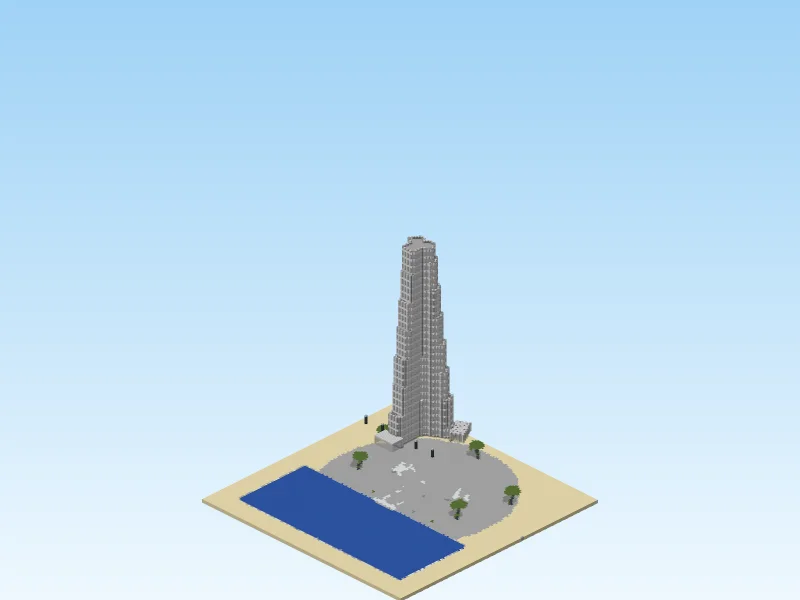
Layer 110 of 208 (46 blocks)
- Light Gray Stained Glass23
- Polished Diorite23
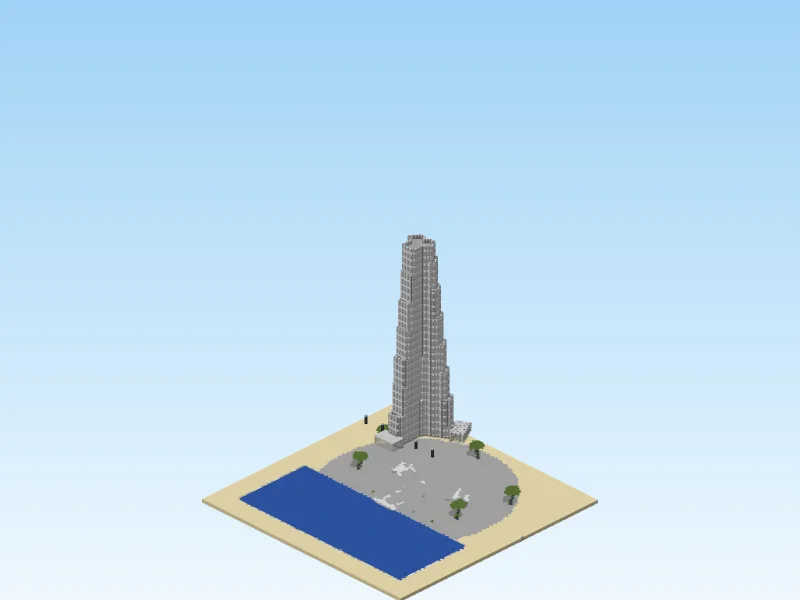
Layer 111 of 208 (46 blocks)
- Light Gray Stained Glass23
- Polished Diorite23
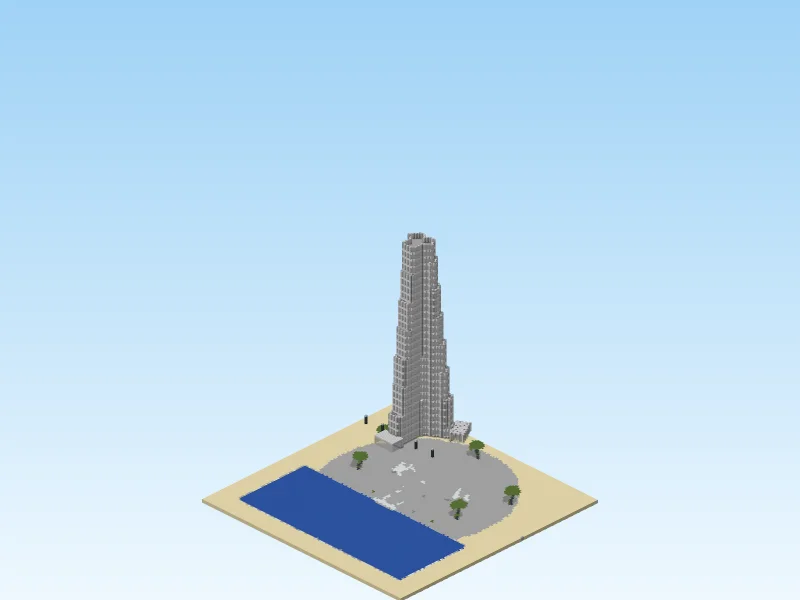
Layer 112 of 208 (46 blocks)
- Light Gray Stained Glass23
- Polished Diorite23
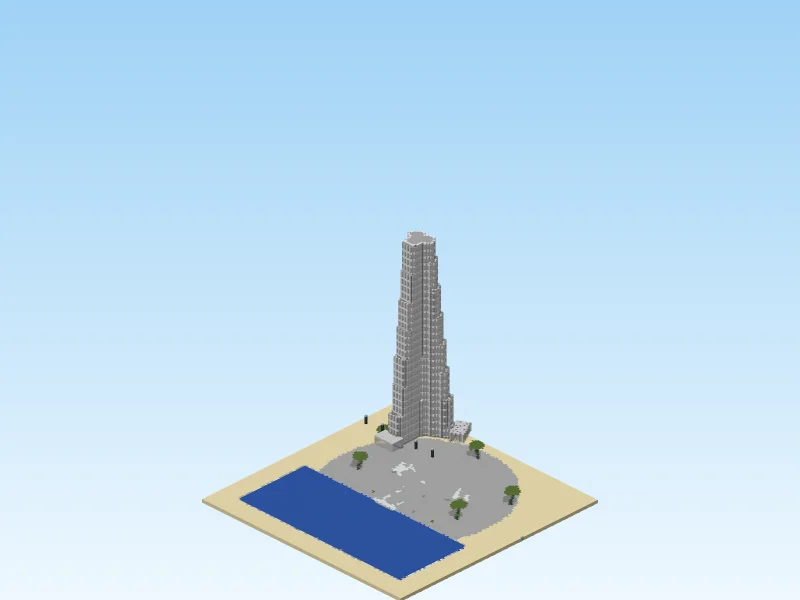
Layer 113 of 208 (159 blocks)
- Smooth Stone115
- Block of Iron44
Layer 114 of 208 (44 blocks)
- Light Gray Stained Glass22
- Polished Diorite22

Layer 115 of 208 (44 blocks)
- Light Gray Stained Glass22
- Polished Diorite22

Layer 116 of 208 (44 blocks)
- Light Gray Stained Glass22
- Polished Diorite22

Layer 117 of 208 (159 blocks)
- Smooth Stone115
- Block of Iron44

Layer 118 of 208 (44 blocks)
- Light Gray Stained Glass22
- Polished Diorite22
Layer 119 of 208 (43 blocks)
- Polished Diorite24
- Light Gray Stained Glass19
Layer 120 of 208 (43 blocks)
- Polished Diorite24
- Light Gray Stained Glass19
Layer 121 of 208 (148 blocks)
- Smooth Stone105
- Block of Iron43
Layer 122 of 208 (43 blocks)
- Polished Diorite24
- Light Gray Stained Glass19

Layer 123 of 208 (43 blocks)
- Polished Diorite24
- Light Gray Stained Glass19
Layer 124 of 208 (41 blocks)
- Polished Diorite24
- Light Gray Stained Glass17
Layer 125 of 208 (137 blocks)
- Smooth Stone96
- Block of Iron41

Layer 126 of 208 (41 blocks)
- Polished Diorite24
- Light Gray Stained Glass17

Layer 127 of 208 (41 blocks)
- Polished Diorite24
- Light Gray Stained Glass17

Layer 128 of 208 (41 blocks)
- Polished Diorite24
- Light Gray Stained Glass17
Layer 129 of 208 (121 blocks)
- Smooth Stone84
- Block of Iron37

Layer 130 of 208 (37 blocks)
- Polished Diorite24
- Light Gray Stained Glass13
Layer 131 of 208 (37 blocks)
- Polished Diorite24
- Light Gray Stained Glass13

Layer 132 of 208 (37 blocks)
- Polished Diorite24
- Light Gray Stained Glass13
Layer 133 of 208 (121 blocks)
- Smooth Stone84
- Block of Iron37
Layer 134 of 208 (37 blocks)
- Polished Diorite24
- Light Gray Stained Glass13

Layer 135 of 208 (34 blocks)
- Polished Diorite22
- Light Gray Stained Glass12

Layer 136 of 208 (34 blocks)
- Polished Diorite22
- Light Gray Stained Glass12
Layer 137 of 208 (111 blocks)
- Smooth Stone77
- Block of Iron34
Layer 138 of 208 (34 blocks)
- Polished Diorite22
- Light Gray Stained Glass12

Layer 139 of 208 (34 blocks)
- Polished Diorite22
- Light Gray Stained Glass12
Layer 140 of 208 (31 blocks)
- Polished Diorite19
- Light Gray Stained Glass12
Layer 141 of 208 (100 blocks)
- Smooth Stone69
- Block of Iron31

Layer 142 of 208 (31 blocks)
- Polished Diorite19
- Light Gray Stained Glass12

Layer 143 of 208 (31 blocks)
- Polished Diorite19
- Light Gray Stained Glass12

Layer 144 of 208 (31 blocks)
- Polished Diorite19
- Light Gray Stained Glass12
Layer 145 of 208 (91 blocks)
- Smooth Stone62
- Block of Iron29
Layer 146 of 208 (29 blocks)
- Polished Diorite16
- Light Gray Stained Glass13
Layer 147 of 208 (29 blocks)
- Polished Diorite16
- Light Gray Stained Glass13
Layer 148 of 208 (37 blocks)
- Block of Iron21
- Polished Diorite12
- Light Gray Stained Glass4
Layer 149 of 208 (37 blocks)
- Block of Iron37

Layer 150 of 208 (37 blocks)
- Block of Iron21
- Polished Diorite12
- Light Gray Stained Glass4
Layer 151 of 208 (37 blocks)
- Block of Iron21
- Polished Diorite12
- Light Gray Stained Glass4
Layer 152 of 208 (37 blocks)
- Block of Iron21
- Polished Diorite12
- Light Gray Stained Glass4

Layer 153 of 208 (37 blocks)
- Block of Iron37
Layer 154 of 208 (37 blocks)
- Block of Iron21
- Polished Diorite12
- Light Gray Stained Glass4
Layer 155 of 208 (29 blocks)
- Block of Iron13
- Light Gray Stained Glass12
- Polished Diorite4
Layer 156 of 208 (29 blocks)
- Block of Iron13
- Light Gray Stained Glass12
- Polished Diorite4
Layer 157 of 208 (29 blocks)
- Block of Iron29
Layer 158 of 208 (25 blocks)
- Block of Iron9
- Polished Diorite8
- Light Gray Stained Glass8
Layer 159 of 208 (25 blocks)
- Block of Iron9
- Polished Diorite8
- Light Gray Stained Glass8

Layer 160 of 208 (21 blocks)
- Block of Iron9
- Light Gray Stained Glass8
- Polished Diorite4
Layer 161 of 208 (21 blocks)
- Block of Iron21
Layer 162 of 208 (21 blocks)
- Block of Iron9
- Light Gray Stained Glass8
- Polished Diorite4

Layer 163 of 208 (21 blocks)
- Block of Iron9
- Light Gray Stained Glass8
- Polished Diorite4

Layer 164 of 208 (21 blocks)
- Block of Iron9
- Light Gray Stained Glass8
- Polished Diorite4

Layer 165 of 208 (21 blocks)
- Block of Iron21
Layer 166 of 208 (21 blocks)
- Block of Iron9
- Light Gray Stained Glass8
- Polished Diorite4
Layer 167 of 208 (21 blocks)
- Block of Iron9
- Light Gray Stained Glass8
- Polished Diorite4

Layer 168 of 208 (21 blocks)
- Block of Iron9
- Light Gray Stained Glass8
- Polished Diorite4
Layer 169 of 208 (21 blocks)
- Block of Iron21
Layer 170 of 208 (13 blocks)
- Polished Diorite8
- Block of Iron5
Layer 171 of 208 (13 blocks)
- Polished Diorite8
- Block of Iron5
Layer 172 of 208 (13 blocks)
- Polished Diorite8
- Block of Iron5
Layer 173 of 208 (13 blocks)
- Block of Iron13
Layer 174 of 208 (9 blocks)
- Light Gray Stained Glass4
- Polished Diorite4
- Block of Iron1
Layer 175 of 208 (9 blocks)
- Light Gray Stained Glass4
- Polished Diorite4
- Block of Iron1

Layer 176 of 208 (9 blocks)
- Light Gray Stained Glass4
- Polished Diorite4
- Block of Iron1
Layer 177 of 208 (9 blocks)
- Block of Iron9
Layer 178 of 208 (9 blocks)
- Light Gray Stained Glass4
- Polished Diorite4
- Block of Iron1
Layer 179 of 208 (9 blocks)
- Light Gray Stained Glass4
- Polished Diorite4
- Block of Iron1
Layer 180 of 208 (9 blocks)
- Light Gray Stained Glass4
- Polished Diorite4
- Block of Iron1
Layer 181 of 208 (9 blocks)
- Block of Iron9
Layer 182 of 208 (9 blocks)
- Light Gray Stained Glass4
- Polished Diorite4
- Block of Iron1

Layer 183 of 208 (9 blocks)
- Light Gray Stained Glass4
- Polished Diorite4
- Block of Iron1

Layer 184 of 208 (5 blocks)
- Light Gray Stained Glass4
- Block of Iron1
Layer 185 of 208 (5 blocks)
- Block of Iron5

Layer 186 of 208 (5 blocks)
- Light Gray Stained Glass4
- Block of Iron1
Layer 187 of 208 (5 blocks)
- Light Gray Stained Glass4
- Block of Iron1

Layer 188 of 208 (5 blocks)
- Light Gray Stained Glass4
- Block of Iron1
Layer 189 of 208 (5 blocks)
- Block of Iron5
Layer 190 of 208 (5 blocks)
- Light Gray Stained Glass4
- Block of Iron1
Layer 191 of 208 (5 blocks)
- Light Gray Stained Glass4
- Block of Iron1

Layer 192 of 208 (5 blocks)
- Light Gray Stained Glass4
- Block of Iron1
Layer 193 of 208 (5 blocks)
- Block of Iron5

Layer 194 of 208 (1 blocks)
- Block of Iron1
Layer 195 of 208 (1 blocks)
- Block of Iron1
Layer 196 of 208 (1 blocks)
- Light Gray Stained Glass1
Layer 197 of 208 (1 blocks)
- Block of Iron1
Layer 198 of 208 (1 blocks)
- Block of Iron1
Layer 199 of 208 (1 blocks)
- Light Gray Stained Glass1

Layer 200 of 208 (1 blocks)
- Block of Iron1
Layer 201 of 208 (1 blocks)
- Block of Iron1
Layer 202 of 208 (1 blocks)
- Light Gray Stained Glass1
Layer 203 of 208 (1 blocks)
- Block of Iron1
Layer 204 of 208 (1 blocks)
- Block of Iron1

Layer 205 of 208 (1 blocks)
- Light Gray Stained Glass1

Layer 206 of 208 (1 blocks)
- Block of Iron1
Layer 207 of 208 (1 blocks)
- Red Concrete1
Layer 208 of 208 (1 blocks)
- Iron Bars1
Simplified blueprint: stairs and slabs are partly shown as full blocks, animals and plants as small squares. Tip: use the arrow keys ← → to switch layers.
Step-by-step guide
Square and lake
Lay out a square with a large lake in front – like the Burj Lake in Dubai.
Y-shaped floor plan
In the middle is a round core about 12 blocks across. Three wings branch off it, 120 degrees apart, 9 blocks wide and 18 blocks long.
Facade
The edge of every layer alternates light gray glass and polished diorite – that creates silver stripes. Every fourth layer becomes a band of iron blocks with a smooth stone floor.
Spiral setbacks
Every 16 layers one wing gets shorter – first one, a good 5 layers later the next, then the third. That way the stepped shape spirals around the tower. The blueprint shows exactly when each wing ends.
Upper tower
From height 146 there are no more wings. The round core gets narrower and narrower and is made entirely of iron blocks.
Spire
From height 190 only a thin spire of iron blocks and glass remains up to height 205, with a red light at the very top.
Podium
Around the base of the wings, build low entrance buildings of glass and diorite, plus palm trees and street lamps.
Pro tips
- For more than 200 blocks of height, start at sea level (63) or lower – otherwise you hit the height limit of 320.
- The facade repeats every 4 layers. Finish one floor completely and then copy it upwards layer by layer with the blueprint – that keeps the tower even.
- In creative mode the /fill command is much faster: it fills whole walls and areas at once.
Variations
- Build the tower at 1:3 – then it's 276 blocks tall and just fits into the world.
- Put sea lanterns into the spire and it glows over the whole city at night.


