Golden Gate Bridge (San Francisco)
- DifficultyHard
- Size254 × 15 blocks (bridge), 31 tall
- Build timeabout 15 hours
The Golden Gate Bridge in San Francisco opened in 1937. Its main span is 1,280 meters long and the towers rise 227 meters above the water. On Blockwerk it's built at a scale of 1:8 – so the whole bridge with both shores fits on one map.
Typical features are the red color ("International Orange"), the two towers with their cross braces, the big main cables that sag in an arc, and the many vertical suspenders the roadway hangs from.

🔍 Click on parts
Tap any part of the build in the 3D model – a lamp, a tree, a bench next to the house – and you’ll see exactly how to build that part, with its materials and a layer-by-layer plan.
🧊 Build it as a hologram in Minecraft Bedrock (HoloPrint)
Download this build idea as a .mcstructure file – it is made right from the blueprint below. The HoloPrint website turns it into a pack that places the build as a see-through hologram in your world – you just fill in the blocks.
- Tap the button above – the file golden-gate-bridge.mcstructure is downloaded.
- Open the HoloPrint website.
- Upload the file there.
- Create your build template texture pack.
- Download the .mcpack file.
- Open it with Minecraft and activate the pack in your world.
- Place an armor stand – the build template appears there. Tip: put it exactly where the build should stand.
Works with Minecraft Bedrock (phone, tablet, console, Windows). HoloPrint is a free fan project, not made by Blockwerk.
Layer-by-layer blueprint
Click through from bottom to top. Every square is one block, the front is at the bottom. Gray shows the layer below. 31 layers, area in the plan: 301 × 28 blocks.
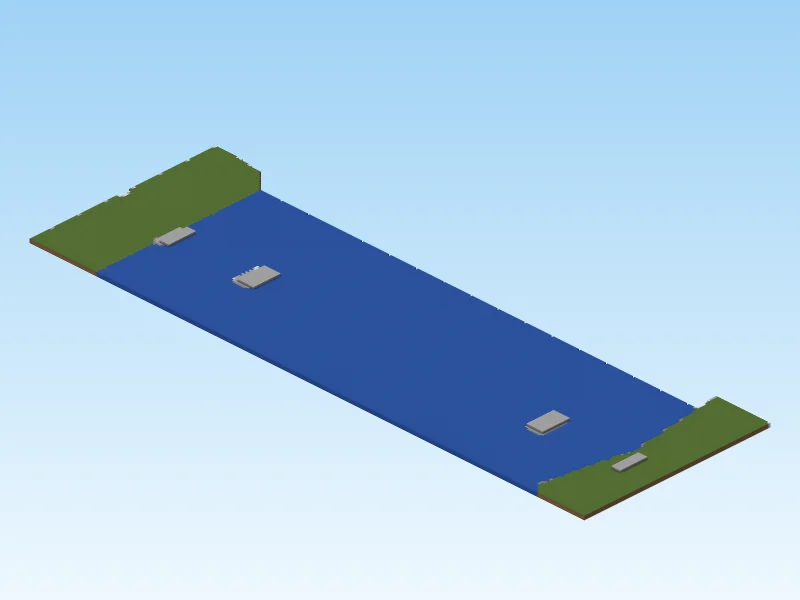
Layer 1 of 31 (420 blocks)
- Smooth Stone420
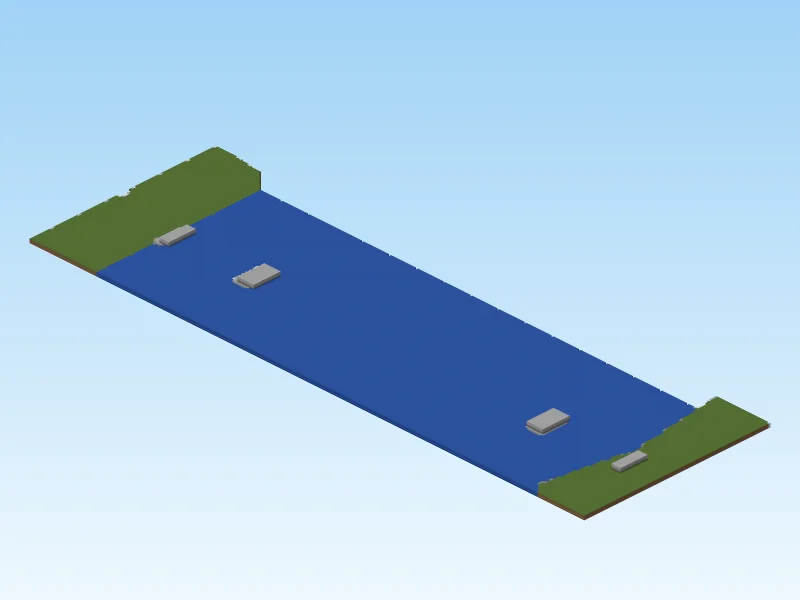
Layer 2 of 31 (420 blocks)
- Smooth Stone420
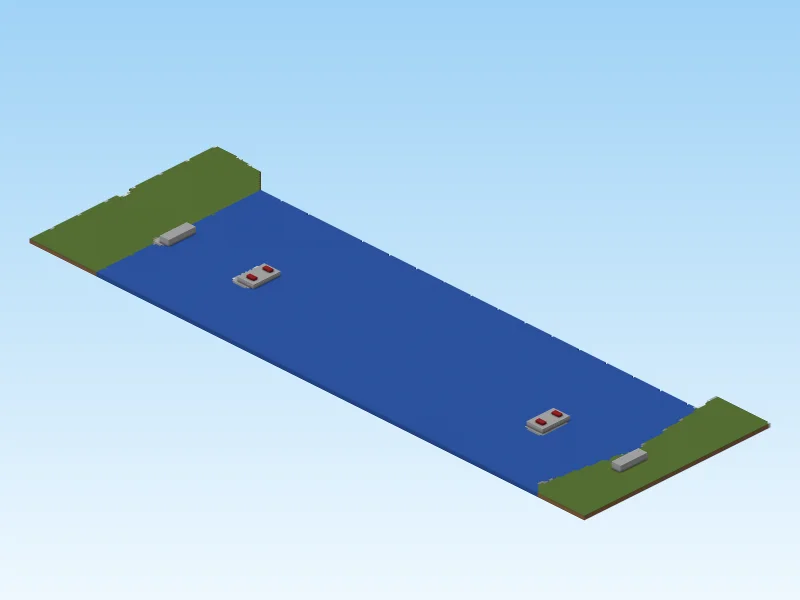
Layer 3 of 31 (182 blocks)
- Smooth Stone150
- Red Concrete32
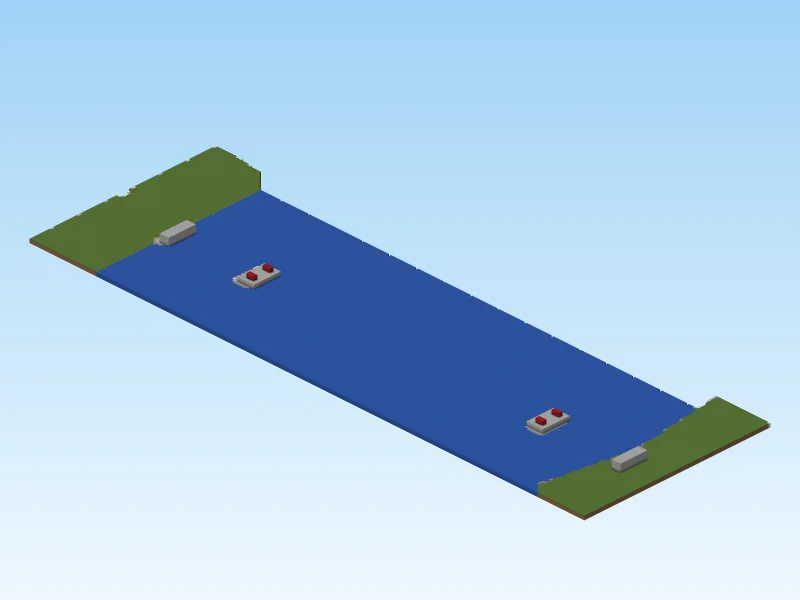
Layer 4 of 31 (182 blocks)
- Smooth Stone150
- Red Concrete32
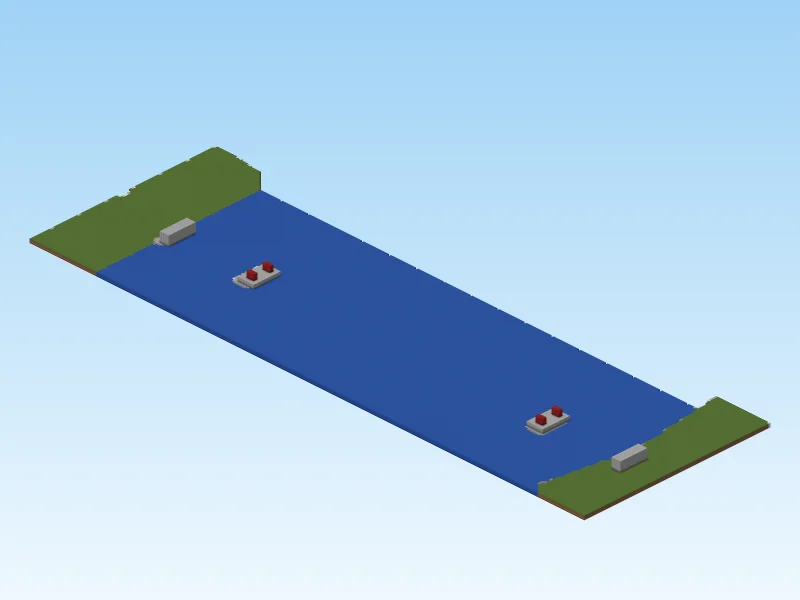
Layer 5 of 31 (182 blocks)
- Smooth Stone150
- Red Concrete32
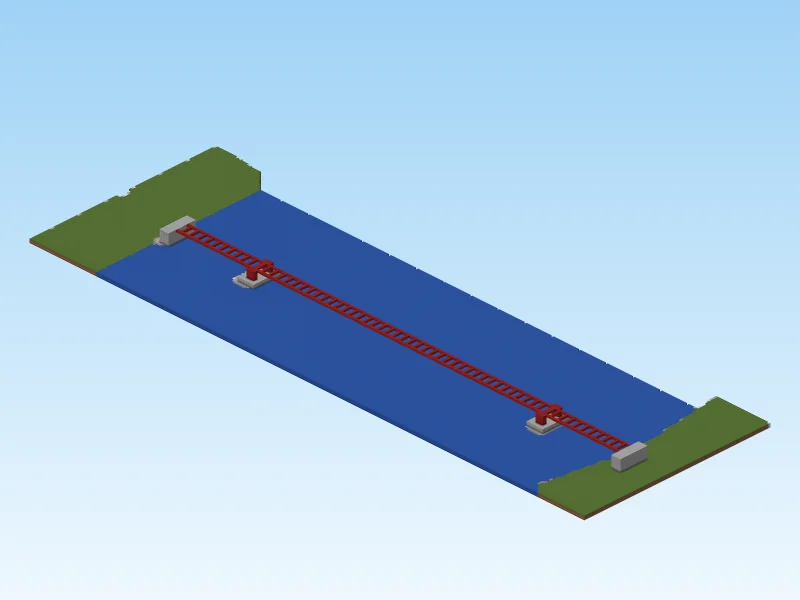
Layer 6 of 31 (987 blocks)
- Red Concrete837
- Smooth Stone150
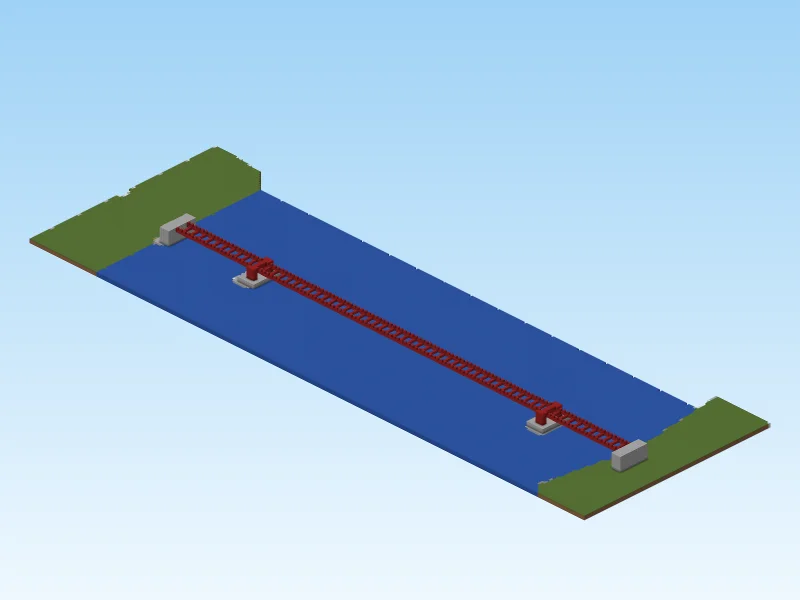
Layer 7 of 31 (452 blocks)
- Red Concrete302
- Smooth Stone150

Layer 8 of 31 (672 blocks)
- Red Concrete522
- Smooth Stone150
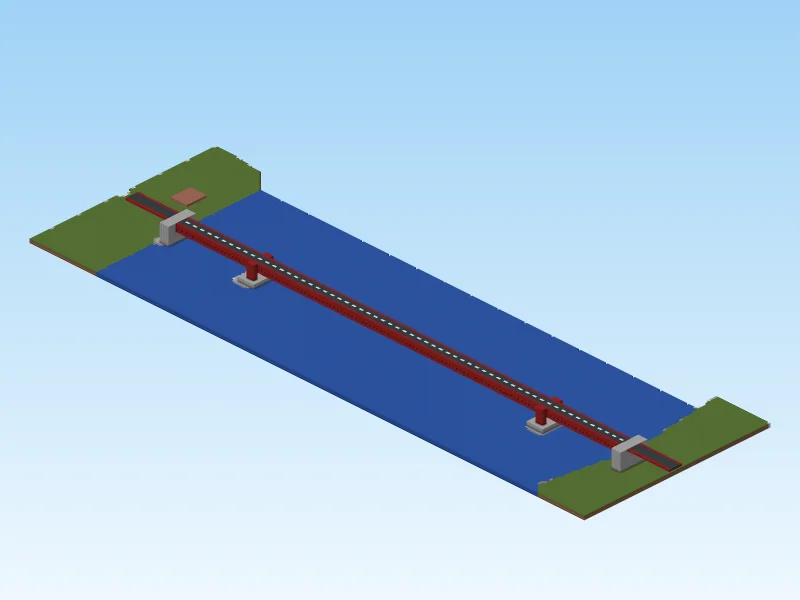
Layer 9 of 31 (2318 blocks)
- Gray Concrete1333
- Red Concrete614
- Smooth Stone150
- White Concrete122
- Bricks99
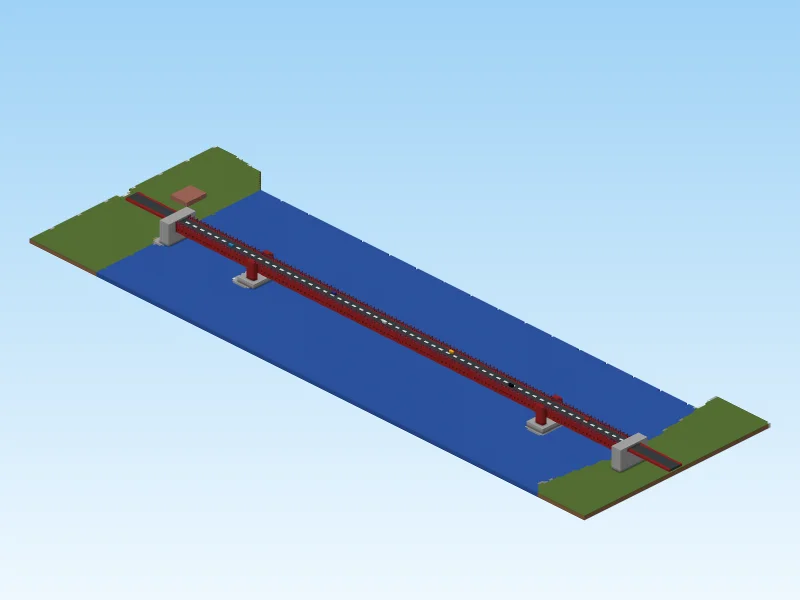
Layer 10 of 31 (1021 blocks)
- Crimson Fence732
- Smooth Stone150
- Bricks99
- Red Concrete28
- Blue Concrete2
- White Concrete2
- Yellow Concrete2
- Black Concrete2
- Light Blue Concrete2
- Red Wool2

Layer 11 of 31 (533 blocks)
- Crimson Fence216
- Smooth Stone150
- Bricks99
- Red Concrete68

Layer 12 of 31 (357 blocks)
- Crimson Fence200
- Bricks99
- Red Concrete58
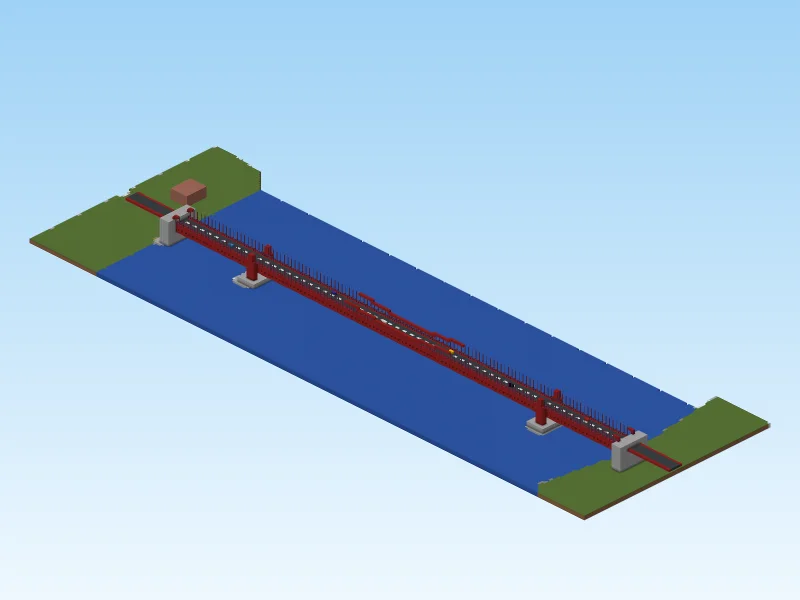
Layer 13 of 31 (337 blocks)
- Crimson Fence180
- Bricks99
- Red Concrete58
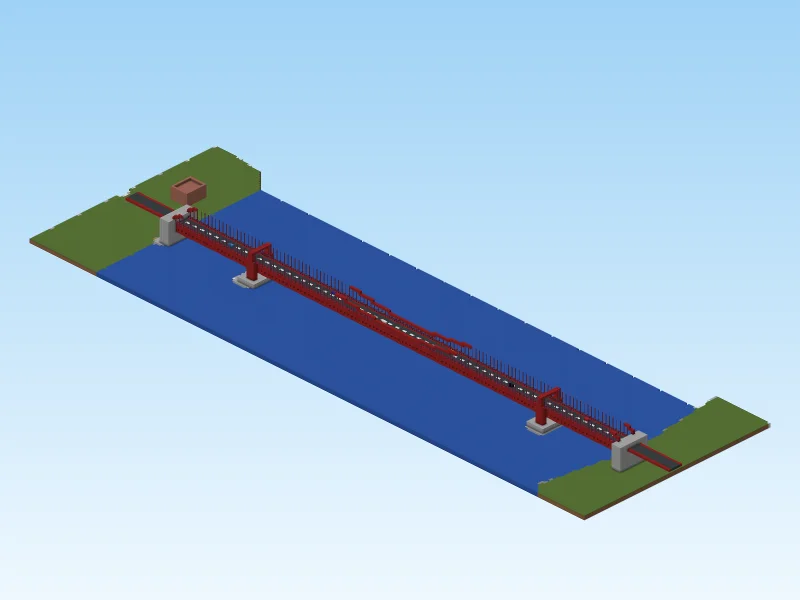
Layer 14 of 31 (280 blocks)
- Crimson Fence168
- Red Concrete76
- Bricks36
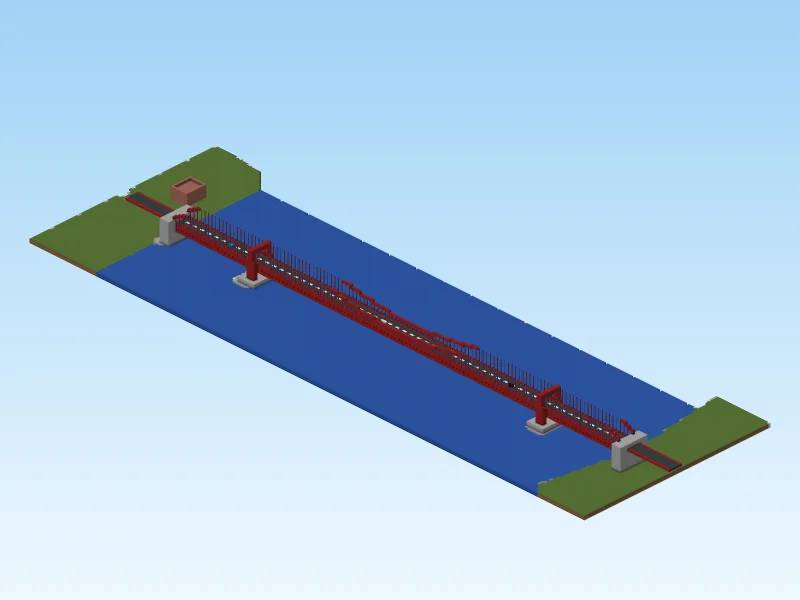
Layer 15 of 31 (228 blocks)
- Crimson Fence156
- Red Concrete72
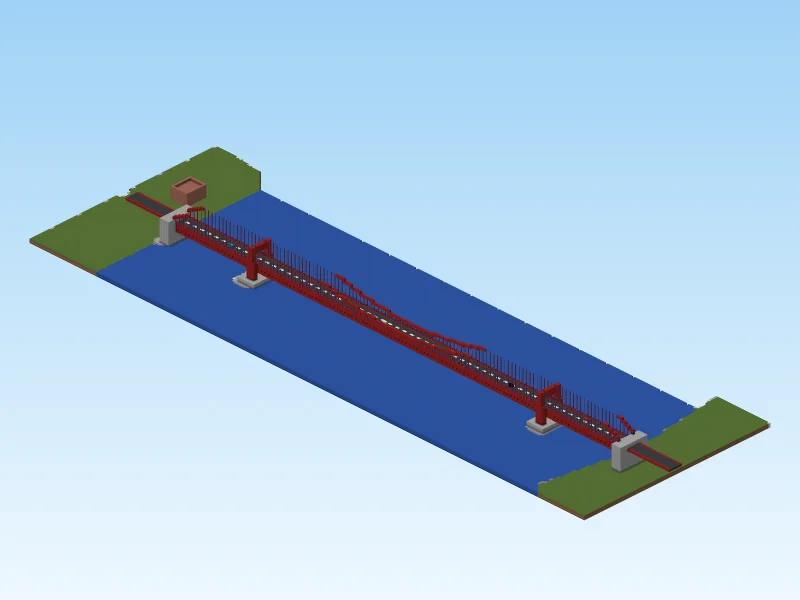
Layer 16 of 31 (208 blocks)
- Crimson Fence144
- Red Concrete64

Layer 17 of 31 (176 blocks)
- Crimson Fence132
- Red Concrete44
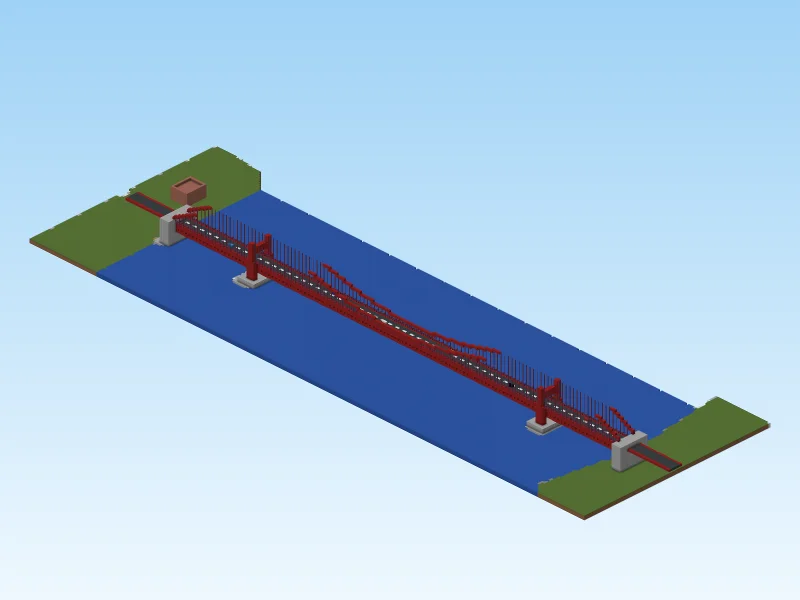
Layer 18 of 31 (162 blocks)
- Crimson Fence120
- Red Concrete42
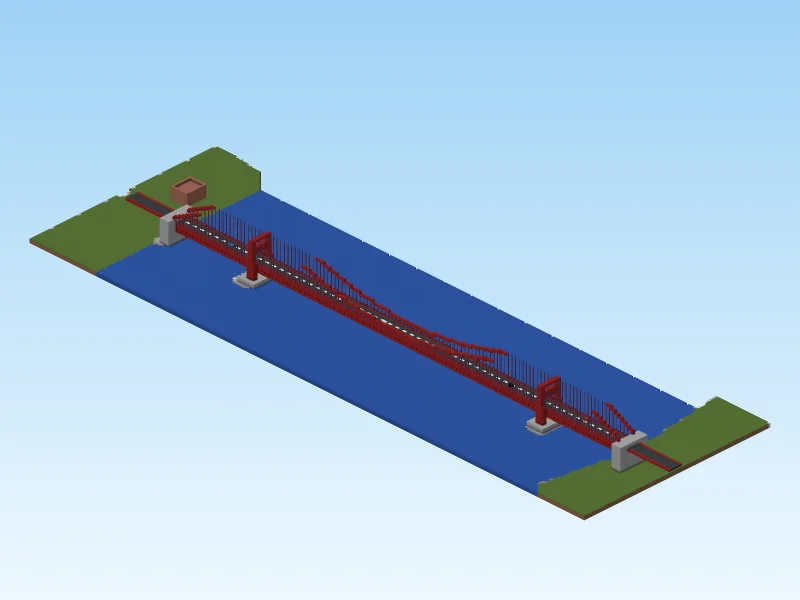
Layer 19 of 31 (182 blocks)
- Crimson Fence108
- Red Concrete74

Layer 20 of 31 (168 blocks)
- Crimson Fence100
- Red Concrete68

Layer 21 of 31 (148 blocks)
- Crimson Fence92
- Red Concrete56
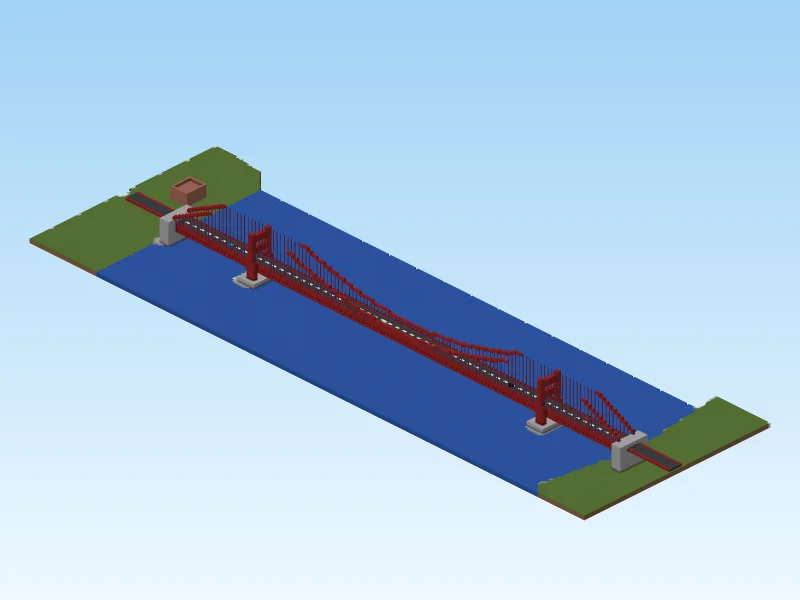
Layer 22 of 31 (122 blocks)
- Crimson Fence80
- Red Concrete42

Layer 23 of 31 (112 blocks)
- Crimson Fence72
- Red Concrete40
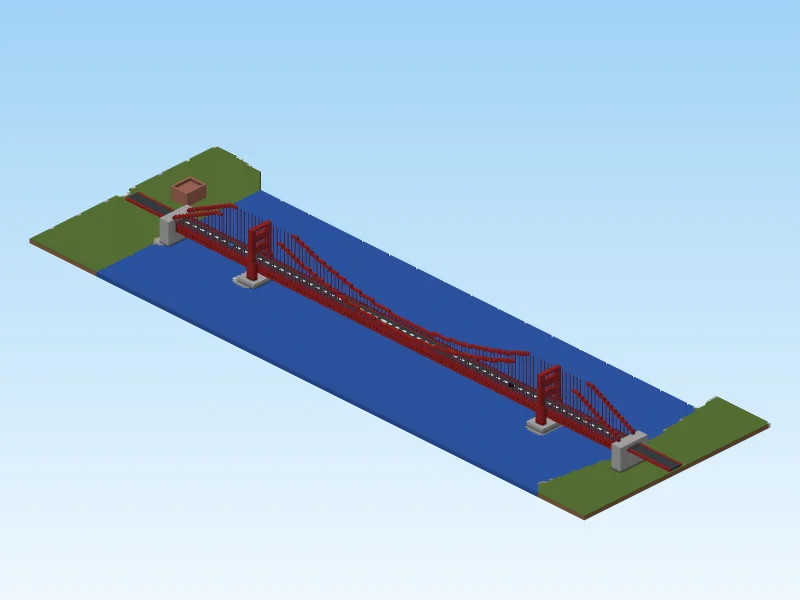
Layer 24 of 31 (130 blocks)
- Red Concrete70
- Crimson Fence60
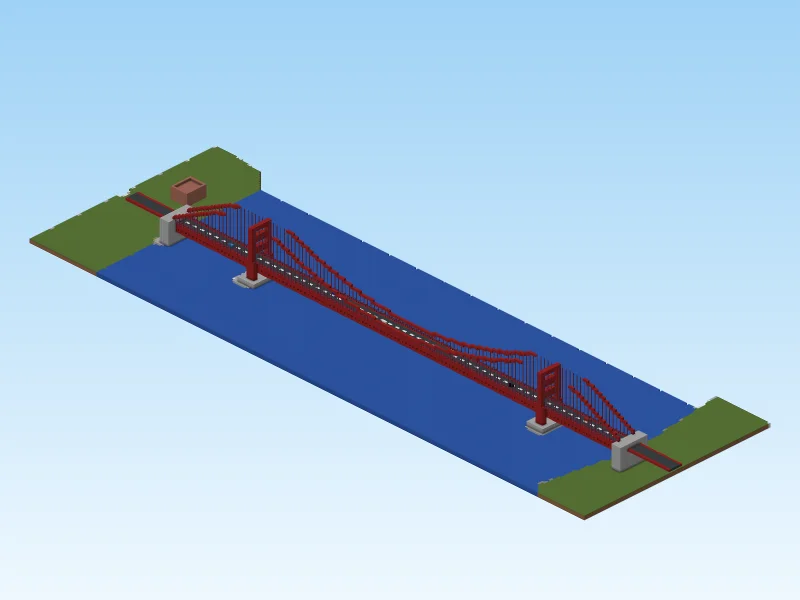
Layer 25 of 31 (120 blocks)
- Red Concrete72
- Crimson Fence48
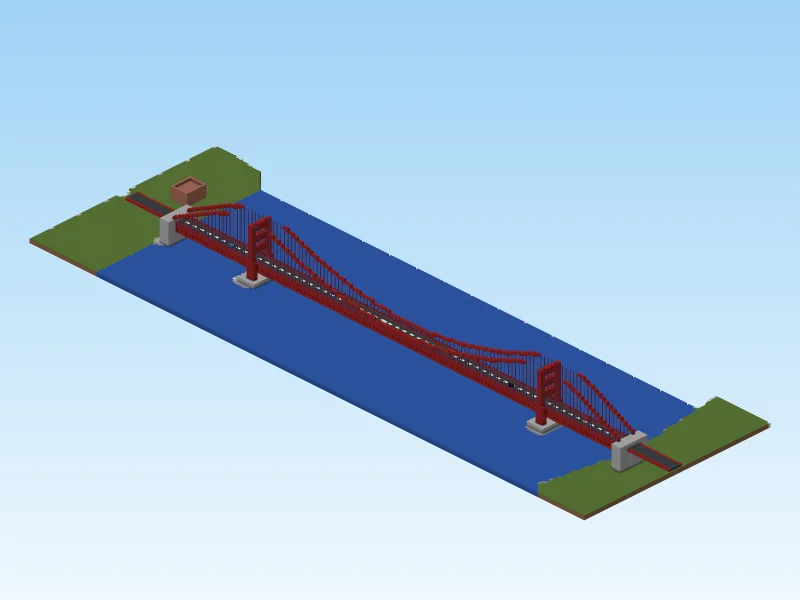
Layer 26 of 31 (102 blocks)
- Red Concrete62
- Crimson Fence40
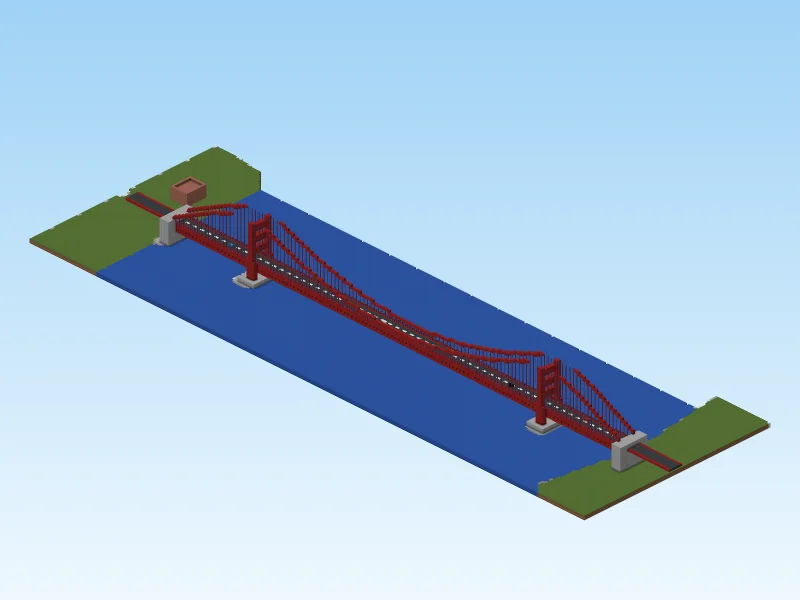
Layer 27 of 31 (70 blocks)
- Red Concrete38
- Crimson Fence32
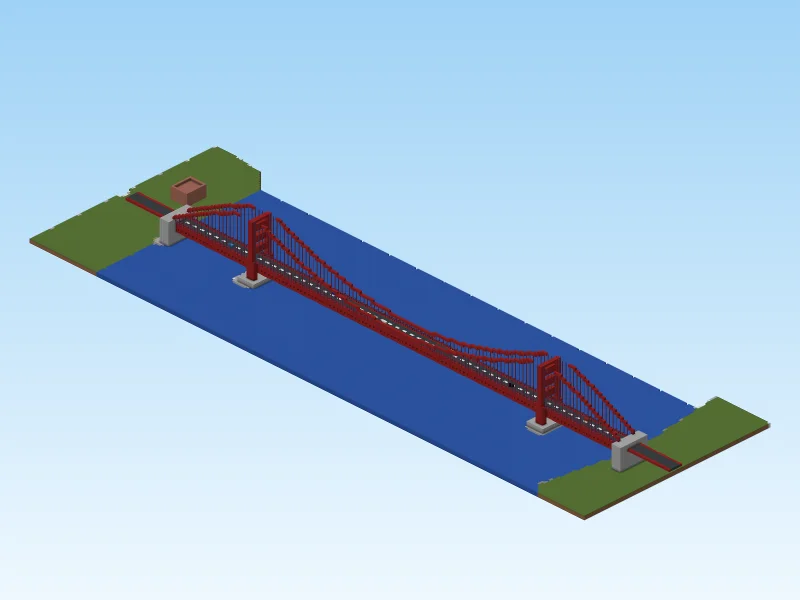
Layer 28 of 31 (92 blocks)
- Red Concrete72
- Crimson Fence20

Layer 29 of 31 (82 blocks)
- Red Concrete70
- Crimson Fence12
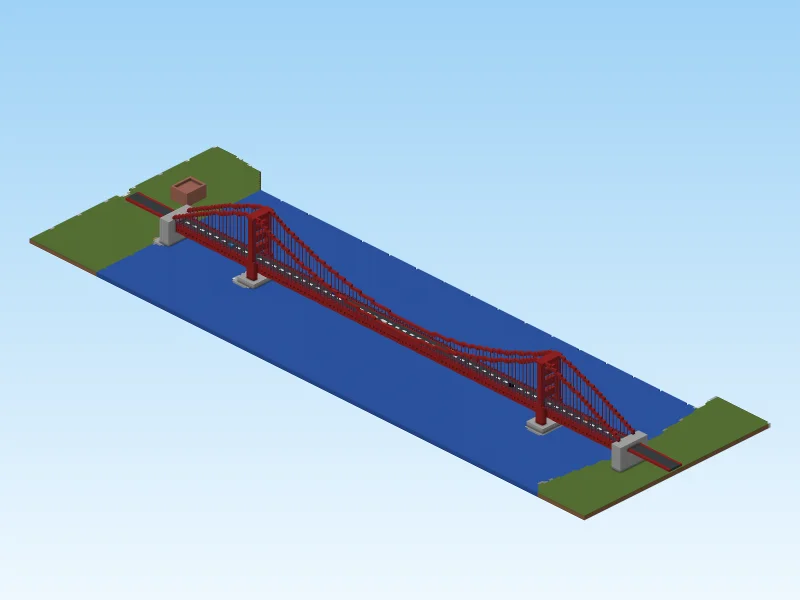
Layer 30 of 31 (108 blocks)
- Red Concrete108
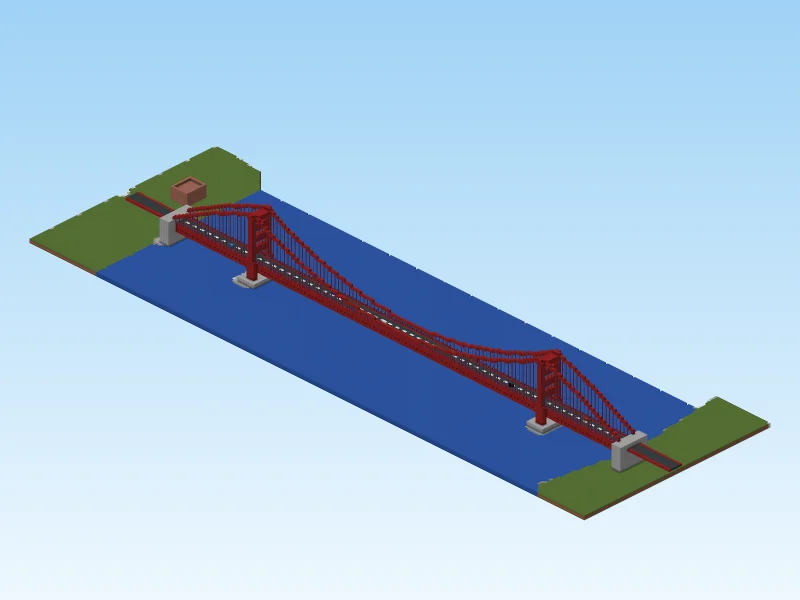
Layer 31 of 31 (24 blocks)
- Red Concrete24
Simplified blueprint: stairs and slabs are partly shown as full blocks, animals and plants as small squares. Tip: use the arrow keys ← → to switch layers.
Step-by-step guide
Water and shores
You need a wide strait – about 250 blocks of water between two shores. Green hills rise on one side.
Roadway
Build the roadway at height 8, 7 blocks wide: gray concrete with a white line in the middle and red concrete at the edges. A red concrete truss runs underneath.
Towers
The two towers stand 160 blocks apart on smooth stone bases. Each has two red concrete legs up to height 28 and five cross braces. The roadway runs between the legs.
Anchorages
At both ends come large smooth stone anchorages where the cables are anchored.
Main cables
From the anchorages, the cables run up to the tops of the towers and sag in an arc between them that almost touches the roadway in the middle. The blueprint shows every layer of the arc.
Suspenders
Every 2 blocks, a crimson fence hangs straight down from the cable to the roadway.
Cars and Fort Point
Put a few cars of colorful concrete on the roadway and build the small brick Fort Point on the south shore.
Pro tips
- Build the basic shape from cheap blocks like dirt or cobblestone first and swap them out afterwards. That way you see early on whether the proportions are right.
- Build the towers and cables first, then the roadway – that way the heights match.
- You craft crimson fences from crimson planks, found in the Nether.
Variations
- Sea lanterns along the cables make the bridge glow at night.
- Build San Francisco with skyscrapers on the south shore.


