Statue of Liberty (New York)
- DifficultyHard
- Size59 × 59 blocks (fort), 100 tall
- Build timeabout 15 hours
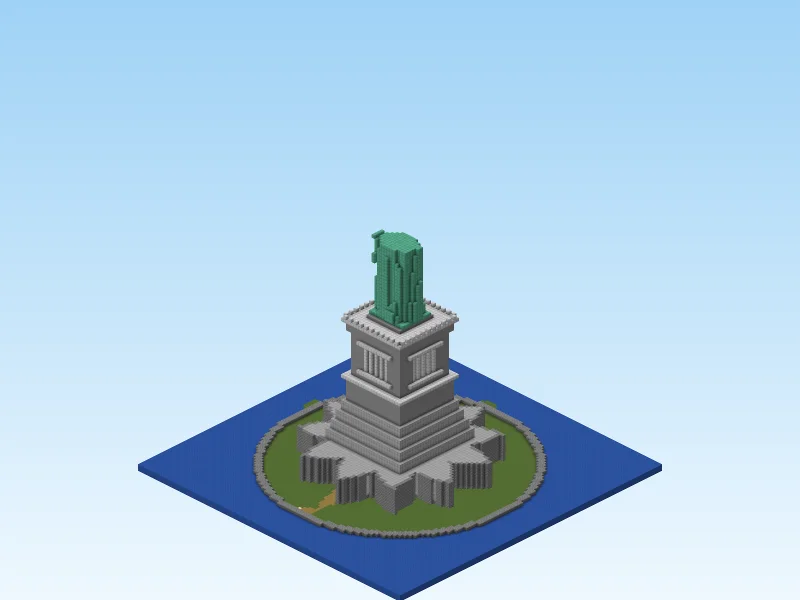
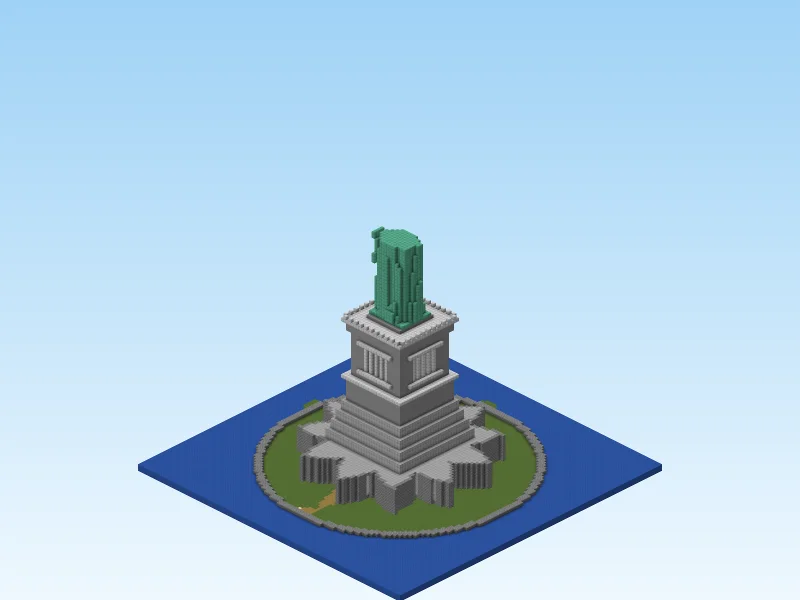
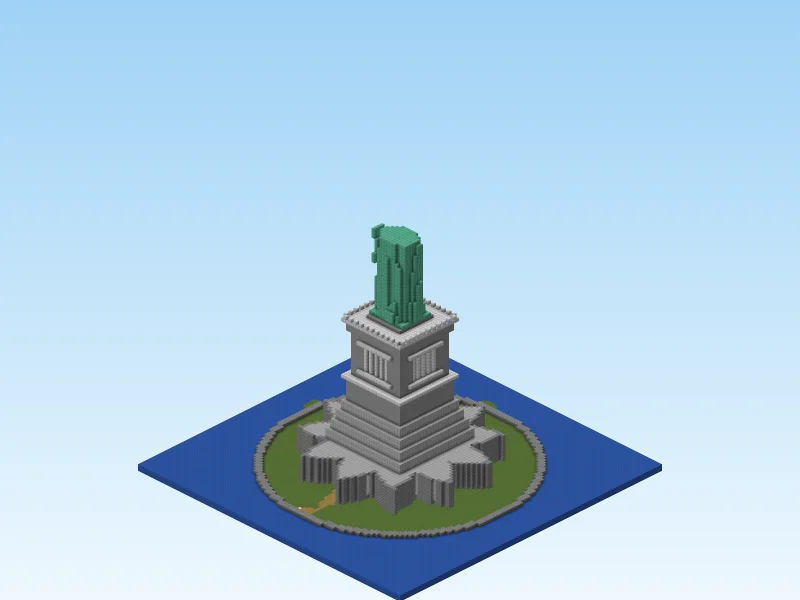
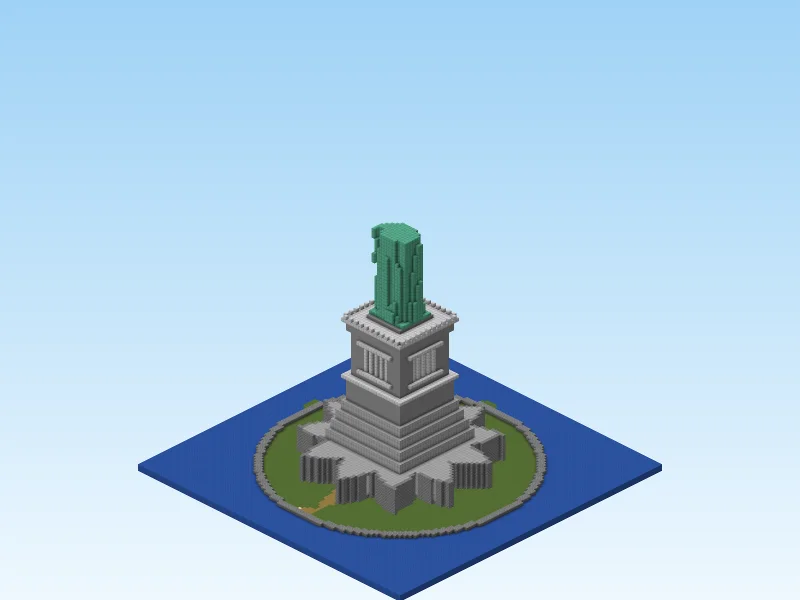
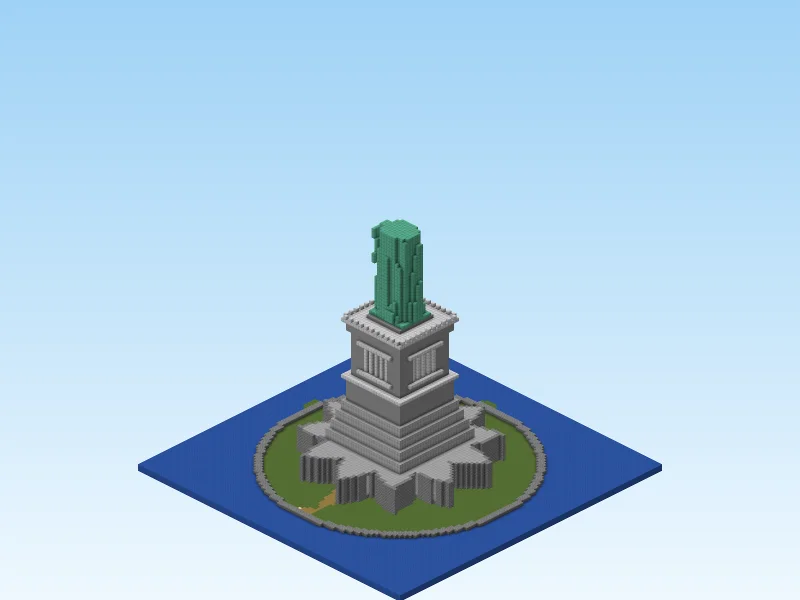
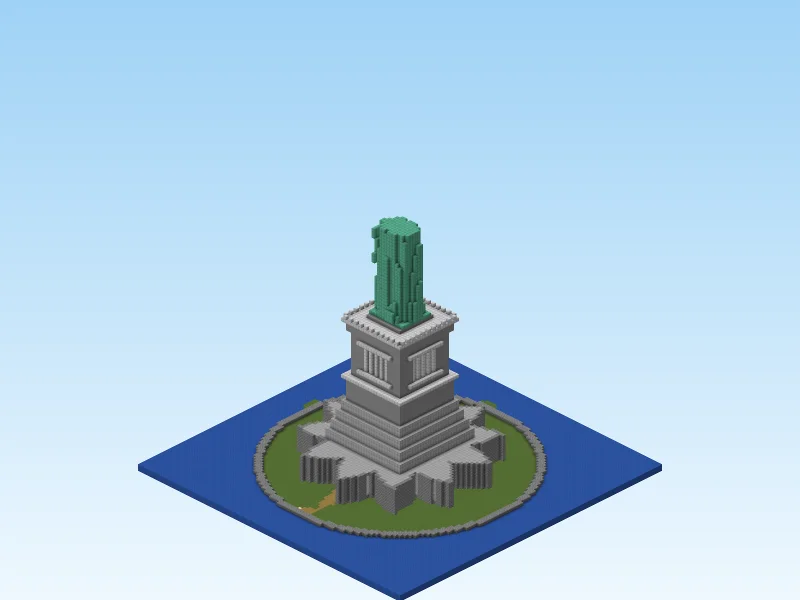
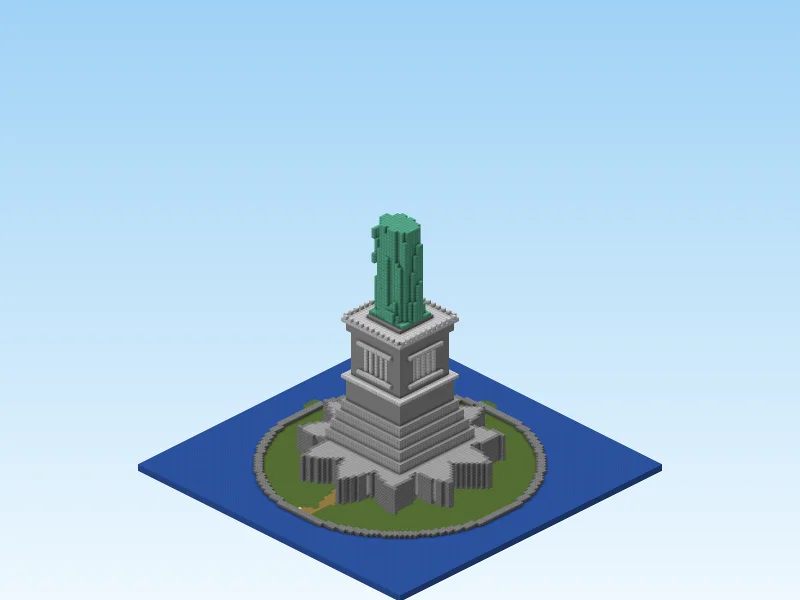
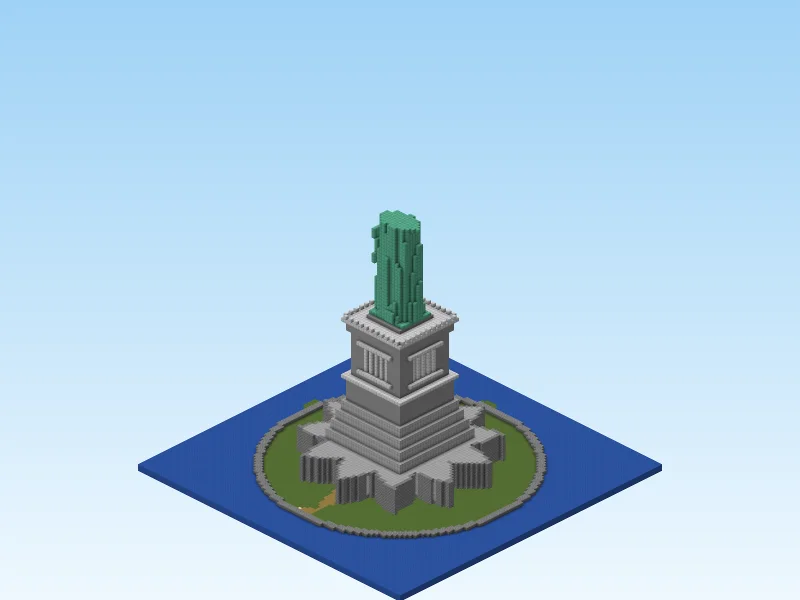
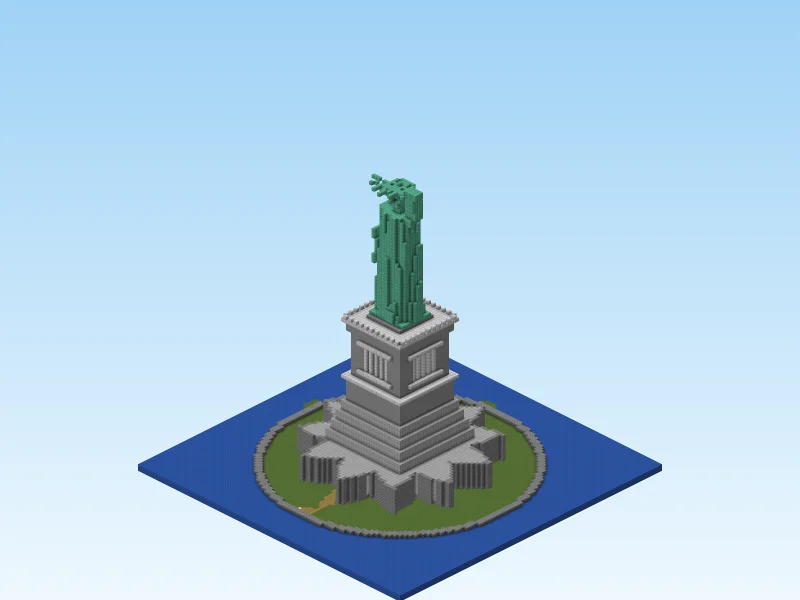
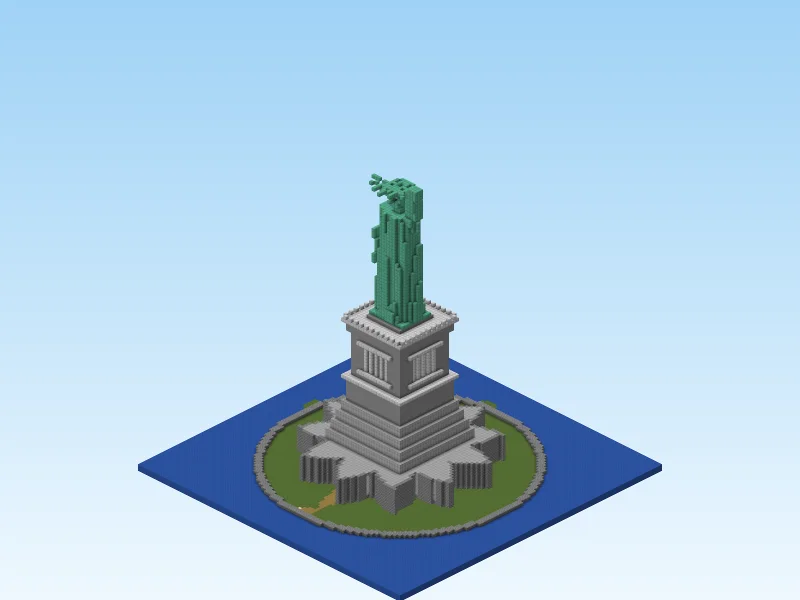
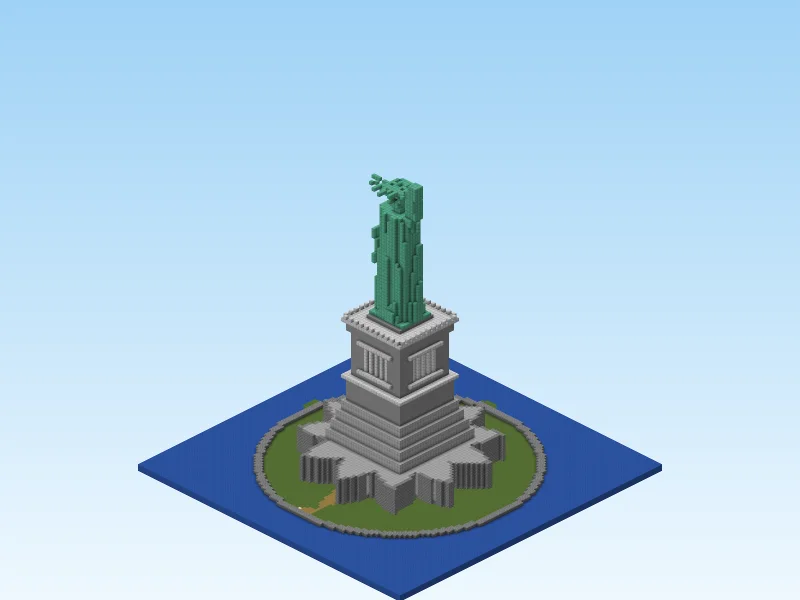
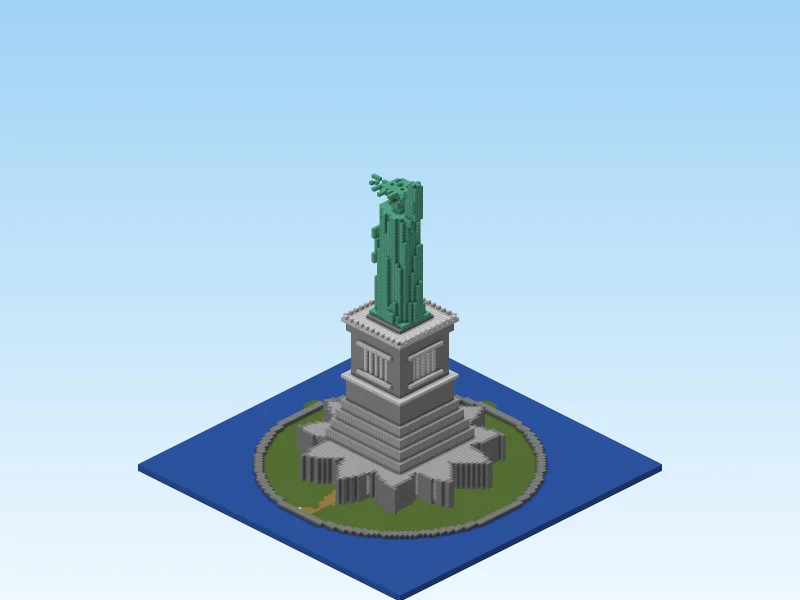
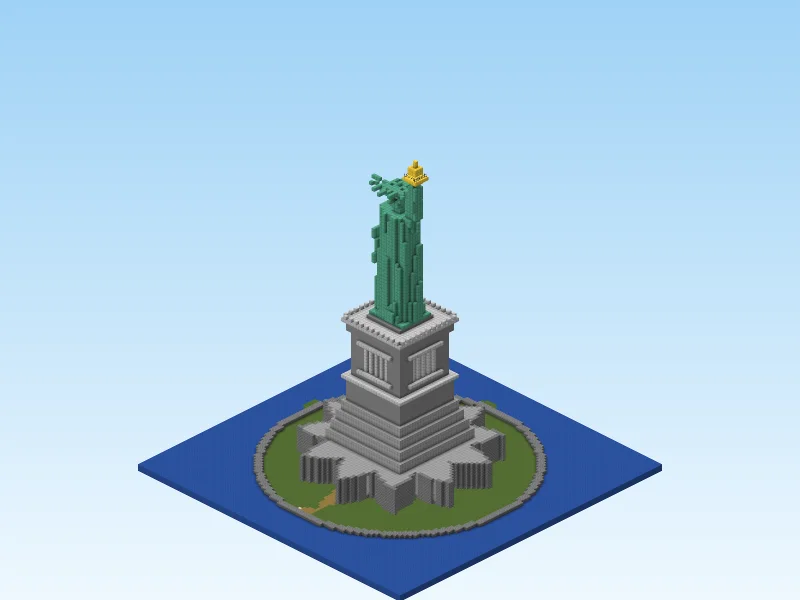
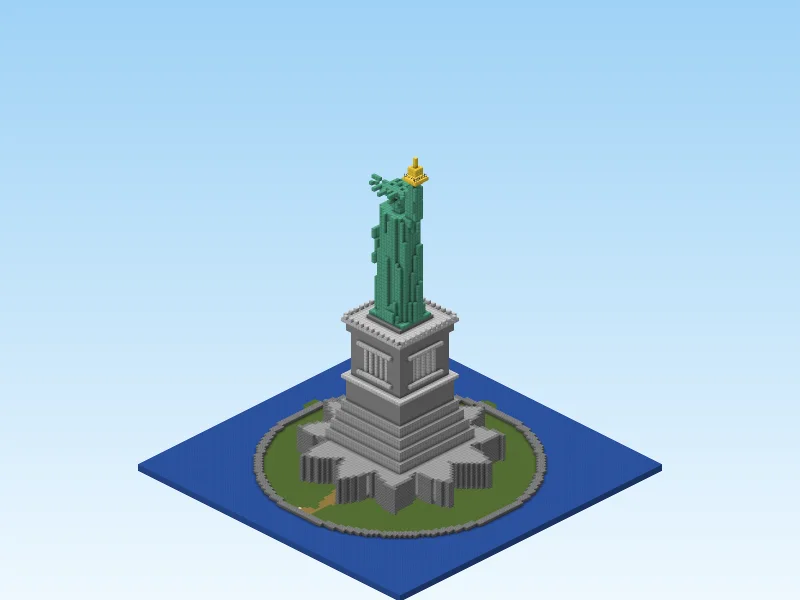
The Statue of Liberty was a gift from France to the USA and has stood on Liberty Island in front of New York since 1886. With its pedestal it is 93 meters tall. On Blockwerk it's built life-size – 1 block = 1 meter.
The statue is made of copper that has turned green over time – that's why you use oxidized copper. She wears a crown with seven rays, holds up the golden torch in her right hand and a tablet in her left. She stands on a granite pedestal above a star-shaped fort.

🔍 Click on parts
Tap any part of the build in the 3D model – a lamp, a tree, a bench next to the house – and you’ll see exactly how to build that part, with its materials and a layer-by-layer plan.
🧊 Build it as a hologram in Minecraft Bedrock (HoloPrint)
Download this build idea as a .mcstructure file – it is made right from the blueprint below. The HoloPrint website turns it into a pack that places the build as a see-through hologram in your world – you just fill in the blocks.
- Tap the button above – the file statue-of-liberty.mcstructure is downloaded.
- Open the HoloPrint website.
- Upload the file there.
- Create your build template texture pack.
- Download the .mcpack file.
- Open it with Minecraft and activate the pack in your world.
- Place an armor stand – the build template appears there. Tip: put it exactly where the build should stand.
Works with Minecraft Bedrock (phone, tablet, console, Windows). HoloPrint is a free fan project, not made by Blockwerk.
Layer-by-layer blueprint
Click through from bottom to top. Every square is one block, the front is at the bottom. Gray shows the layer below. 101 layers, area in the plan: 79 × 79 blocks.
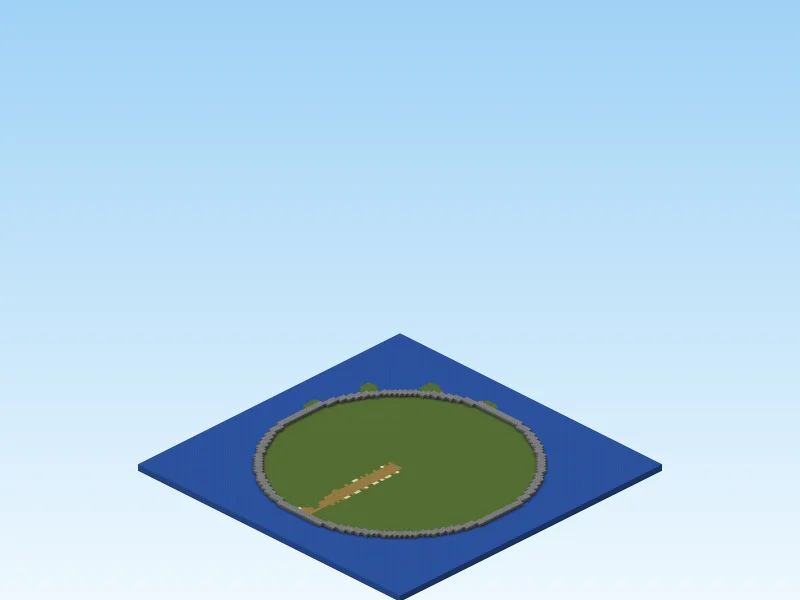
Layer 1 of 101 (504 blocks)
- Stone Bricks504
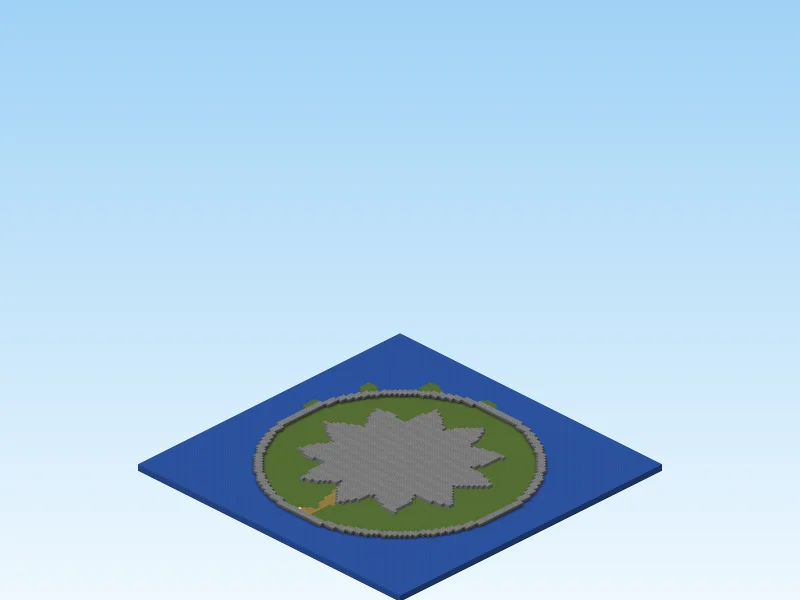
Layer 2 of 101 (1904 blocks)
- Stone Bricks1904
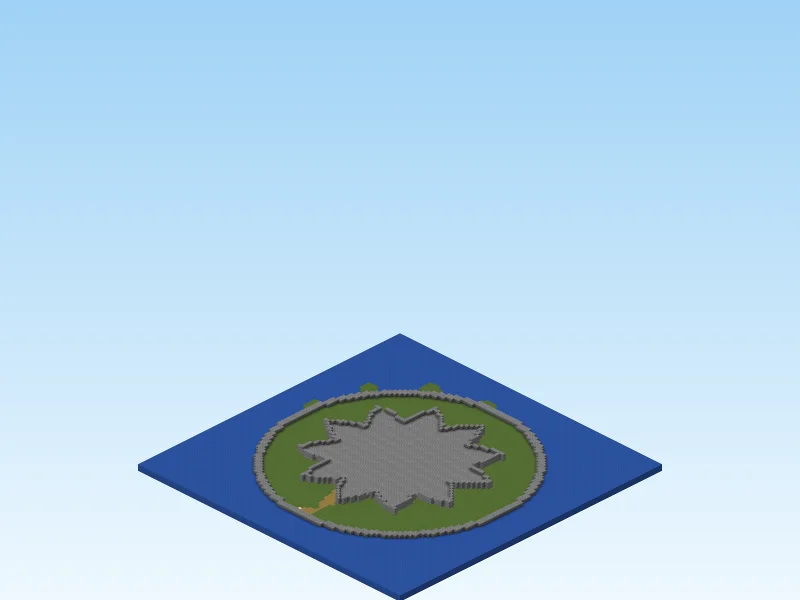
Layer 3 of 101 (214 blocks)
- Stone Bricks214
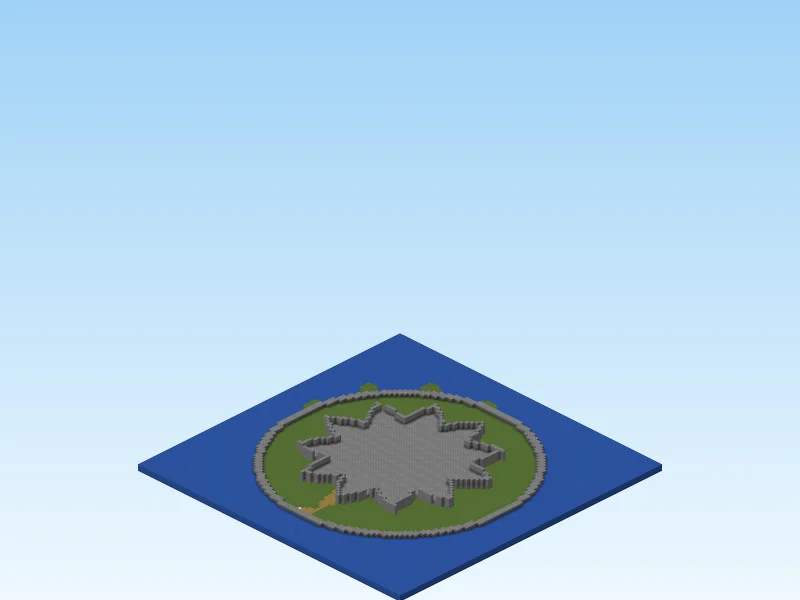
Layer 4 of 101 (214 blocks)
- Stone Bricks214
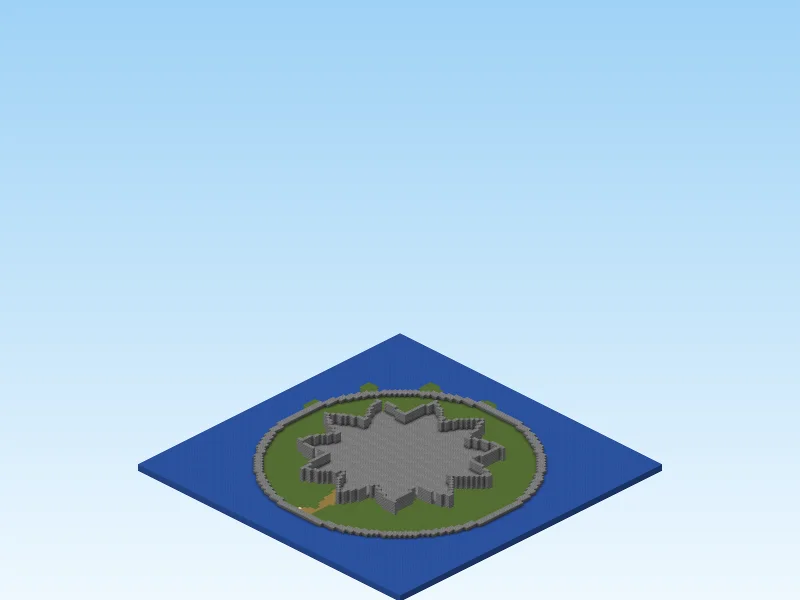
Layer 5 of 101 (214 blocks)
- Stone Bricks214
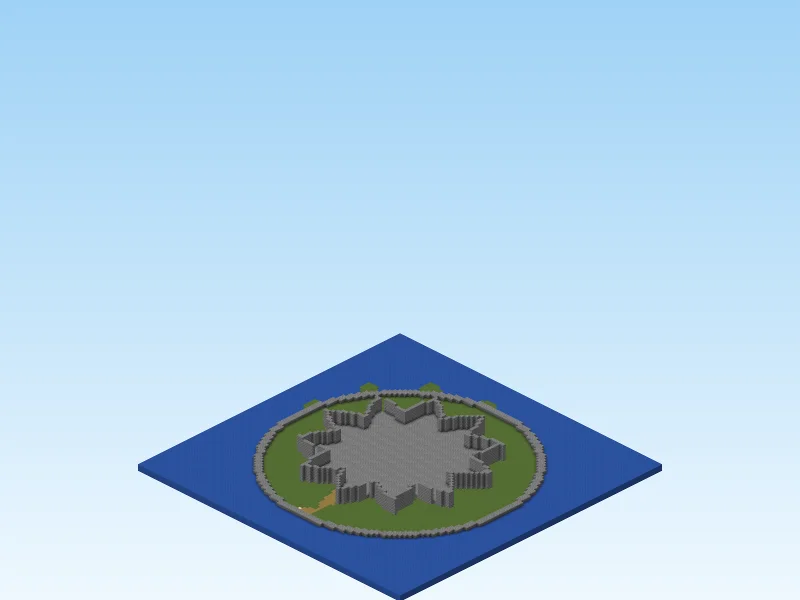
Layer 6 of 101 (214 blocks)
- Stone Bricks214
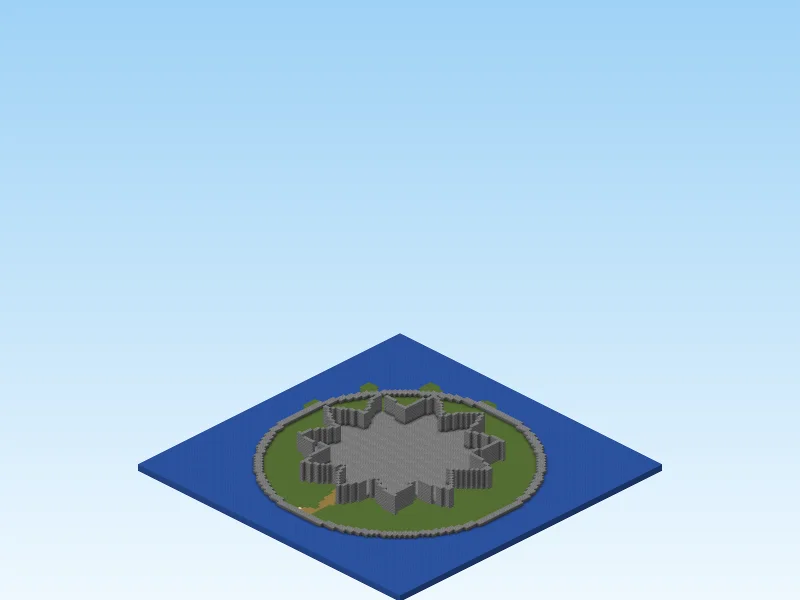
Layer 7 of 101 (214 blocks)
- Stone Bricks214
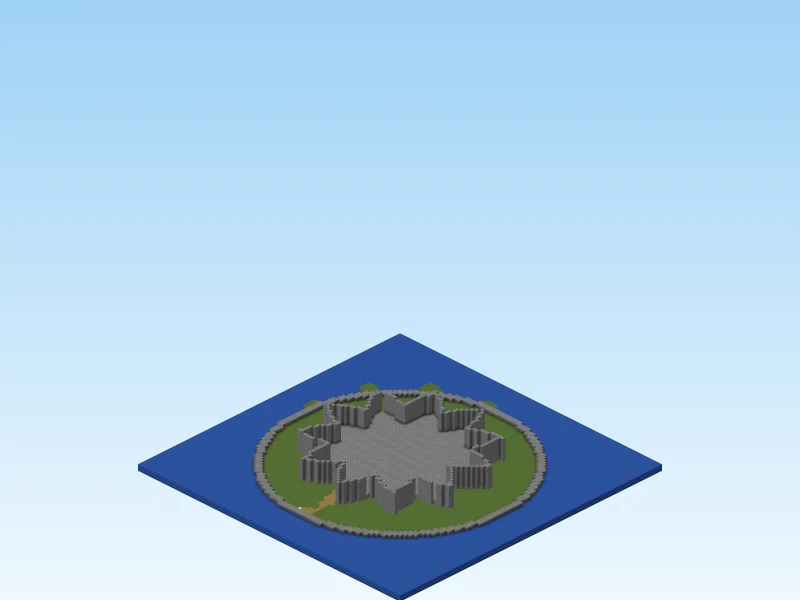
Layer 8 of 101 (214 blocks)
- Stone Bricks214
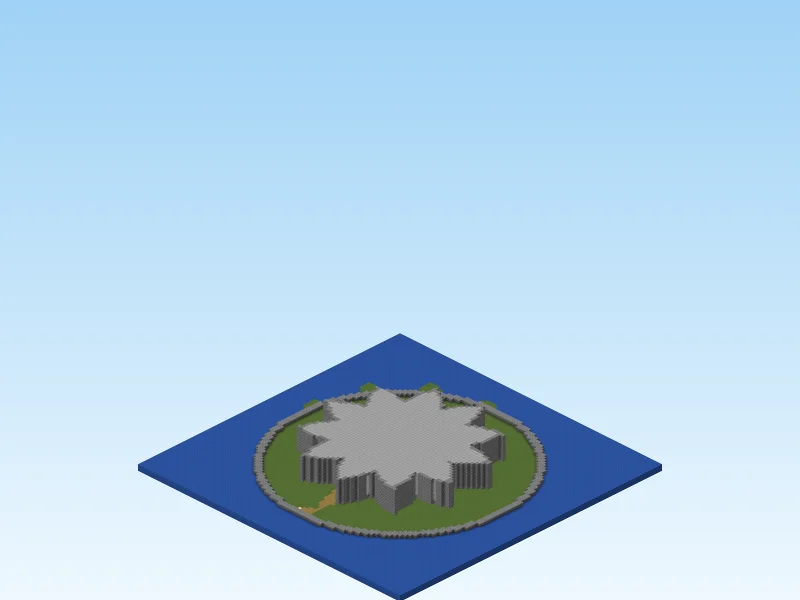
Layer 9 of 101 (1904 blocks)
- Smooth Stone1690
- Stone Bricks214
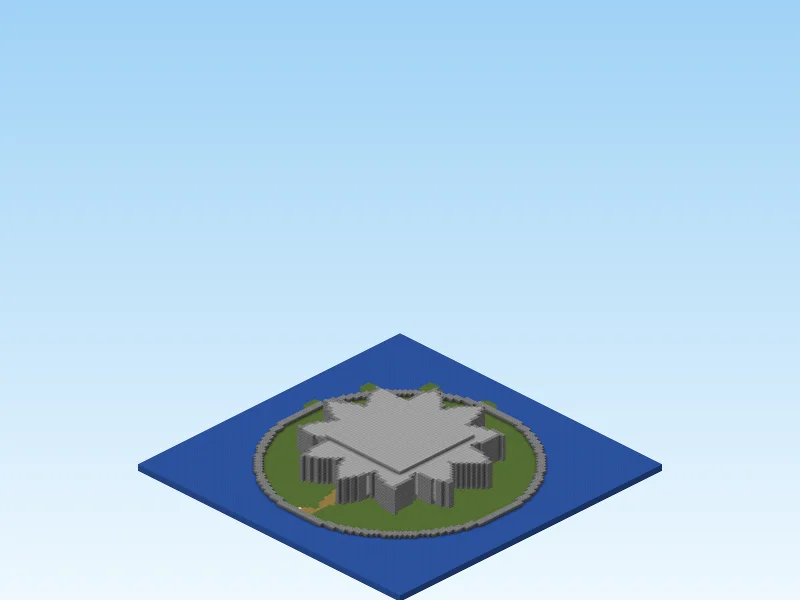
Layer 10 of 101 (841 blocks)
- Smooth Stone841
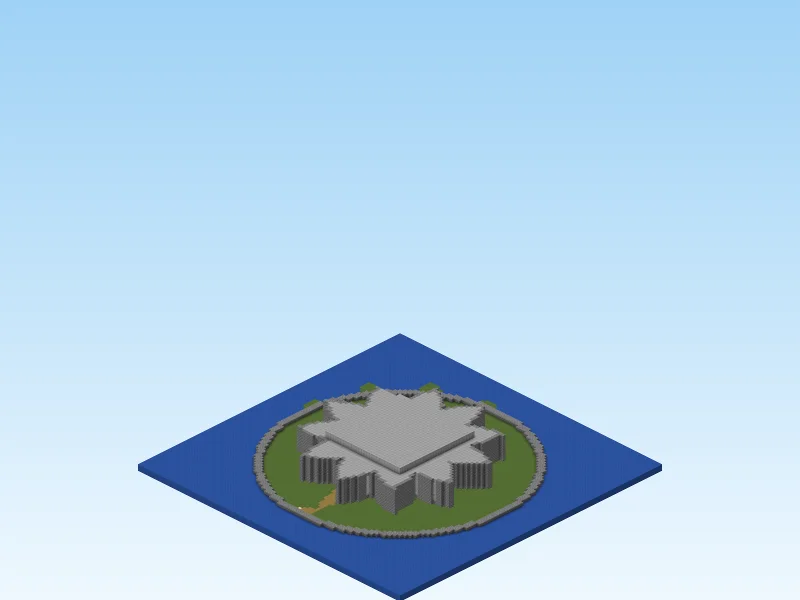
Layer 11 of 101 (841 blocks)
- Smooth Stone841
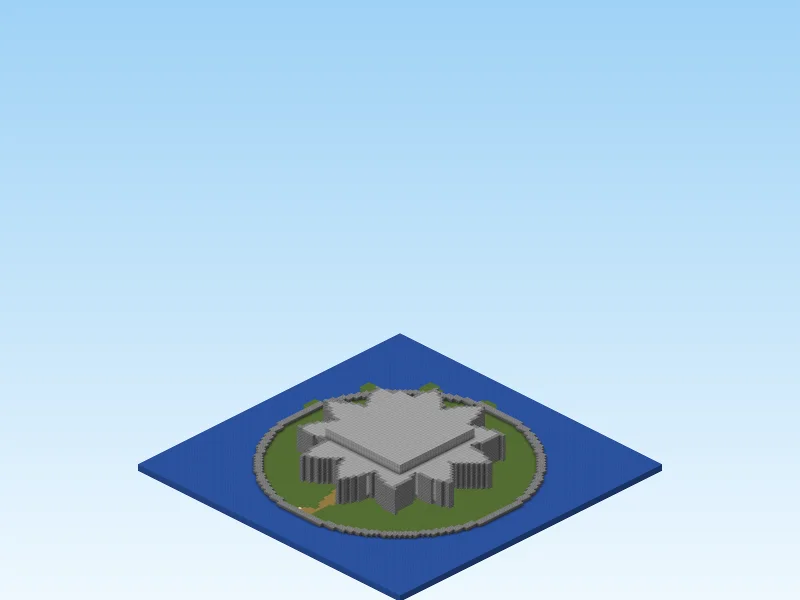
Layer 12 of 101 (841 blocks)
- Smooth Stone841
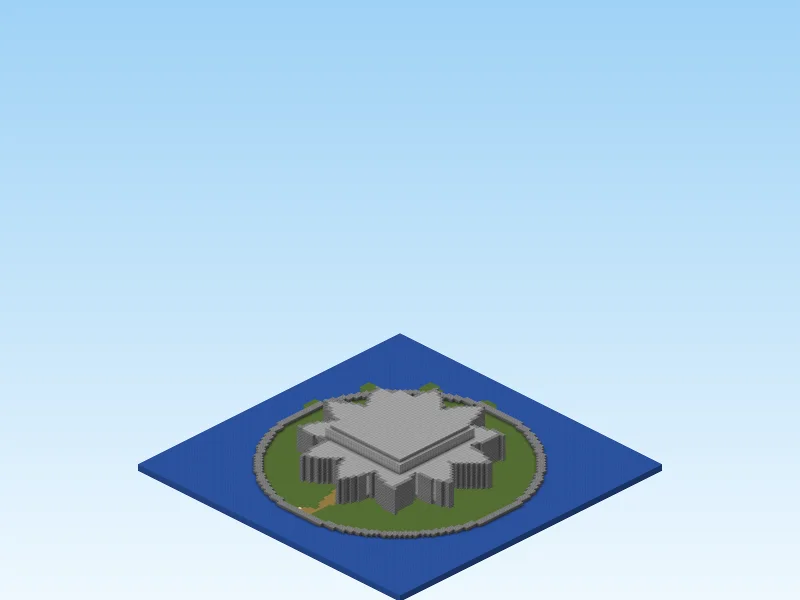
Layer 13 of 101 (729 blocks)
- Smooth Stone729
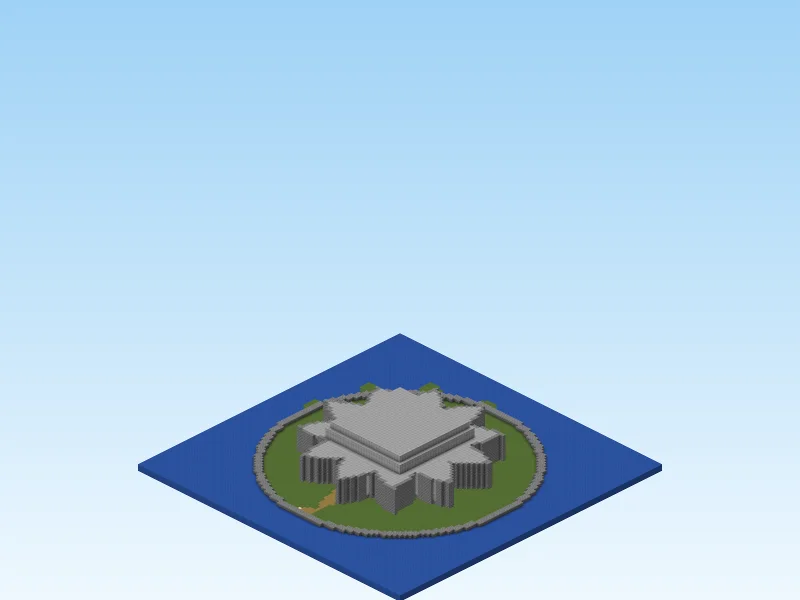
Layer 14 of 101 (729 blocks)
- Smooth Stone729
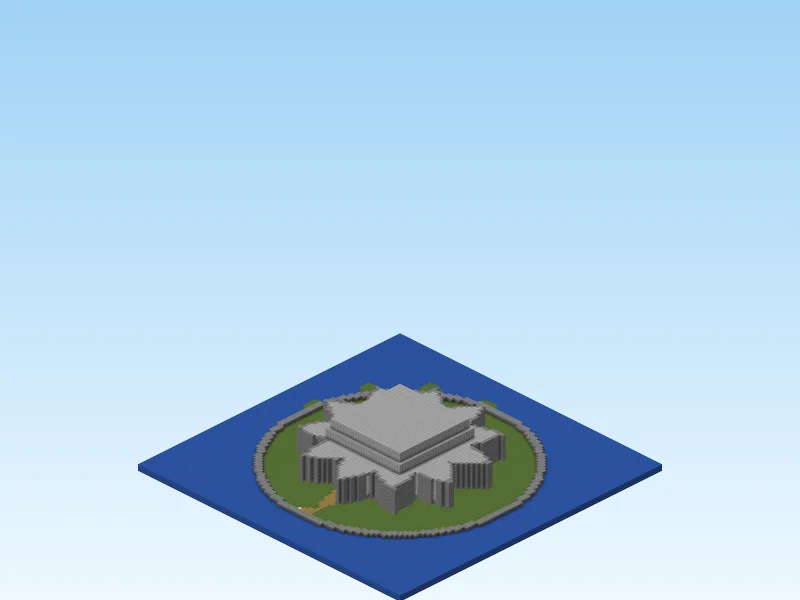
Layer 15 of 101 (729 blocks)
- Smooth Stone729

Layer 16 of 101 (625 blocks)
- Smooth Stone625
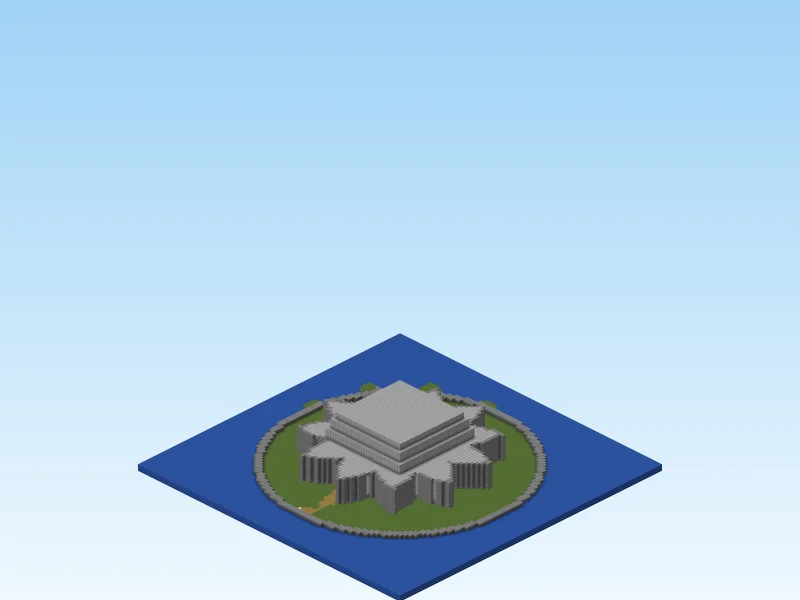
Layer 17 of 101 (625 blocks)
- Smooth Stone625
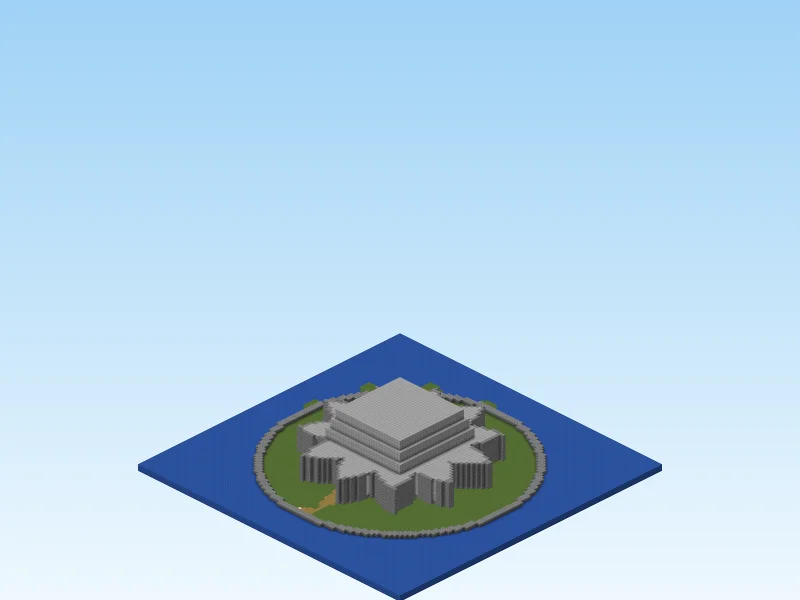
Layer 18 of 101 (625 blocks)
- Smooth Stone625
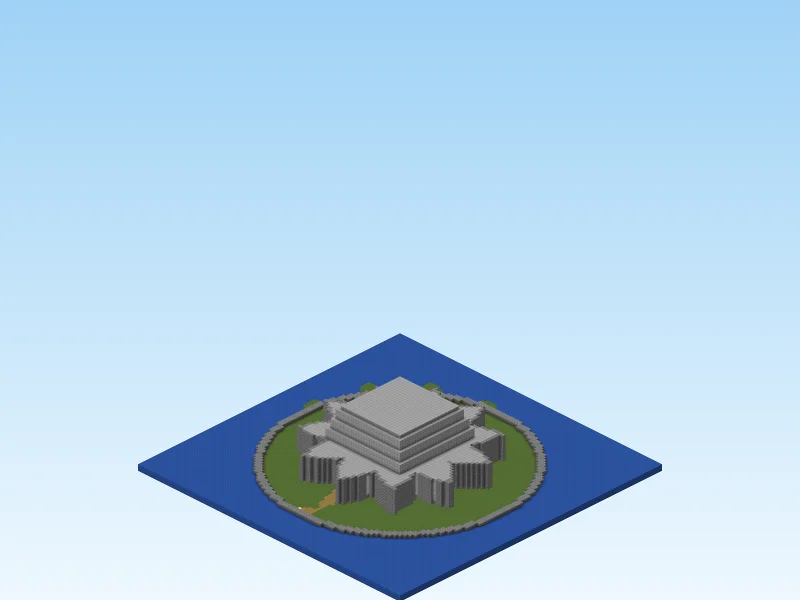
Layer 19 of 101 (529 blocks)
- Smooth Stone529
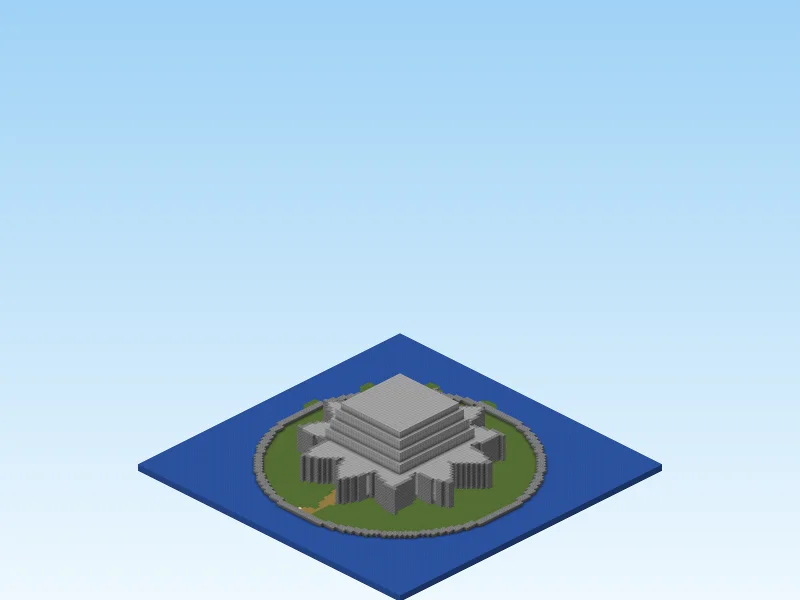
Layer 20 of 101 (529 blocks)
- Smooth Stone529
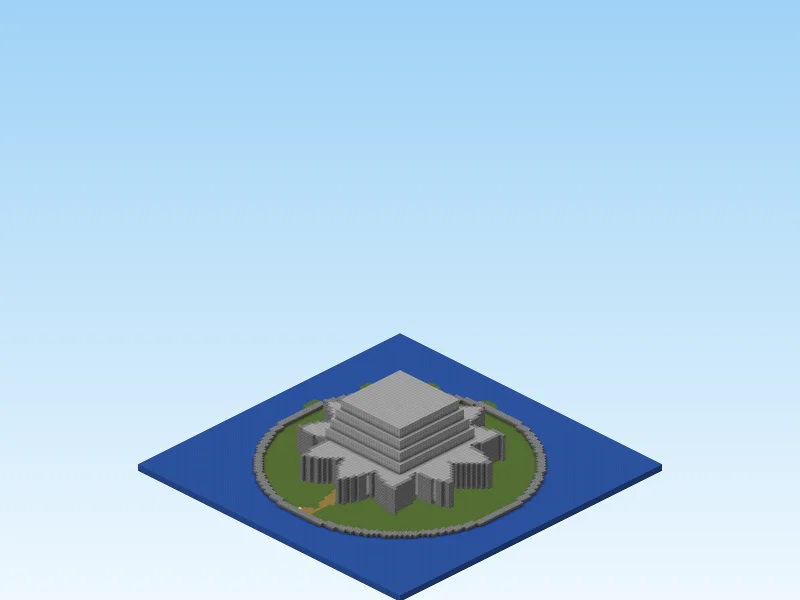
Layer 21 of 101 (529 blocks)
- Smooth Stone529

Layer 22 of 101 (441 blocks)
- Andesite441
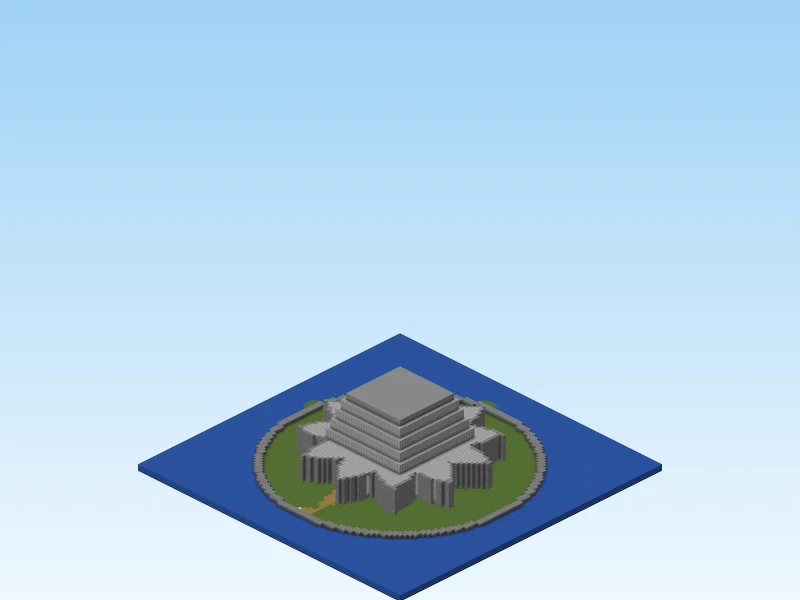
Layer 23 of 101 (441 blocks)
- Andesite441
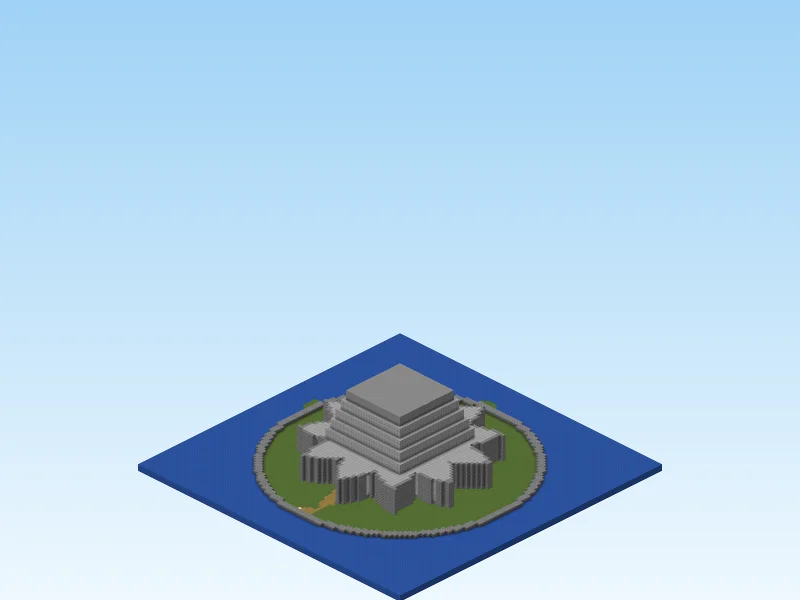
Layer 24 of 101 (441 blocks)
- Andesite441
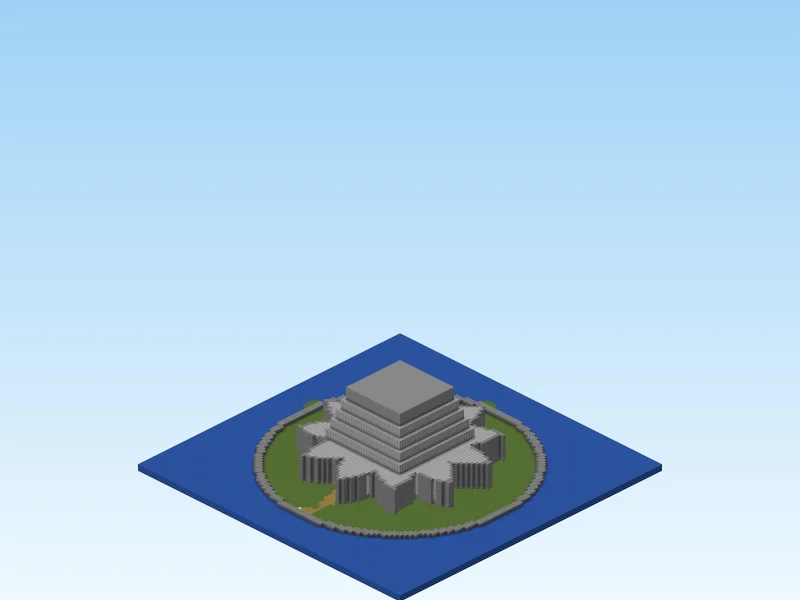
Layer 25 of 101 (441 blocks)
- Andesite441

Layer 26 of 101 (441 blocks)
- Andesite441
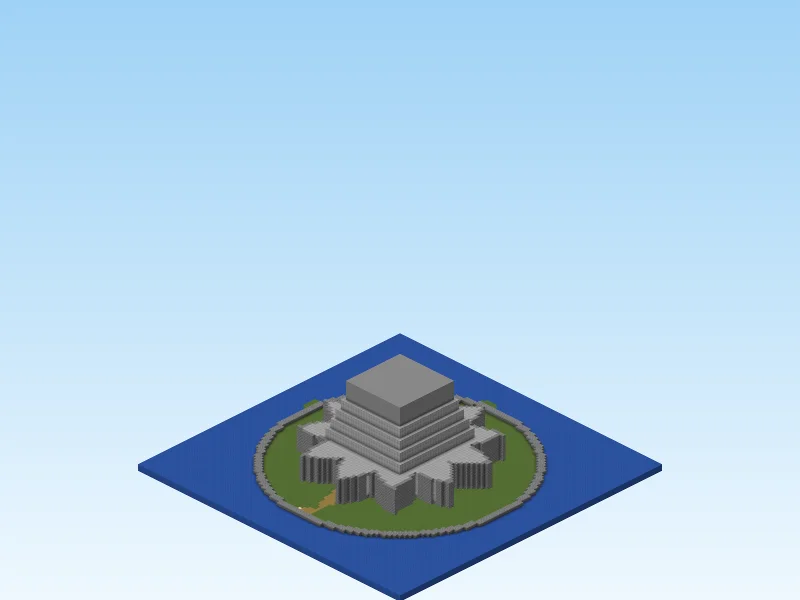
Layer 27 of 101 (441 blocks)
- Andesite441
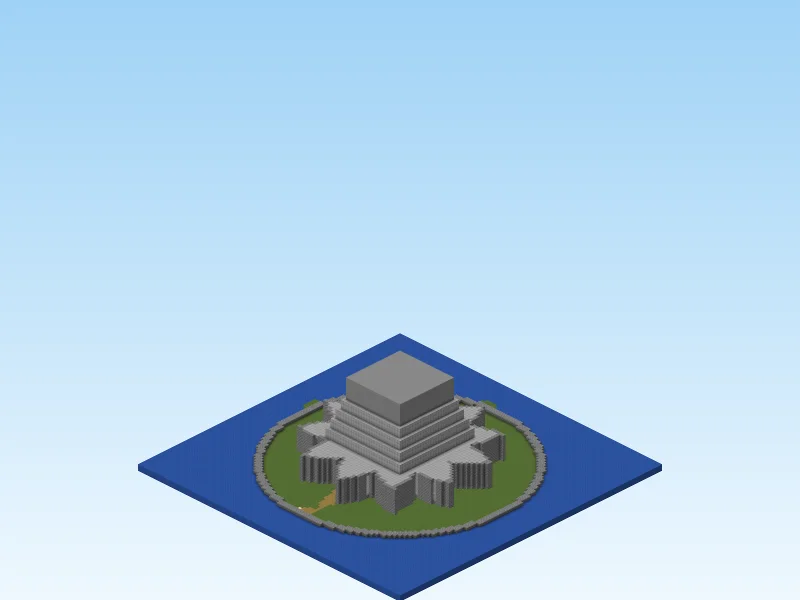
Layer 28 of 101 (441 blocks)
- Andesite441
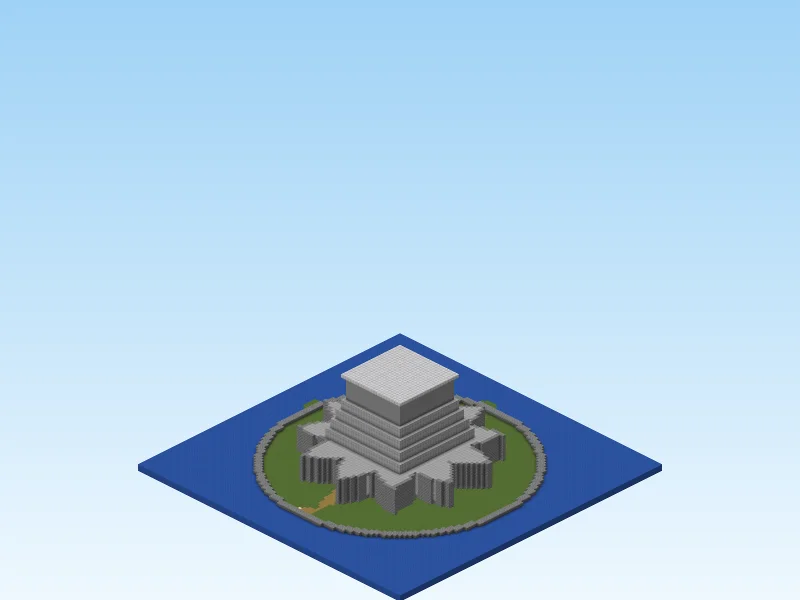
Layer 29 of 101 (529 blocks)
- Polished Diorite529
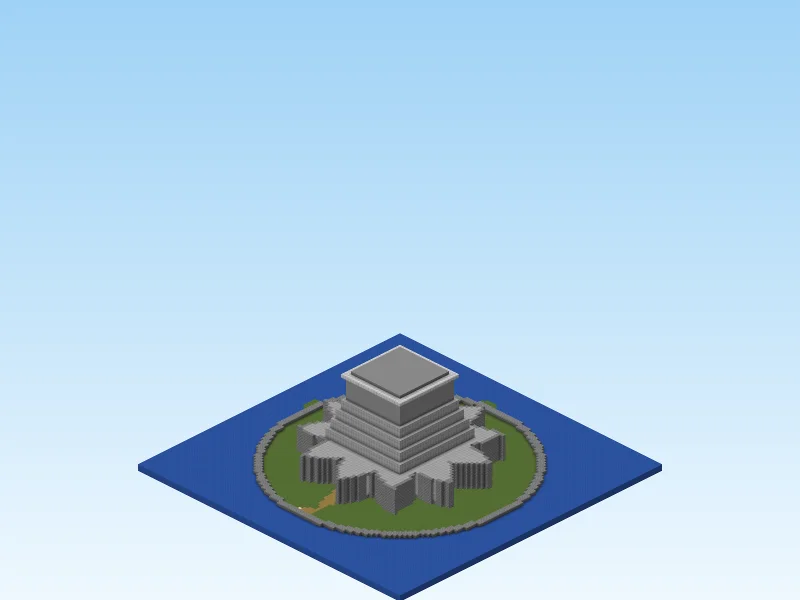
Layer 30 of 101 (361 blocks)
- Andesite361
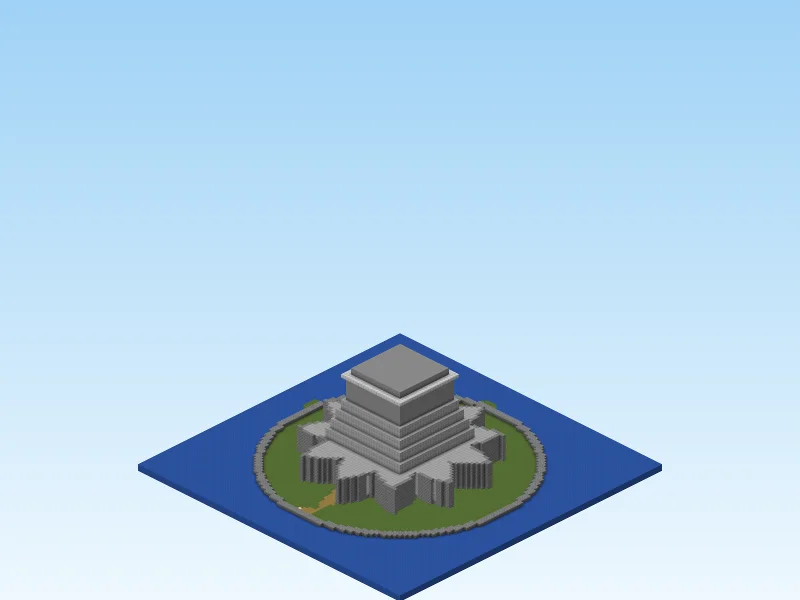
Layer 31 of 101 (361 blocks)
- Andesite361
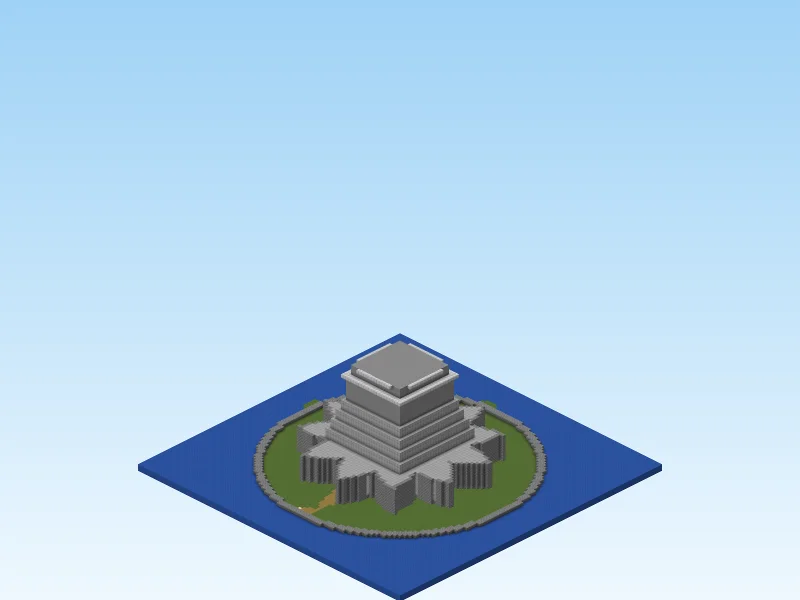
Layer 32 of 101 (413 blocks)
- Andesite361
- Polished Diorite52
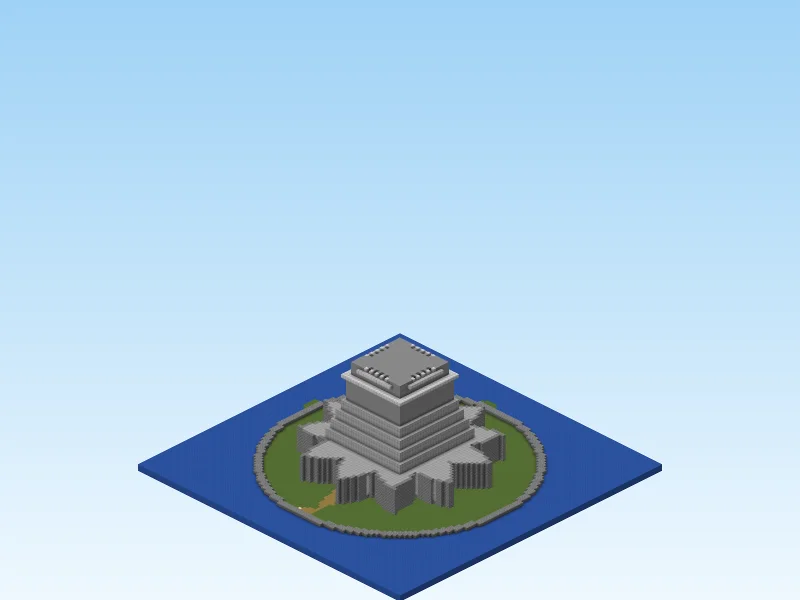
Layer 33 of 101 (345 blocks)
- Andesite309
- Polished Diorite20
- Polished Deepslate16
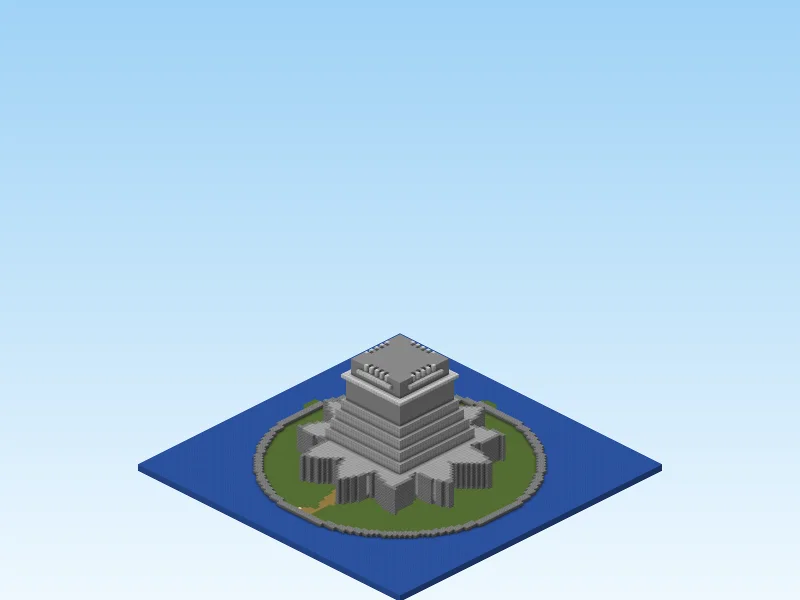
Layer 34 of 101 (345 blocks)
- Andesite309
- Polished Diorite20
- Polished Deepslate16
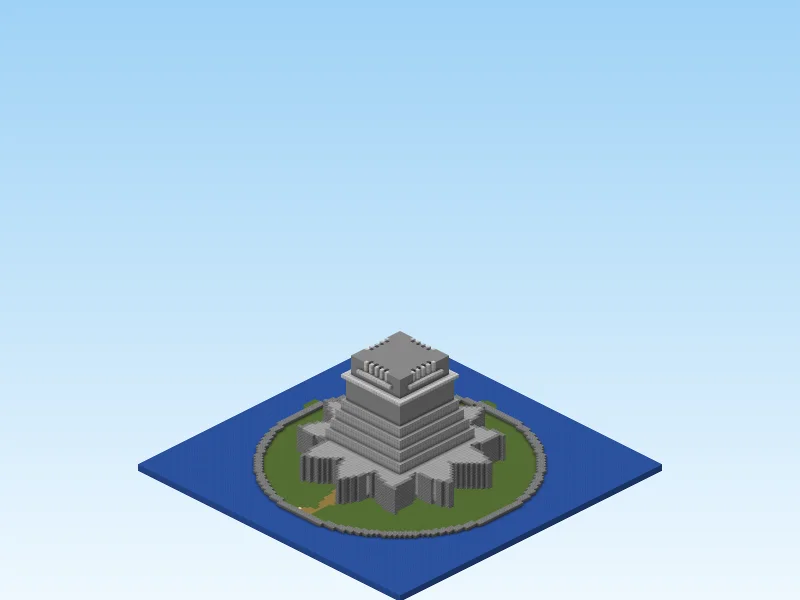
Layer 35 of 101 (345 blocks)
- Andesite309
- Polished Diorite20
- Polished Deepslate16
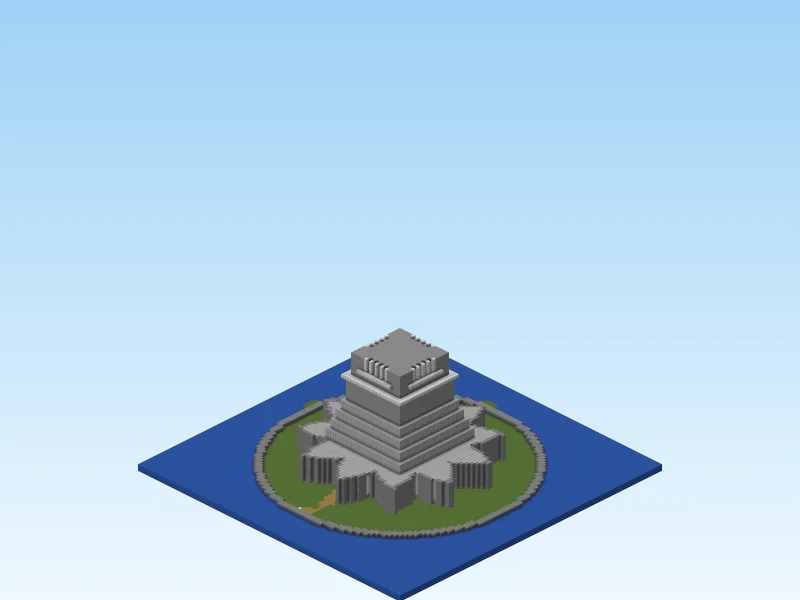
Layer 36 of 101 (345 blocks)
- Andesite309
- Polished Diorite20
- Polished Deepslate16
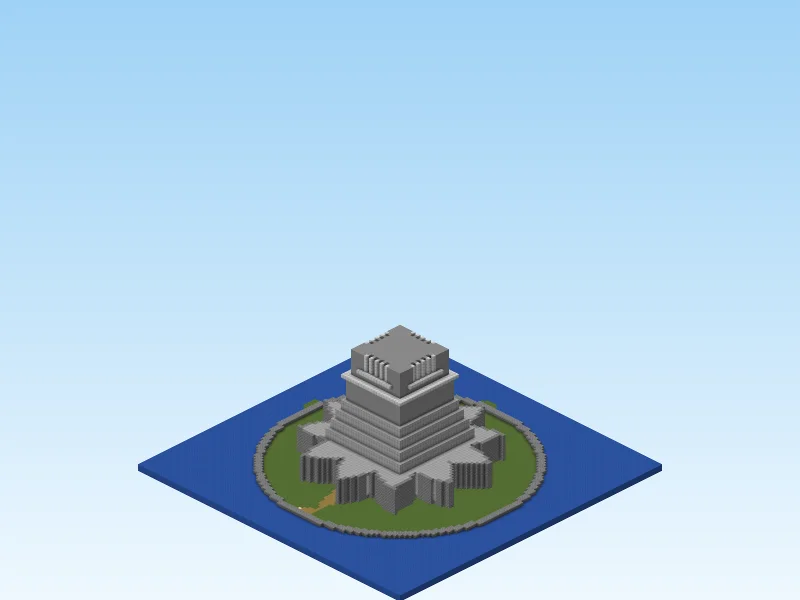
Layer 37 of 101 (345 blocks)
- Andesite309
- Polished Diorite20
- Polished Deepslate16
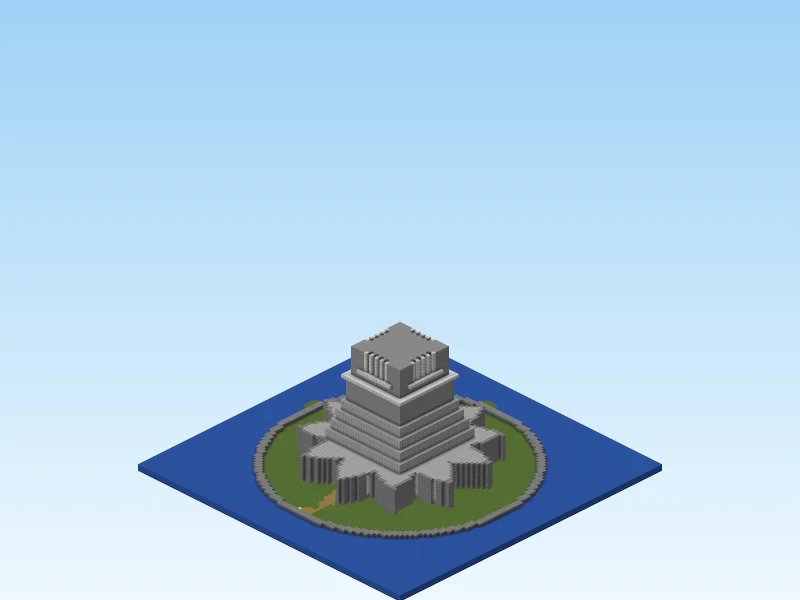
Layer 38 of 101 (345 blocks)
- Andesite309
- Polished Diorite20
- Polished Deepslate16
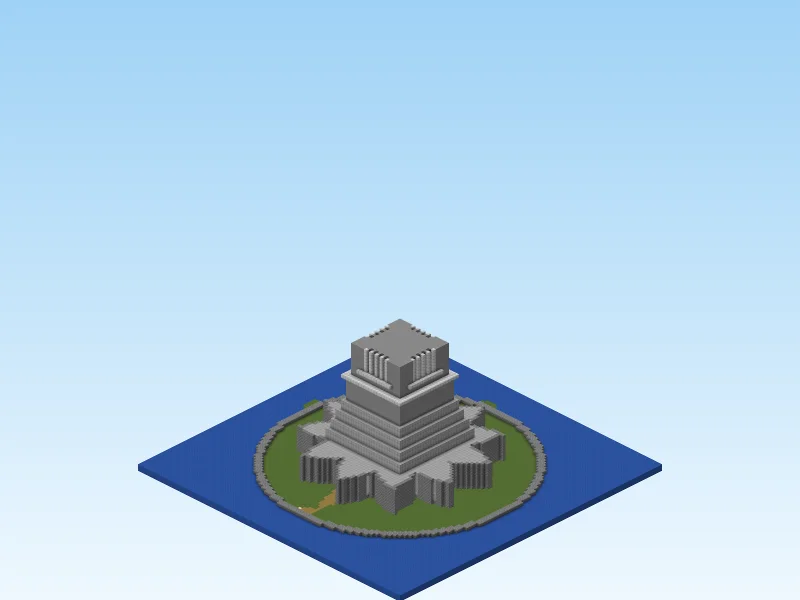
Layer 39 of 101 (345 blocks)
- Andesite309
- Polished Diorite20
- Polished Deepslate16
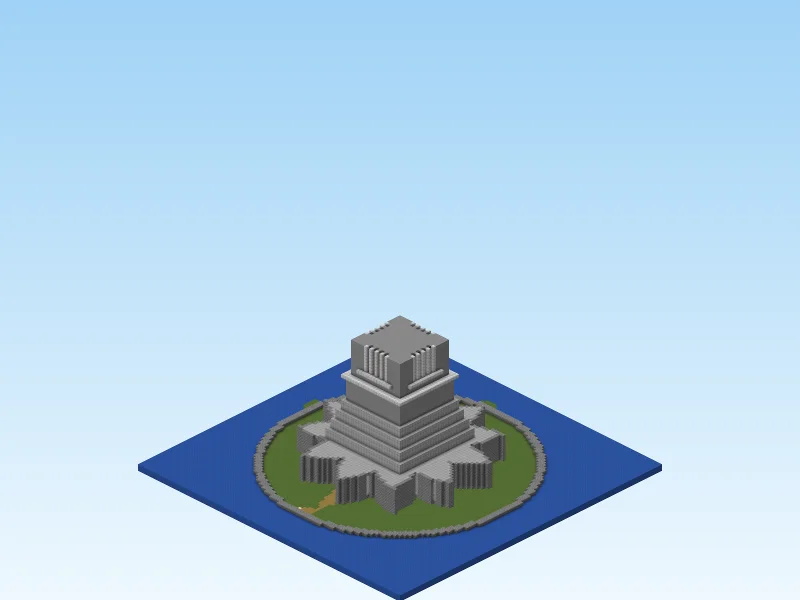
Layer 40 of 101 (345 blocks)
- Andesite309
- Polished Diorite20
- Polished Deepslate16
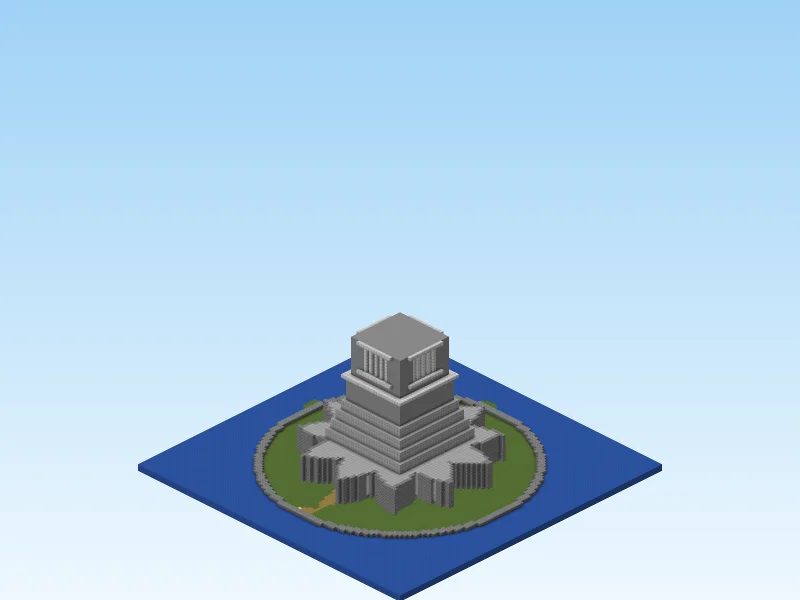
Layer 41 of 101 (413 blocks)
- Andesite361
- Polished Diorite52

Layer 42 of 101 (361 blocks)
- Andesite361
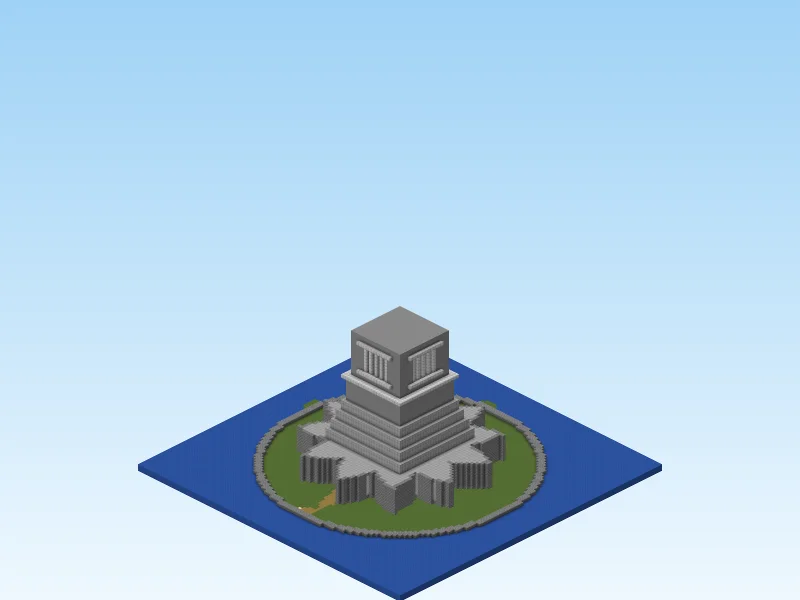
Layer 43 of 101 (361 blocks)
- Andesite361
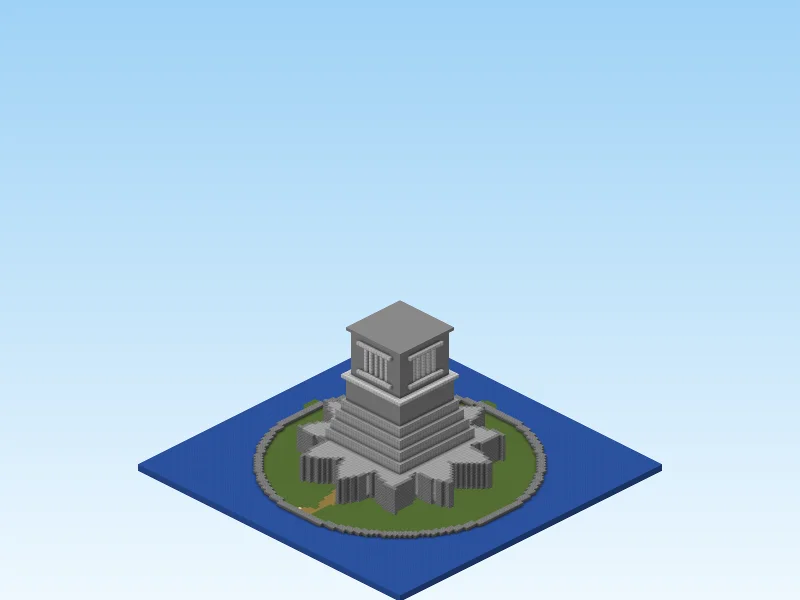
Layer 44 of 101 (441 blocks)
- Andesite441
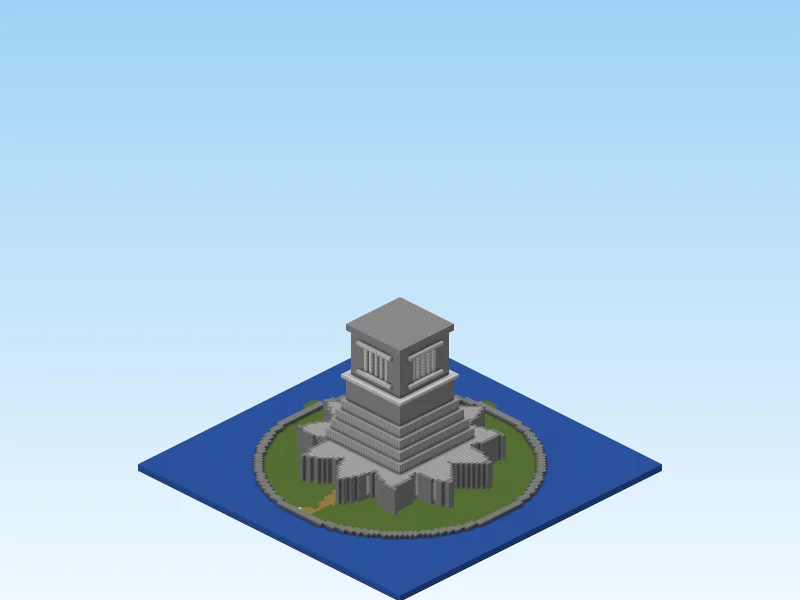
Layer 45 of 101 (441 blocks)
- Andesite441
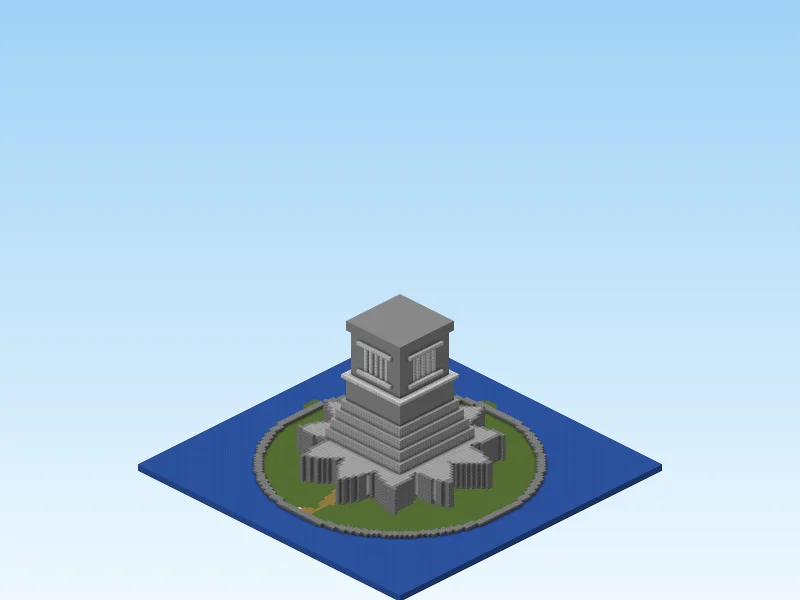
Layer 46 of 101 (441 blocks)
- Andesite441
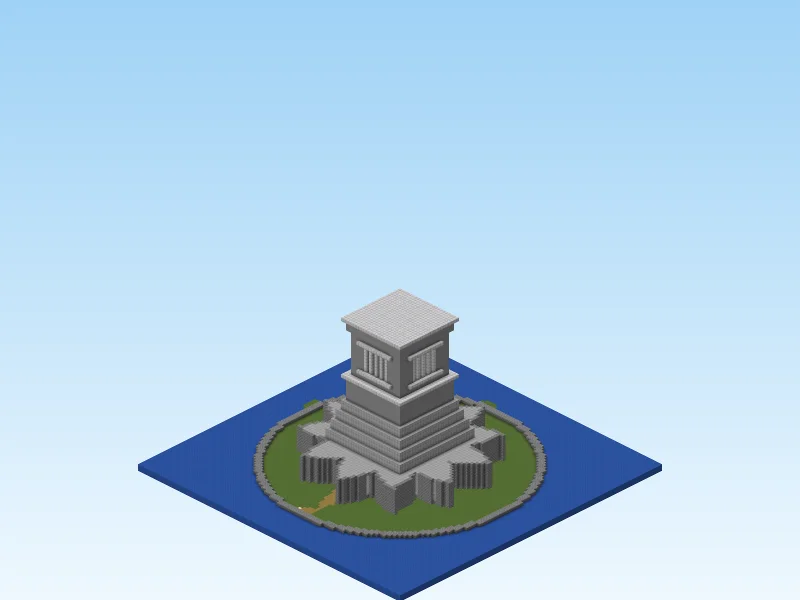
Layer 47 of 101 (529 blocks)
- Polished Diorite529
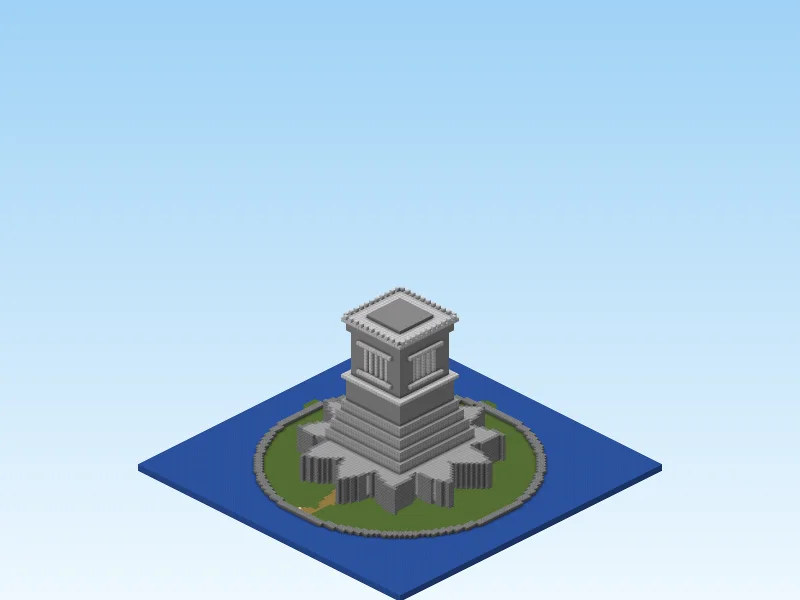
Layer 48 of 101 (213 blocks)
- Andesite169
- Polished Diorite44
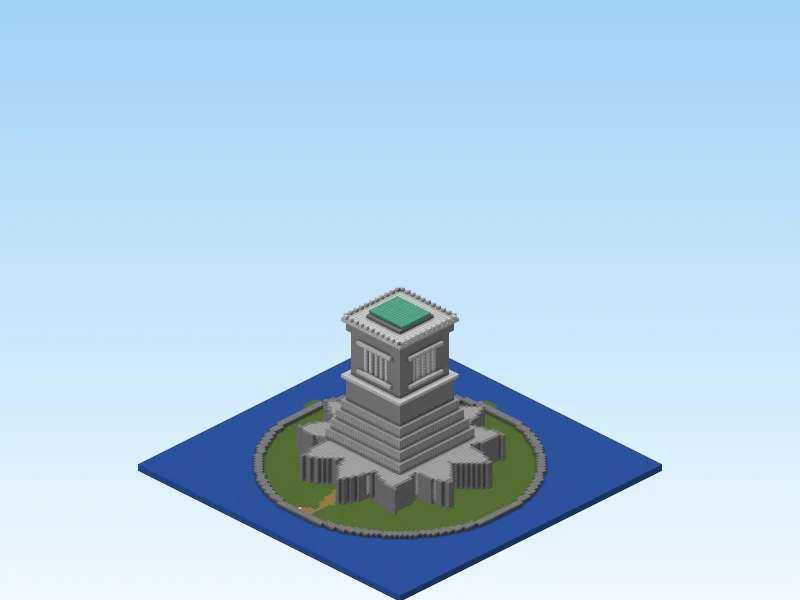
Layer 49 of 101 (143 blocks)
- Oxidized Copper143
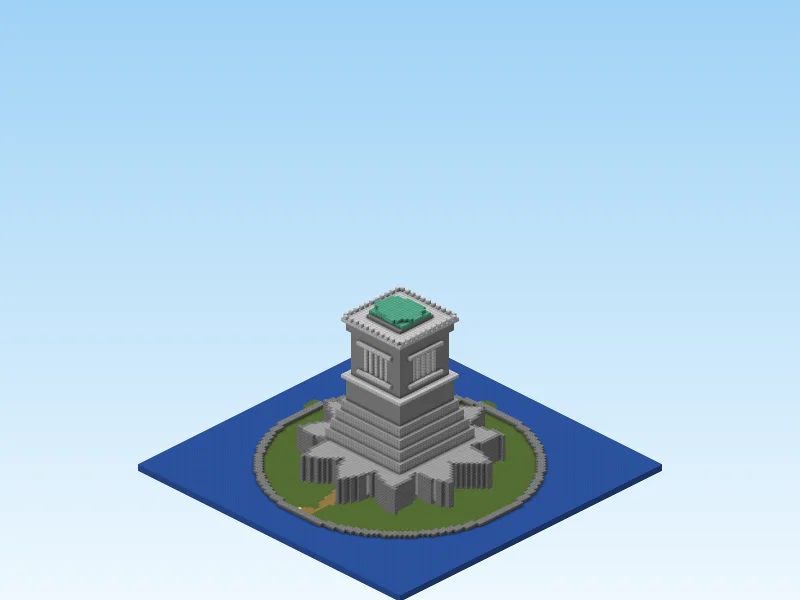
Layer 50 of 101 (132 blocks)
- Oxidized Copper132
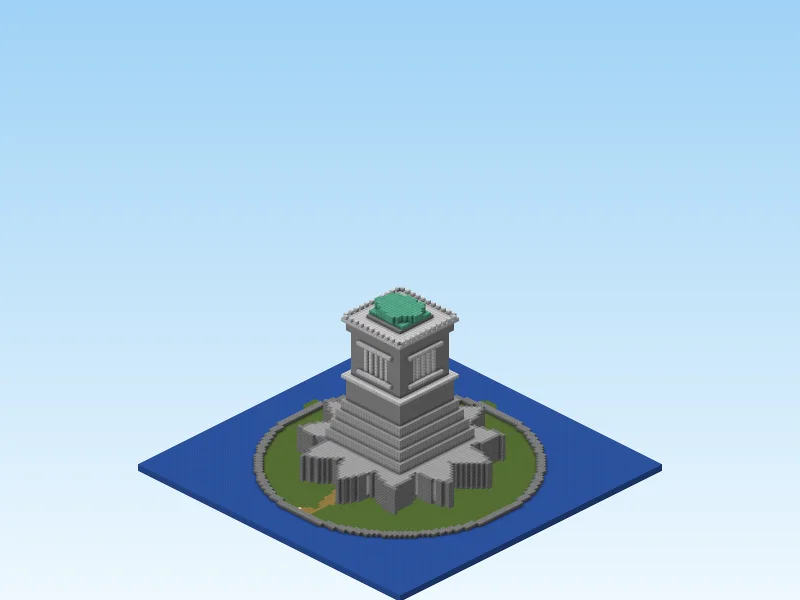
Layer 51 of 101 (130 blocks)
- Oxidized Copper130
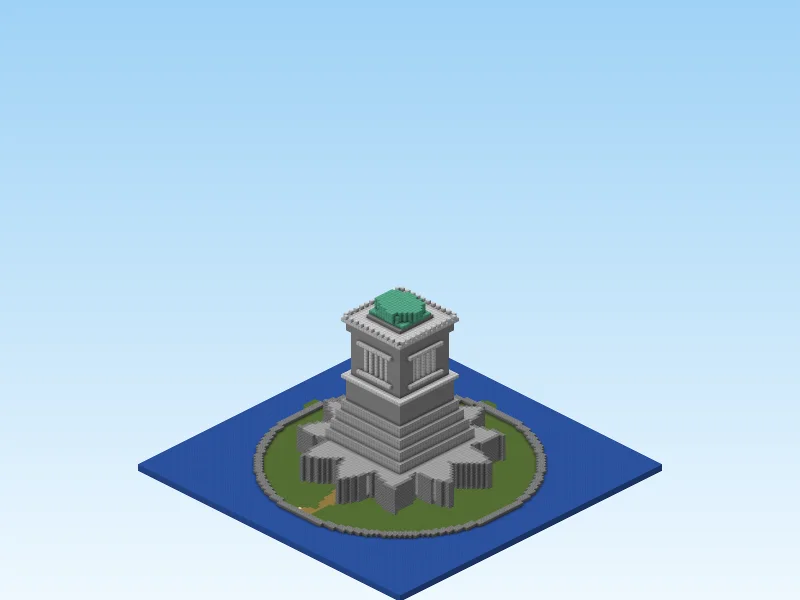
Layer 52 of 101 (126 blocks)
- Oxidized Copper126
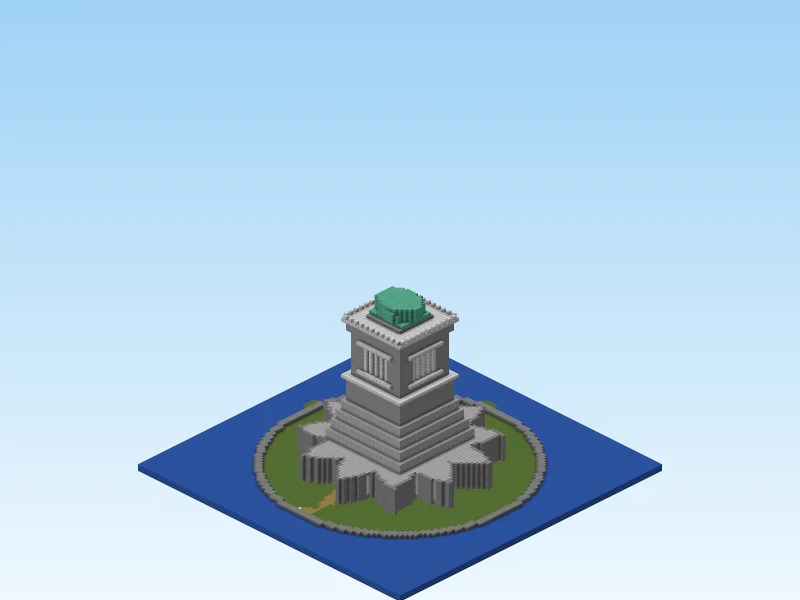
Layer 53 of 101 (121 blocks)
- Oxidized Copper121

Layer 54 of 101 (119 blocks)
- Oxidized Copper119
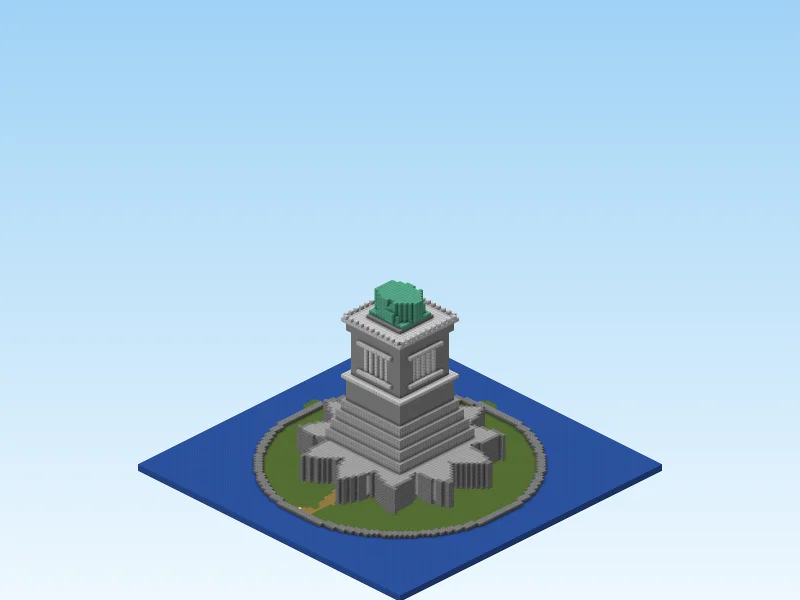
Layer 55 of 101 (118 blocks)
- Oxidized Copper118
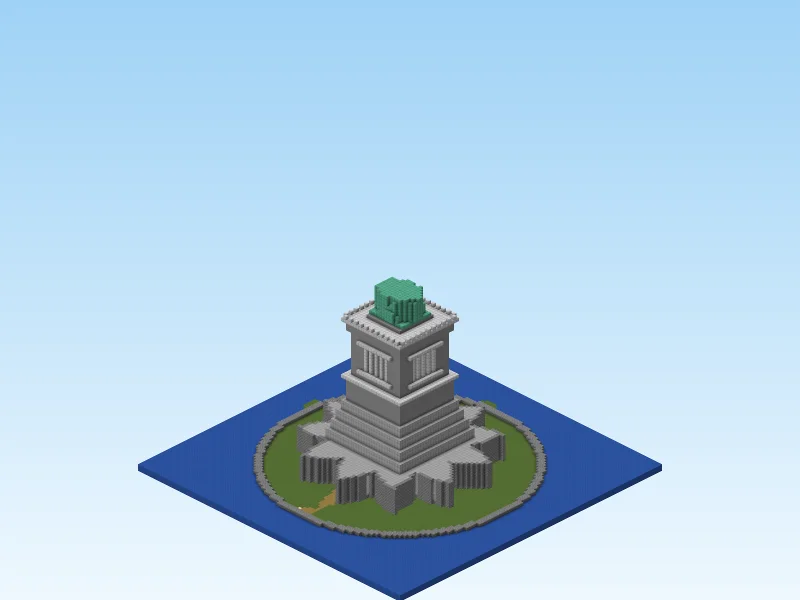
Layer 56 of 101 (114 blocks)
- Oxidized Copper114
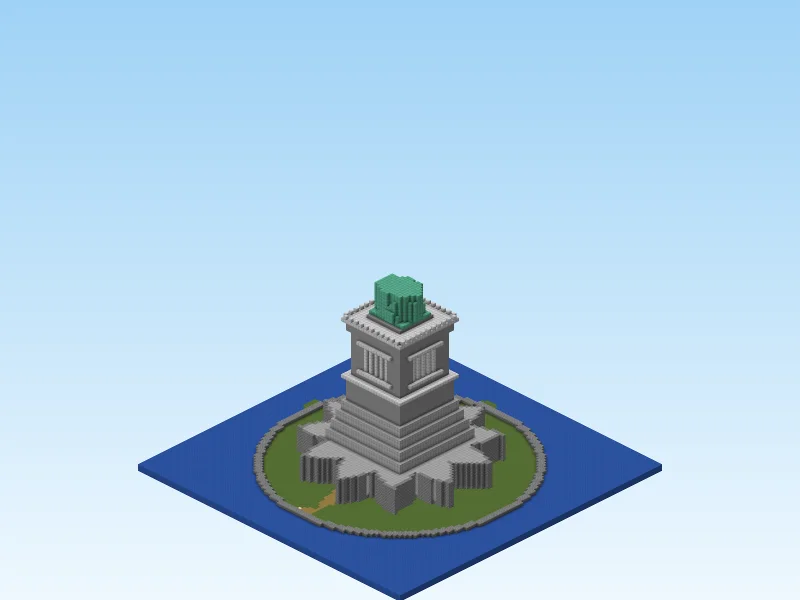
Layer 57 of 101 (115 blocks)
- Oxidized Copper115
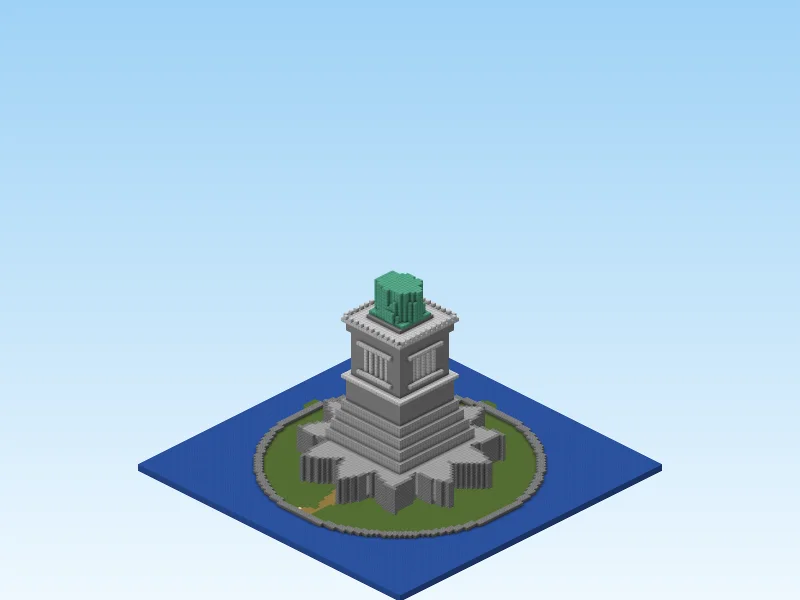
Layer 58 of 101 (113 blocks)
- Oxidized Copper113

Layer 59 of 101 (111 blocks)
- Oxidized Copper111
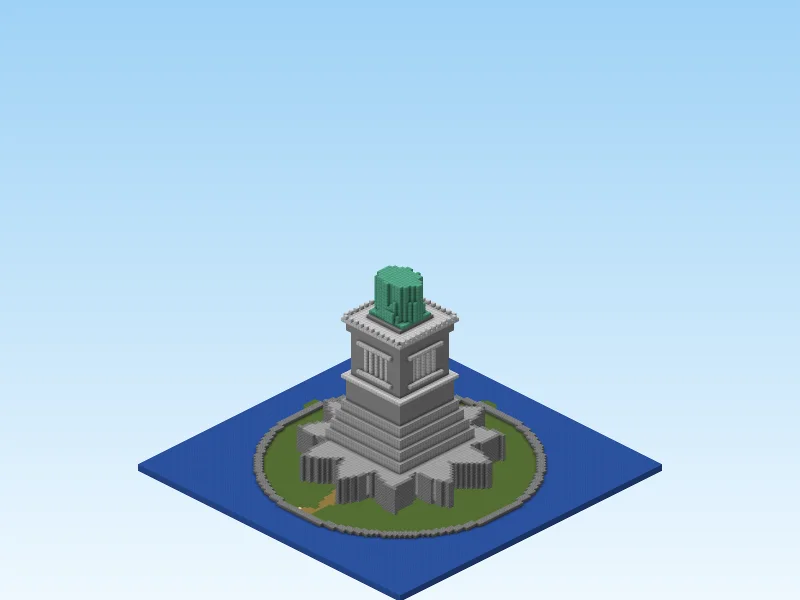
Layer 60 of 101 (109 blocks)
- Oxidized Copper109

Layer 61 of 101 (107 blocks)
- Oxidized Copper107
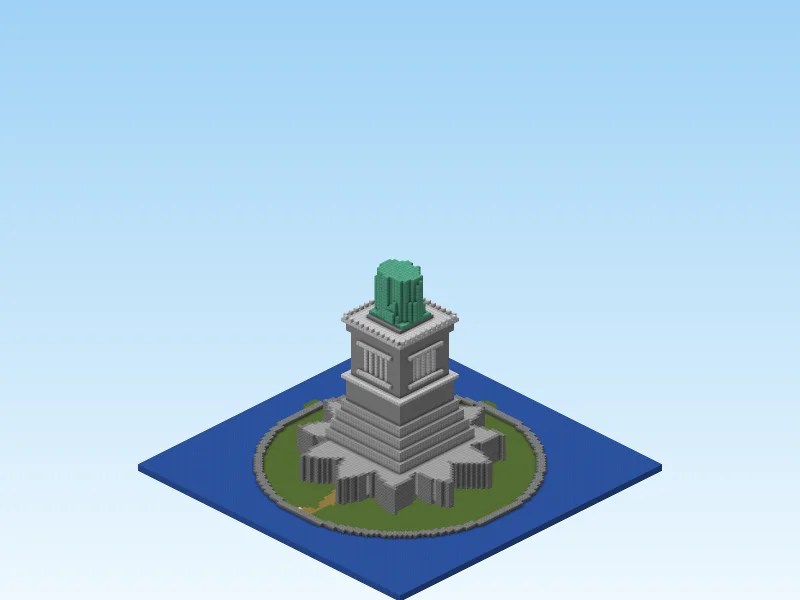
Layer 62 of 101 (105 blocks)
- Oxidized Copper105

Layer 63 of 101 (104 blocks)
- Oxidized Copper104

Layer 64 of 101 (104 blocks)
- Oxidized Copper104
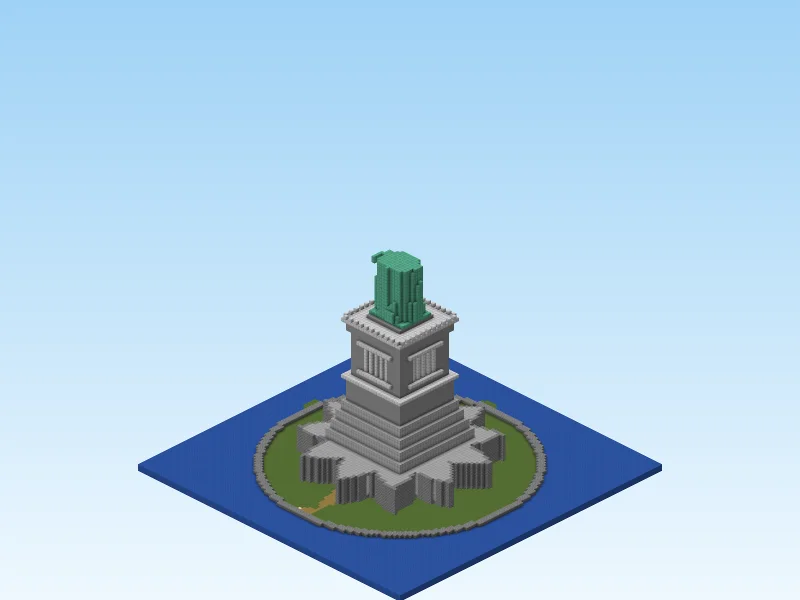
Layer 65 of 101 (102 blocks)
- Oxidized Copper102
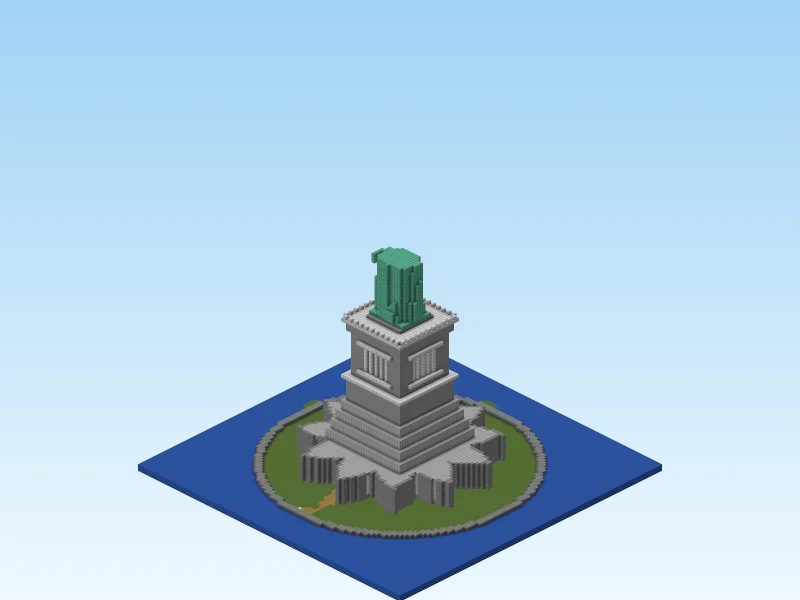
Layer 66 of 101 (102 blocks)
- Oxidized Copper102
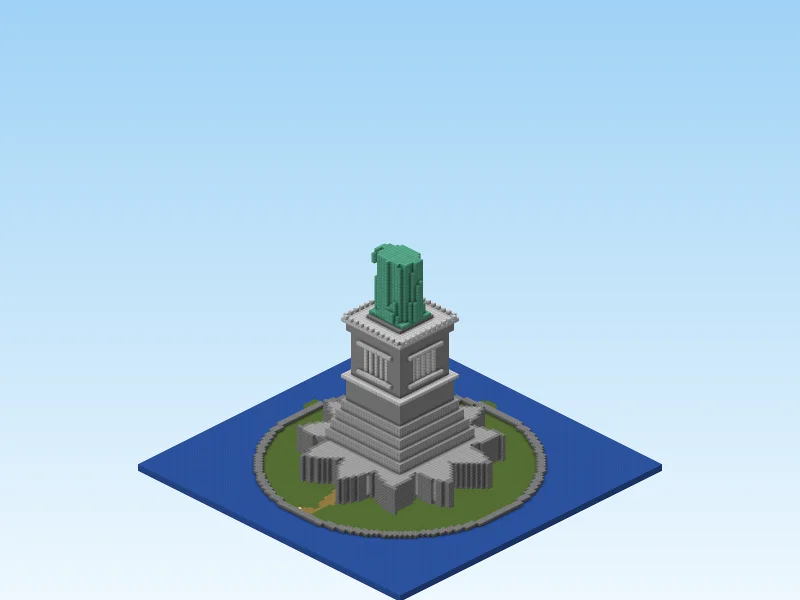
Layer 67 of 101 (101 blocks)
- Oxidized Copper101
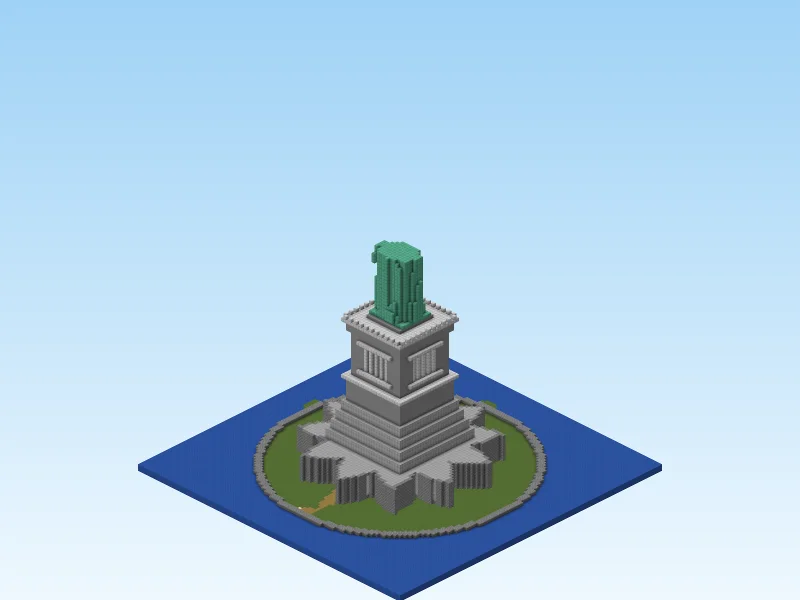
Layer 68 of 101 (100 blocks)
- Oxidized Copper100

Layer 69 of 101 (97 blocks)
- Oxidized Copper97
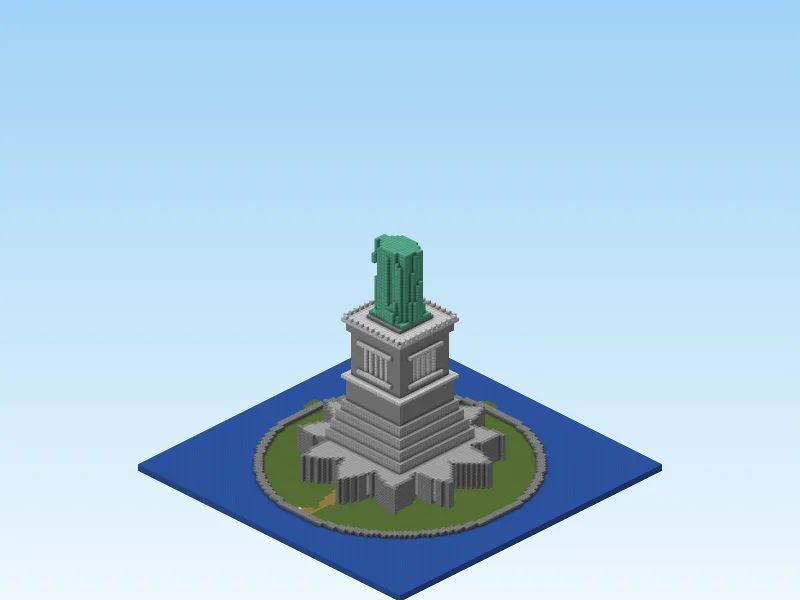
Layer 70 of 101 (95 blocks)
- Oxidized Copper95
Layer 71 of 101 (95 blocks)
- Oxidized Copper95
Layer 72 of 101 (95 blocks)
- Oxidized Copper95
Layer 73 of 101 (93 blocks)
- Oxidized Copper93
Layer 74 of 101 (88 blocks)
- Oxidized Copper88
Layer 75 of 101 (86 blocks)
- Oxidized Copper86
Layer 76 of 101 (83 blocks)
- Oxidized Copper83
Layer 77 of 101 (84 blocks)
- Oxidized Copper84
Layer 78 of 101 (86 blocks)
- Oxidized Copper86

Layer 79 of 101 (84 blocks)
- Oxidized Copper84
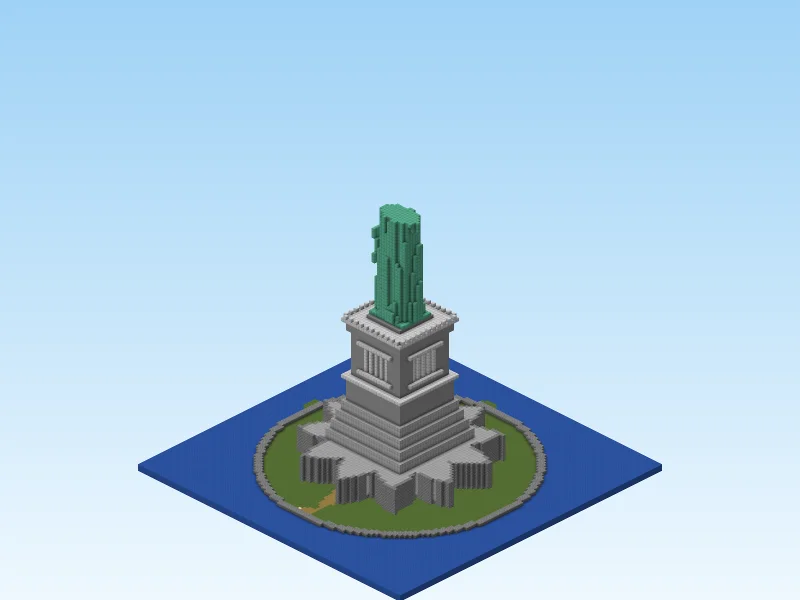
Layer 80 of 101 (85 blocks)
- Oxidized Copper85
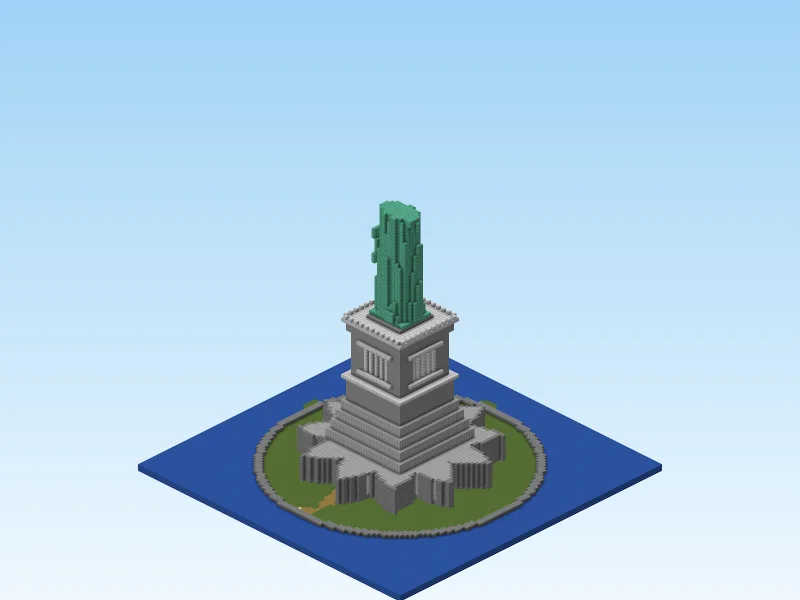
Layer 81 of 101 (83 blocks)
- Oxidized Copper83
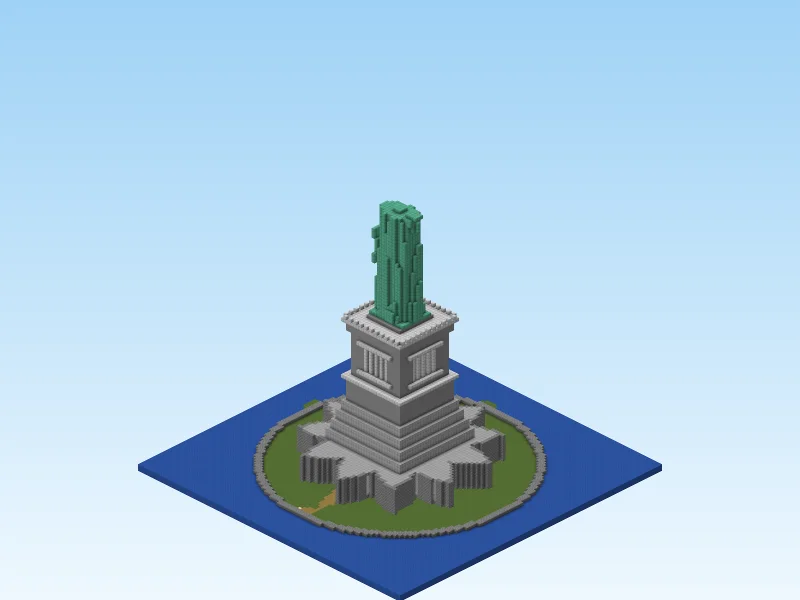
Layer 82 of 101 (21 blocks)
- Oxidized Copper21
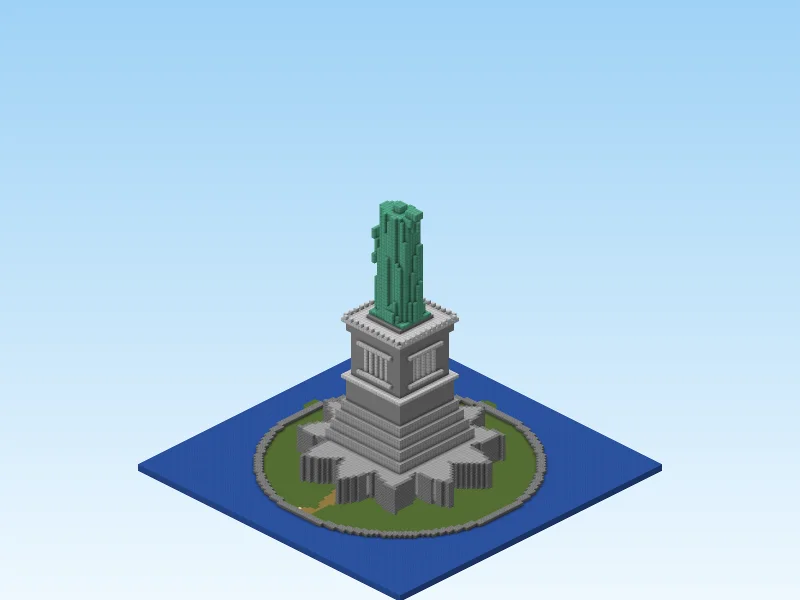
Layer 83 of 101 (21 blocks)
- Oxidized Copper21
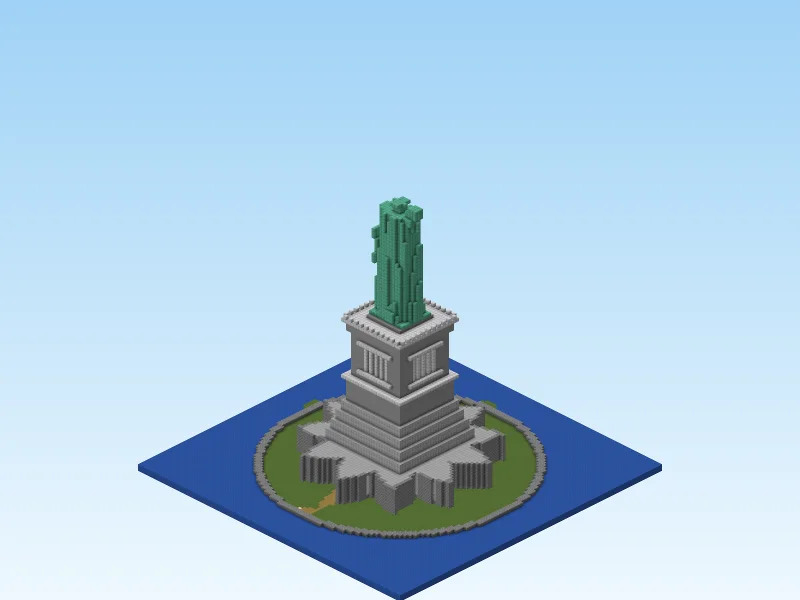
Layer 84 of 101 (26 blocks)
- Oxidized Copper26

Layer 85 of 101 (33 blocks)
- Oxidized Copper33
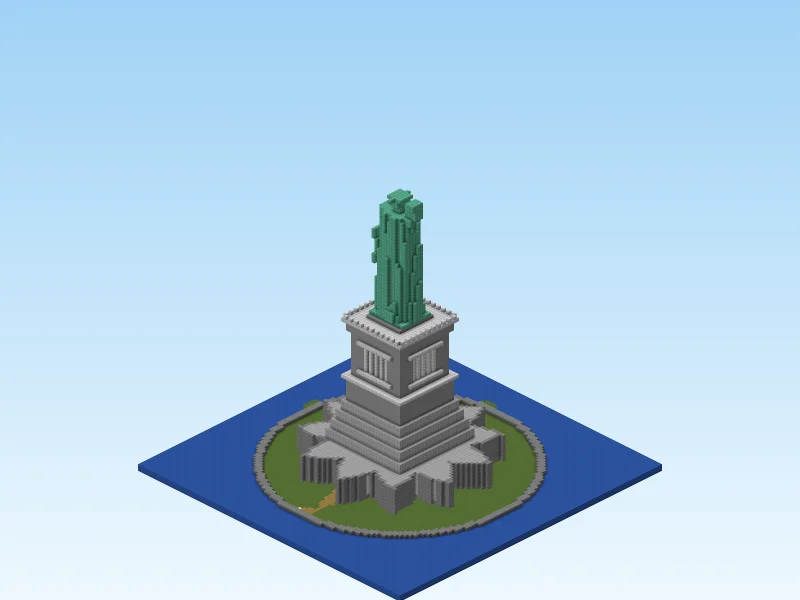
Layer 86 of 101 (40 blocks)
- Oxidized Copper40
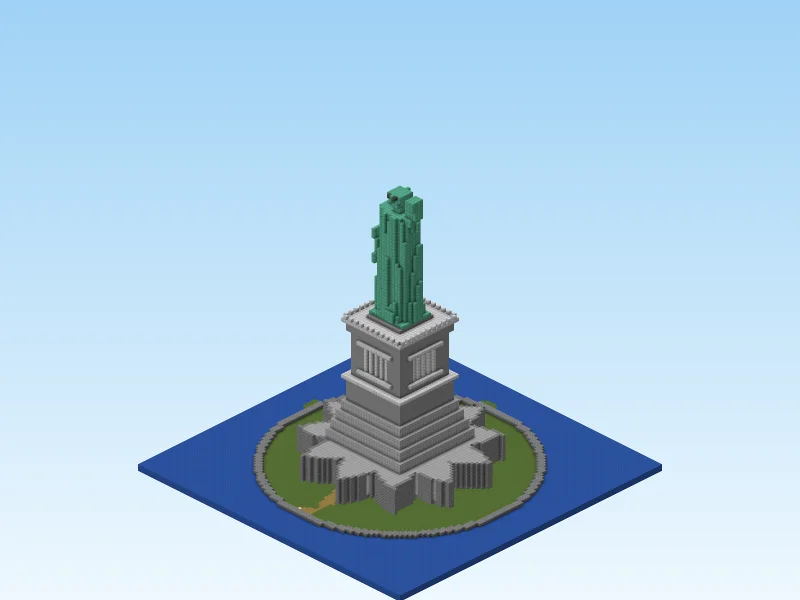
Layer 87 of 101 (41 blocks)
- Oxidized Copper39
- Polished Deepslate2

Layer 88 of 101 (50 blocks)
- Oxidized Copper50
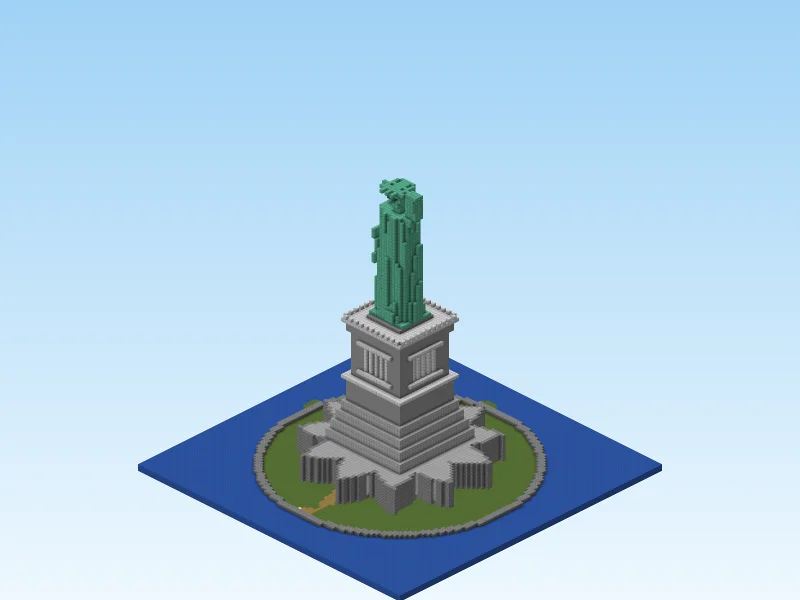
Layer 89 of 101 (64 blocks)
- Oxidized Copper64
Layer 90 of 101 (29 blocks)
- Oxidized Copper29
Layer 91 of 101 (9 blocks)
- Oxidized Copper9
Layer 92 of 101 (9 blocks)
- Oxidized Copper9
Layer 93 of 101 (5 blocks)
- Oxidized Copper5

Layer 94 of 101 (9 blocks)
- Block of Gold9
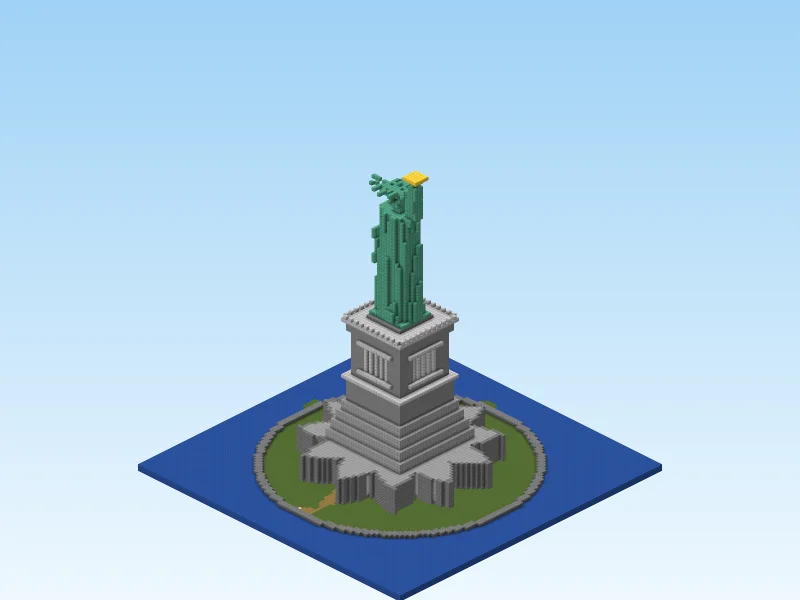
Layer 95 of 101 (25 blocks)
- Block of Gold25
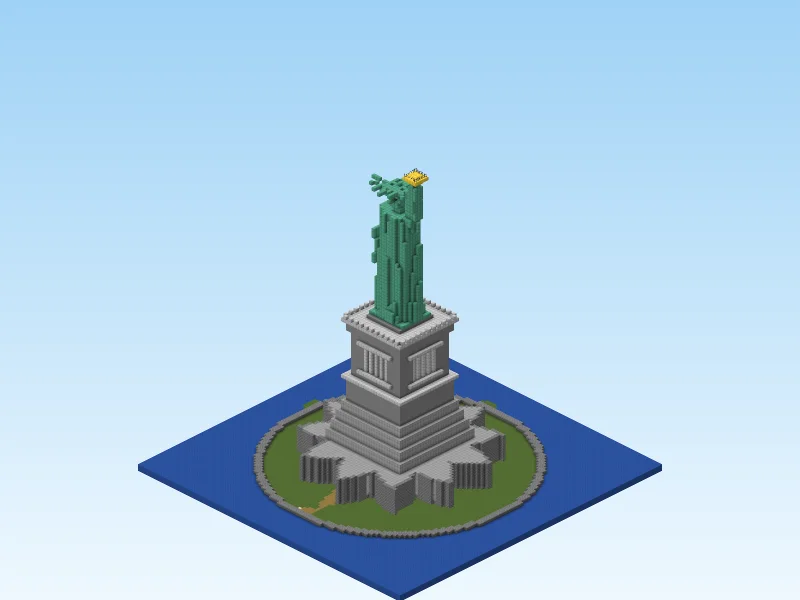
Layer 96 of 101 (16 blocks)
- Iron Bars16
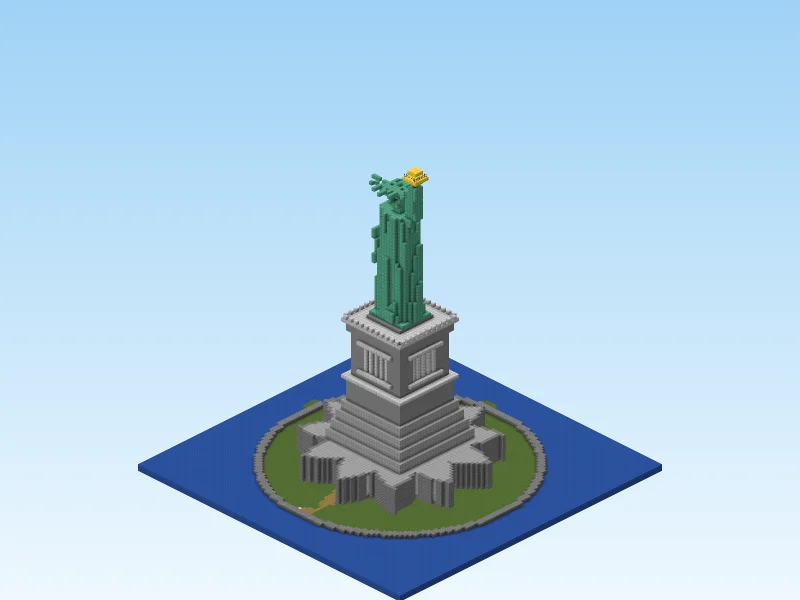
Layer 97 of 101 (9 blocks)
- Block of Gold9

Layer 98 of 101 (9 blocks)
- Block of Gold9
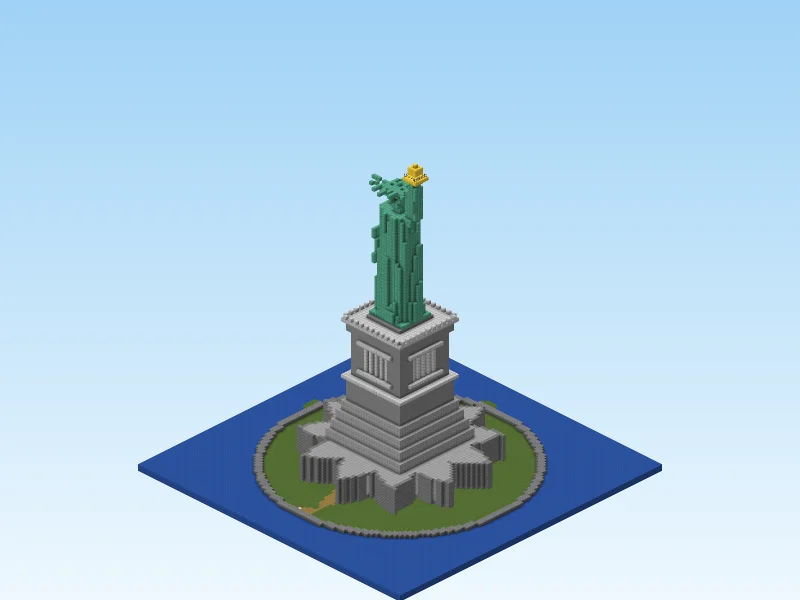
Layer 99 of 101 (1 blocks)
- Block of Gold1
Layer 100 of 101 (1 blocks)
- Block of Gold1
Layer 101 of 101 (1 blocks)
- Block of Gold1
Simplified blueprint: stairs and slabs are partly shown as full blocks, animals and plants as small squares. Tip: use the arrow keys ← → to switch layers.
Step-by-step guide
Island
Lay out a round grass island with a stone brick sea wall and water around it.
Fort Wood
Build the fort as an 11-pointed star, about 58 blocks wide, with 7-block-high stone brick walls.
Foundation
In the middle, a stepped foundation of smooth stone rises up to height 19, each step a bit narrower.
Granite pedestal
On top comes the andesite pedestal, 21 × 21 blocks, with cornices of polished diorite. Each side has a loggia with four columns, with a railing on top.
Robe
From height 48, build the statue from oxidized copper: an oval body that gets a little narrower towards the top. Let the edge wave slightly, then it looks like folds in the robe.
Head and crown
Put a round head with nose and eyes on the neck. Lay a ring around the head as the crown, with seven rays sticking out.
Tablet and torch
In her left hand she holds a tablet, 4 blocks wide and 10 high. The right arm goes diagonally up. At the top sits the torch: a cup and a flame of gold blocks up to height 99.
Trees
Plant trees around the fort.
Pro tips
- You get oxidized copper with patience: a copper block slowly turns green in the open air over a few in-game days. Wax it with honeycomb to keep the color.
- Build the basic shape from cheap blocks like dirt or cobblestone first and swap them out afterwards. That way you see early on whether the proportions are right.
- Build the statue layer by layer with the blueprint – each layer is an oval that changes only slightly.
Variations
- With fresh, unoxidized copper the statue looks like it did in 1886 – back then it was still copper-brown.
- Put glowstone in the flame and the torch lights up at night.


