Natural History Museum (London)
- DifficultyHard
- Size105 × 25 blocks (facade), 43 tall
- Build timeabout 14 hours
The Natural History Museum in London is one of the most famous natural history museums in the world. The 1881 building looks like a cathedral: a long facade with light and blue-gray stripes, two towers above the entrance and a large round-arched portal. Here it's built at a scale of 1:2.
A blue whale skeleton hangs in the great hall – on Blockwerk it's made of bone blocks and easy to see through the glass roof. A dinosaur skeleton stands below it.

🔍 Click on parts
Tap any part of the build in the 3D model – a lamp, a tree, a bench next to the house – and you’ll see exactly how to build that part, with its materials and a layer-by-layer plan.
🧊 Build it as a hologram in Minecraft Bedrock (HoloPrint)
Download this build idea as a .mcstructure file – it is made right from the blueprint below. The HoloPrint website turns it into a pack that places the build as a see-through hologram in your world – you just fill in the blocks.
- Tap the button above – the file natural-history-museum.mcstructure is downloaded.
- Open the HoloPrint website.
- Upload the file there.
- Create your build template texture pack.
- Download the .mcpack file.
- Open it with Minecraft and activate the pack in your world.
- Place an armor stand – the build template appears there. Tip: put it exactly where the build should stand.
Works with Minecraft Bedrock (phone, tablet, console, Windows). HoloPrint is a free fan project, not made by Blockwerk.
Layer-by-layer blueprint
Click through from bottom to top. Every square is one block, the front is at the bottom. Gray shows the layer below. 42 layers, area in the plan: 121 × 68 blocks.

Layer 1 of 42 (580 blocks)
- Smooth Stone580

Layer 2 of 42 (2956 blocks)
- Smooth Stone2395
- Smooth Sandstone513
- Iron Bars46
- Gray Concrete2

Layer 3 of 42 (532 blocks)
- Smooth Sandstone521
- Dark Oak Planks5
- Bone Block4
- Gray Concrete2

Layer 4 of 42 (532 blocks)
- Light Blue Terracotta470
- Light Gray Stained Glass39
- Smooth Sandstone12
- Dark Oak Planks5
- Bone Block4
- Gray Concrete2

Layer 5 of 42 (532 blocks)
- Smooth Sandstone476
- Light Gray Stained Glass45
- Dark Oak Planks5
- Bone Block4
- Gray Concrete2
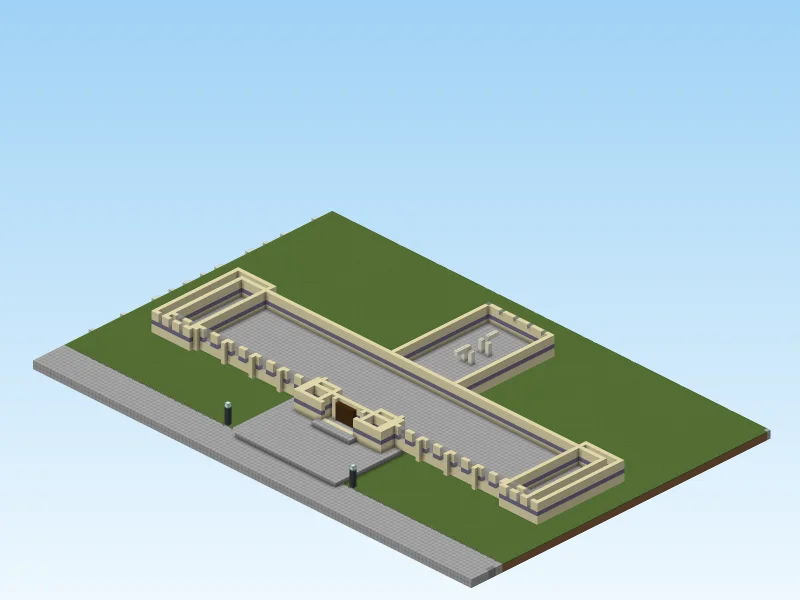
Layer 6 of 42 (535 blocks)
- Smooth Sandstone471
- Light Gray Stained Glass50
- Bone Block7
- Dark Oak Planks5
- Sea Lantern2
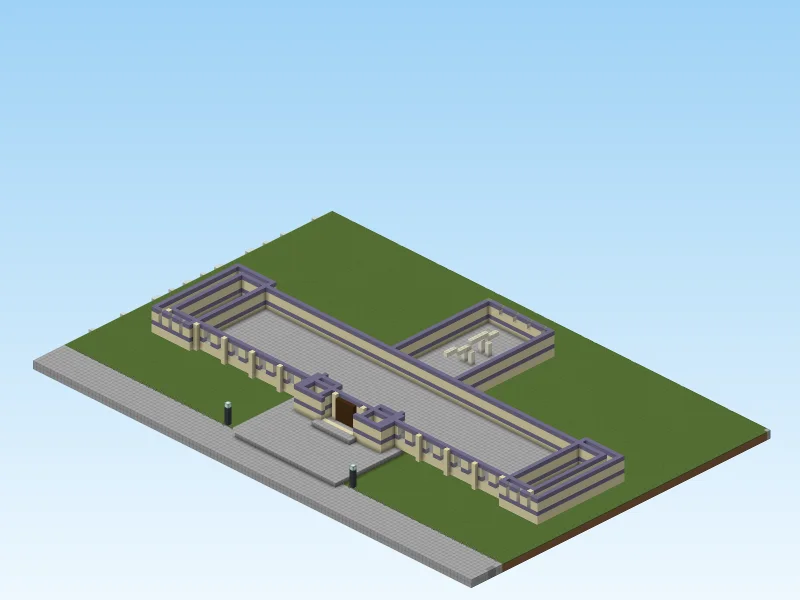
Layer 7 of 42 (534 blocks)
- Light Blue Terracotta498
- Smooth Sandstone12
- Light Gray Stained Glass11
- Bone Block8
- Dark Oak Planks5
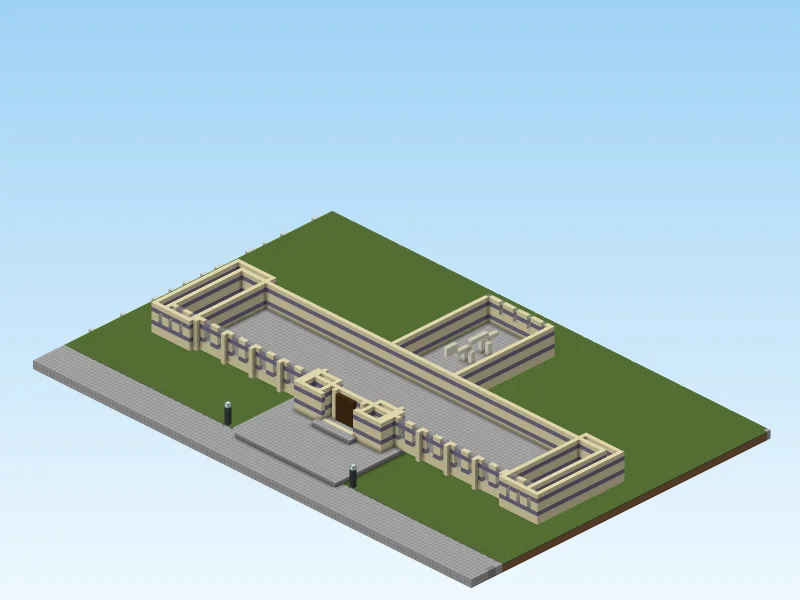
Layer 8 of 42 (529 blocks)
- Smooth Sandstone477
- Light Gray Stained Glass44
- Dark Oak Planks5
- Bone Block3

Layer 9 of 42 (529 blocks)
- Smooth Sandstone477
- Light Gray Stained Glass44
- Dark Oak Planks5
- Bone Block3
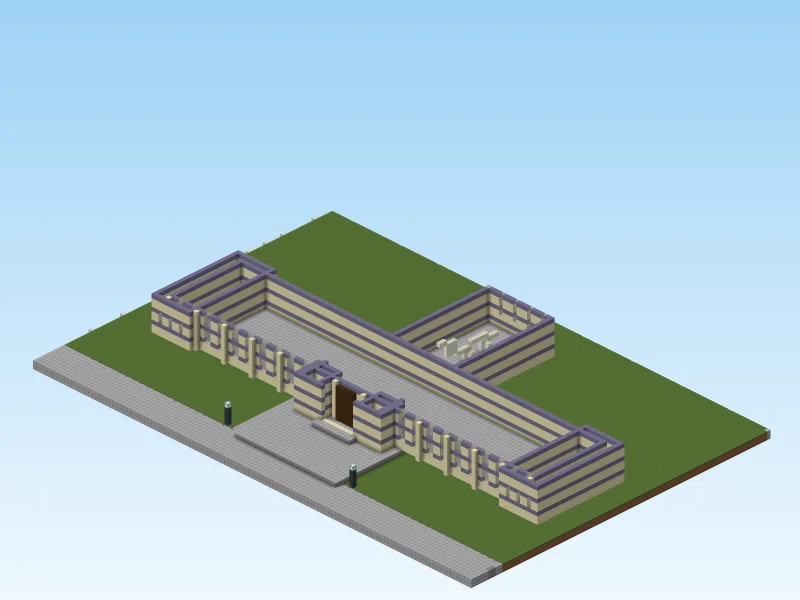
Layer 10 of 42 (528 blocks)
- Light Blue Terracotta465
- Light Gray Stained Glass44
- Smooth Sandstone12
- Dark Oak Planks5
- Bone Block2
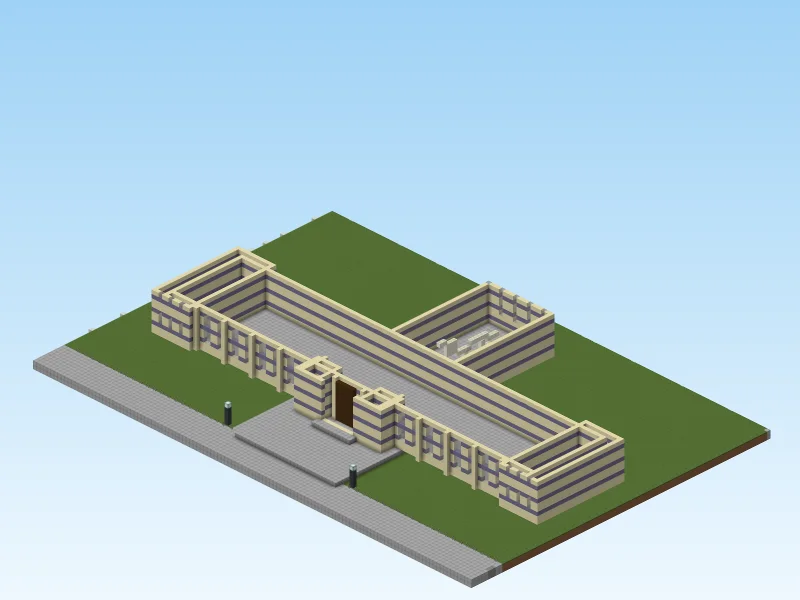
Layer 11 of 42 (526 blocks)
- Smooth Sandstone510
- Light Gray Stained Glass11
- Dark Oak Planks5
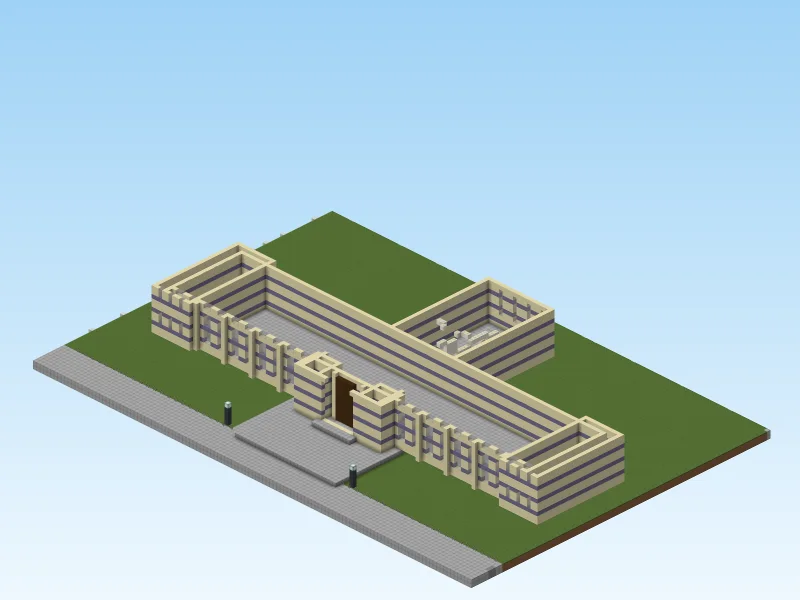
Layer 12 of 42 (534 blocks)
- Smooth Sandstone478
- Light Gray Stained Glass45
- Bone Block6
- Dark Oak Planks5
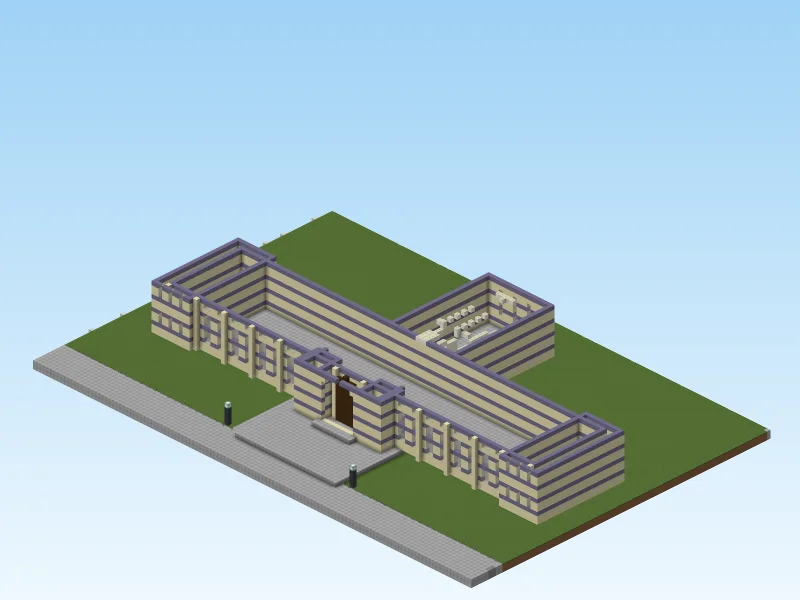
Layer 13 of 42 (557 blocks)
- Light Blue Terracotta508
- Bone Block30
- Smooth Sandstone12
- Light Gray Stained Glass6
- Dark Oak Planks1

Layer 14 of 42 (2445 blocks)
- Smooth Sandstone2416
- Bone Block18
- Chiseled Sandstone11

Layer 15 of 42 (2234 blocks)
- Deepslate Tile Stairs1935
- Smooth Sandstone282
- Bone Block17

Layer 16 of 42 (2017 blocks)
- Deepslate Tile Stairs1735
- Light Blue Terracotta271
- Light Gray Stained Glass11
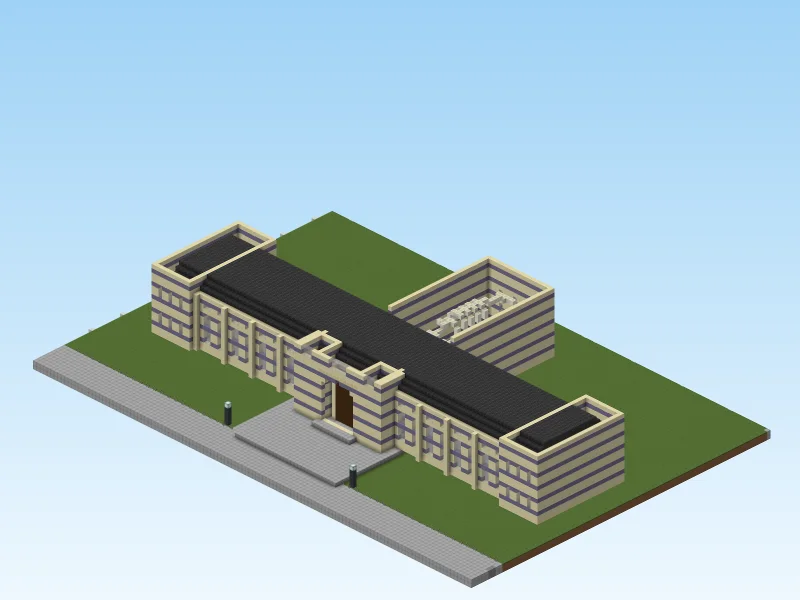
Layer 17 of 42 (1825 blocks)
- Deepslate Tile Stairs1543
- Smooth Sandstone271
- Light Gray Stained Glass11

Layer 18 of 42 (1604 blocks)
- Deepslate Tile Stairs1339
- Smooth Sandstone196
- Light Gray Stained Glass53
- Light Gray Concrete16
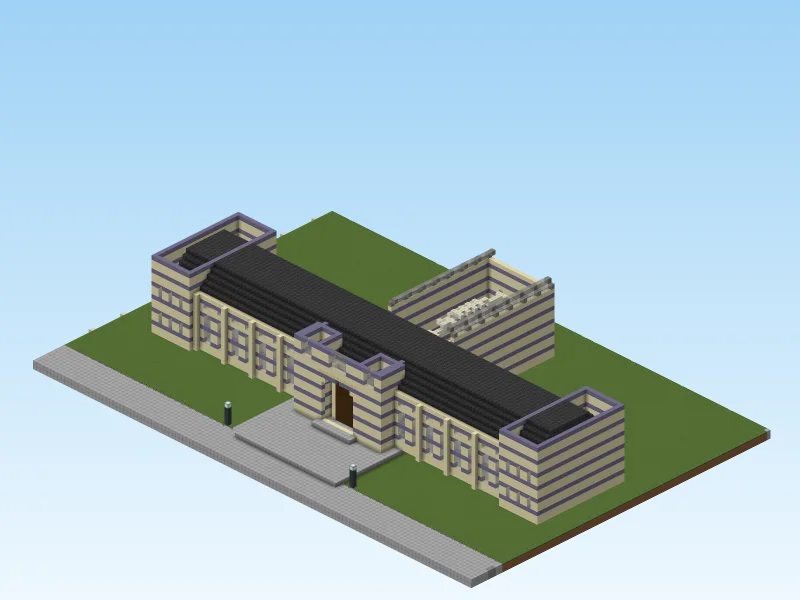
Layer 19 of 42 (1398 blocks)
- Deepslate Tile Stairs1133
- Light Blue Terracotta202
- Light Gray Stained Glass47
- Light Gray Concrete16

Layer 20 of 42 (1480 blocks)
- Deepslate Tile Stairs1351
- Smooth Sandstone71
- Light Gray Stained Glass42
- Light Gray Concrete16
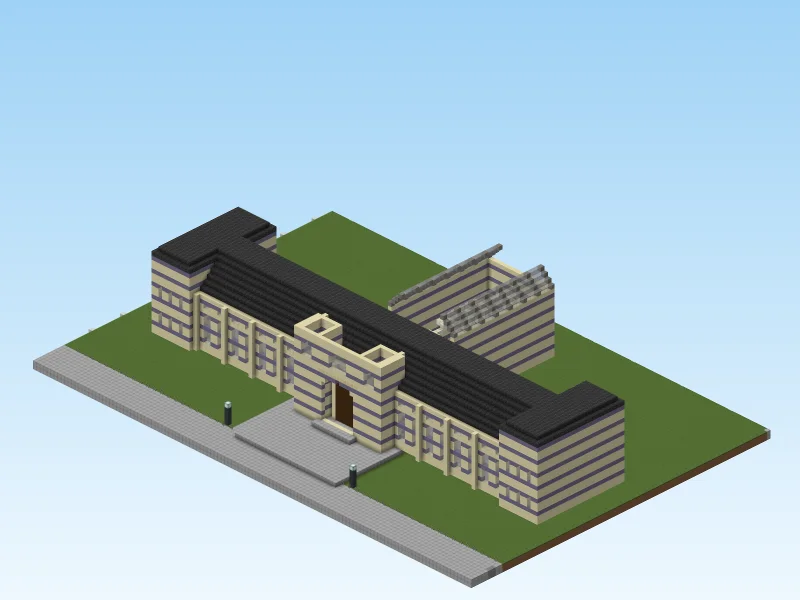
Layer 21 of 42 (1180 blocks)
- Deepslate Tile Stairs1051
- Smooth Sandstone71
- Light Gray Stained Glass42
- Light Gray Concrete16

Layer 22 of 42 (538 blocks)
- Deepslate Tile Stairs421
- Light Blue Terracotta53
- Light Gray Stained Glass48
- Light Gray Concrete16

Layer 23 of 42 (422 blocks)
- Deepslate Tile Stairs305
- Smooth Sandstone53
- Light Gray Stained Glass48
- Light Gray Concrete16
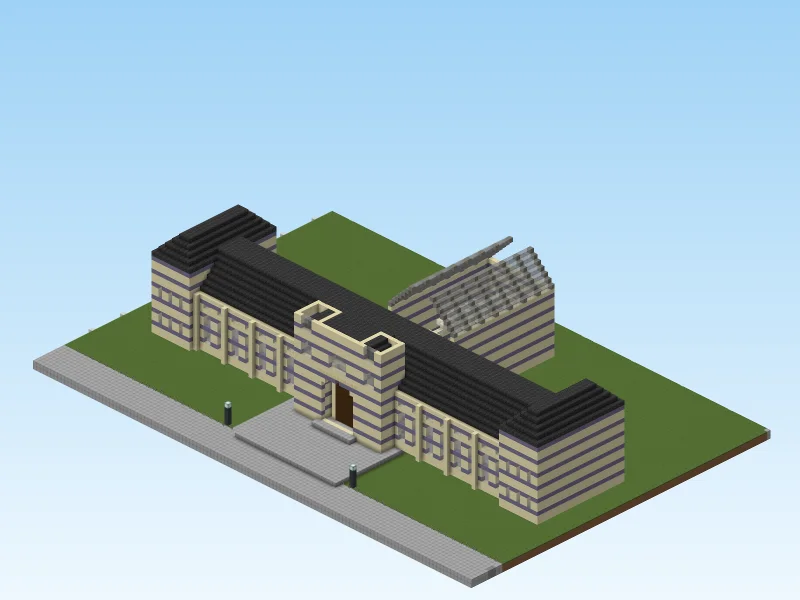
Layer 24 of 42 (322 blocks)
- Deepslate Tile Stairs205
- Smooth Sandstone53
- Light Gray Stained Glass48
- Light Gray Concrete16

Layer 25 of 42 (238 blocks)
- Deepslate Tile Stairs121
- Light Blue Terracotta57
- Light Gray Stained Glass44
- Light Gray Concrete16

Layer 26 of 42 (196 blocks)
- Deepslate Tile Stairs79
- Smooth Sandstone59
- Light Gray Stained Glass42
- Light Gray Concrete16
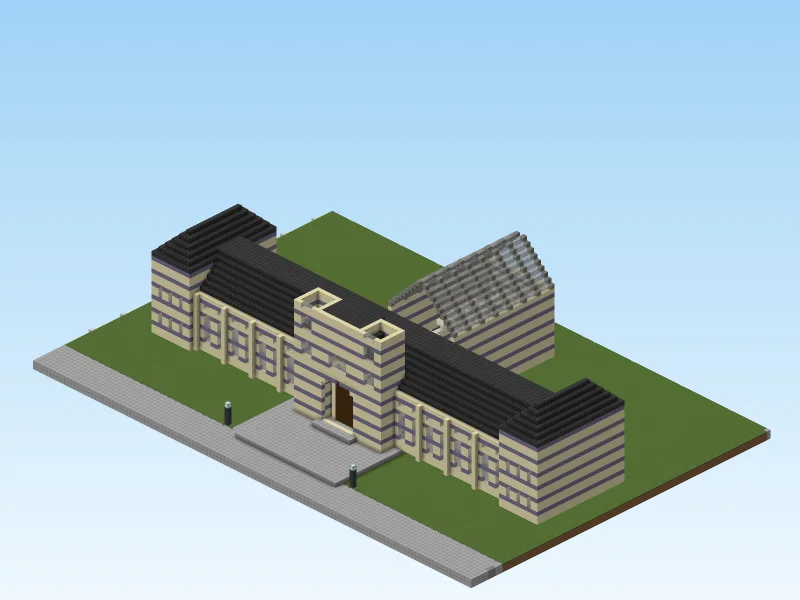
Layer 27 of 42 (136 blocks)
- Deepslate Tile Stairs77
- Smooth Sandstone53
- Light Gray Stained Glass6
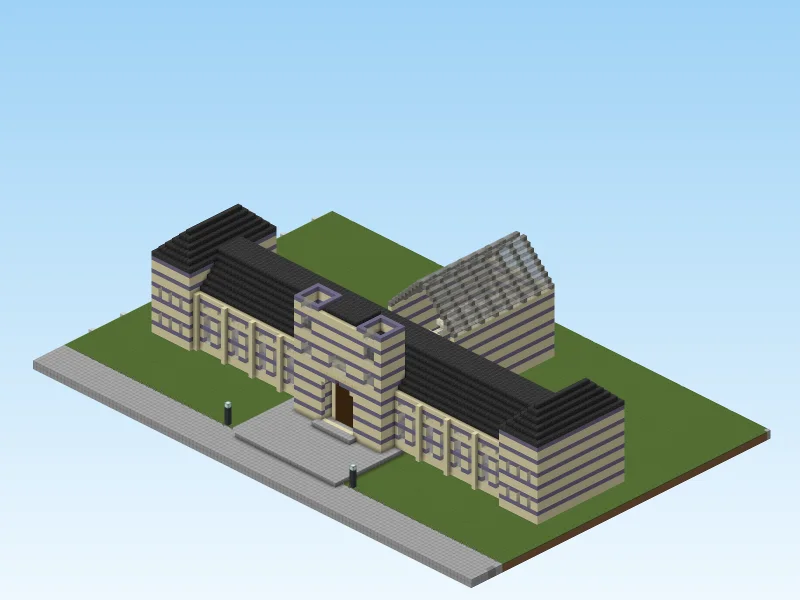
Layer 28 of 42 (111 blocks)
- Deepslate Tile Stairs63
- Light Blue Terracotta42
- Light Gray Stained Glass6

Layer 29 of 42 (97 blocks)
- Deepslate Tile Stairs49
- Smooth Sandstone42
- Light Gray Stained Glass6

Layer 30 of 42 (83 blocks)
- Smooth Sandstone46
- Deepslate Tile Stairs35
- Light Gray Stained Glass2

Layer 31 of 42 (69 blocks)
- Light Blue Terracotta48
- Deepslate Tile Stairs21

Layer 32 of 42 (98 blocks)
- Deepslate Tile Stairs98

Layer 33 of 42 (98 blocks)
- Deepslate Tile Stairs98

Layer 34 of 42 (50 blocks)
- Deepslate Tile Stairs50

Layer 35 of 42 (50 blocks)
- Deepslate Tile Stairs50

Layer 36 of 42 (18 blocks)
- Deepslate Tile Stairs18

Layer 37 of 42 (18 blocks)
- Deepslate Tile Stairs18

Layer 38 of 42 (2 blocks)
- Deepslate Tile Stairs2
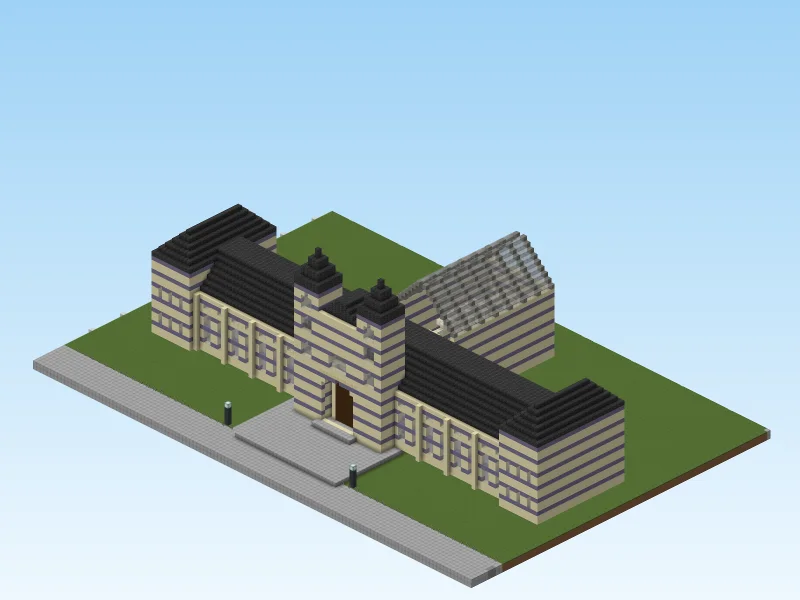
Layer 39 of 42 (2 blocks)
- Deepslate Tile Stairs2

Layer 40 of 42 (2 blocks)
- Block of Gold2

Layer 41 of 42 (2 blocks)
- Block of Gold2
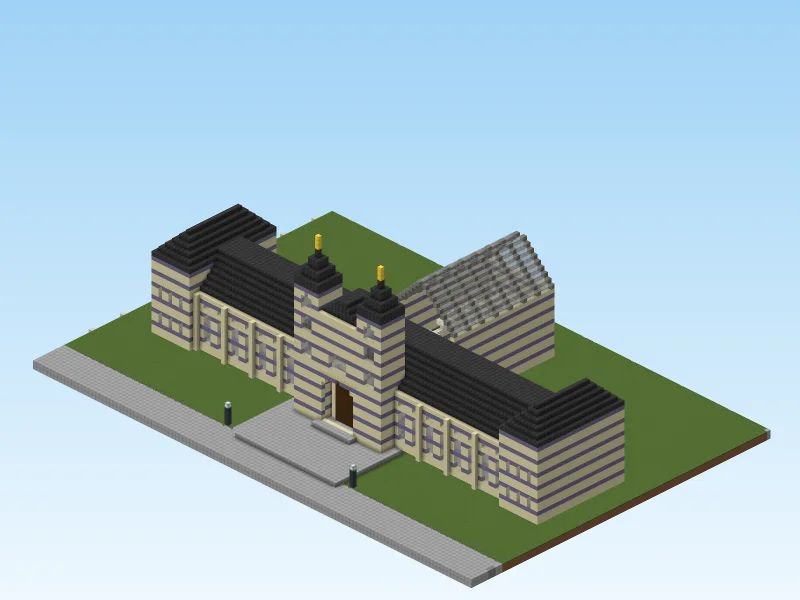
Layer 42 of 42 (2 blocks)
- Block of Gold2
Simplified blueprint: stairs and slabs are partly shown as full blocks, animals and plants as small squares. Tip: use the arrow keys ← → to switch layers.
Step-by-step guide
Facade
Build a 105-block-long facade, 13 high. Every third layer is light blue terracotta, the others smooth sandstone – that creates the typical stripes. Add round-arched windows in three rows.
Roof
A steep deepslate tile roof goes on top.
End pavilions
At both ends stands a taller pavilion with its own pointed roof.
Center block and towers
In the middle, the entrance block projects forward, with a large stepped round-arched portal and a gable. Two towers rise up to height 30 on the left and right, topped by pointed spires with golden tips.
Hintze Hall
Behind the entrance lies the long hall with striped walls and a light gray glass roof.
Whale skeleton
The whale skeleton hangs under the glass roof: a gently curved spine of bone blocks with ribs, skull and flippers.
Dinosaur and garden
A dinosaur skeleton stands down in the hall. In front of the museum are lawns, trees, a fence and street lamps.
Pro tips
- You craft bone blocks from 9 bone meal. You get bones from skeletons.
- The stripes are easy if you always place two layers of sandstone and one layer of terracotta.
- In creative mode the /fill command is much faster: it fills whole walls and areas at once.
Variations
- Build display cases with ores and crystals inside – like the mineral collection.
- Instead of the whale you can put a dinosaur in the hall.


