Guggenheim Museum (New York)
- DifficultyMedium
- Size41 × 37 blocks (rotunda), 35 tall
- Build timeabout 6 hours
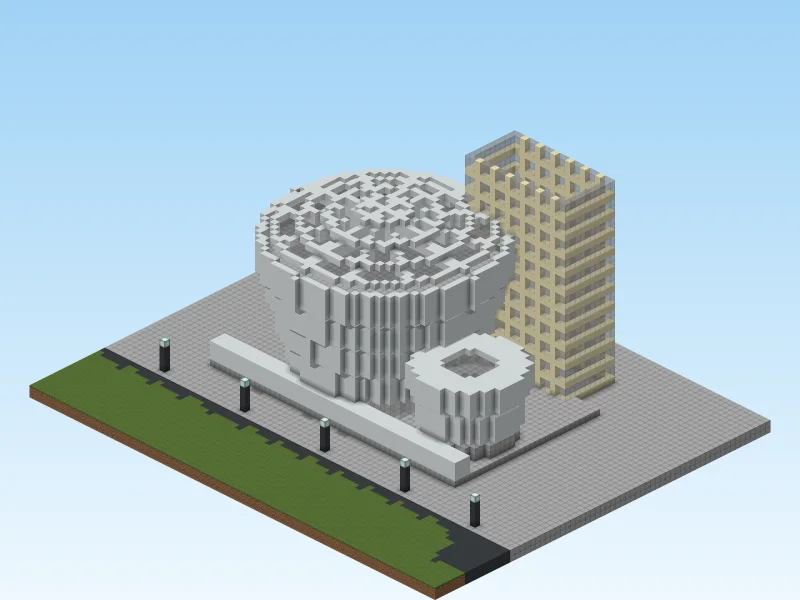
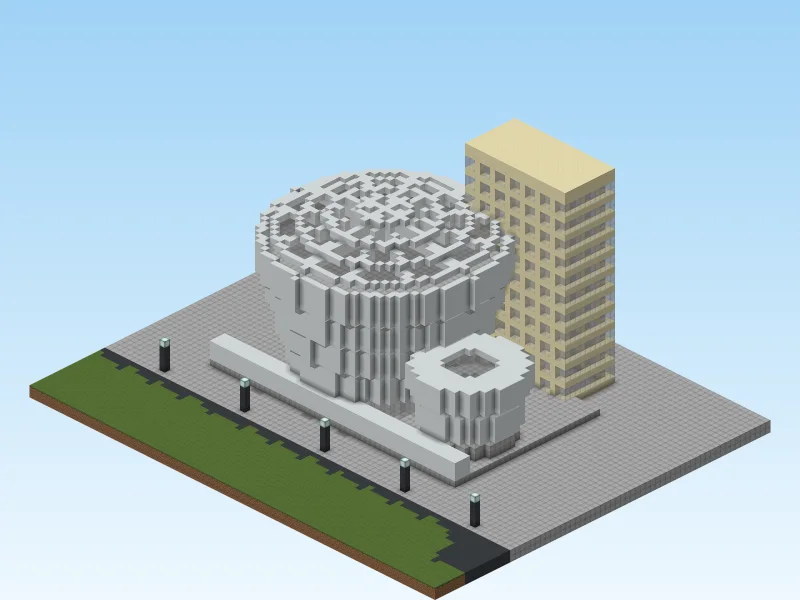
The Guggenheim Museum in New York opened in 1959 and is one of architect Frank Lloyd Wright's most famous buildings. It looks like an upside-down cake: inside, a ramp spirals upwards, and outside every ring is wider than the one below. Here it stands at a scale of 1:1.
The white rings are separated by narrow window bands, and a glass dome closes it off at the top. Next to it are a smaller rotunda and a tower, with Fifth Avenue in front and Central Park across the street.

🔍 Click on parts
Tap any part of the build in the 3D model – a lamp, a tree, a bench next to the house – and you’ll see exactly how to build that part, with its materials and a layer-by-layer plan.
🧊 Build it as a hologram in Minecraft Bedrock (HoloPrint)
Download this build idea as a .mcstructure file – it is made right from the blueprint below. The HoloPrint website turns it into a pack that places the build as a see-through hologram in your world – you just fill in the blocks.
- Tap the button above – the file guggenheim-museum.mcstructure is downloaded.
- Open the HoloPrint website.
- Upload the file there.
- Create your build template texture pack.
- Download the .mcpack file.
- Open it with Minecraft and activate the pack in your world.
- Place an armor stand – the build template appears there. Tip: put it exactly where the build should stand.
Works with Minecraft Bedrock (phone, tablet, console, Windows). HoloPrint is a free fan project, not made by Blockwerk.
Layer-by-layer blueprint
Click through from bottom to top. Every square is one block, the front is at the bottom. Gray shows the layer below. 35 layers, area in the plan: 63 × 43 blocks.

Layer 1 of 35 (1460 blocks)
- Smooth Stone1399
- Smooth Sandstone56
- Gray Concrete5
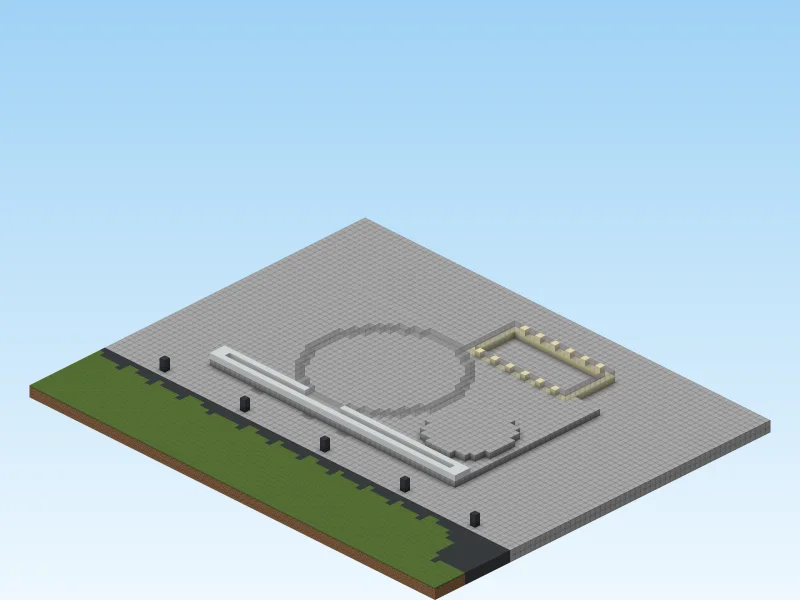
Layer 2 of 35 (406 blocks)
- Light Gray Stained Glass157
- Smooth Stone137
- White Concrete95
- Smooth Sandstone12
- Gray Concrete5
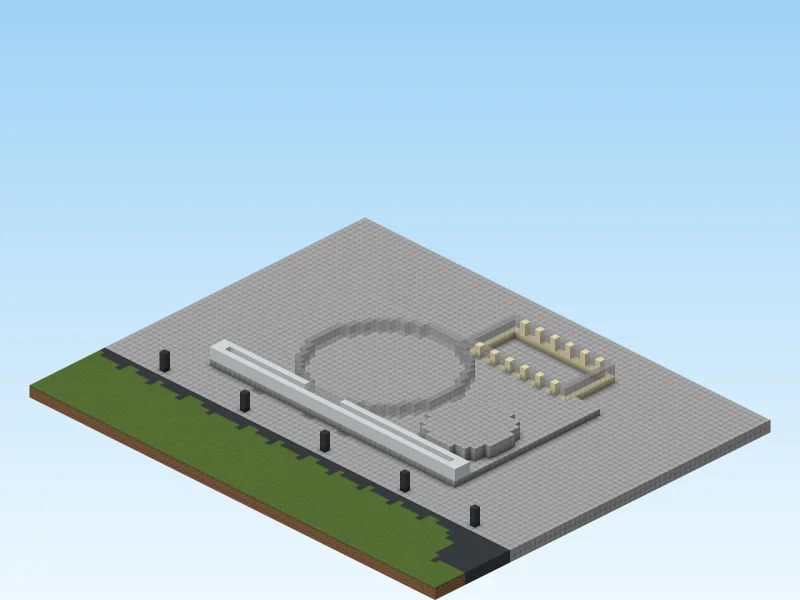
Layer 3 of 35 (406 blocks)
- Light Gray Stained Glass157
- Smooth Stone137
- White Concrete95
- Smooth Sandstone12
- Gray Concrete5
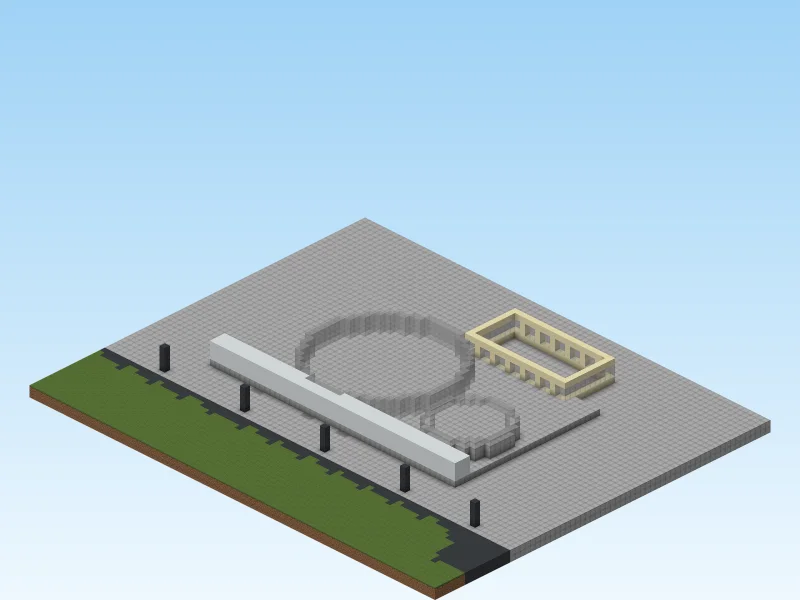
Layer 4 of 35 (309 blocks)
- White Concrete140
- Light Gray Stained Glass108
- Smooth Sandstone56
- Gray Concrete5
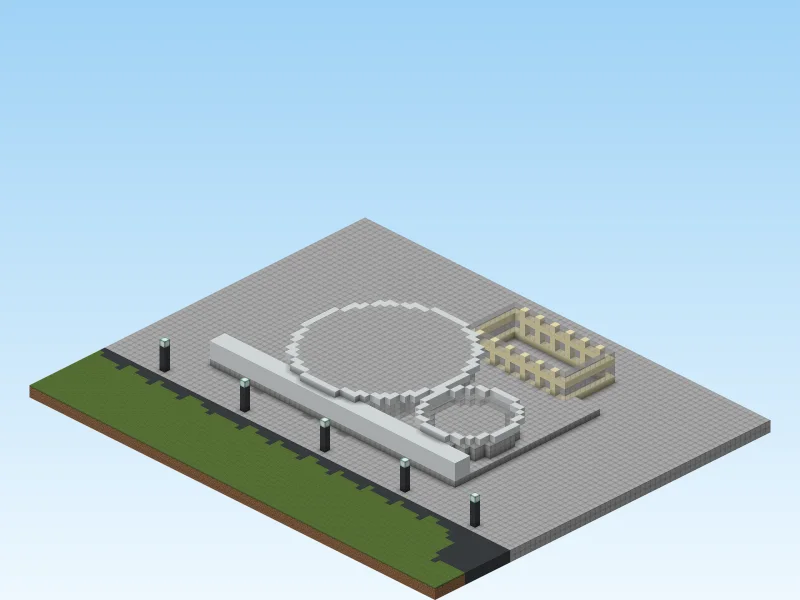
Layer 5 of 35 (678 blocks)
- Smooth Stone489
- White Concrete128
- Light Gray Stained Glass44
- Smooth Sandstone12
- Sea Lantern5

Layer 6 of 35 (184 blocks)
- White Concrete128
- Light Gray Stained Glass44
- Smooth Sandstone12

Layer 7 of 35 (184 blocks)
- White Concrete128
- Smooth Sandstone56

Layer 8 of 35 (184 blocks)
- White Concrete128
- Light Gray Stained Glass44
- Smooth Sandstone12
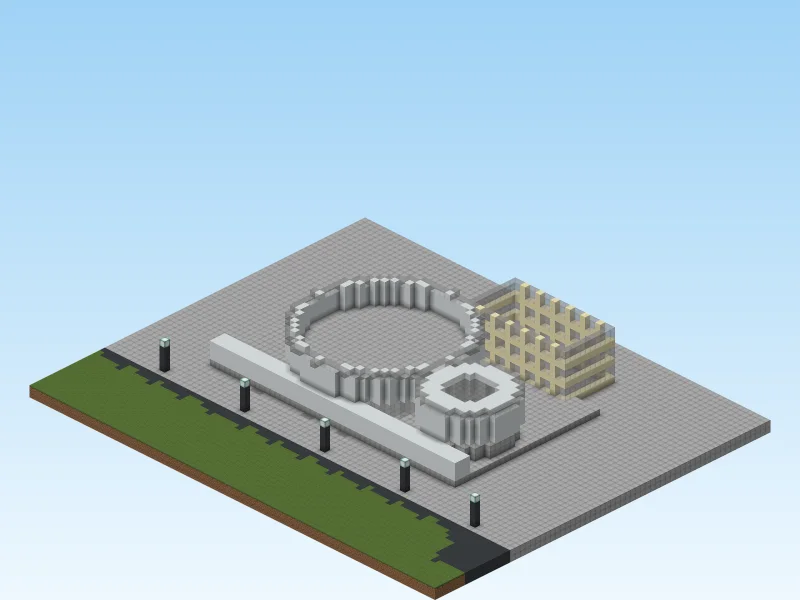
Layer 9 of 35 (355 blocks)
- Light Gray Stained Glass211
- White Concrete132
- Smooth Sandstone12

Layer 10 of 35 (801 blocks)
- Smooth Stone606
- White Concrete139
- Smooth Sandstone56
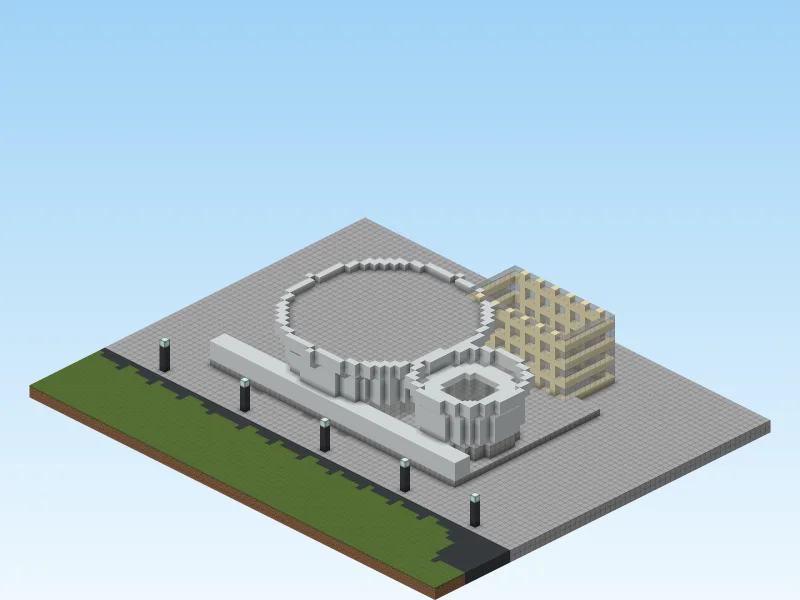
Layer 11 of 35 (195 blocks)
- White Concrete139
- Light Gray Stained Glass44
- Smooth Sandstone12

Layer 12 of 35 (195 blocks)
- White Concrete139
- Light Gray Stained Glass44
- Smooth Sandstone12
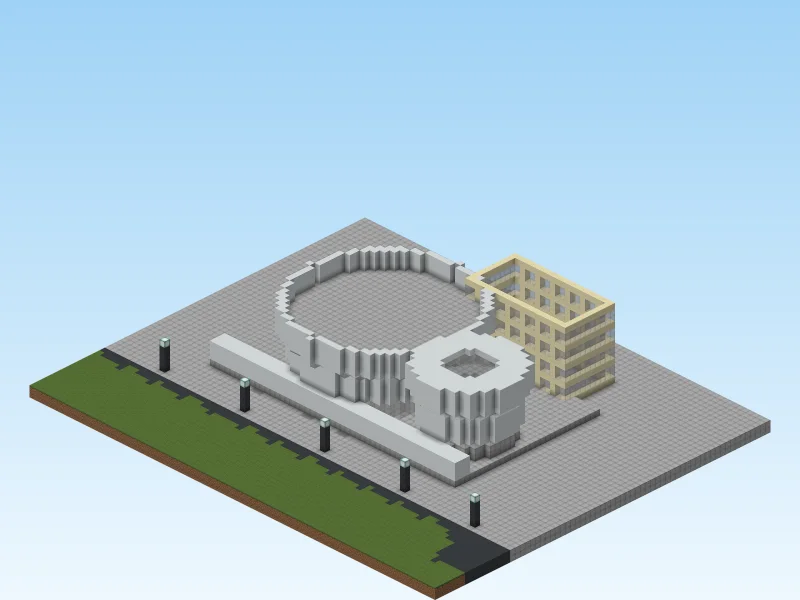
Layer 13 of 35 (367 blocks)
- White Concrete266
- Smooth Sandstone56
- Light Gray Stained Glass45
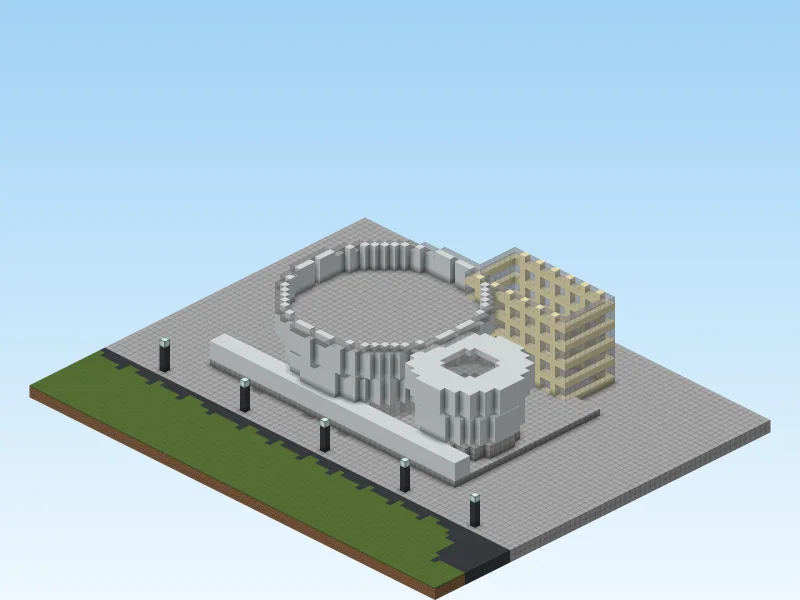
Layer 14 of 35 (188 blocks)
- Light Gray Stained Glass125
- White Concrete51
- Smooth Sandstone12

Layer 15 of 35 (907 blocks)
- Smooth Stone743
- White Concrete108
- Light Gray Stained Glass44
- Smooth Sandstone12

Layer 16 of 35 (164 blocks)
- White Concrete108
- Smooth Sandstone56

Layer 17 of 35 (164 blocks)
- White Concrete108
- Light Gray Stained Glass44
- Smooth Sandstone12

Layer 18 of 35 (164 blocks)
- White Concrete108
- Light Gray Stained Glass44
- Smooth Sandstone12
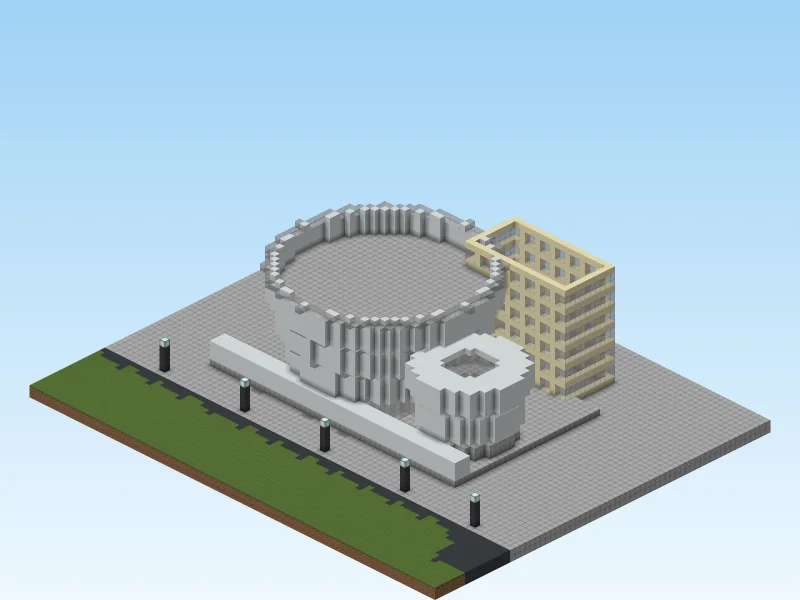
Layer 19 of 35 (204 blocks)
- Light Gray Stained Glass102
- Smooth Sandstone56
- White Concrete46

Layer 20 of 35 (1052 blocks)
- Smooth Stone891
- White Concrete105
- Light Gray Stained Glass44
- Smooth Sandstone12

Layer 21 of 35 (161 blocks)
- White Concrete105
- Light Gray Stained Glass44
- Smooth Sandstone12
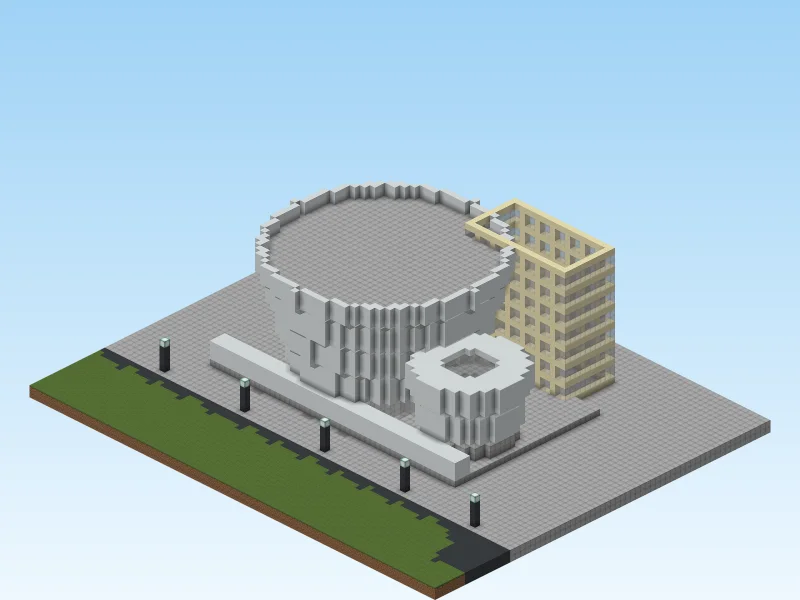
Layer 22 of 35 (161 blocks)
- White Concrete105
- Smooth Sandstone56

Layer 23 of 35 (161 blocks)
- White Concrete105
- Light Gray Stained Glass44
- Smooth Sandstone12

Layer 24 of 35 (161 blocks)
- White Concrete105
- Light Gray Stained Glass44
- Smooth Sandstone12

Layer 25 of 35 (845 blocks)
- Light Gray Stained Glass531
- White Concrete258
- Smooth Sandstone56

Layer 26 of 35 (545 blocks)
- Light Gray Stained Glass360
- White Concrete173
- Smooth Sandstone12

Layer 27 of 35 (281 blocks)
- Light Gray Stained Glass166
- White Concrete103
- Smooth Sandstone12

Layer 28 of 35 (105 blocks)
- Smooth Sandstone56
- White Concrete37
- Light Gray Stained Glass12
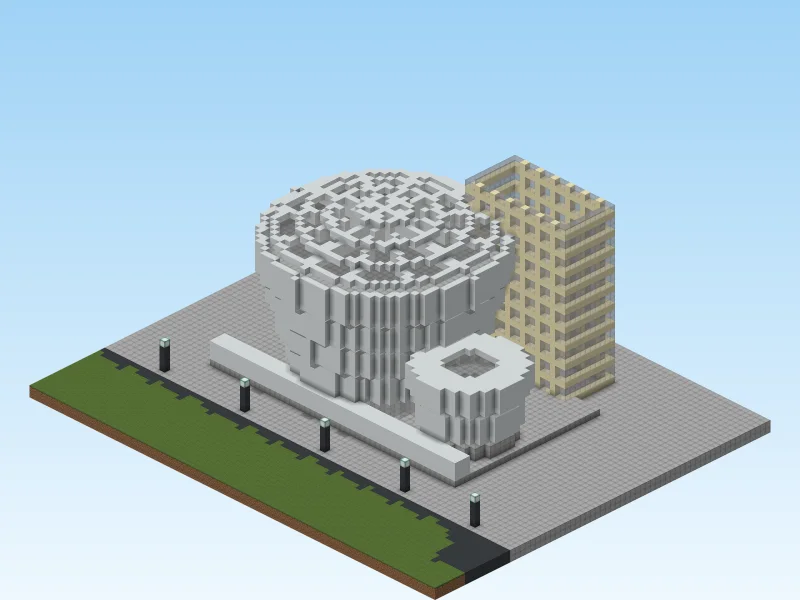
Layer 29 of 35 (56 blocks)
- Light Gray Stained Glass44
- Smooth Sandstone12
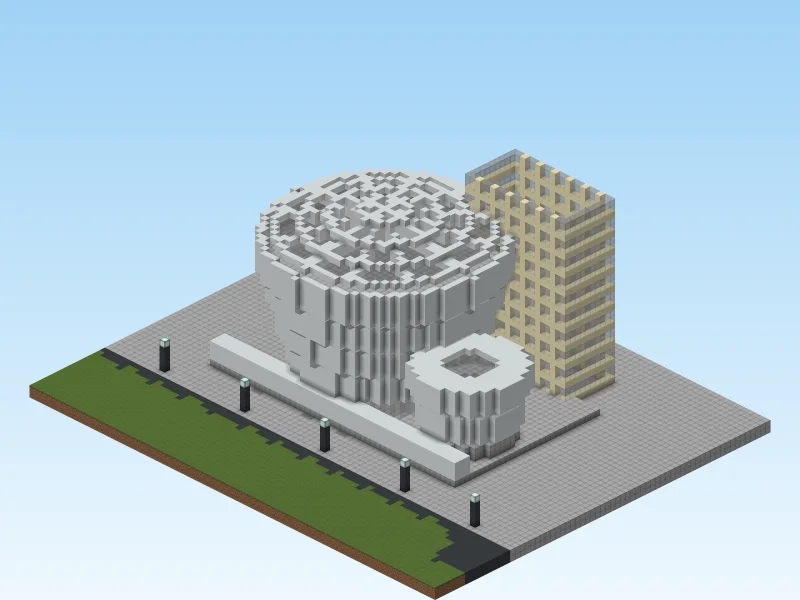
Layer 30 of 35 (56 blocks)
- Light Gray Stained Glass44
- Smooth Sandstone12

Layer 31 of 35 (56 blocks)
- Smooth Sandstone56

Layer 32 of 35 (56 blocks)
- Light Gray Stained Glass44
- Smooth Sandstone12
Layer 33 of 35 (56 blocks)
- Light Gray Stained Glass44
- Smooth Sandstone12

Layer 34 of 35 (56 blocks)
- Smooth Sandstone56
Layer 35 of 35 (200 blocks)
- Smooth Sandstone200
Simplified blueprint: stairs and slabs are partly shown as full blocks, animals and plants as small squares. Tip: use the arrow keys ← → to switch layers.
Step-by-step guide
Base
Lay a smooth stone base and a white band with glass for the entrance at the front.
Ground floor
Inside, build a circle of glass, 25 blocks wide and 3 high – that's the entrance hall.
Four rings
Above it come four white rings, each 5 high. The lowest is 27 blocks across, every next one 3 blocks more – up to 36.
Window bands
Below each ring sits a narrow, recessed band of light gray glass.
Glass dome
At the top, build a flat glass dome with white ribs in four steps.
Small rotunda and tower
Next to it stand a smaller rotunda with two rings and a plain tower with a window grid behind it.
Street and park
A street with street lamps runs in front of the museum, with a row of trees across from it.
Pro tips
- The rings are easiest with the blueprint: each ring is a circle with a slightly bigger diameter.
- You get white concrete by placing white concrete powder next to water.
- Build the basic shape from cheap blocks like dirt or cobblestone first and swap them out afterwards. That way you see early on whether the proportions are right.
Variations
- Build the spiral ramp inside that leads from bottom to top – with pictures on the walls.
- Sea lanterns under the dome make the museum glow at night.


