Louvre with Glass Pyramid (Paris)
- DifficultyHard
- Size101 × 96 blocks, 30 tall
- Build timeabout 16 hours
The Louvre in Paris is the most visited museum in the world – home of the Mona Lisa. The old royal palace surrounds a large courtyard where the famous glass pyramid has stood since 1989. On Blockwerk it's built at a scale of 1:2.5.
Three long wings with light facades, pilasters and dark mansard roofs form a U. Pavilions with tall roofs and golden tips stand at the corners and in the middle. The glass pyramid shines in the courtyard, surrounded by three small pyramids and pools.

🔍 Click on parts
Tap any part of the build in the 3D model – a lamp, a tree, a bench next to the house – and you’ll see exactly how to build that part, with its materials and a layer-by-layer plan.
🧊 Build it as a hologram in Minecraft Bedrock (HoloPrint)
Download this build idea as a .mcstructure file – it is made right from the blueprint below. The HoloPrint website turns it into a pack that places the build as a see-through hologram in your world – you just fill in the blocks.
- Tap the button above – the file louvre.mcstructure is downloaded.
- Open the HoloPrint website.
- Upload the file there.
- Create your build template texture pack.
- Download the .mcpack file.
- Open it with Minecraft and activate the pack in your world.
- Place an armor stand – the build template appears there. Tip: put it exactly where the build should stand.
Works with Minecraft Bedrock (phone, tablet, console, Windows). HoloPrint is a free fan project, not made by Blockwerk.
Layer-by-layer blueprint
Click through from bottom to top. Every square is one block, the front is at the bottom. Gray shows the layer below. 31 layers, area in the plan: 103 × 98 blocks.

Layer 1 of 31 (144 blocks)
- Smooth Stone144
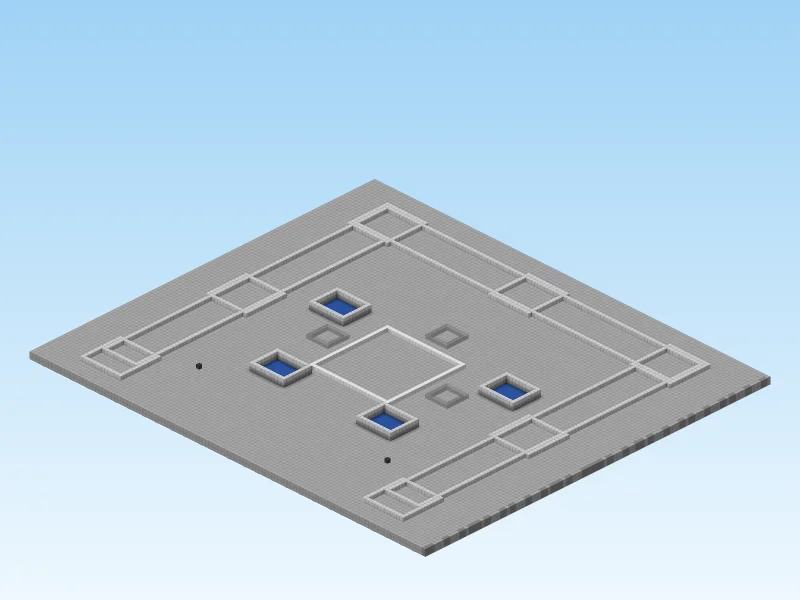
Layer 2 of 31 (1184 blocks)
- Polished Diorite1014
- Block of Iron96
- Light Gray Stained Glass72
- Gray Concrete2
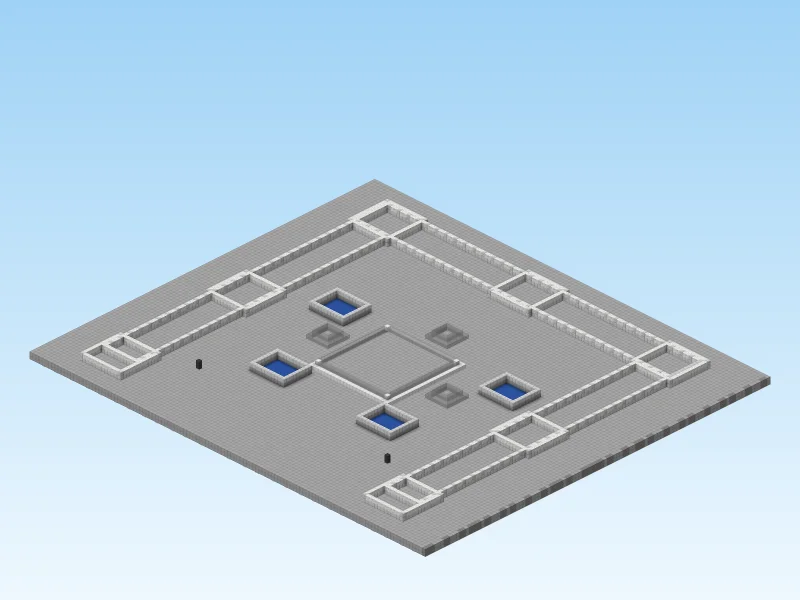
Layer 3 of 31 (1008 blocks)
- Calcite661
- Polished Diorite209
- Light Gray Stained Glass132
- Block of Iron4
- Gray Concrete2
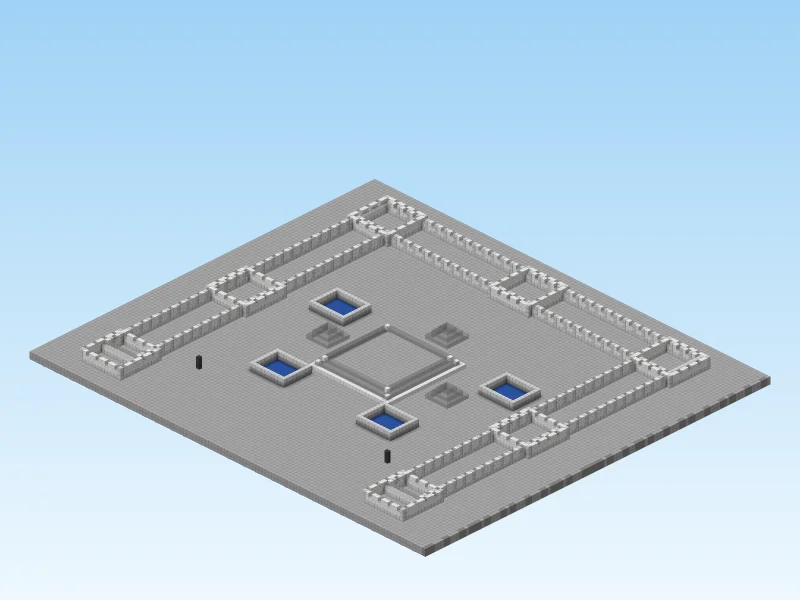
Layer 4 of 31 (976 blocks)
- Light Gray Stained Glass391
- Calcite370
- Polished Diorite209
- Block of Iron4
- Gray Concrete2
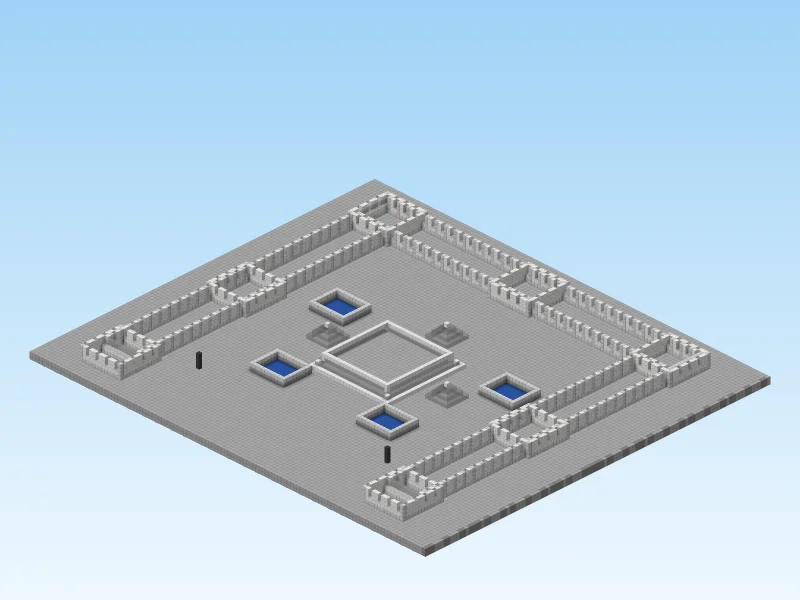
Layer 5 of 31 (955 blocks)
- Calcite370
- Light Gray Stained Glass291
- Polished Diorite209
- Block of Iron83
- Gray Concrete2
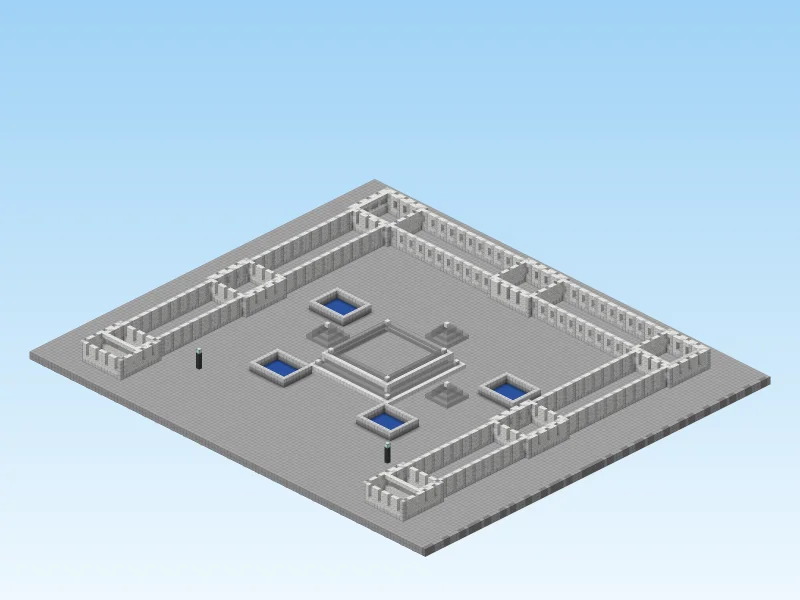
Layer 6 of 31 (944 blocks)
- Calcite569
- Polished Diorite209
- Light Gray Stained Glass160
- Block of Iron4
- Sea Lantern2
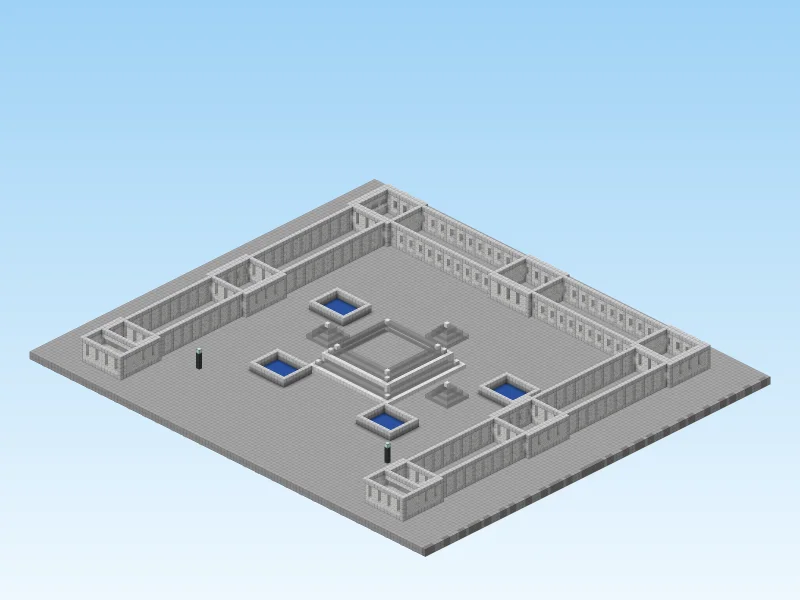
Layer 7 of 31 (934 blocks)
- Polished Diorite870
- Light Gray Stained Glass60
- Block of Iron4
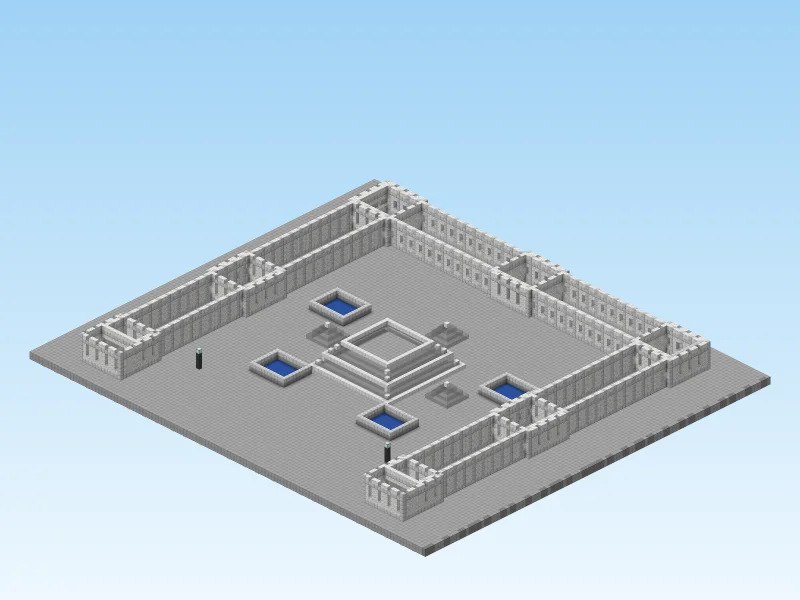
Layer 8 of 31 (926 blocks)
- Calcite569
- Polished Diorite209
- Light Gray Stained Glass92
- Block of Iron56

Layer 9 of 31 (926 blocks)
- Calcite370
- Light Gray Stained Glass343
- Polished Diorite209
- Block of Iron4

Layer 10 of 31 (918 blocks)
- Calcite370
- Light Gray Stained Glass335
- Polished Diorite209
- Block of Iron4

Layer 11 of 31 (910 blocks)
- Calcite370
- Light Gray Stained Glass291
- Polished Diorite209
- Block of Iron40
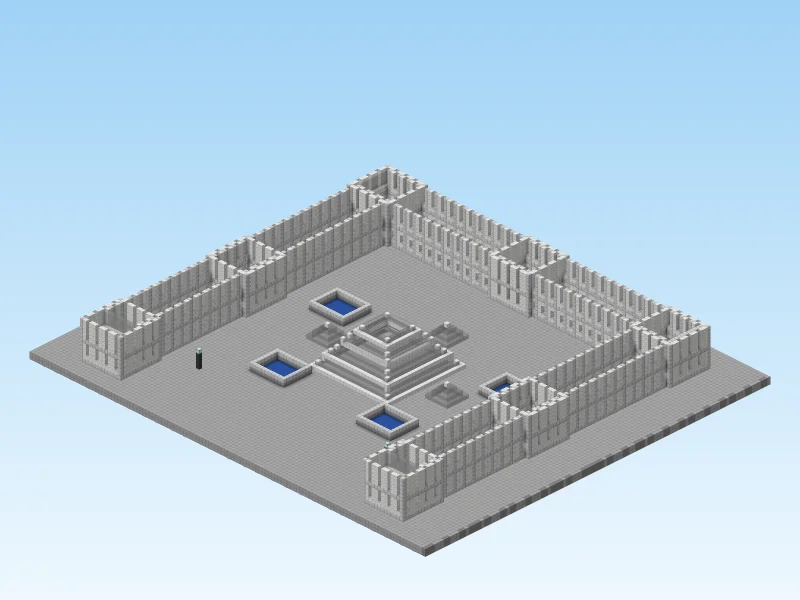
Layer 12 of 31 (902 blocks)
- Calcite370
- Light Gray Stained Glass319
- Polished Diorite209
- Block of Iron4
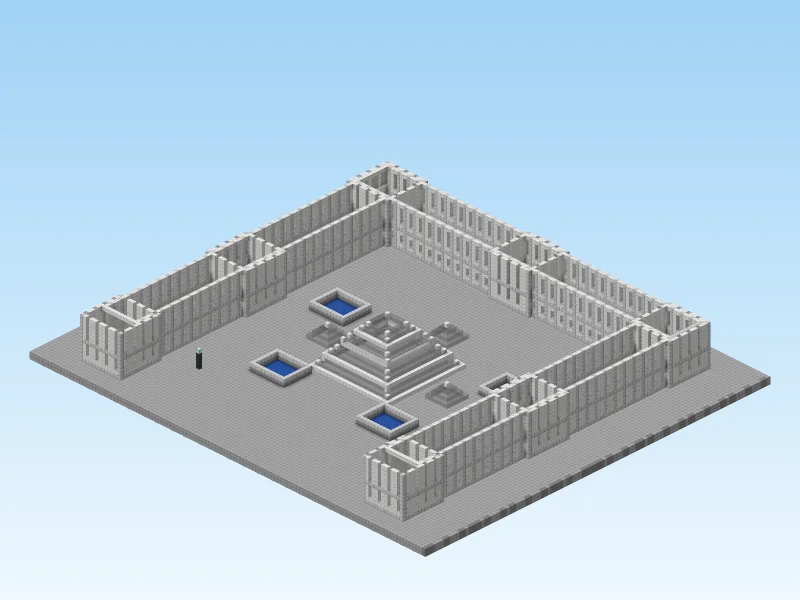
Layer 13 of 31 (894 blocks)
- Calcite569
- Polished Diorite209
- Light Gray Stained Glass112
- Block of Iron4
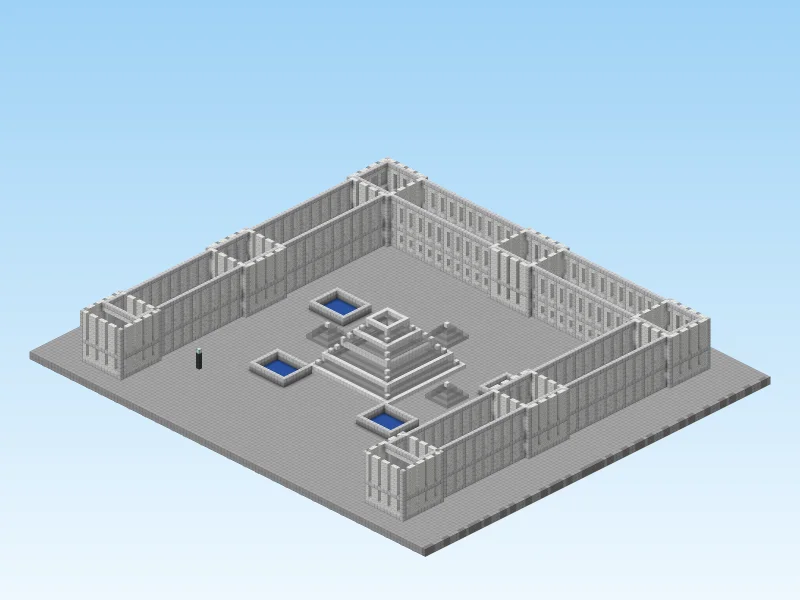
Layer 14 of 31 (894 blocks)
- Polished Diorite562
- Calcite216
- Light Gray Stained Glass92
- Block of Iron24
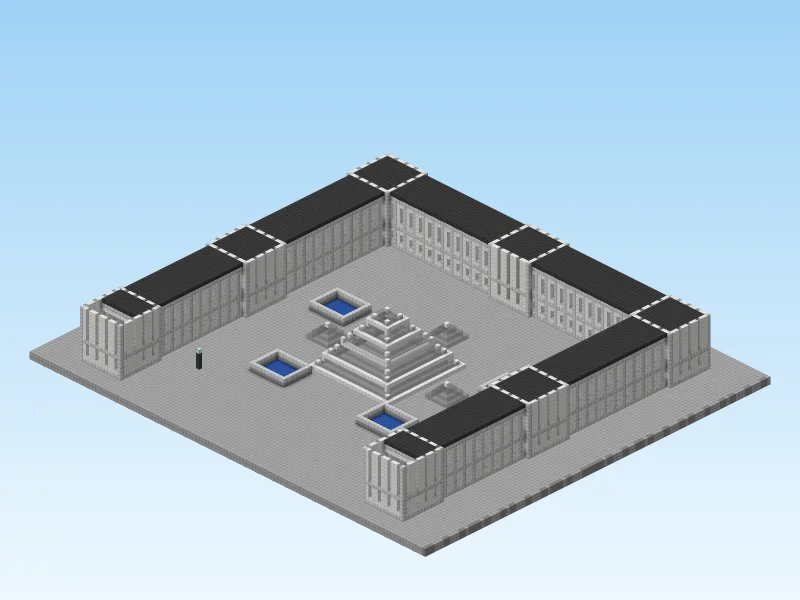
Layer 15 of 31 (3091 blocks)
- Deepslate Tile Stairs2739
- Calcite216
- Light Gray Stained Glass104
- Polished Diorite28
- Block of Iron4
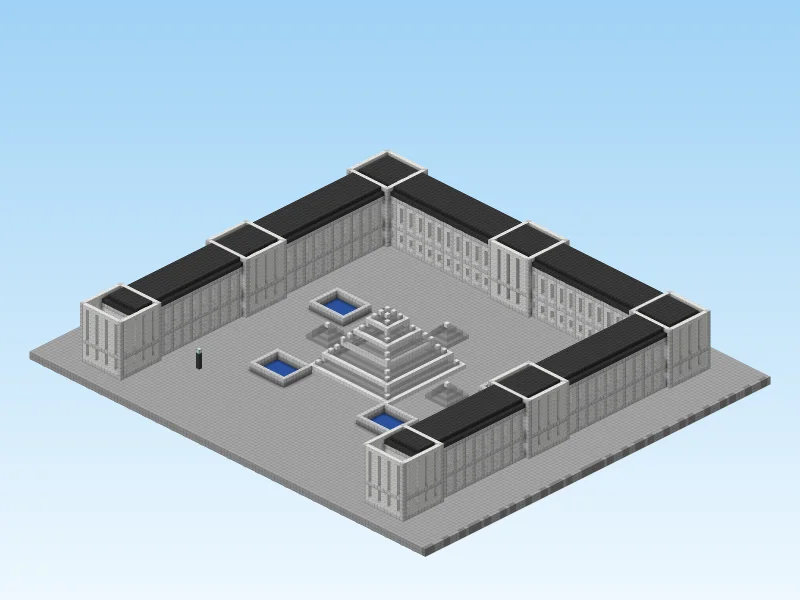
Layer 16 of 31 (2549 blocks)
- Deepslate Tile Stairs2205
- Calcite308
- Polished Diorite28
- Block of Iron4
- Light Gray Stained Glass4
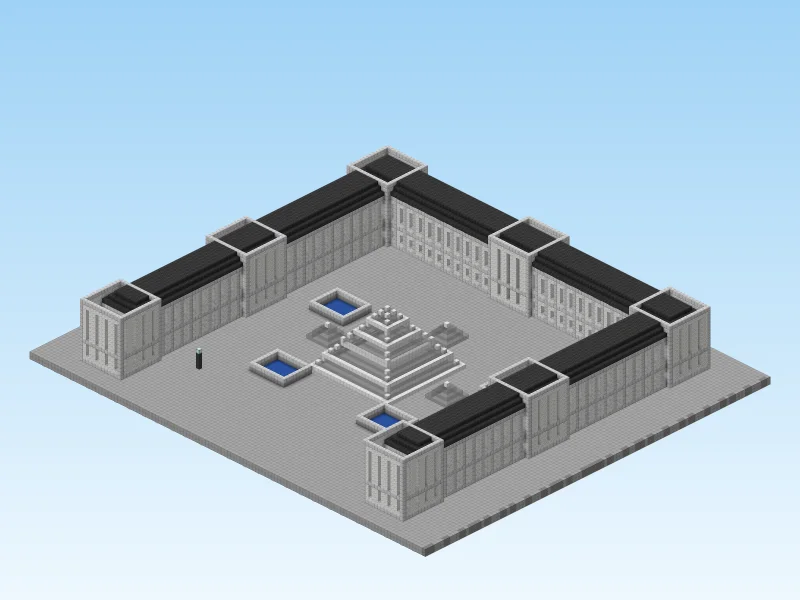
Layer 17 of 31 (2024 blocks)
- Deepslate Tile Stairs1687
- Polished Diorite336
- Block of Iron1
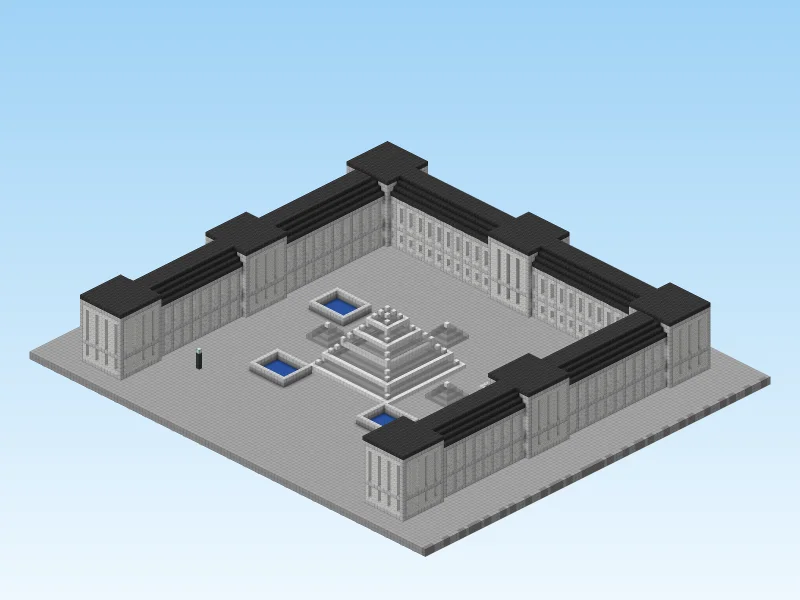
Layer 18 of 31 (2083 blocks)
- Deepslate Tile Stairs2083
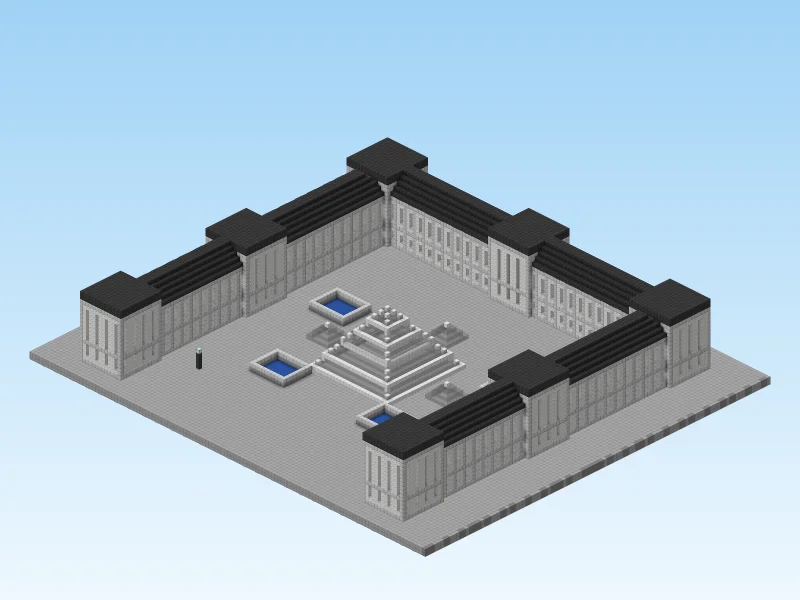
Layer 19 of 31 (1717 blocks)
- Deepslate Tile Stairs1717
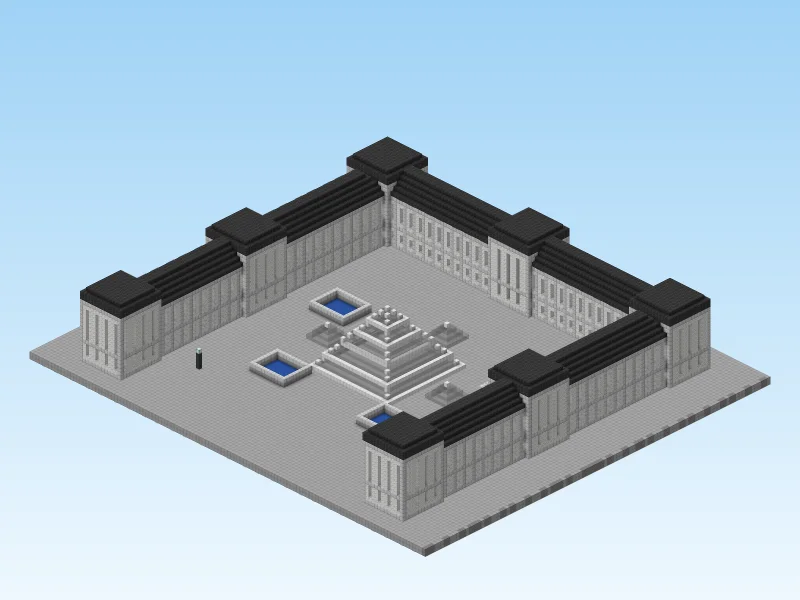
Layer 20 of 31 (847 blocks)
- Deepslate Tile Stairs847
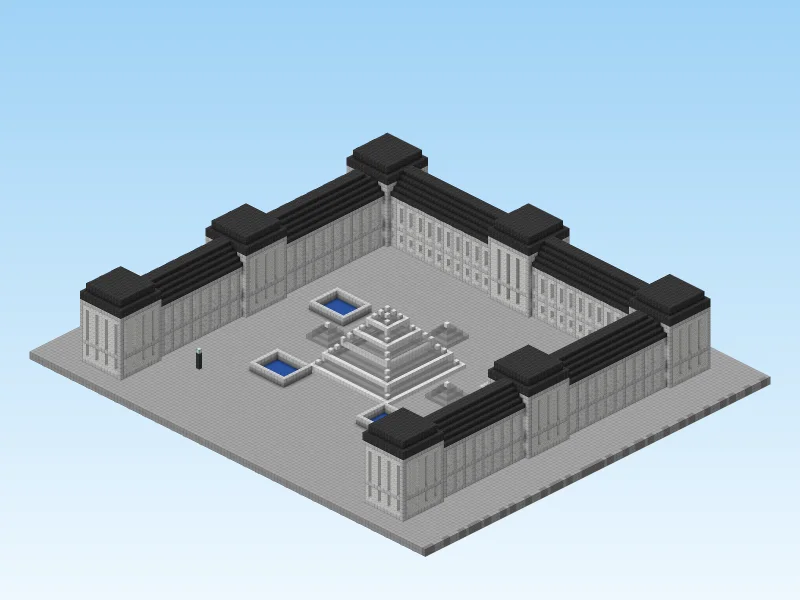
Layer 21 of 31 (847 blocks)
- Deepslate Tile Stairs847
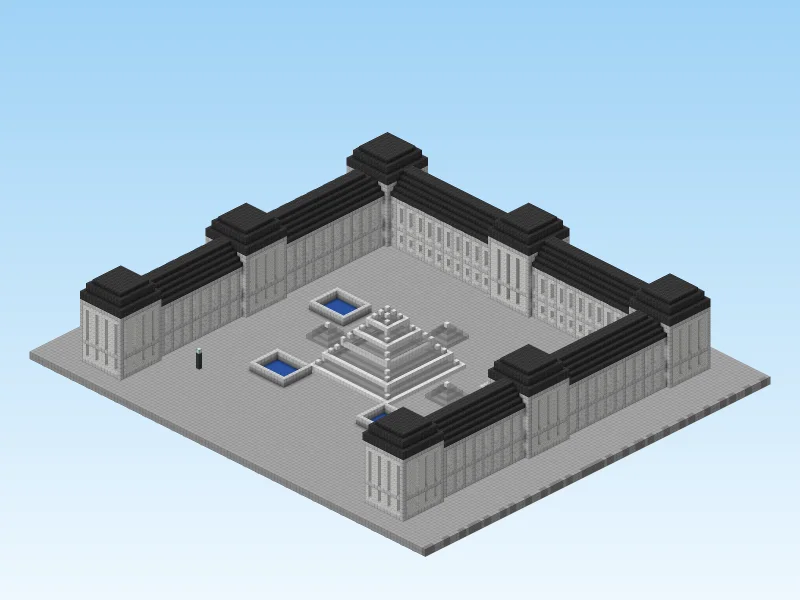
Layer 22 of 31 (567 blocks)
- Deepslate Tile Stairs567
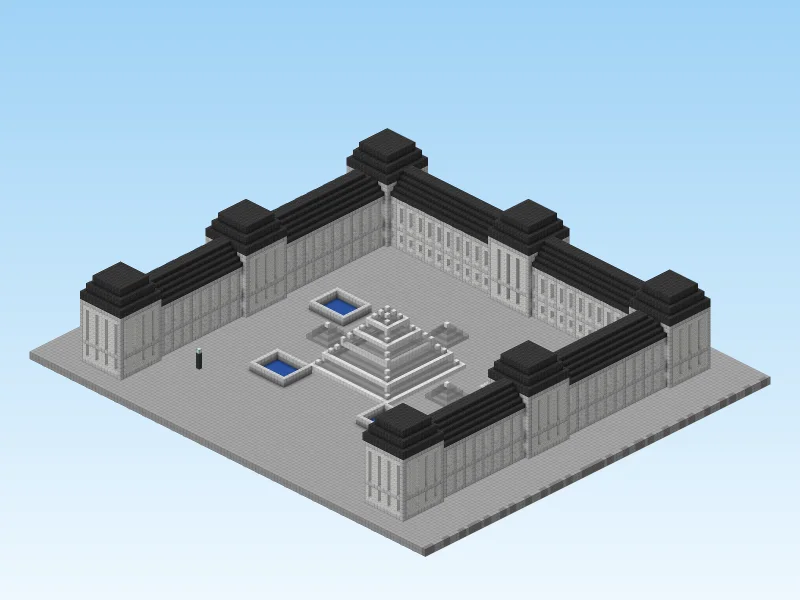
Layer 23 of 31 (567 blocks)
- Deepslate Tile Stairs567
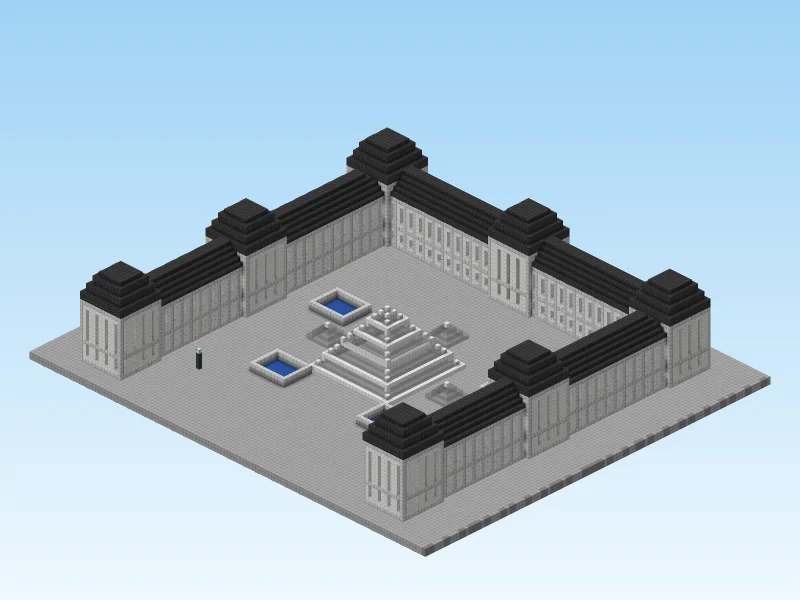
Layer 24 of 31 (343 blocks)
- Deepslate Tile Stairs343
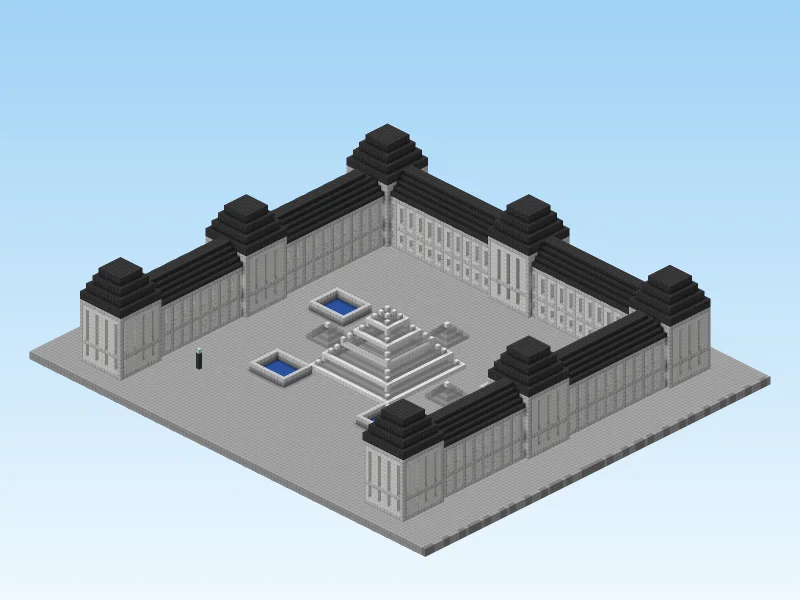
Layer 25 of 31 (343 blocks)
- Deepslate Tile Stairs343
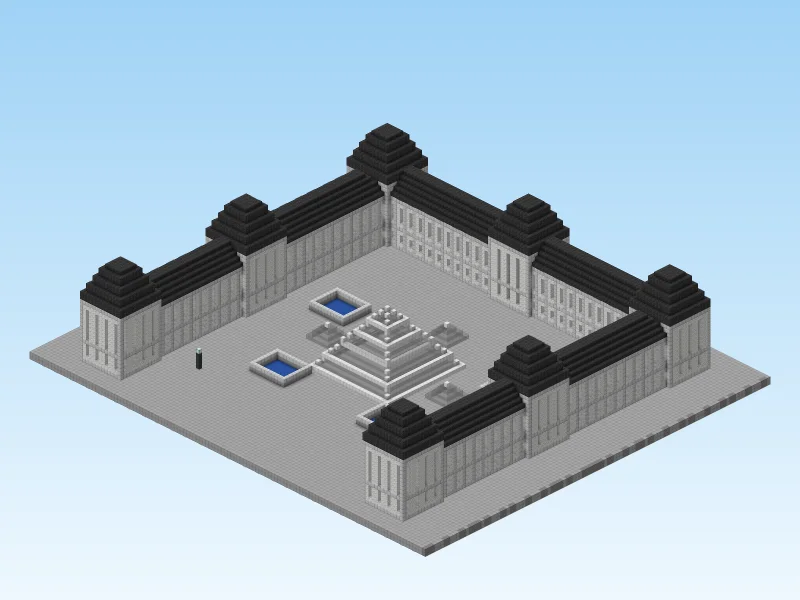
Layer 26 of 31 (175 blocks)
- Deepslate Tile Stairs175

Layer 27 of 31 (175 blocks)
- Deepslate Tile Stairs175
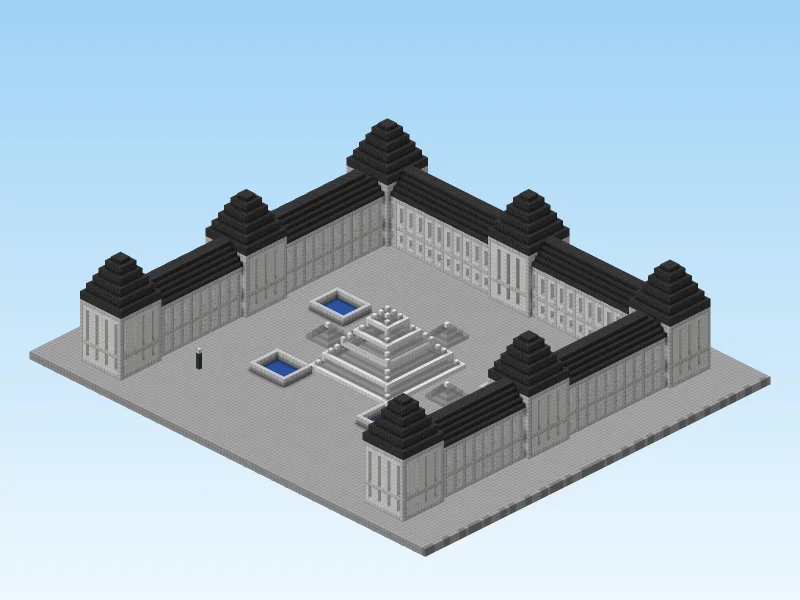
Layer 28 of 31 (63 blocks)
- Deepslate Tile Stairs63
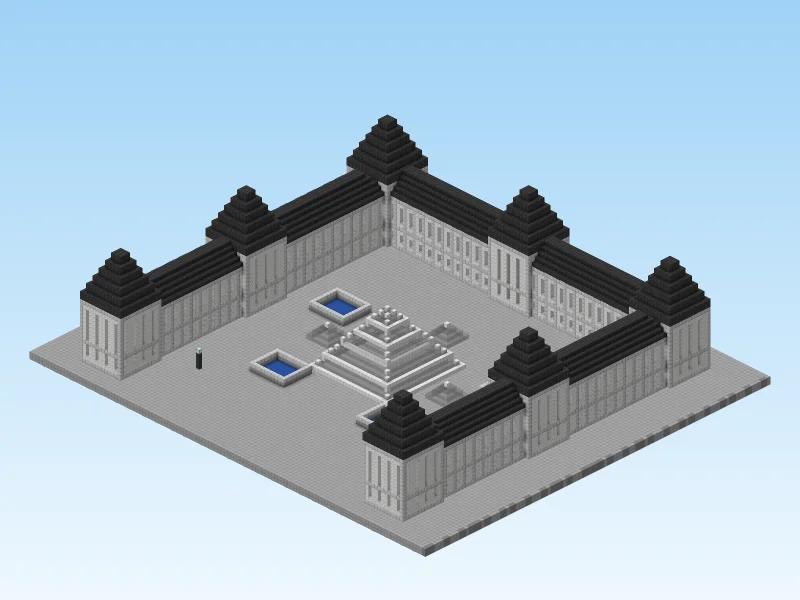
Layer 29 of 31 (63 blocks)
- Deepslate Tile Stairs63
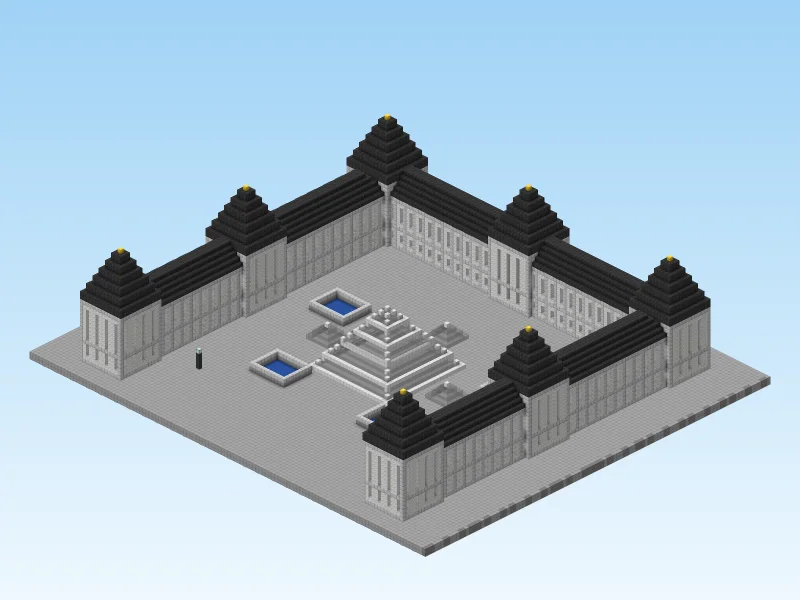
Layer 30 of 31 (7 blocks)
- Block of Gold7
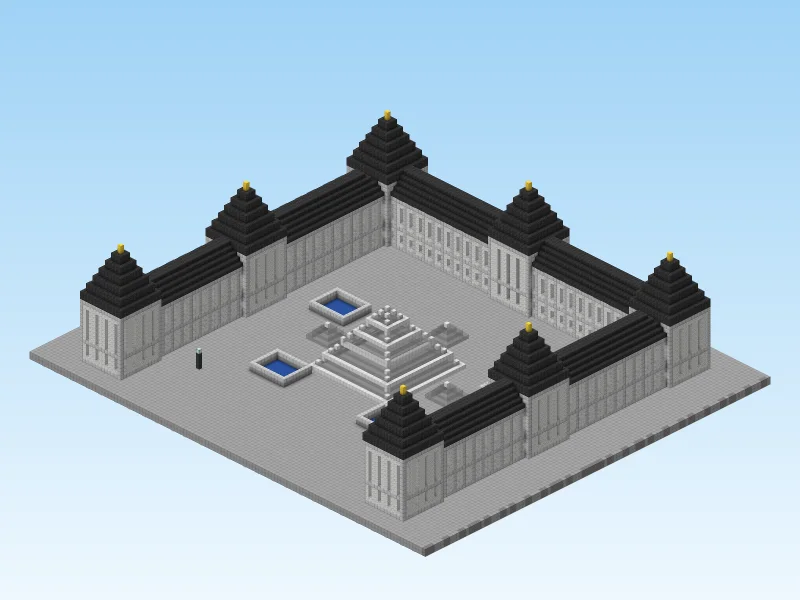
Layer 31 of 31 (7 blocks)
- Block of Gold7
Simplified blueprint: stairs and slabs are partly shown as full blocks, animals and plants as small squares. Tip: use the arrow keys ← → to switch layers.
Step-by-step guide
Courtyard
Pave a large courtyard of smooth stone, about 100 × 100 blocks.
Three wings
Build three wings in a U shape, each 11 blocks deep and 12 high, of calcite with cornices and pilasters of polished diorite. A light gray glass window sits every 3 blocks.
Mansard roofs
Each wing gets a deepslate tile mansard roof that steps inwards.
Pavilions
At the corners and in the middle of each wing, put pavilions of 13 × 13 blocks, a little taller, with tall pointed roofs and golden tips.
Glass pyramid
In the middle of the courtyard, build the pyramid: 25 × 25 blocks at the bottom, 16 high, of light gray glass. The edges and every third layer are iron blocks – that's the metal frame.
Small pyramids and pools
Three small pyramids stand around the big one, plus four pools with diorite rims.
Pro tips
- Build the basic shape from cheap blocks like dirt or cobblestone first and swap them out afterwards. That way you see early on whether the proportions are right.
- Build the pyramid from the bottom up: each layer is a square that gets one block smaller all around – only now and then a layer stays the same.
- In creative mode the /fill command is much faster: it fills whole walls and areas at once.
Variations
- Sea lanterns inside the pyramid make it glow at night like in Paris.
- Build the Tuileries Garden with trees and fountains in front of the open courtyard.


