British Museum (London)
- DifficultyHard
- Size93 × 87 blocks, 27 tall
- Build timeabout 14 hours
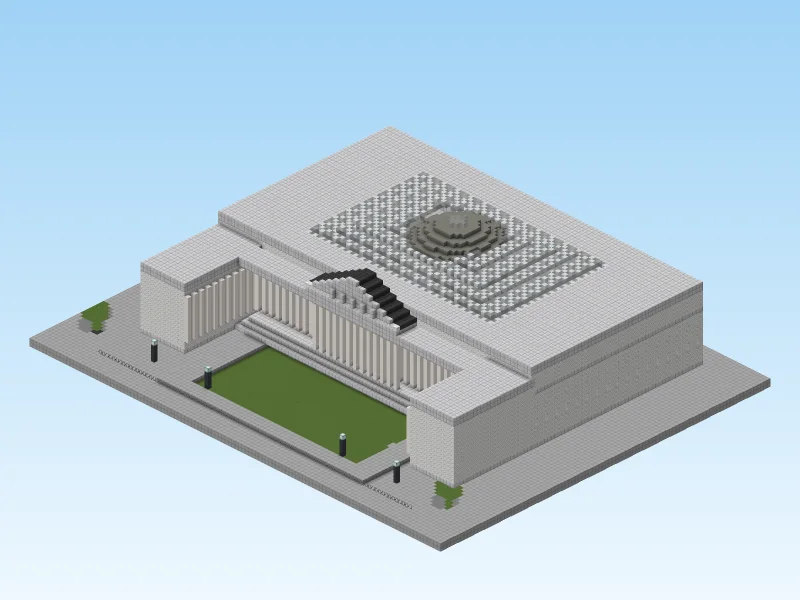
The British Museum in London is one of the oldest museums in the world. From the front it looks like a Greek temple: a long row of columns with a large pediment. On Blockwerk it's built at a scale of 1:1.5.
In the middle lies the Great Court, the largest covered public square in Europe: a courtyard with a huge glass roof made of triangles, with the round old Reading Room standing in its center.

🔍 Click on parts
Tap any part of the build in the 3D model – a lamp, a tree, a bench next to the house – and you’ll see exactly how to build that part, with its materials and a layer-by-layer plan.
🧊 Build it as a hologram in Minecraft Bedrock (HoloPrint)
Download this build idea as a .mcstructure file – it is made right from the blueprint below. The HoloPrint website turns it into a pack that places the build as a see-through hologram in your world – you just fill in the blocks.
- Tap the button above – the file british-museum.mcstructure is downloaded.
- Open the HoloPrint website.
- Upload the file there.
- Create your build template texture pack.
- Download the .mcpack file.
- Open it with Minecraft and activate the pack in your world.
- Place an armor stand – the build template appears there. Tip: put it exactly where the build should stand.
Works with Minecraft Bedrock (phone, tablet, console, Windows). HoloPrint is a free fan project, not made by Blockwerk.
Layer-by-layer blueprint
Click through from bottom to top. Every square is one block, the front is at the bottom. Gray shows the layer below. 28 layers, area in the plan: 93 × 87 blocks.
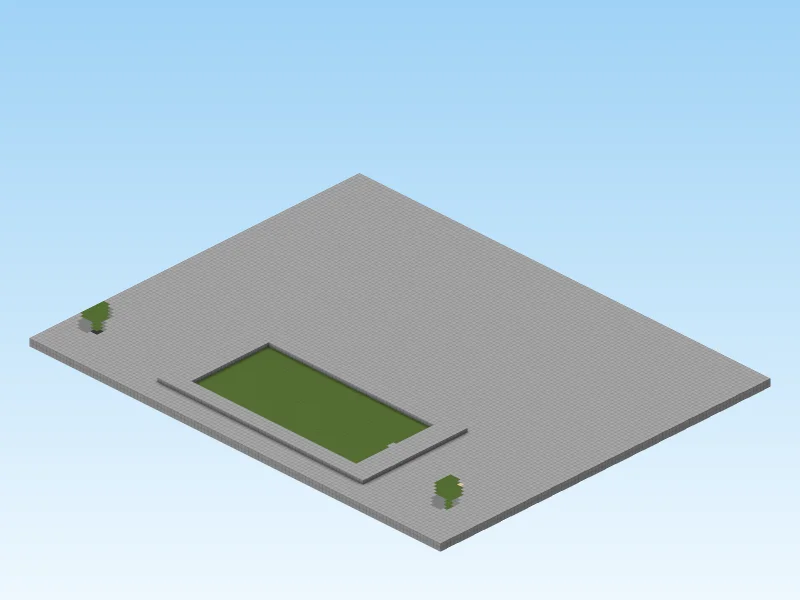
Layer 1 of 28 (764 blocks)
- Smooth Stone764
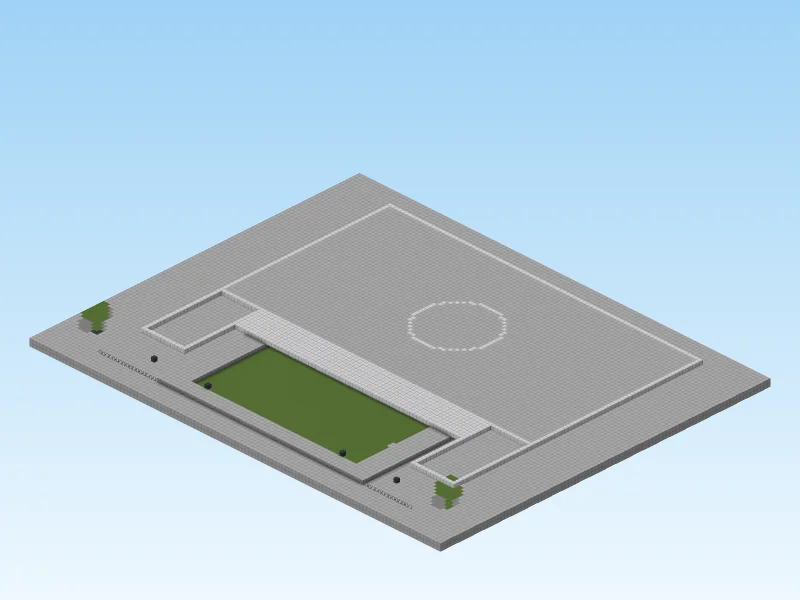
Layer 2 of 28 (5481 blocks)
- Smooth Stone4403
- Polished Diorite990
- Iron Bars84
- Gray Concrete4
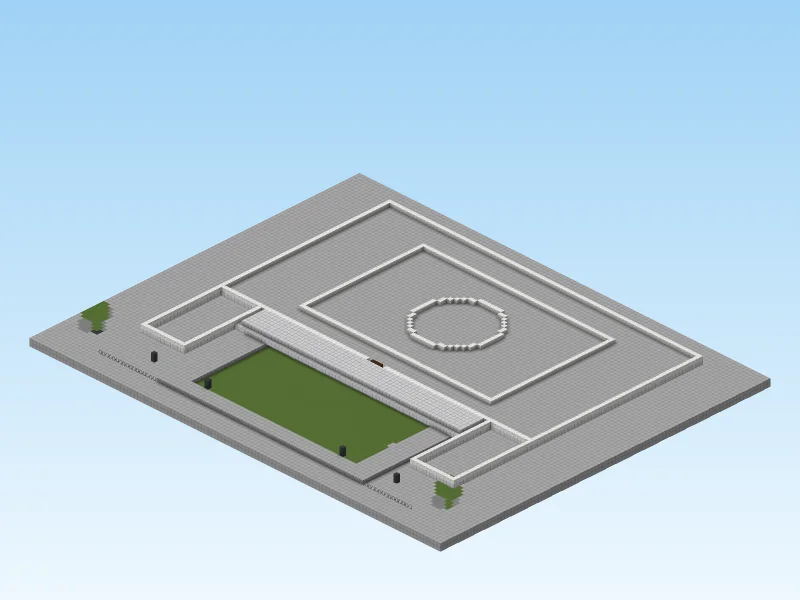
Layer 3 of 28 (1095 blocks)
- Calcite633
- Polished Diorite455
- Gray Concrete4
- Dark Oak Planks3
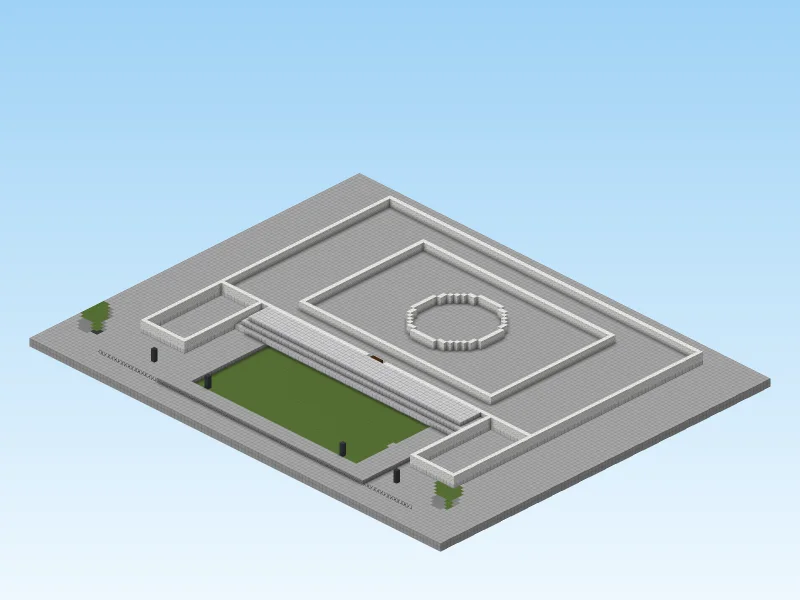
Layer 4 of 28 (1018 blocks)
- Calcite633
- Polished Diorite378
- Gray Concrete4
- Dark Oak Planks3
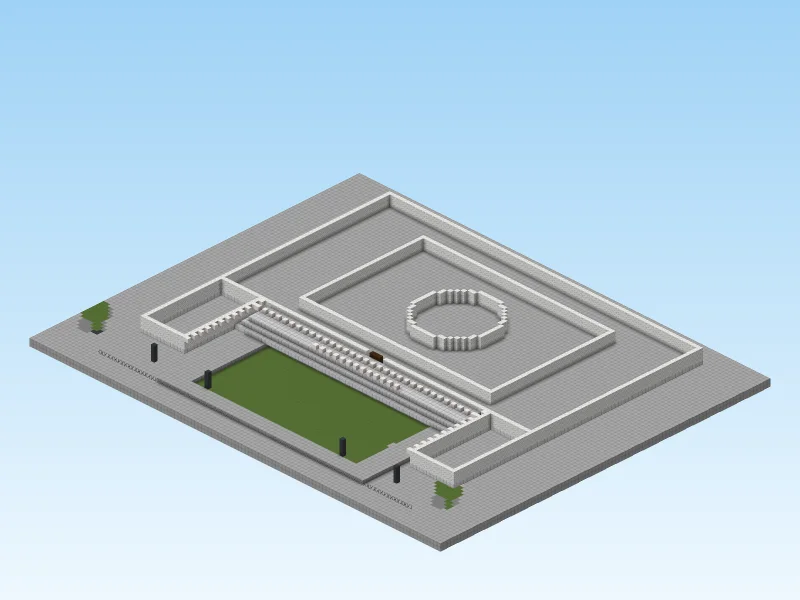
Layer 5 of 28 (710 blocks)
- Calcite633
- Block of Quartz70
- Gray Concrete4
- Dark Oak Planks3
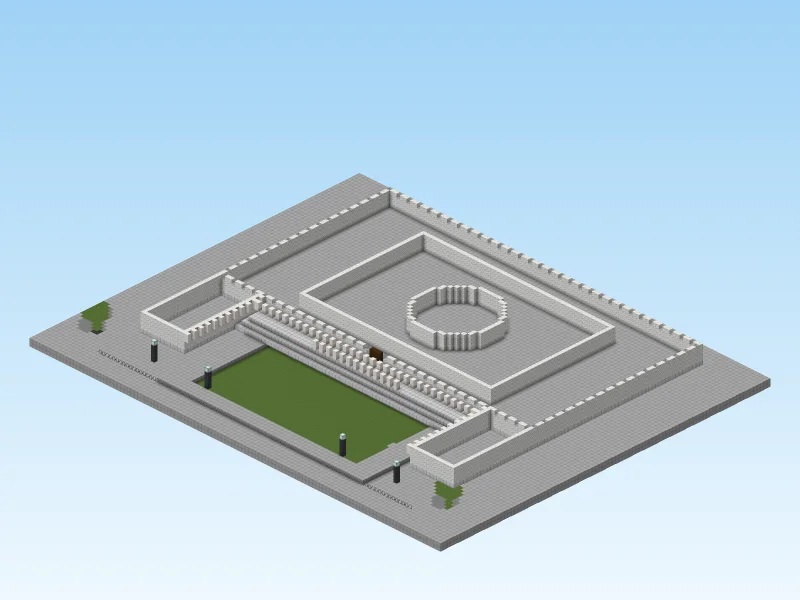
Layer 6 of 28 (710 blocks)
- Calcite539
- Light Gray Stained Glass94
- Block of Quartz70
- Sea Lantern4
- Dark Oak Planks3
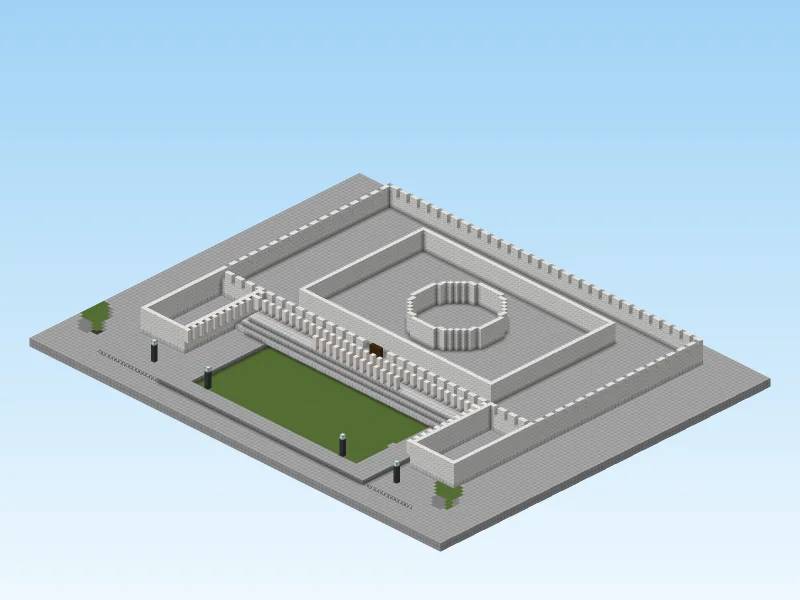
Layer 7 of 28 (706 blocks)
- Calcite539
- Light Gray Stained Glass94
- Block of Quartz70
- Dark Oak Planks3
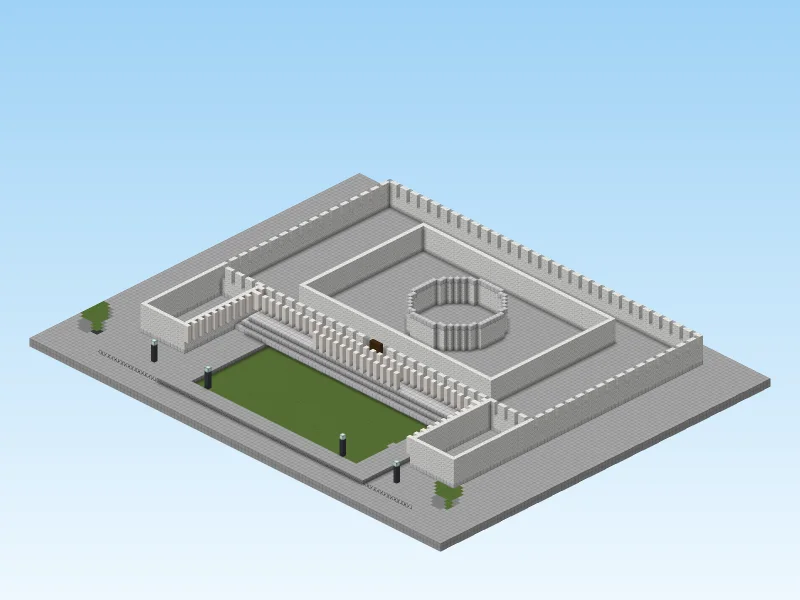
Layer 8 of 28 (706 blocks)
- Calcite483
- Light Gray Stained Glass94
- Block of Quartz70
- Polished Diorite56
- Dark Oak Planks3
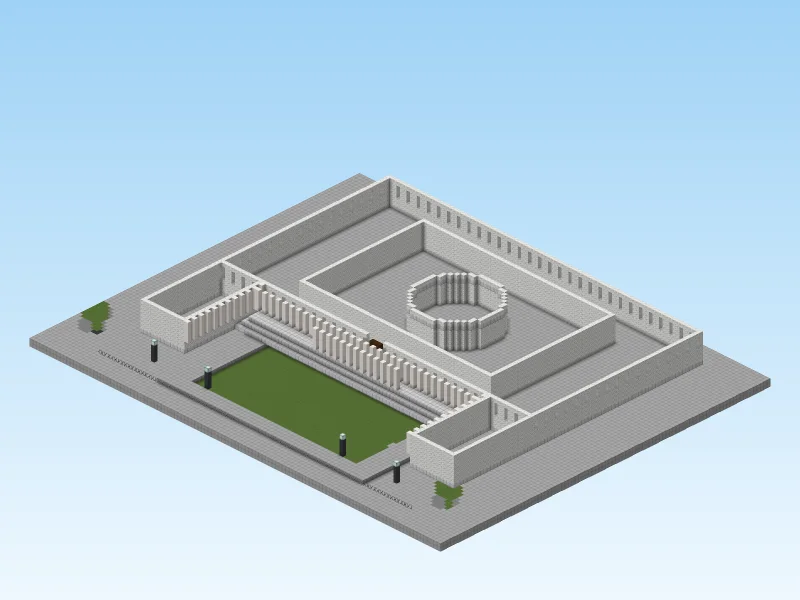
Layer 9 of 28 (703 blocks)
- Calcite633
- Block of Quartz70
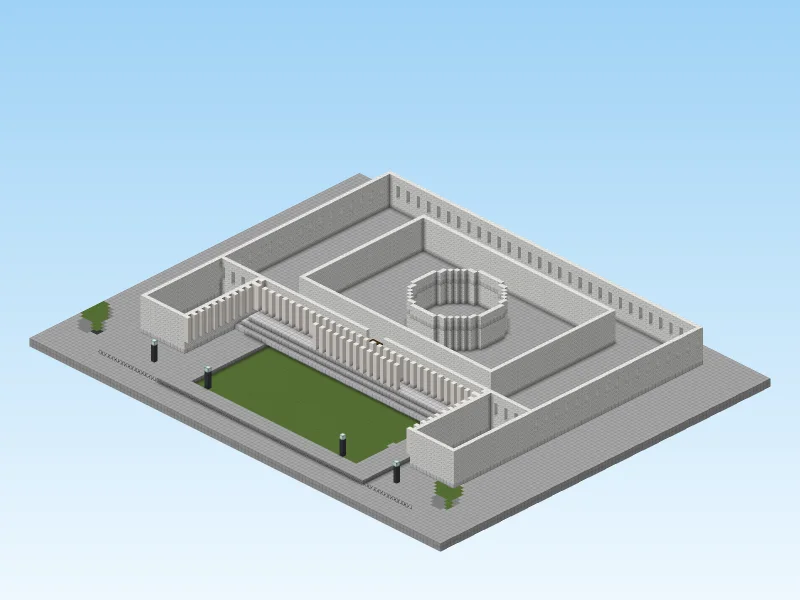
Layer 10 of 28 (703 blocks)
- Calcite633
- Block of Quartz70
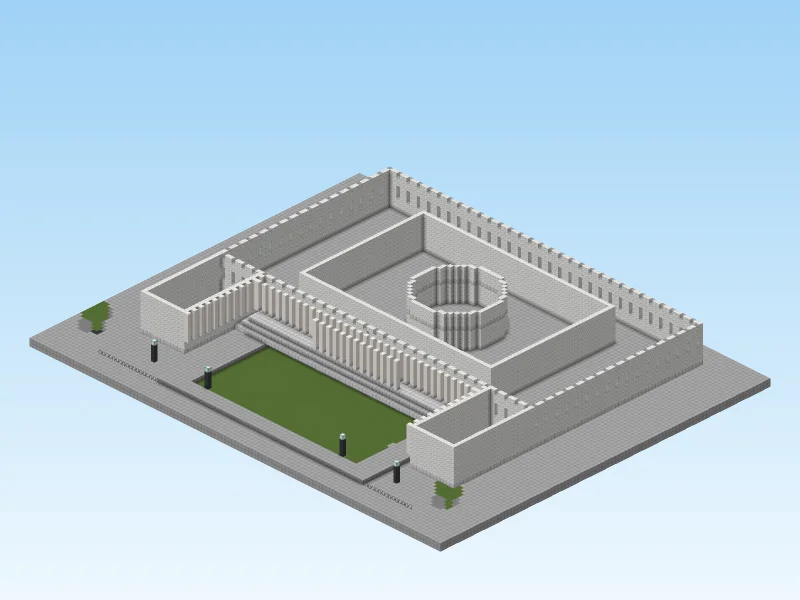
Layer 11 of 28 (708 blocks)
- Calcite543
- Light Gray Stained Glass95
- Block of Quartz70

Layer 12 of 28 (708 blocks)
- Calcite543
- Light Gray Stained Glass95
- Block of Quartz70

Layer 13 of 28 (708 blocks)
- Calcite638
- Block of Quartz70
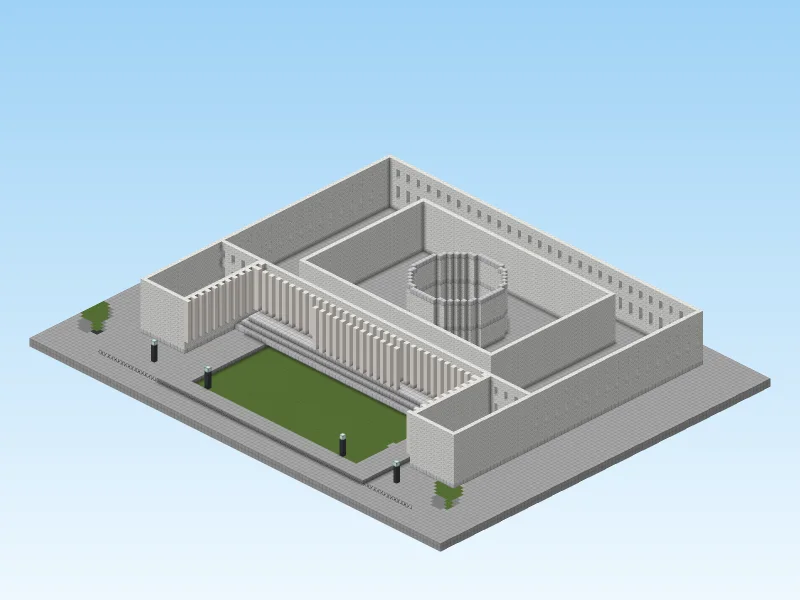
Layer 14 of 28 (708 blocks)
- Calcite582
- Block of Quartz70
- Polished Diorite56
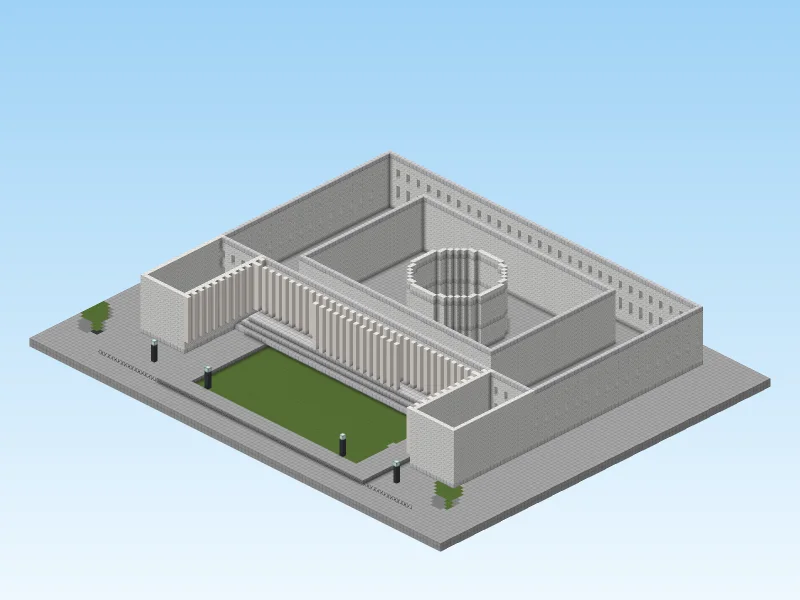
Layer 15 of 28 (708 blocks)
- Polished Diorite464
- Calcite174
- Block of Quartz70
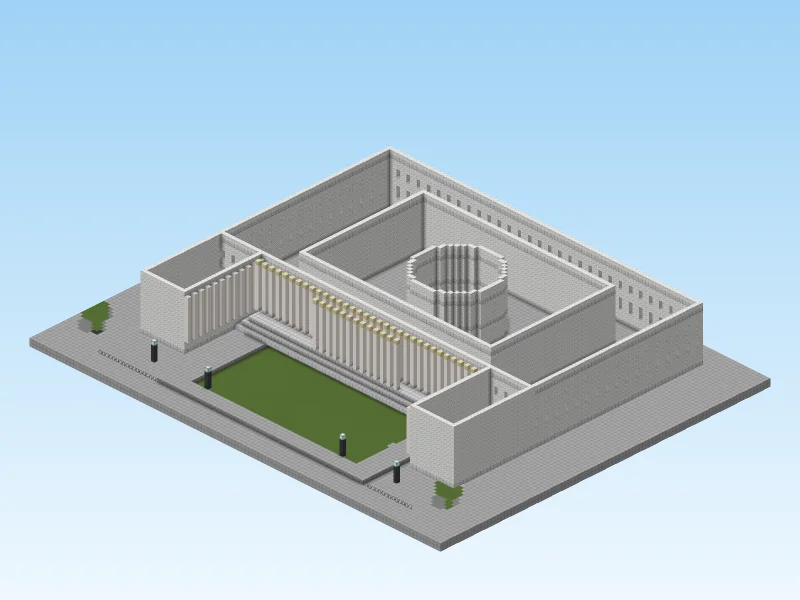
Layer 16 of 28 (684 blocks)
- Calcite638
- Chiseled Sandstone46
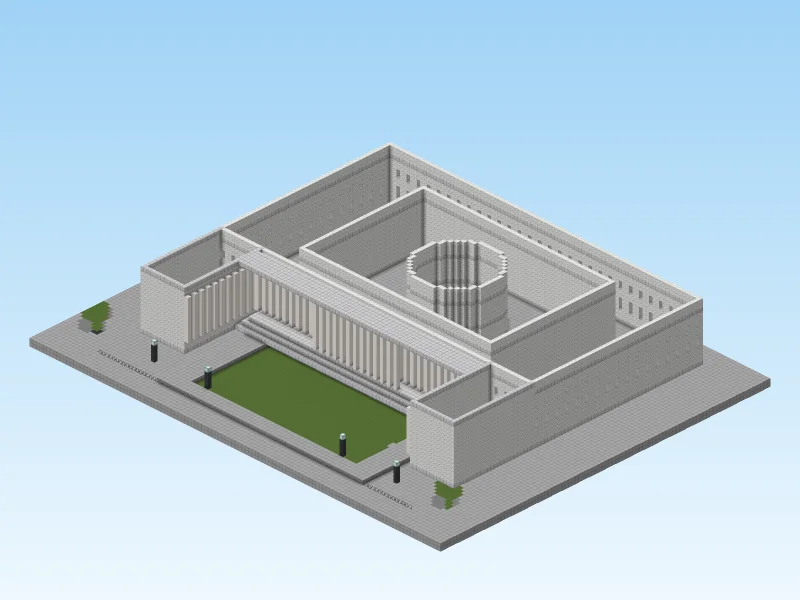
Layer 17 of 28 (1040 blocks)
- Calcite520
- Polished Diorite520
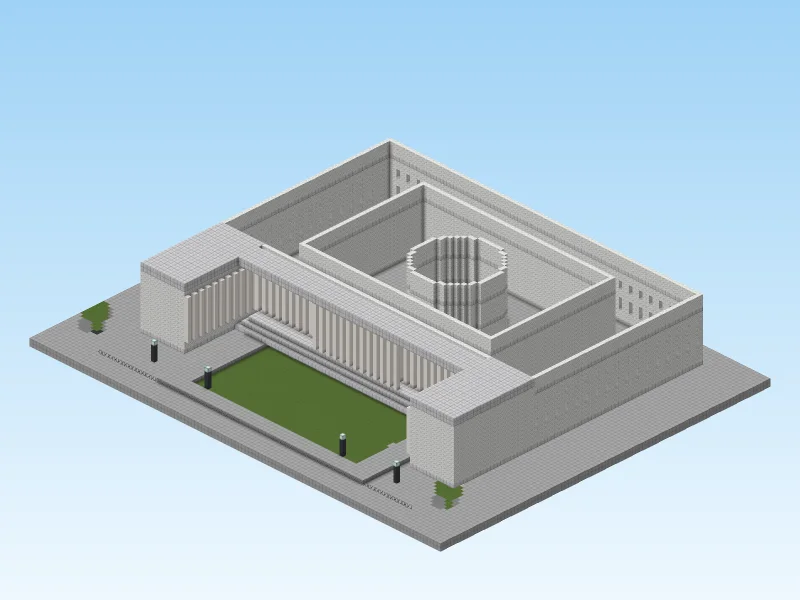
Layer 18 of 28 (1524 blocks)
- Polished Diorite1026
- Calcite498
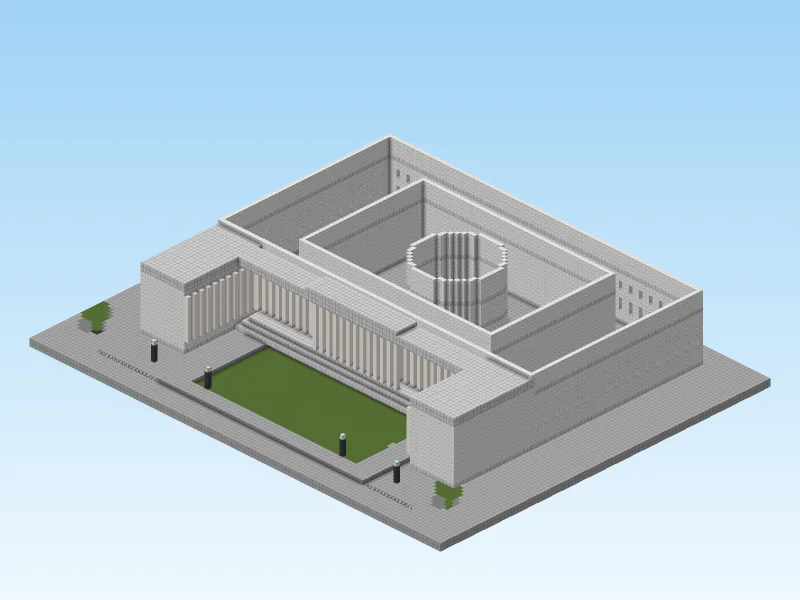
Layer 19 of 28 (686 blocks)
- Calcite524
- Polished Diorite162
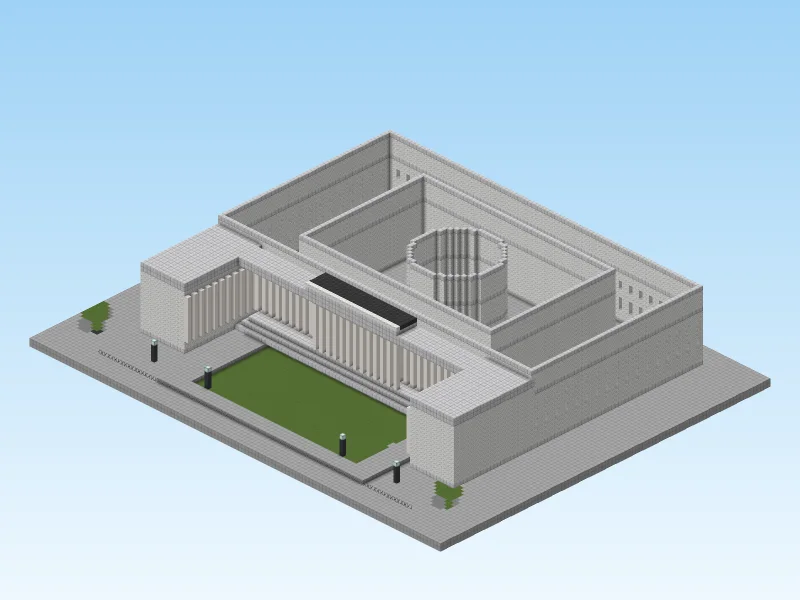
Layer 20 of 28 (686 blocks)
- Polished Diorite524
- Deepslate Tile Stairs135
- Calcite27
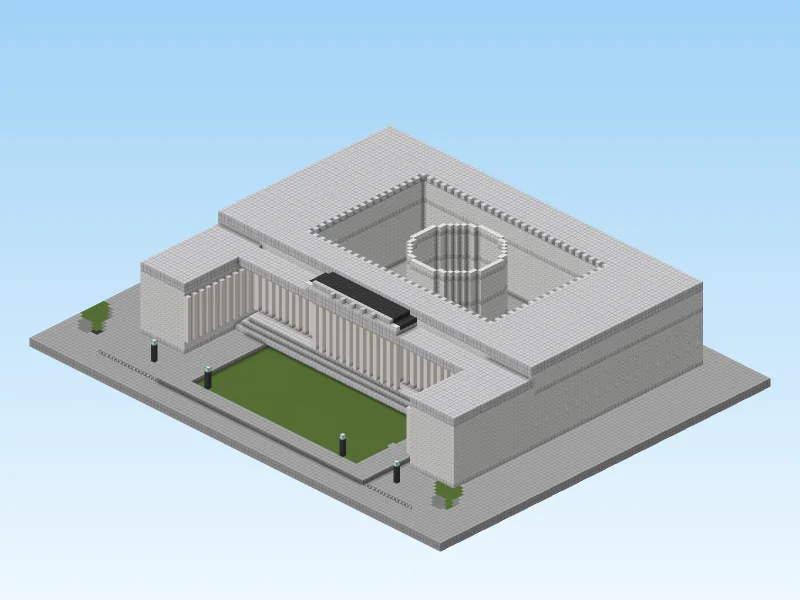
Layer 21 of 28 (3193 blocks)
- Polished Diorite2846
- Deepslate Tile Stairs115
- White Concrete88
- Light Gray Stained Glass88
- Calcite56
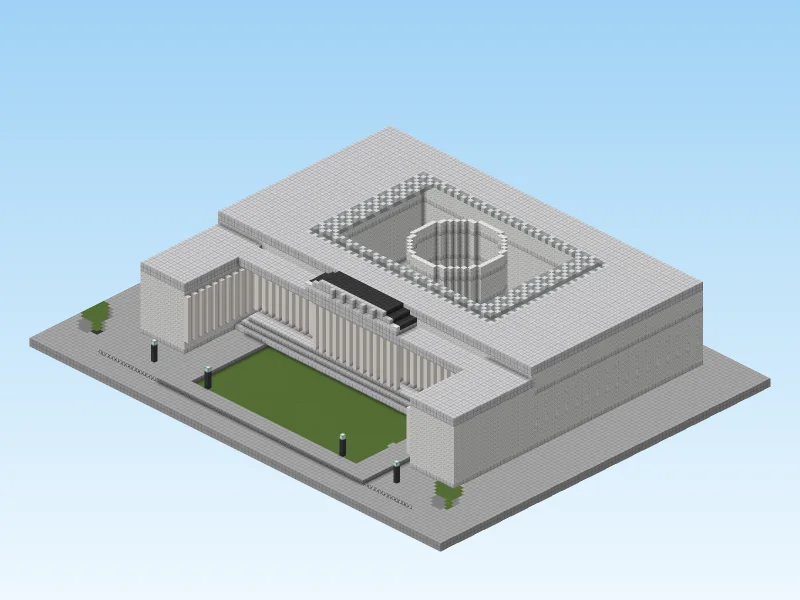
Layer 22 of 28 (677 blocks)
- Light Gray Stained Glass322
- White Concrete180
- Deepslate Tile Stairs95
- Calcite56
- Polished Diorite24
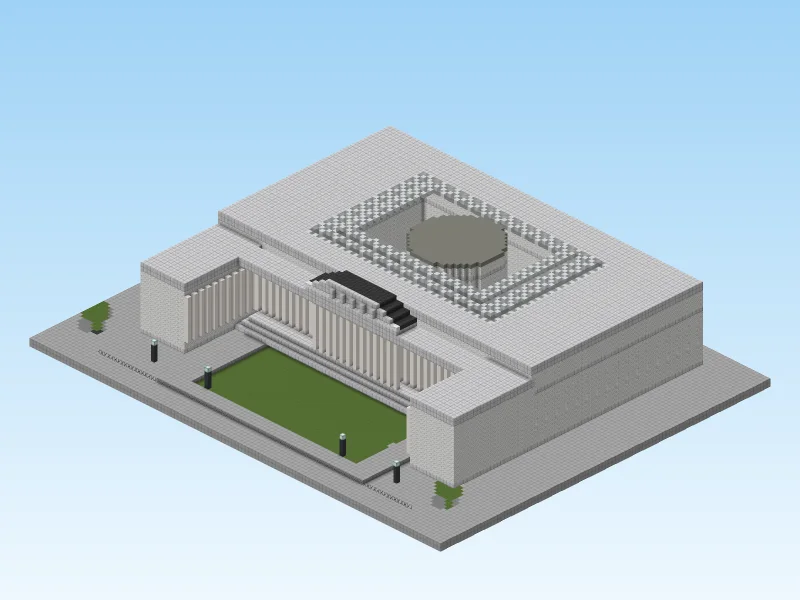
Layer 23 of 28 (835 blocks)
- Light Gray Concrete349
- Light Gray Stained Glass252
- White Concrete144
- Deepslate Tile Stairs75
- Polished Diorite15
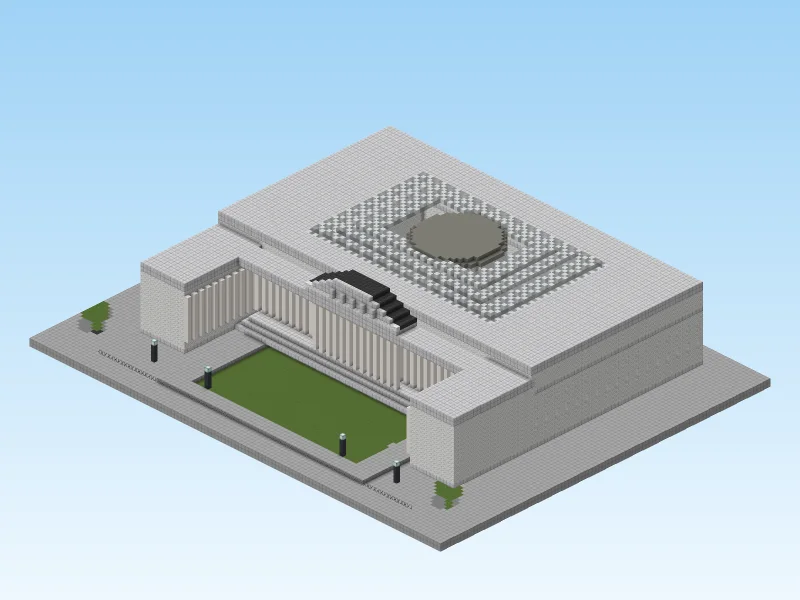
Layer 24 of 28 (715 blocks)
- Light Gray Concrete293
- Light Gray Stained Glass222
- White Concrete134
- Deepslate Tile Stairs55
- Polished Diorite11
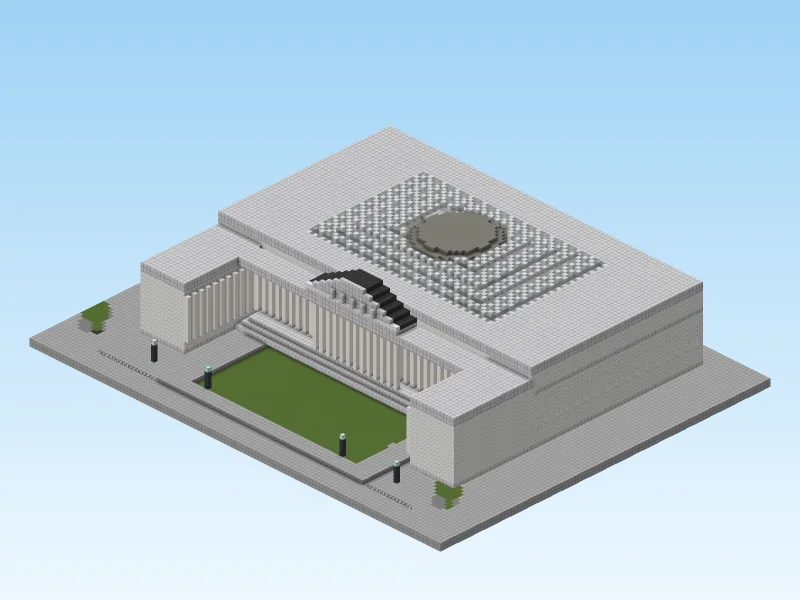
Layer 25 of 28 (385 blocks)
- Light Gray Concrete213
- Light Gray Stained Glass80
- White Concrete50
- Deepslate Tile Stairs35
- Polished Diorite7

Layer 26 of 28 (171 blocks)
- Light Gray Concrete137
- Deepslate Tile Stairs15
- Light Gray Stained Glass12
- White Concrete4
- Polished Diorite3
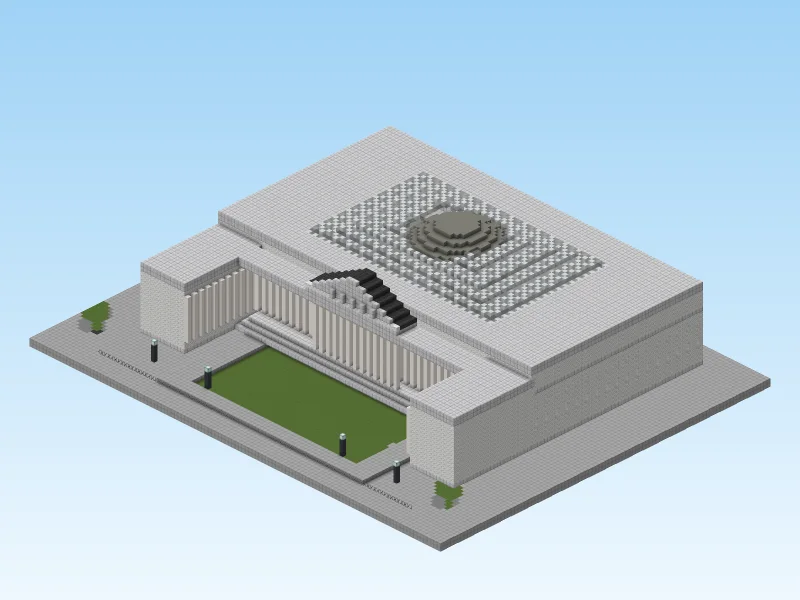
Layer 27 of 28 (69 blocks)
- Light Gray Concrete69
Layer 28 of 28 (13 blocks)
- Light Gray Stained Glass13
Simplified blueprint: stairs and slabs are partly shown as full blocks, animals and plants as small squares. Tip: use the arrow keys ← → to switch layers.
Step-by-step guide
Main block
Build a rectangular block, 93 × 51 blocks and 19 high, of calcite with cornices of polished diorite. Leave a large courtyard open inside.
Side wings
On the left and right, two wings project 24 blocks forward. Quartz columns face the forecourt.
Steps and colonnade
Three wide steps lead up at the front. On them stand quartz columns, one every 2 blocks, 11 high, with capitals of chiseled sandstone. In the middle there are two rows, one behind the other.
Pediment
A large triangular pediment with figures of polished diorite goes above the middle.
Reading Room
In the middle of the courtyard, build a round tower, 21 blocks wide and 20 high, with a flat dome.
Glass roof
Span an arched roof of light gray glass with white struts in a diamond pattern over the whole courtyard. It rises towards the Reading Room.
Forecourt
In front of the museum there's a lawn with paths, a fence and street lamps.
Pro tips
- Build the basic shape from cheap blocks like dirt or cobblestone first and swap them out afterwards. That way you see early on whether the proportions are right.
- The columns are always the same distance apart – place all the bases first and then the columns on top.
- In creative mode the /fill command is much faster: it fills whole walls and areas at once.
Variations
- Put statues and display cases in the courtyard.
- Sea lanterns under the glass roof make the Great Court bright at night.


