Castle Boarding School by the Lake
- DifficultyHard
- Size68 × 88 blocks, 53 tall
- Build timeabout 12 hours
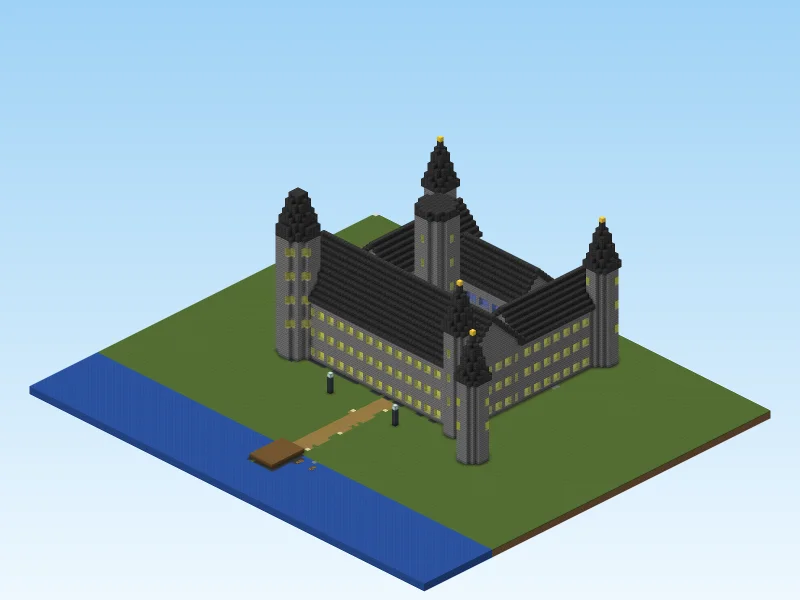
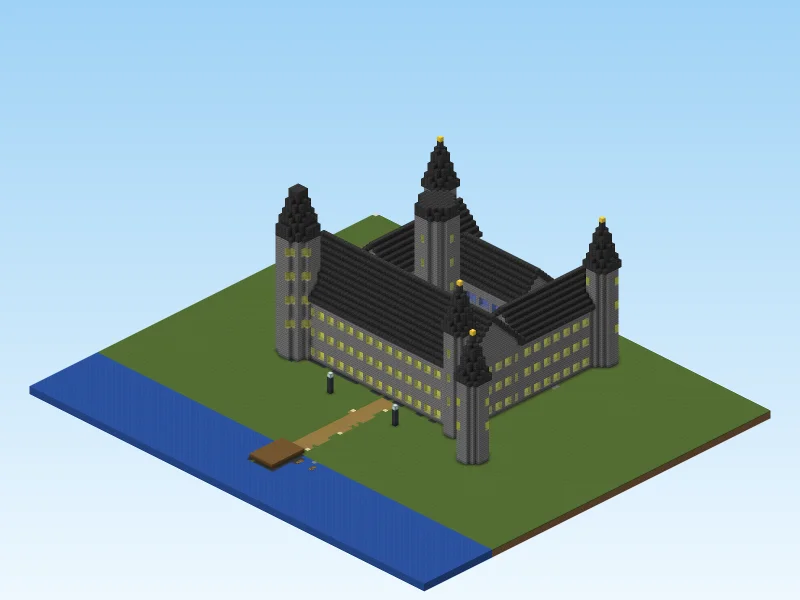
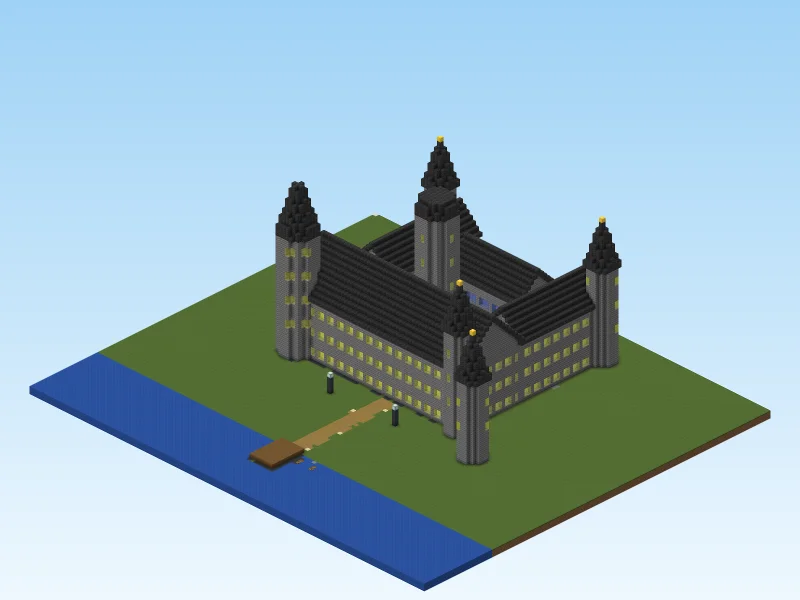
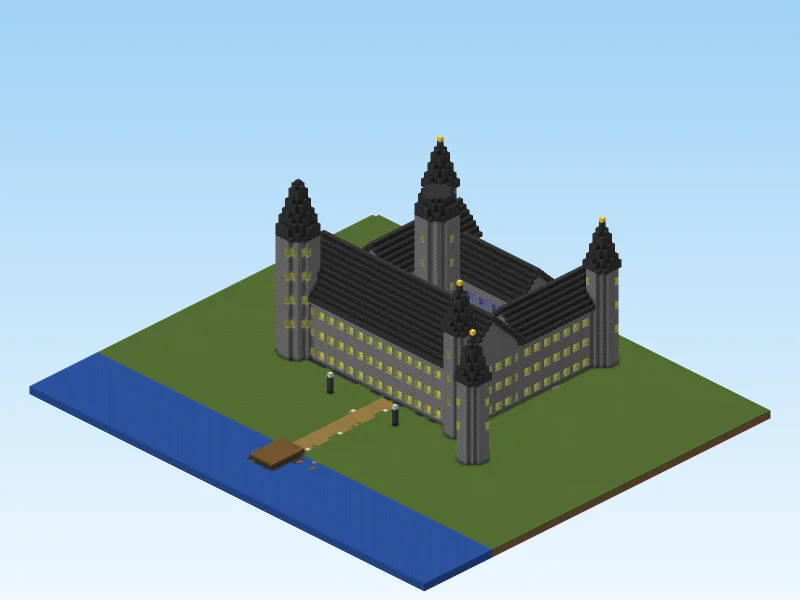
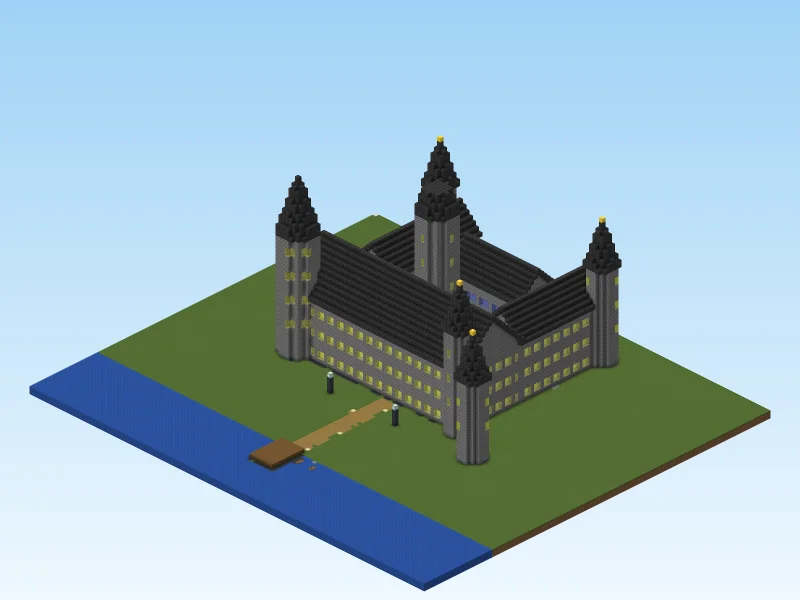
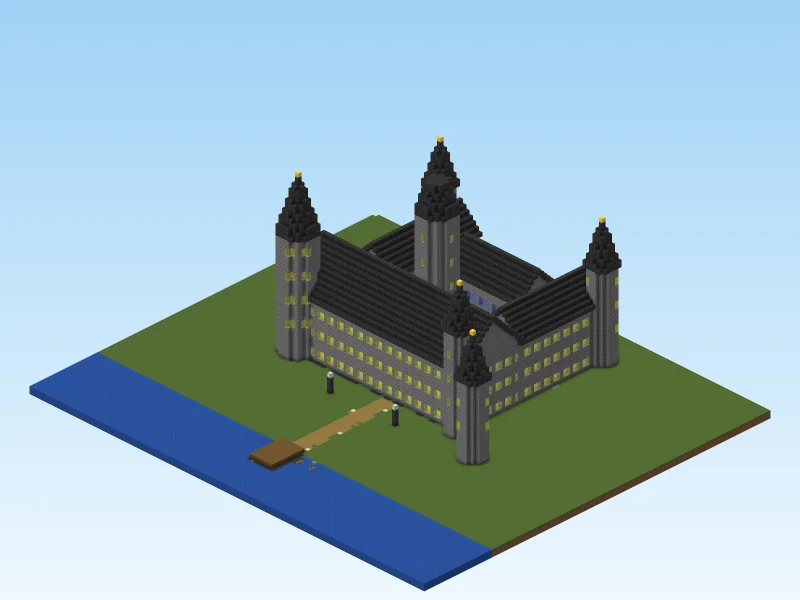
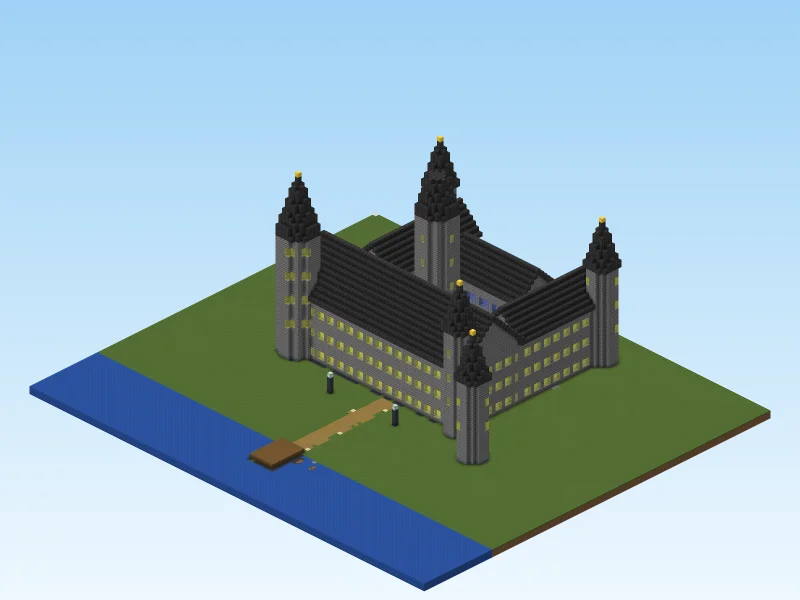
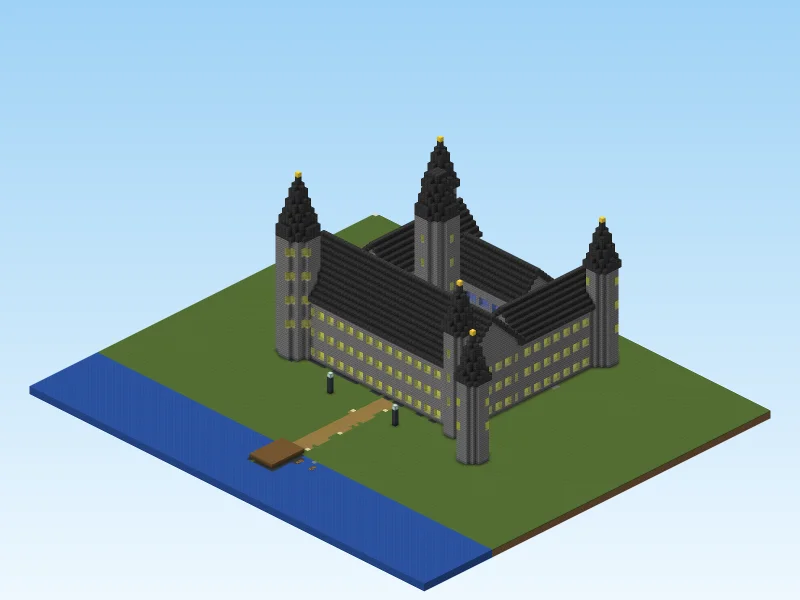
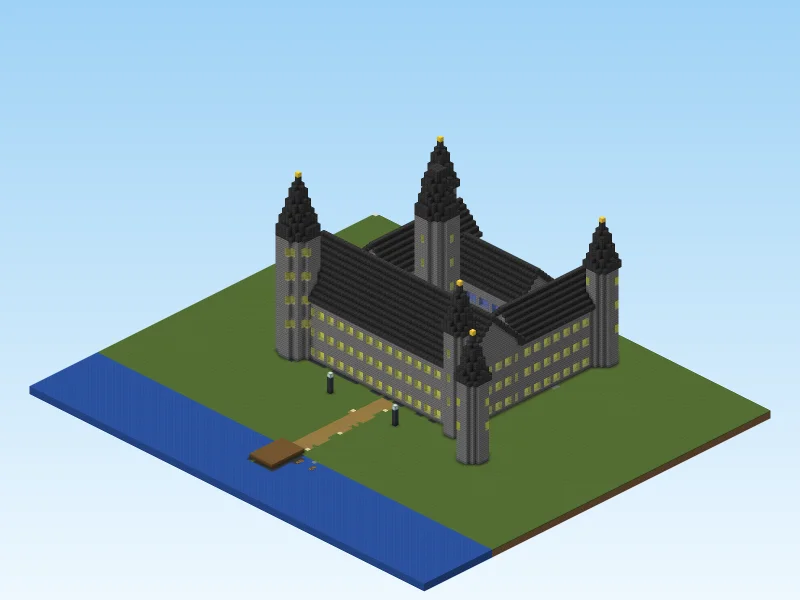
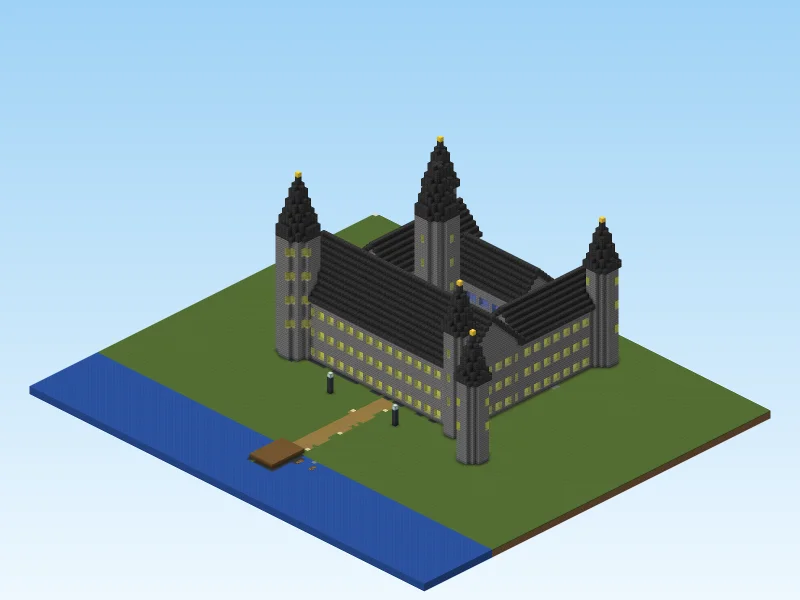
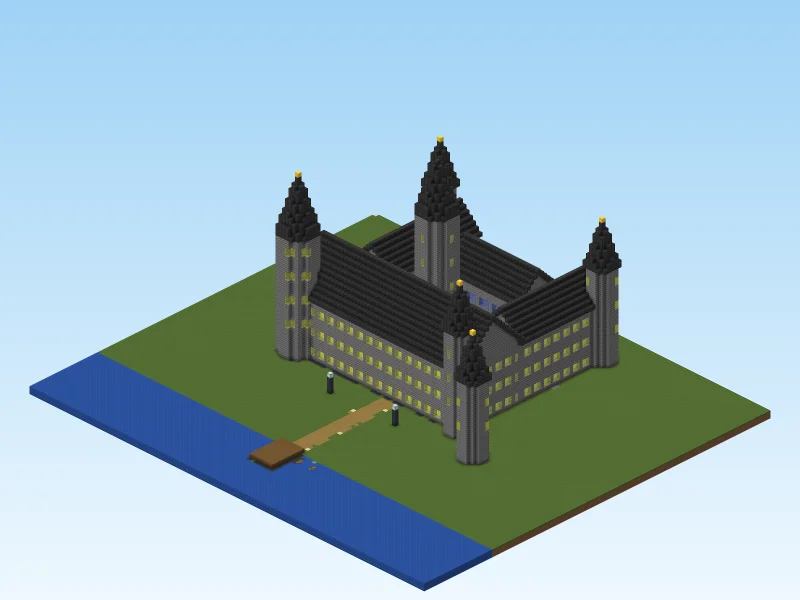
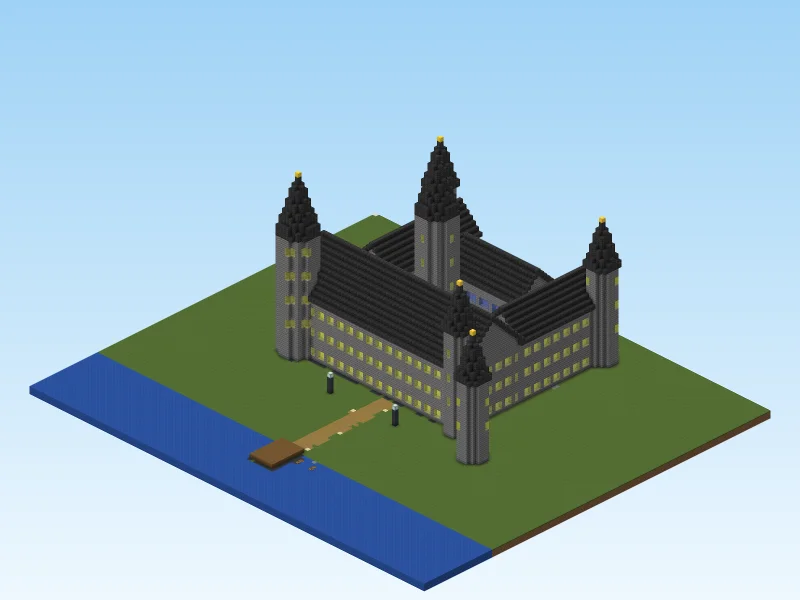
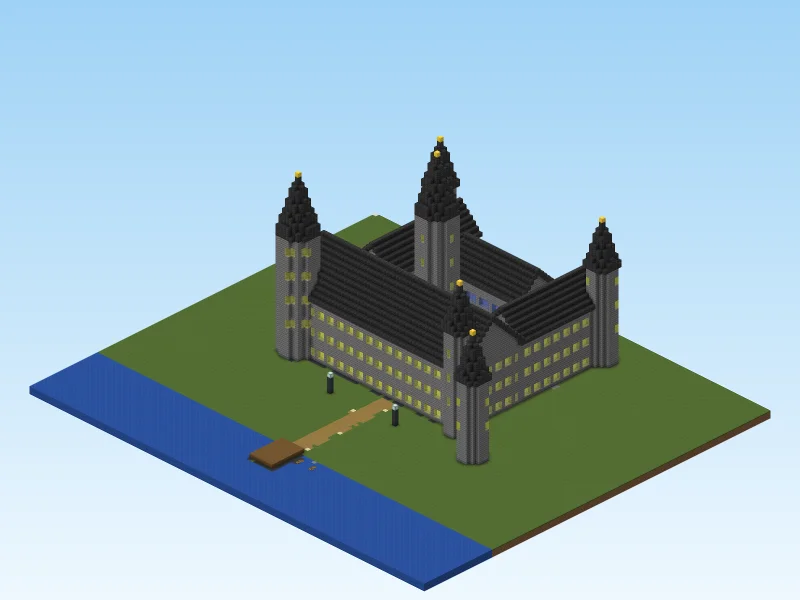
A school straight out of a fantasy book: a stone brick castle with pointed towers right on a lake. In the evening the yellow windows glow across the water.
The main building with its great hall and two wings form a courtyard, with the chapel and its blue windows in between. Six round towers with dark spires and golden tips rise into the sky. A path leads from the gate down to the boat dock.

🔍 Click on parts
Tap any part of the build in the 3D model – a lamp, a tree, a bench next to the house – and you’ll see exactly how to build that part, with its materials and a layer-by-layer plan.
🧊 Build it as a hologram in Minecraft Bedrock (HoloPrint)
Download this build idea as a .mcstructure file – it is made right from the blueprint below. The HoloPrint website turns it into a pack that places the build as a see-through hologram in your world – you just fill in the blocks.
- Tap the button above – the file castle-boarding-school.mcstructure is downloaded.
- Open the HoloPrint website.
- Upload the file there.
- Create your build template texture pack.
- Download the .mcpack file.
- Open it with Minecraft and activate the pack in your world.
- Place an armor stand – the build template appears there. Tip: put it exactly where the build should stand.
Works with Minecraft Bedrock (phone, tablet, console, Windows). HoloPrint is a free fan project, not made by Blockwerk. Animals, boats, minecarts and paintings from the blueprint are not in the file – add them yourself at the end.
Layer-by-layer blueprint
Click through from bottom to top. Every square is one block, the front is at the bottom. Gray shows the layer below. 53 layers, area in the plan: 68 × 88 blocks.
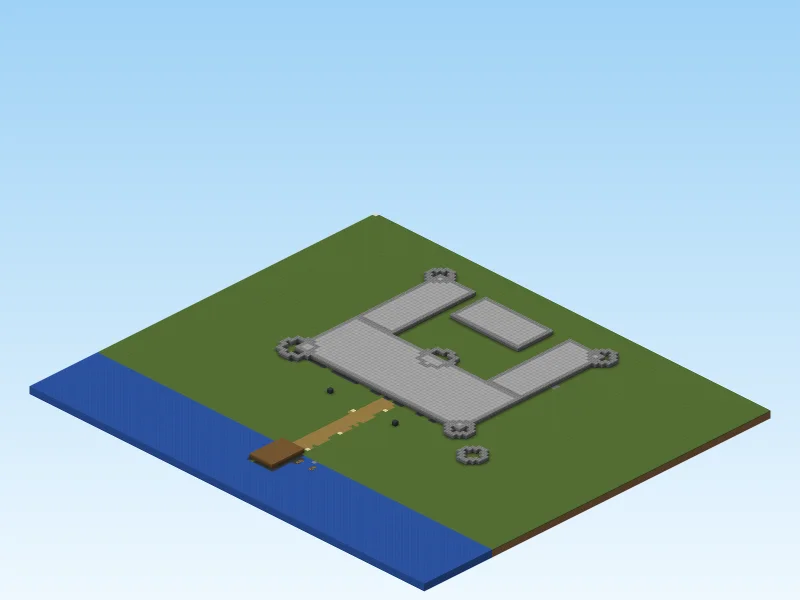
Layer 1 of 53 (1961 blocks)
- Smooth Stone1399
- Stone Bricks356
- Cobblestone130
- Spruce Planks70
- Boat4
- Gray Concrete2
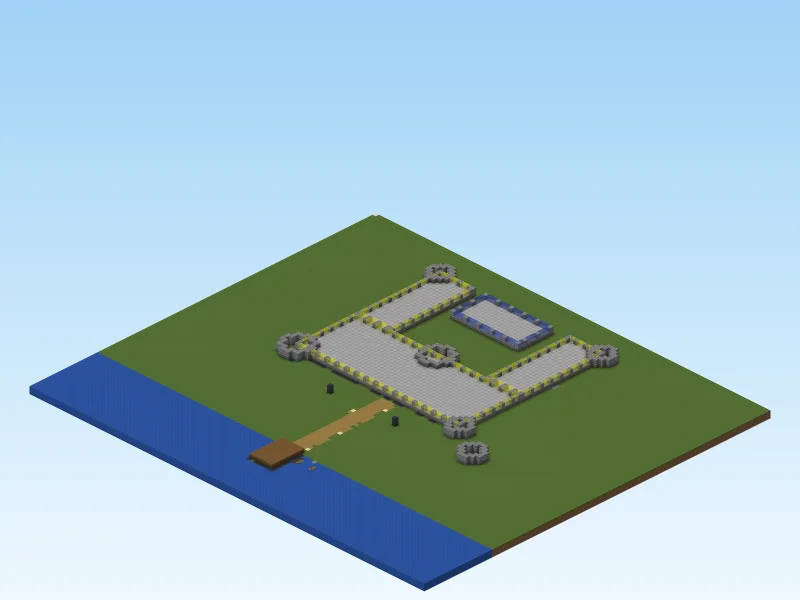
Layer 2 of 53 (488 blocks)
- Stone Bricks273
- Yellow Stained Glass169
- Blue Stained Glass44
- Gray Concrete2
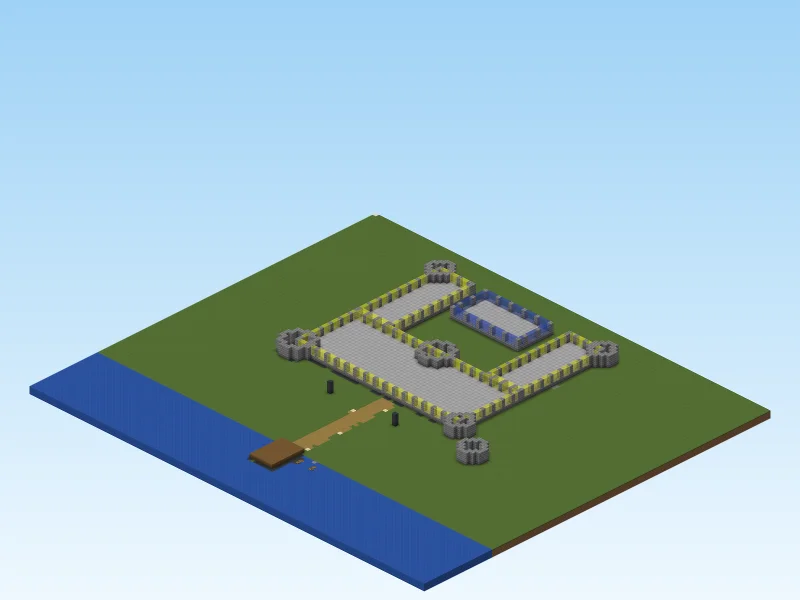
Layer 3 of 53 (488 blocks)
- Stone Bricks273
- Yellow Stained Glass169
- Blue Stained Glass44
- Gray Concrete2
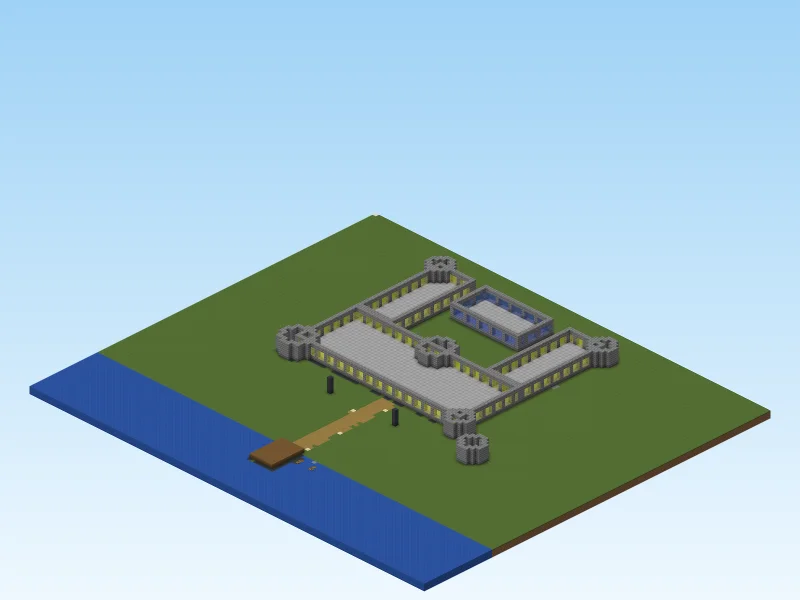
Layer 4 of 53 (488 blocks)
- Stone Bricks486
- Gray Concrete2
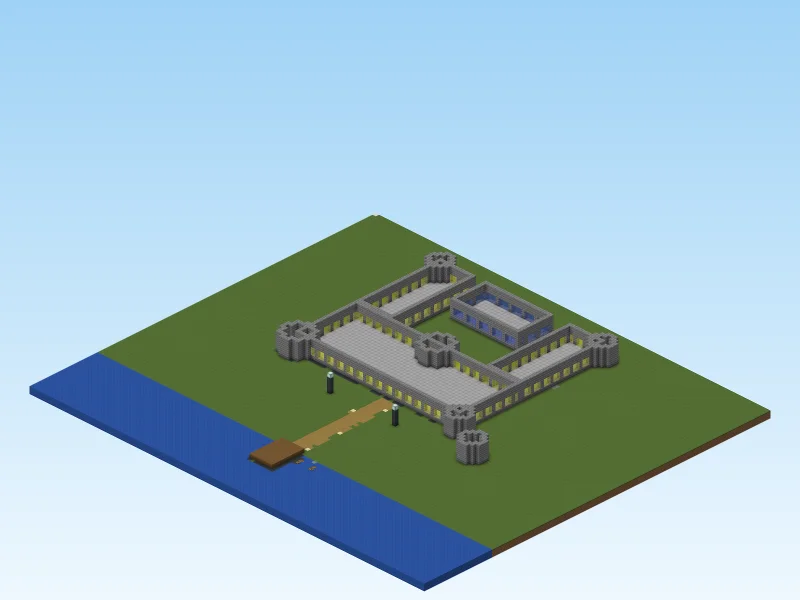
Layer 5 of 53 (488 blocks)
- Stone Bricks486
- Sea Lantern2
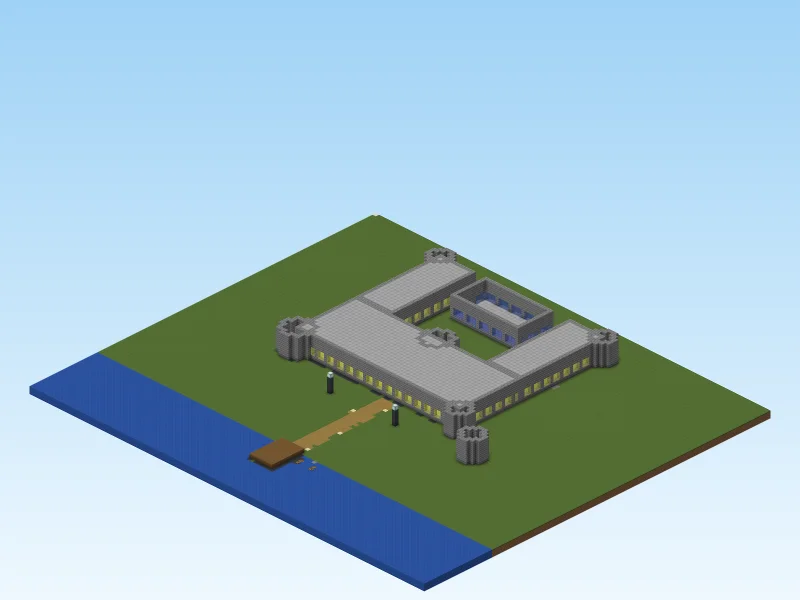
Layer 6 of 53 (1714 blocks)
- Smooth Stone1228
- Stone Bricks486
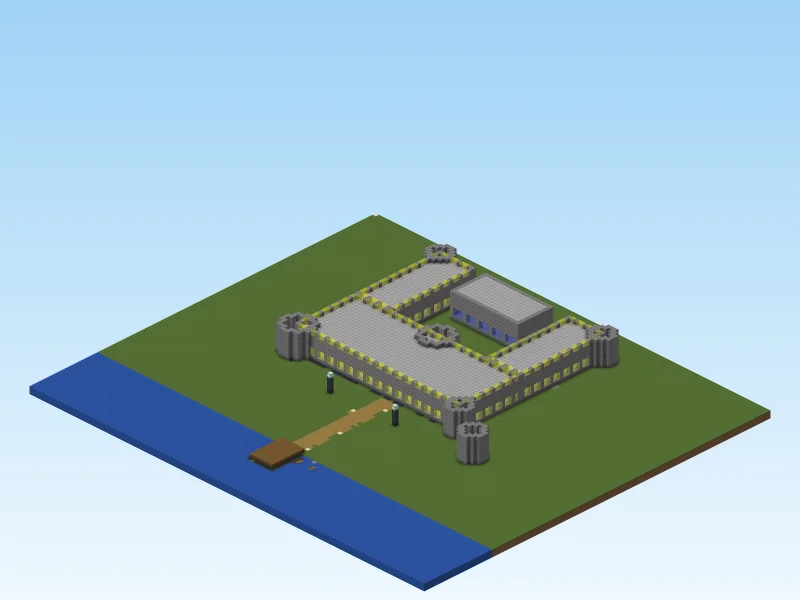
Layer 7 of 53 (657 blocks)
- Stone Bricks317
- Smooth Stone171
- Yellow Stained Glass169
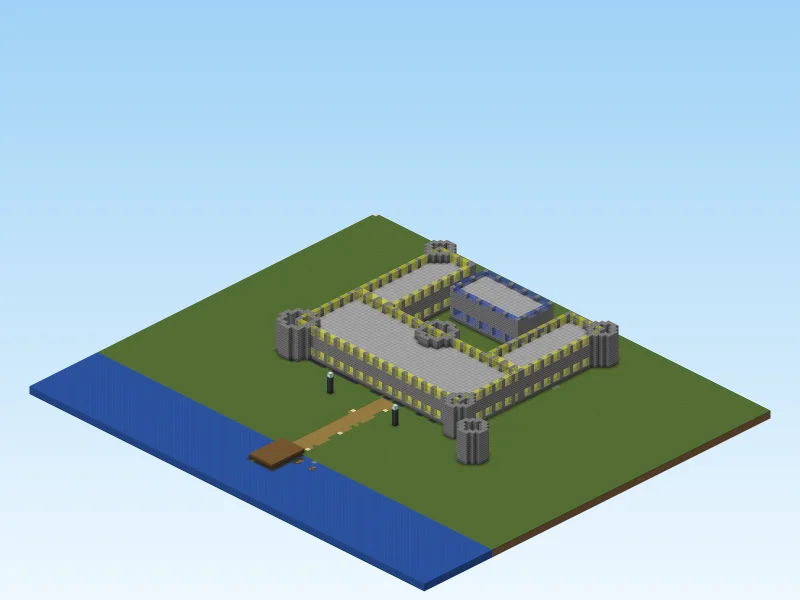
Layer 8 of 53 (486 blocks)
- Stone Bricks273
- Yellow Stained Glass169
- Blue Stained Glass44
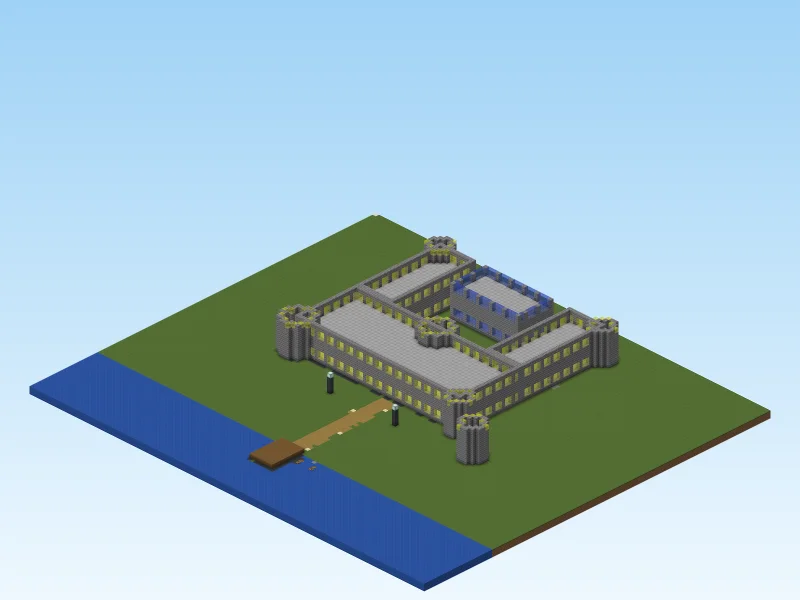
Layer 9 of 53 (486 blocks)
- Stone Bricks387
- Yellow Stained Glass55
- Blue Stained Glass44
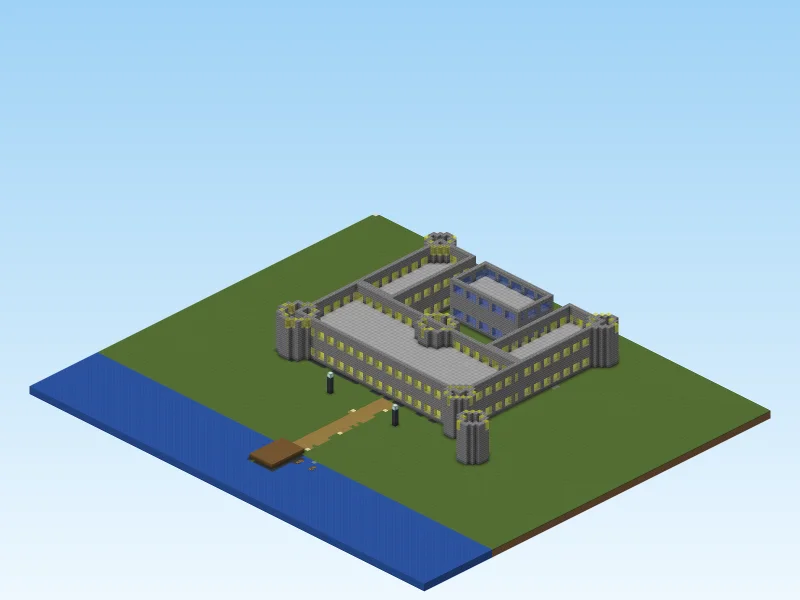
Layer 10 of 53 (486 blocks)
- Stone Bricks431
- Yellow Stained Glass55
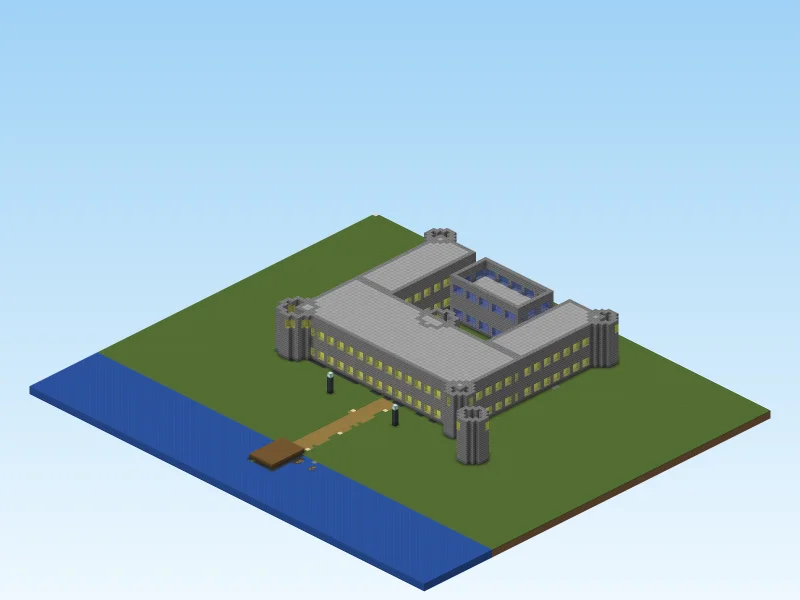
Layer 11 of 53 (1714 blocks)
- Smooth Stone1228
- Stone Bricks486
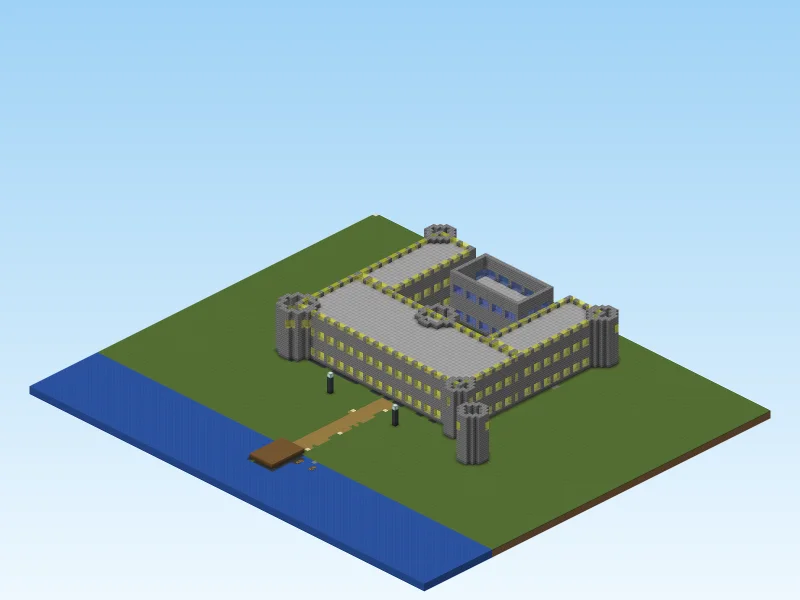
Layer 12 of 53 (486 blocks)
- Stone Bricks317
- Yellow Stained Glass169
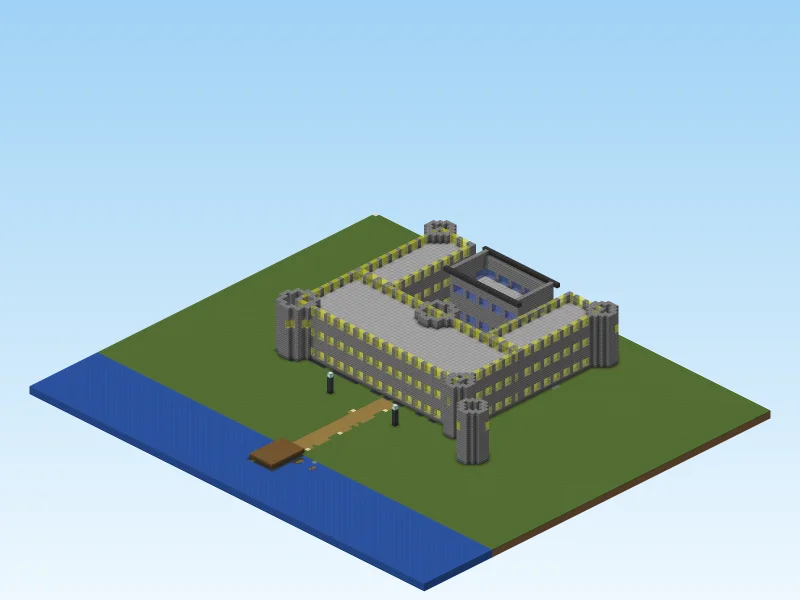
Layer 13 of 53 (494 blocks)
- Stone Bricks279
- Yellow Stained Glass169
- Deepslate Tile Stairs46
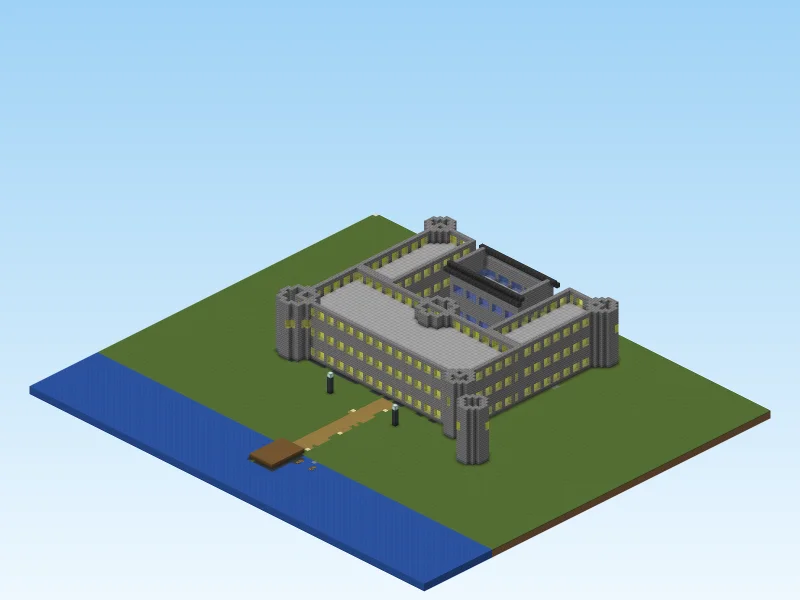
Layer 14 of 53 (490 blocks)
- Stone Bricks444
- Deepslate Tile Stairs46
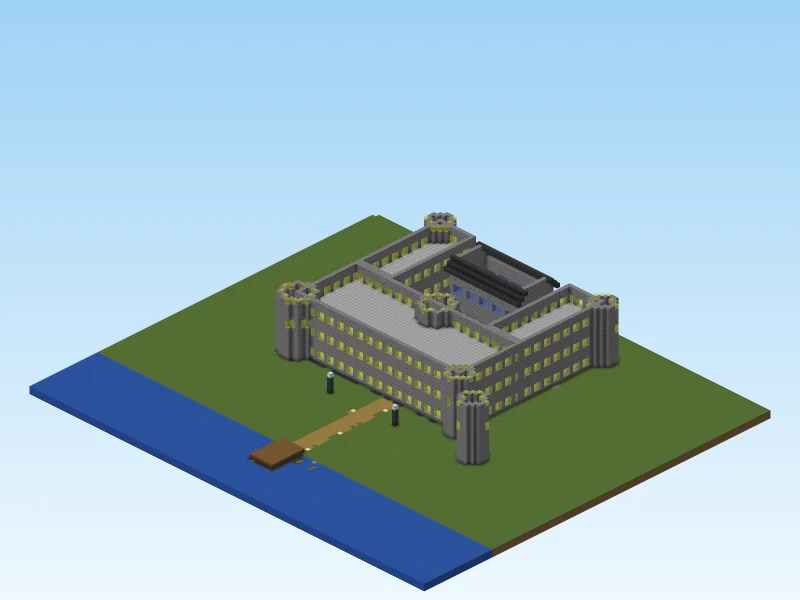
Layer 15 of 53 (486 blocks)
- Stone Bricks385
- Yellow Stained Glass55
- Deepslate Tile Stairs46
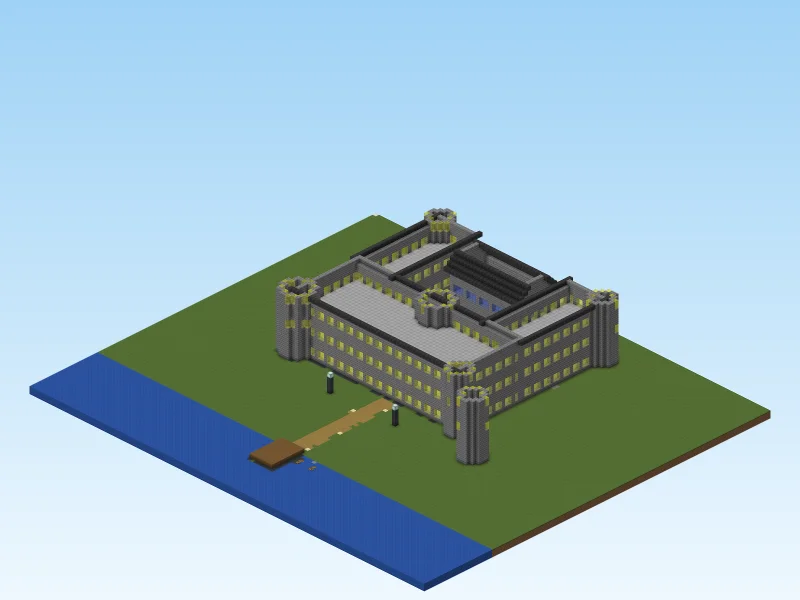
Layer 16 of 53 (474 blocks)
- Deepslate Tile Stairs226
- Stone Bricks193
- Yellow Stained Glass55
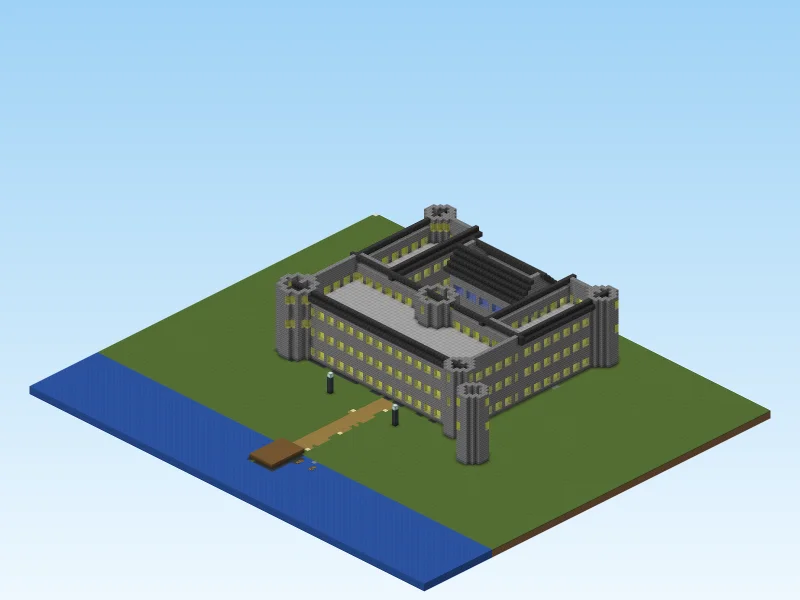
Layer 17 of 53 (486 blocks)
- Deepslate Tile Stairs254
- Stone Bricks232
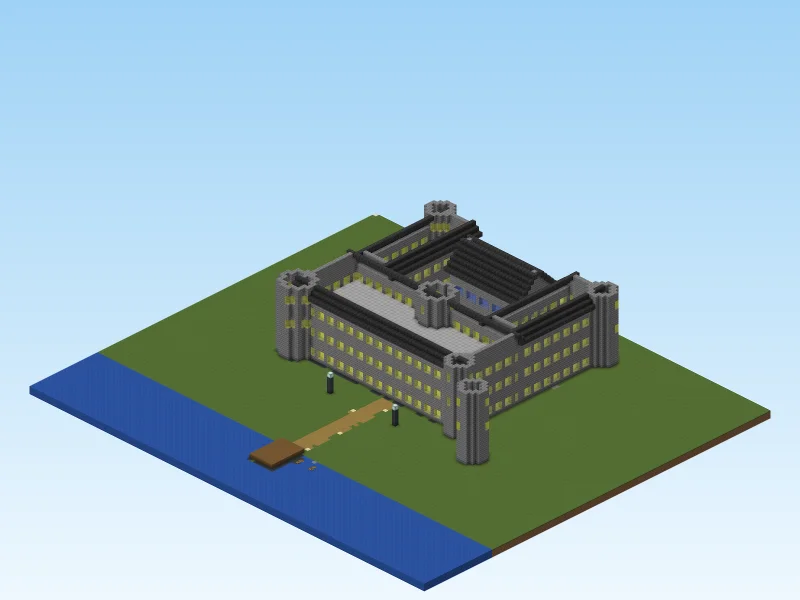
Layer 18 of 53 (468 blocks)
- Deepslate Tile Stairs252
- Stone Bricks216
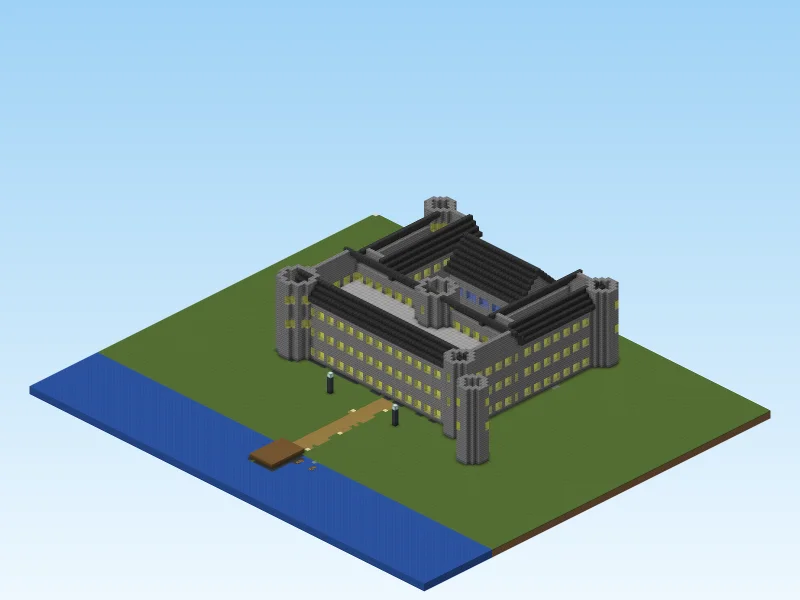
Layer 19 of 53 (431 blocks)
- Deepslate Tile Stairs229
- Stone Bricks202
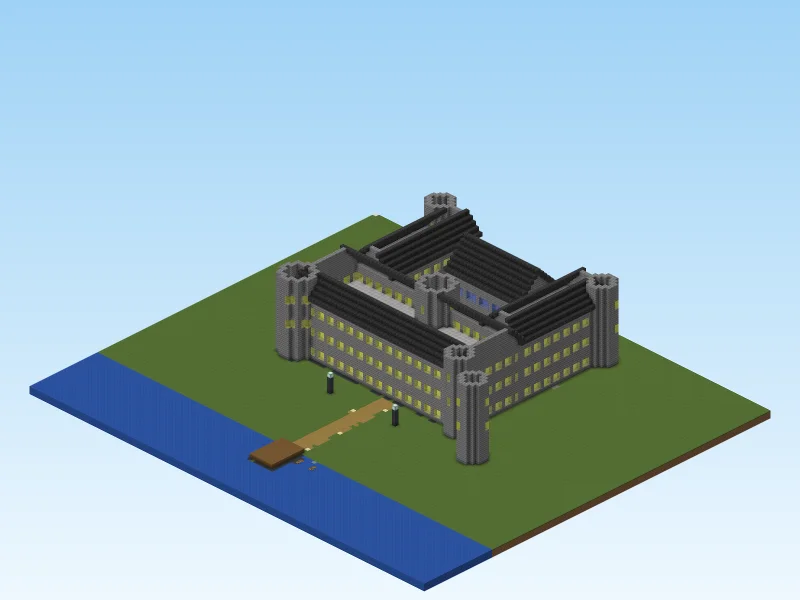
Layer 20 of 53 (392 blocks)
- Deepslate Tile Stairs199
- Stone Bricks193

Layer 21 of 53 (415 blocks)
- Deepslate Tile Stairs257
- Stone Bricks110
- Yellow Stained Glass48
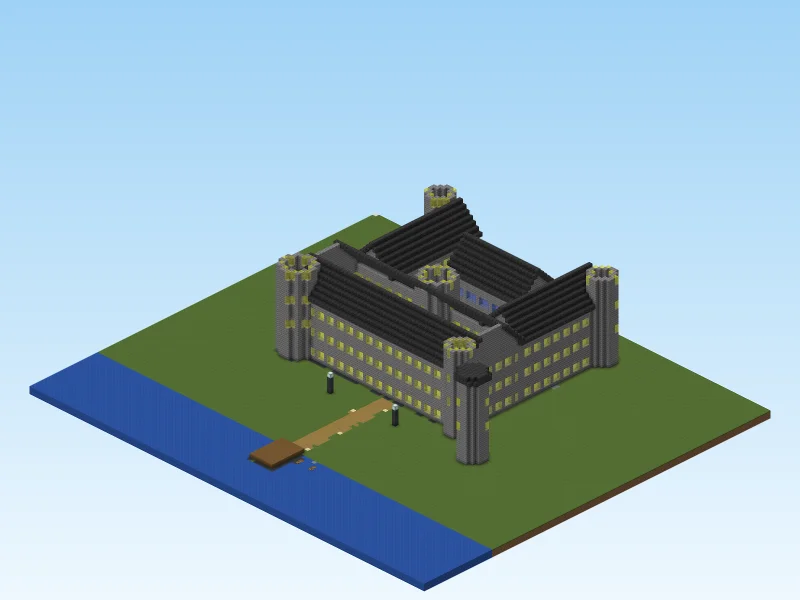
Layer 22 of 53 (349 blocks)
- Deepslate Tile Stairs199
- Stone Bricks102
- Yellow Stained Glass48
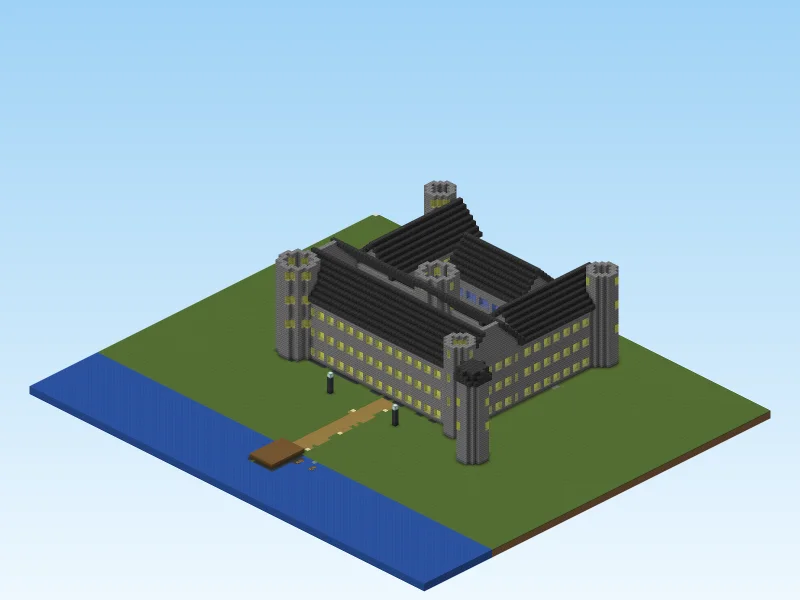
Layer 23 of 53 (281 blocks)
- Stone Bricks146
- Deepslate Tile Stairs135
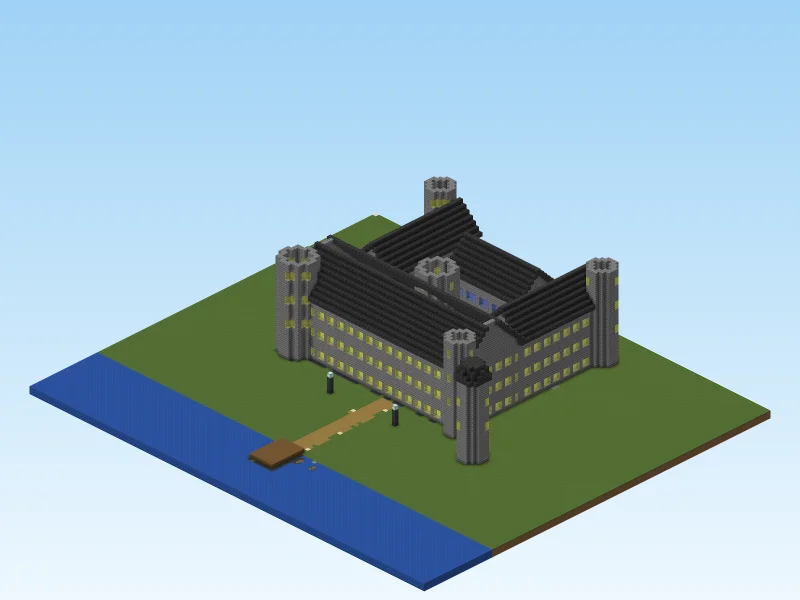
Layer 24 of 53 (269 blocks)
- Stone Bricks142
- Deepslate Tile Stairs127
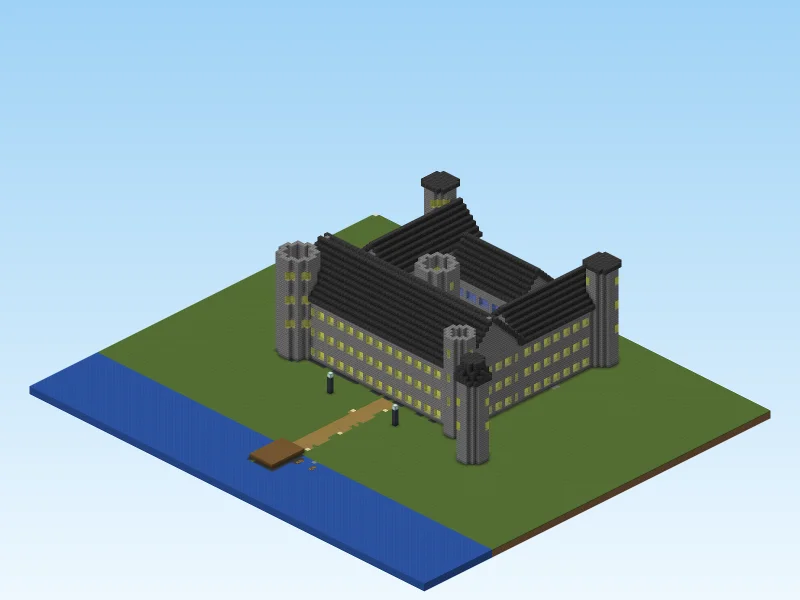
Layer 25 of 53 (307 blocks)
- Deepslate Tile Stairs217
- Stone Bricks90
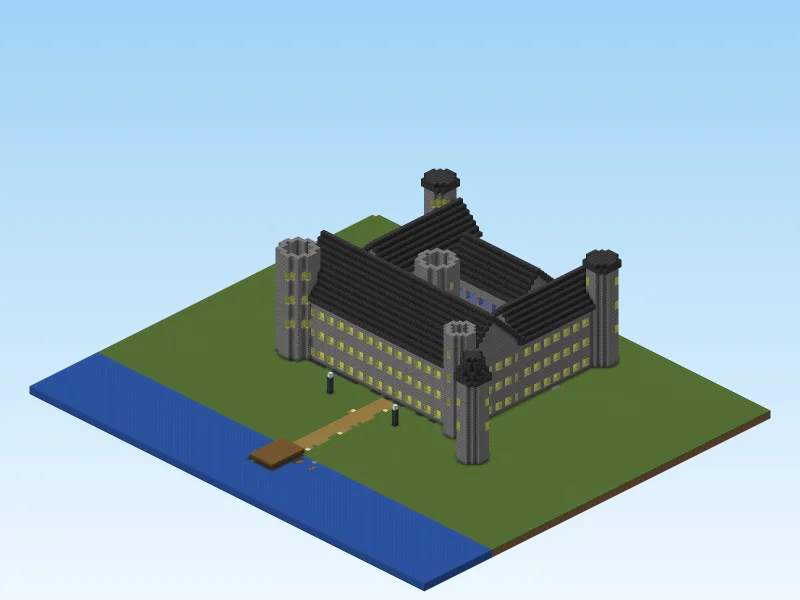
Layer 26 of 53 (228 blocks)
- Deepslate Tile Stairs140
- Stone Bricks88
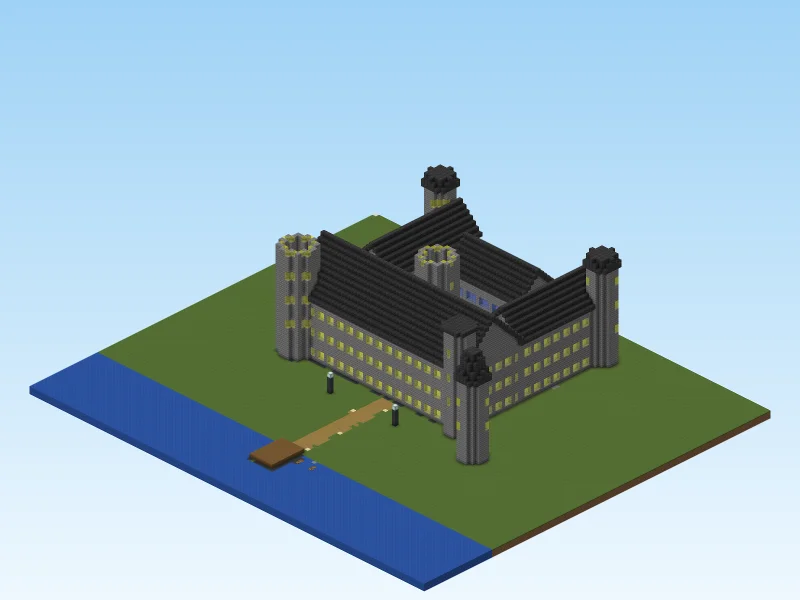
Layer 27 of 53 (176 blocks)
- Deepslate Tile Stairs112
- Stone Bricks40
- Yellow Stained Glass24
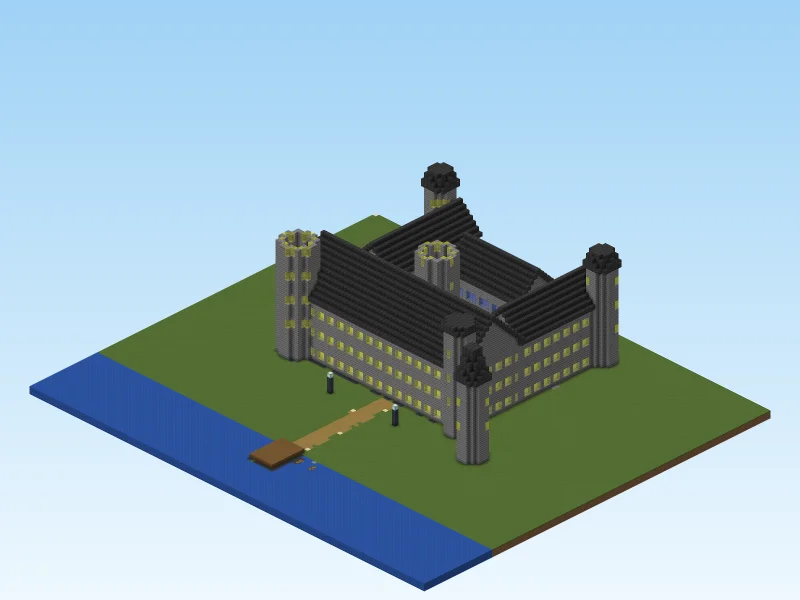
Layer 28 of 53 (152 blocks)
- Deepslate Tile Stairs88
- Stone Bricks40
- Yellow Stained Glass24
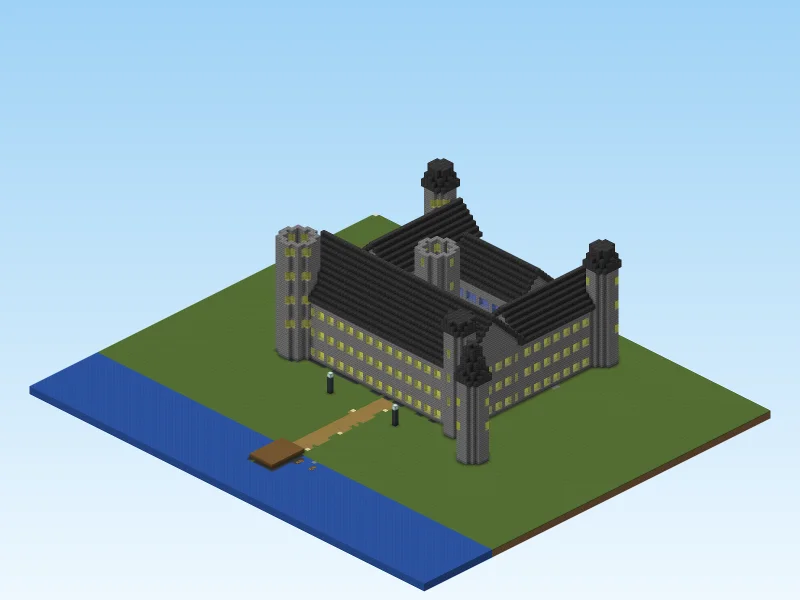
Layer 29 of 53 (140 blocks)
- Deepslate Tile Stairs76
- Stone Bricks64
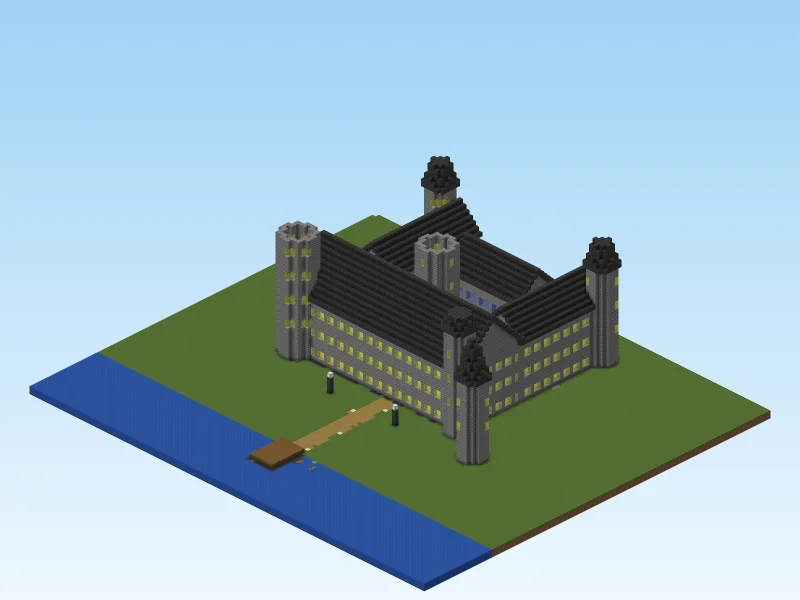
Layer 30 of 53 (112 blocks)
- Stone Bricks64
- Deepslate Tile Stairs48
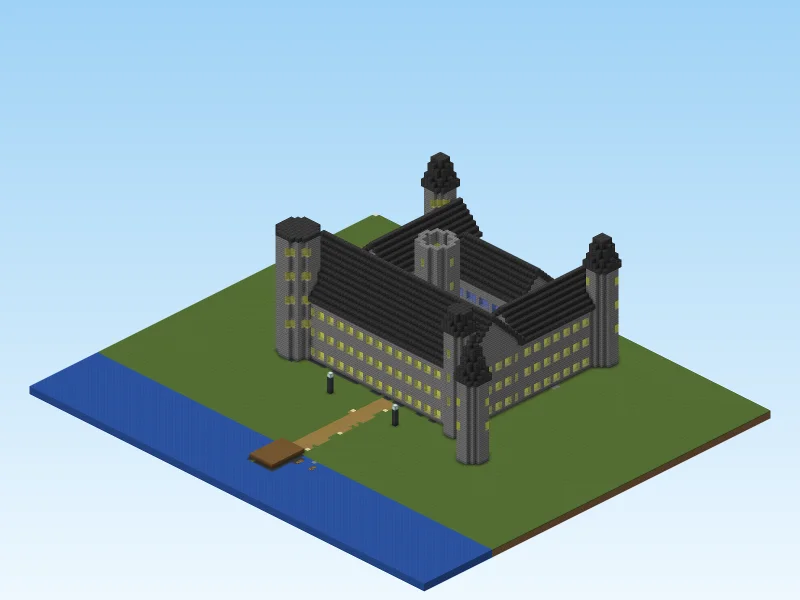
Layer 31 of 53 (141 blocks)
- Deepslate Tile Stairs109
- Stone Bricks32
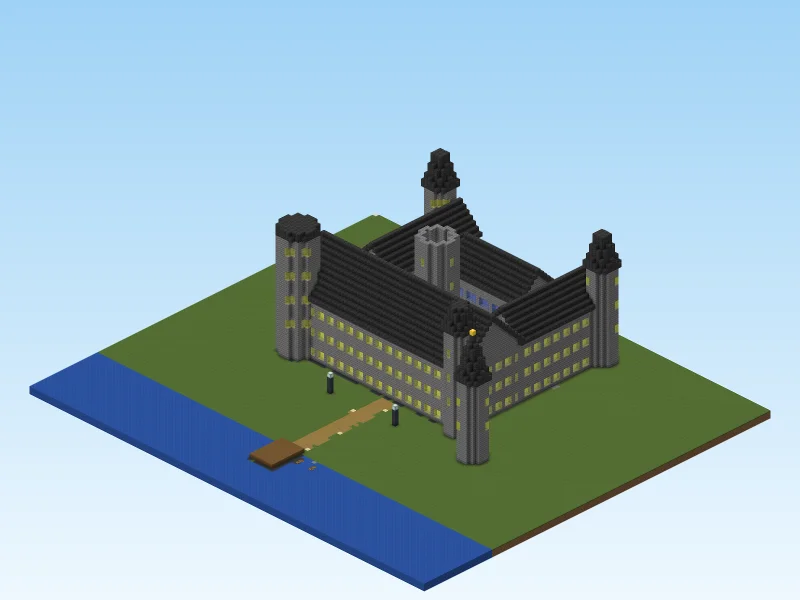
Layer 32 of 53 (125 blocks)
- Deepslate Tile Stairs92
- Stone Bricks32
- Block of Gold1
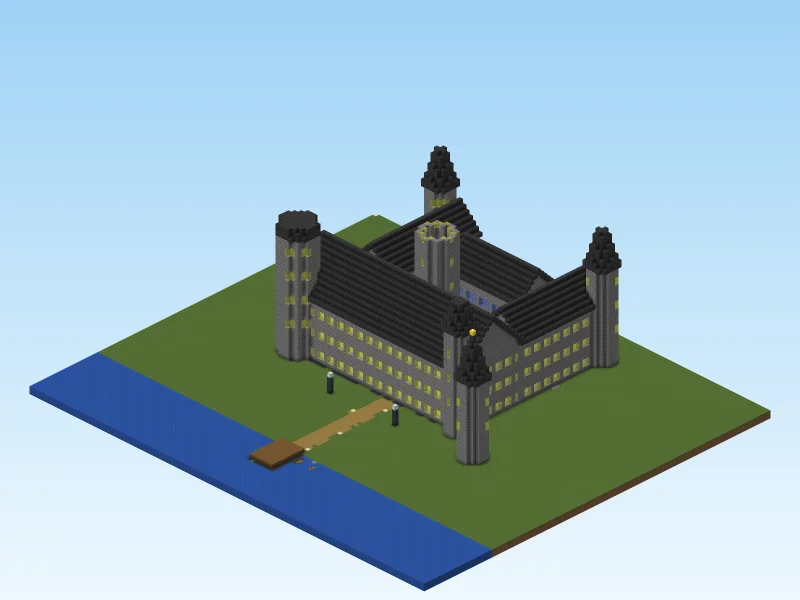
Layer 33 of 53 (108 blocks)
- Deepslate Tile Stairs76
- Stone Bricks20
- Yellow Stained Glass12

Layer 34 of 53 (88 blocks)
- Deepslate Tile Stairs56
- Stone Bricks20
- Yellow Stained Glass12
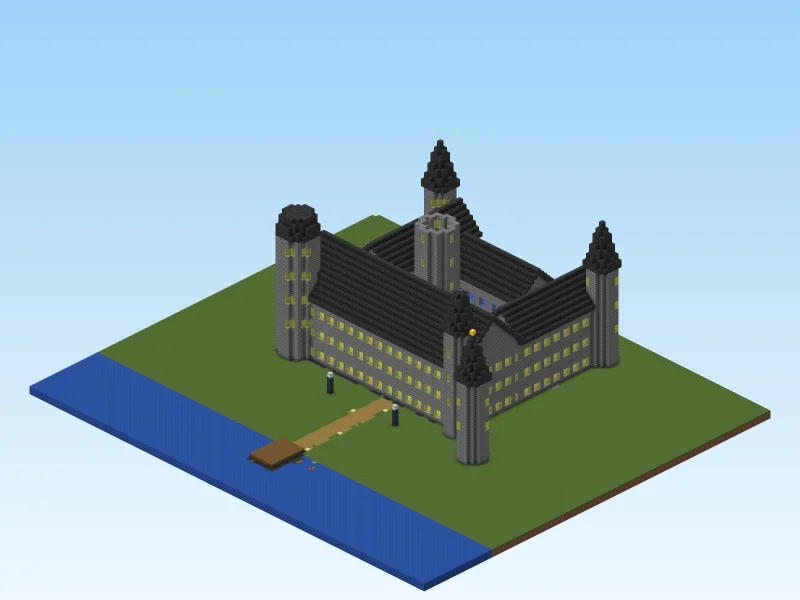
Layer 35 of 53 (76 blocks)
- Deepslate Tile Stairs44
- Stone Bricks32
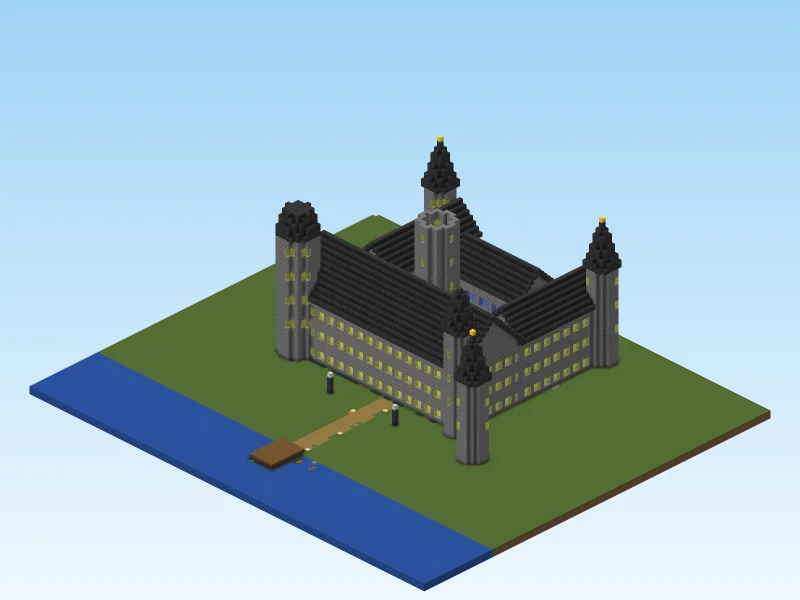
Layer 36 of 53 (64 blocks)
- Stone Bricks32
- Deepslate Tile Stairs30
- Block of Gold2
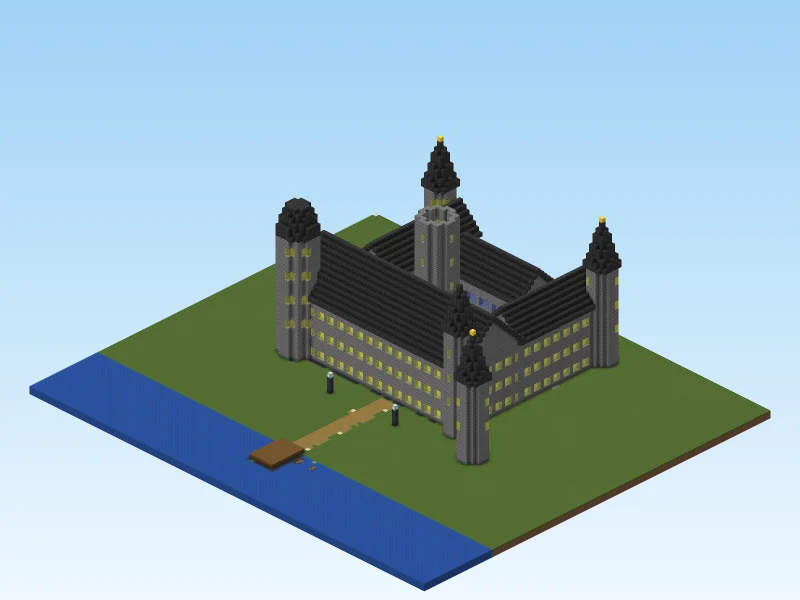
Layer 37 of 53 (54 blocks)
- Stone Bricks32
- Deepslate Tile Stairs22
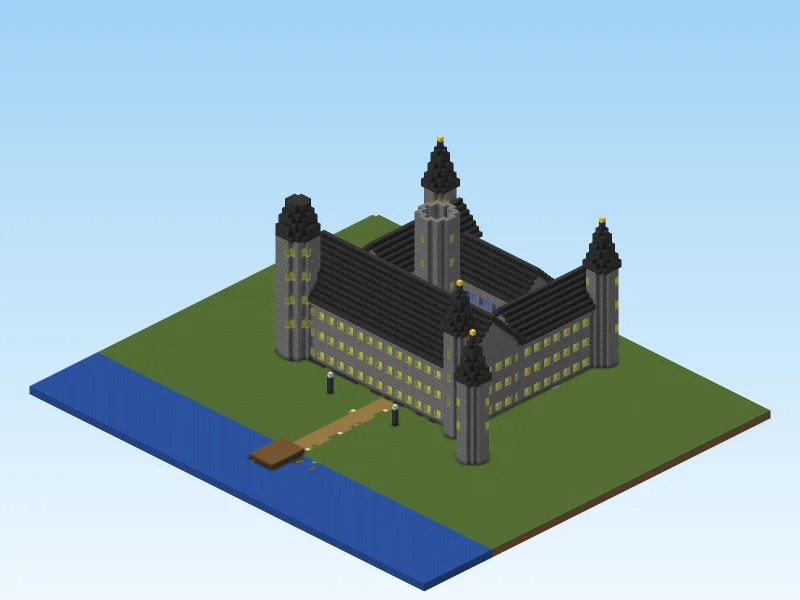
Layer 38 of 53 (54 blocks)
- Stone Bricks32
- Deepslate Tile Stairs21
- Block of Gold1

Layer 39 of 53 (82 blocks)
- Deepslate Tile Stairs82
Layer 40 of 53 (70 blocks)
- Deepslate Tile Stairs70
Layer 41 of 53 (66 blocks)
- Deepslate Tile Stairs66
Layer 42 of 53 (50 blocks)
- Deepslate Tile Stairs50
Layer 43 of 53 (38 blocks)
- Deepslate Tile Stairs38
Layer 44 of 53 (30 blocks)
- Deepslate Tile Stairs30

Layer 45 of 53 (22 blocks)
- Deepslate Tile Stairs21
- Block of Gold1
Layer 46 of 53 (21 blocks)
- Deepslate Tile Stairs21
Layer 47 of 53 (13 blocks)
- Deepslate Tile Stairs13
Layer 48 of 53 (9 blocks)
- Deepslate Tile Stairs9
Layer 49 of 53 (9 blocks)
- Deepslate Tile Stairs9
Layer 50 of 53 (5 blocks)
- Deepslate Tile Stairs5
Layer 51 of 53 (1 blocks)
- Deepslate Tile Stairs1
Layer 52 of 53 (1 blocks)
- Deepslate Tile Stairs1
Layer 53 of 53 (1 blocks)
- Block of Gold1
Simplified blueprint: stairs and slabs are partly shown as full blocks, animals and plants as small squares. Tip: use the arrow keys ← → to switch layers.
Step-by-step guide
Lake and shore
Find a spot by a lake or dig one. The castle stands right on the shore.
Main building
Build a 51-block-long building with three floors of stone bricks on a cobblestone base. The windows are yellow glass, with a steep deepslate tile roof on top.
Two wings
Two long wings go back from the main building and form a courtyard with it.
Chapel
Between the wings stands the chapel with tall windows of blue glass.
Towers
Build six round towers, 20 to 38 blocks tall – the tallest stands behind the main building. Each gets a pointed deepslate tile spire and a golden tip.
Path and dock
Lay a path to the lake and a spruce dock with boats there. Plant trees all around.
Pro tips
- You get glowing windows by placing glowstone or lanterns behind yellow glass.
- The round towers are easiest with the blueprint: every layer is a ring.
- In creative mode the /fill command is much faster: it fills whole walls and areas at once.
Variations
- Build a big dining hall with long tables and floating candles made of lanterns.
- Lay out a sports field with tall rings of iron bars.


