American High School with Football Field
- DifficultyMedium
- Size115 × 80 blocks, 17 tall
- Build timeabout 7 hours
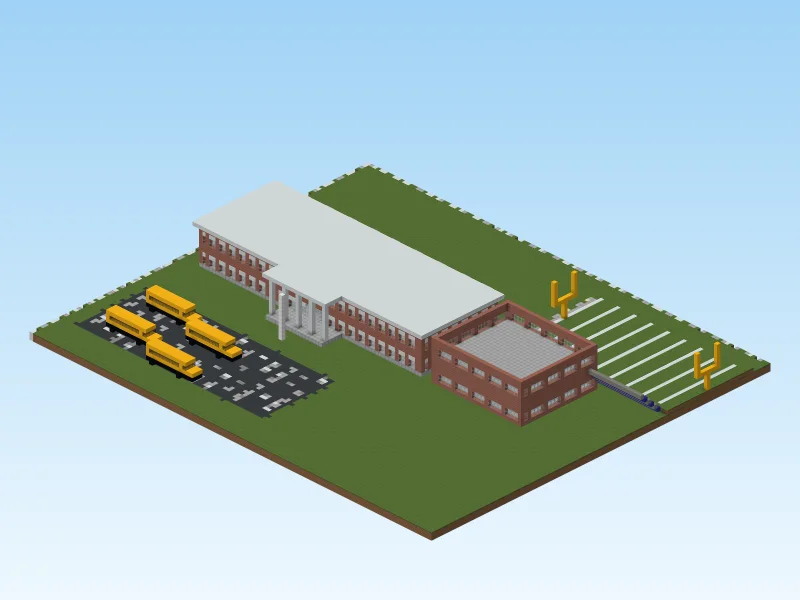
This is what schools look like in American movies: a long brick building with a white columned entrance and a flagpole, next to it the gym.
Behind the school lies the football field with white lines, yellow tuning-fork goalposts and bleachers. Four yellow school buses stand in the parking lot.

🔍 Click on parts
Tap any part of the build in the 3D model – a lamp, a tree, a bench next to the house – and you’ll see exactly how to build that part, with its materials and a layer-by-layer plan.
🧊 Build it as a hologram in Minecraft Bedrock (HoloPrint)
Download this build idea as a .mcstructure file – it is made right from the blueprint below. The HoloPrint website turns it into a pack that places the build as a see-through hologram in your world – you just fill in the blocks.
- Tap the button above – the file american-high-school.mcstructure is downloaded.
- Open the HoloPrint website.
- Upload the file there.
- Create your build template texture pack.
- Download the .mcpack file.
- Open it with Minecraft and activate the pack in your world.
- Place an armor stand – the build template appears there. Tip: put it exactly where the build should stand.
Works with Minecraft Bedrock (phone, tablet, console, Windows). HoloPrint is a free fan project, not made by Blockwerk.
Layer-by-layer blueprint
Click through from bottom to top. Every square is one block, the front is at the bottom. Gray shows the layer below. 18 layers, area in the plan: 115 × 90 blocks.
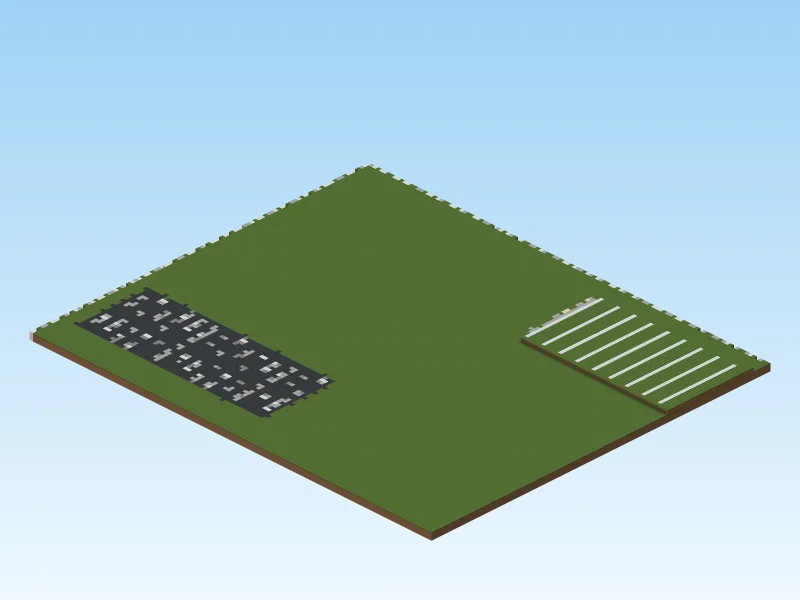
Layer 1 of 18 (1144 blocks)
- Grass Block937
- White Concrete207
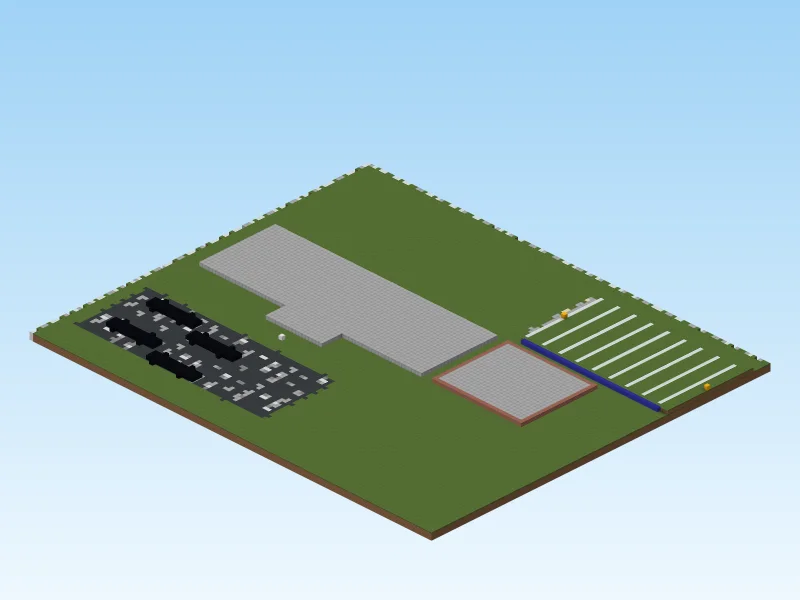
Layer 2 of 18 (2492 blocks)
- Smooth Stone2168
- Black Concrete184
- Bricks96
- Blue Concrete41
- Yellow Concrete2
- Block of Iron1

Layer 3 of 18 (489 blocks)
- Glass187
- Yellow Concrete170
- Bricks82
- Light Gray Concrete41
- White Concrete5
- Iron Door3
- Block of Iron1

Layer 4 of 18 (465 blocks)
- Glass187
- Tinted Glass84
- Bricks82
- Yellow Concrete62
- Blue Concrete41
- White Concrete5
- Iron Door3
- Block of Iron1

Layer 5 of 18 (440 blocks)
- Yellow Concrete146
- Bricks131
- White Concrete116
- Light Gray Concrete41
- Glass5
- Block of Iron1
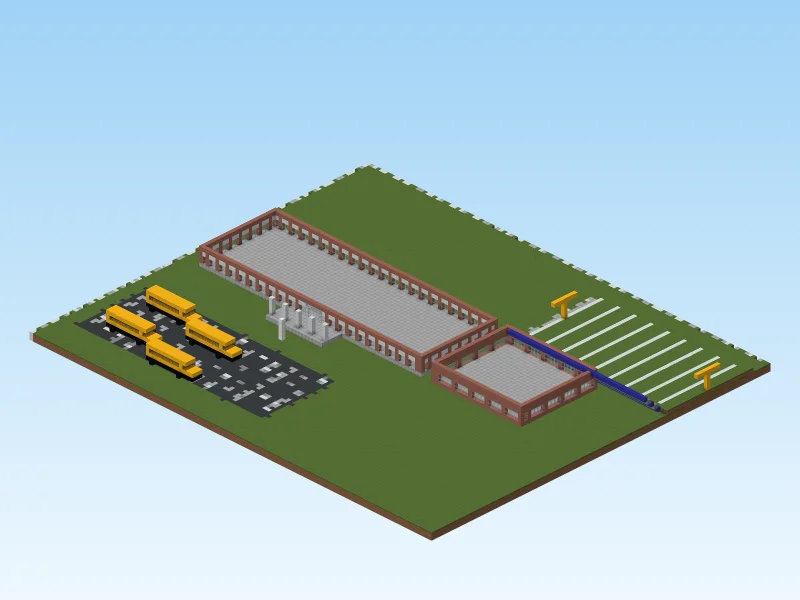
Layer 6 of 18 (332 blocks)
- Bricks271
- Blue Concrete41
- Yellow Concrete14
- White Concrete5
- Block of Iron1

Layer 7 of 18 (1687 blocks)
- Smooth Stone1365
- Bricks271
- Light Gray Concrete41
- White Concrete5
- Yellow Concrete4
- Block of Iron1

Layer 8 of 18 (807 blocks)
- Smooth Stone525
- Bricks158
- Glass114
- White Concrete5
- Yellow Concrete4
- Block of Iron1
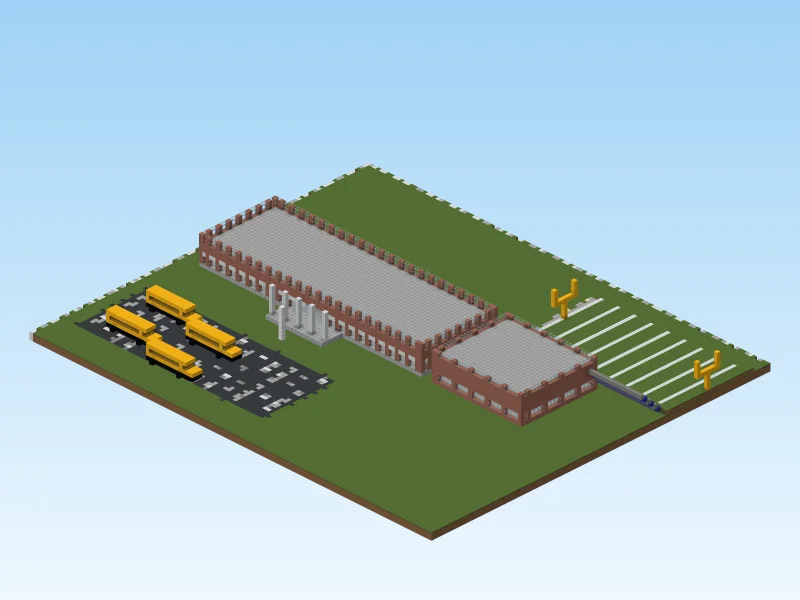
Layer 9 of 18 (282 blocks)
- Glass188
- Bricks84
- White Concrete5
- Yellow Concrete4
- Block of Iron1

Layer 10 of 18 (282 blocks)
- White Concrete119
- Bricks84
- Glass74
- Yellow Concrete4
- Block of Iron1

Layer 11 of 18 (282 blocks)
- Bricks272
- White Concrete5
- Yellow Concrete4
- Block of Iron1
Layer 12 of 18 (1917 blocks)
- White Concrete1820
- Bricks96
- Block of Iron1

Layer 13 of 18 (112 blocks)
- Bricks96
- White Concrete15
- Block of Iron1

Layer 14 of 18 (633 blocks)
- Light Gray Concrete621
- White Concrete11
- Block of Iron1

Layer 15 of 18 (13 blocks)
- White Concrete12
- Block of Iron1

Layer 16 of 18 (9 blocks)
- Red Concrete5
- White Concrete3
- Block of Iron1

Layer 17 of 18 (6 blocks)
- Blue Concrete3
- White Concrete2
- Block of Iron1

Layer 18 of 18 (6 blocks)
- Blue Concrete3
- Red Concrete2
- Block of Iron1
Simplified blueprint: stairs and slabs are partly shown as full blocks, animals and plants as small squares. Tip: use the arrow keys ← → to switch layers.
Step-by-step guide
Parking lot
Lay out a parking lot of black concrete with white lines.
School building
Build a long two-story building of bricks with white window frames on a smooth stone base, topped by a white flat roof.
Columned entrance
In front of the door place five white columns, 9 blocks tall, with a triangular gable above.
Flagpole
In front stands a flagpole of iron blocks with a flag of red, white and blue concrete.
Gym
The brick gym with tall windows goes on the right.
Football field
Lay out a grass field with white lines every 5 blocks. Yellow tuning-fork goalposts go at both ends, bleachers of blue and gray steps along the side.
School buses
Park four yellow school buses in the lot – with rows of tinted glass windows and black wheels.
Pro tips
- Lay out the ground plan with paths and squares first, then the buildings – that way everything fits together in the end.
- Build the school bus once and copy it – in creative mode you can do that with /clone.
Variations
- Build a cafeteria and lockers in the hallways.
- Put floodlight masts of sea lanterns around the football field.


